Pilih / @ karakter, jelaskan adegan yang ingin Anda buat.
0/2000
9:16
1K
1
Unlimited Banana Pro
Creations
Ideas Hub
How It Works
All
Popular features
View All
Tantangan Kreatif Halloween
View All
Cerita Buah AI
View All
Video Cerita AI
View All
Video Viral Hari Ini
View All
Video Produk AI
View All
Karakter AI
View All
Tren Tari
View All
GPT Image 2
View All
Seedance 2.0
View All
Kecocokan Selebriti AI
View All
Petunjuk Pose Pasangan
View All
Prompt Pose Gadis AI Estetika
View All
Prompt Pose Anak Laki-Laki AI Bergaya
View All
Generate List
Creations are stored for only 7 days. Assets created after upgrading to a Membership plan will be stored permanently.
Unlock your creative potential and experience the magic of Media AI right away!
Buat Mockup Cangkir Kertas Realistis dari Desain Anda dengan Cepat
Ubah logo, label, atau konsep kemasan Anda menjadi mockup cangkir kertas dengan tekstur, pencahayaan, dan presentasi merek yang realistis. Unggah gambar referensi, deskripsikan pemandangan yang Anda inginkan, dan hasilkan visual cangkir kopi yang rapi untuk pitching, postingan media sosial, atau desain cangkir kertas era 90-an yang berani dalam hitungan menit.
Ketik ide Anda -> AI yang mendesainnya. Gratis untuk dicoba.
Tinjau contoh arahan berikut, lalu sesuaikan detail prompt untuk mendapatkan hasil yang lebih baik dengan Mockup Cangkir Kertas ini.
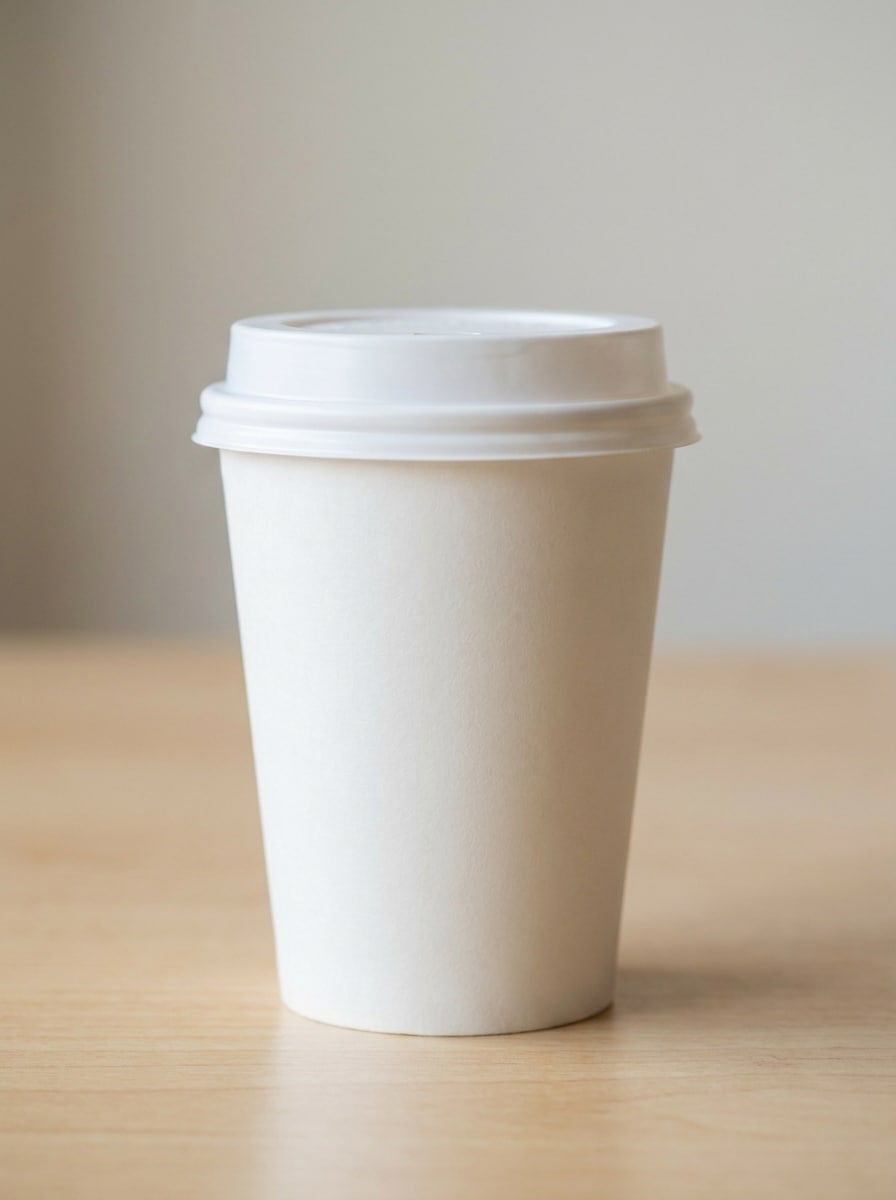
Cangkir Kopi Putih Minimalis
Gunakan gambar yang diunggah sebagai sumber branding dan ubah menjadi mockup cangkir kopi kertas putih yang fotorealistis, menghadap depan dan terpusat, dengan area logo yang bersih, pencahayaan studio yang lembut, bayangan alami yang halus, tekstur kertas halus, latar belakang krem hangat, estetika kafe minimalis premium, dan fotografi produk komersial yang tajam.
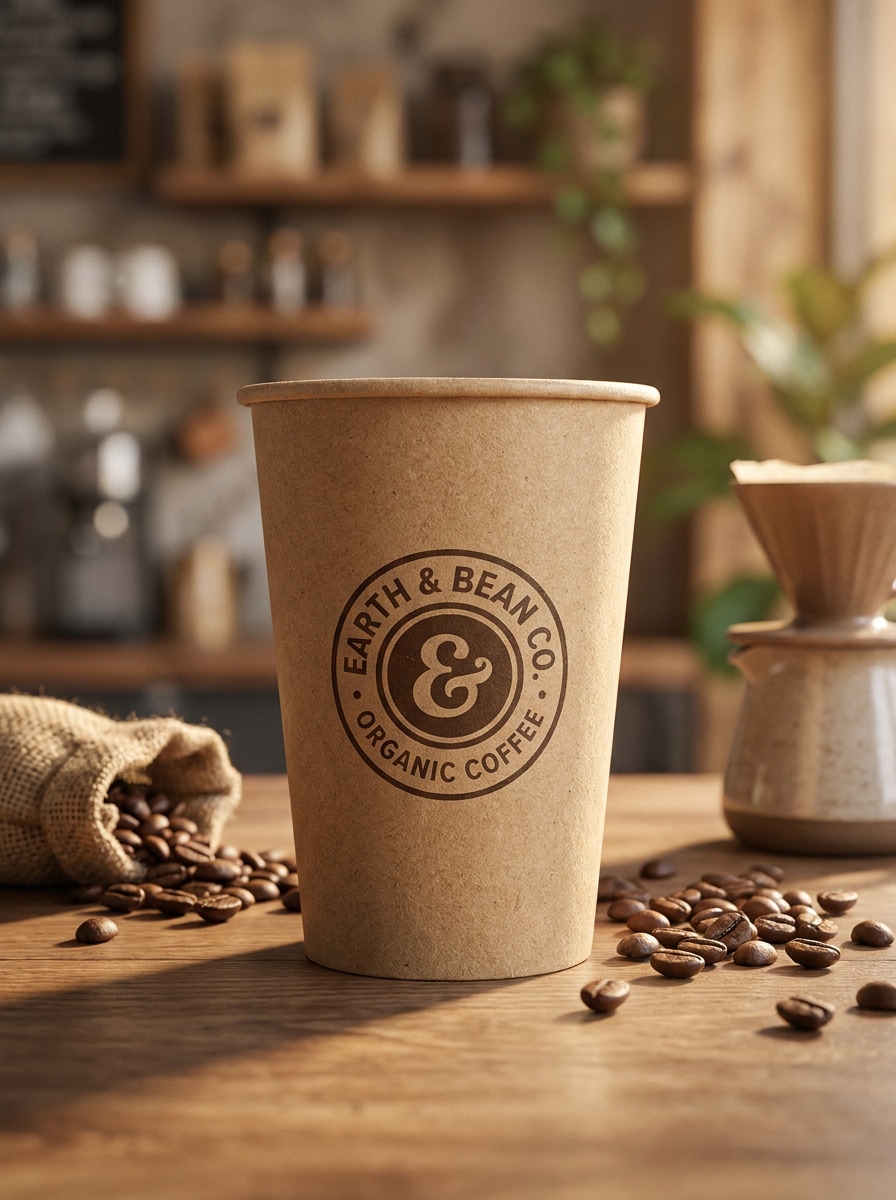
Cangkir Eco Kraft
Gunakan gambar yang diunggah sebagai referensi desain dan terapkan pada mockup cangkir takeaway kraft yang realistis dengan tekstur kertas daur ulang, pencahayaan netral hangat, bayangan meja yang lembut, gaya kafe organik, warna cokelat alami, branding depan terpusat, dan presentasi kemasan berkelanjutan yang terlihat rapi dan siap dipasarkan.
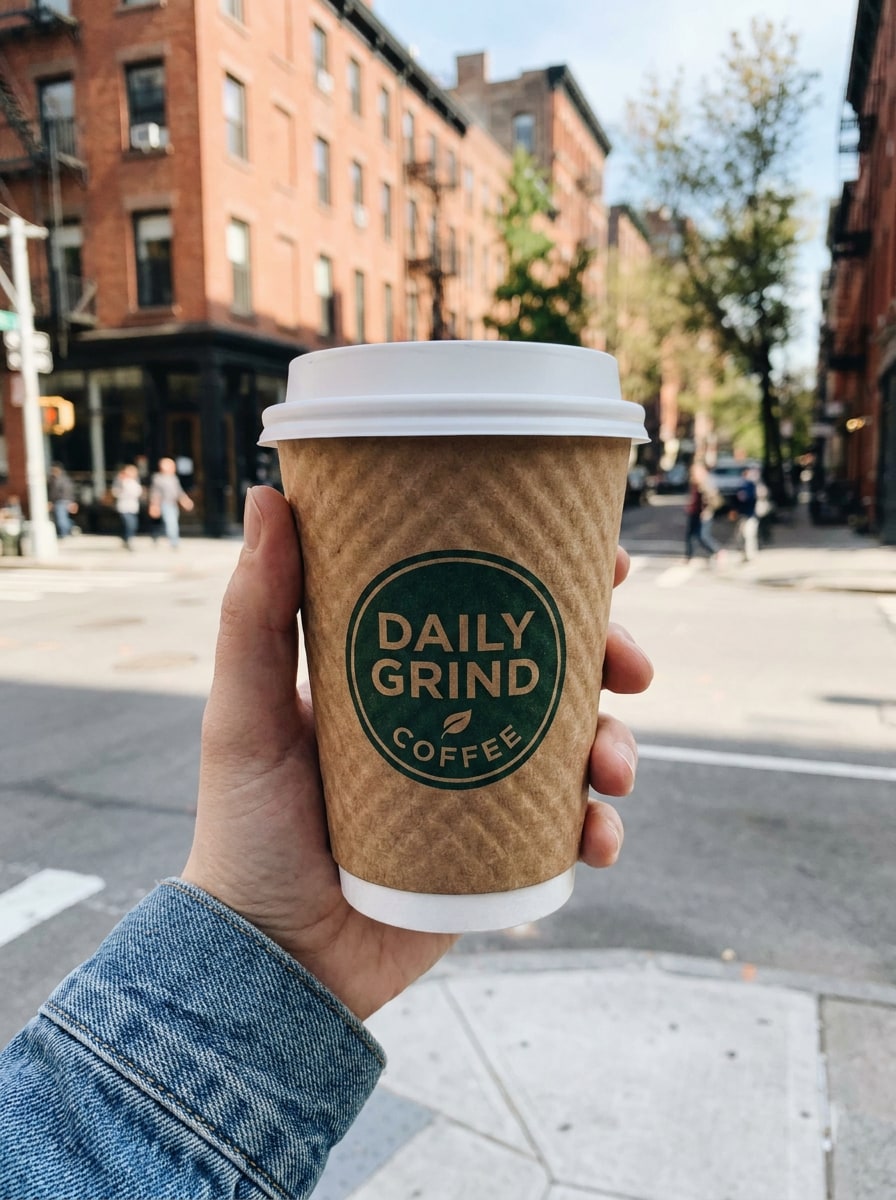
Cangkir Kopi Jalanan yang Dipegang Tangan
Gunakan gambar yang diunggah sebagai desain cangkir dan ubah menjadi pemandangan takeaway yang dipegang tangan secara fotorealistis, dengan cangkir kertas bermerek dipegang secara alami di luar ruangan, logo depan yang terlihat jelas, depth of field dangkal, latar belakang urban yang kabur, cahaya alami siang hari, tekstur kertas realistis, dan suasana gaya hidup kopi jalanan yang autentik.
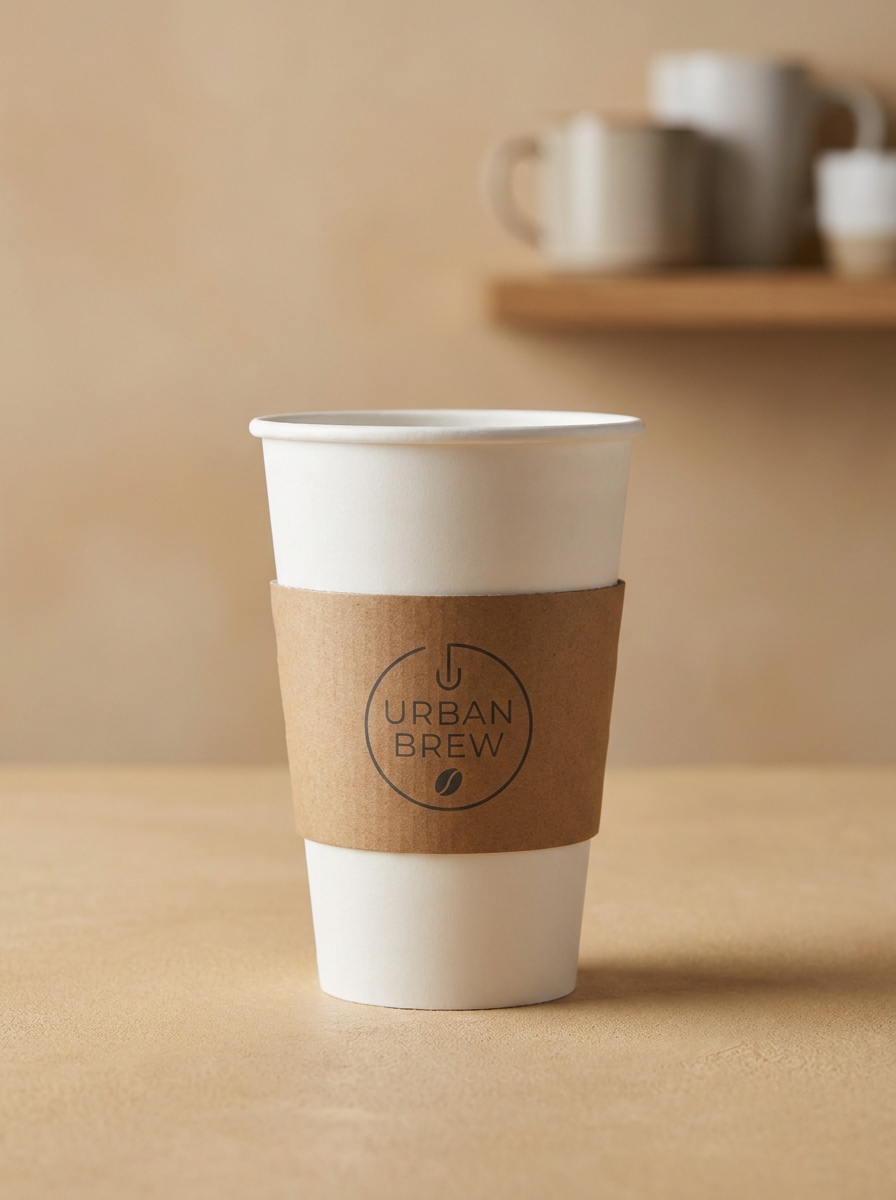
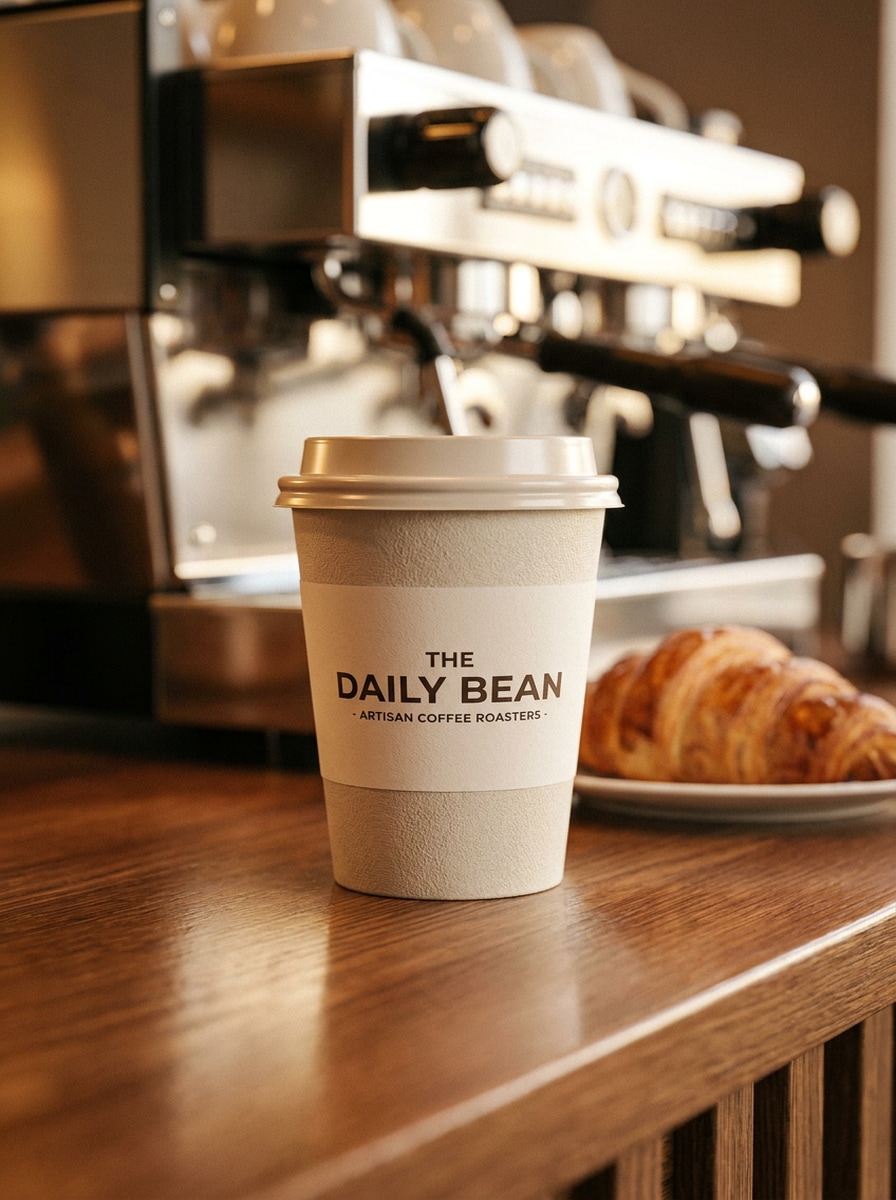
Presentasi Meja Konter Kafe
Gunakan gambar yang diunggah sebagai karya seni cangkir dan tempatkan dalam pemandangan konter kafe yang realistis, dengan branding menghadap depan, pencahayaan toko kopi yang hangat, pantulan halus, latar belakang kabur yang menampilkan peralatan pastri dan espresso, palet netral yang nyaman, dan gaya hidup premium untuk presentasi mockup siap klien.
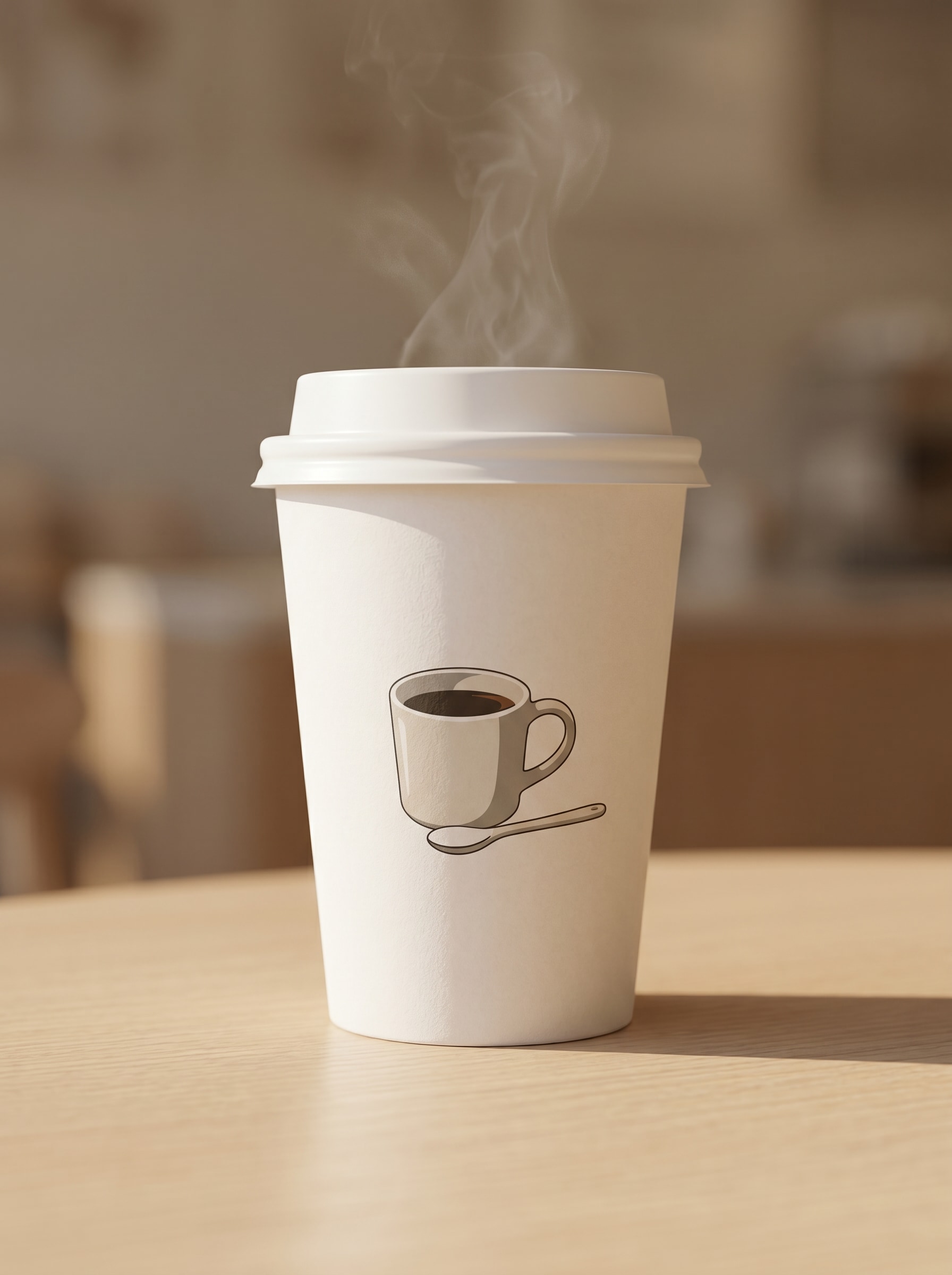
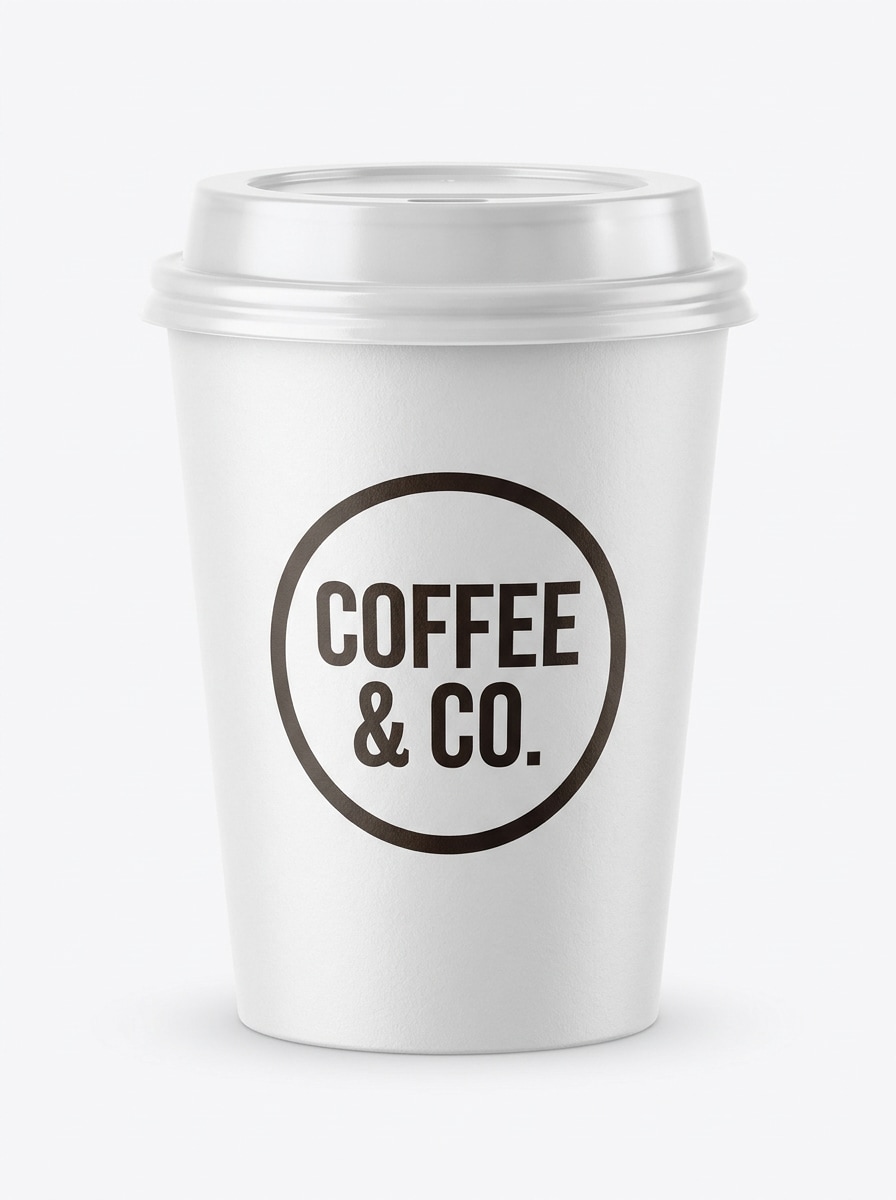
Tampilan Depan Cangkir dengan Tutup
Gunakan gambar yang diunggah sebagai sumber desain dan buat mockup cangkir kertas tampilan depan dengan tutup, terpusat dalam komposisi studio yang bersih, visibilitas logo yang kuat, highlight dan bayangan realistis, permukaan cangkir matte, latar belakang putih seamless, dan detail kemasan yang tajam cocok untuk halaman produk atau dek persetujuan.
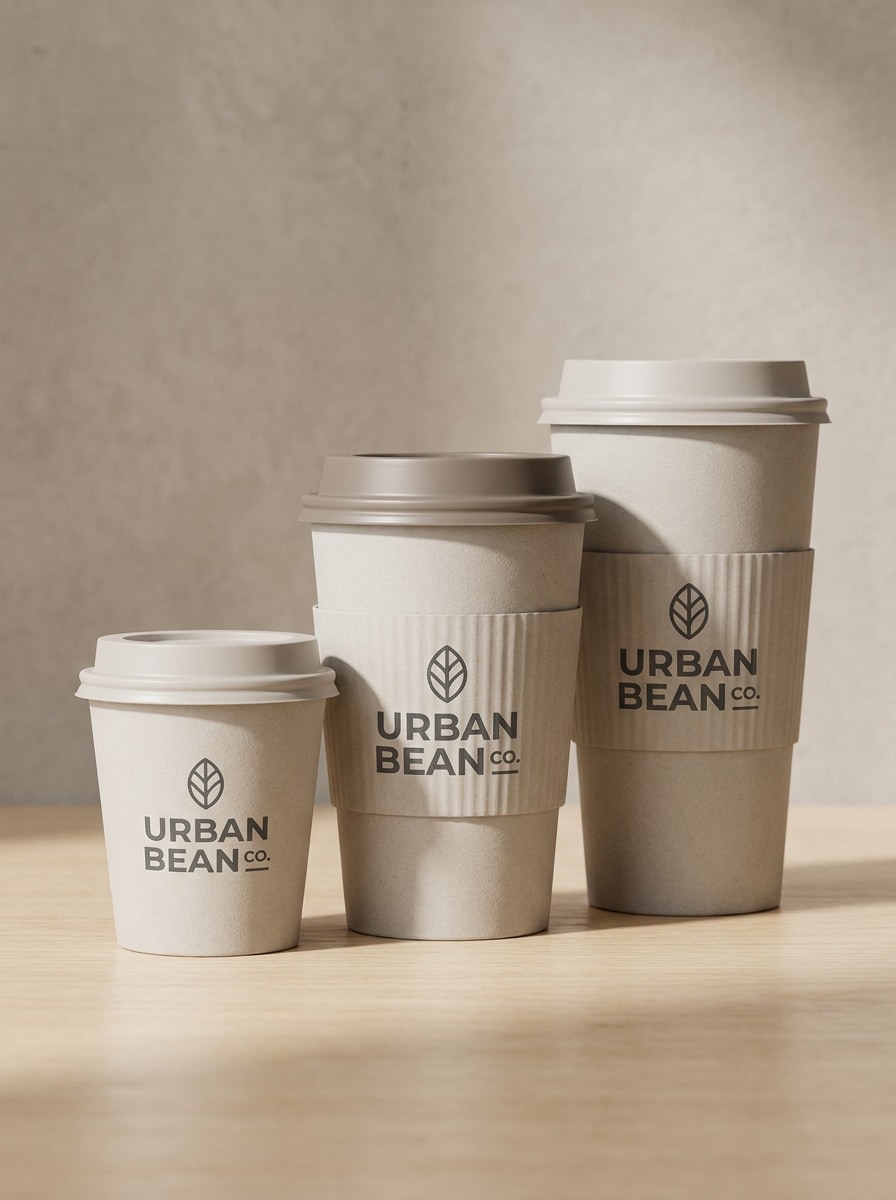
Set Beberapa Cangkir
Gunakan gambar yang diunggah sebagai referensi branding dan terapkan pada set tiga cangkir kertas berkoordinasi dalam berbagai ukuran, disusun secara alami dengan bayangan lembut, latar belakang studio netral, tekstur kertas realistis, penempatan logo yang konsisten, dan tampilan kemasan yang bersih untuk presentasi sistem merek.
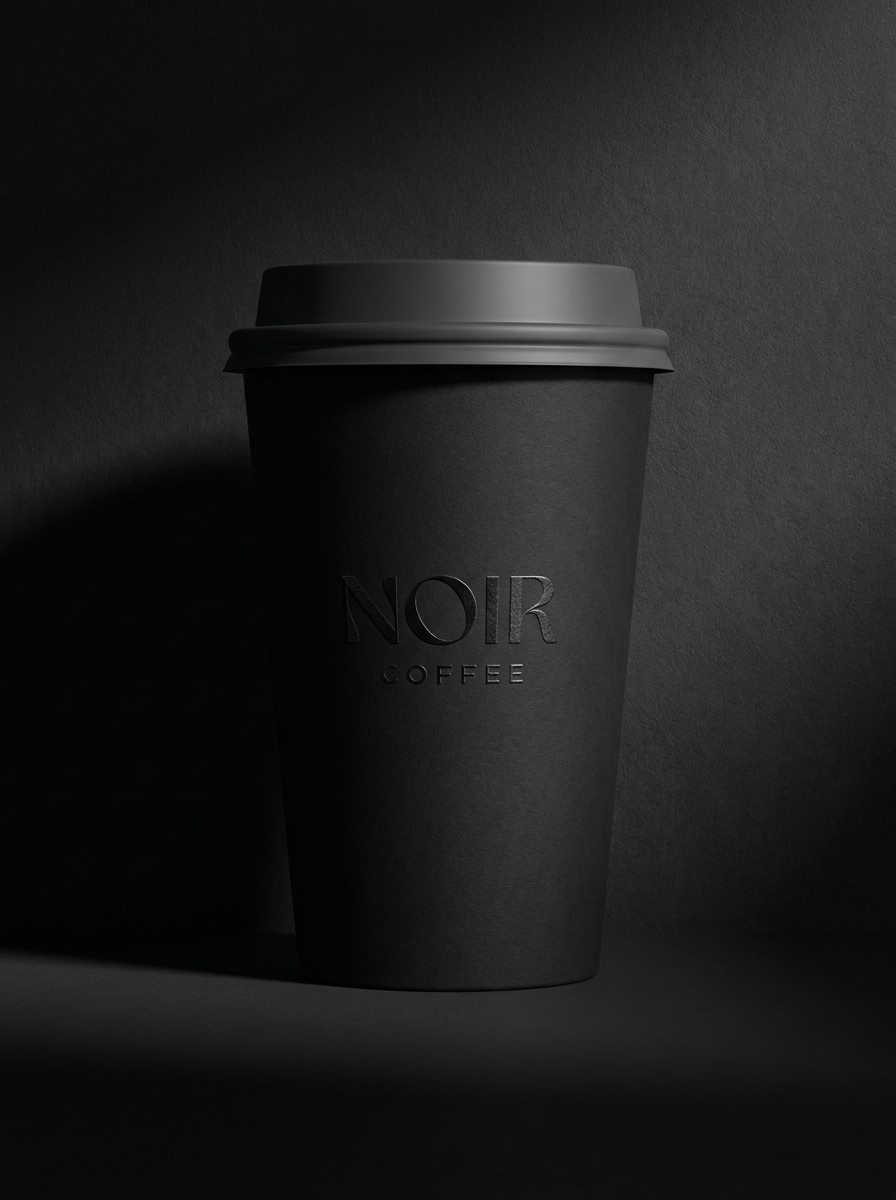
Mockup Monokrom Mewah
Gunakan gambar yang diunggah sebagai desain dasar dan ubah menjadi mockup cangkir kertas monokrom premium, dengan branding hitam-putih yang elegan, pencahayaan studio dramatis, tekstur matte, bayangan terkontrol yang dalam, latar belakang minimal, dan tampilan editorial yang halus untuk menonjolkan konsep kopi atau kemasan kelas atas.
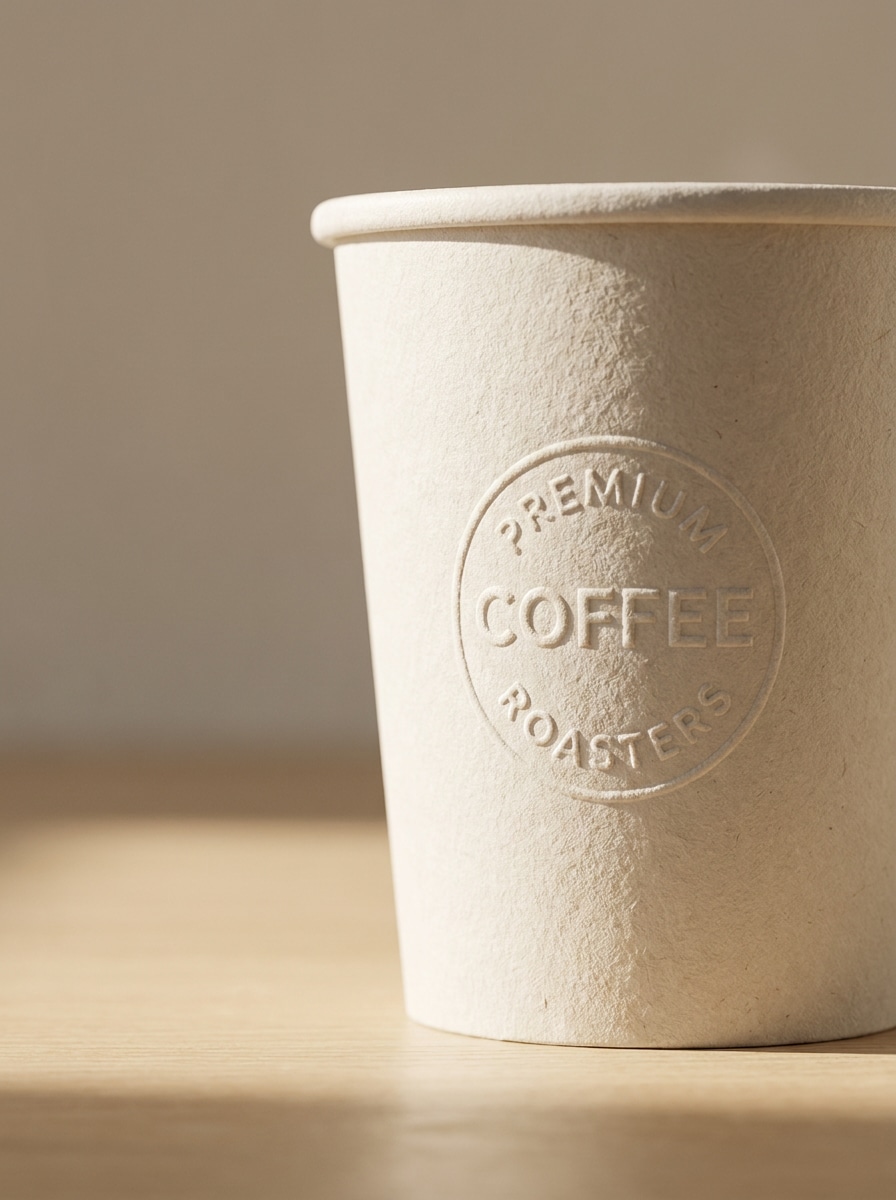
Tampilan Logo Emboss
Gunakan gambar yang diunggah sebagai panduan branding dan ubah menjadi mockup cangkir kertas close-up dengan efek logo emboss, serat kertas yang terlihat, cahaya terarah yang lembut, latar belakang minimal, bayangan yang memudar halus, dan finishing kemasan premium bertekstur yang terasa elegan dan siap dipresentasikan.
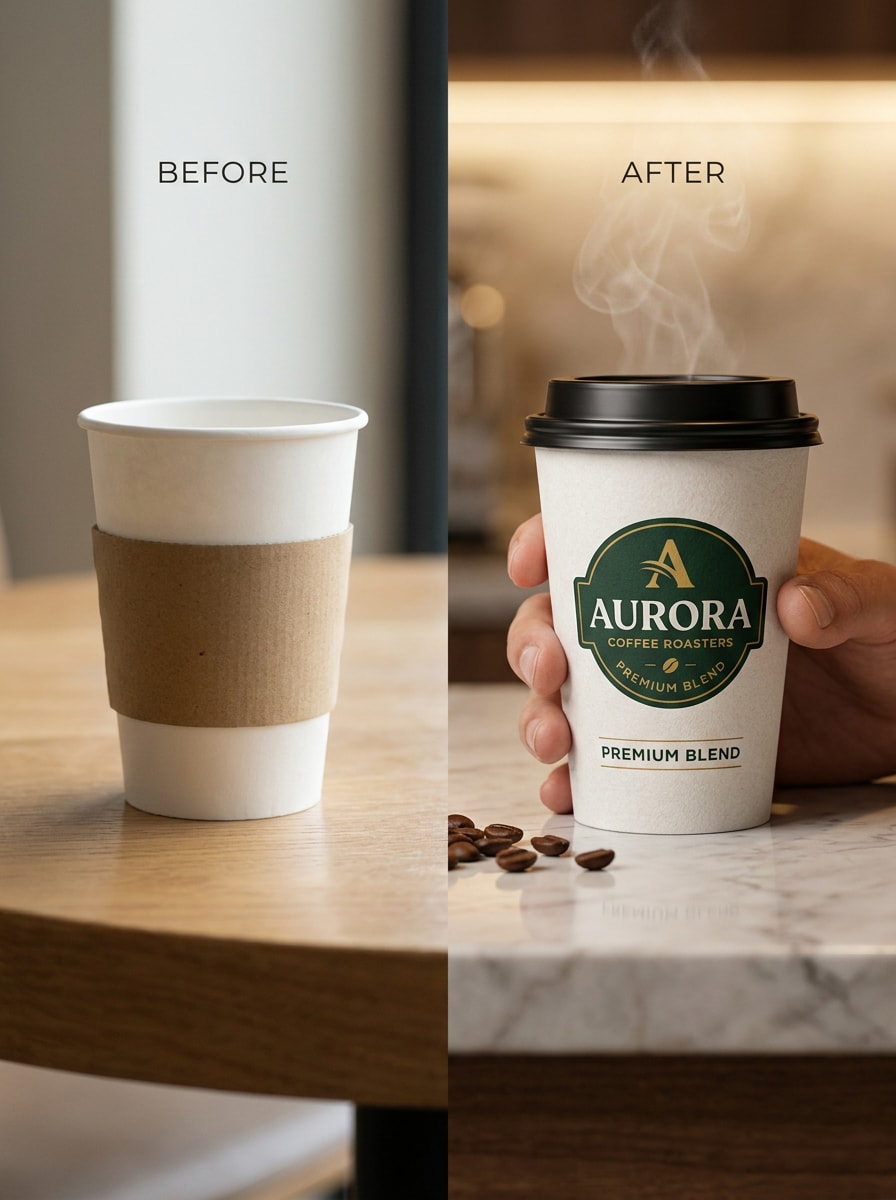
Sebelum-Sesudah dari Kosong ke Bermerek
Gunakan gambar yang diunggah sebagai cangkir asli yang kosong atau sedikit terdesain dan ubah menjadi mockup split-scene sebelum-dan-sesudah, menampilkan hasil bermerek yang realistis dengan penempatan logo yang ditingkatkan, pencahayaan yang lebih baik, tekstur yang rapi, komposisi yang bersih, dan visual ramah pemasaran untuk perbandingan kemasan yang cepat.
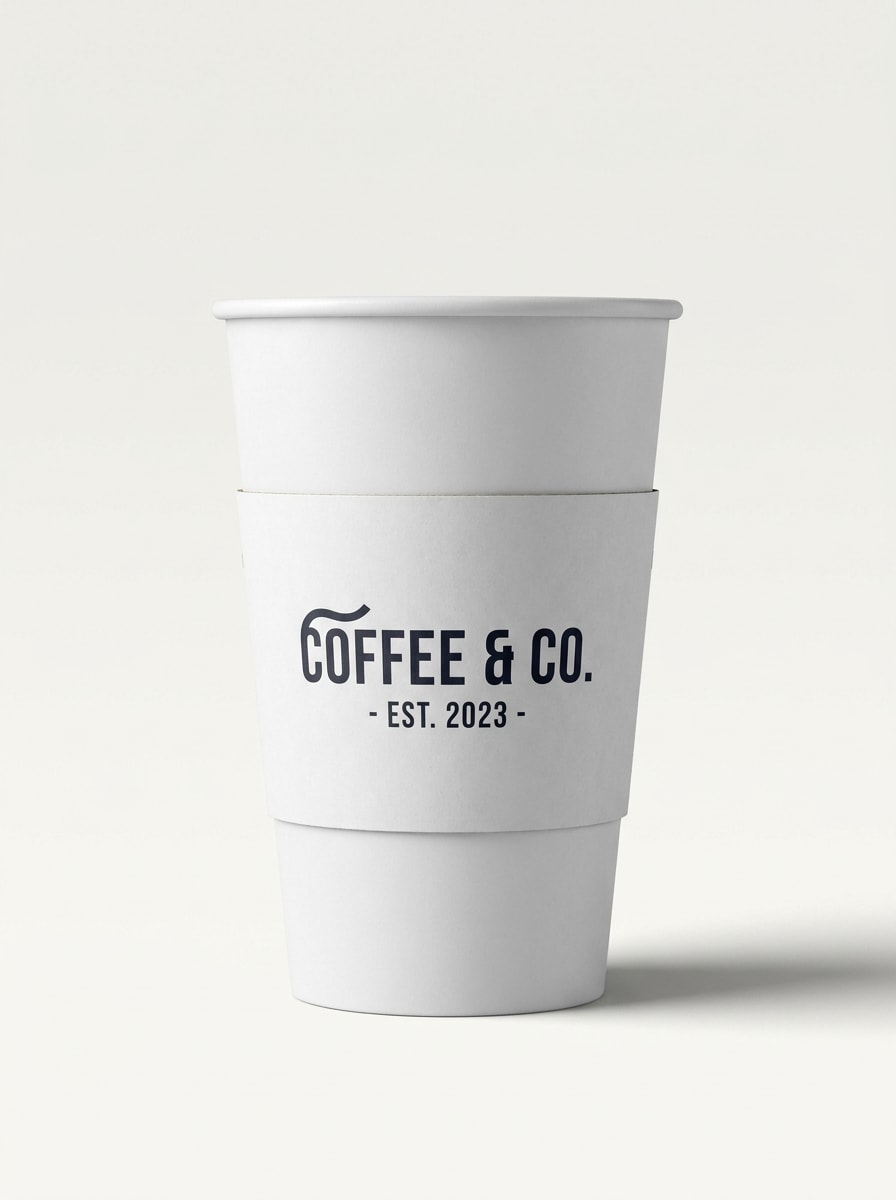
Mockup Thumbnail Marketplace
Gunakan gambar yang diunggah sebagai sumber desain dan ubah menjadi mockup cangkir kertas siap e-commerce yang diisolasi pada latar belakang bersih, dengan branding menghadap depan yang kuat, tepi yang tajam, pencahayaan realistis, bayangan halus, komposisi ramah thumbnail, dan hierarki visual yang jelas untuk listing, presentasi, atau portofolio desain.
Mengapa Menggunakan Media.io untuk Mockup Cangkir Kertas
Pertahankan Subjek yang Mudah Dikenali dalam Gaya Baru
Untuk kafe, desainer kemasan, atau pekerjaan merek freelance, Media.io memungkinkan Anda mengunggah logo, label, atau gambar referensi dan mengubahnya menjadi mockup cangkir kertas yang rapi, sehingga konsep Anda terlihat siap dipresentasikan tanpa harus membangun adegan secara manual.
Jelajahi Tampilan Berbeda Tanpa Kehilangan Arah
Ketika gaya menjadi bagian dari pengambilan keputusan, Media.io membantu Anda membandingkan berbagai arah dari basis mockup cangkir kertas yang sama, sehingga proses seleksi kreatif menjadi lebih efisien.
Tata Letak Fleksibel untuk Pitching, Listing, dan Aset Media Sosial
Ketika mockup cangkir kertas yang sama perlu berfungsi di berbagai penempatan, Media.io membantu menyesuaikan output untuk format media sosial, presentasi, dan promosi tanpa harus membangun ulang konsep dari awal.
Kontrol Resolusi Tinggi untuk Pekerjaan Tinjauan dan Persetujuan
Beberapa hasil perlu lebih dari sekadar terlihat bagus dalam pratinjau. Media.io membantu menghasilkan mockup cangkir kertas yang lebih bersih dengan output hingga 4K sehingga gambar akhir tetap berkualitas untuk wallpaper, dek presentasi, dan mockup.
Cara Membuat Mockup Cangkir Kertas Online
Ubah kata-kata Anda menjadi visual yang memukau dalam tiga langkah sederhana, lalu terus sempurnakan hasilnya jika Anda ingin melanjutkan lebih jauh.
Langkah 1
Unggah Gambar Referensi Anda
Mulai dengan logo yang jelas, label, foto cangkir kosong, draf kemasan, atau konsep merek yang sesuai dengan mockup yang ingin Anda buat. Gambar sumber yang bersih membantu AI menempatkan desain Anda dengan lebih akurat pada permukaan cangkir.
Langkah 2
Deskripsikan Perubahan dan Atur Opsi
Masukkan prompt terperinci yang mendeskripsikan pemandangan, gaya, pencahayaan, suasana, bahan cangkir, dan komposisi yang Anda inginkan. Kemudian pilih model AI yang Anda inginkan dan sesuaikan rasio aspek, resolusi, dan jumlah gambar untuk output mockup akhir.
Langkah 3
Hasilkan, Unduh, dan Terus Tingkatkan
Buat beberapa variasi, bandingkan hasilnya, dan unduh versi yang sesuai untuk pitching, listing, atau postingan media sosial Anda. Anda dapat menyempurnakan prompt, membuat ulang adegan baru, atau terus mengedit hingga cangkir bermerek terlihat tepat.
Lihat bagaimana para kreator menggunakan Mockup Cangkir Kertas ini untuk konten, pemasaran, dan proyek pribadi, lalu sesuaikan setiap ide agar sesuai dengan brief.
Pitching Branding Kopi dengan Lebih Percaya Diri
Tampilkan logo dan ide kemasan dalam pemandangan kafe yang realistis, bukan hanya file datar. Ini membantu agensi, freelancer, dan tim internal menyajikan cerita visual yang lebih kuat saat ulasan klien dan persetujuan merek awal.
Buat Visual Cepat untuk Listing dan Portofolio
Buat foto produk yang bersih untuk thumbnail marketplace, studi kasus, dan portofolio desain tanpa harus mengatur pemotretan fisik. Ini adalah cara praktis untuk menampilkan kemasan takeaway bermerek dengan pencahayaan dan tekstur yang rapi.
Uji Arah Seni yang Berbeda Sebelum Produksi
Bandingkan branding kafe minimalis, kemasan eco kraft, atau desain cangkir kertas era 90-an yang berani sebelum memutuskan keputusan cetak. Variasi mockup memudahkan evaluasi bagaimana estetika yang berbeda terlihat dalam adegan presentasi dunia nyata.
Apa Kata Pengguna
Maya Chen
Desainer Merek Freelance
"Cara cepat mempresentasikan konsep kemasan" Saya menggunakan Media.io untuk mengubah logo datar menjadi adegan cangkir takeaway bermerek untuk klien kafe. Pencahayaan dan tekstur kertas terlihat cukup rapi untuk presentasi, dan saya mendapatkan variasi yang bisa digunakan jauh lebih cepat daripada membangun mockup dari awal.
Jordan Alvarez
Pemilik Kedai Kopi
"Membantu untuk keputusan branding awal" Kami menguji beberapa tampilan cangkir sebelum memesan kemasan cetak. Kemampuan mengunggah referensi dan menghasilkan berbagai adegan membantu kami membandingkan gaya dengan jelas dan memilih arah dengan lebih percaya diri.
Priya Nair
Mahasiswa Desain Kemasan
"Bagus untuk visual portofolio" Saya membutuhkan presentasi cangkir yang realistis untuk portofolio saya, dan ini membuat prosesnya jauh lebih mudah. Mockup terasa modern dan bersih, terutama untuk branding kafe netral dan gambar bergaya thumbnail produk.
Ethan Brooks
Kreatif E-commerce
"Berguna untuk aset listing yang cepat" Saya suka bahwa saya bisa menghasilkan gambar cangkir tampak depan dengan branding yang konsisten dan latar belakang bersih untuk halaman produk. Ini menghemat waktu ketika saya membutuhkan visual kemasan yang terlihat realistis namun tetap fleksibel untuk berbagai tata letak.
Mockup cangkir kertas adalah visual realistis yang menunjukkan bagaimana logo, label, atau desain kemasan bisa terlihat pada cangkir sekali pakai dalam adegan presentasi nyata. Dengan Media.io, Anda dapat menggunakan generasi image-to-image untuk mengubah gambar referensi menjadi visual cangkir bermerek dengan pencahayaan, tekstur, komposisi, dan gaya yang telah diedit.
2. Bagaimana cara mengubah logo saya menjadi mockup cangkir kertas secara online?
Unggah logo, desain cangkir, atau gambar referensi ke Media.io, lalu deskripsikan hasil yang Anda inginkan, seperti foto produk studio, adegan konter kafe, atau cangkir takeaway yang dipegang di tangan. Alat ini menggunakan gambar yang Anda unggah untuk memandu transformasi, dan Anda dapat menyesuaikan pilihan model, rasio aspek, resolusi, dan jumlah gambar sebelum membuat.
3. Apakah saya bisa membuat mockup cangkir kertas secara gratis?
Pengguna gratis dapat mencoba Media.io dengan kredit gratis, yang berguna untuk menguji ide mockup sebelum berkomitmen pada lebih banyak output. Untuk penggunaan tambahan, paket berbayar tersedia di halaman harga. Ekspor gratis mungkin menyertakan watermark, sementara pelanggan berbayar dapat mengunduh gambar beresolusi tinggi bebas watermark. Pengguna gratis dapat menggunakan kredit gratis. Untuk penggunaan lebih banyak, pengguna dapat berlangganan paket di halaman harga. Tingkatkan ke paket berbayar di halaman harga untuk lebih banyak kredit dan unduhan beresolusi tinggi bebas watermark.
4. Apakah mockup akan terlihat cukup realistis untuk presentasi klien?
Bisa, terutama jika Anda memulai dengan gambar referensi yang jelas dan menulis prompt terperinci untuk adegan tersebut. Media.io mendukung output beresolusi tinggi dan generasi image-to-image yang dapat menghasilkan tekstur kertas, bayangan, pencahayaan, dan variasi cangkir bermerek yang realistis, sehingga hasilnya cocok untuk dek presentasi, ulasan konsep, dan diskusi persetujuan.
5. File gambar apa yang paling cocok untuk mockup cangkir kertas image-to-image?
Media.io mendukung unggahan JPG, PNG, dan JPEG. Untuk hasil terbaik, gunakan logo berkualitas tinggi yang jelas, desain kemasan, foto cangkir kosong, atau gambar referensi dengan detail yang terbaca dan gangguan visual minimal agar AI dapat mengikuti branding dengan lebih akurat.
6. Apakah saya bisa membuat mockup cangkir kopi di ponsel atau hanya di desktop?
Anda dapat menggunakan Media.io di keduanya. Ini adalah alat berbasis web yang berjalan di browser, sehingga Anda dapat membuat mockup cangkir kopi dari desktop atau perangkat mobile tanpa perlu menginstal perangkat lunak terpisah. Media.io adalah alat berbasis web yang berfungsi di perangkat apa pun dengan browser (Windows, Mac, iOS, Android).