Creations are stored for only 7 days. Assets created after upgrading to a Membership plan will be stored permanently.
Unlock your creative potential and experience the magic of Media AI right away!
Filter Chef untuk Transformasi Foto Realistis, Menyenangkan, dan Sinematik
Buat potret bertema chef dari foto Anda dalam hitungan detik. Filter chef ini memungkinkan Anda mencoba tampilan dapur yang rapi, overlay topi yang playful, dan avatar bergaya dengan alur kerja filter chef AI yang terasa cepat, sederhana, dan siap untuk media sosial di perangkat apa pun.
Ketik ide Anda -> AI merancangnya. Gratis untuk dicoba.
Tinjau contoh arahan berikut, lalu sesuaikan detail prompt untuk mendapatkan hasil yang lebih baik dengan filter chef ini atau tampilan filter seragam chef yang lebih spesifik.
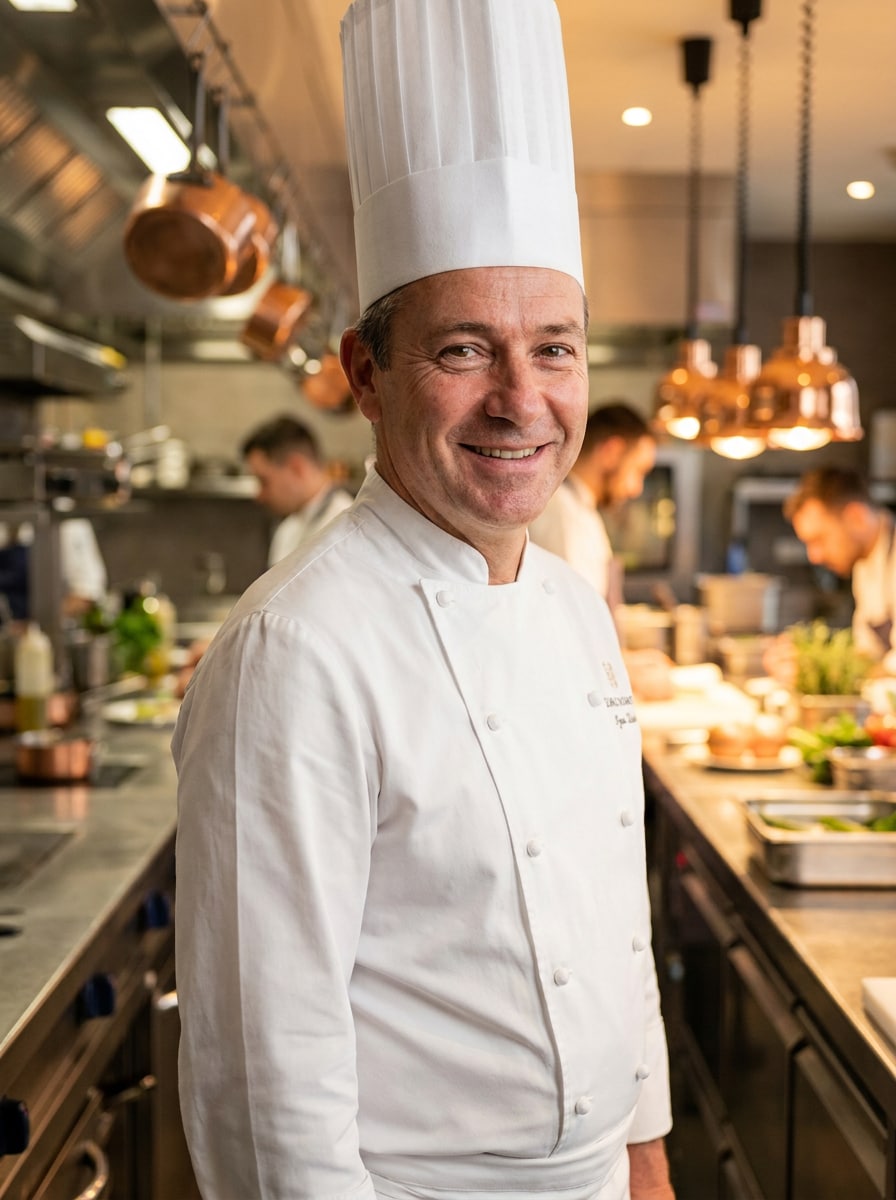
Studio Chef Profesional
Gunakan gambar yang diunggah sebagai subjek utama dan ubah menjadi potret chef profesional yang realistis. Tambahkan toque putih yang rapi, jas chef yang disesuaikan, detail celemek yang halus, dan latar belakang dapur restoran yang elegan dengan tekstur baja tahan karat, pencahayaan sinematik yang hangat, postur percaya diri, detail kulit alami, dan fokus tajam berkualitas editorial.
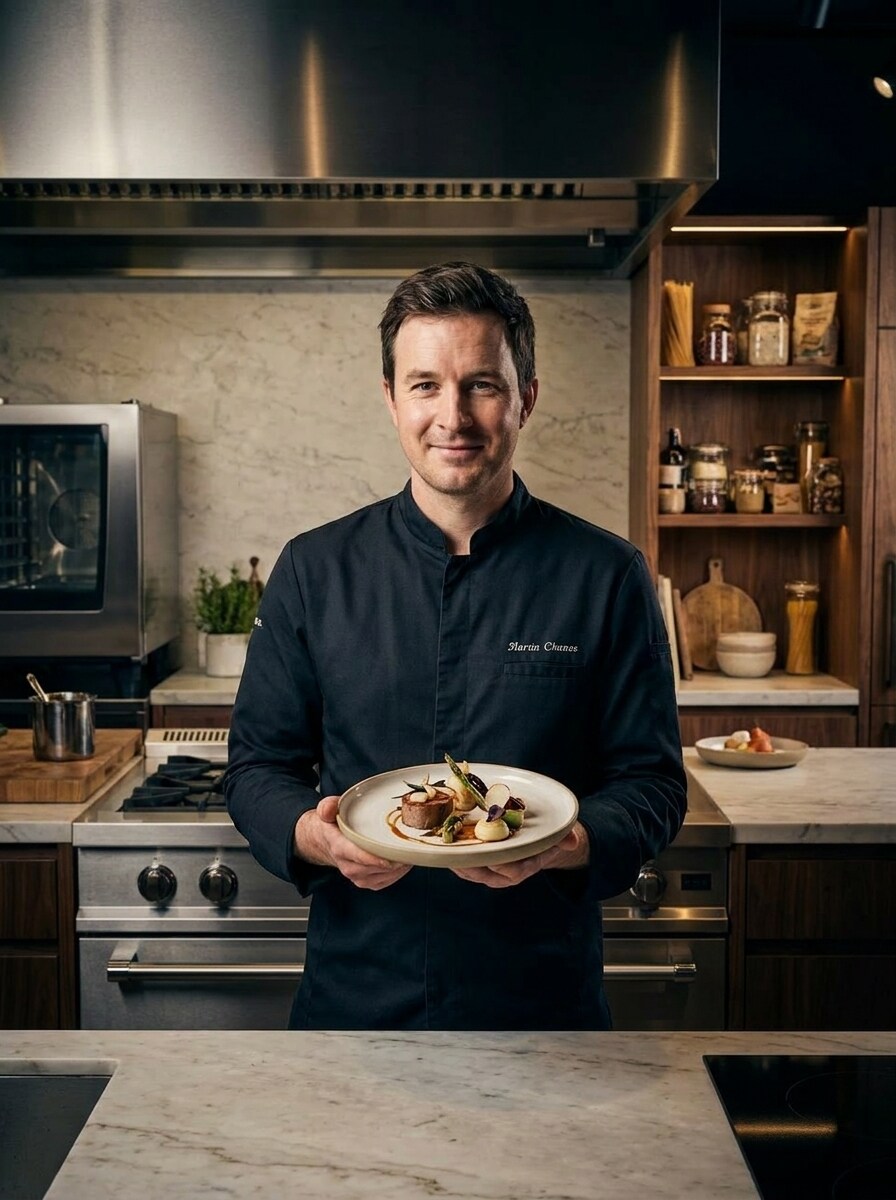
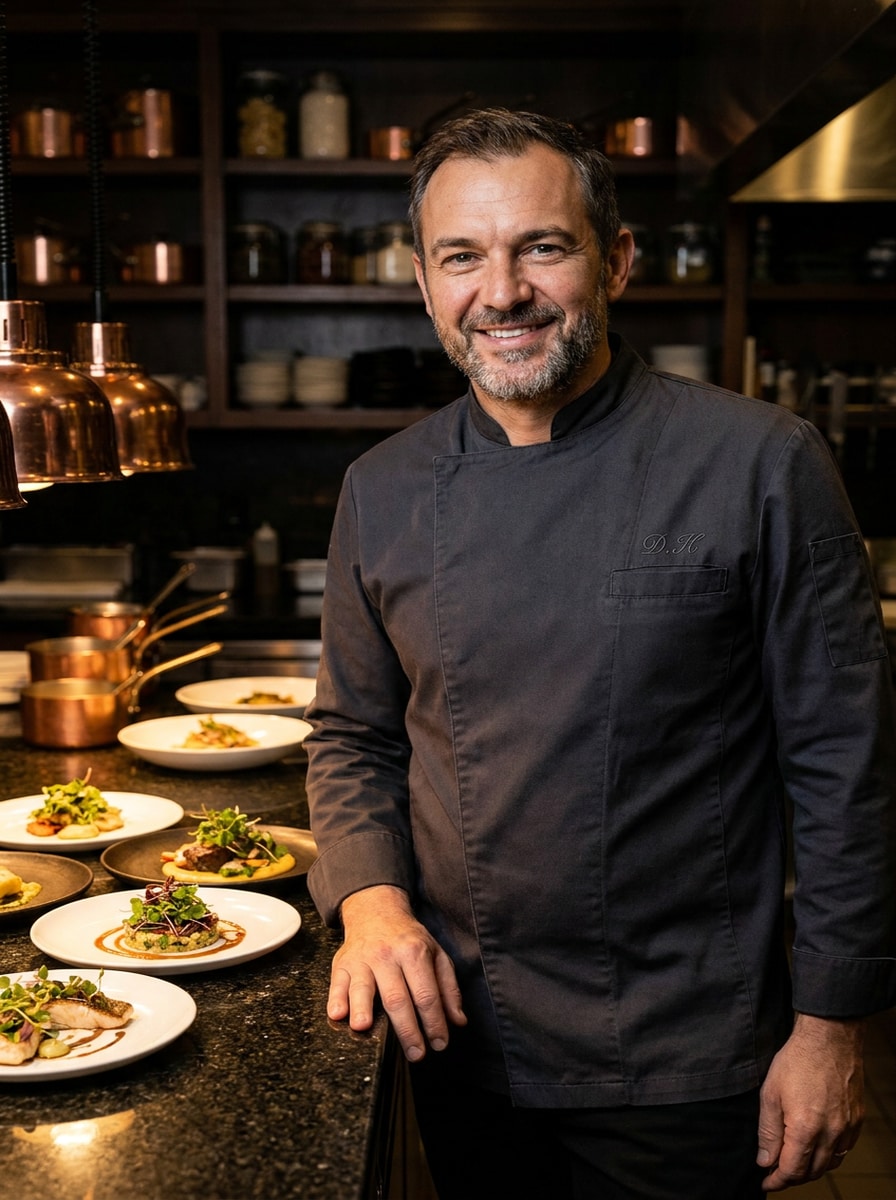
Chef Eksekutif Fine Dining
Gunakan gambar yang diunggah sebagai subjek dan ubah menjadi potret chef eksekutif mewah. Tambahkan jaket chef yang elegan, plating premium di atas meja, pencahayaan restoran yang dramatis, nada netral yang dalam, aksen logam mengkilap, bahasa tubuh yang anggun, dan suasana editorial kuliner high-fashion dengan pelestarian wajah yang realistis.
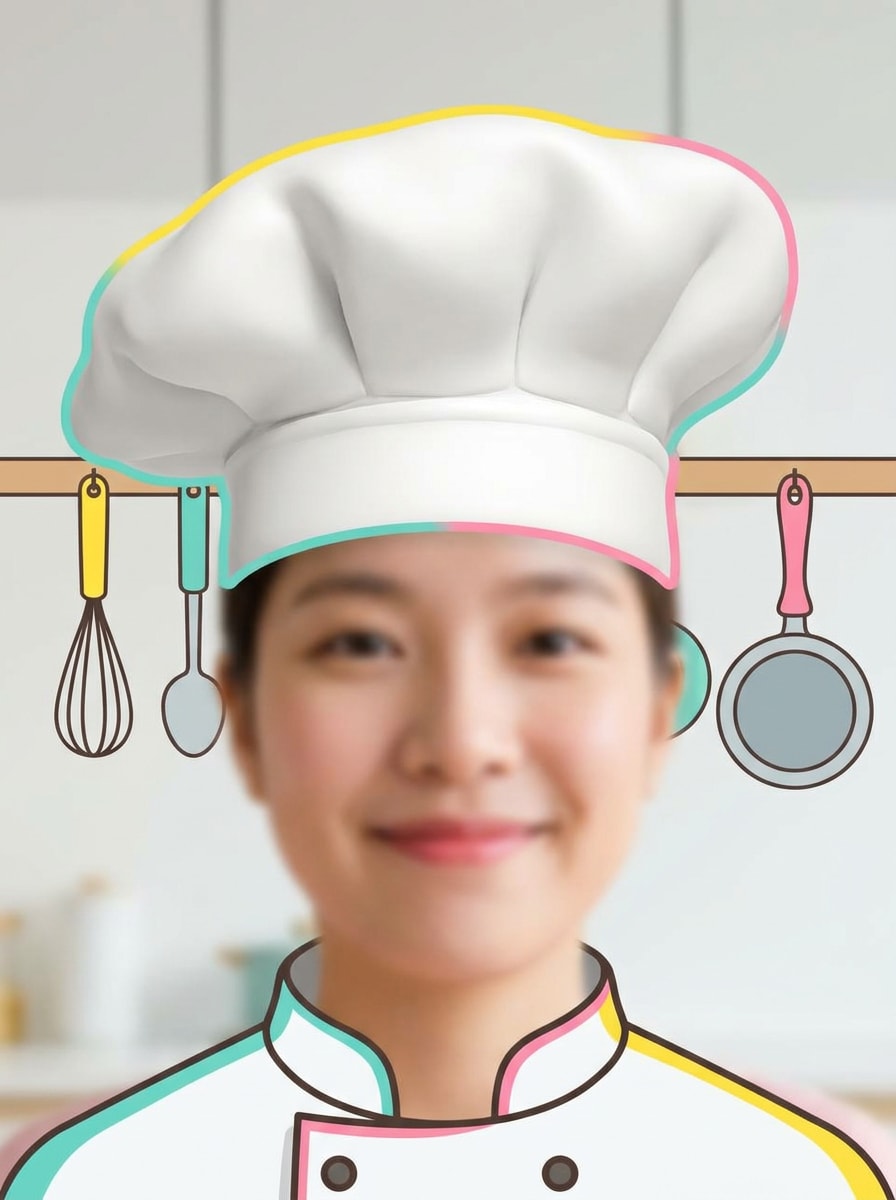
Tampilan AR Topi Chef
Gunakan gambar yang diunggah sebagai dasar untuk transformasi chef bergaya sosial yang playful. Tambahkan topi chef putih berukuran besar, peningkatan wajah yang lembut dan menarik, gradasi warna cerah dan ceria, petunjuk dapur sederhana di latar belakang, tekstur bersih yang halus, dan tata letak potret ramah mobile yang menyenangkan dengan nuansa filter yang seru.
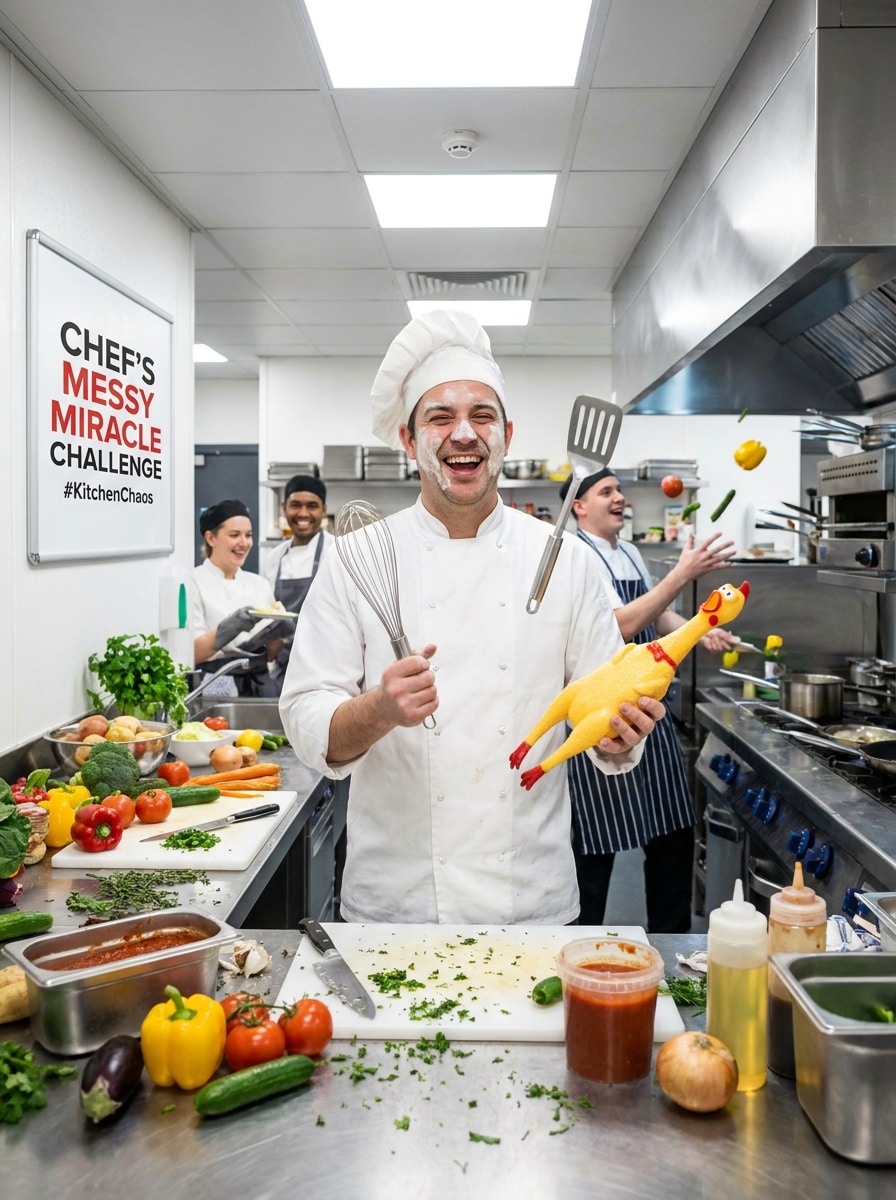
Meme Tantangan Memasak
Gunakan gambar yang diunggah sebagai karakter dan buat adegan chef tantangan memasak yang lucu. Tambahkan topi chef, celemek, ekspresi wajah yang ekspresif, properti makanan yang playful, kekacauan dapur yang hidup, warna-warna cerah, pencahayaan energetik, dan komposisi ramah meme yang terasa lucu, mudah dibagikan, dan tetap bersih secara visual.
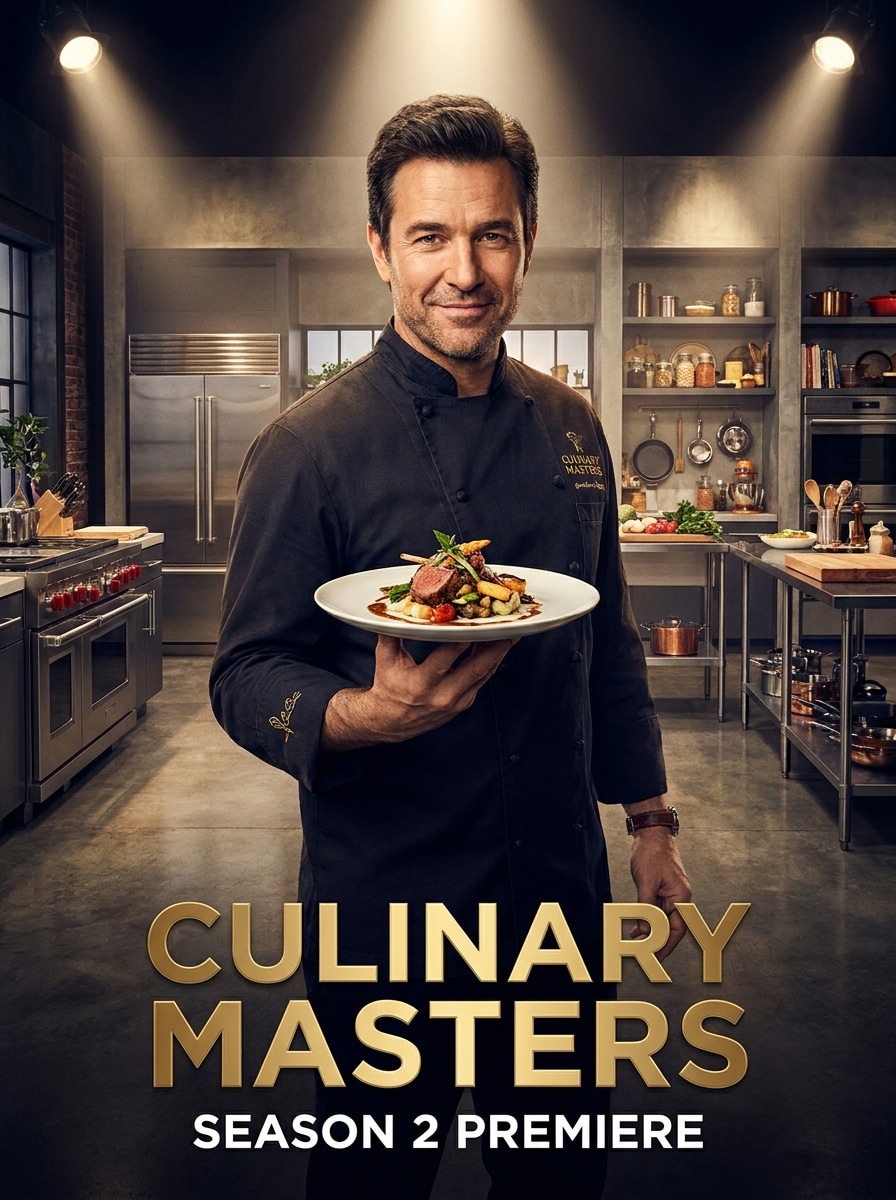
Chef Acara TV
Gunakan gambar yang diunggah sebagai subjek dan ubah menjadi potret acara memasak selebriti. Tambahkan set dapur studio premium, pencahayaan gaya sorotan, penataan makanan yang elegan, gradasi warna sinematik, pakaian chef yang ramping, kontras yang kaya, dan kehadiran seperti pembawa acara yang percaya diri dengan detail wajah realistis dan kilau promosi.
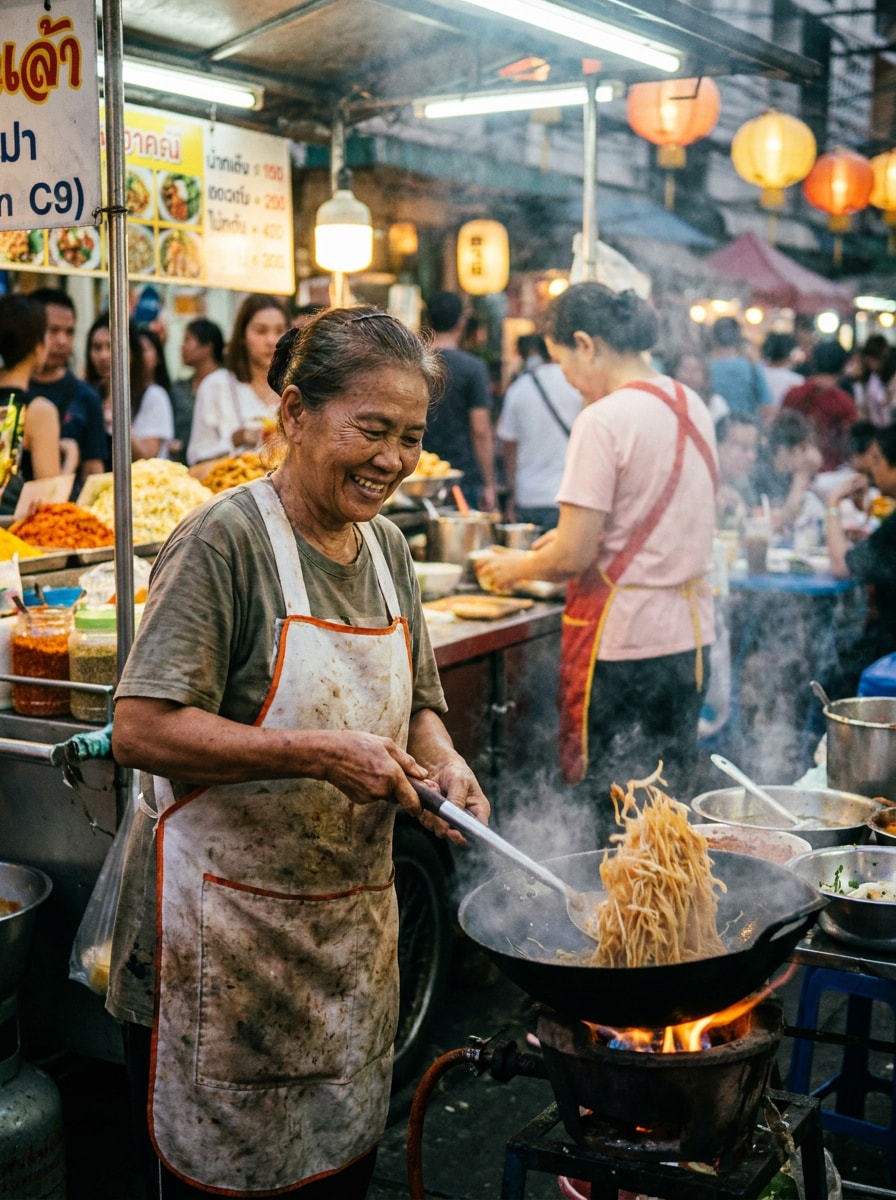
Chef Makanan Jalanan
Gunakan gambar yang diunggah sebagai subjek dan ubah menjadi potret chef makanan jalanan yang semarak. Tambahkan celemek, gaya chef kasual, latar stan makanan, papan tanda yang bercahaya, warna pasar yang kaya, energi aksi candid, pencahayaan sore yang hangat, dan tekstur realistis yang terasa hidup, autentik, dan atmosferik secara budaya.
Avatar Chef Kartun
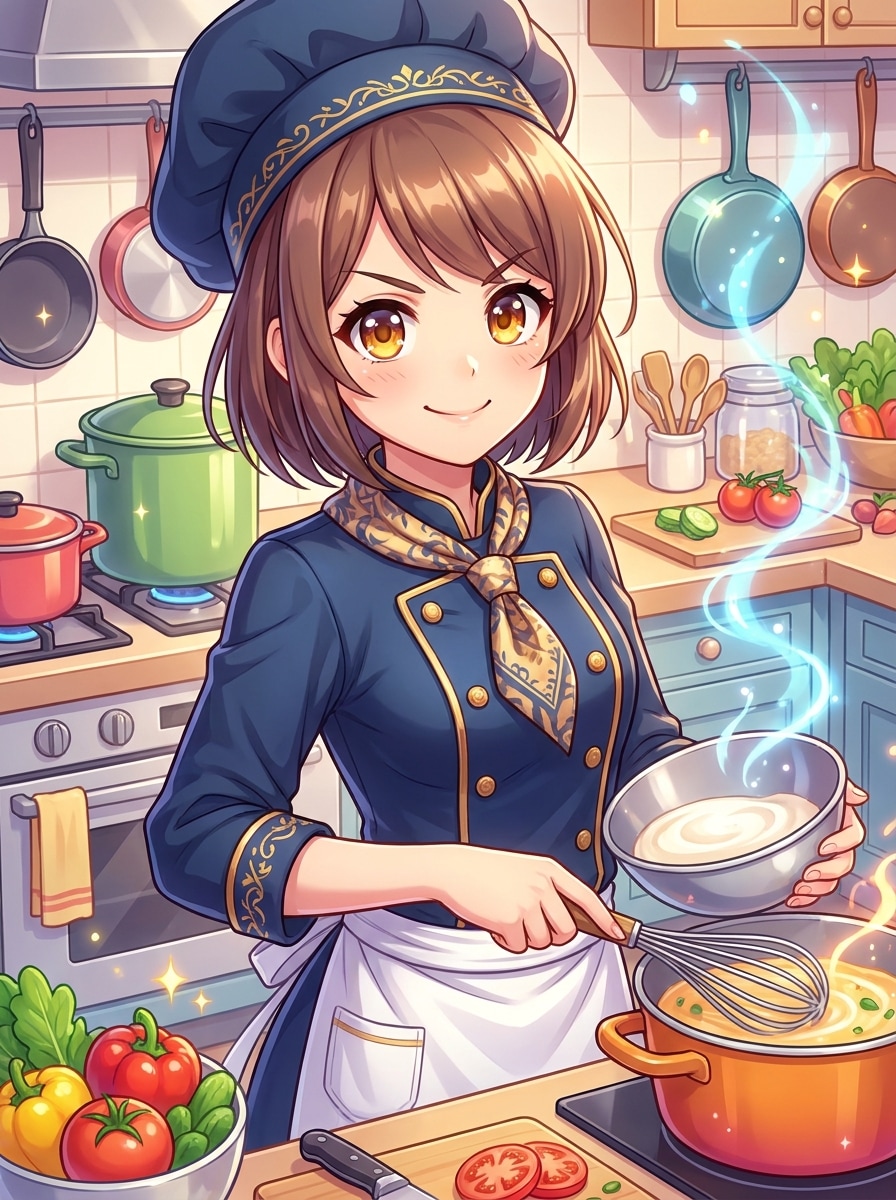
Gunakan gambar yang diunggah sebagai referensi dan ubah menjadi avatar chef kartun yang lucu. Tambahkan topi chef, celemek, senyum ramah, garis bersih yang tebal, palet warna cerah, petunjuk dapur yang disederhanakan, bayangan ilustrasi yang halus, dan komposisi foto profil yang rapi yang tetap mudah dikenali dan rapi.
Karakter Chef Anime
Gunakan gambar yang diunggah sebagai wajah referensi dan ubah menjadi karakter chef berinspirasikan anime. Tambahkan mata yang ekspresif, seragam chef yang stylish, aksen warna yang vivid, latar dapur ilustrasi yang rapi, pencahayaan dinamis, bayangan mengkilap, dan komposisi karismatik yang terasa energetik dan kolektibel.
Transformasi Chef Pastri
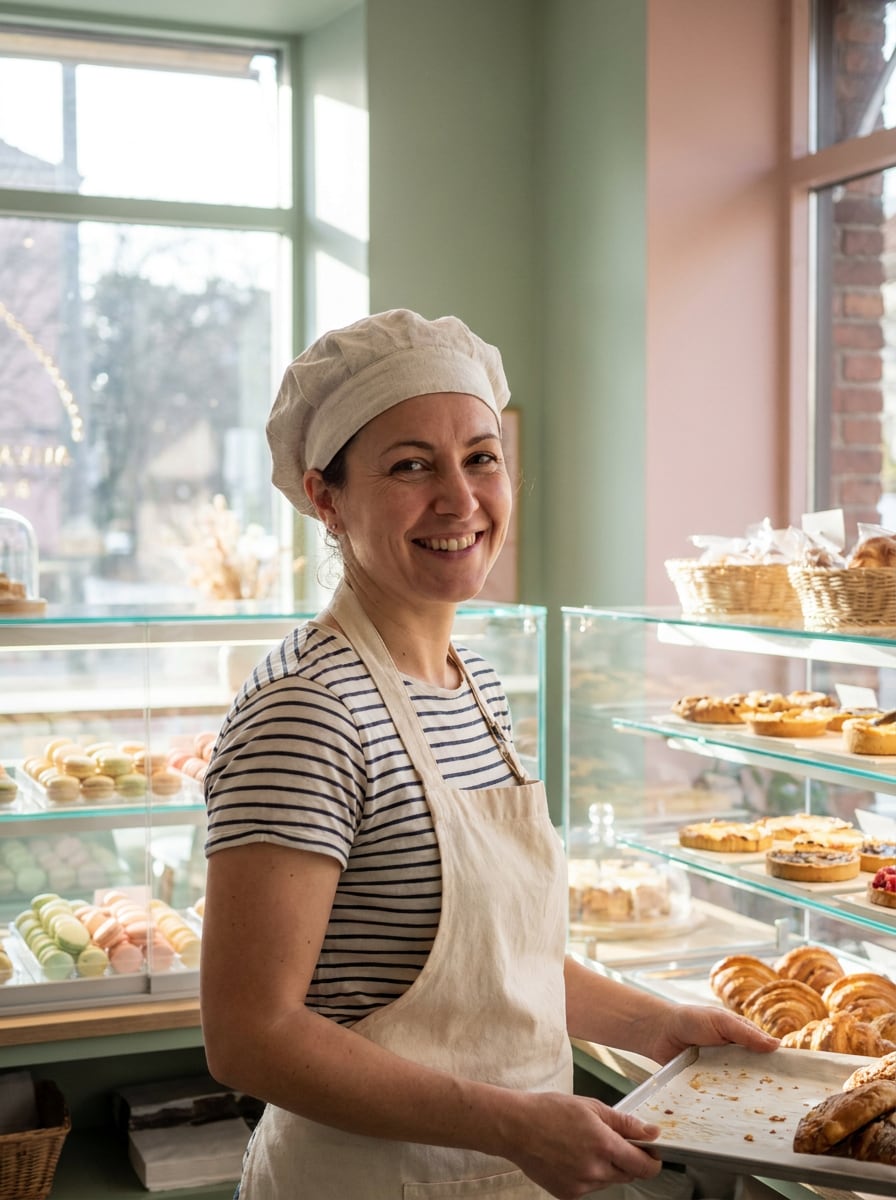
Gunakan gambar yang diunggah sebagai subjek dan buat transformasi chef pastri dengan estetika bakeri yang lembut. Tambahkan topi chef ringan, celemek yang elegan, nada dessert pastel, rak bakeri yang lapang, pencahayaan alami yang lembut, tekstur krim, dan suasana potret yang halus yang terasa hangat, artistik, dan realistis.
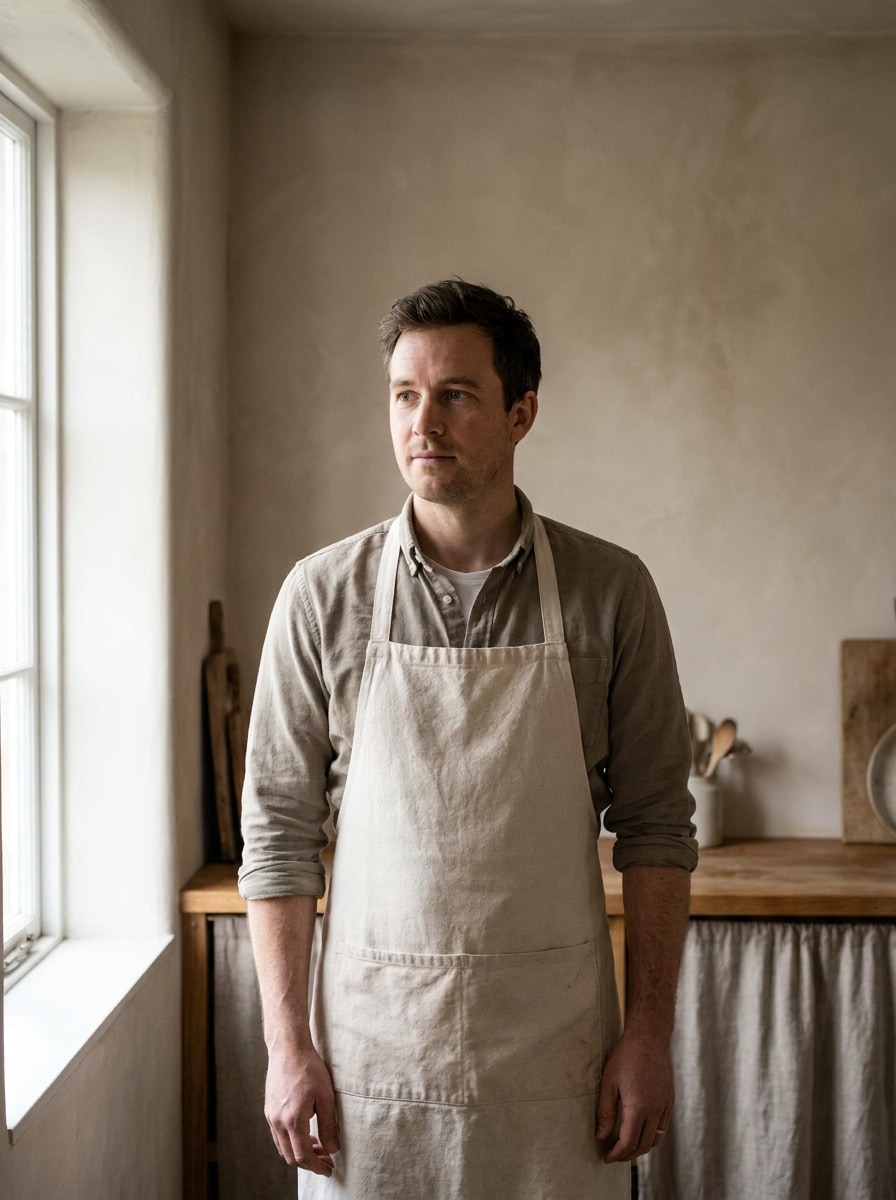
Dari Juru Masak Rumahan ke MasterChef
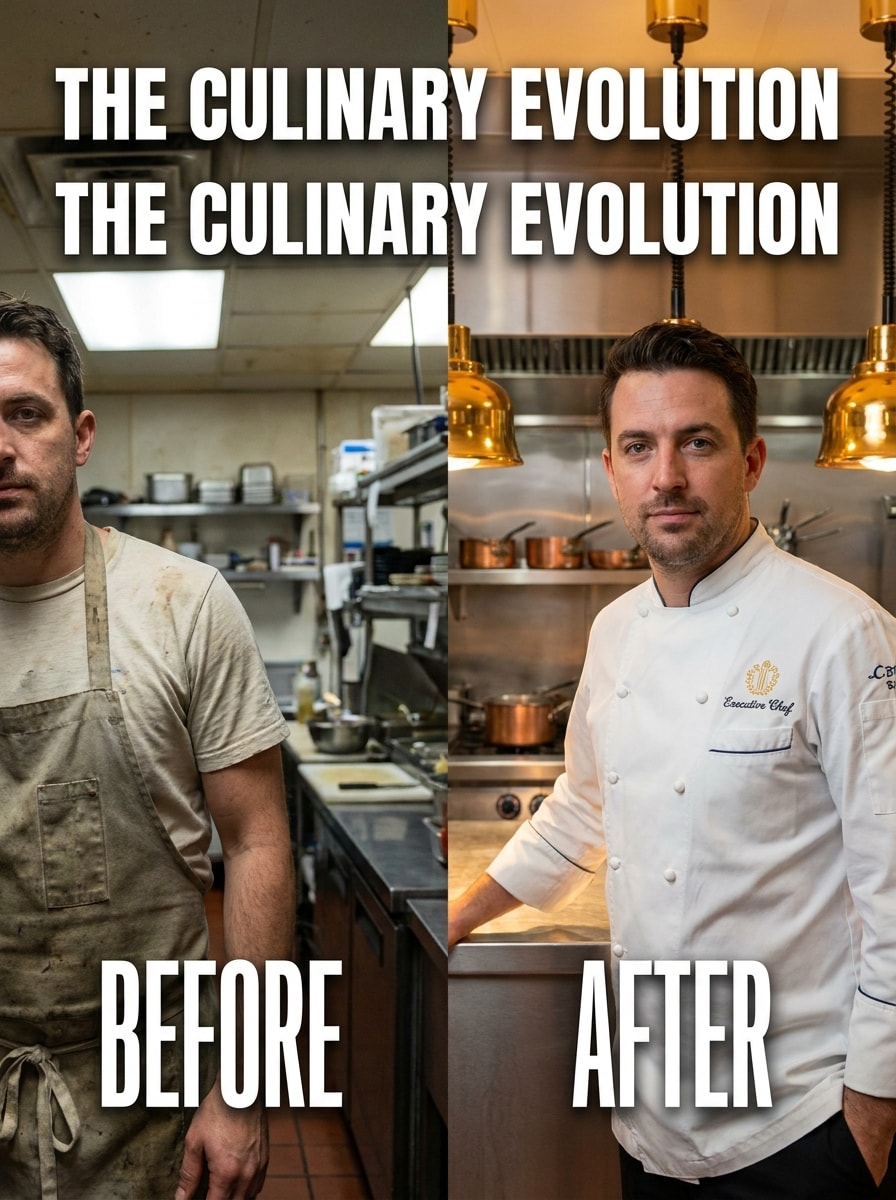
Gunakan gambar yang diunggah sebagai titik awal dan buat peningkatan chef yang dramatis. Ubah potret kasual menjadi transformasi bergaya master-chef yang rapi dengan detail seragam yang ditingkatkan, latar dapur profesional, pencahayaan sinematik, kontras yang kuat, ekspresi percaya diri, dan detail realistis yang dirancang untuk berbagi sebelum-dan-sesudah yang mengesankan.
Mengapa Menggunakan Media.io untuk Transformasi Foto Chef
Pertahankan Identitas Sambil Mengubah Tampilan
Untuk selfie, foto profil, atau eksperimen filter potret memasak, Media.io menggunakan gambar yang Anda unggah sebagai referensi sehingga transformasi chef tetap terlihat seperti Anda, membuat potret akhir terasa lebih personal, meyakinkan, dan siap untuk dibagikan.
Beralih Antara Gaya Chef yang Playful, Profesional, dan Bergambar
Jika arah kreatif Anda masih berkembang, Media.io memungkinkan Anda menguji berbagai tampilan di sekitar ide filter chef yang sama atau menyempurnakannya menjadi gaya filter seragam chef, sehingga Anda dapat membandingkan opsi dengan cepat tanpa membangun ulang konsep dari awal.
Pertahankan Visual Akhir yang Tajam untuk Proyek Nyata
Untuk proyek yang membutuhkan lebih dari kualitas draf, Media.io membantu Anda membuat visual filter chef dengan output hingga 4K, sehingga detail tetap lebih bersih saat Anda mempresentasikan, memotong, atau menggunakan kembali gambar akhir.
Buat dengan Cepat di Browser Tanpa Kurva Belajar Desain
Pekerjaan kreatif jarang tetap di satu layar. Media.io menjaga alur kerja visual filter chef di browser Anda, sehingga Anda bisa mulai di ponsel dan menyelesaikannya di desktop tanpa harus berhenti untuk menginstal perangkat lunak tambahan.
Cara Menggunakan Filter Chef Online
Ubah kata-kata Anda menjadi visual yang memukau dalam tiga langkah sederhana, lalu terus sempurnakan hasilnya jika Anda ingin melanjutkannya lebih jauh.
Langkah 1
Unggah Gambar Referensi Anda
Mulai dengan selfie yang jelas, potret, atau foto kasual dalam format JPG, PNG, atau JPEG. Gambar menghadap depan dengan detail wajah yang terlihat memudahkan untuk membuat transformasi chef yang meyakinkan, dari potret dapur yang realistis hingga efek gaya karakter yang playful.
Langkah 2
Deskripsikan Perubahan dan Atur Opsi
Masukkan tampilan yang Anda inginkan, seperti potret dapur profesional, avatar chef kartun, atau efek topi siap sosial. Kemudian pilih model yang Anda inginkan dan sesuaikan rasio aspek, jumlah gambar, dan resolusi agar sesuai dengan penggunaan akhir Anda.
Langkah 3
Hasilkan, Unduh, dan Terus Tingkatkan
Buat variasi, bandingkan hasilnya, dan unduh versi favorit Anda. Jika Anda menginginkan ekspresi, pakaian, atau latar belakang yang lebih baik, edit promptnya dan hasilkan lagi hingga potret chef sesuai dengan gaya Anda dengan sempurna.
Lihat bagaimana para kreator menggunakan filter chef ini untuk konten, pemasaran, dan proyek pribadi, lalu sesuaikan setiap ide agar sesuai dengan kebutuhan.
Buat foto profil bertema yang menonjol
Ubah selfie biasa menjadi persona kuliner yang rapi untuk TikTok, Instagram, Discord, atau YouTube. Media.io memudahkan pembuatan avatar bertema makanan yang berkesan ketika Anda menginginkan identitas yang playful tanpa menyewa desainer.
Buat mockup promosi restoran, kafe, atau merek memasak
Hasilkan potret bergaya chef untuk kampanye menu, poster acara, flyer kelas, atau sorotan staf. Media.io membantu kreator dan bisnis kecil mengembangkan konsep visual yang cepat sebelum mengorganisir sesi foto lengkap.
Buat konten transformasi sebelum-dan-sesudah yang viral
Gunakan satu foto yang diunggah untuk membuat visual pergantian peran yang dramatis untuk reel dan video pendek. Dengan Media.io, jepretan kasual dapat menjadi bintang dapur sinematik, spesialis pastri, atau juru masak kartun yang menyenangkan yang mendorong berbagi dan reaksi.
Apa Kata Pengguna Tentang Filter Chef Ini
Alyssa M.
Kreator Konten Makanan
"Sempurna untuk posting sosial bertema" Saya mengunggah selfie biasa dan mendapatkan potret chef yang rapi dalam beberapa menit. Latar belakang dapur yang realistis dan detail pakaian terlihat jauh lebih baik dari aplikasi stiker sederhana.
Jordan P.
Pemasar Restoran
"Mockup cepat untuk kampanye" Kami menggunakannya untuk menguji visual promo bergaya chef sebelum pemotretan nyata. Proses ini cepat, mudah disesuaikan, dan membantu untuk melihat pratinjau ide untuk poster dan media sosial.
Nina R.
Kreator Pelajar
"Lucu dan mengejutkan berkualitas tinggi" Saya mencoba versi kartun dan bergaya meme terlebih dahulu, lalu membuat yang lebih realistis. Alat ini mempertahankan wajah saya agar tetap dapat dikenali, yang membuat seluruh transformasi jauh lebih menyenangkan.
Marcus T.
Pemilik Usaha Kecil
"Mudah di ponsel dan desktop" Saya mulai di ponsel dan menyelesaikannya di laptop saya tanpa kesulitan apa pun. Alur kerja browser memudahkan untuk membuat gambar chef yang terlihat profesional untuk flyer acara memasak.
1. Apa itu filter chef, dan bagaimana cara kerjanya pada foto?
Filter chef adalah efek gambar-ke-gambar yang mengubah foto yang Anda unggah menjadi potret bertema chef. Di Media.io, Anda mengunggah gambar JPG, PNG, atau JPEG, mendeskripsikan gaya yang Anda inginkan, dan AI menerapkan detail seperti topi chef, seragam, adegan dapur, atau tampilan bergambar sambil mengikuti foto referensi Anda.
2. Dapatkah saya menggunakan filter foto chef ini secara gratis?
Media.io menawarkan kredit gratis sehingga Anda dapat mencoba filter foto chef online ini sebelum melakukan peningkatan. Jika Anda membutuhkan lebih banyak generasi atau menginginkan unduhan berkualitas lebih tinggi tanpa tanda air, Anda dapat membandingkan paket di halaman harga dan memilih opsi yang sesuai dengan penggunaan Anda.
3. Bagaimana cara mengubah selfie menjadi potret chef yang realistis secara online?
Unggah selfie yang jelas, lalu masukkan prompt yang mendeskripsikan tampilan chef yang Anda inginkan, seperti potret dapur profesional dengan topi putih, jas chef, dan pencahayaan restoran yang hangat. Di Media.io, Anda juga dapat memilih model, rasio aspek, dan resolusi, lalu menghasilkan beberapa versi hingga potret terasa alami dan rapi.
4. Apakah filter chef AI bekerja di iPhone, Android, dan desktop?
Media.io berbasis web, sehingga filter chef AI bekerja di iPhone, Android, Windows, dan Mac selama Anda memiliki browser. Hal ini memudahkan untuk mengunggah foto dan membuat gambar bergaya chef tanpa menginstal perangkat lunak terpisah.
5. Dapatkah saya memilih gaya chef yang berbeda seperti kartun atau tampilan dapur profesional?
Media.io mendukung berbagai gaya transformasi, sehingga Anda dapat membuat potret restoran yang realistis, efek bergaya sosial yang playful, tampilan chef pastri, adegan makanan jalanan, atau hasil avatar bergambar. Anda memandu hasilnya melalui prompt, foto referensi, dan pengaturan generasi yang dipilih.
6. Berapa lama waktu yang dibutuhkan untuk menghasilkan gambar dengan filter chef?
Biasanya hanya membutuhkan waktu singkat untuk menghasilkan hasil setelah Anda mengunggah gambar dan mengirimkan prompt. Kecepatan yang tepat dapat bervariasi berdasarkan pengaturan yang Anda pilih dan berapa banyak versi yang Anda hasilkan, tetapi Media.io menjaga alur kerja tetap cukup cepat untuk pengujian kreatif yang cepat.