Clonez-vous dans une scène d'IA
Transformez un portrait en une scène jumelle ludique où deux versions de vous peuvent apparaître ensemble. créer unVidéo clone IApour les réactions, révélations et tendances sociales.
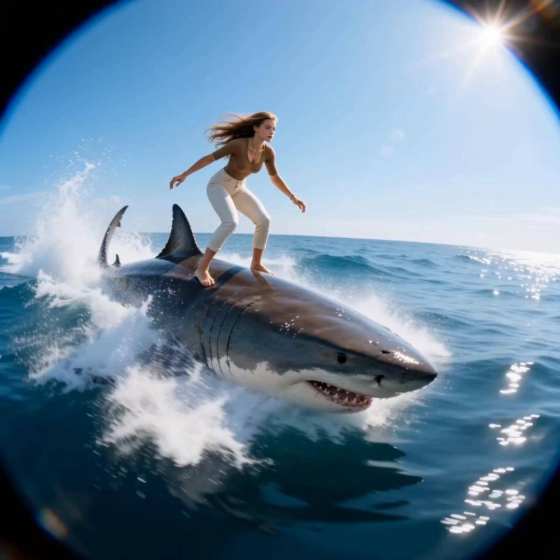
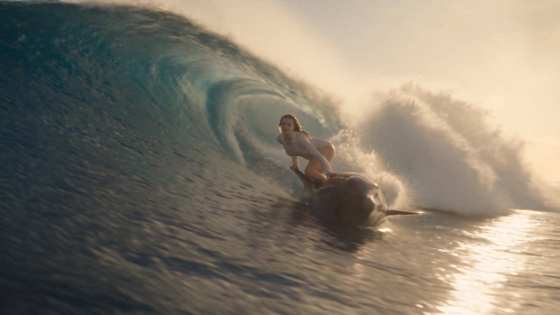
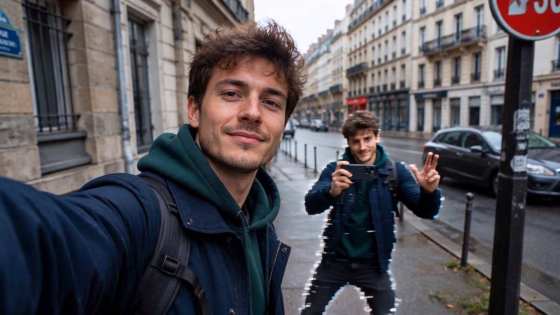
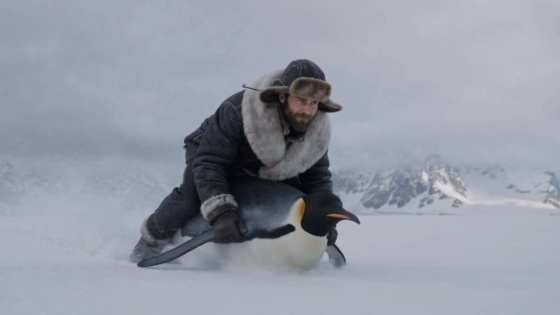
créer leSelfie Twin AI effet vidéoÀ partir d'une seule photo et transformez-vous en un cavalier cinématographique ludique volant avec un puffin. Recréez le look de courtes vidéos virales pour TikTok, Reels ou Shorts dans votre navigateur avec Media.io — aucun APK ni édition complexe requis.
Crédits gratuits sur l'inscription.
Transformez un portrait en une scène jumelle ludique où deux versions de vous peuvent apparaître ensemble. créer unVidéo clone IApour les réactions, révélations et tendances sociales.
Utilisez Media.io dans votre navigateur au lieu d'installer un autreclonez vous-même application IA. Téléchargez votre photo, décrivez l'interaction jumelle, générez le clip et téléchargez-le à partir d'un flux de travail.
Commencez par un selfie ou un portrait clair afin que les deux personnages puissent conserver les traits du visage, la coiffure, les signes de vêtements et l'apparence globale reconnaissables.
Aller au-delà d'un duplicat statique. Demandez à votre jumeau d'IA de poser à côté de vous, de copier vos mouvements, de réagir différemment, de marcher dans le cadre, de vous mettre à cinq ou de créer un clone dramatique.
Téléchargez un selfie clair, un portrait ou une photo de corps complet. Gardez votre visage visible et utilisez une image avec un bon éclairage et un fond relativement propre.
Décrivez deux versions correspondantes de vous-même dans la même scène. Spécifiez leurs positions, expressions, gestes, interaction, mouvement de la caméra et si le jumeau doit refléter ou contraster votre action.
Générez votre animation jumelle, prévisualisez le résultat et téléchargez la vidéo. Utiliser un format vertical lors de la création d'unSelfie Twin AI effet vidéoPour TikTok, Reels ou Shorts.

Créateur TikTok

"Mon jumeau était étonnamment amusant."J'ai transformé un selfie en un clip de réaction pour deux personnes sans filmer la scène deux fois ou me masquer manuellement.
Créateur de formes courtes
"C'est plus facile que de cloner manuellement."Je voulais un générateur jumeau d'IA rapide pour une courte vidéo, et le flux de travail du navigateur m'a évité de superposer des clips en double à la main.
Créateur de bobines
"Idéal pour les rouleaux de style clone."J'ai pu changer la façon dont la deuxième version de moi a posé et réagi, ce qui a rendu la révélation jumelle plus personnelle.
LeSelfie Twin AI effet vidéoest une tendance vidéo d'IA de style fantastique qui transforme une personne sur une photo en un cavalier voyageant avec ou sur un grand puffin. Le résultat combine généralement des caractéristiques de portrait reconnaissables avec des échelles d'oiseaux exagérées, des mouvements volants, des paysages cinématographiques et une narration ludique de vidéos sociales.
Vous pouvez commencer avec des crédits d'inscription disponibles sur Media.io pour tester l'effet. Le nombre de générations gratuites dépend de vos crédits disponibles, du modèle et des paramètres. Pour obtenir le meilleur résultat, téléchargez une photo claire et décrivez exactement comment la personne d'origine et le jumeau AI devraient apparaître et interagir.
Oui. Vous pouvez ouvrir Media.io dans un navigateur compatible sur iPhone ou iPad, télécharger une photo, générer leSelfie Twin AI effet vidéo sur iOS, et télécharger la vidéo terminée. Étant donné que le flux de travail est basé sur le navigateur, vous n'avez pas besoin d'une application clone iOS dédiée juste pour essayer l'effet.
An Générateur jumeau AI gratuitLa recherche fait souvent référence à des outils qui dupliquent votre apparence dans une image ou une scène. unGénérateur vidéo de clone d'IASe concentre sur le mouvement, permettant au personnage dupliqué de se déplacer ou d'interagir au fil du temps. Media.io peut utiliser votre photo comme référence visuelle et générer une courte vidéo de style jumeau à partir d'une invite.
No. Media.io etMakeMyClone AIsont des services distincts. Si vous avez recherché makemyclone AI parce que vous souhaitez vous dupliquer dans une photo ou une vidéo, Media.io propose une alternative basée sur le navigateur pour créer une vidéo AI de style jumel à partir de votre propre image sans avoir besoin d'une application de clonage séparée.
 4.7 (162 357 voix)