














Générateur de prompt IA à partir d'image : Transformez n'importe quelle image en prompt IA détaillé
Téléchargez une photo, une œuvre d'art ou une référence visuelle et laissez Media.io analyser son sujet, sa composition, son éclairage, ses couleurs, la perspective de la caméra et son style. Obtenez un prompt détaillé, prêt à copier, en quelques secondes pour votre prochaine création d'image IA.
Crédits gratuits à l'inscription.
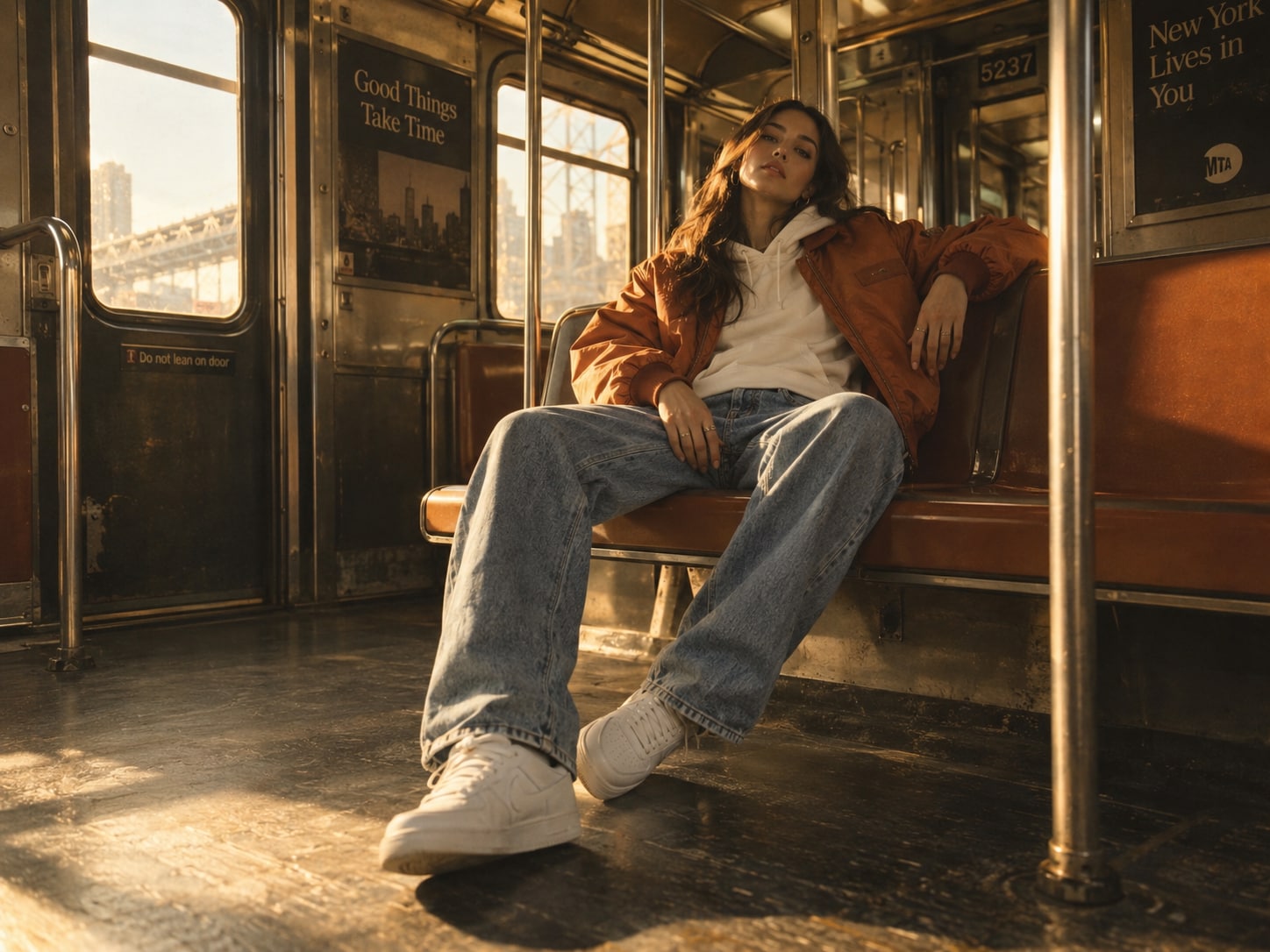
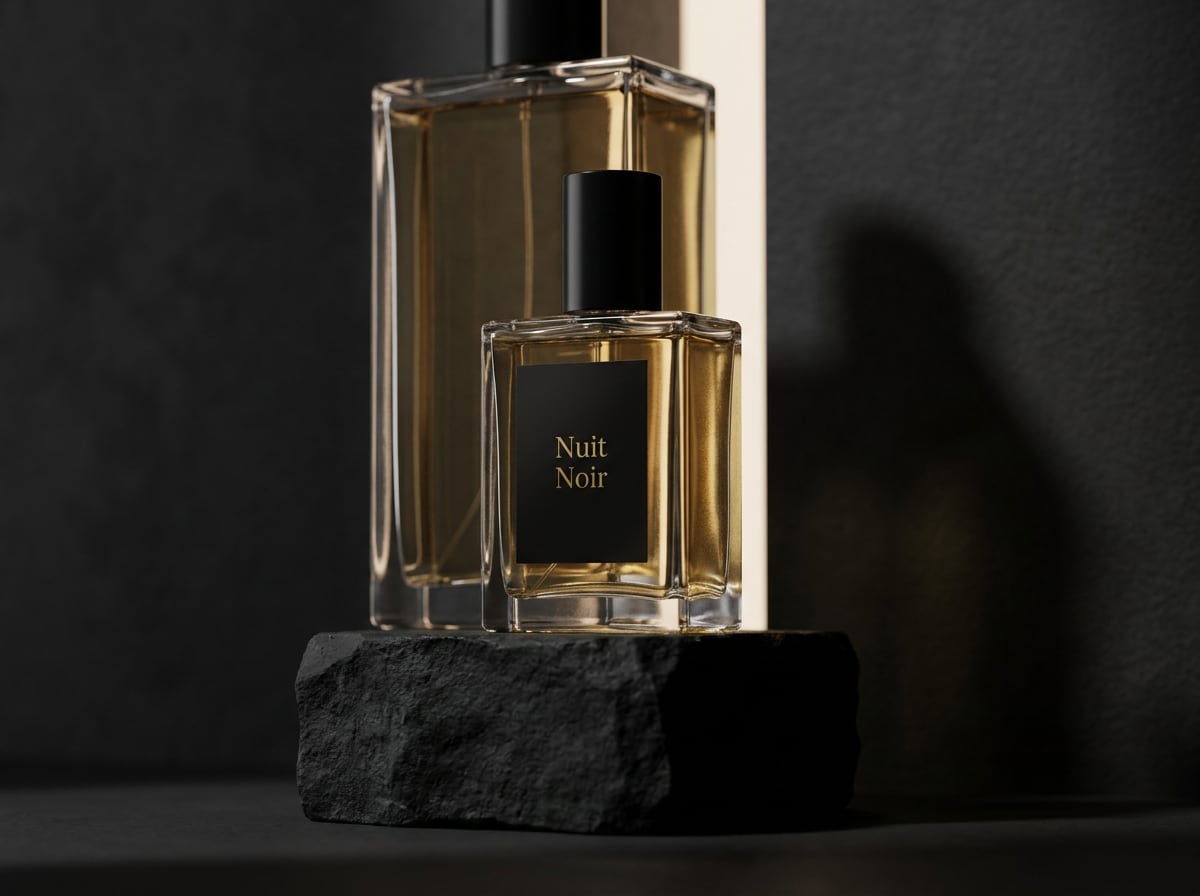
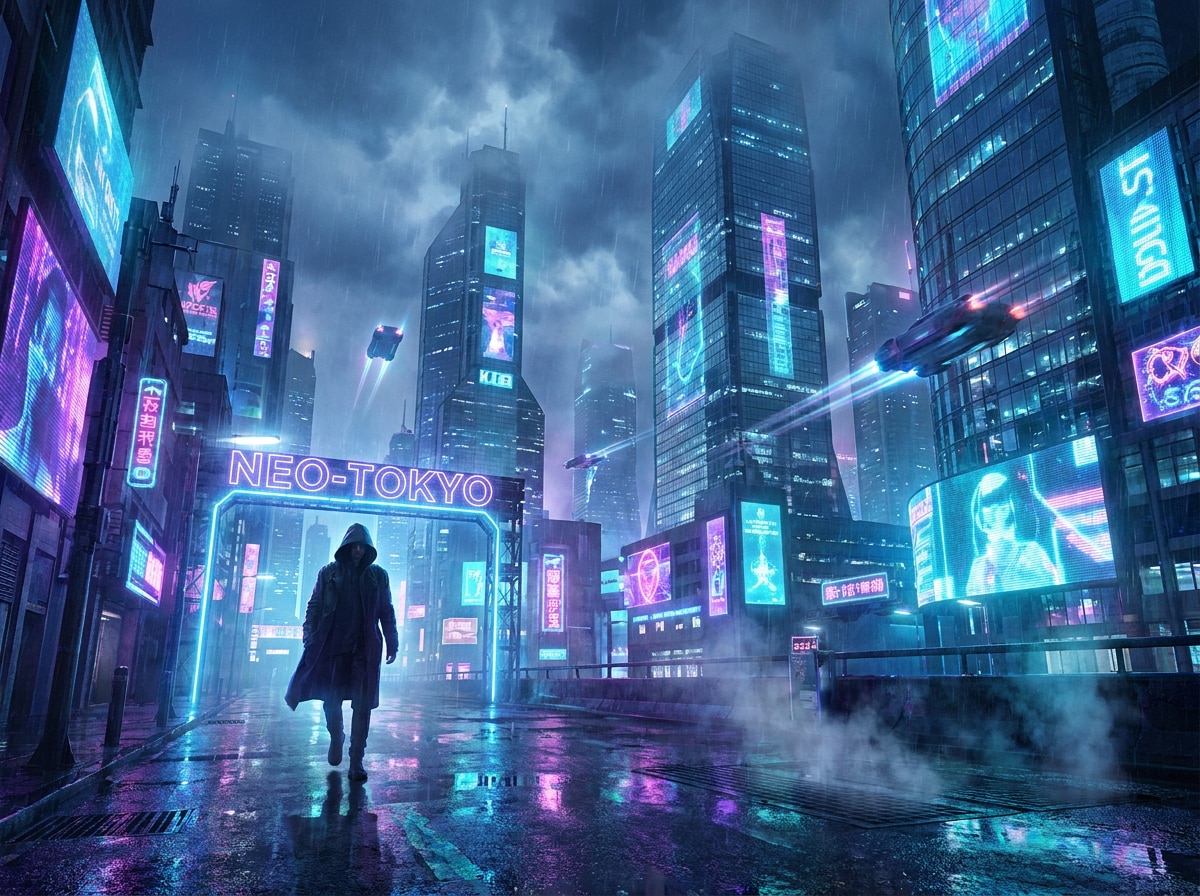
Transformez n'importe quelle image en prompt
Que vous pouvez réutiliser
Transformez les sujets d'images en descriptions de prompt IA détaillées
Téléchargez un portrait, une photo de produit, une œuvre d'art ou une autre image de référence et laissez Media.io identifier le sujet visuel principal. Le générateur de prompt d'image IA décrit les détails importants tels que l'apparence, les vêtements, la pose, l'expression, les objets, les textures et l'environnement, vous aidant à créer un prompt plus riche sans rédiger chaque détail manuellement.
Générer un prompt à partir d'imagesReconnaître le style, l'ambiance et l'atmosphère de l'image
Utilisez le générateur de prompt à partir d'image pour traduire le style visuel en mots. Media.io peut décrire des caractéristiques telles que photoréaliste, cinématographique, éditorial, anime, illustration, vintage ou 3D, tout en capturant l'ambiance et l'atmosphère générales. C'est un moyen simple de transformer l'inspiration visuelle en langage de prompt IA réutilisable.
Générer un prompt à partir d'imagesExtraire la composition et les détails de la caméra à partir des images
Générez un prompt à partir d'une image qui inclut bien plus que le sujet. Media.io analyse les détails de composition visibles tels que le cadrage, l'angle de la caméra, la perspective, le placement du sujet, les relations entre le premier plan et l'arrière-plan, et la profondeur de champ, donnant à votre prompt d'image IA une structure visuelle plus claire.
Générer un prompt à partir d'imagesCapturez l'éclairage et les couleurs pour de meilleurs prompts IA
Convertissez une image en prompt tout en préservant son atmosphère visuelle. Media.io décrit les conditions d'éclairage visibles, les ombres, les reflets, les couleurs dominantes, la température des couleurs, le contraste et le ton général, facilitant la recréation ou le remixage de l'apparence d'une photo de référence dans les futures générations d'images IA.
Générer un prompt à partir d'imagesComment générer un prompt à partir d'une image
Étape 1 : Ouvrir le générateur de prompt IA de Media.io
Téléchargez une image JPG, JPEG ou PNG depuis votre appareil. Vous pouvez utiliser une photo, une œuvre d'art IA, une image de produit, un portrait, une illustration ou toute autre référence visuelle.
Étape 2 : Laisser l'IA analyser l'image
Media.io examine les détails visibles dans votre image, notamment le sujet, l'environnement, la composition, l'éclairage, les couleurs, la perspective de la caméra, le style visuel et l'ambiance.
Étape 3 : Copiez votre prompt généré
Obtenez un prompt d'image IA détaillé basé sur la référence téléchargée. Copiez le résultat et affinez-le pour votre générateur d'images IA préféré ou votre prochain projet créatif.
Ce que les utilisateurs disent du générateur d'image en prompt de Media.io

Créatrice de contenu

Il capture des détails que je n'aurais jamais pensé à décrire. J'ai téléchargé une référence de portrait et le générateur d'image en prompt a capté l'éclairage, l'angle de la caméra, les vêtements, l'ambiance et la composition de manière surprenante. Cela me donne un point de départ bien plus solide pour créer des images IA similaires.

Gestionnaire des réseaux sociaux
Beaucoup plus rapide que de rédiger des prompts de zéro. Quand je trouve un style visuel qui me plaît, je peux télécharger la référence et obtenir un prompt détaillé en quelques secondes. Ce générateur de prompt à partir d'image facilite la conservation de la composition et de l'atmosphère tout en changeant le sujet pour de nouveaux concepts.

Créateur TikTok
Idéal pour transformer l'inspiration en prompts IA utilisables. J'ai souvent des images de référence pour des concepts de campagne mais j'ai du mal à décrire l'aspect exact. Media.io transforme ces références en prompts d'image IA clairs que je peux rapidement modifier pour des produits, des publicités et des visuels pour les réseaux sociaux.
Créatrice de contenu
Il capture des détails que je n'aurais jamais pensé à décrire. J'ai téléchargé une référence de portrait et le générateur d'image en prompt a capté l'éclairage, l'angle de la caméra, les vêtements, l'ambiance et la composition de manière surprenante. Cela me donne un point de départ bien plus solide pour créer des images IA similaires.
Gestionnaire des réseaux sociaux
Beaucoup plus rapide que de rédiger des prompts de zéro. Quand je trouve un style visuel qui me plaît, je peux télécharger la référence et obtenir un prompt détaillé en quelques secondes. Ce générateur de prompt à partir d'image facilite la conservation de la composition et de l'atmosphère tout en changeant le sujet pour de nouveaux concepts.
Créateur TikTok
Idéal pour transformer l'inspiration en prompts IA utilisables. J'ai souvent des images de référence pour des concepts de campagne mais j'ai du mal à décrire l'aspect exact. Media.io transforme ces références en prompts d'image IA clairs que je peux rapidement modifier pour des produits, des publicités et des visuels pour les réseaux sociaux.
Créatrice de contenu
Il capture des détails que je n'aurais jamais pensé à décrire. J'ai téléchargé une référence de portrait et le générateur d'image en prompt a capté l'éclairage, l'angle de la caméra, les vêtements, l'ambiance et la composition de manière surprenante. Cela me donne un point de départ bien plus solide pour créer des images IA similaires.
Gestionnaire des réseaux sociaux
Beaucoup plus rapide que de rédiger des prompts de zéro. Quand je trouve un style visuel qui me plaît, je peux télécharger la référence et obtenir un prompt détaillé en quelques secondes. Ce générateur de prompt à partir d'image facilite la conservation de la composition et de l'atmosphère tout en changeant le sujet pour de nouveaux concepts.
Créateur TikTok
Idéal pour transformer l'inspiration en prompts IA utilisables. J'ai souvent des images de référence pour des concepts de campagne mais j'ai du mal à décrire l'aspect exact. Media.io transforme ces références en prompts d'image IA clairs que je peux rapidement modifier pour des produits, des publicités et des visuels pour les réseaux sociaux.
Découvrez d'autres effets vidéo et image IA viraux



FAQ sur l'image IA en prompt
1. Qu'est-ce qu'un générateur d'image en prompt ?
Un générateur d'image en prompt utilise l'IA pour analyser une image de référence et convertir ses caractéristiques visibles en prompt écrit. Il peut identifier des éléments tels que le sujet, l'environnement, la composition, l'éclairage, les couleurs, la perspective de la caméra, le style visuel et l'ambiance, afin que vous puissiez réutiliser le résultat pour la création d'images IA.
2. Comment générer un prompt à partir d'une image ?
Téléchargez votre image sur le générateur de prompt d'image IA de Media.io et cliquez sur Générer. L'IA analyse les détails visuels et crée un prompt descriptif que vous pouvez copier, modifier et réutiliser pour la génération d'images IA.
3. L'IA peut-elle générer un prompt à partir d'une photo ?
Oui. Un générateur de photo en prompt peut analyser une photographie et décrire des détails tels que la personne ou l'objet, le lieu, la pose, la perspective de la caméra, l'éclairage, la palette de couleurs et le style photographique sous forme de prompt.
4. Quels détails Media.io peut-il extraire d'une image ?
Media.io peut identifier les éléments visibles incluant les sujets, les objets, l'environnement, la composition, les couleurs, l'éclairage, la perspective de la caméra, le style et l'ambiance générale. La description générée est ensuite organisée en un prompt d'image compatible avec l'IA.
5. Puis-je convertir une œuvre d'art IA en prompt ?
Oui. Vous pouvez télécharger des œuvres d'art IA, des illustrations, de l'art numérique ou d'autres références visuelles et utiliser le générateur de prompt à partir d'image pour créer un texte de prompt descriptif basé sur le style et la composition visibles.
6. Quels formats d'image Media.io prend-il en charge ?
Media.io prend actuellement en charge les images JPG, JPEG et PNG jusqu'à 20 Mo pour le générateur de prompt IA.
7. La conversion d'image en prompt est-elle la même chose que le sous-titrage d'image ?
Pas exactement. Le sous-titrage d'image résume généralement ce que contient une image. Un générateur d'image en prompt se concentre sur la traduction de détails visuels tels que la composition, l'éclairage, la perspective de la caméra, les couleurs, le style et l'ambiance en texte descriptif pouvant être réutilisé pour la génération d'images IA.
En savoir plus sur Media.io
 4.7 (162,357 Votes)