Cinematic Filmy Portraits
Turn a portrait or group photo into a bold Prompt Seen Filmy AI Photo Editing style visual with confident posing, strong character framing, dramatic contrast, and Bhojpuri music-video energy.
Discover the latest AI photo prompts for ChatGPT, Gemini, Midjourney, Flux, and more. Explore 100+ trending AI image prompts, viral Instagram and TikTok photo ideas, cinematic portraits, couple edits, fantasy styles, anime, seasonal effects, and ready-to-use prompt templates - all in one place.






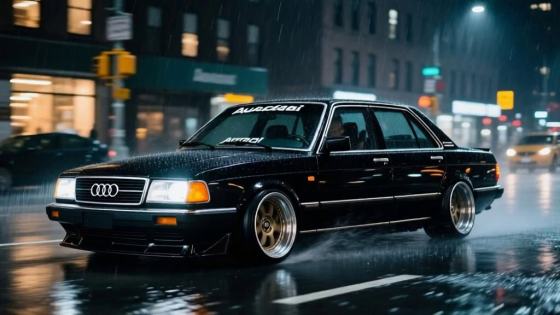







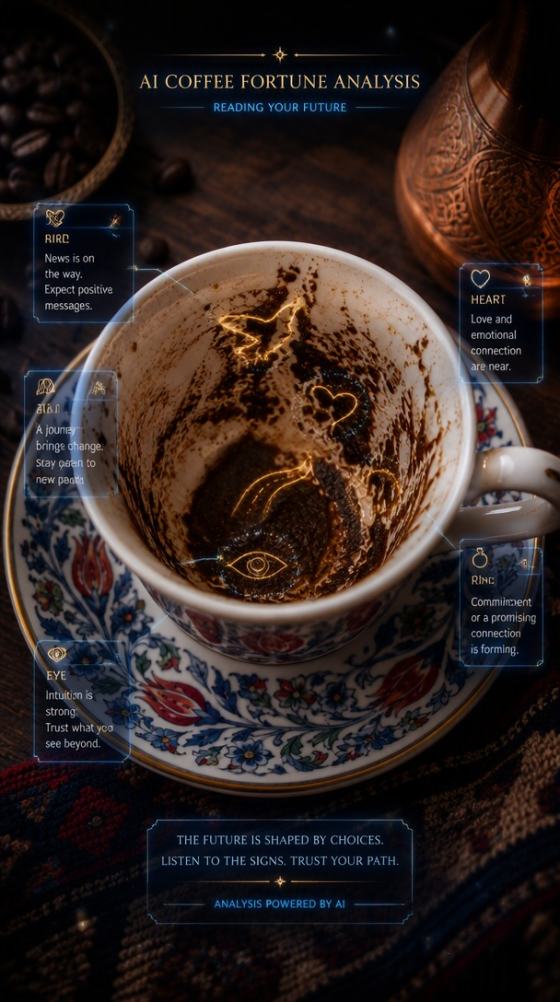













Recreate the Prompt Seen Filmy AI Photo Editing trend with your own photo or clip. Build Bhojpuri Rangdari edits, black-kurta attitude visuals, slow-motion leader entries, and beat-ready social videos with AI—without depending on one fixed CapCut template link.
Free credits on signup.
Turn a portrait or group photo into a bold Prompt Seen Filmy AI Photo Editing style visual with confident posing, strong character framing, dramatic contrast, and Bhojpuri music-video energy.
Create a bold prompt seen attitude boy look with confident poses, sunglasses, streetwear or formal outfits, low-angle framing, moody backgrounds, and cinematic contrast for profile photos and posts.
Transform a couple photo into a romantic prompt seen couple scene with natural posing, soft cinematic lighting, sunset streets, rain, cafés, travel backdrops, or Bollywood-inspired visual storytelling.
Instead of relying only on a Prompt Seen Filmy AI Photo Editing link, use AI to control the outfit, location, framing, lighting, crowd size, and motion. Create several variations while keeping the trend recognizable.
Choose a clear selfie, portrait, full-body image, or couple photo. A visible face, natural proportions, and a clean or moderately simple background give AI more room to build a convincing filmy scene.
Write or paste a prompt describing the result you want: cinematic hero portrait, attitude boy, romantic couple scene, luxury street look, iPhone-style portrait, dramatic backlight, film color grading, or another Prompt Seen-inspired idea.
Generate your image, review the face, hands, outfit, background, and overall mood, then refine the prompt if needed. Download the finished photo for Instagram, WhatsApp DP, profile pictures, posts, thumbnails, or further editing.

Instagram Creator

“My portrait finally looked cinematic.” I used a regular phone photo and asked for a moody movie-poster look. The lighting, background depth, and framing made it feel much more polished for Instagram.
Photo Editing Creator
“Great for attitude edits.” I wanted a confident boy portrait without spending time masking and color grading. A detailed prompt gave me the outfit, low-angle framing, and cinematic street mood I wanted.
Lifestyle Creator
“Couple photos feel more filmy.” I turned a simple couple picture into a warm sunset scene with soft light and a movie-like background. It was easy to make several versions for posts and profile pictures.
The Prompt Seen Filmy AI Photo Editing is a Bhojpuri short-video style associated with strong attitude, Rangdari visuals, confident character presentation, black-kurta styling, crowd or group scenes, and music-driven cuts. Media.io lets you recreate a similar look from your own photo or clip while customizing the scene, outfit, framing, lighting, and motion.
Upload a clear photo or short clip, create a cinematic Bhojpuri attitude visual, and animate it with slow walking, camera push-ins, clothing movement, dust, crowd motion, or a beat-drop reveal. For a recognizable Prompt Seen Filmy AI Photo Editing new trend look, keep the main subject dominant and use confident body language, dramatic contrast, and a leader-entry mood.
No. A Prompt Seen Filmy AI Photo Editing link is useful if you specifically want to edit inside CapCut, but it is not required here. Media.io can generate a trend-inspired key visual from your own image and help you build a more customizable Reel. This is useful when a template is unavailable, removed, region-restricted, or does not fit your footage.
For a prompt seen attitude boy edit, describe a confident pose, stylish outfit, sunglasses or accessories, dramatic lighting, low-angle camera, and a cinematic street or luxury background. For a prompt seen couple image, focus on natural interaction, coordinated styling, soft light, romantic locations, and believable facial identity.
Yes. After generation, you can save your finished prompt seen filmy download result for social posts, profile pictures, WhatsApp DP, thumbnails, or personal creative projects. Export availability and usage limits can depend on the Media.io feature or plan you use.
 4.7 (162,357 Votes)