Old Photo to New Photo AI Prompt Free | ChatGPT & Gemini Photo Restoration Prompts

Use the best old photo to new photo AI prompt free with ChatGPT and Gemini. Restore faded, scratched, blurry, and damaged photos instantly using Media.io AI Photo Enhancer and Image-to-Image AI.

Old Photo to New Photo AI Prompt Free

Use a ready-made old photo to new photo AI prompt to repair scratches, recover faded colors, sharpen faces, and recreate damaged memories with natural detail. Copy a prompt, upload your photo, and restore it online with Media.io AI.

Restore Old Photos with AI

Free credits on signup.

Interactive AI Restoration Demo

See Old Photos Become Clear, New-Looking Images

Explore five restoration examples, drag the comparison slider, or tap any card to switch between the original photo and the AI-restored result.

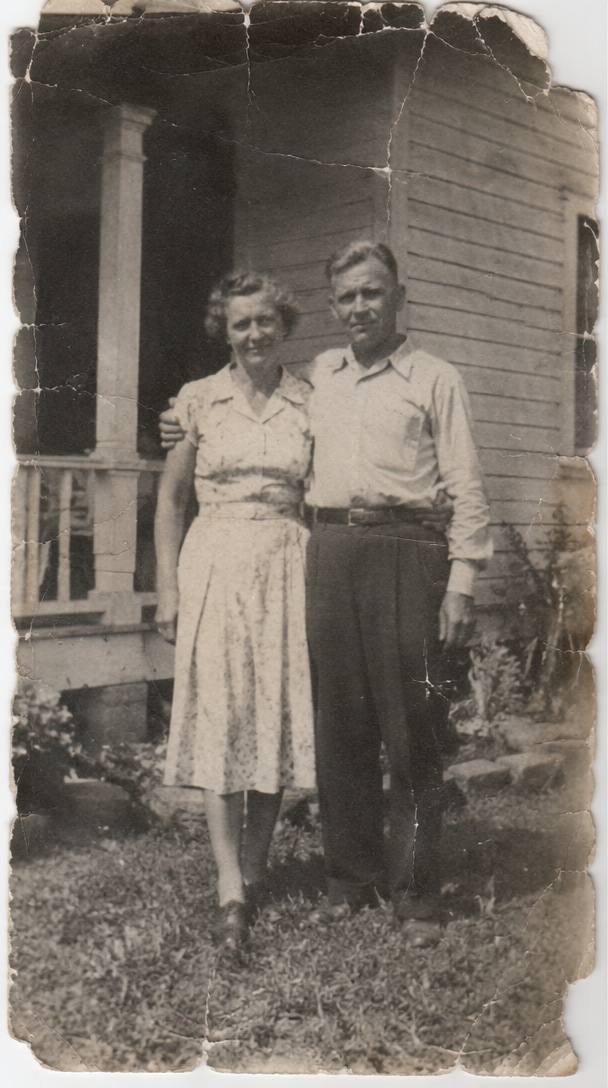
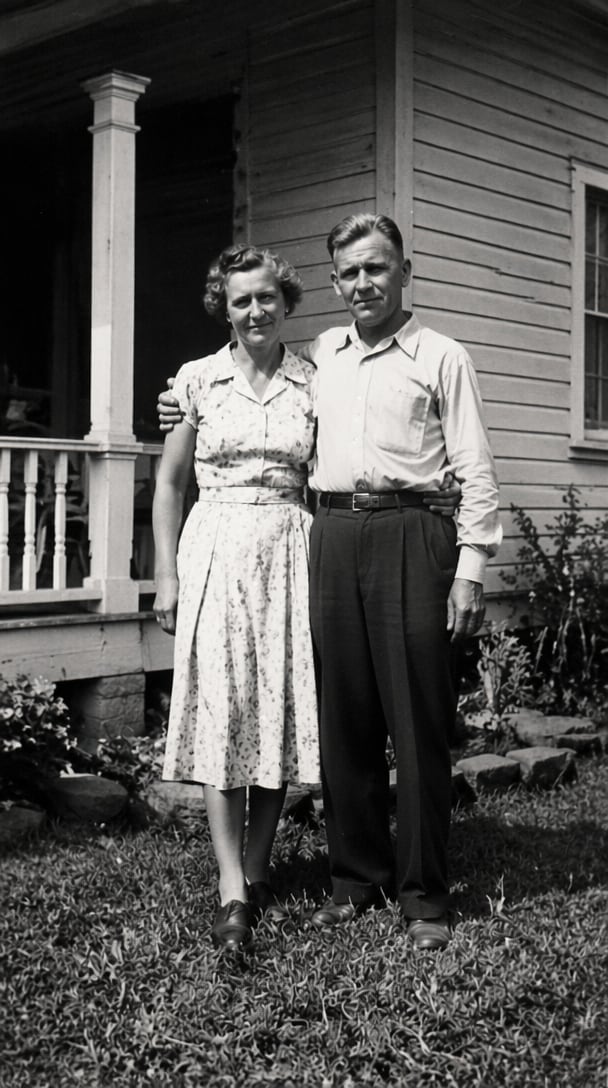
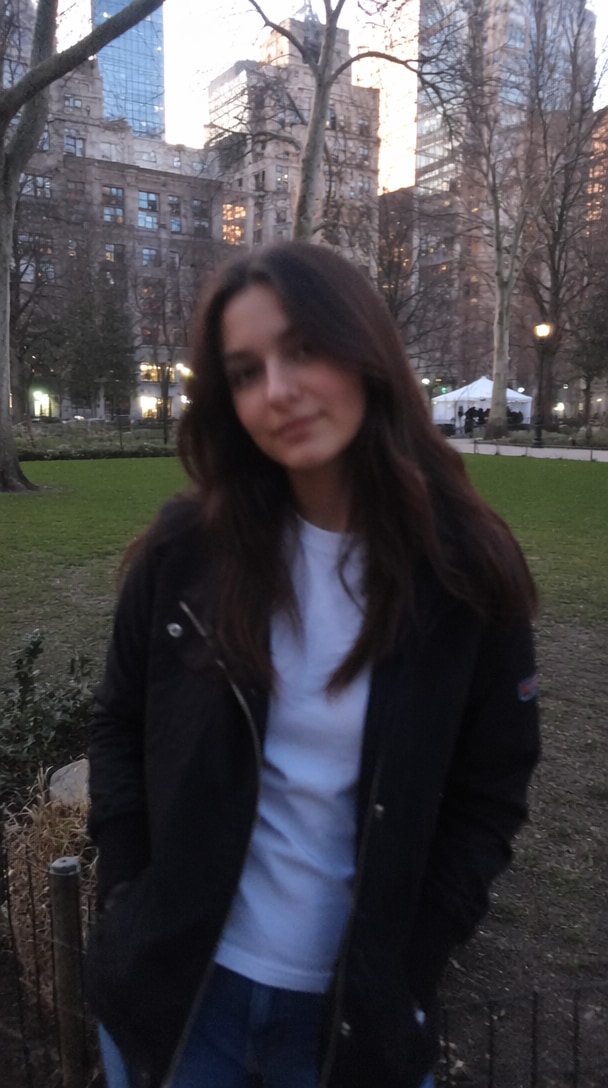
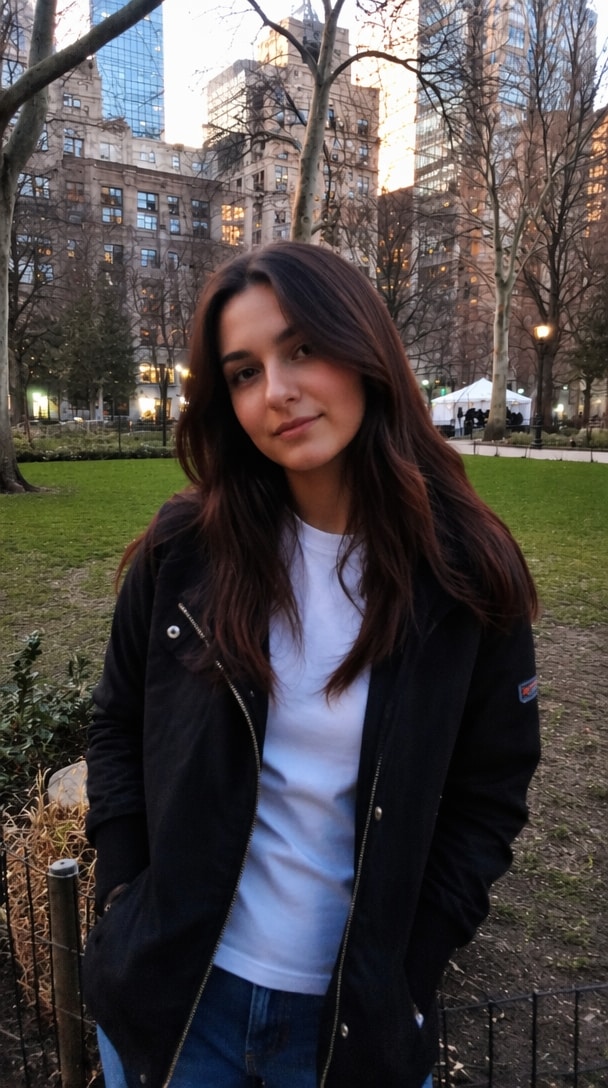
Damaged portrait before using an old photo restoration prompt Restored portrait after using an old photo to new photo AI prompt BeforeAfter

Portrait Face Recovery

Recover facial clarity, reduce blur, and preserve the original identity, age, expression, pose, and background.

Choose a RestorationSelect a preview to update the main before-and-after comparison.
BeforeDamaged portrait before AI restorationRestored portrait after old photo AI prompt

Portrait Face Recovery

Tap to compare face recovery.

BeforeScratched and faded family photo before restorationRestored family photo after AI repair

Scratch and Fade Repair

Tap to reveal repaired damage.

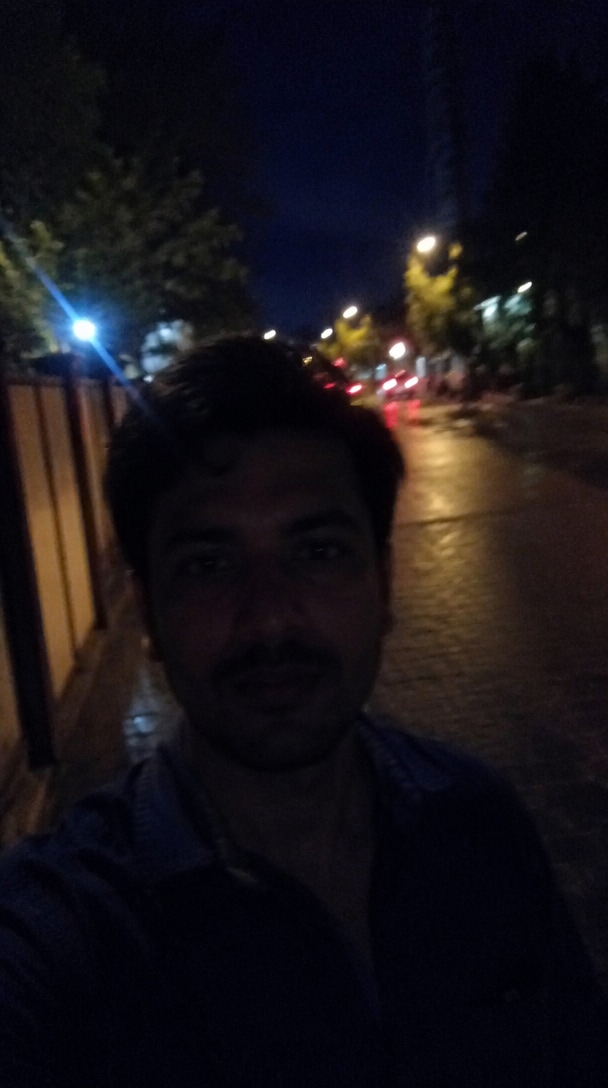
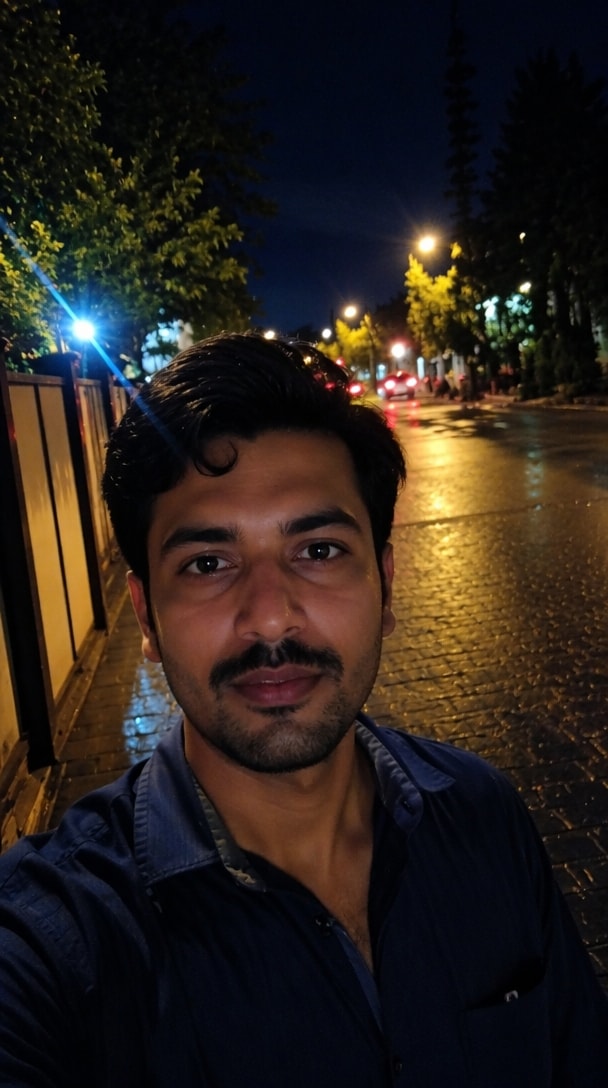
BeforeFaded color photo before AI restorationRevived color photo after AI restoration

Faded Color Revival

Tap to compare restored color.

BeforeDamaged old background before restorationReconstructed background after restoration prompt

Background Repair Recovery

Tap to reveal recovered scenery.

BeforeAged printed photo before cleanupClean restored printed photo

Print Cleanup Photo Cleanup

Tap to compare scan cleanup.

Interaction: drag the large slider, choose a restoration, or tap each card to toggle Before and After.

Why Restore Old Photos with Media.io

Turn prompt ideas from ChatGPT, Gemini, or Reddit into practical restorations. Media.io helps repair visible damage while keeping faces, clothing, composition, and historical character recognizable.

Repair Years of Visible Damage

Use an old photo restoration prompt to remove scratches, dust, stains, tears, grain, faded areas, and small missing details. AI handles multiple defects together, reducing the need for time-consuming manual retouching.

Use ChatGPT and Gemini Prompt Ideas

Paste a ChatGPT old photo prompt, refine a Gemini restoration instruction, or adapt a prompt shared on Reddit. Media.io gives you an online image workflow where those instructions can be tested and improved quickly.

Preserve Faces and Family Identity

Detailed prompts can tell AI to retain facial proportions, age, expression, hairstyle, clothing, and pose. This helps the restoration look like the same person instead of an unrelated modern portrait.

Restore, Colorize, and Upscale Online

After repairing damage, continue with color restoration, face enhancement, background cleanup, and higher-resolution output. The connected Media.io workflow is useful for family albums, genealogy projects, memorials, and archival sharing.

How to Use an Old Photo to New Photo Prompt

01

Step 1: Upload the Old Photo

Choose a scanned family portrait, faded wedding photo, torn print, blurry childhood picture, or black-and-white image. For better results, use the clearest scan available.

02

Step 2: Paste a Restoration Prompt

Copy an old photo to new photo prompt below. Describe the damage to repair and specify what must stay unchanged, including identity, age, expression, clothing, pose, composition, and historical style.

03

Step 3: Generate and Compare

Generate the restored version, compare it with the original, and refine the prompt if facial details or colors change too much. Download the result or continue enhancing it with Media.io.

Best Old Photo Restoration Prompts to Copy

Start with the prompt that matches your photo. Each old photo prompt can be used as a ChatGPT or Gemini prompt, then customized with the subject, time period, damage, and preferred output.

Complete Old Photo Restoration

Best for family portraits with scratches, dust, fading, grain, and minor tears.

Prompt: Restore this old photograph by removing scratches, dust, stains, cracks, grain, and faded areas. Repair damaged edges and reconstruct small missing details. Sharpen faces and clothing naturally while preserving the exact identity, age, expression, pose, original composition, and historical character. Produce a clean, realistic, high-resolution restoration.

Black-and-White Photo Colorization

Use this prompt to add natural color without losing the original period look.

Prompt: Colorize this vintage black-and-white photo with realistic, historically appropriate skin tones, hair, clothing, objects, and background colors. Preserve the original face, age, expression, lighting direction, composition, and film character. Avoid oversaturation, modern styling, plastic skin, or invented accessories.

Blurry Face and Detail Recovery

Improve soft faces while limiting unwanted identity changes.

Prompt: Enhance this blurry old portrait by recovering natural detail in the eyes, eyebrows, lips, hair, skin, and clothing. Reduce blur and noise while preserving the exact facial proportions, identity, age, expression, hairstyle, pose, and background. Do not beautify, reshape, de-age, or replace the person.

Torn and Missing Area Repair

Reconstruct ripped edges, missing corners, and damaged backgrounds.

Prompt: Reconstruct the torn and missing areas of this photograph using the visible image as reference. Repair ripped edges, cracks, folds, stains, and missing corners. Continue clothing, background, lighting, and textures consistently while preserving every visible person and the original composition.

Faded Color Photo Revival

Recover washed-out prints from older film cameras and albums.

Prompt: Revive this faded color photograph by restoring balanced contrast, accurate white balance, natural saturation, and fine texture. Remove yellowing, color casts, dust, and mild grain. Preserve the original people, clothing, environment, lighting mood, and nostalgic film appearance.

Print-Ready High-Resolution Restore

Prepare a restored memory for albums, frames, or family gifts.

Prompt: Create a print-ready restoration of this old photo. Repair visible damage, recover facial and fabric detail, improve tonal range, and upscale the image cleanly. Keep natural texture and subtle film grain. Preserve identity and historical authenticity; avoid over-sharpening, halos, artificial skin, or newly invented details.

Users Bring Old Memories Back with Media.io

Emily Carter
Emily Carter

Family History Blogger

starstarstarstarstar

“Grandma Looks Like Herself.” The prompt helped repair a badly scratched portrait while keeping my grandmother's expression and age natural. The restored version feels clearer, not artificially remade.

Michael Turner
Michael Turner

Genealogy Researcher

starstarstarstarstar

“Useful Prompt Starting Point.” I adapted the Gemini-style prompt for several archive scans. It removed dust and fading while preserving uniforms, backgrounds, and the period look I needed.

Sophia Lee
Sophia Lee

Photo Collector

starstarstarstarstar

“Faded Colors Came Back.” Media.io restored an old wedding print with better contrast and believable color. I liked that I could refine the wording instead of accepting a one-click result.

FAQs About Old Photo Restoration Prompts

1. What is the best old photo to new photo AI prompt free?

A strong old photo to new photo AI prompt names the visible damage, the restoration goal, and the details that must remain unchanged. Include scratches, dust, fading, tears, blur, grain, or missing areas as needed. Then request preservation of identity, age, expression, clothing, pose, composition, lighting, and historical character. This gives the model clearer boundaries and reduces unwanted redesigns.

Yes. ChatGPT can help you write or refine an old photo restoration prompt, while Media.io provides the image workflow for generating and comparing the restored result. Copy the prompt, customize it for the damage in your photo, and state clearly that the person's identity and original composition must be preserved. You can then adjust the wording if the first output changes too much.

The best prompt for old photo restoration in Gemini is specific rather than simply saying “make this photo new.” Describe each correction, such as removing scratches, repairing tears, restoring faded tones, sharpening faces, and reconstructing small missing details. Add constraints such as “preserve the exact identity, age, expression, clothing, pose, framing, and period style” and “avoid beautification, face replacement, modern accessories, or invented details.”

Reddit prompts can be useful starting points, but results vary with the image, model, and wording. Check whether a shared prompt explains what should remain unchanged, not only what should be enhanced. Avoid copying instructions that aggressively beautify, de-age, replace faces, or modernize clothing. Test the prompt on a duplicate file and compare the output carefully with the original photo.

AI can repair many scratches, tears, faded areas, and small missing regions, and it can add plausible color to black-and-white photos. However, heavily damaged or hidden details may be inferred rather than recovered exactly. To preserve faces, request the exact identity, facial proportions, age, expression, hairstyle, and pose to remain unchanged. Generate more than one version and verify important family or historical details before printing or archiving the result.

Media.io Online AI Tools Quality Rating:
vote 4.7 (162,357 Votes)