Create Trending Eye Close-ups
Recreate the eyes CapCut template new trend with a smooth transition from a full portrait to an extreme eye close-up. Highlight the iris, eyelashes, reflections, and expression while keeping the subject recognizable.
Create cinematic close-up portraits with intense gaze, emotional eyes, hair shadows, hand framing, black-and-white crops, and dramatic AI photo edits.

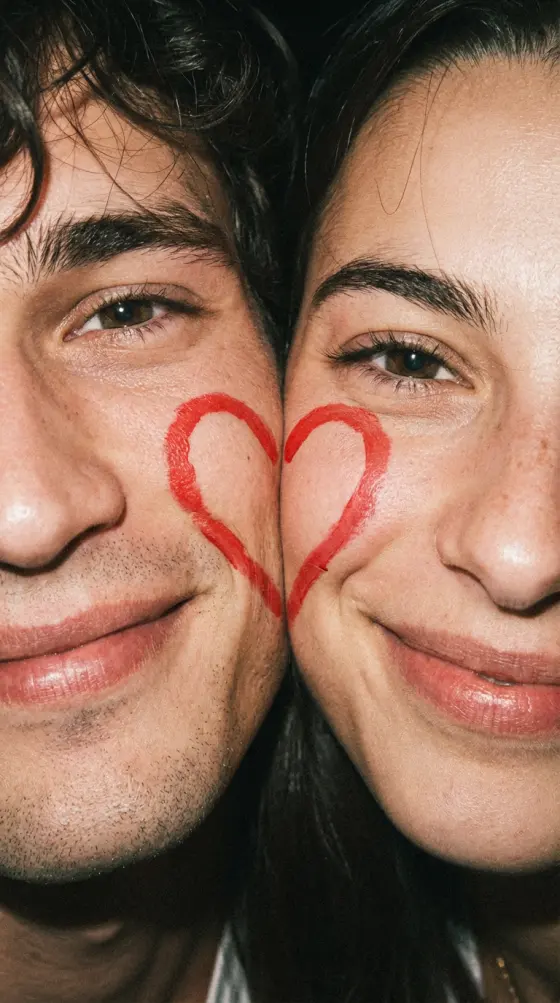
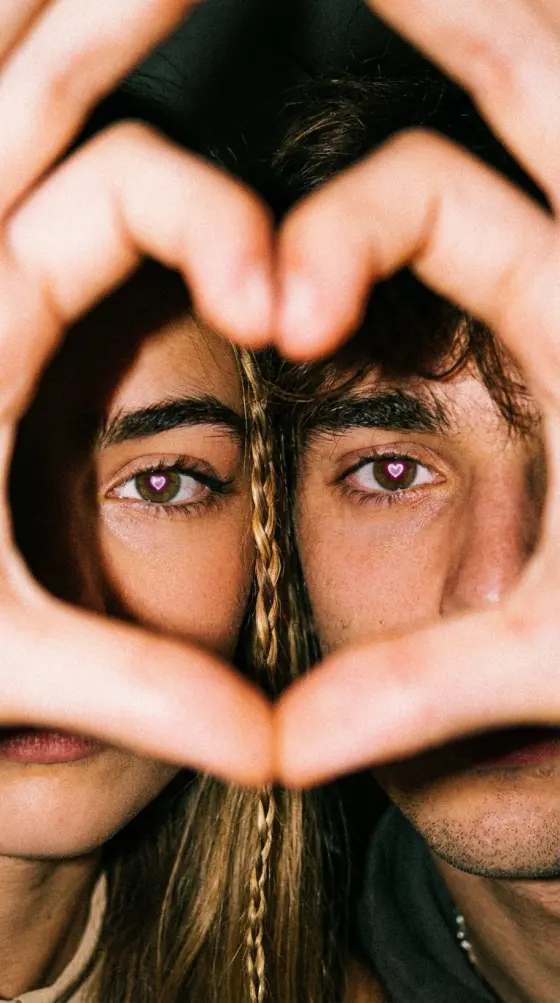

Turn a portrait into a trending Eye Close-up Capcut Template style video with AI. Recreate dramatic eye zooms, smooth slow motion, beat-synced transitions, blur, flash, and emotional close-ups for Reels, TikTok, and Shorts without manually building every edit.
Free credits on signup.
Recreate the eyes CapCut template new trend with a smooth transition from a full portrait to an extreme eye close-up. Highlight the iris, eyelashes, reflections, and expression while keeping the subject recognizable.
Build the cinematic pacing people expect from a CapCut template eyes slow motion. Combine gradual camera push-ins, natural blinking, speed ramps, motion blur, and slow-motion holds around the most expressive eye shot.
Create a romantic girl eyes CapCut template or an emotional sad eyes CapCut template using soft lighting, close framing, subtle tears or reflections, and restrained camera motion that keeps attention on the eyes.
Turn portraits into beat-ready eyes edit CapCut template visuals for Hindi songs, romantic tracks, or emotional audio. Time zooms, flashes, blur transitions, and eye contact moments around the strongest beat or lyric.
Choose a front-facing or side-profile photo with visible, well-lit eyes. Sharp eye detail gives AI a better reference for realistic iris texture, eyelashes, blinking, and close-up transitions.
Describe the edit you want: romantic eye zoom, sad eyes, Hindi-song beat edit, smooth slow motion, flash transition, or cinematic iris reflection. Add the camera direction and mood for more control.
Generate the eye close-up video, preview the zoom and facial consistency, and refine the prompt if needed. Export a vertical edit for TikTok, Instagram Reels, YouTube Shorts, status videos, or music edits.

Reels Creator

“The eye zoom feels smooth.” I used a simple portrait and created a full-face-to-eye transition with slow motion and a soft flash. It gave my romantic Reel the exact close-up moment I wanted.
Music Edit Creator
“Perfect for Hindi song edits.” The close-up transition worked really well with an emotional Hindi track. I could control when the camera moved into the eyes instead of relying on a fixed clip sequence.
Short-Form Editor
“Great detail in close-ups.” I liked being able to keep the original eye color while adding stronger reflections, a natural blink, and a cinematic push-in. The final vertical edit felt clean and expressive.
The eye close up CapCut template new trend is a portrait-editing style that moves from a normal face or body shot into a dramatic close-up of the eyes. The transition is often synchronized with a beat and enhanced with zoom, slow motion, blur, flash, or detailed iris reflections. Media.io lets you recreate this visual language with your own portrait and AI-generated motion.
Upload a sharp portrait with clearly visible eyes. Ask for a gradual camera push-in followed by an extreme eye close-up, a natural blink, and a brief slow-motion hold. You can also add a speed ramp before the close-up and subtle motion blur during the transition to reproduce the feel of a CapCut template eyes slow motion.
Yes. For a girl eyes CapCut template, try soft beauty lighting and a smooth romantic zoom. For a sad eyes CapCut template, use subdued lighting, restrained motion, reflective eyes, and an emotional expression. For searches such as CapCut template > eyes Hindi song, pair the visual with your chosen music during editing and align the main eye zoom with a lyric or beat.
For an I See Forever in Your Eyes CapCut template inspired edit, focus on romantic eye contact rather than copying a fixed template. Start with a recognizable portrait, slowly move toward the eyes, add soft catchlights or a subtle dreamy reflection, then hold the close-up around the emotional music moment. This creates a similar romantic eye-focused mood with your own visual.
Use a high-resolution portrait where at least one eye is sharp, unobstructed, and well lit. Front-facing portraits work well for symmetrical eye zooms, while side profiles are effective for a turn-and-look transition. Avoid heavy blur, sunglasses, closed eyes, or very small faces if you want detailed iris and eyelash results. A vertical composition also makes the final eyes edit CapCut template easier to publish on Reels, TikTok, and Shorts.
 4.7 (162,357 Votes)