Turn Ideas into Images
Describe a subject, scene, style, lighting, camera angle, and mood, then let AI turn the prompt into a complete image without starting from a stock photo or blank canvas.
Discover the latest AI photo prompts for ChatGPT, Gemini, Midjourney, Flux, and more. Explore 100+ trending AI image prompts, viral Instagram and TikTok photo ideas, cinematic portraits, couple edits, fantasy styles, anime, seasonal effects, and ready-to-use prompt templates - all in one place.

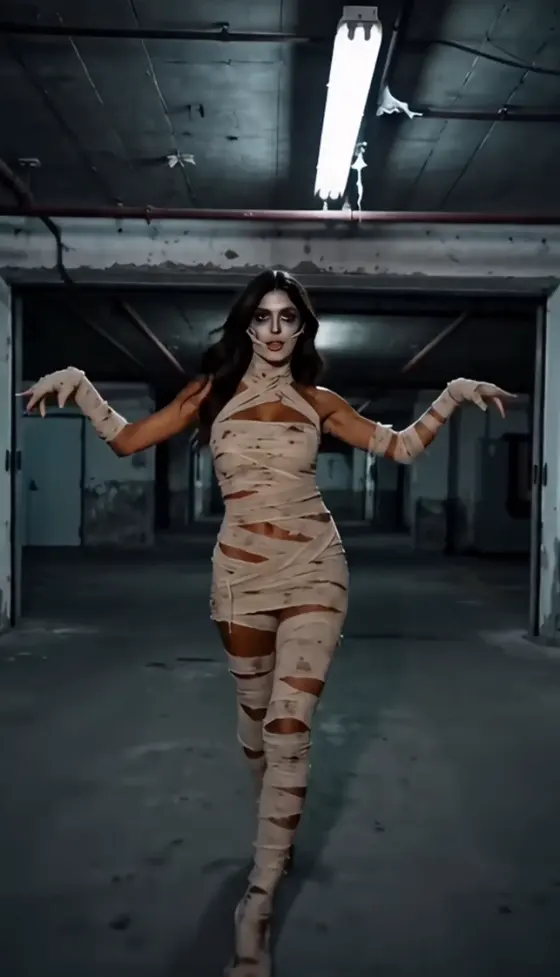







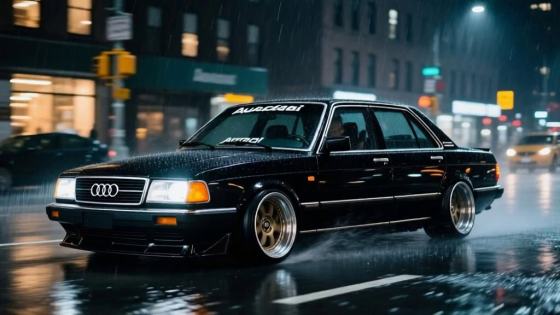





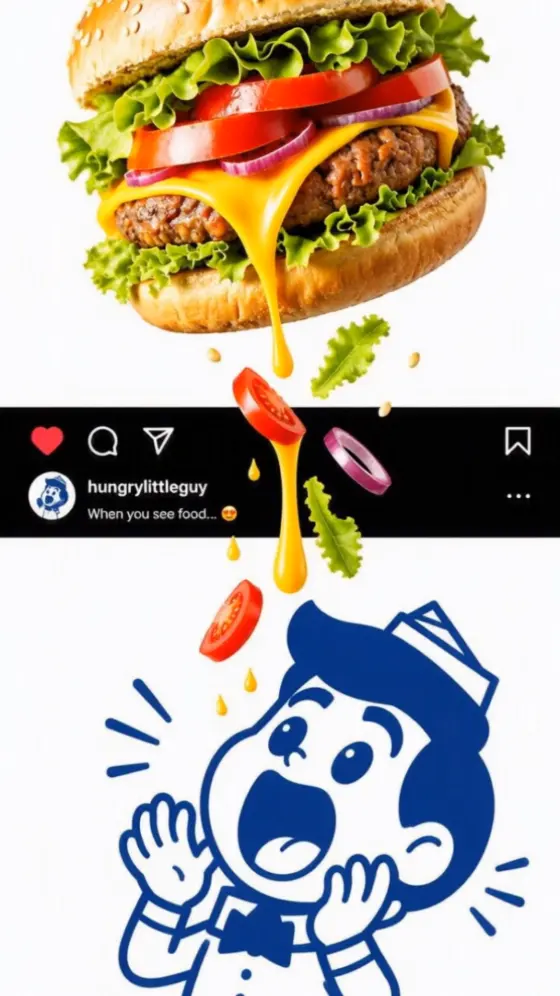

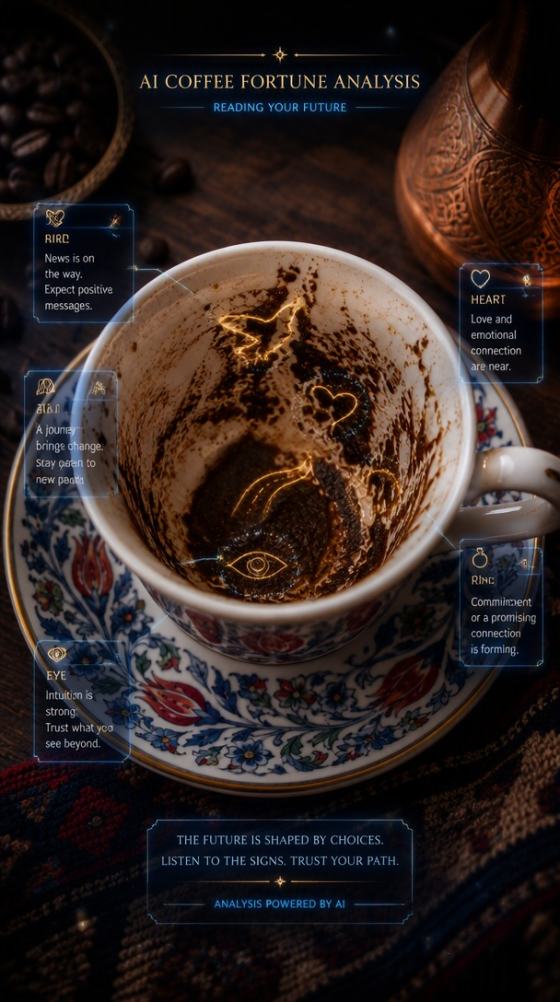













Turn a written idea into a realistic or stylized image with an AI photo generator from text. Create portraits, product photos, social visuals, posters, anime images, and photorealistic scenes from simple prompts with Media.io.
Free credits on signup.
Describe a subject, scene, style, lighting, camera angle, and mood, then let AI turn the prompt into a complete image without starting from a stock photo or blank canvas.
Generate realistic portraits, product scenes, social posts, posters, anime, fantasy artwork, cinematic stills, and marketing visuals from one text-to-image workflow.
Start simple, then improve the result by adding visual details such as lens type, composition, lighting, materials, color palette, depth of field, and realism level.
Create hero images, thumbnails, profile visuals, ecommerce scenes, campaign graphics, presentation artwork, blog images, and social creatives in different formats.
Describe the subject, environment, style, lighting, composition, and image format you want. You can start with one sentence and refine it later.
Generate a realistic photo, product shot, anime image, cinematic poster, social graphic, or another visual style that matches your idea.
Compare multiple results, improve the prompt for realism or composition, and export the image when the visual direction matches your goal.

Content Designer

“Fast concept generation.” I could turn a rough creative idea into several usable visual directions before deciding which one to develop.
E-commerce Marketer
“Useful for product concepts.” Adding materials, lighting, and camera details helped me create much more realistic mockup scenes.
Social Media Creator
“Easy to refine prompts.” Starting simple and adding more detail gave me much better images without needing advanced design skills.
An AI photo generator from text converts a written prompt into an image. The prompt can describe the subject, environment, photography style, camera angle, lighting, colors, materials, and composition you want the model to generate.
Yes. For more realistic output, describe the scene like a photograph: include natural skin texture, lens type, depth of field, lighting direction, realistic materials, camera position, and environmental details.
You can start generating with available Media.io signup credits. Credit usage and supported models can vary depending on the current generation settings.
A strong prompt usually includes the subject, action, setting, visual style, composition, lighting, camera or lens details, colors, mood, and desired level of realism. Add only details that support the same visual direction.
You can create portraits, product mockups, posters, social graphics, anime artwork, cinematic scenes, landscapes, fantasy concepts, thumbnails, blog visuals, and marketing images from text prompts.
 4.7 (162,357 Votes)