
Generador de dramas de viajes en el tiempo con IA: Convierte Scripts de viajes en el tiempo en videos con saltos en la Línea de tiempo
Las historias de viajes en el tiempo necesitan que la Línea de tiempo sea visible desde la primera escena. El Generador de dramas de viajes en el tiempo con IA convierte los saltos temporales, los momentos alternativos y los giros reveladores en videos conectados a partir de un Script o borrador de historia. Mantiene el arco de la Línea de tiempo legible a medida que la historia avanza desde el planteamiento hasta el desenlace.
Características destacadas del creador de videos de dramas de viajes en el tiempo con IA de Media.io
Media.io mantiene los saltos en la Línea de tiempo, la continuidad de escenas, la Música de fondo y los subtítulos opcionales, y el modo agente en un solo flujo de trabajo, con exportaciones de hasta 2 minutos en 4K.
Mantén los saltos en la Línea de tiempo fáciles de seguir
Usa la primera pasada para alinear el primer salto, la versión alternativa y la corrección para que el espectador pueda rastrear lo que cambió.
- Desglosa los saltos, los momentos alternativos y los cambios en la Línea de tiempo en un esquema legible
- Mantén el orden de los eventos claro de escena a escena
- Convierte el borrador en una ruta revisable antes de exportar
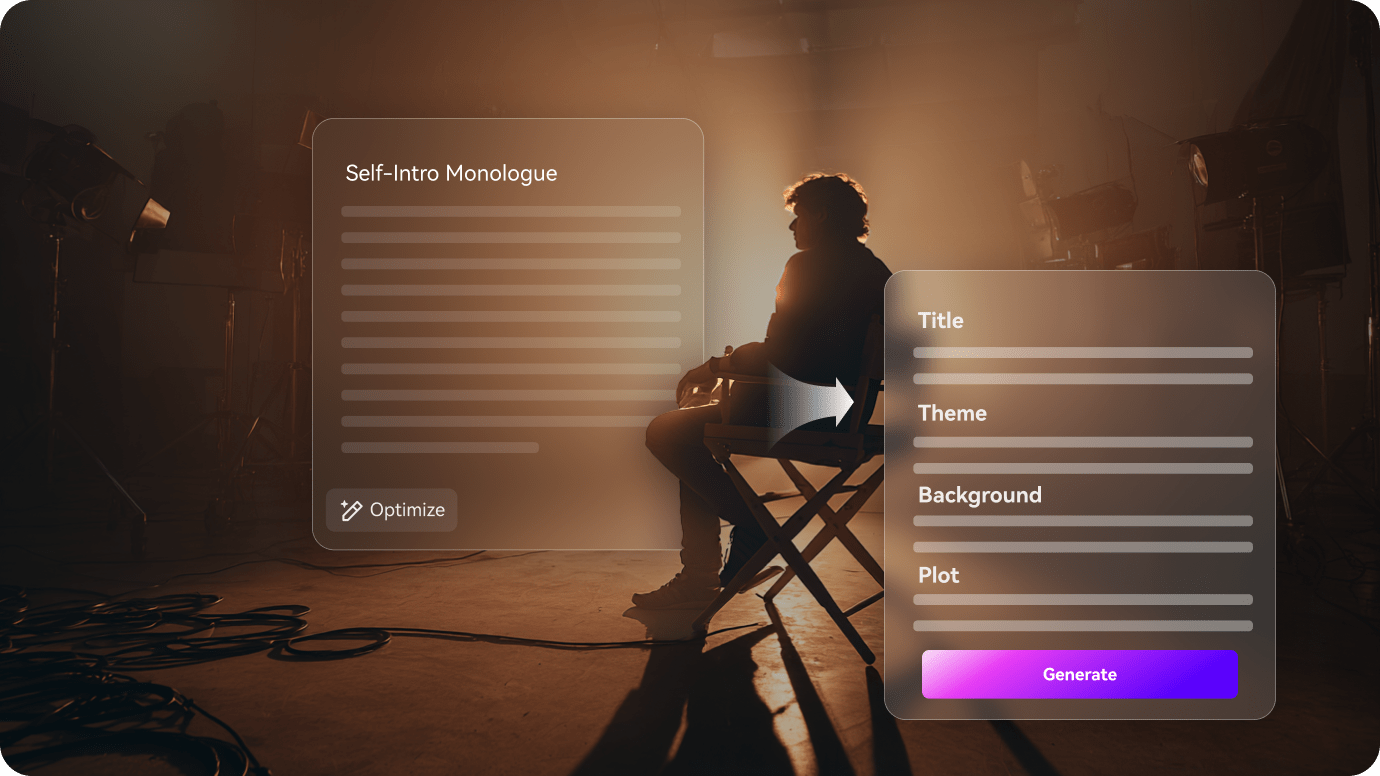
Mantén el elenco de viajes en el tiempo consistente en todas las escenas
Las historias de viajes en el tiempo dependen de que los protagonistas sean reconocibles en las escenas del pasado, presente y futuro. El elenco de viajes en el tiempo se mantiene estable mientras la Línea de tiempo avanza.
- Mantén a los protagonistas estables en las escenas del pasado, presente y futuro
- Haz que los roles recurrentes en la Línea de tiempo sean fáciles de seguir en cada toma
- Mantén la historia legible incluso cuando cambia la época

Refina los momentos clave del viaje en el tiempo antes de exportar
Antes de exportar, el esquema te da un lugar para ajustar el momento clave del viaje en el tiempo, suavizar el salto o evitar que el desenlace se sienta apresurado.
- Ajusta el salto, la revelación o el momento del Bucle temporal antes de que salga el corte final
- Revisa cualquier escena que se sienta demasiado amplia o demasiado apresurada
- Exporta un video de viajes en el tiempo que aún se sienta específico para la palabra clave
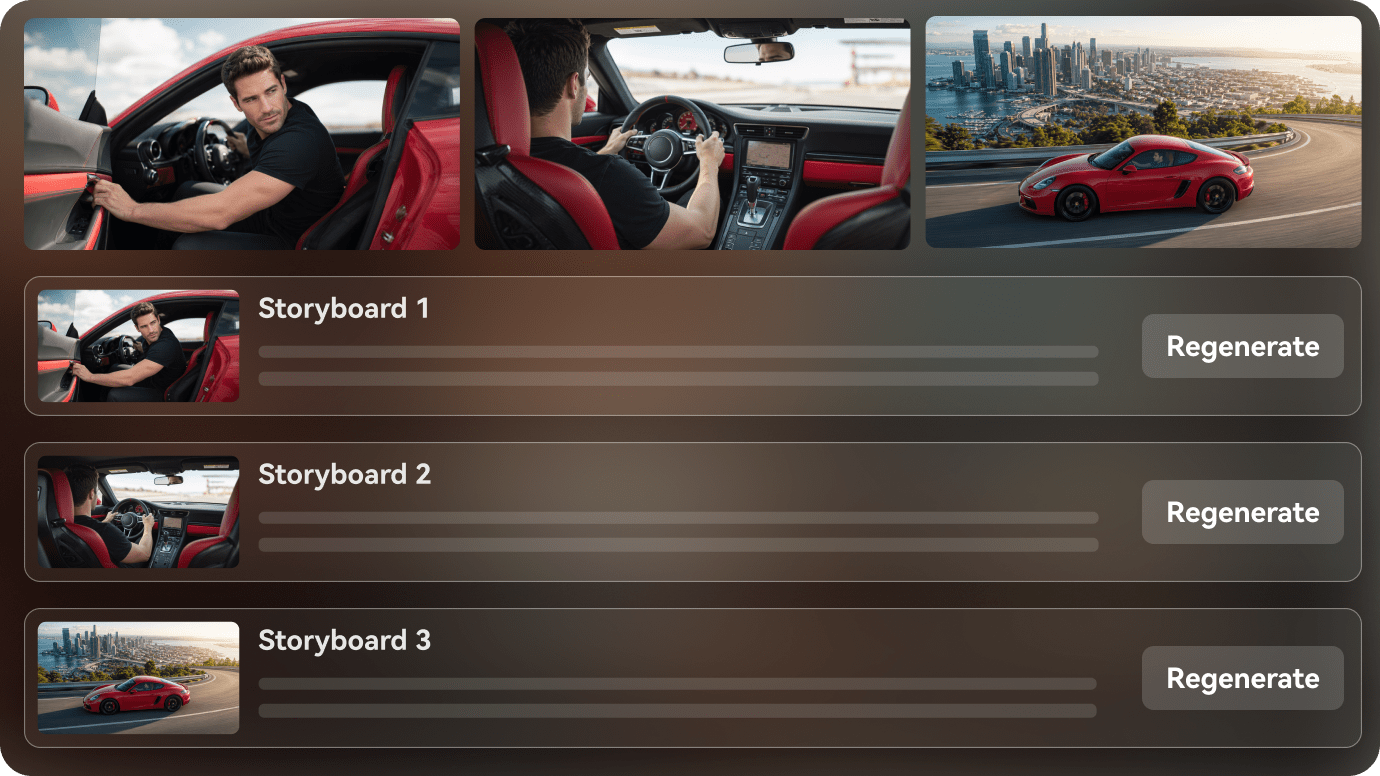
Cómo crear un video de drama de viajes en el tiempo en 3 pasos
Comienza con el primer salto, luego mantén las versiones de la historia y la cadena de causa y efecto en la misma secuencia antes de exportar.
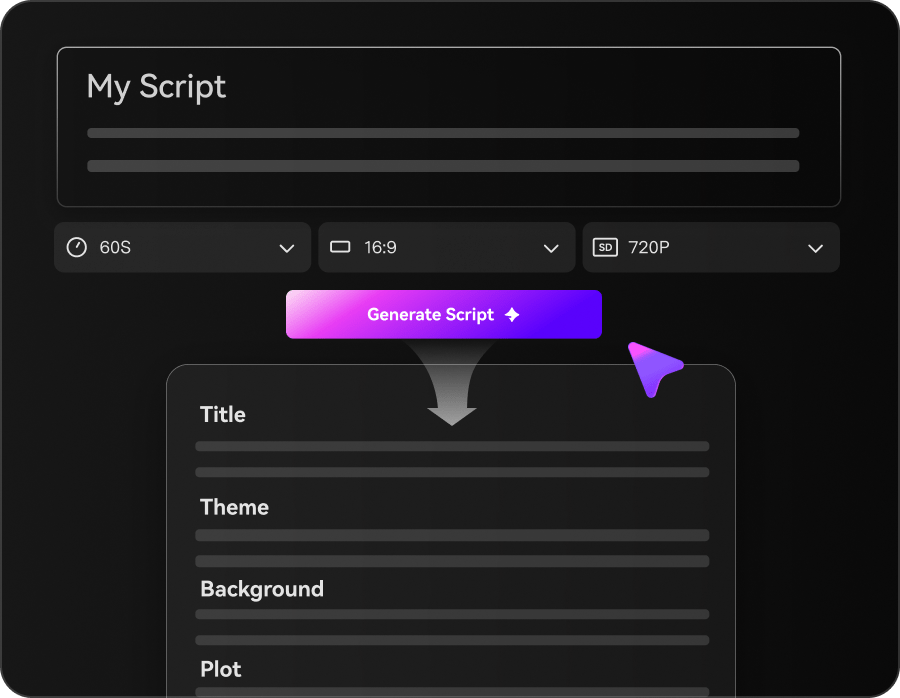
Ingresa un prompt o Script y elige un modo
Comienza con un prompt, narración, guion cinematográfico, historia u otro Script. Elige el Modo Agente para un flujo de trabajo de principio a fin más rápido, o el Modo Estructurado cuando quieras revisar la planificación de la historia antes de la generación.
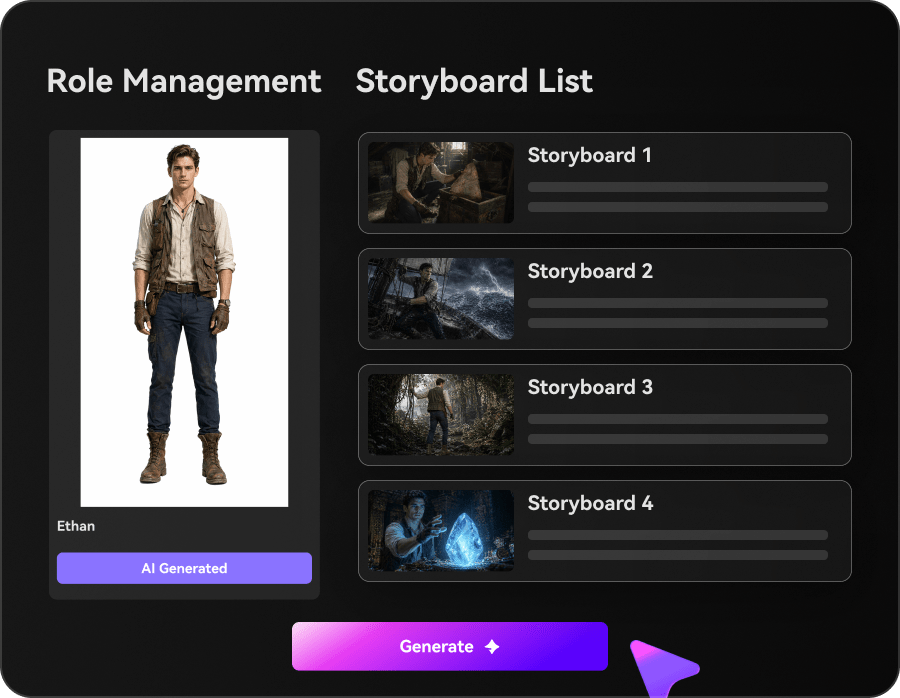
Configura personajes, estilo, Música y subtítulos
En el Modo Estructurado, revisa la estructura de la historia, configura los personajes y previsualiza el guion gráfico. Usa Realista o Anime como preajuste rápido o describe otro estilo. Elige si generar Música de fondo y subtítulos con el video.
Genera y exporta tu video con IA
Genera el video final con visuales de IA y voz en off, además de Música y subtítulos cuando estén habilitados. Crea videos de hasta 2 minutos de duración y exporta con una Resolución de hasta 4K.
Ideas de videos de dramas de viajes en el tiempo que puedes crear
Estas escenas se centran en lo que cambió, lo que se repitió y cómo el siguiente salto cambia el significado del anterior.
Salto temporal
Una escena que traslada la historia a un momento diferente.
Historia
Camino alternativo
Una versión de la historia donde una elección lo cambia todo.
Historia
Problema de Bucle
Un momento que sigue repitiéndose hasta que el protagonista encuentra una solución.
Historia
Advertencia del pasado
Un momento que cobra más importancia una vez que la Línea de tiempo cambia.
Historia
Consecuencia futura
Una revelación que muestra lo que el salto realmente cambió.
Historia
Corrección de la Línea de tiempo
Un momento final que restaura el orden o lo rompe a propósito.
Historia
Cómo diferentes creadores usan Guiones con IA a video
Desde creadores de tramas temporales y canales de lore hasta guionistas y novelistas, estos ejemplos muestran cómo un arco de viajes en el tiempo mantiene cada salto comprensible.


"Puedo pasar de un Script de viajes en el tiempo a un borrador visual mucho más rápido y mantener la Línea de tiempo clara."

"Me ayuda a organizar la narración, los momentos de salto y el ritmo de las revelaciones en un solo flujo de trabajo."

"Puedo mostrar el tono y la estructura de la Línea de tiempo de la historia sin reconstruir el borrador."

"Puedo convertir un capítulo en una vista previa rápida y mantener el momento del salto temporal legible."

"Puedo pegar texto largo, revisar el esquema y dar forma a un video con un arco de Línea de tiempo más sólido."

"Convierte Scripts de viajes en el tiempo en videos visuales que son más fáciles de compartir con un equipo."
Lo que debes saber antes de crear un video de drama de viajes en el tiempo
Estas respuestas cubren el ritmo del drama de viajes en el tiempo, la continuidad de personajes y los pasos de revisión de escenas que más importan en este tipo de historia.
¿Cómo mantengo cada salto en la Línea de tiempo comprensible?
Mantén el salto, la versión alternativa y la cadena de causa y efecto en el mismo orden para que la Línea de tiempo siga siendo legible.
¿Puedo empezar desde un Script de viajes en el tiempo o un esquema de Línea de tiempo?
Sí. Un borrador o esquema funciona bien porque el flujo de trabajo puede mapear la secuencia de saltos antes de exportar.
¿Pueden las escenas del pasado, presente y alternativas mantenerse diferenciadas?
Sí. El flujo de trabajo mantiene las versiones de la historia legibles a medida que la Línea de tiempo cambia.
¿Qué historias de viajes en el tiempo funcionan mejor?
Las historias construidas alrededor de saltos, Bucles y un punto de inflexión visible suelen funcionar bien.
¿Puedo convertir el mismo arco de Línea de tiempo en clips cortos?
Sí. Puedes recortar la historia de distorsión temporal en clips cortos o videos estilo resumen.
¿Qué pasa si el salto o el reinicio necesita más espacio?
Puedes revisar el momento débil antes de exportar para que el cambio se perciba con más claridad.
Explora ideas y casos de uso de Script a video
Estos temas relacionados ramifican la Línea de tiempo en escenas de salto, Bucle y reinicio sin aplanar la lógica.

Convierte tu Script de viajes en el tiempo en un video con IA en un solo flujo de trabajo
Pega un Script de viajes en el tiempo, un esquema de Línea de tiempo o un borrador de saltos. Media.io te ayuda a mantener la Línea de tiempo legible, configurar los personajes, previsualizar el guion gráfico y generar un video de viajes en el tiempo listo para ver a partir de tu idea escrita. También puedes activar la Música de fondo y los subtítulos, o usar el modo agente para una ejecución en un solo paso. Las exportaciones pueden llegar hasta 2 minutos en 4K.