
Generador de videos de drama matrimonial con IA: Convierte Scripts matrimoniales en videos románticos
Las historias románticas necesitan que el giro emocional sea visible desde la primera escena. El Generador de videos de drama matrimonial con IA convierte la tensión matrimonial, la química y los momentos de revelación en videos conectados a partir de un Script o borrador de historia. Mantiene el arco narrativo legible a medida que la historia avanza desde el planteamiento hasta el desenlace.
Todo lo que necesitas en un creador de videos de historias matrimoniales con IA
Cuando una historia matrimonial necesita estructura en lugar de romance genérico, esta configuración mantiene el arco del hogar claro desde el borrador hasta la exportación final.
Mapea la presión matrimonial antes de que cambie el giro
La primera pasada convierte el Script en un mapa de presión, para que las escenas del hogar, las expectativas familiares y las dudas privadas se mantengan en orden.
- Muestra los votos, la tensión del hogar y la presión alrededor de la pareja
- Mantén las apuestas de la relación y del hogar visibles en secuencia
- Convierte la historia en un esquema claro en lugar de un arco doméstico amplio
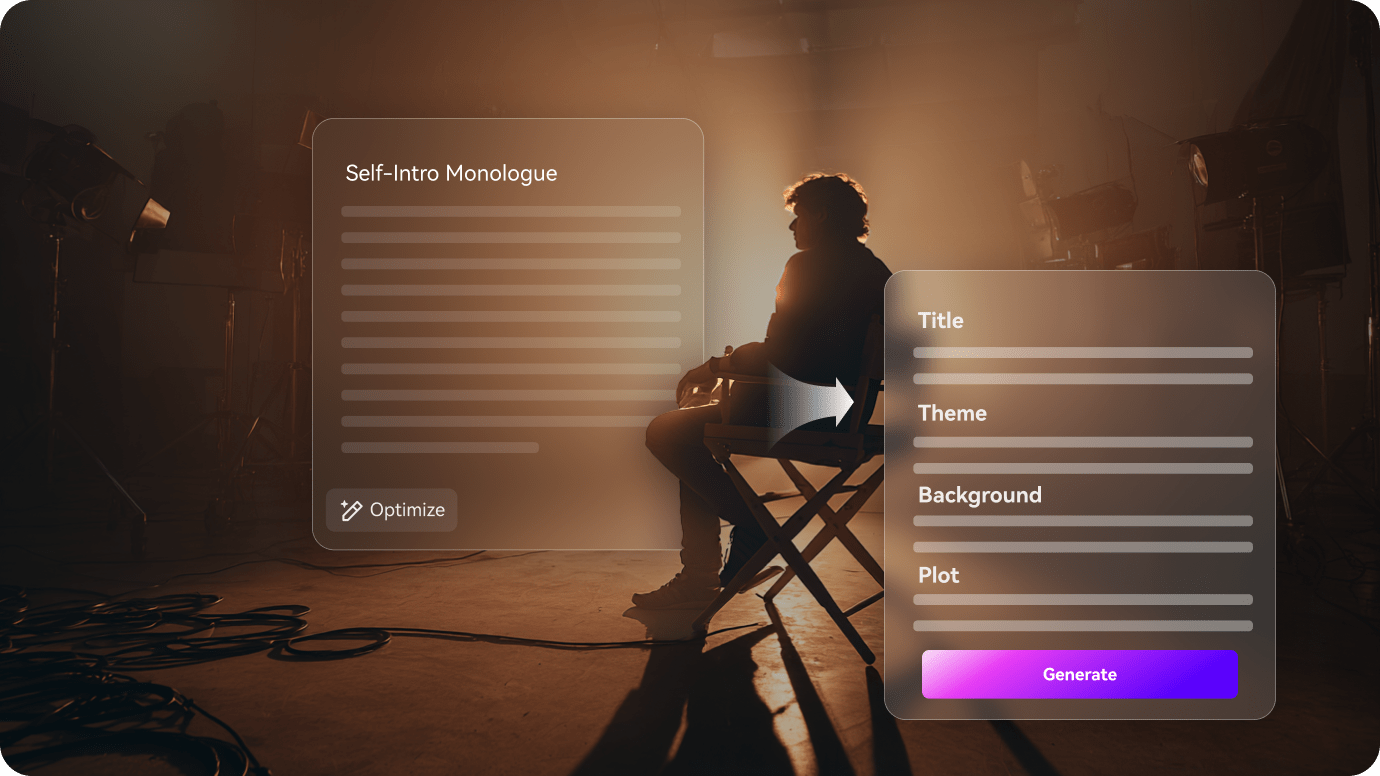
Mantén a la pareja casada y al elenco del hogar claros
Las historias matrimoniales funcionan mejor cuando la pareja y la presión familiar permanecen visibles juntas a medida que cambia el tono.
- Mantén a los protagonistas, familiares y roles de apoyo cercanos estables entre escenas
- Haz que el conflicto del hogar sea fácil de seguir a medida que la historia avanza
- Mantén el cambio emocional legible de escena a escena

Refina el momento de reparación o ruptura antes de exportar
Antes de exportar, el esquema te da un lugar para afinar el momento de reparación o ruptura para que el final se sienta merecido.
- Ajusta el momento de discusión o reparación si se siente demasiado amplio
- Deja que la decisión emocional aterrice antes de que salga el corte final
- Exporta un video matrimonial que aún se sienta anclado al arco del hogar
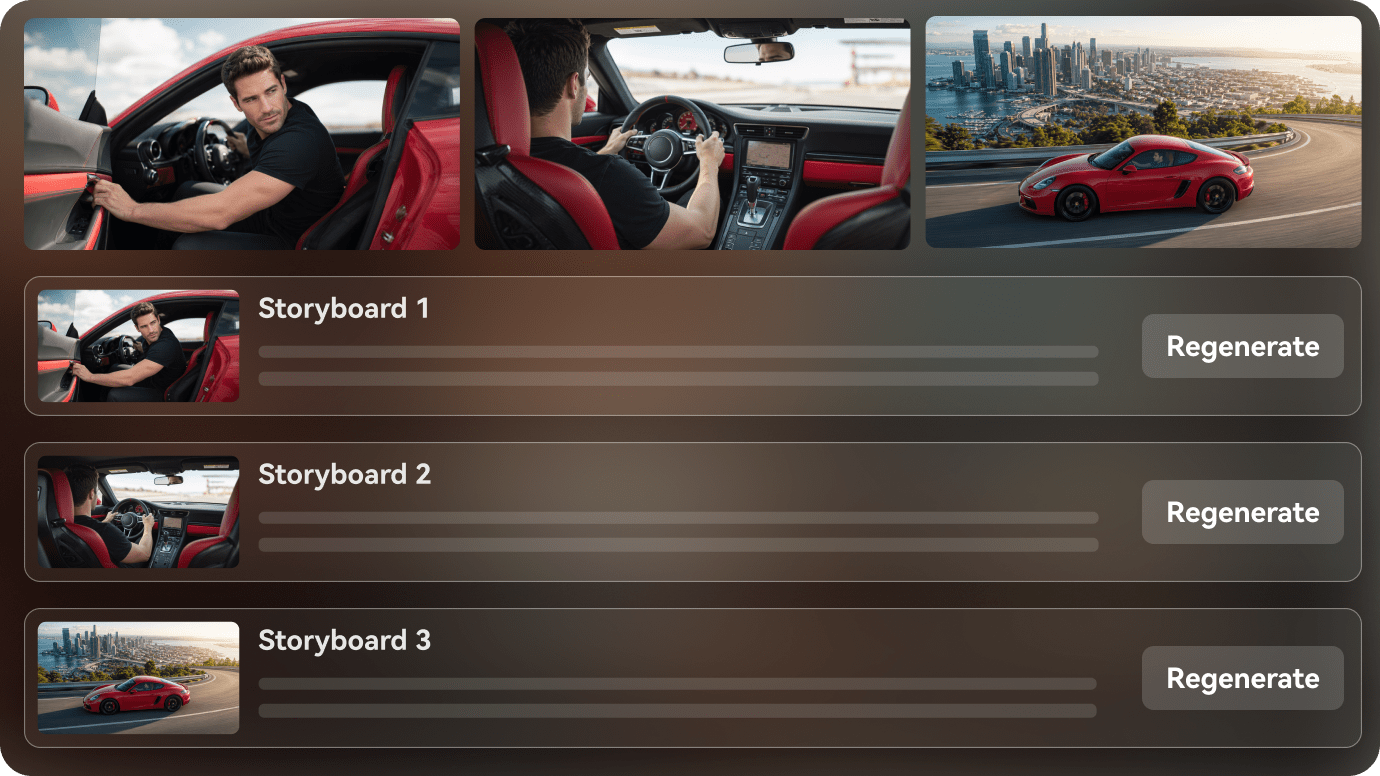
Cómo crear un video de drama matrimonial en 3 pasos
Comienza con el Script, luego mantén a la pareja, los momentos de revelación y el orden de escenas alineados antes de exportar.
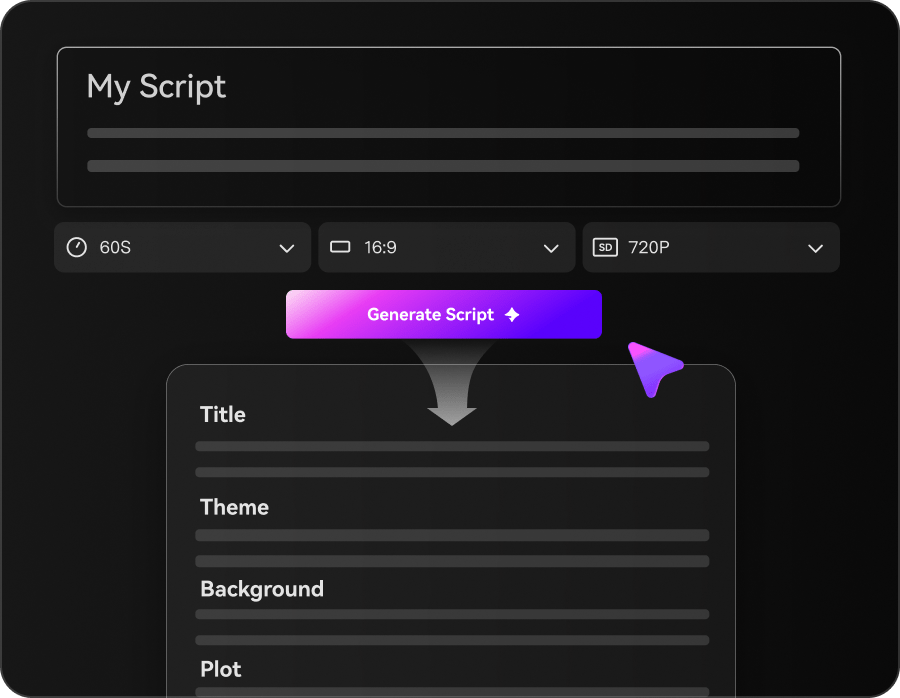
Ingresa un prompt o Script y elige un modo
Comienza con un prompt, narración, guion cinematográfico, historia u otro Script. Elige el Modo Agente para un flujo de trabajo de principio a fin más rápido, o el Modo Estructurado cuando quieras revisar la planificación de la historia antes de la generación.
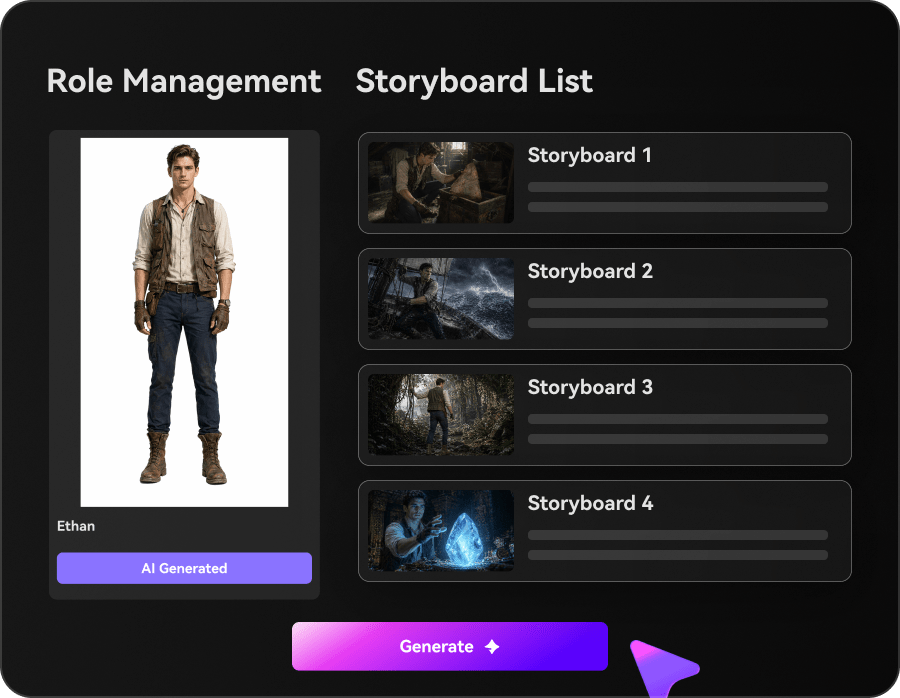
Configura personajes, estilo, Música y subtítulos
En el Modo Estructurado, revisa la estructura de la historia, configura los personajes y previsualiza el guion gráfico. Usa Realista o Anime como preset rápido o describe otro estilo. Elige si generar Música de fondo y subtítulos con el video.
Genera y exporta tu video con IA
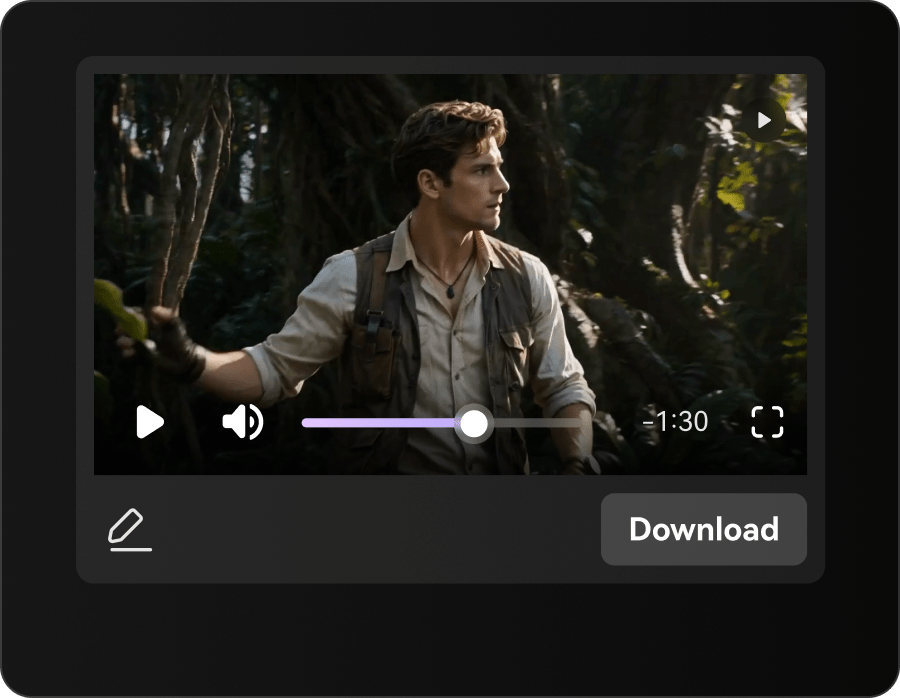
Genera el video final con visuales de IA y voz en off, además de Música y subtítulos cuando estén habilitados. Crea videos de hasta 2 minutos de duración y exporta con una Resolución de hasta 4K.
Ideas de videos de drama matrimonial que puedes crear
Estas ideas de historias se centran en la vida matrimonial, la presión familiar y la pregunta de si la relación se está rompiendo o reparando.
Promesa de papel
Un momento romántico construido alrededor de un acuerdo, una expectativa o un secreto silencioso.
Romance
Sentimiento oculto
Una escena donde la emoción es visible incluso antes de que alguien lo diga en voz alta.
Romance
Presión familiar
Una fuerza externa recurrente empuja a la pareja hacia una decisión.
Romance
Conversación privada
Una escena más suave que deja que la relación realmente respire.
Romance
Momento de reencuentro
Un momento donde los personajes vuelven a la órbita del otro.
Romance
Elección final
La escena de cierre decide hacia dónde va la relación a continuación.
Romance
Cómo diferentes creadores usan Guiones con IA para crear videos
Desde escritores de dramas matrimoniales y canales familiares sin rostro hasta guionistas, novelistas y equipos editoriales, descubre cómo los Guiones con IA para video pueden mantener al día la vida matrimonial, la presión familiar y los sentimientos privados.


"Puedo mantener la presión matrimonial, las expectativas familiares y las dudas privadas en el mismo borrador."

"Me ayuda a organizar las escenas del hogar, los votos y el cambio de tono en un solo flujo de trabajo."

"Puedo mostrar el cambio del compromiso al conflicto sin aplanar la relación."

"Puedo convertir un capítulo en una vista previa rápida del matrimonio y mantener el arco del hogar legible."

"Puedo pegar texto largo, revisar el esquema y dar forma a un video que mantiene la historia matrimonial con los pies en la tierra."

"Convierte Scripts matrimoniales en videos visuales que son más fáciles de compartir con un equipo."
Lo que debes saber antes de crear un video de drama matrimonial
Estas respuestas cubren la presión matrimonial, las expectativas familiares y el momento de reparación o ruptura que importan en las historias matrimoniales.
¿Qué es un Generador de drama matrimonial con IA?
Convierte Scripts matrimoniales en videos románticos conectados con el arco de la relación, el ritmo de las revelaciones y el orden de escenas mantenidos de forma legible.
¿Puedo empezar desde un Script matrimonial?
Sí. Un esquema romántico temático o un borrador de historia de amor es un excelente punto de partida para el flujo de trabajo.
¿Puede la misma pareja mantenerse consistente entre escenas?
Sí. El flujo de trabajo mantiene los roles recurrentes de la relación legibles a medida que la historia avanza.
¿Qué historias matrimoniales funcionan mejor?
Las historias con un giro emocional claro, personajes recurrentes y una revelación visible suelen funcionar mejor.
¿Puedo usarlo para videos de formato corto?
Sí. Se puede adaptar para clips cortos, formatos de resumen o videos románticos episódicos.
¿Ayuda con escenas con mucho diálogo?
Sí. Ayuda a mantener la conversación, la revelación y los momentos de desenlace en orden.
¿Qué pasa si una escena necesita Edición?
Puedes revisar el esquema antes de exportar si el ritmo necesita más espacio.
Explora ideas y casos de uso de Script a video
Estos temas se diversifican en Rama hacia otros enfoques matrimoniales y del hogar que mantienen visible la presión del compromiso.

Convierte tu Script matrimonial en un video con IA en un solo flujo de trabajo
Pega tu Script matrimonial, borrador de historia o esquema. Media.io ayuda a estructurar la presión matrimonial, configurar personajes, previsualizar el guion gráfico y generar un video romántico listo para ver a partir de tu idea escrita. También puedes activar la Música de fondo y los subtítulos, o usar el modo agente para una ejecución en un solo paso. Las exportaciones pueden alcanzar hasta 2 minutos en 4K.