Tus creaciones solo se guardan durante 7 días. Los recursos creados después de actualizar a Membresía se almacenarán de forma permanente.
¡Desbloquea tu potencial creativo y experimenta la magia de Media AI ahora mismo!
Filtro de cámara térmica para fotos con estilos rápidos de mapa de calor con IA
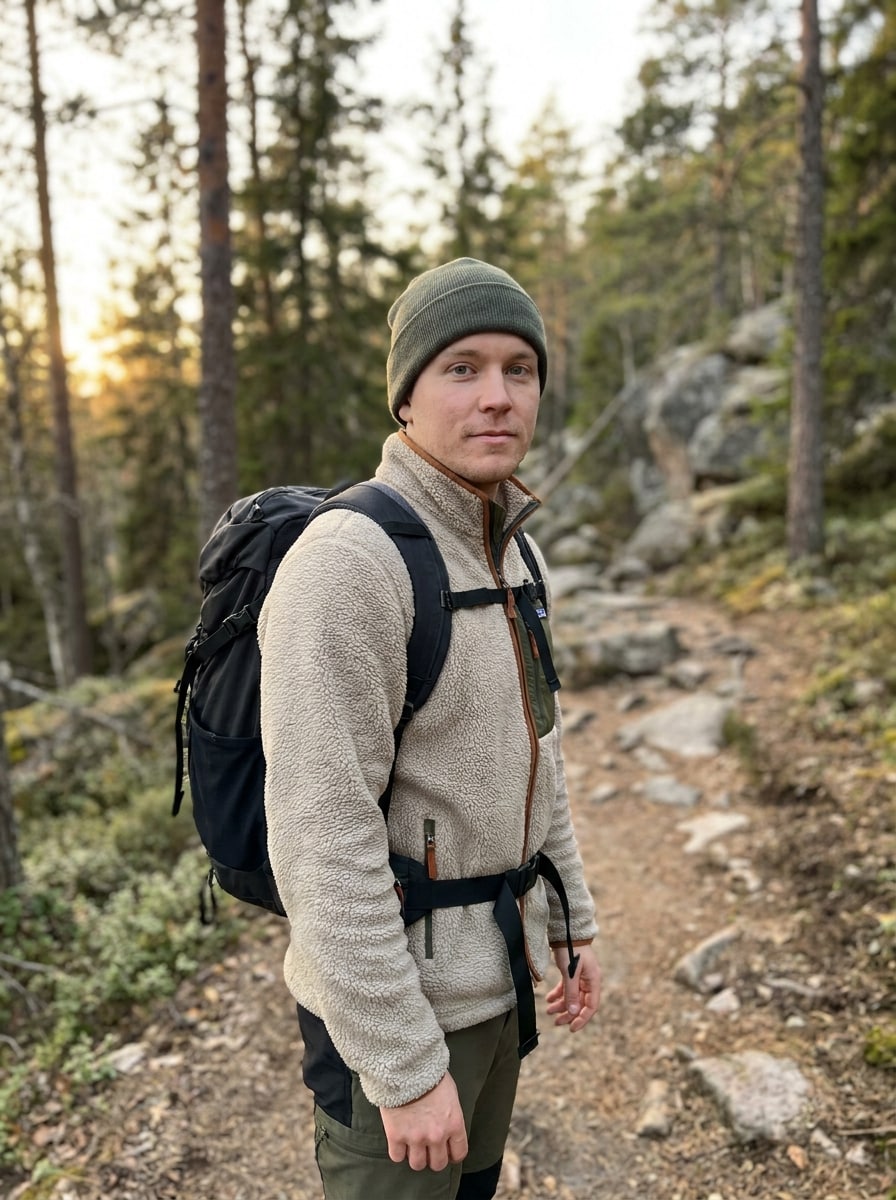
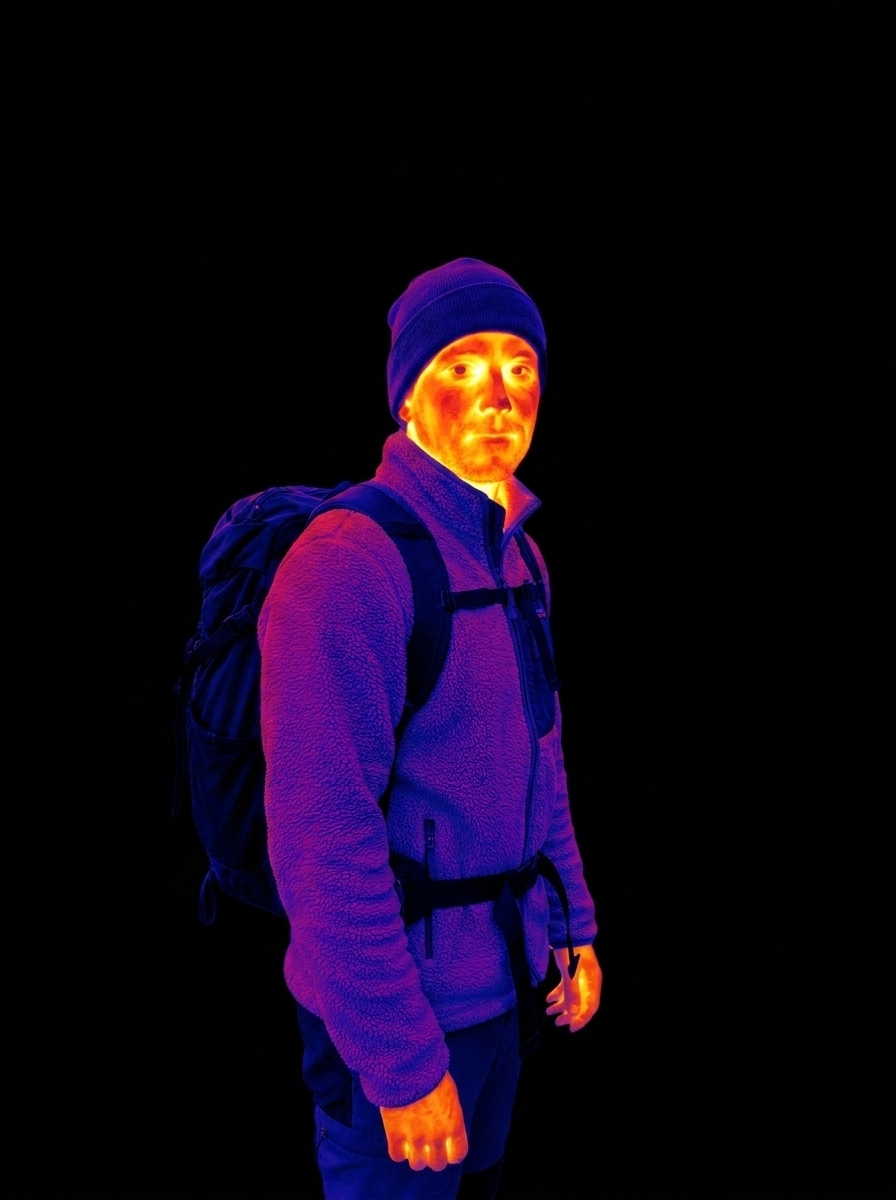
Convierte cualquier foto en un espectacular aspecto de filtro de cámara térmica directamente en tu navegador. Sube un retrato, mascota, foto callejera o escena nocturna para crear un efecto de cámara térmica, efecto de imagen térmica o un estilo audaz de filtro de visión de calor con vívidos degradados de falso color en segundos.
Escribe tu idea -> La IA la diseña. Pruébalo gratis.
Revisa estas indicaciones de ejemplo y luego personaliza los detalles para obtener mejores resultados con el filtro de cámara térmica de Media.io, incluyendo estilos más elaborados con un flujo de trabajo de filtro de cámara térmica con IA.
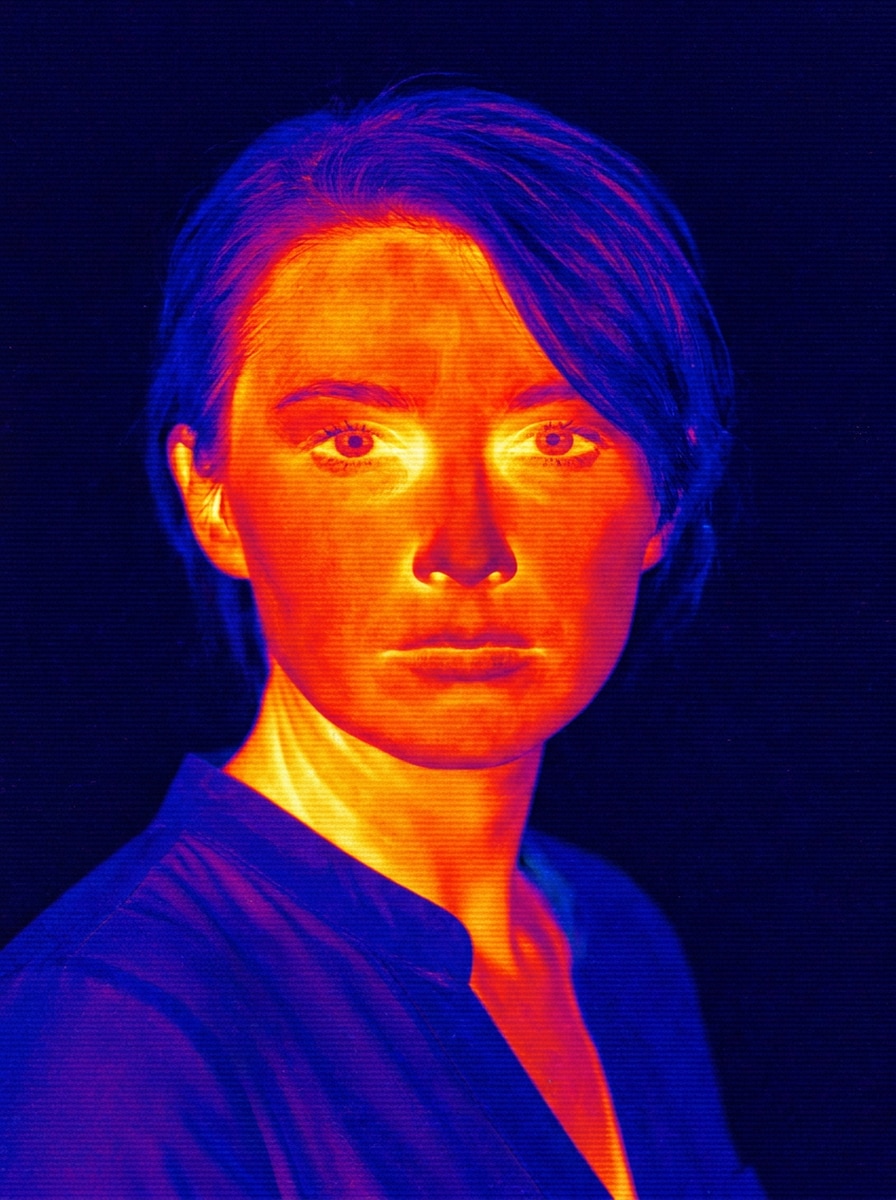
Retrato de termograma clásico
Usa la imagen cargada como sujeto y transfórmala en un retrato clásico de termograma con contornos faciales realistas, zonas de calor intensas en el rostro y el cuello, reflejos vívidos en amarillo-naranja-rojo que se desvanecen en sombras azules y púrpuras, un fondo negro limpio, contraste nítido y un realismo pulido de escaneo infrarrojo.
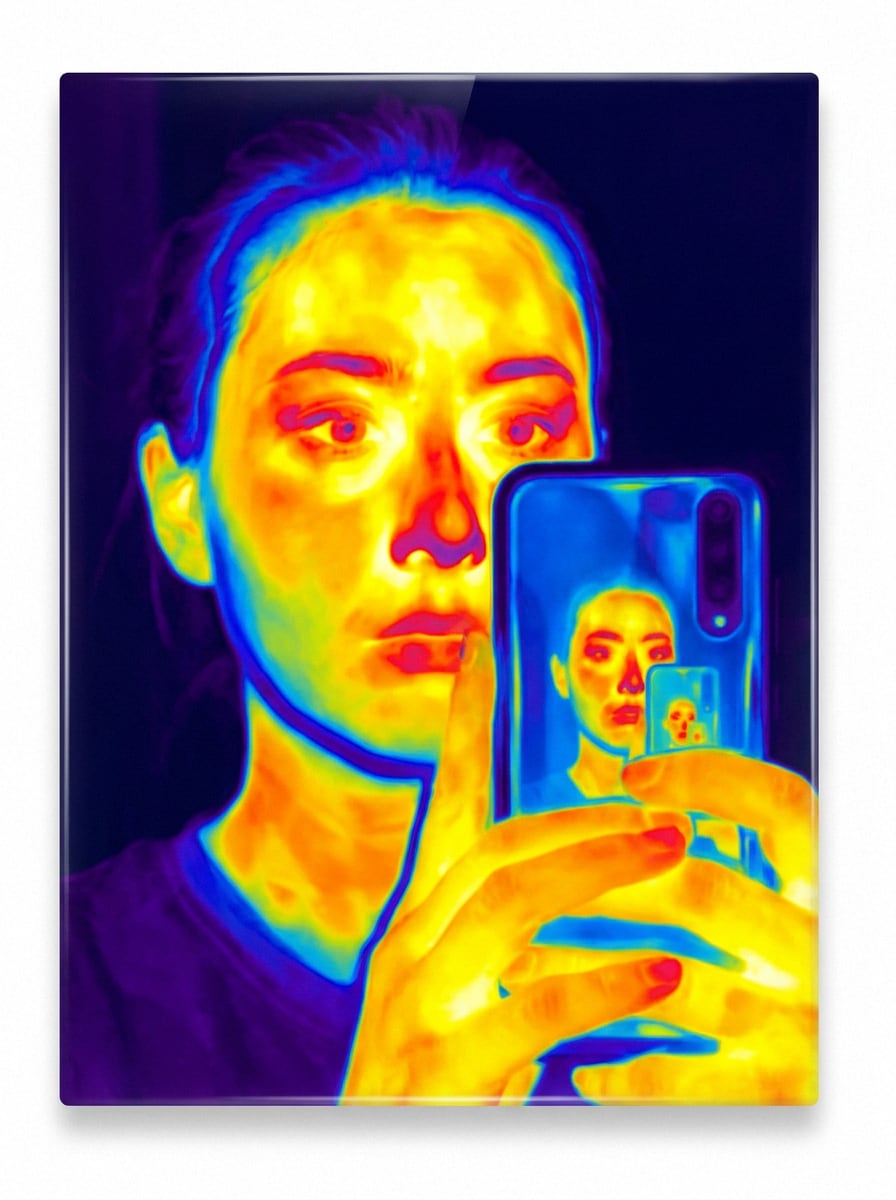
Brillo de selfie infrarrojo
Usa el selfie cargado como sujeto y rediseñalo como un retrato de visión térmica infrarroja con puntos calientes faciales brillantes en amarillo y naranja, transiciones de bordes en magenta y púrpura, contornos de piel suaves, contraste dramático, espacio negativo oscuro y un brillo de ciencia ficción moderno listo para redes sociales.
Visión térmica cyberpunk
Usa la imagen subida como base y aplica un efecto de visión térmica cyberpunk futurista con degradados de calor en cian neón, azul eléctrico, rosa intenso, naranja y rojo, bordes brillantes del sujeto, contraste cinematográfico, una sutil neblina urbana y un ambiente de vigilancia de ciencia ficción de alta energía.
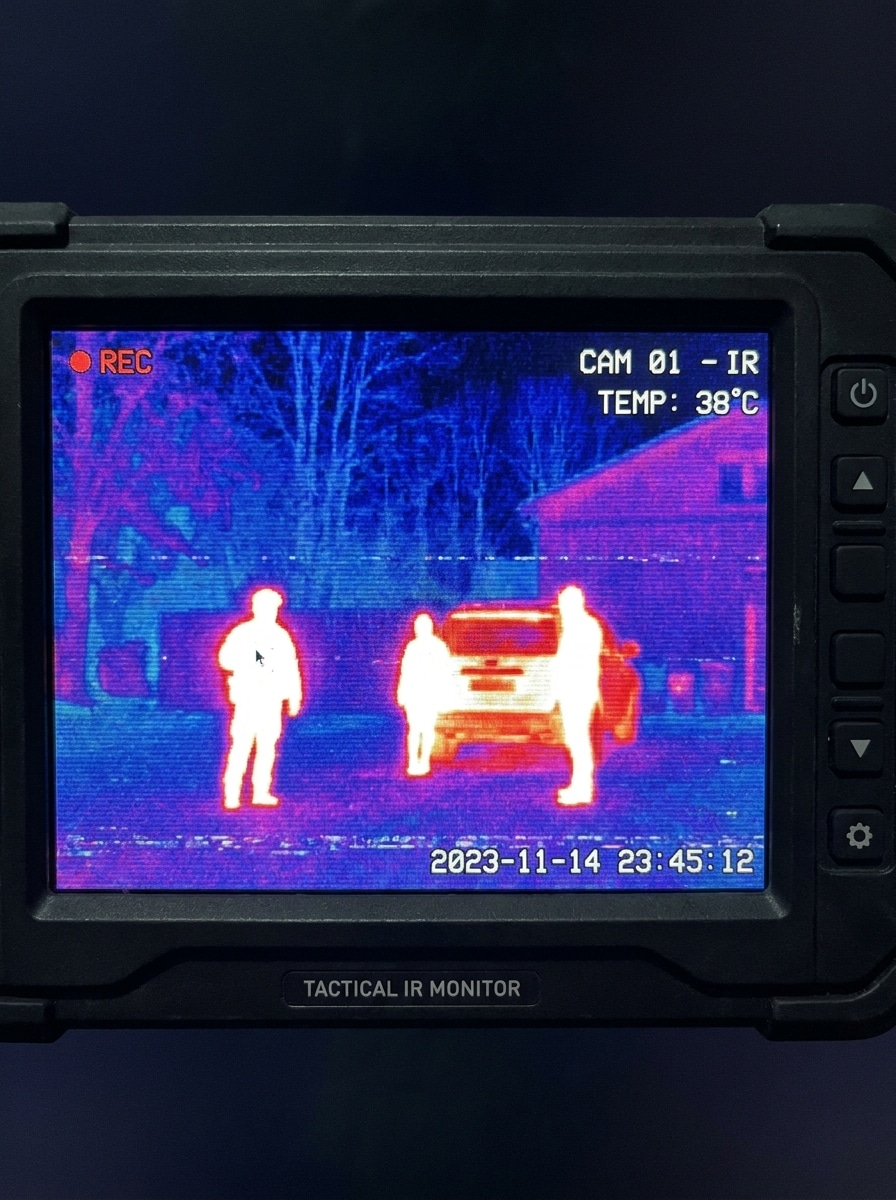
Escaneo térmico de vigilancia
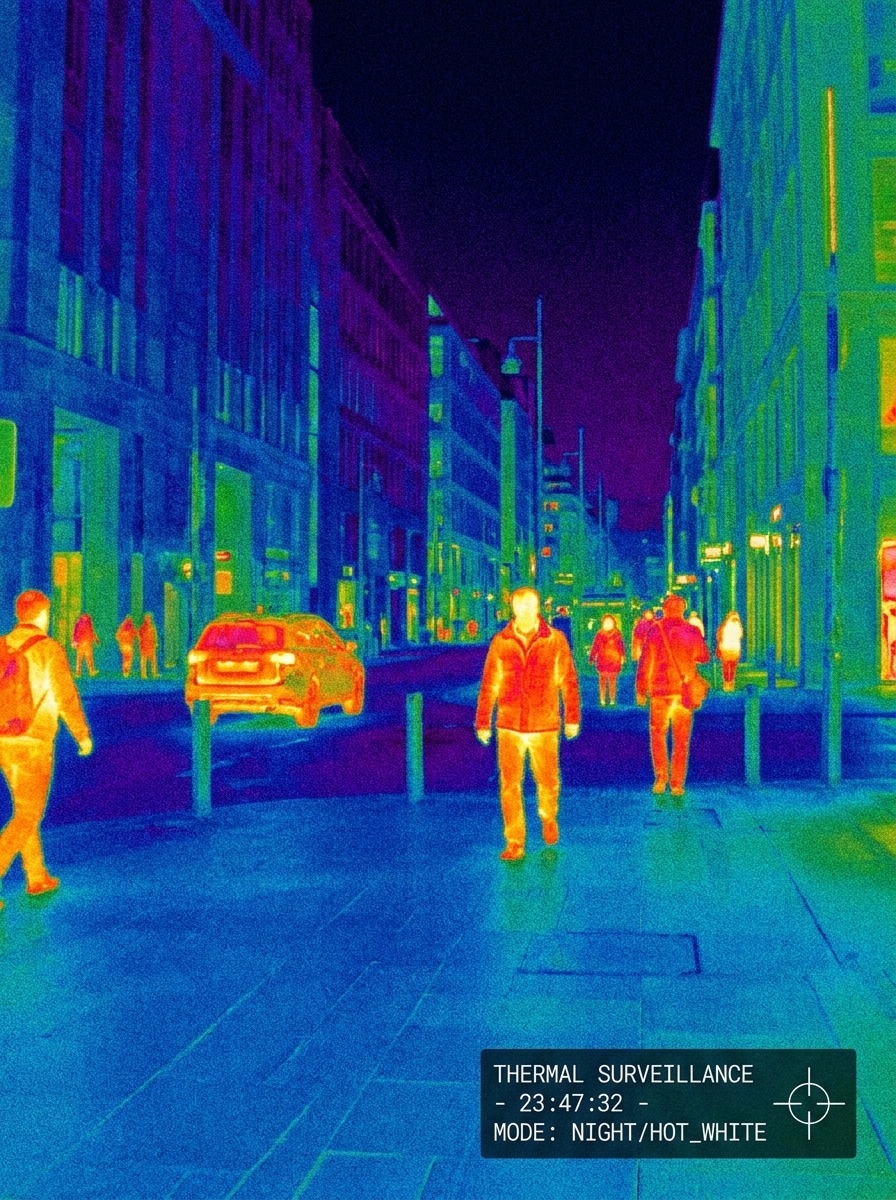
Usa la foto subida como referencia y conviértela en un escaneo térmico estilo vigilancia con detección fuerte de siluetas, mapeo de temperatura en falso color, áreas cálidas y brillantes del sujeto, tonos de fondo más fríos, ligero ruido digital, contraste de monitor táctico y una estética creíble de cámara de seguridad térmica.
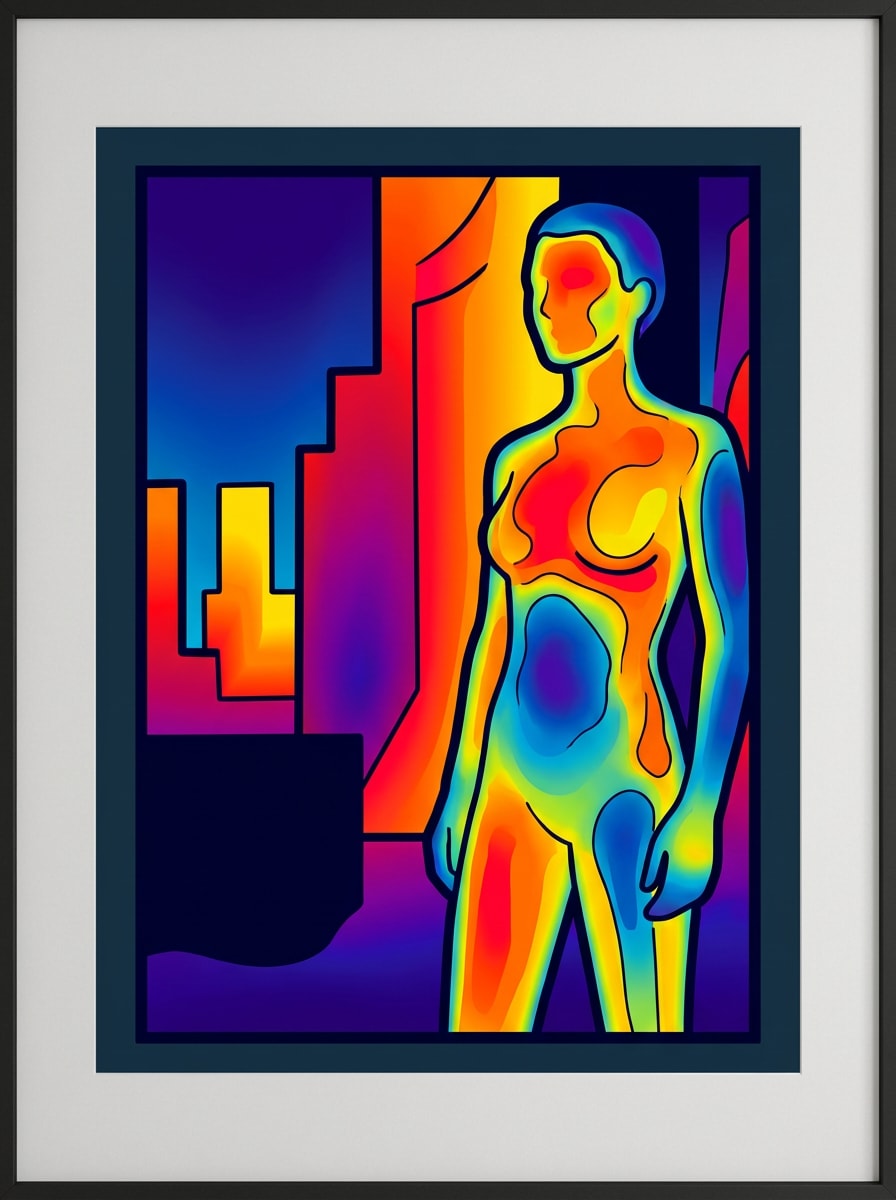
Póster de mapa de calor colorido
Usa la imagen cargada como sujeto y transfórmala en un arte de póster con mapa de calor colorido, con degradados suaves de falso color, separación de contornos audaz, paleta saturada en amarillo-rojo-azul, contraste gráfico limpio, mínimas distracciones de fondo y un acabado moderno estilo galería adecuado para un diseño visual impactante.
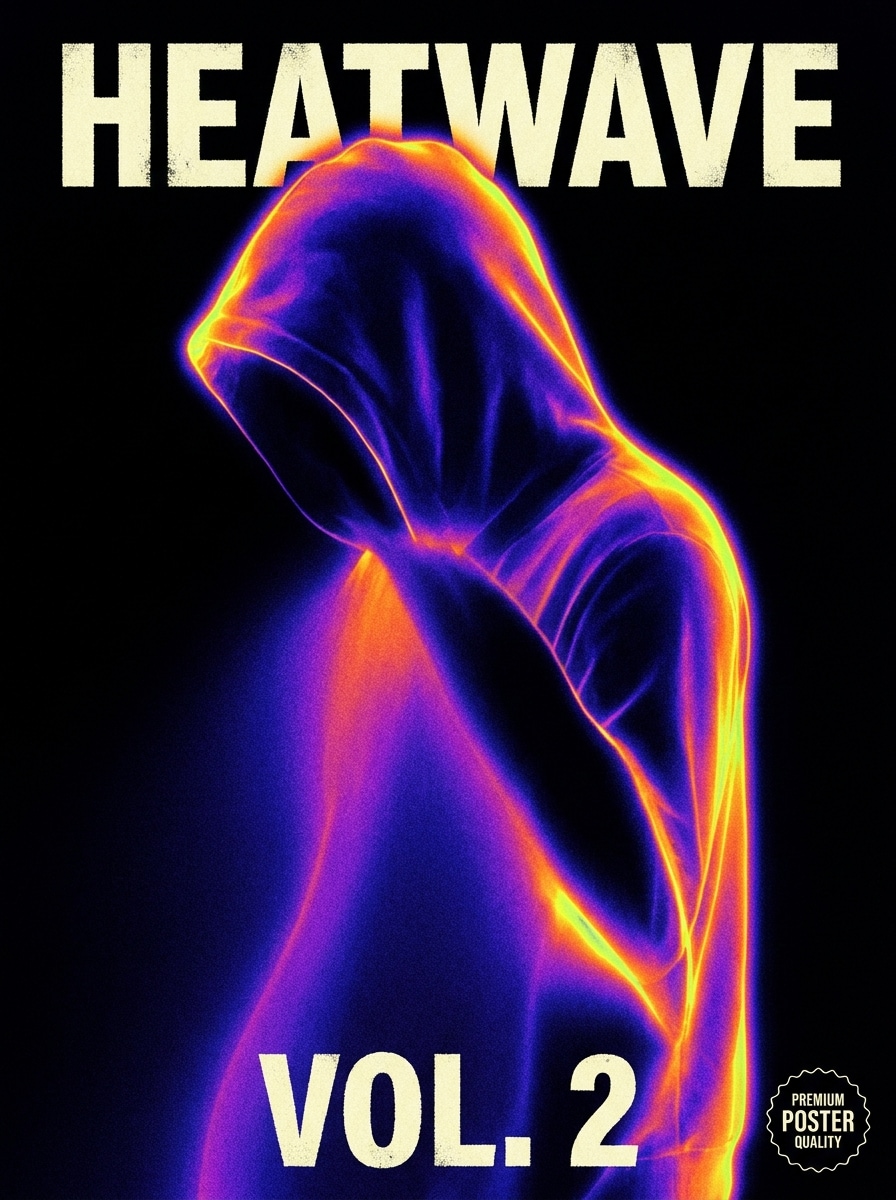
Portada de álbum térmica
Usa la foto cargada como sujeto focal y estilízala como una imagen de portada de álbum térmica con colores dramáticos de mapa de calor, espacio negativo en negro profundo, aislamiento nítido del sujeto, textura de grano sutil, composición editorial y una atmósfera moderna y evocadora de póster de Música con un contraste fuerte.
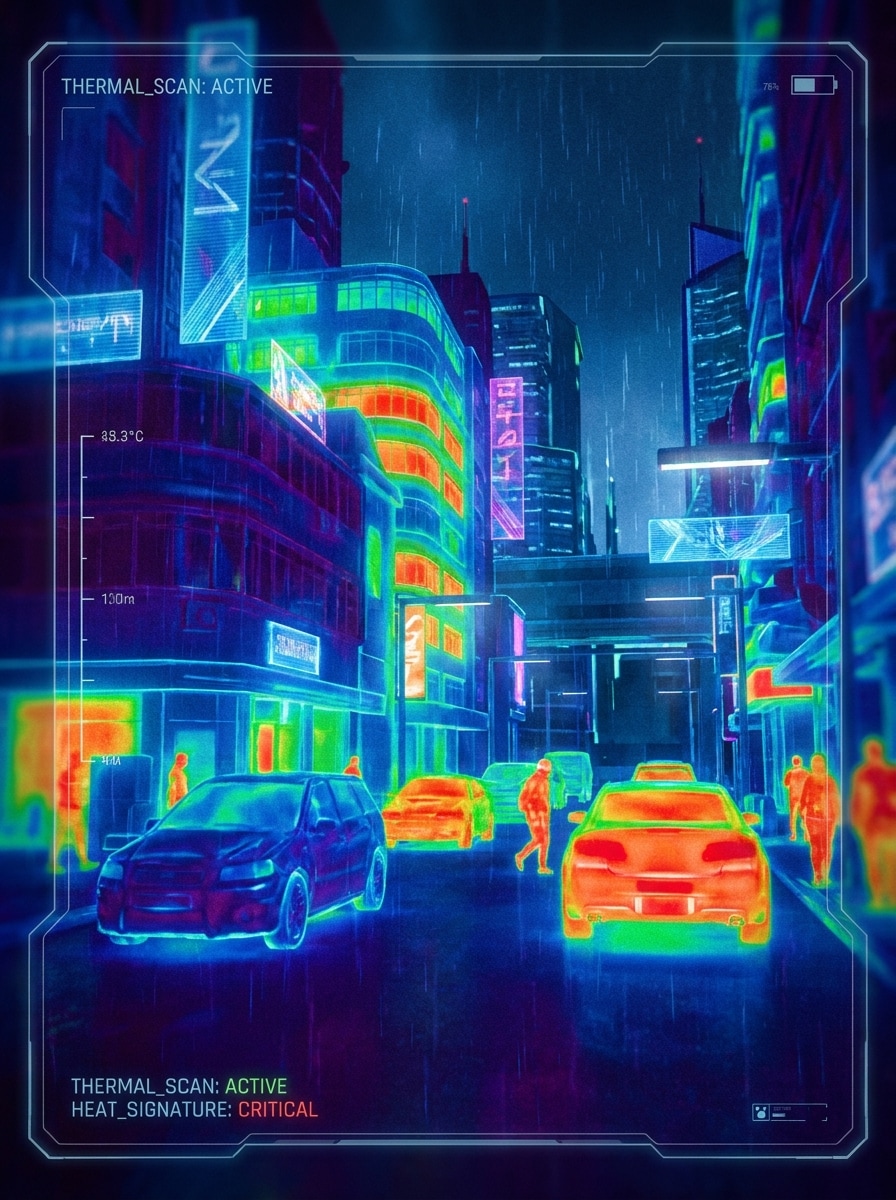
Foto callejera infrarroja
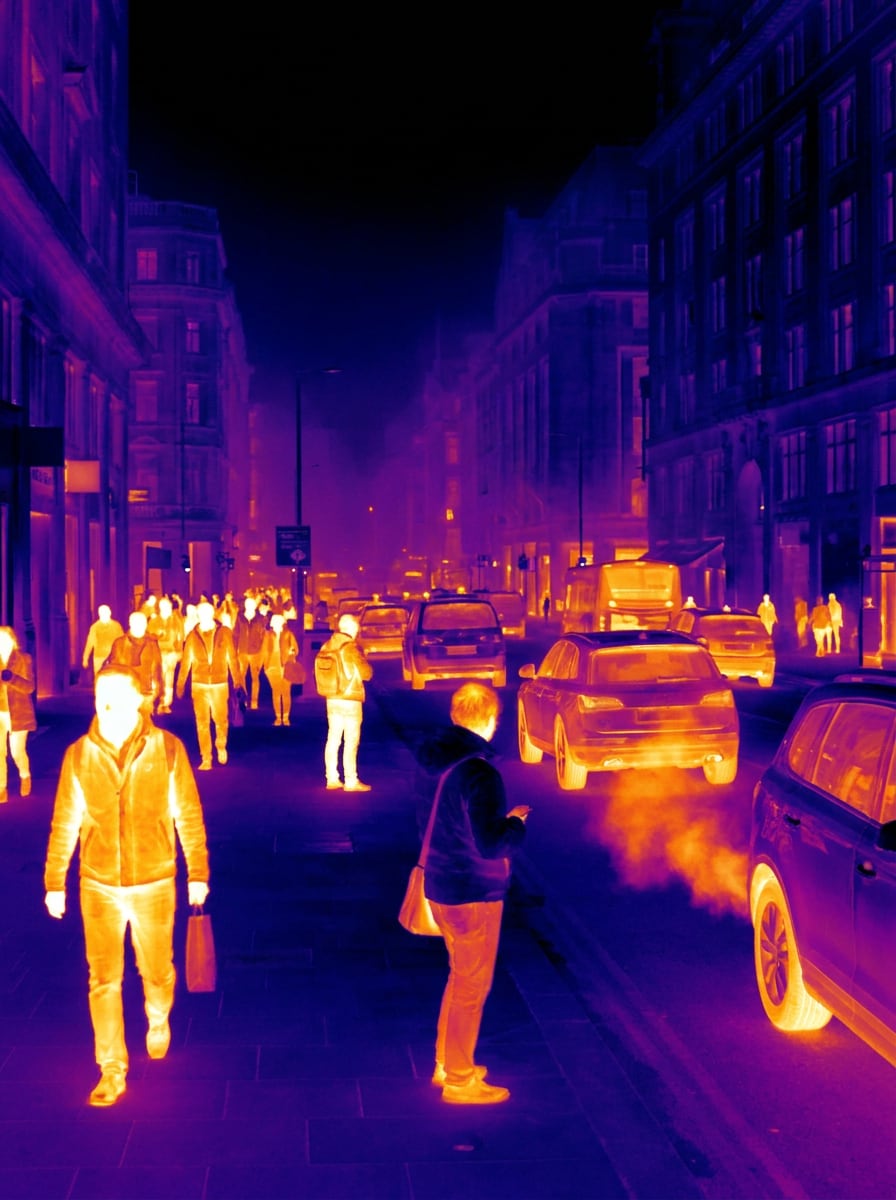
Usa la escena callejera subida como fuente y conviértela en una imagen urbana estilo infrarrojo con peatones y vehículos brillantes, edificios y pavimento más fríos, alto contraste dinámico, zonas de color termográfico realistas, profundidad cinematográfica y una vívida atmósfera urbana nocturna y tecnológica.
Escena nocturna térmica
Usa la foto nocturna subida como base y crea un aspecto de grabación de cámara térmica con sujetos cálidos y luminosos, tonos ambientales en azul frío, fuerte separación sujeto-fondo, mapeo realista de falso color, oscuridad cinematográfica y una sutil textura de sensor digital para un ambiente auténtico de escaneo nocturno.
Visión térmica de mascotas
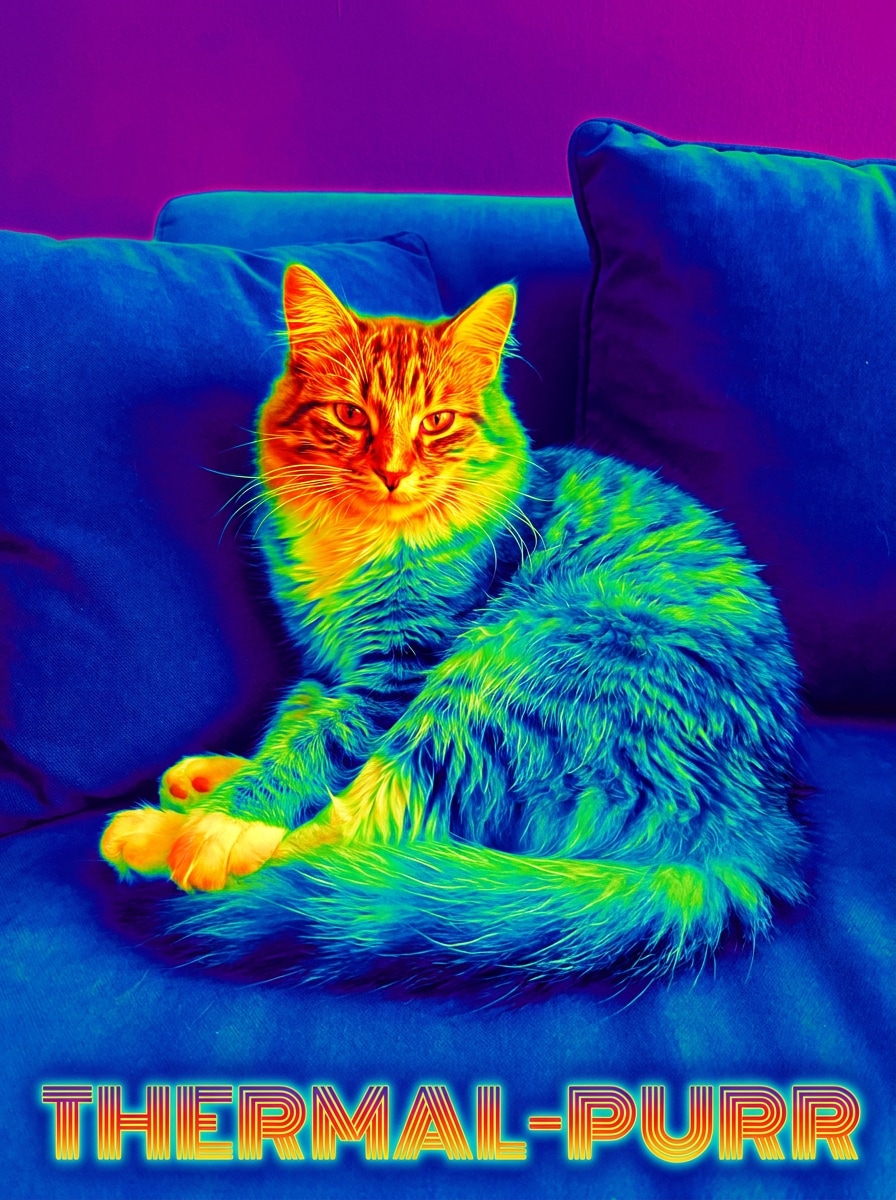
Usa la foto de mascota subida como sujeto y aplica un efecto de visión térmica divertido con áreas focales cálidas y brillantes en el rostro y el cuerpo, contornos detallados del pelaje, colores termográficos saturados, fondo oscuro y sencillo, contraste nítido y un resultado pulido y divertido listo para compartir.
Efecto térmico estilo meme
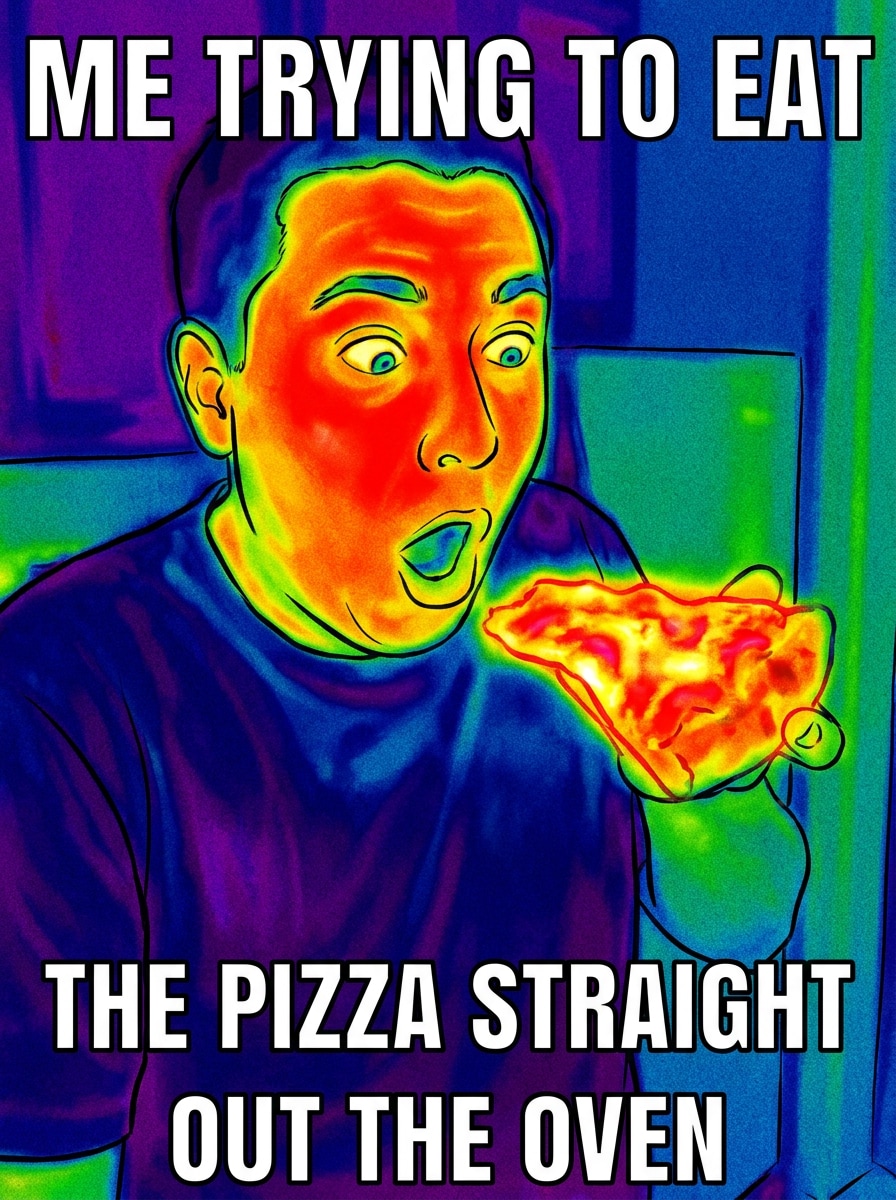
Usa la imagen subida como fuente y exagérala en un efecto térmico estilo meme con colores de mapa de calor llamativos, contornos audaces, puntos calientes intensos en rojo-amarillo, sombras en azul frío, alto contraste, formas simplificadas y un aspecto de edición viral instantáneamente reconocible para publicaciones humorísticas.
Por qué usar Media.io para ediciones fotográficas de estilo térmico
Resultados basados en referencia que mantienen tu sujeto reconocible
Cuando un resultado necesita mantenerse fiel al sujeto original, Media.io ayuda a preservar las características reconocibles mientras adapta el estilo visual general del filtro de cámara térmica para uso en redes sociales, branding o maquetas.
Explora diferentes estilos sin perder la dirección
Una sola idea a menudo necesita más de un estilo. Media.io ayuda a reinterpretar el mismo aspecto visual del filtro de cámara térmica en diferentes estilos para que cada versión se ajuste mejor al brief del proyecto.
Mantén los visuales finales nítidos para proyectos reales
Para proyectos que necesitan más que calidad de borrador, Media.io ayuda a producir visuales de filtro de cámara térmica con salida de hasta 4K para que los detalles se mantengan más limpios al presentar, Recortar o reutilizar el archivo final.
Transformaciones térmicas rápidas en el navegador
Para creadores que alternan entre móvil y escritorio, Media.io mantiene la Creación visual del filtro de cámara térmica en el navegador para que el flujo de trabajo sea práctico dondequiera que estés trabajando.
Cómo crear un estilo de cámara térmica a partir de tu foto
Convierte tus palabras en visuales impresionantes en tres sencillos pasos y luego sigue refinando el resultado si quieres llevarlo más lejos.
Paso 1
Sube tu imagen de referencia
Comienza con un retrato, selfie, foto de mascota, foto callejera o escena nocturna clara en JPG, PNG o JPEG. Un sujeto limpio y una iluminación legible ayudan a la herramienta a crear una transformación de filtro de visión térmica o estilo infrarrojo más potente.
Paso 2
Describe el cambio y configura las opciones
Introduce el aspecto que deseas, como un filtro de imagen termográfica, escaneo de ciencia ficción o estilo de mapa de calor en falso color. Luego elige tu modelo y ajusta la Relación de aspecto, la Resolución y la cantidad de imágenes para adaptarlos a Diseños de redes sociales, póster o portada.
Paso 3
Genera, descarga y sigue mejorando
Crea variaciones, compara los resultados y descarga la versión que más te guste. Si es necesario, refina la indicación, prueba una paleta diferente o usa Regenerar para obtener un aspecto de filtro de fotografía térmica más nítido con mayor contraste y contornos más limpios.
Desbloquea el potencial del efecto de cámara térmica
Descubre cómo los creadores usan este filtro de cámara térmica para contenido, marketing y proyectos personales, y luego adapta cada idea en Media.io a tu brief.
Haz que los retratos parezcan escaneos infrarrojos
Convierte selfies y fotos de personajes en visuales dramáticos de falso color para arte de perfil, reels, miniaturas o ediciones experimentales. En Media.io, un prompt bien escrito puede llevar un simple retrato hacia un impactante efecto de visión térmica con puntos calientes faciales brillantes y un contraste cinematográfico oscuro.
Crea arte audaz para pósters y portadas de álbumes
Diseñadores y músicos pueden convertir imágenes ordinarias en gráficos de alto impacto estilo mapa de calor para portadas, arte de avance y recursos promocionales. Este enfoque funciona especialmente bien en Media.io cuando quieres un efecto de imagen térmica estilizado que se sienta gráfico, moderno e instantáneamente llamativo al desplazar.
Transformar mascotas, calles y escenas nocturnas para contenido social
Los creadores de contenido pueden Transformar fotos cotidianas en visuales de infrarrojo falso que resulten divertidos, futuristas o con estilo de vigilancia. En Media.io, un filtro de foto térmica colorido o un filtro de fotografía térmica puede hacer que las publicaciones de antes y después sean más atractivas en TikTok, Instagram y Pinterest.
Lo que dicen los usuarios sobre este filtro térmico
Maya Chen
Creadora de contenido
"Genial para ediciones rápidas de estilo viral" Quería un aspecto de infrarrojo simulado para videos de formato corto, y esto fue mucho más fácil que usar una app de Teléfono. Los resultados se veían audaces, limpios y realmente mantuvieron mi rostro reconocible.
Jordan Wells
Diseñador de pósters
"Útil para conceptos de portadas artísticas" Lo usé para probar visuales estilo mapa de calor para un póster de Música. El contraste y la separación de color fueron intensos, y las opciones de Relación de aspecto facilitaron ajustarlo a mi Diseño.
Elena Ruiz
Gestor de redes sociales
"Basado en navegador y fácil de usar" Poder subir una foto y generar una versión de estilo térmico en línea ahorró tiempo. No necesité instalar nada y funcionó bien en mi Teléfono y portátil.
Chris Patel
Dueño de cuenta de mascotas
"Efecto divertido para fotos de mascotas" El estilo de visión
Explora los efectos de video e imagen con IA más populares
Preguntas frecuentes sobre el filtro de cámara térmica
1. ¿Qué es un filtro de cámara térmica?
Un filtro de cámara térmica es un efecto de imagen que transforma una foto normal con tonos de mapa de calor en colores falsos que se asemejan a una imagen termográfica. Con Media.io, puedes subir una imagen y crear una edición de estilo térmico, como un filtro de visión térmica, un aspecto de termograma o un filtro de imagen térmica directamente en tu navegador.
2. ¿Puedo aplicar un filtro de cámara térmica a una foto en línea de forma gratuita?
Media.io ofrece créditos gratuitos para nuevas generaciones, por lo que puedes probar una edición fotográfica de estilo térmico en línea antes de actualizar tu plan. Los usuarios gratuitos pueden ver marcas de agua, mientras que los planes de pago desbloquean más uso y descargas en alta Resolución sin marcas de agua. Puedes comparar las opciones de planes en la página de precios.
3. ¿Esto crea una imagen térmica real o solo un efecto de estilo térmico?
Esta herramienta crea un efecto visual de estilo térmico, no un escaneo térmico real que mida la temperatura. Media.io Transformara tu imagen subida en una apariencia inspirada en infrarrojos o mapas de calor para Edición creativa, pósteres, contenido para redes sociales y retratos, pero no detecta calor real ni mide la temperatura.
4. ¿Cómo convierto un retrato en una imagen infrarroja o de mapa de calor?
Sube un retrato nítido y luego describe el estilo que deseas, como un selfie infrarrojo, un filtro de imagen térmica o una paleta de mapa de calor llamativa con contraste de fondo oscuro. En Media.io, también puedes elegir opciones de imagen como la Relación de aspecto y la Resolución, y luego generar variaciones hasta que los contornos faciales y el mapeo de colores se vean bien.
5. ¿El filtro térmico funciona en iPhone, Android y escritorio?
Media.io está basado en la web, por lo que el filtro térmico funciona en iPhone, Teléfonos Android, tabletas, PCs con Windows y dispositivos Mac siempre que tengas un navegador y conexión a internet. Esto facilita crear un efecto de visión térmica o un resultado de filtro de foto térmica sin descargar una aplicación independiente.
6. ¿Qué calidad de imagen o Resolución puedo exportar?
Media.io admite opciones de exportación de hasta 4K, con opciones de 1K y 2K también disponibles según tu flujo de trabajo. También puedes establecer relaciones de aspecto como 1:1, 9:16, 16:9, 4:3 y 3:4, lo que resulta útil al preparar un efecto de imagen térmica para publicaciones en redes sociales, portadas, pósteres u otros diseños visuales. Los usuarios gratuitos pueden tener marcas de agua.
Más allá del filtro de cámara térmica en línea con IA