Tus creaciones solo se guardan durante 7 días. Los recursos creados después de actualizar a Membresía se almacenarán de forma permanente.
¡Desbloquea tu potencial creativo y experimenta la magia de Media AI ahora mismo!
Filtro Cartoon para Mascotas: Transformaciones de Retratos Tiernos y Compartibles
Convierte fotos de mascotas en encantadores retratos cartoon en minutos. Media.io te ayuda a aplicar un filtro cartoon para mascotas con rasgos reconocibles, estilos flexibles y Edición sencilla desde el navegador para perros, gatos y otros compañeros queridos.
Escribe tu idea -> La IA la diseña. Pruébalo gratis.
Revisa estas instrucciones de ejemplo y luego ajusta los detalles del prompt para obtener mejores resultados con este Filtro Cartoon para Mascotas.
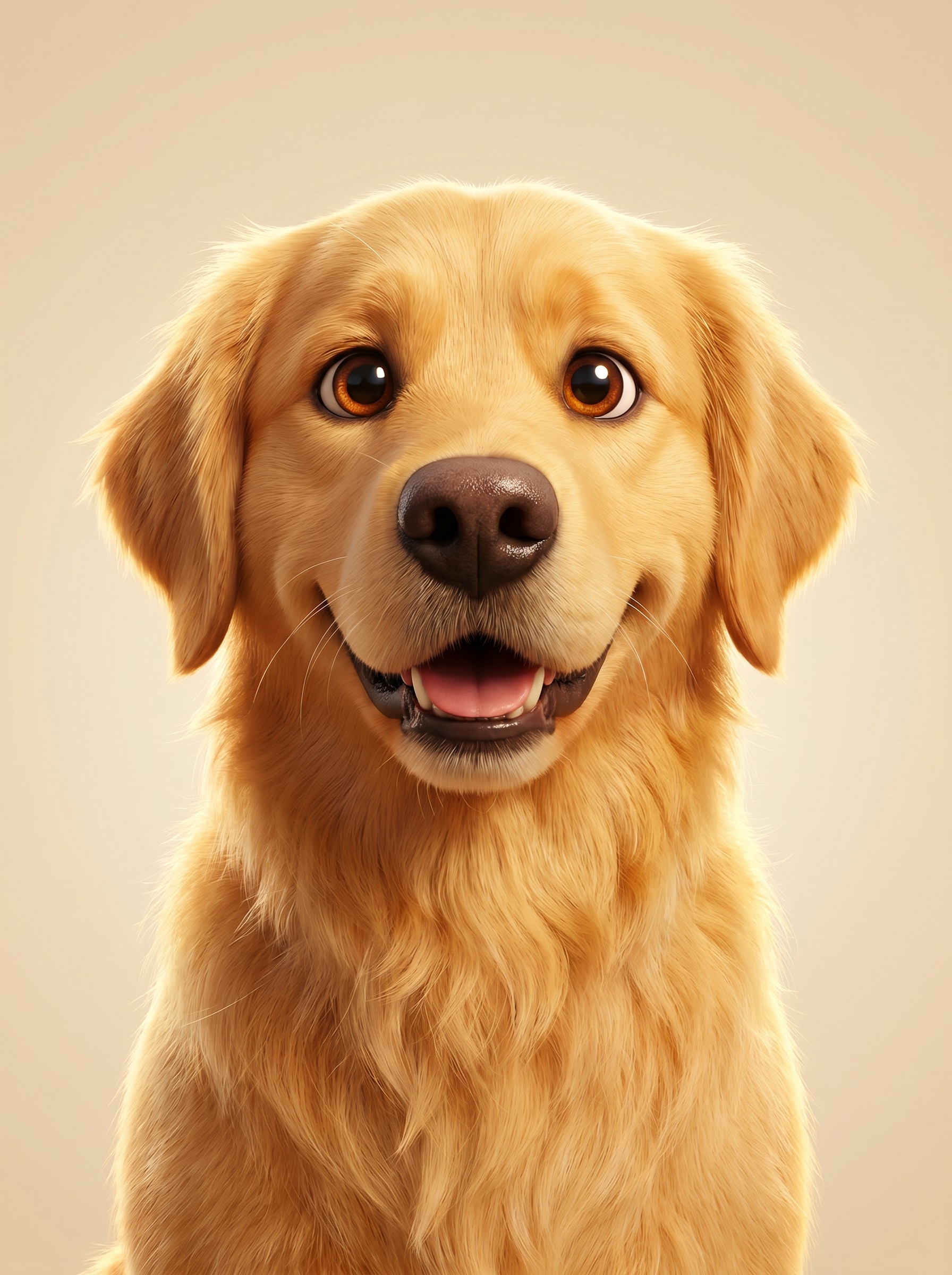
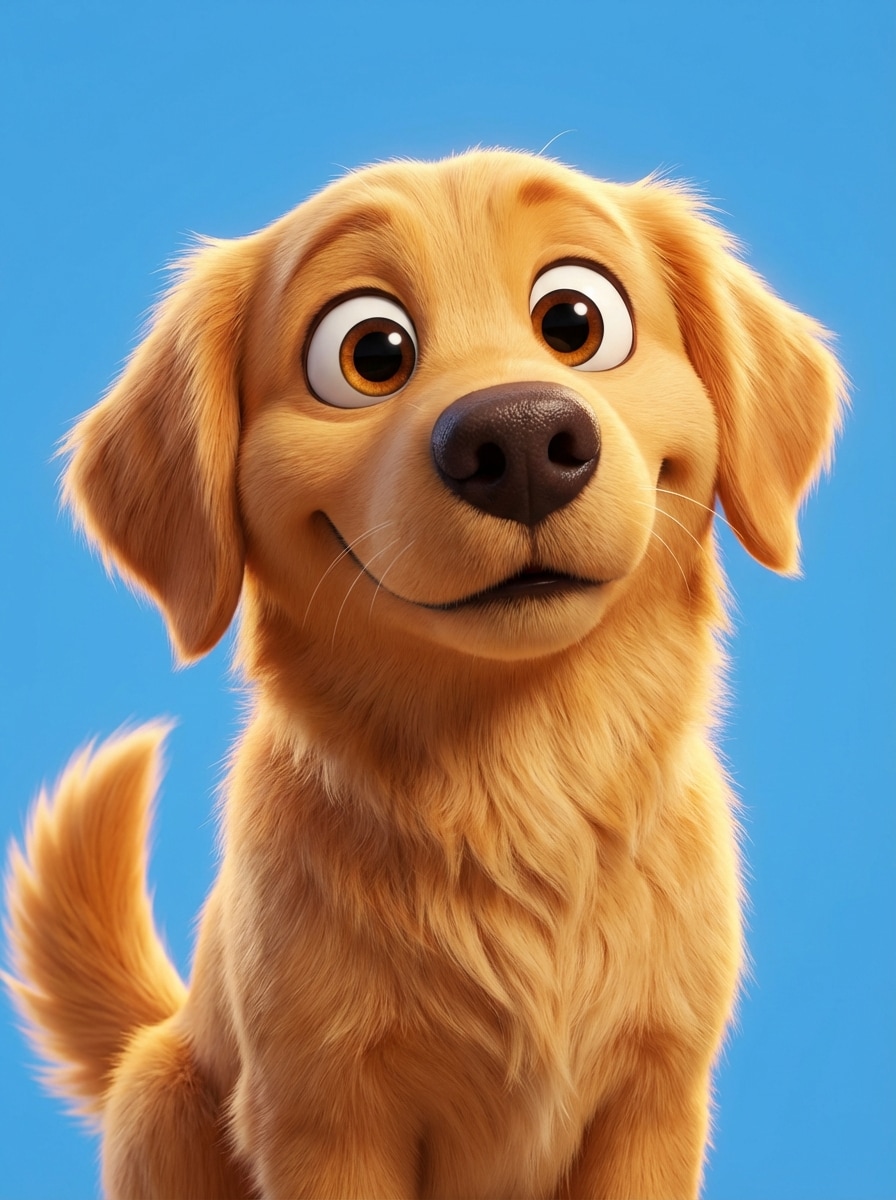
Mascota 3D Inspirada en Pixar
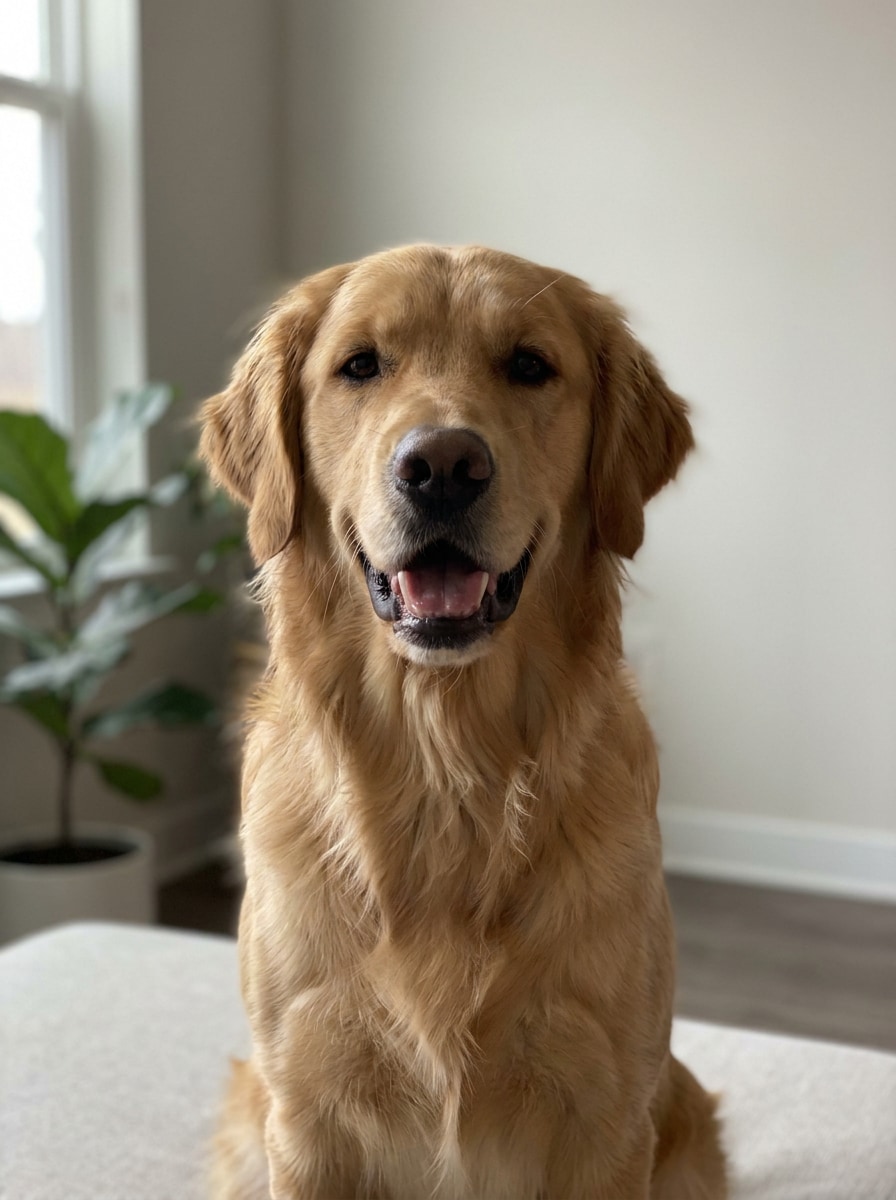
Usa la imagen subida como sujeto y Transformara la mascota en un retrato de personaje animado 3D pulido con ojos grandes y expresivos, textura de pelaje suave y esponjoso, iluminación cinematográfica cálida, colores vibrantes pero equilibrados, un fondo de estudio limpio y un ambiente de película familiar amigable, manteniendo a la mascota claramente reconocible.
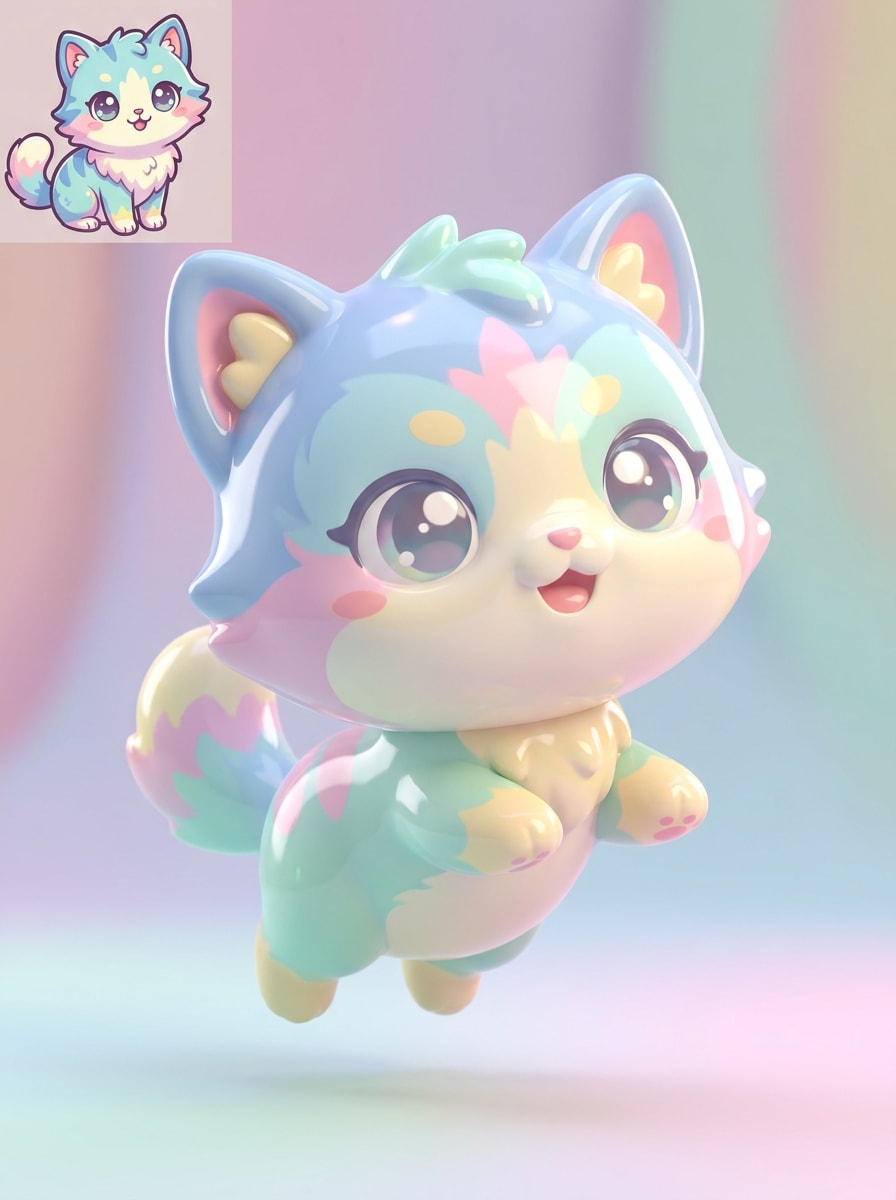
Avatar 3D Chibi de Mascota
Usa la imagen subida como sujeto y convierte la mascota en un pequeño Avatar 3D estilo chibi con cabeza sobredimensionada, cuerpo compacto, ojos brillantes, patas simplificadas, expresión juguetona, fondo pastel, iluminación Suave y una sensación de juguete coleccionable adorable, preservando las marcas distintivas y el parecido general.
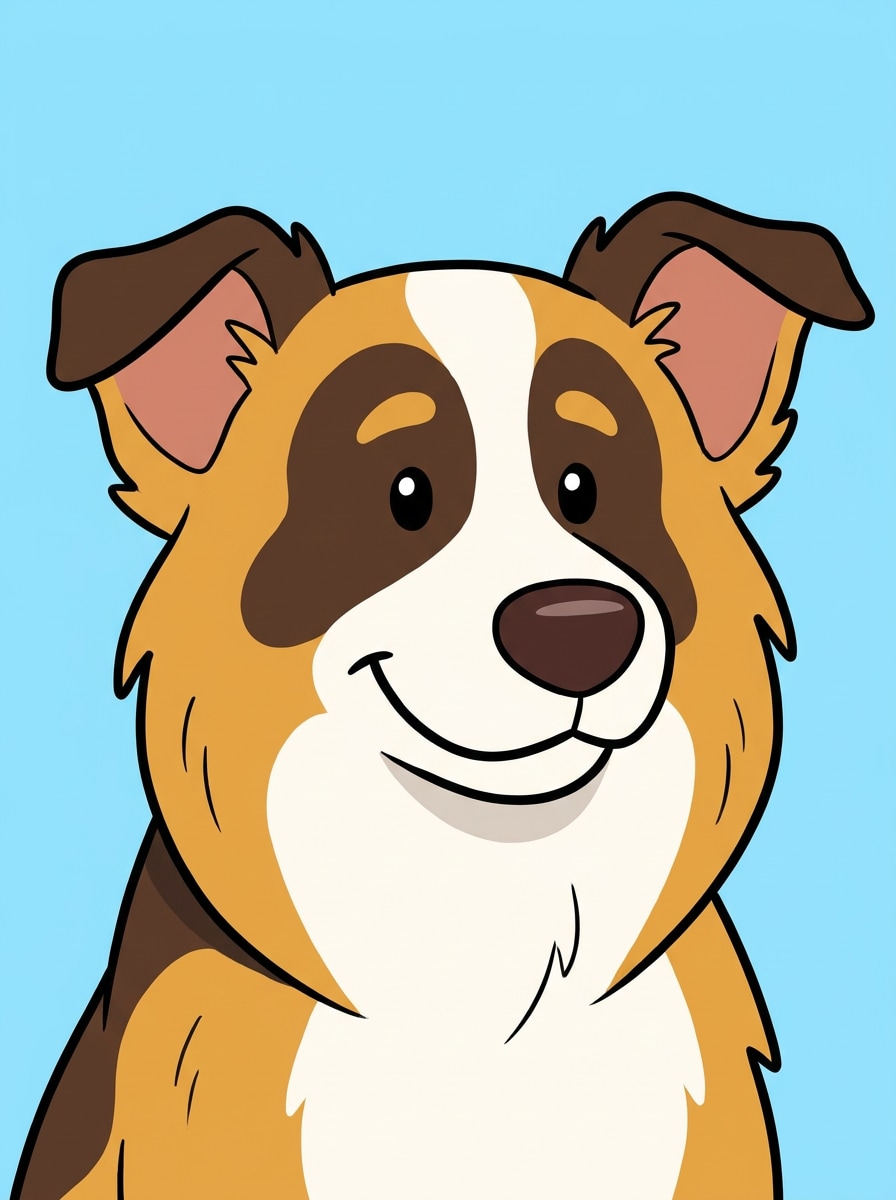
Cartoon de Contorno Limpio
Usa la imagen subida como sujeto y convierte la mascota en una ilustración cartoon 2D nítida con contornos gruesos, colores planos vibrantes, detalles de pelaje simplificados, ojos brillantes, expresión alegre, fondo limpio y minimalista, y una composición pulida tipo póster que aún mantiene a la mascota identificable.
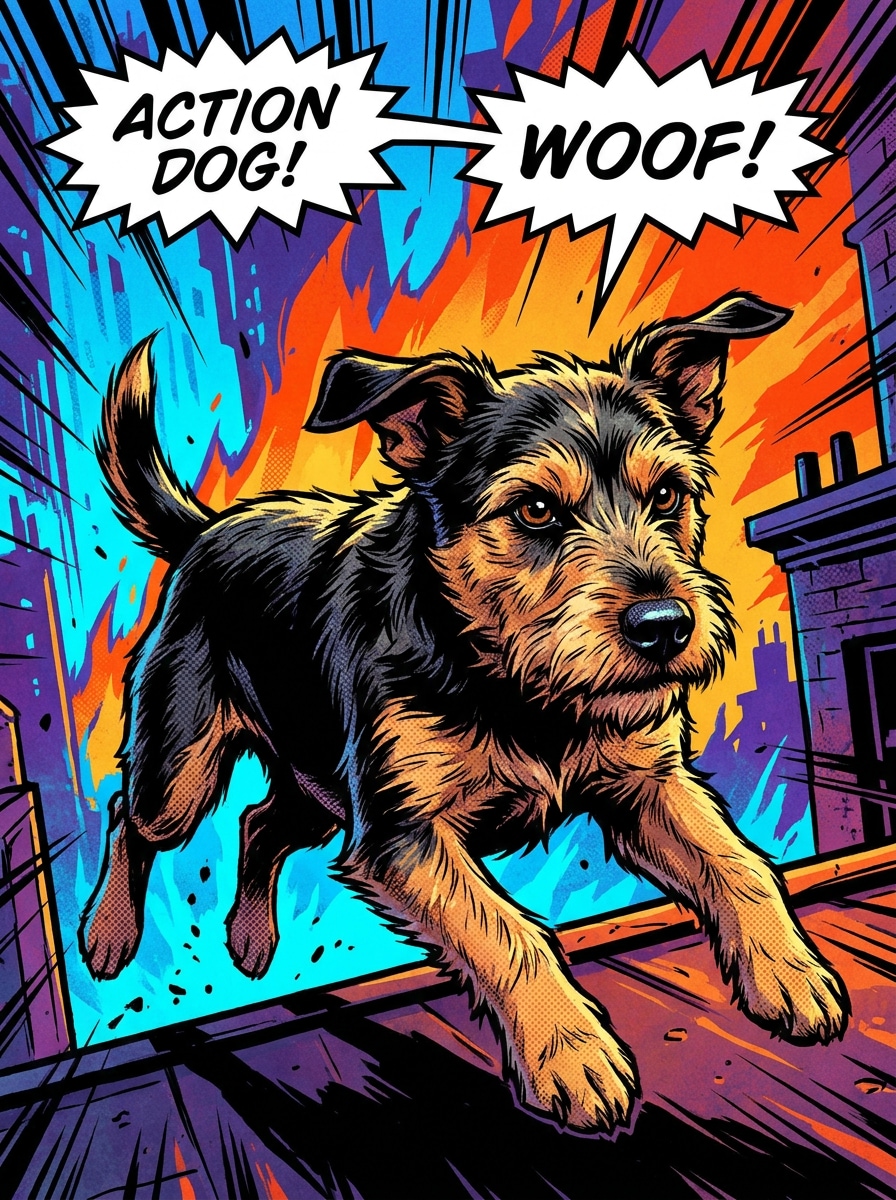
Mascota de Cómic
Usa la imagen subida como sujeto y Transformara la mascota en un retrato de personaje de cómic con contornos entintados, sombreado de semitonos, contraste dramático, pose enérgica, colores primarios audaces, elementos sutiles de fondo de acción y un ambiente seguro de novela gráfica, manteniendo los rasgos faciales reales reconocibles.
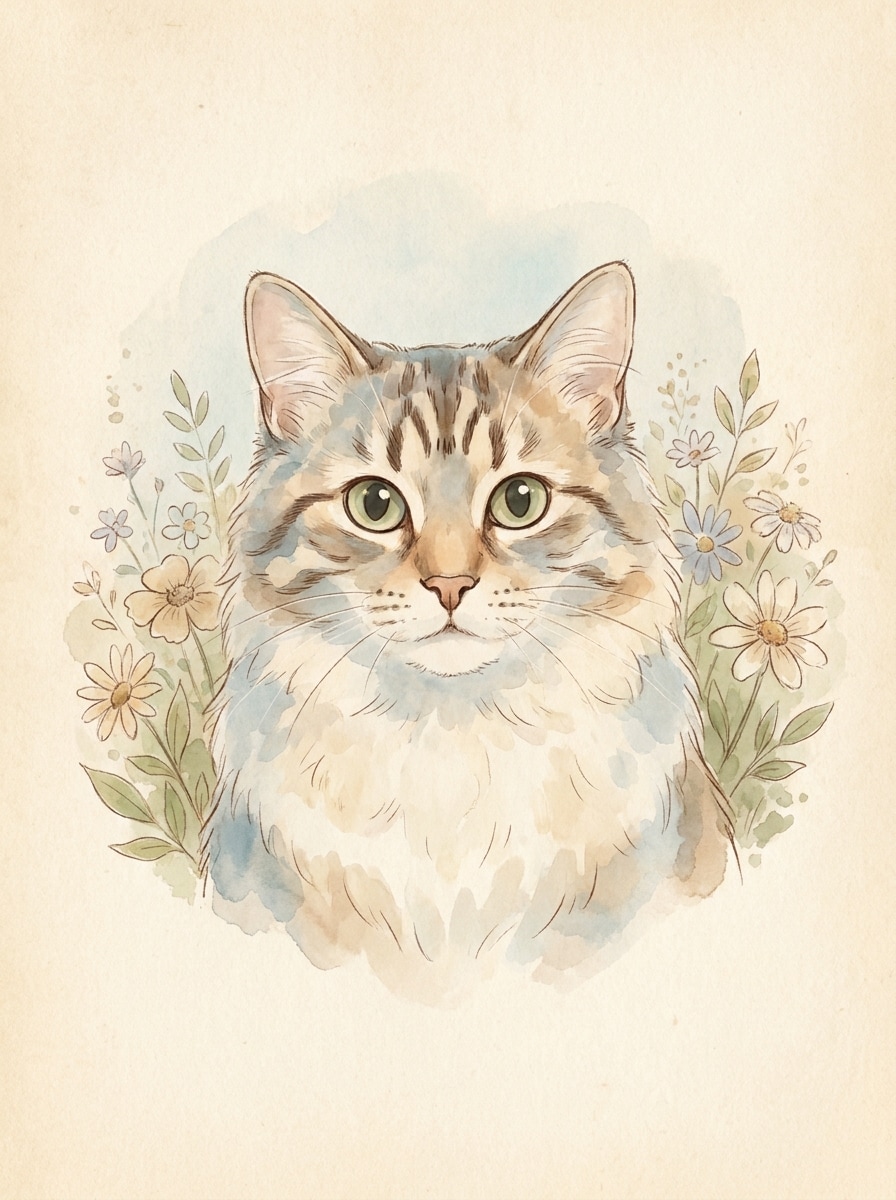
Mascota Cartoon en Acuarela
Usa la imagen subida como sujeto y convierte la mascota en un retrato cartoon Suave en acuarela con texturas delicadas de Pincel, lavados pastel, líneas sutiles de tinta, textura cálida de papel, reflejos aireados y un ambiente tranquilo y artesanal, preservando el patrón del pelaje y la dulce expresión de la mascota.
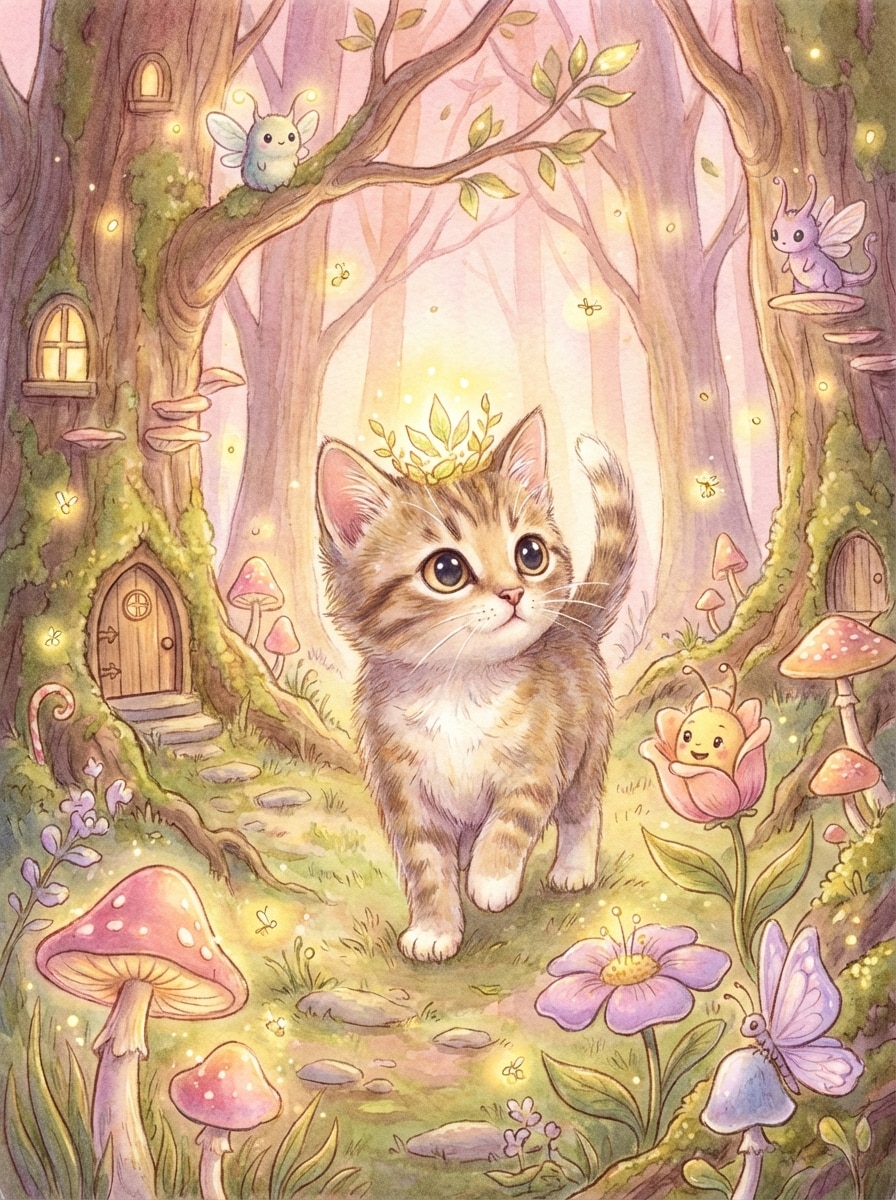
Mascota de Ilustración de Cuento
Usa la imagen subida como sujeto y Transformara la mascota en una ilustración caprichosa de libro de cuentos con colores acogedores, sombreado suave de estilo pictórico, encantadores acentos decorativos de fondo, luz suave, expresión de dibujo animado amigable y un ambiente mágico de libro para dormir, manteniendo la cara y las marcas únicas de la mascota claramente visibles.
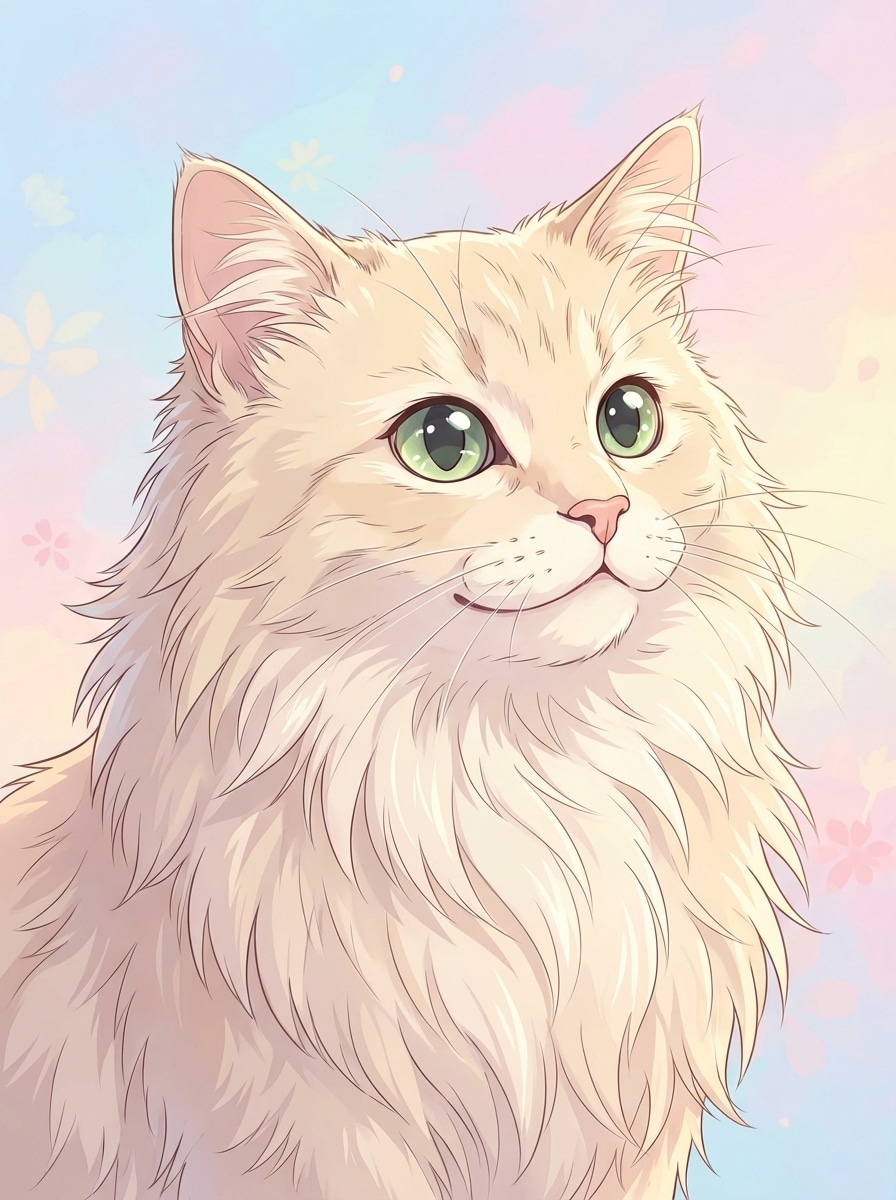
Retrato Anime de Mascota
Usa la imagen subida como sujeto y convierte la mascota en un retrato inspirado en anime con ojos expresivos y brillantes, formas de pelaje estilizadas, sombreado cel limpio, reflejos coloridos, composición dramática pero tierna y un ambiente heroico y vivaz, preservando la estructura facial reconocible y las marcas de la mascota.
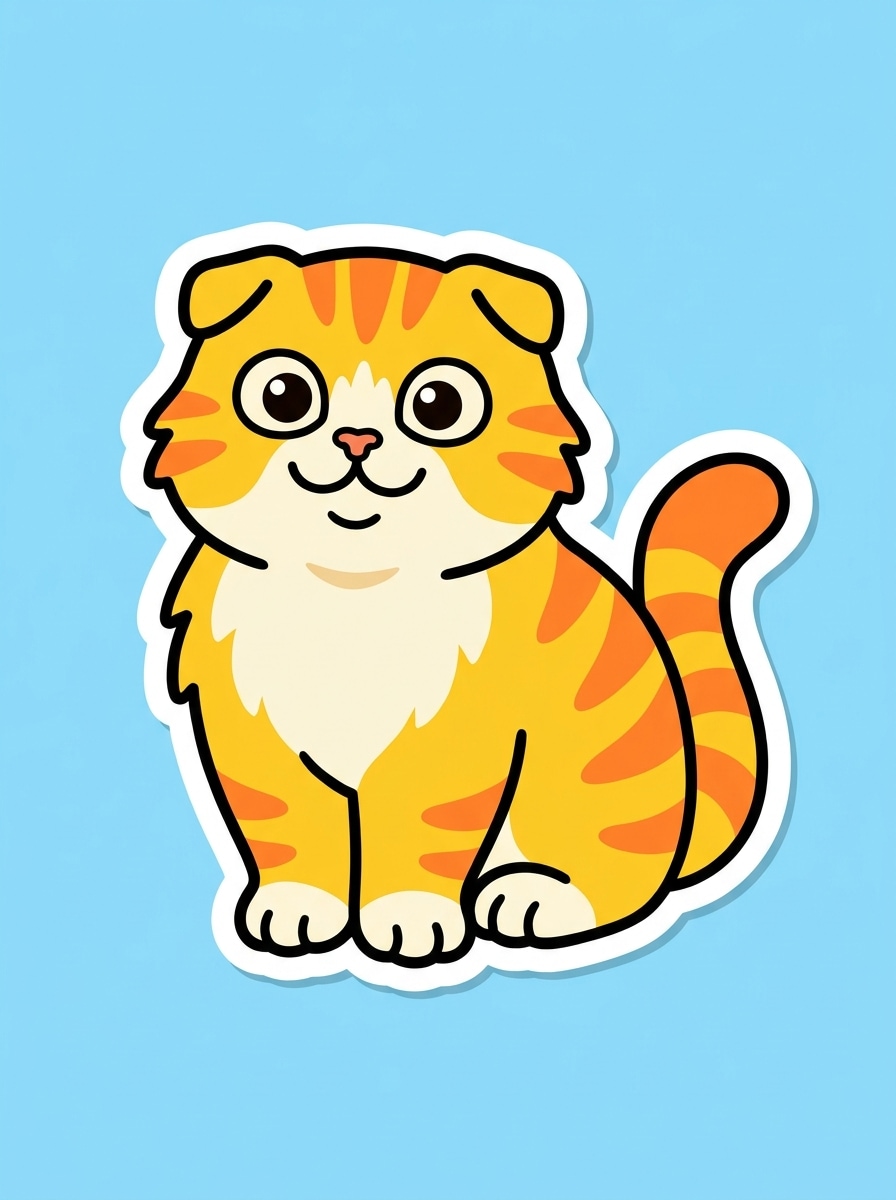
Mascota Pack de Stickers
Usa la imagen subida como sujeto y haz que la mascota parezca un sticker digital adorable con un borde blanco grueso, silueta simplificada, colores brillantes de alto contraste, expresión juguetona, bordes limpios y suaves, y un Diseño listo para fondo transparente, manteniendo los rasgos principales de la mascota reconocibles al instante.
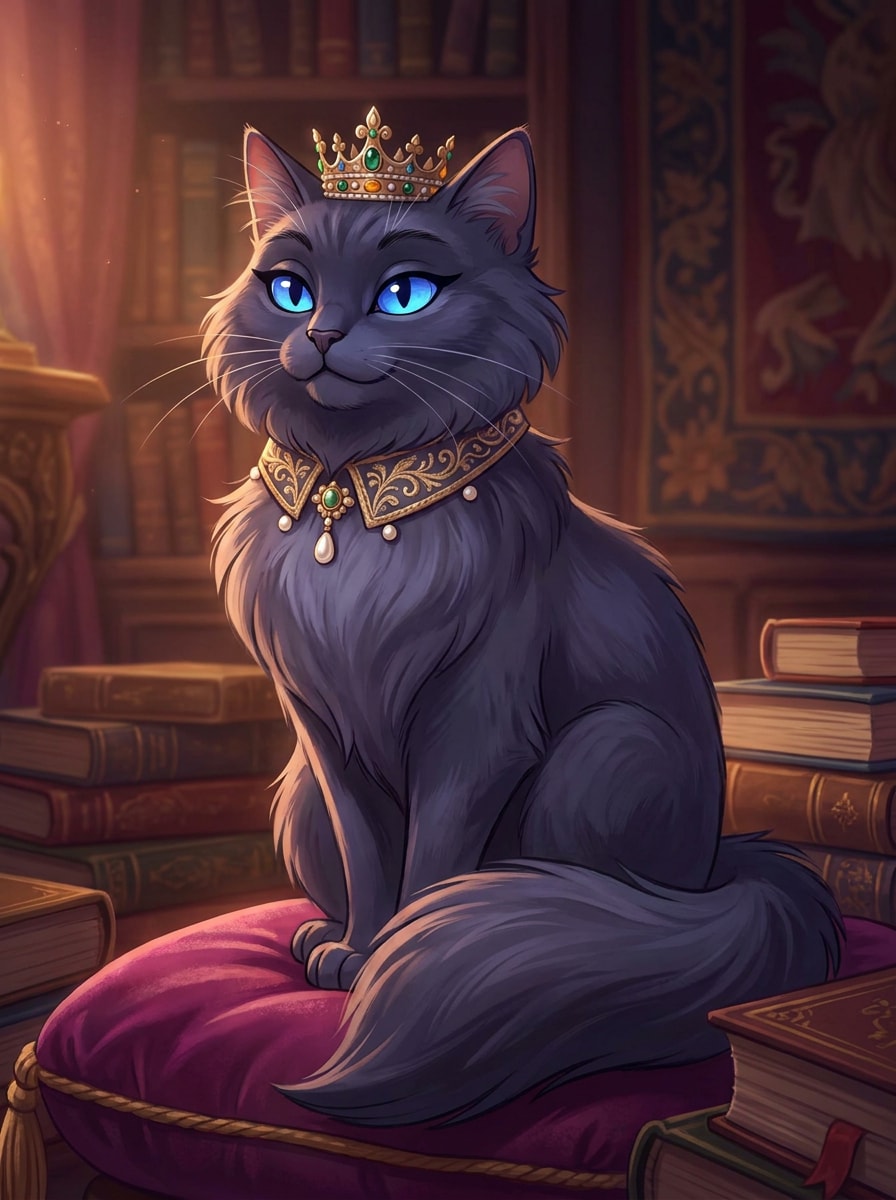
Mascota Cartoon Real
Usa la imagen subida como sujeto y Transformara la mascota en un retrato de dibujo animado regio con detalles elegantes de vestuario, colores ricos en tonos joya, textura pulida de estilo pictórico-cartoon, composición formal centrada, iluminación suave dramática y un ambiente noble y humorístico, preservando la cara y las marcas distintivas de la mascota.
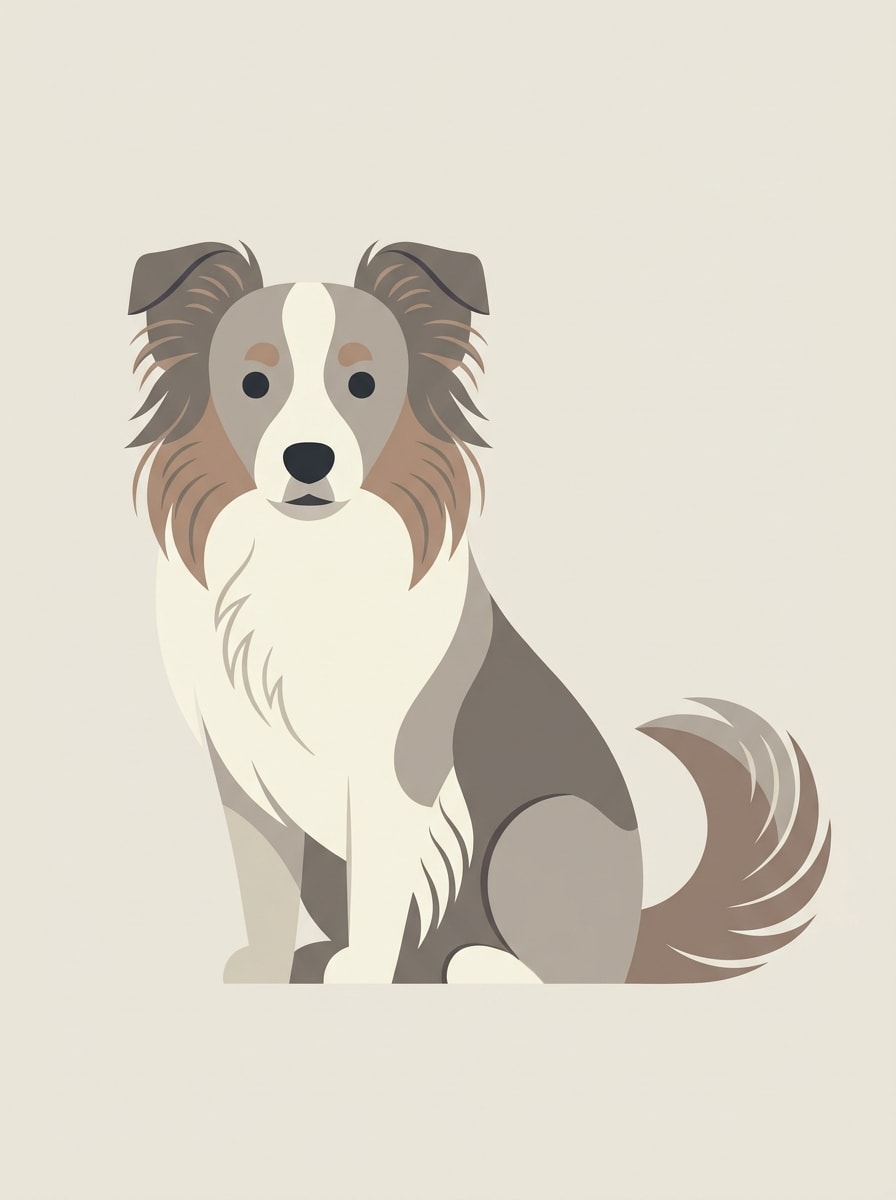
Ilustración Moderna Minimalista de Mascota
Usa la imagen subida como sujeto y convierte la mascota en una ilustración moderna minimalista con formas limpias, Curvas suaves, paleta de colores limitada, sutiles indicios de pelaje, espacio negativo equilibrado, iluminación plana Suave y composición editorial elegante, manteniendo reconocibles los rasgos de raza y el rostro de la mascota.
Por Qué Usar Media.io para Transformaciones Cartoon de Fotos de Mascotas
Mantén al Sujeto Reconocible en Nuevos Estilos
Para regalos, fotos de perfil o una publicación con filtro cartoon de mascotas, Media.io te permite subir una foto real como referencia para que el resultado conserve las marcas familiares, la forma del rostro y la expresión, en lugar de convertirse en una ilustración animal genérica.
Cambia de 3D Tierno a Estilos Ilustrados Limpios
Cuando la dirección artística aún está abierta, Media.io te permite probar múltiples estilos alrededor de la misma idea visual de filtro cartoon para mascotas, facilitando encontrar el estilo adecuado sin reconstruir desde cero.
Crea Imágenes de Alta Resolución para Uso Real
Cuando un visual de filtro de caricatura de mascota está destinado a un uso de publicación real, Media.io te ofrece una salida más nítida de hasta 4K, lo que ayuda a que la imagen se mantenga clara en presentaciones, fondos y recursos reutilizados.
Crea desde Cualquier Navegador sin Edición Compleja
Cuando una idea visual de filtro cartoon para mascotas surge lejos de tu equipo principal, Media.io te permite crearla y perfeccionarla en el navegador, de modo que alternar entre el móvil y el escritorio resulte fluido en lugar de disruptivo.
Cómo Usar el Filtro Cartoon para Mascotas Online
Convierte tus palabras en imágenes impresionantes en tres sencillos pasos y luego continúa perfeccionando el resultado si deseas llevarlo más lejos.
Paso 1
Sube Tu Imagen de Referencia
Comienza con una foto clara de tu mascota en formato JPG, PNG o JPEG. Los retratos de frente y las imágenes bien iluminadas suelen funcionar mejor cuando quieres crear un look cartoon de perro o gato con rasgos reconocibles.
Paso 2
Describe el Cambio y Configura las Opciones
Introduce el estilo que deseas, como animación 3D, cómic, acuarela o arte de sticker. Luego elige tu modelo preferido y ajusta la Relación de aspecto, la Resolución o el número de variaciones de imagen según tu uso final.
Paso 3
Genera, Descarga y Sigue Mejorando
Crea el resultado cartoon, compara variaciones y descarga la versión que más te guste. Si es necesario, perfecciona el prompt, prueba otro estilo o usa Regenerar para obtener un retrato más expresivo para compartir, imprimir o regalar.
Descubre el Potencial del Filtro Cartoon para Gatos
Descubre cómo los creadores usan este Filtro Cartoon para Mascotas en contenido, marketing y proyectos personales, y luego adapta cada idea a tu proyecto.
Crea Avatares de Mascotas Listos para Redes Sociales
Convierte fotos cotidianas de mascotas en fotos de perfil pulidas, Stickers y portadas de reels. Un aspecto ilustrado y adorable ayuda a los dueños a crear contenido social más memorable, manteniendo detalles familiares que los amigos reconocen al instante.
Crea Regalos Personalizados y Arte de Pared
Transformara una foto favorita en arte de retrato imprimible para cumpleaños, recuerdos conmemorativos, tarjetas navideñas o decoración enmarcada para el hogar. Las ilustraciones estilizadas de mascotas se sienten más consideradas que una foto estándar y funcionan maravillosamente para los amantes de los gatos y los perros.
Prueba Múltiples Estilos Antes de Imprimir
Usa una sola foto para explorar animación 3D, acuarela, cómic o ilustración minimalista antes de pedir un lienzo o tarjeta. Esto es especialmente útil si quieres un look de filtro cartoon para gatos para una mascota y un estilo de retrato más Suave para otra.
Lo Que Dicen los Usuarios Sobre Media.io
Alyssa M.
Creadora de Contenido de Mascotas
"La personalidad de mi perro realmente se reflejó" Probé los estilos 3D y cómic, y ambos conservaron las marcas y la expresión graciosa de mi perro sorprendentemente bien. La transformación del antes y después es exactamente el tipo de contenido que funciona bien en redes sociales.
Daniel R.
Dueño de Gato
"Forma fácil de hacer un retrato cartoon de mascota" Quería un retrato ilustrado limpio de mi gato para un regalo impreso. El proceso fue sencillo y el resultado se veía mucho más pulido que una edición fotográfica básica.
Sofia L.
Vendedora en Etsy
"Útil para probar estilos rápidamente" Poder subir una foto de mascota y probar diferentes looks cartoon me ahorró tiempo. Usé un resultado para una maqueta de tarjeta y otro para promoción en redes sociales, y ambos se exportaron muy bien.
Marcus T.
Comprador de Regalos
"Genial desde el navegador del Teléfono" Hice un retrato cartoon de último momento del gato de mi hermana en mi Teléfono. Fue rápido, las opciones de estilo eran divertidas y no necesité experiencia en diseño para obtener algo que valiera la pena compartir.
Explora los efectos de video e imagen con IA más populares
Preguntas Frecuentes sobre el Filtro Cartoon para Mascotas
1. ¿Cómo funciona un filtro cartoon para mascotas?
Un filtro de caricatura para mascotas utiliza la generación de Imagen de IA a imagen para Transformar una foto subida en una ilustración estilizada siguiendo tu indicación. En Media.io, subes una imagen JPG, PNG o JPEG, describes el estilo de caricatura que deseas y la herramienta genera una nueva versión basada en la foto de tu mascota.
2. ¿Puedo convertir cualquier foto de perro o gato en una caricatura?
Sí, generalmente puedes convertir en caricatura la mayoría de las fotos claras de perros o gatos. Media.io funciona mejor cuando la imagen tiene buena iluminación, rasgos faciales visibles y una vista limpia de tu mascota, lo que ayuda a la IA a crear un resultado de filtro de caricatura de mascotas más preciso que aún se parezca a tu animal.
3. ¿Este filtro de caricatura para mascotas es gratuito?
Media.io ofrece créditos gratuitos para usuarios nuevos y ocasionales, para que puedas probar la herramienta antes de actualizar. Las exportaciones gratuitas pueden incluir una marca de agua, mientras que los planes de pago desbloquean más uso y descargas en alta resolución sin marca de agua. Puedes comparar opciones en la página de precios. Los usuarios gratuitos pueden usar créditos gratuitos. Para más uso, los usuarios pueden suscribirse a un plan en la página de precios. Actualiza a un plan de pago en la página de precios para obtener más créditos y descargas en alta resolución sin marca de agua.
4. ¿Cuánto tiempo se tarda en convertir una foto de mascota en caricatura?
Generalmente solo toma un breve tiempo subir tu imagen, ingresar una indicación de estilo y generar resultados. La velocidad exacta puede variar según tu configuración y el modelo elegido, pero el flujo de trabajo está diseñado para ser lo suficientemente rápido para publicaciones rápidas en redes sociales, regalos o experimentos creativos.
5. ¿La imagen de caricatura conservará las características únicas de mi mascota?
Está diseñado para preservar los rasgos reconocibles de tu imagen de referencia, incluyendo el patrón del pelaje, la forma del rostro y la expresión. Debido a que Media.io utiliza la foto subida como guía, una imagen fuente bien iluminada te da una mejor oportunidad de obtener un resultado fiel de filtro de caricatura de gato o retrato de perro.
6. ¿Puedo usar el generador de caricaturas de mascotas en mi Teléfono?
Media.io está basado en la web, por lo que puedes usar el generador de caricaturas de mascotas desde un Teléfono, tableta o navegador de escritorio sin instalar software de escritorio. Eso lo hace conveniente para la Edición y el compartir retratos de mascotas en iOS, Android, Windows o Mac.
Más allá del filtro de caricatura de mascotas en línea con IA