Seleccione / @ carácter, describa la escena que desea generar.
0/2000
9:16
1K
1
Modo Ilimitado Banana Pro
Creaciones
Centro de Ideas
Cómo funciona
Todo
Funciones populares
Ver todo
Desafío creativo de Halloween
Ver todo
Historia de Frutas con IA
Ver todo
Video de Historia de IA
Ver todo
Videos Virales Hoy
Ver todo
Videos de Productos de IA
Ver todo
Personaje de IA
Ver todo
Tendencias de Baile
Ver todo
GPT Image 2
Ver todo
Seedance 2.0
Ver todo
Emparejamiento de Celebridades con IA
Ver todo
Indicaciones de Poses para Parejas
Ver todo
Prompts de Poses de Chica AI Estética
Ver todo
Sugerencias de Pose Elegante para Chicos AI
Ver todo
Lista de generación
Tus creaciones solo se guardan durante 7 días. Los recursos creados después de actualizar a Membresía se almacenarán de forma permanente.
¡Desbloquea tu potencial creativo y experimenta la magia de Media AI ahora mismo!
Generador de imagen a Código QR para compartir contenido visual de marca de forma rápida
Crea un diseño QR escaneable a partir de tu imagen subida en un flujo de trabajo sencillo. Este generador de imagen a Código QR te ayuda a convertir fotos en elementos visuales compartibles e imprimibles para menús, empaques, eventos y promociones, además de admitir flujos de trabajo que convierten una imagen en un Código QR como maqueta de campaña.
Escribe tu idea -> La IA la diseña. Prueba gratis.
Revisa estas instrucciones de ejemplo y luego ajusta los detalles del prompt para obtener mejores resultados con este generador de imagen a Código QR.
Código QR limpio en blanco y negro
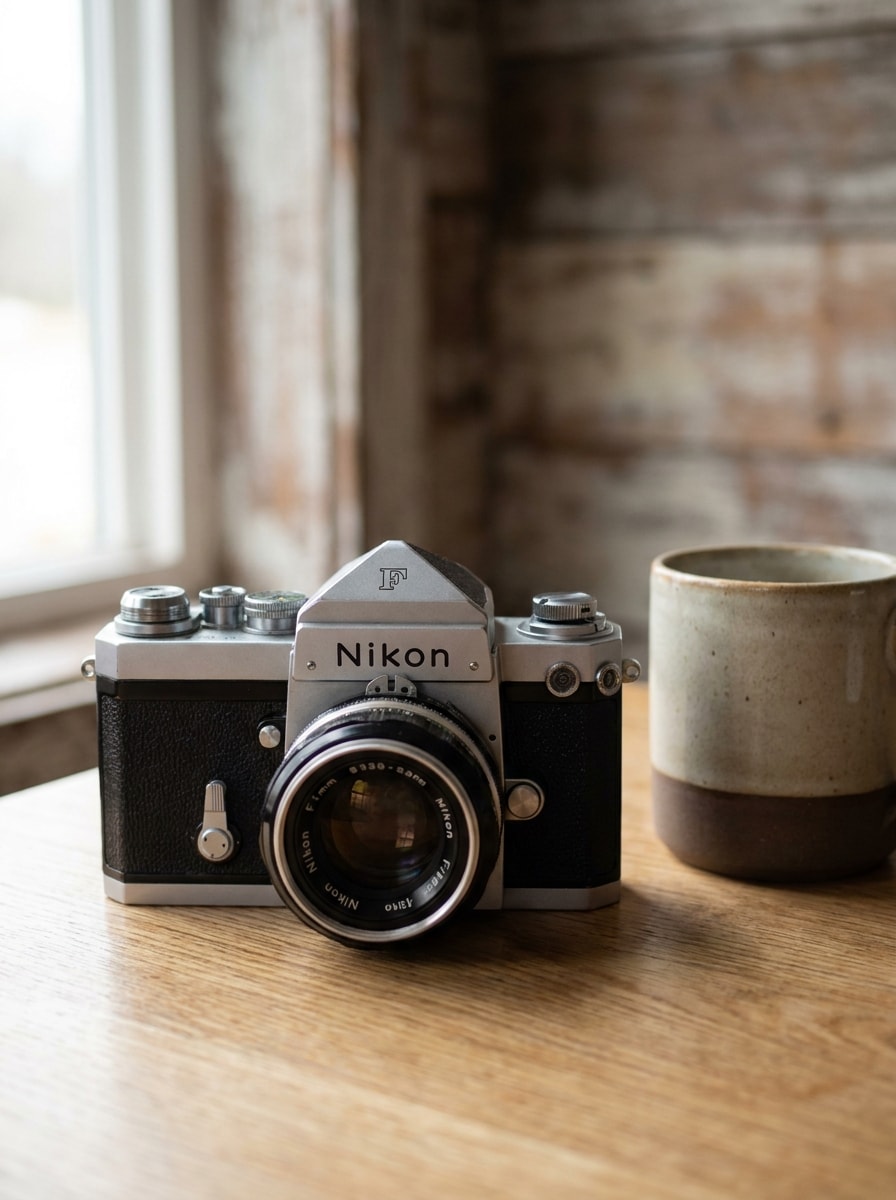
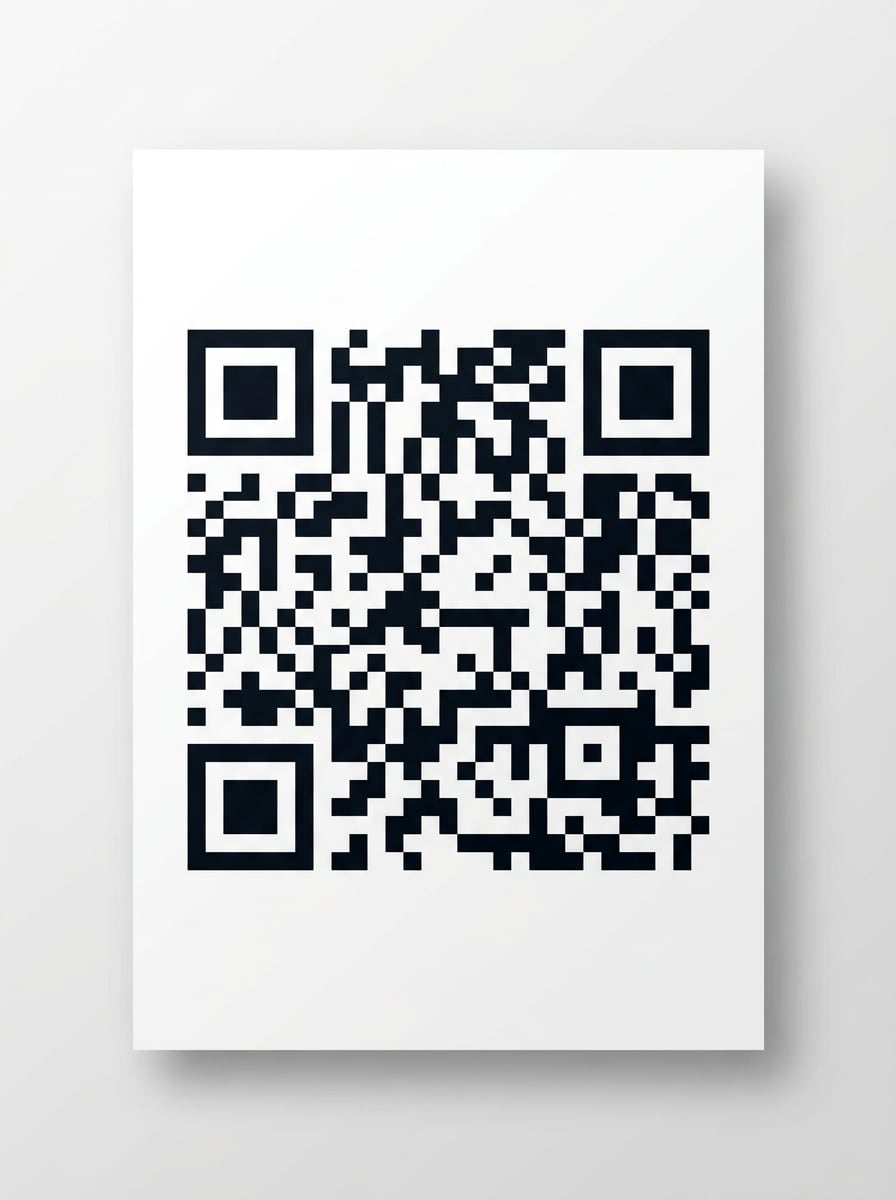
Usa la imagen cargada como destino del contenido y transfórmala en una Presentación de Código QR limpia en blanco y negro. Mantén el código centrado con módulos cuadrados, márgenes blancos nítidos, iluminación de estudio neutral, Diseño minimalista, contraste fuerte y un aspecto práctico listo para imprimir que priorice un escaneo fiable con el Teléfono.
Código QR para folleto listo para imprimir
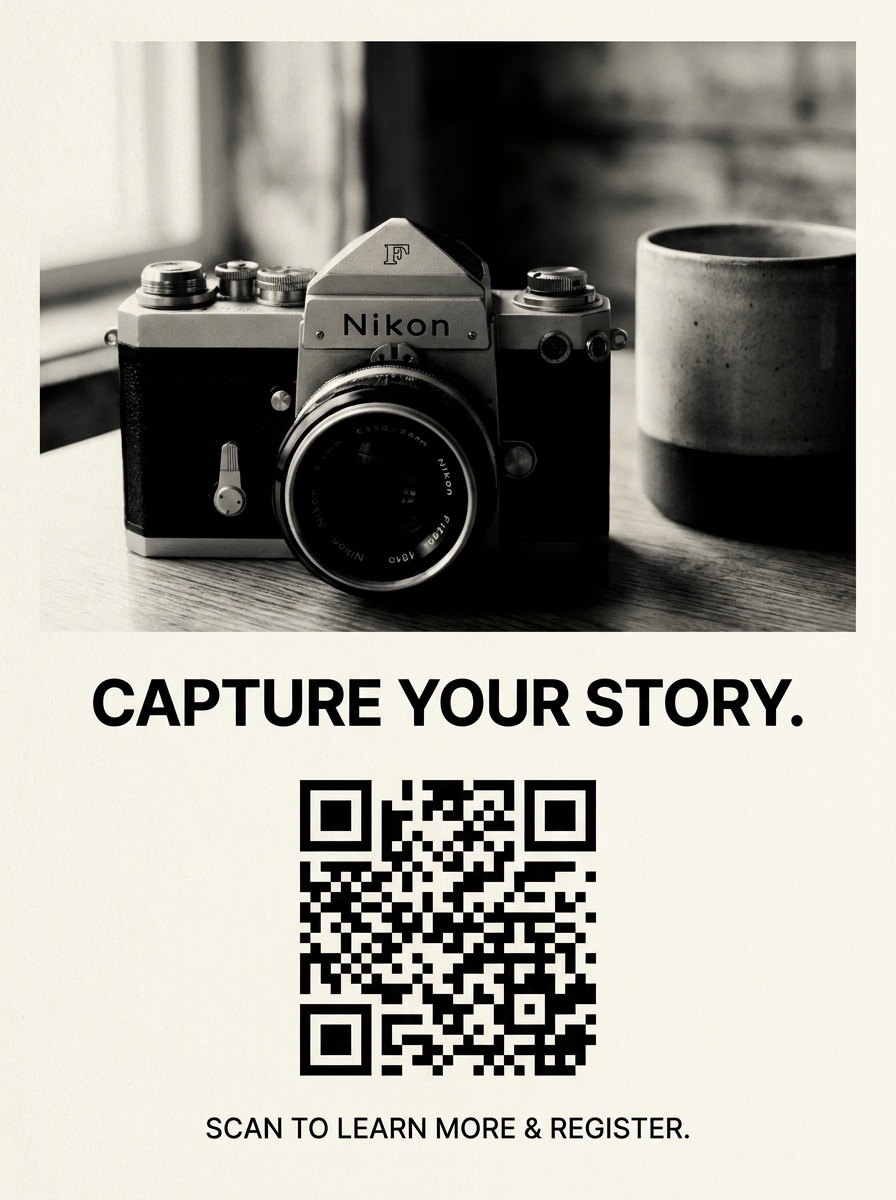
Usa la imagen subida como el visual vinculado y conviértela en un concepto de folleto imprimible con un Código QR llamativo. Incluye un área de titular limpia, ubicación de texto con llamada a la acción sencilla, espaciado equilibrado, textura de papel mate, alto contraste y un Diseño editorial optimizado para pósteres, volantes y tablones de anuncios.
Código QR de marca con degradado
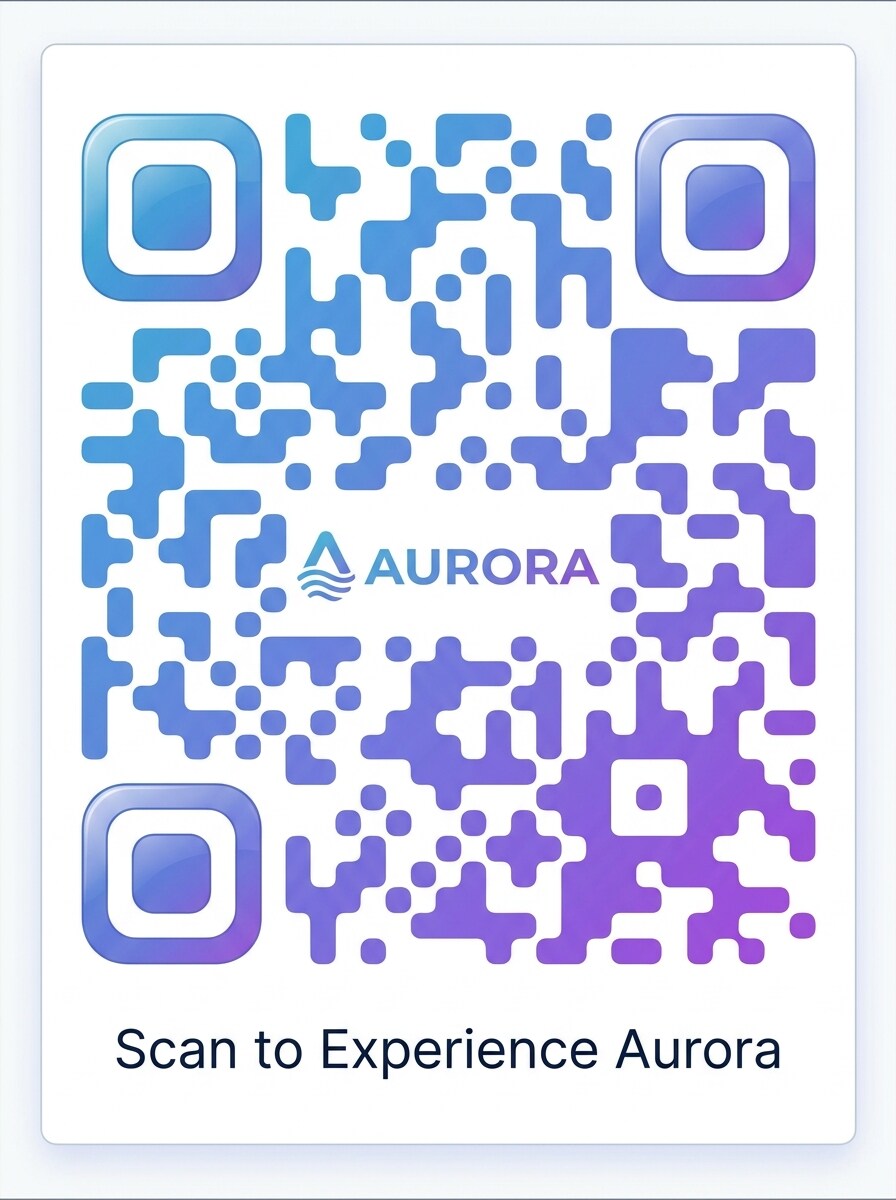
Usa la imagen subida como el recurso vinculado y rediseña el resultado como un Código QR de marca con un degradado de color Suave. Mantén módulos redondeados, márgenes blancos, composición de marketing pulida, reflejos Suaves, estética de marca moderna y un acabado Premium que se sienta listo para publicaciones en redes sociales, tarjetas de producto o visuales de página de destino.
Código QR con logo centrado
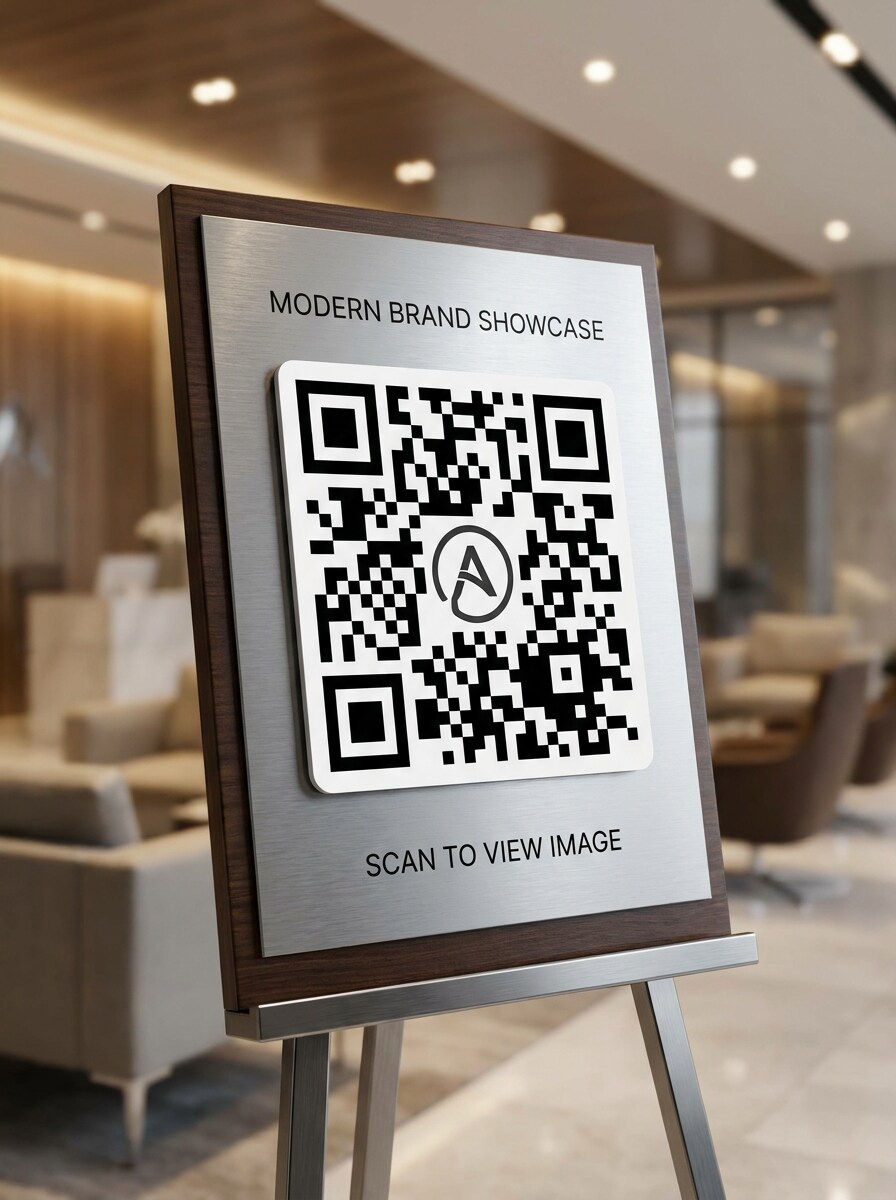
Usa la imagen subida como contenido de destino y crea un diseño de Código QR Premium con un área de logo centrada. Mantén un contraste fuerte, espaciado equilibrado de módulos, estilo empresarial elegante, profundidad sutil y una composición lista para Presentación que luzca refinada sin dejar de ser práctica para el escaneo móvil y campañas lideradas por la marca.
Experiencia de escaneo en empaque
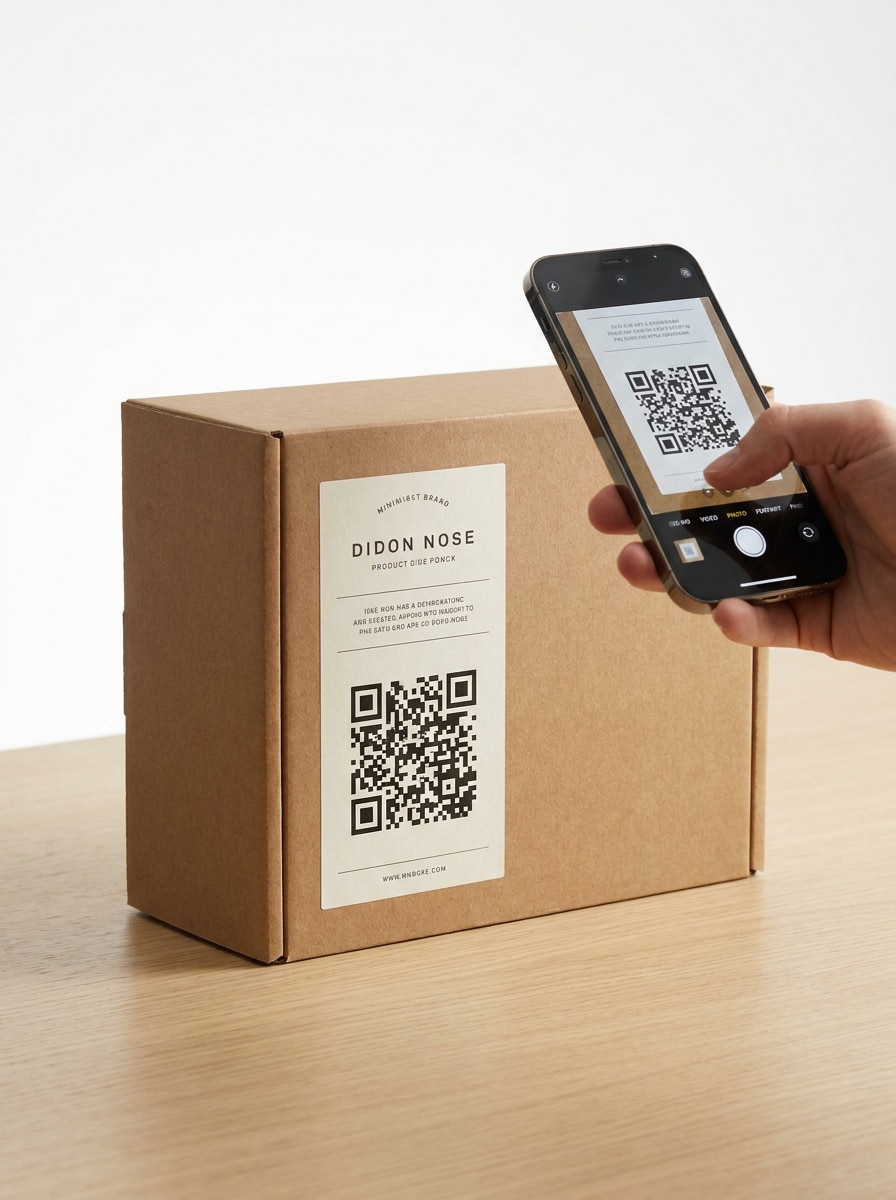
Usa la imagen subida como contenido vinculado y coloca el Código QR en una maqueta de empaque realista. Muestra una etiqueta de venta moderna, superficies de caja limpias, iluminación de estudio brillante, ubicación del código con alto contraste, composición centrada en el producto y una Presentación compatible con dispositivos móviles que se sienta lista para empaques de estantería o insertos de envío.
Código QR para menú y exhibición en Tabla
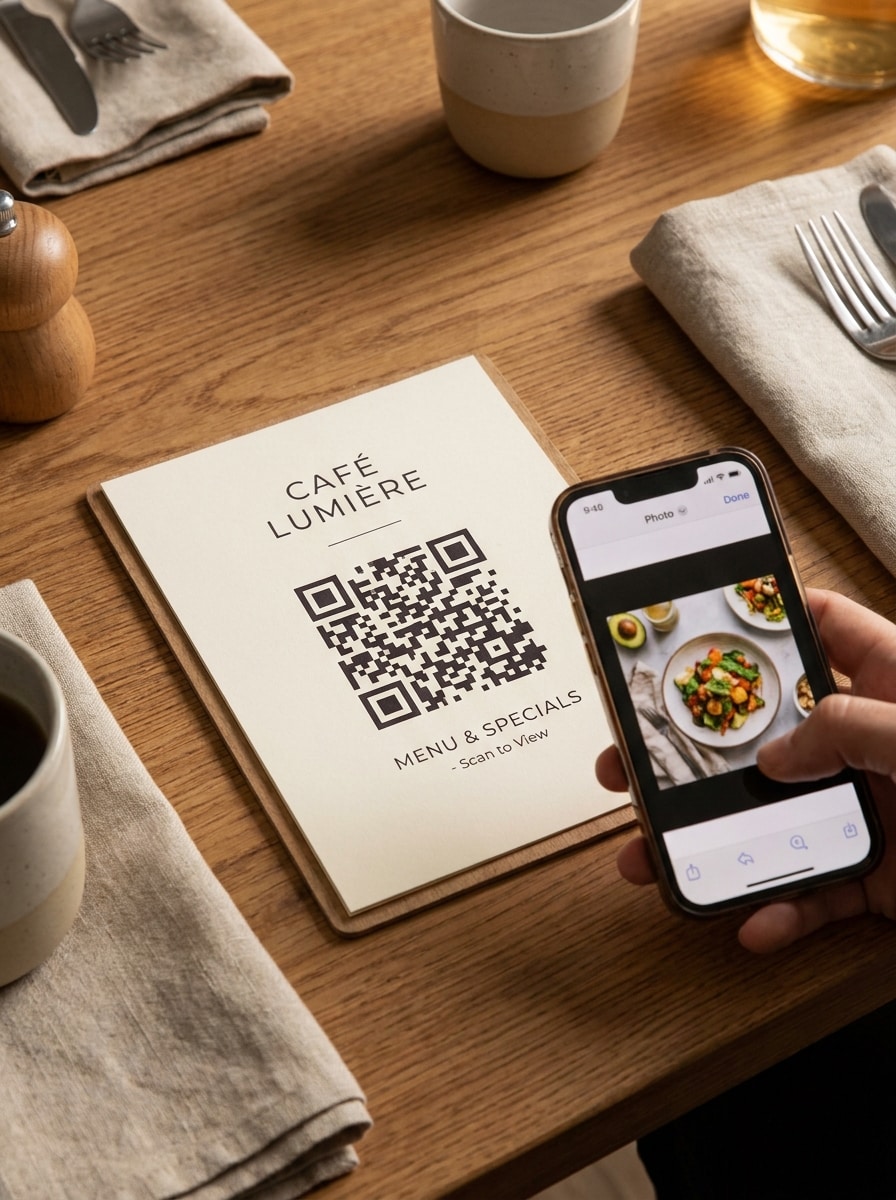
Usa la imagen cargada como destino vinculado y crea una visualización de Código QR estilo hospitalidad para Tablas o menús. Incluye un soporte ordenado o tarjeta de menú, iluminación de Ambiente cálida, espaciado tipográfico limpio, contraste fuerte del código, ambiente acogedor y una composición práctica que guíe a los invitados a escanear y ver imágenes de comida o Toma de producto.
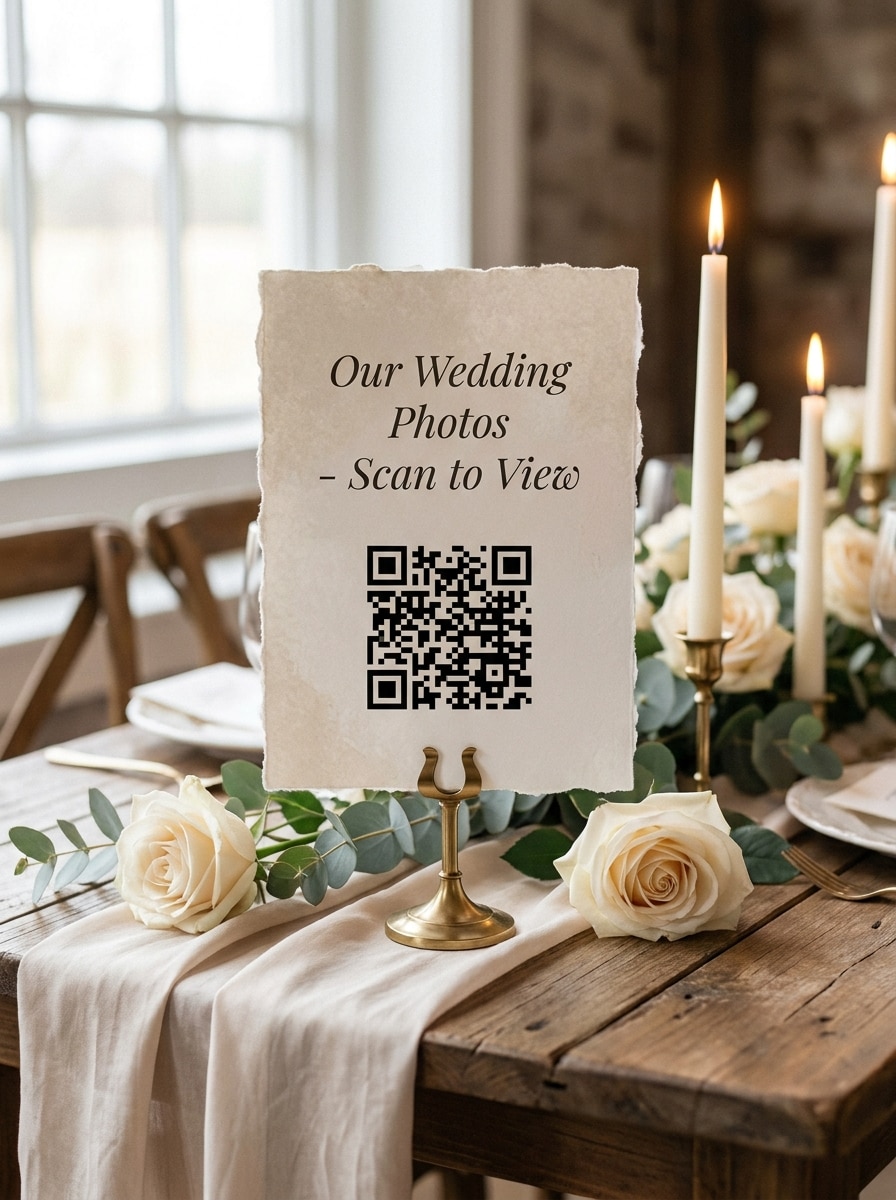
Código QR de foto para bodas o eventos
Usa la imagen cargada como recuerdo compartido y transfórmala en un elegante cartel de evento con Código QR. Añade tonos neutros Suaves, textura de papel delicada, espaciado elegante, iluminación romántica, alto contraste para escaneo y una composición refinada adecuada para Tablas de boda, señalización de bienvenida, libros de invitados o estaciones para compartir fotos.
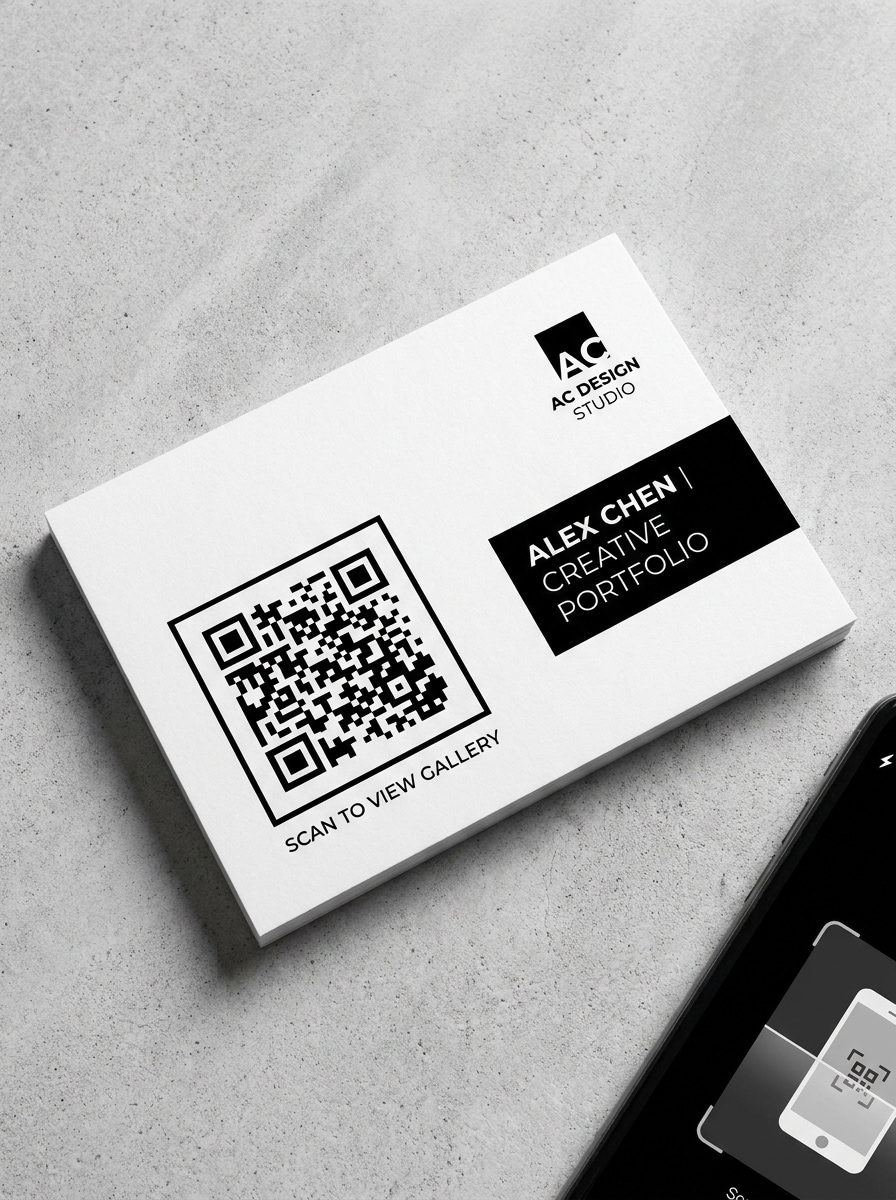
Código QR de portafolio y galería
Usa la imagen subida como el recurso de portafolio vinculado y conviértela en una Presentación de Código QR de galería pulida. Mantén el Diseño moderno y enfocado en la industria creativa, con acentos monocromáticos, sombras sutiles, márgenes nítidos, ubicación tipográfica profesional y una composición elegante adecuada para currículos, stands, tarjetas de presentación o exposiciones.
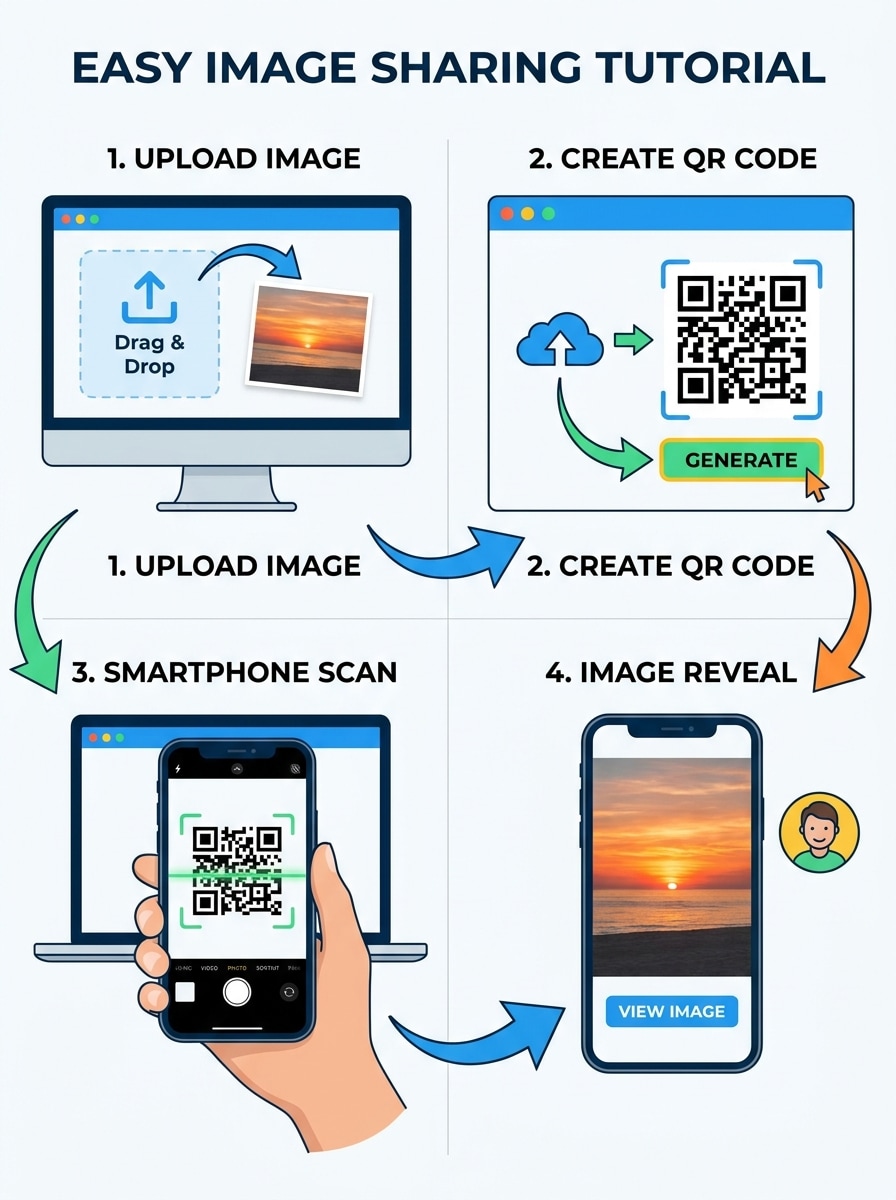
Demo de subida y escaneo
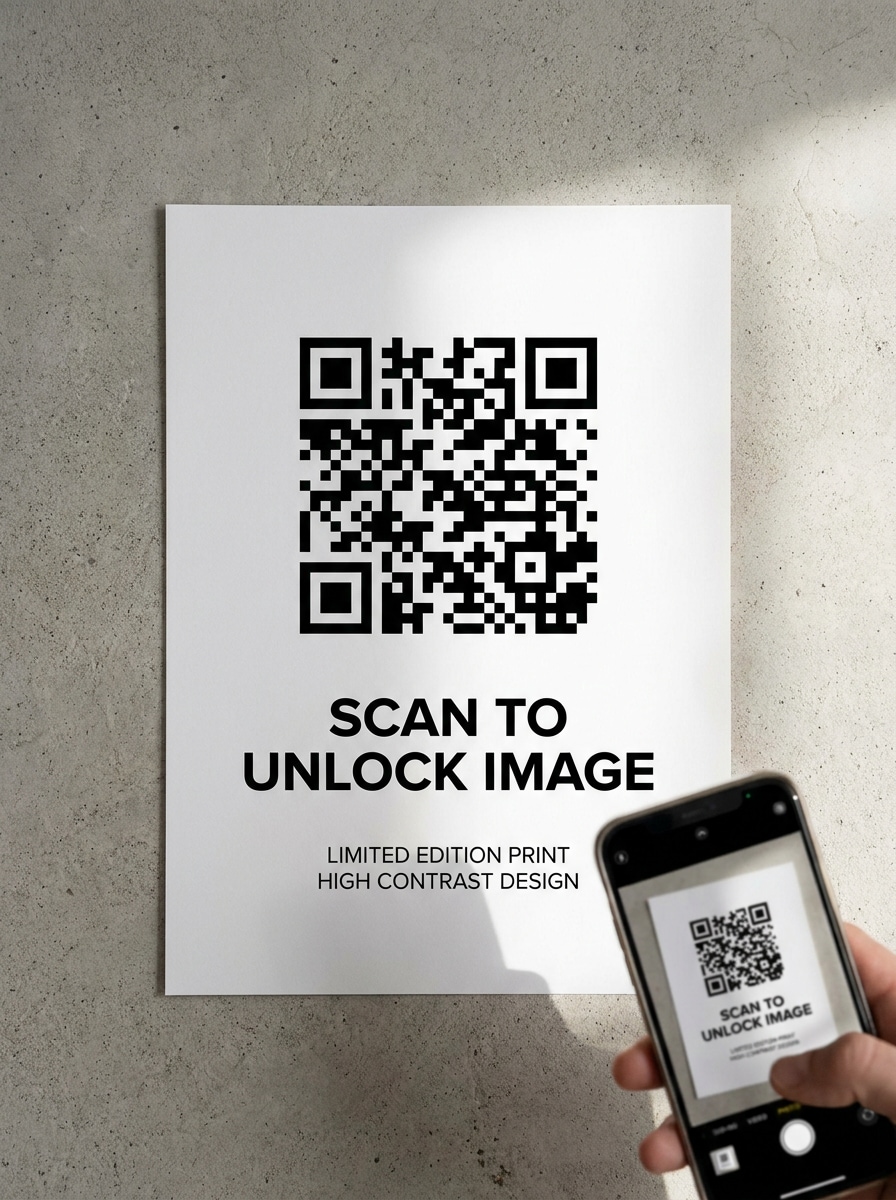
Usa la imagen subida como contenido de origen y crea una demostración visual paso a paso del flujo de trabajo. Muestra la subida de imagen, la generación del Código QR, el escaneo con Teléfono y la revelación de la imagen en una secuencia limpia con paneles instructivos, estilo de interfaz brillante, flechas claras, colores modernos y una composición de tutorial apta para redes sociales.
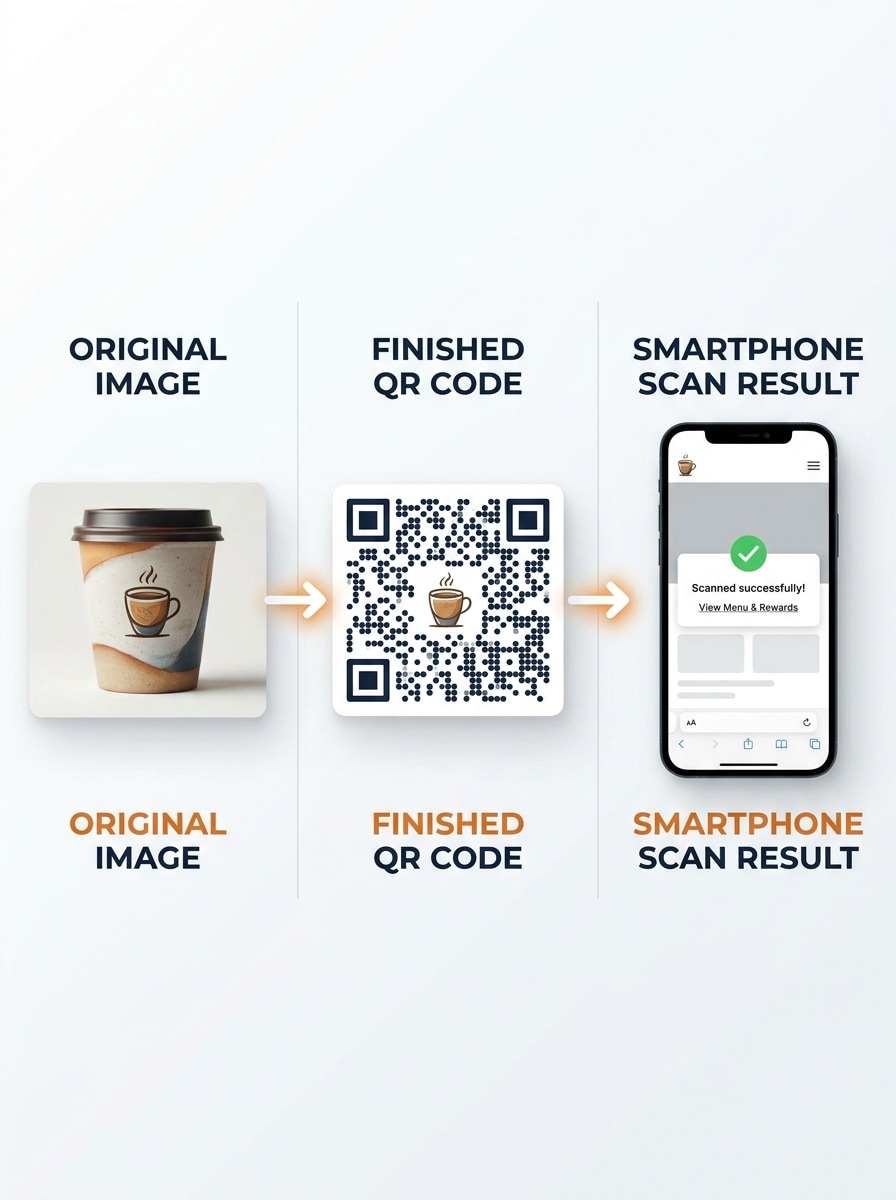
Comparación de antes y después
Usa la imagen subida como referencia del estado anterior y crea una comparación en pantalla dividida que muestre la imagen original, el Código QR terminado y el resultado del escaneo con Teléfono. Mantén el Diseño limpio, instructivo, de alto contraste y visualmente equilibrado con una estética moderna de publicación en redes sociales y una historia de transformación clara.
Por qué usar Media.io para flujos de trabajo de Código QR de imagen
Resultados basados en referencia que coinciden con tu visual original
Para ediciones basadas en subida, Media.io mantiene el sujeto de referencia visualmente consistente mientras cambia la dirección final de imagen a Código QR, lo que facilita el uso de resultados personalizados con confianza.
Reelabora un sujeto en múltiples estilos
Si el sujeto aún necesita parecerse a sí mismo después de la transformación, Media.io ayuda a conservar las señales de identidad principales mientras actualiza el estilo final de imagen a Código QR para un resultado más limpio.
Mantén los visuales finales nítidos para proyectos reales
Cuando una imagen convertida en Código QR se destina a un uso de publicación real, Media.io ofrece una salida más nítida de hasta 4K de Resolución, lo que ayuda a que la imagen se mantenga clara en Presentaciones, fondos y recursos reutilizados.
Funciona sin problemas en navegadores de escritorio y móviles
Cambiar de dispositivo no debería ralentizar la producción. Media.io te permite crear, ajustar y descargar imagen a Código QR en el navegador, lo que facilita mantener el impulso cuando cambias entre pantallas.
Cómo crear un visual de Código QR de imagen con Media.io
Convierte tus palabras en visuales impresionantes en tres sencillos pasos y luego continúa refinando el resultado si deseas llevarlo más lejos.
Paso 1
Sube tu imagen de referencia
Sube una foto clara, póster, Toma de producto, imagen de menú u otro visual de origen en formato JPG, PNG o JPEG. Elige una imagen que coincida con el concepto final de Código QR que deseas presentar, especialmente si estás creando una maqueta de uso compartido de marca.
Paso 2
Describe el cambio y configura las opciones
Ingresa un prompt detallado que explique el Diseño del Código QR, estilo, ambiente, tratamiento de color y contexto de uso. Luego elige tu modelo preferido y ajusta la Relación de aspecto, Resolución y número de variaciones de imagen para adaptarse a necesidades de impresión, redes sociales o Presentación.
Paso 3
Genera, descarga y sigue mejorando
Genera tus resultados, compara los diferentes visuales estilo Código QR y descarga la versión que más te guste. Si es necesario, refina el prompt, prueba otra composición o continúa la Edición para un aspecto de marca más limpio antes de compartir o presentar el concepto final.
Desbloquea el potencial de imagen convertida en Código QR
Descubre cómo los creadores usan este generador de imagen a Código QR para contenido, marketing y proyectos personales, y luego adapta cada idea a tu brief.
Muestra a los clientes un concepto de escaneo de marca rápidamente
Diseñadores y profesionales de marketing pueden convertir una foto subida en una maqueta de campaña de Código QR pulida para presentaciones de Tono, vistas previas de empaque o tableros promocionales. Es una forma útil de visualizar cómo podría lucir una experiencia de imagen escaneable antes de la producción final.
Crea materiales para compartir en eventos y lugares
Usa la herramienta para crear conceptos elegantes de carteles, tarjetas de Tabla o pósteres que guíen a los invitados a escanear y ver álbumes, menús o imágenes destacadas. Esto funciona bien para bodas, pop-ups, exposiciones y exhibiciones de hospitalidad que necesitan una Presentación limpia orientada al escaneo.
Crea demos sociales y contenido de antes y después
Los creadores pueden producir gráficos tutoriales que expliquen cómo subir un visual, generar un recurso estilo código y previsualizar el resultado del escaneo con Teléfono. Estos recursos son especialmente útiles para demos de formato corto, publicaciones en carrusel y secciones educativas de páginas de destino.
Lo que les gusta a los usuarios de Media.io
Elena Brooks
Diseñadora de marca
"Genial para maquetas rápidas de presentaciones de Tono" Usé Media.io para crear conceptos de empaque estilo Código QR a partir de una foto de producto, y el flujo de trabajo fue mucho más rápido que crear cada visual desde cero. Las opciones de Diseño hicieron que la Presentación se sintiera lista para el cliente.
Marcus Chen
Líder de marketing de restaurante
"Útil para menús y elementos visuales de Tabla" Necesitábamos imágenes promocionales enfocadas en el escaneo para exhibiciones de mesa, y Media.io facilitó probar múltiples estilos a partir de una sola referencia cargada. Los resultados fueron lo suficientemente limpios tanto para vistas previas en redes sociales como para maquetas de impresión.
Talia Morris
Organizadora de eventos
"Útil para ideas elegantes de señalización de eventos" Me gustó lo sencillo que fue subir una foto de pareja y generar conceptos pulidos de carteles para compartir en eventos. Ahorró tiempo durante la planificación y nos dio direcciones visuales sólidas para exhibiciones de Código QR en bodas.
Ruben Patel
Creador de contenido
"Bueno para comparaciones estilo tutorial" Los prompts de comparación lado a lado y de demo funcionaron muy bien para contenido explicativo. Pude crear un visual claro de antes y después sobre cómo convertir una foto en un recurso de campaña escaneable sin software complicado.
Explora los efectos de video e imagen con IA más populares
Preguntas frecuentes sobre el generador de Código QR a partir de imágenes
1. ¿Qué es un generador de Código QR a partir de imágenes?
Un generador de Código QR de imágenes es una herramienta que te ayuda a crear un flujo de trabajo visual basado en QR a partir de una imagen cargada. En esta página de Media.io, cargas una foto de referencia y generas imágenes conceptuales de Código QR estilizadas para presentaciones, maquetas de marketing, ideas de señalización u otros Recursos creativos basados en ese elemento visual de origen.
2. ¿Cómo convierto una imagen en un Código QR en línea?
Con Media.io, comienzas subiendo tu imagen de origen, luego describes el resultado con estilo QR que deseas, como una maqueta de folleto, una vista previa de empaque o un concepto de exhibición en Tabla. Después, elige tus opciones de imagen, genera variaciones, revisa los resultados y descarga la versión que mejor se adapte a tu proyecto.
3. ¿Puedo crear un Código QR para una imagen de forma gratuita?
Sí, los usuarios gratuitos pueden probar Media.io con los créditos gratuitos disponibles. Si necesitas más volumen de generación o descargas adicionales, puedes consultar la página de precios para ver las opciones de suscripción. Los usuarios gratuitos pueden usar créditos gratuitos. Para un mayor uso, los usuarios pueden suscribirse a un plan en la página de precios. Actualiza a un plan de pago en la página de precios para obtener más créditos y descargas en alta resolución sin marca de agua.
4. ¿Qué formatos de imagen puedo subir para crear un Código QR?
Media.io admite la carga de archivos JPG, PNG y JPEG como imágenes de referencia. Esto lo hace práctico si deseas partir de formatos comunes de foto o diseño y generar un material visual estilizado para un flujo de trabajo de Presentación o uso compartido de imágenes con Código QR.
5. ¿Puedo editar o Reemplazar la imagen después de crear el Código QR?
En Media.io, puedes subir una imagen de referencia diferente y Regenerar nuevos resultados, o revisar tu indicación para cambiar el Diseño, el estilo o la Presentación. La herramienta está diseñada para la Creación iterativa de imágenes, por lo que es fácil comparar versiones actualizadas cuando tu material visual de origen o dirección creativa cambian.
6. ¿Se necesita acceso a Internet para escanear un Código QR de imagen?
La necesidad de acceso a Internet depende de hacia dónde apunte el destino final del Código QR. En general, si un Código QR está destinado a abrir una imagen en línea o una página alojada, el dispositivo de escaneo normalmente necesita una conexión a Internet para cargar ese contenido.
Más allá del generador en línea de Código QR a partir de imágenes con IA