
01
Generación Gratuita de IA con Image FX
Convierte una descripción breve en retratos, pósters, miniaturas, avatares, imágenes de productos, fondos de pantalla y conceptos de campaña directamente en tu navegador.
 ToMoviee Lite
¿Buscas image fx ai gratis, un generador de ia image fx, o una simple alternativa a image fx google? Media.io te ayuda a generar imágenes a partir de texto, editar fotos subidas con indicaciones en lenguaje natural y crear contenido visual listo para tendencias en línea, sin necesidad de descargar una aplicación Image FX ni cambiar entre múltiples herramientas.
Los usuarios que buscan Image FX AI generalmente desean generación rápida de texto a imagen, controles de indicaciones al estilo de Google, acceso sencillo con inicio de sesión y resultados descargables. Media.io responde a esa intención con un flujo de trabajo basado en navegador para la generación de imágenes, edición de fotos y plantillas de indicaciones reutilizables.
Media.io está diseñado para creadores que desean el valor fundamental de Image FX AI: indicaciones rápidas, estilos visuales flexibles, acceso en línea y un camino directo desde una idea o foto subida hasta una imagen descargable y refinada.
Convierte una descripción breve en retratos, pósters, miniaturas, avatares, imágenes de productos, fondos de pantalla y conceptos de campaña directamente en tu navegador.
Sube una foto y describe los cambios que deseas. Reemplaza fondos, ajusta la iluminación, cambia el estilo de los atuendos, agrega objetos o reconstruye la escena sin necesidad de software de diseño avanzado.
Usa indicaciones detalladas sobre el sujeto, ángulo de cámara, iluminación, fondo, material, estado de ánimo y composición para crear resultados más precisos y visualmente coherentes.
En lugar de buscar una aplicación Image FX o una descarga no oficial, usa Media.io en línea desde tu computadora de escritorio, iPhone, Android o tableta.
Abre Media.io en tu navegador. Elige Generador de Imágenes con IA para texto a imagen, Imagen a Imagen para edición de fotos, o Imagen a Video para animación.
Describe el sujeto, estilo visual, fondo, iluminación, pose, ángulo de cámara, estado de ánimo, relación de aspecto y uso final. Sube una foto de referencia cuando la identidad o la composición sean importantes.
Previsualiza el resultado, refina la indicación y descarga tu imagen. También puedes continuar hacia la creación al estilo de video con Image FX AI animando el resultado con Media.io Imagen a Video.
Usa Media.io cuando tu búsqueda de Image FX AI realmente sea sobre crear contenido visual para redes sociales, editar fotos, producir materiales de marketing o explorar conceptos de imágenes guiados por indicaciones en un único espacio de trabajo en línea.
Crea fotos de perfil, ediciones de moda, escenas de viaje, imágenes de festivales, pósters cinematográficos, miniaturas y contenido social listo para tendencias a partir de indicaciones simples.
Prueba Este Flujo ›Edita una foto existente con instrucciones en lenguaje sencillo: cambia el fondo, agrega accesorios, mejora la iluminación, cambia el estilo de la ropa o crea un nuevo estado de ánimo visual.
Editar con IA ›Crea maquetas de productos, conceptos publicitarios, imágenes de campaña, ilustraciones para blogs y borradores promocionales antes de invertir tiempo en la producción completa.
Explorar Indicaciones ›Genera una imagen conceptual, refínala con indicaciones y reutiliza el visual en publicaciones de redes sociales, anuncios, presentaciones, miniaturas o campañas creativas.
Explorar Video con IA ›Prueba estos ejemplos de indicaciones de Image FX AI listos para usar: retratos, parejas, cumpleaños, escenas de viaje y visuales cinematográficos. Copia una indicación, personaliza el sujeto y crea una imagen similar con Media.io.
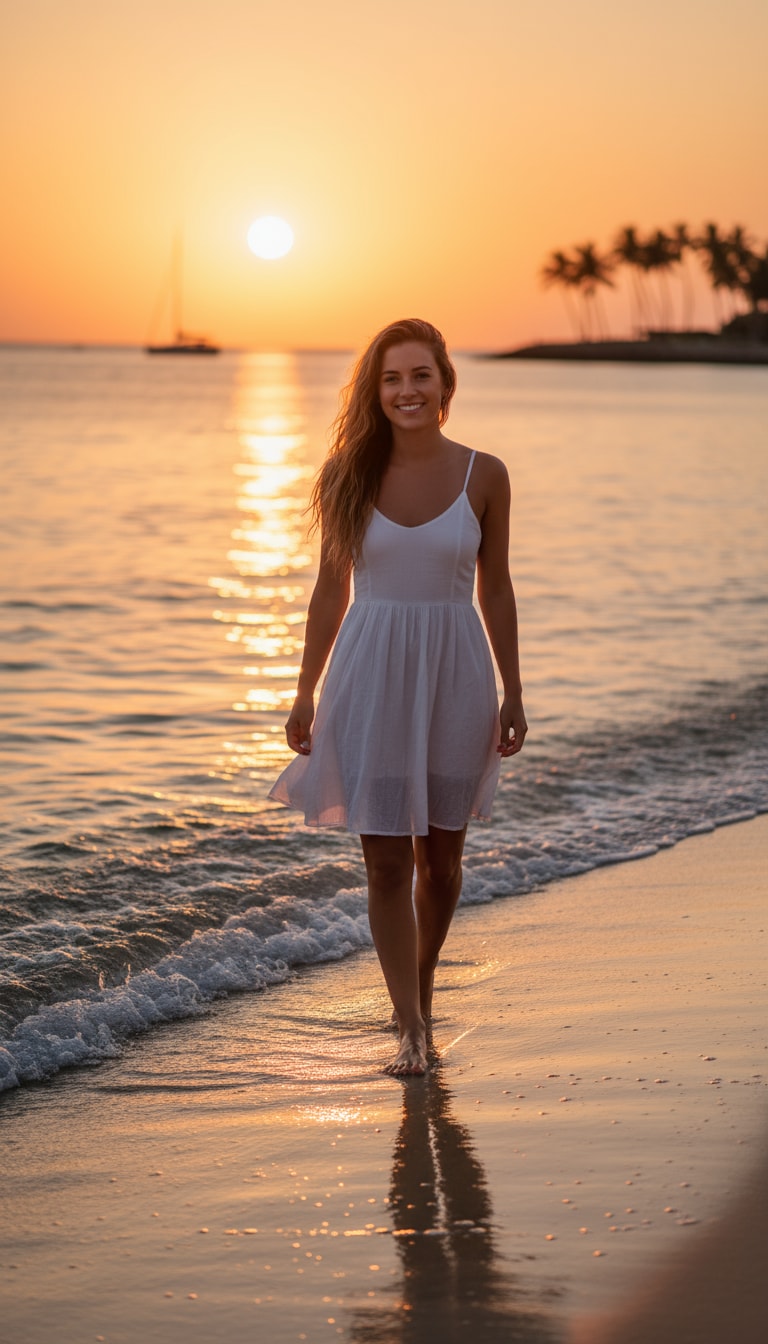
Una chica en la playa caminando descalza por la orilla durante la hora dorada. Su cabello danza con la brisa marina y la luz del sol besa su piel con un cálido resplandor cinematográfico. Las suaves olas reflejan tonos naranjas y rosados mientras ella sonríe naturalmente hacia el lente.
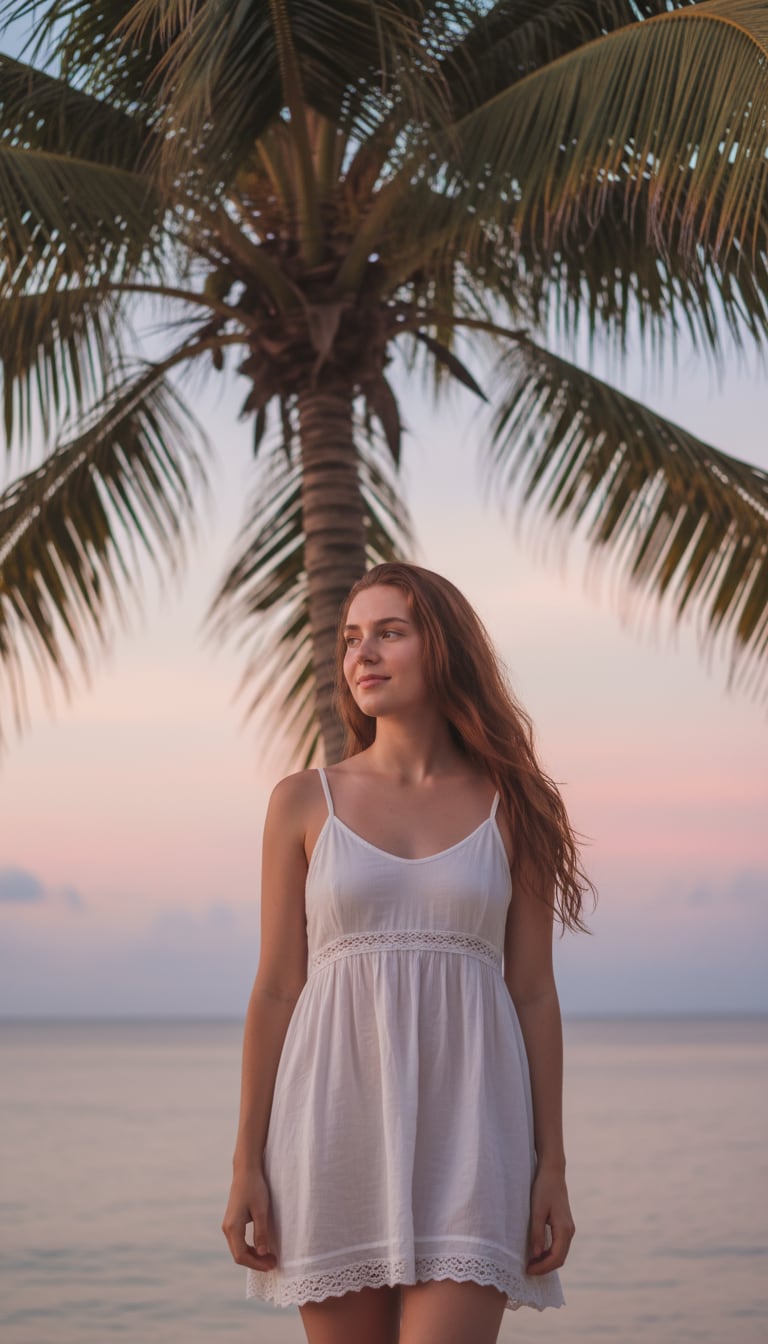
Una chica con un vestido de verano blanco está junto a una palmera, con suaves sombras cayendo sobre su rostro. El horizonte brilla con cielos en tonos pastel, y su expresión tranquila se siente calmada y viva, como un momento de vlog soñador.
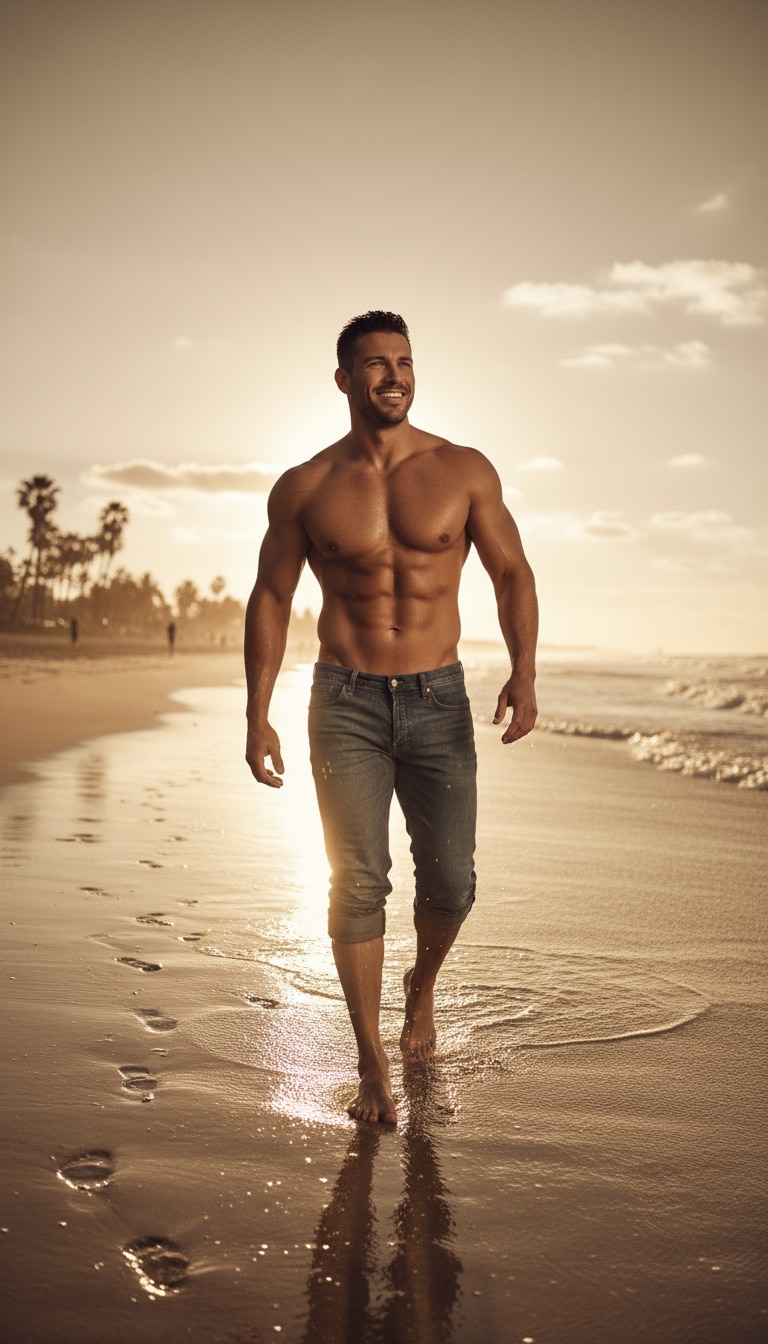
Un hombre camina sin camisa junto a la orilla, con los jeans enrollados y la luz del sol reflejándose en la arena mojada. Su expresión segura y la iluminación cinematográfica crean una energía de revista de estilo de vida.
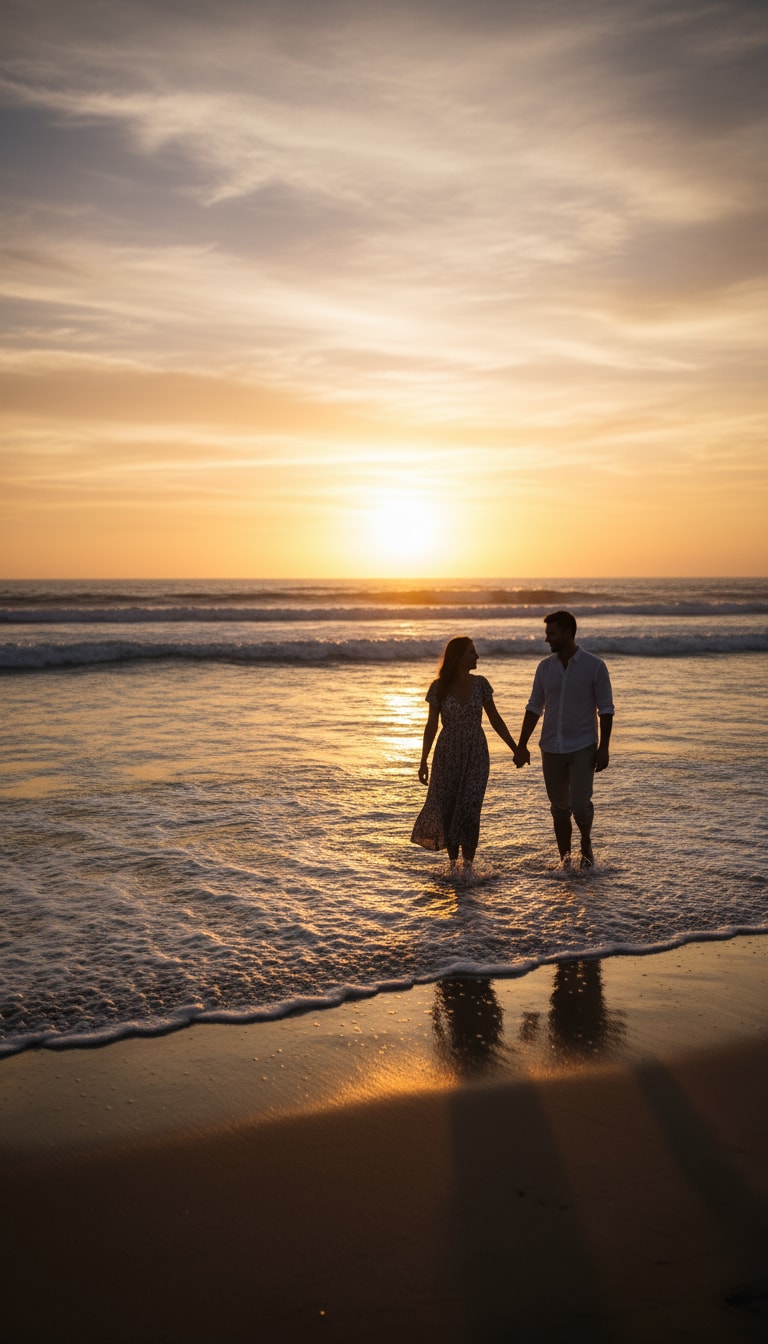
Una pareja caminando de la mano por la orilla, con las olas tocando sus pies. El atardecer pinta sus siluetas en suave dorado.
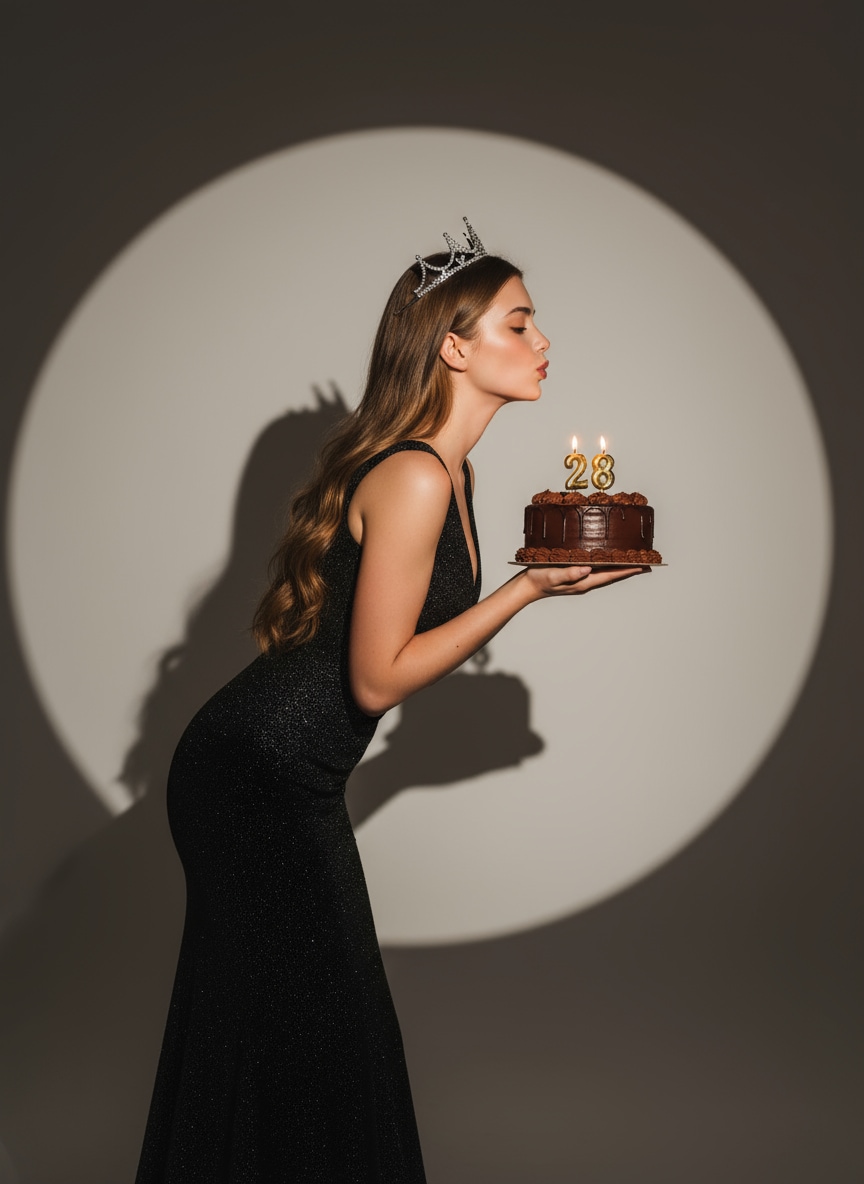
Crea un glamoroso retrato de cumpleaños con IA Gemini: mujer elegante sosteniendo un pastel de chocolate bajo un foco cálido, con un vestido negro brillante y corona de plata. Una vibra cinematográfica y moderna de imagen Google AI.
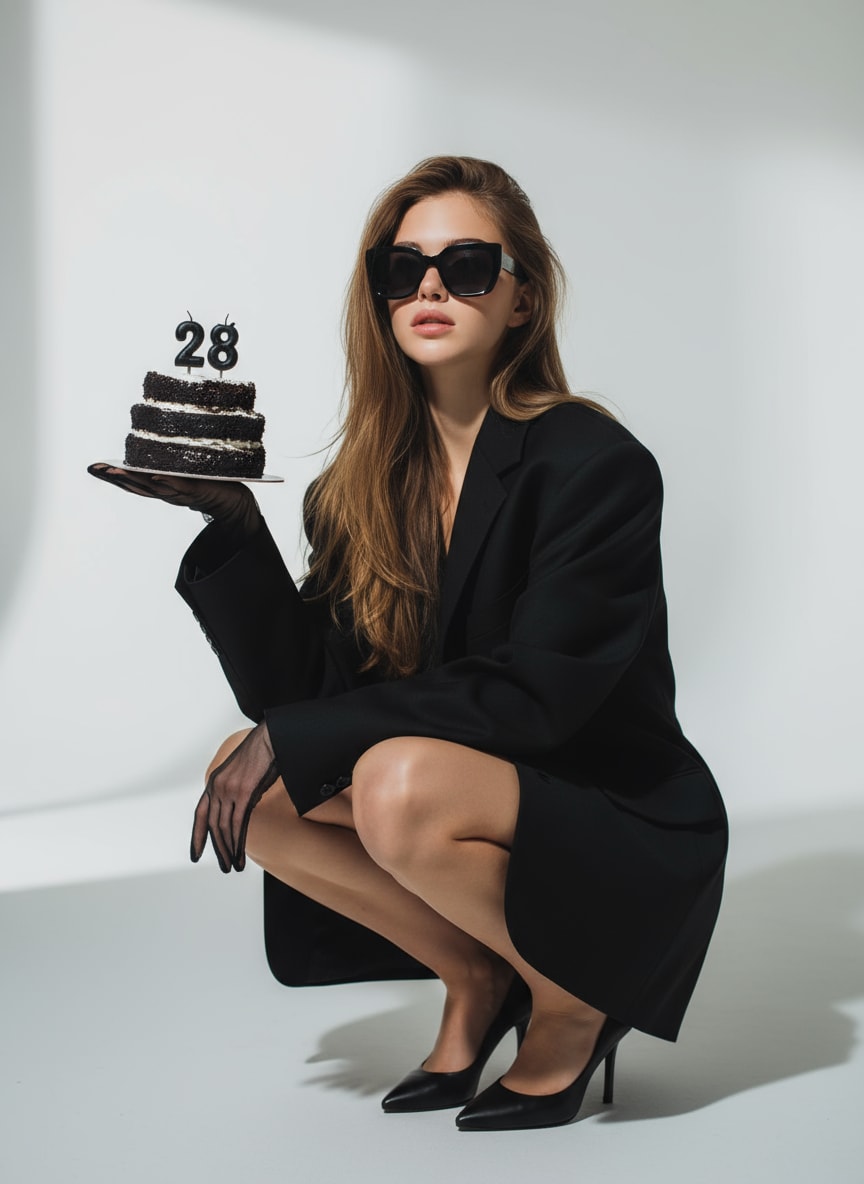
Una indicación de imagen con IA con estilo para cumpleaños: mujer con blazer negro oversize y gafas de sol, sosteniendo un pastel con velas encendidas con el número «28». Iluminación dramática y fondo de estudio minimalista.
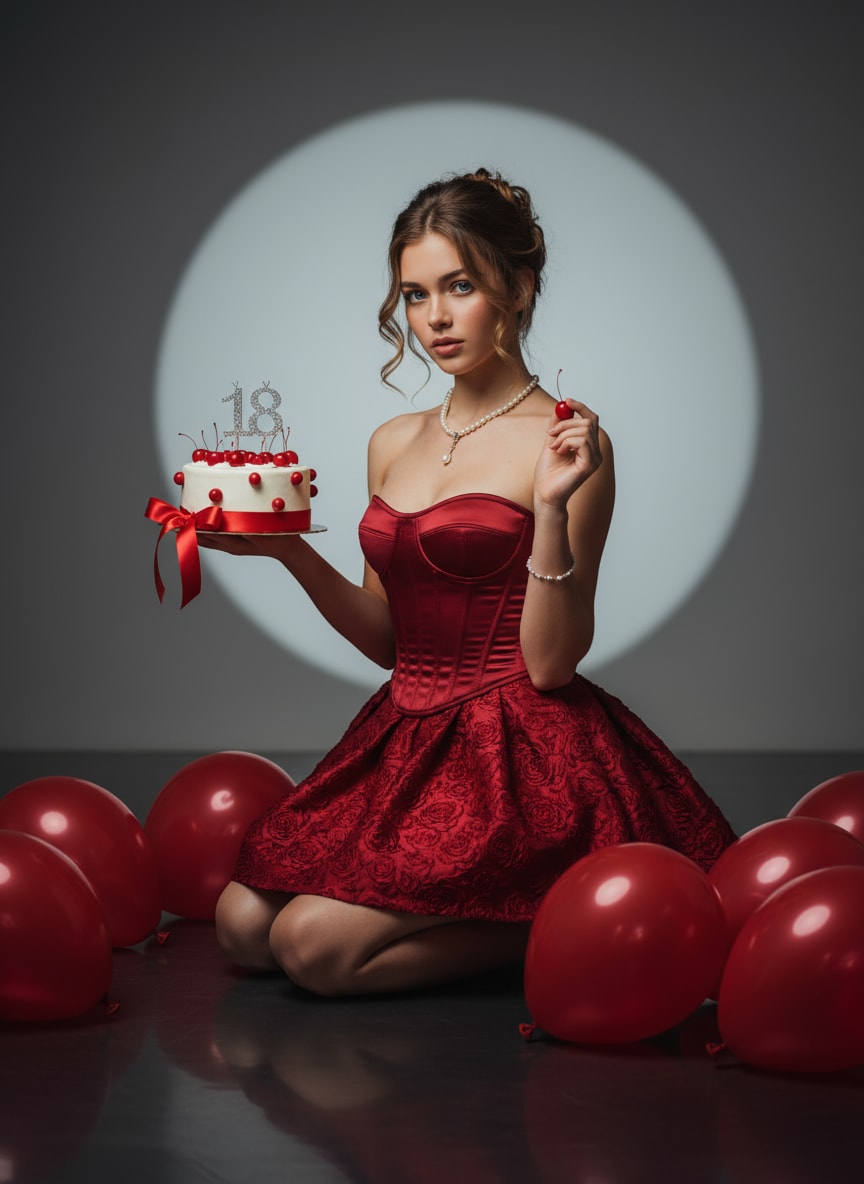
Una impresionante indicación de chica de cumpleaños con IA: corsé de satén rojo, joyería de perlas, resplandor de foco y pastel con cerezas. Ideal para escenas elegantes de imagen Google AI.
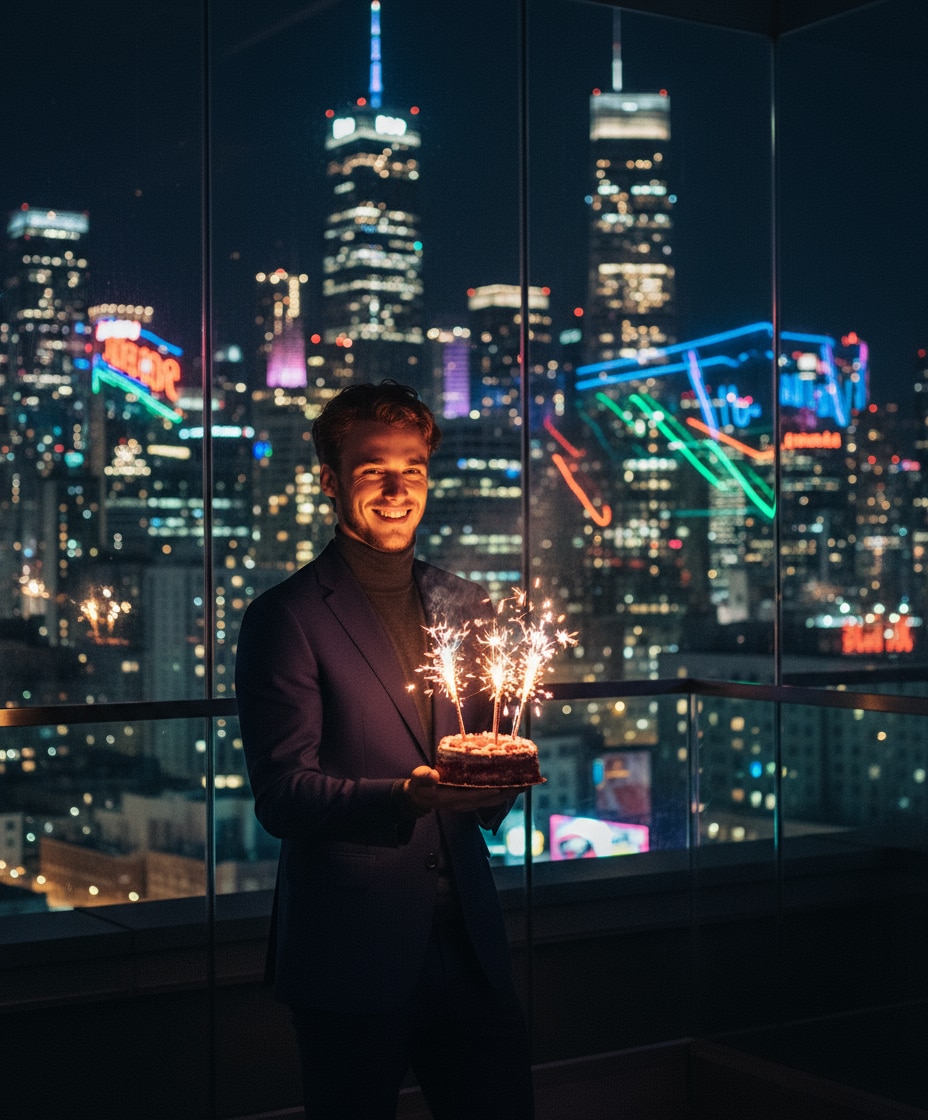
Un fondo nocturno cinematográfico, pastel con bengalas y reflejos de neón de la ciudad: una elegante indicación de foto de cumpleaños con IA Gemini para ideas creativas de copiar y pegar indicaciones.
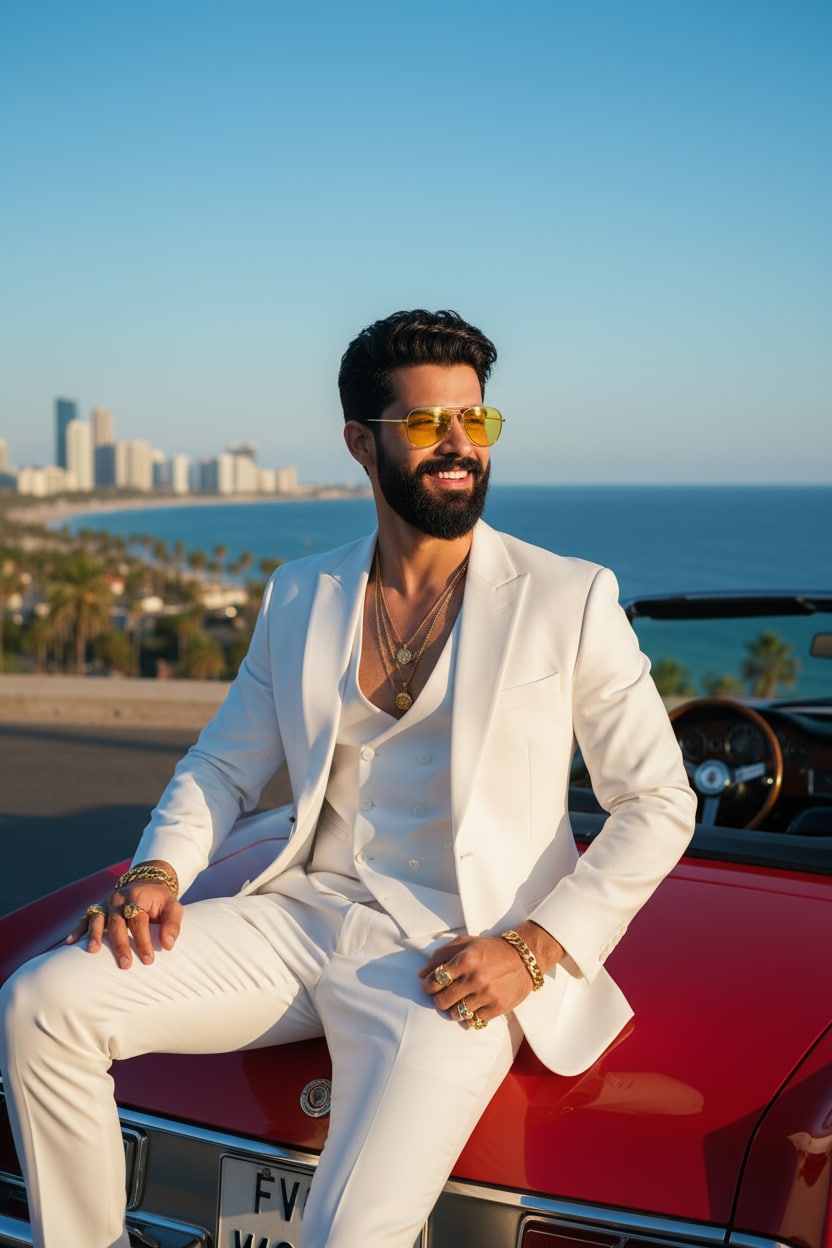
Un retrato fotorrealista de la persona de la imagen subida. Un apuesto hombre con gafas de sol de tinte amarillo y un elegante traje blanco de tres piezas, sentado en un convertible rojo junto al océano bajo un clima soleado y despejado.
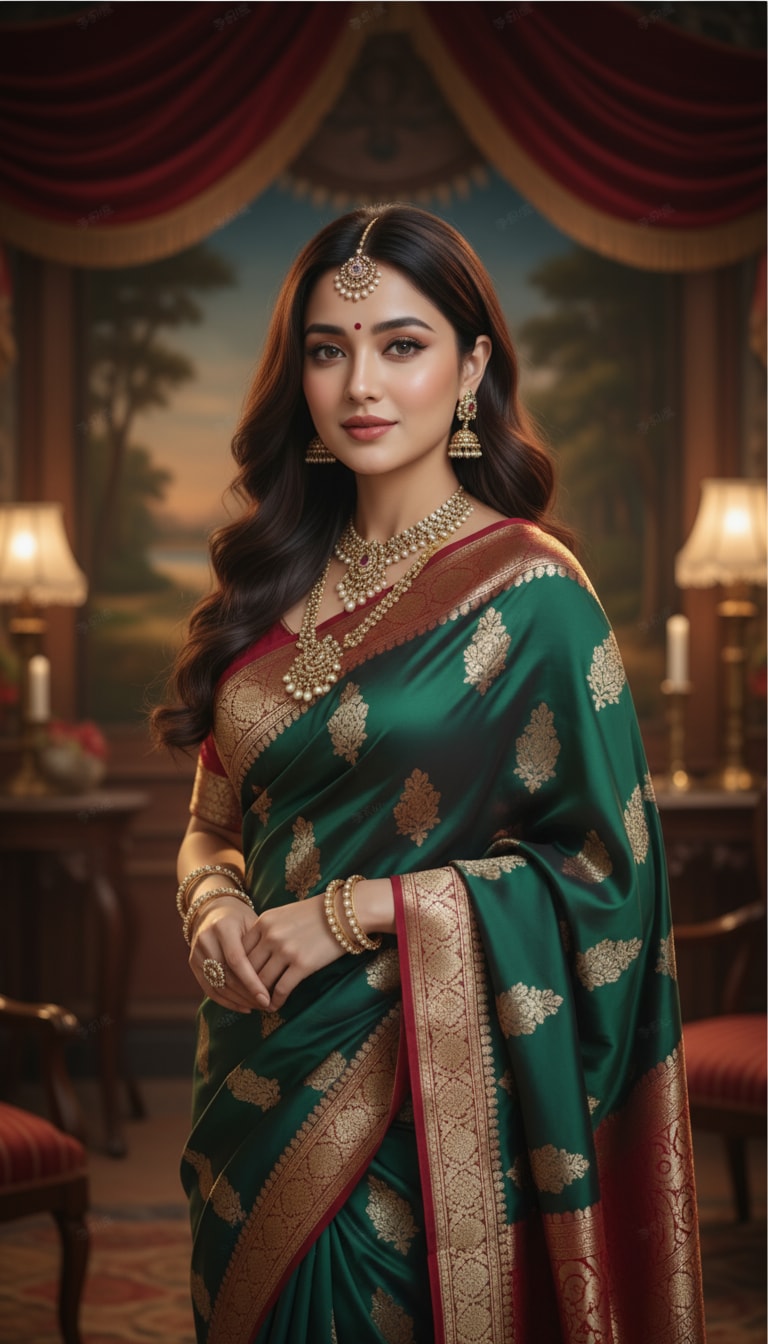
Una hermosa chica con un sari de seda fluido, joyería tradicional india y maquillaje suave, de pie en un entorno de estudio vintage de Bollywood con iluminación cinematográfica y texturas realistas.
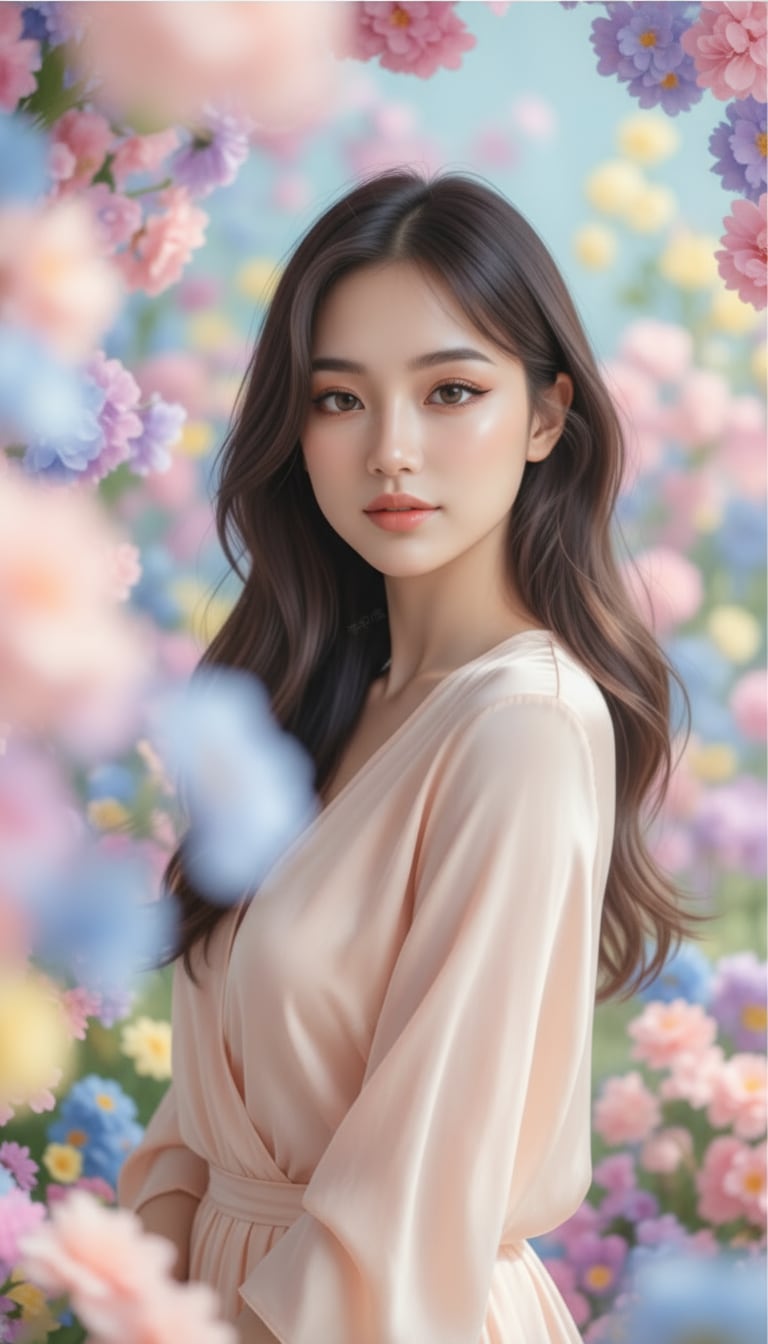
Un retrato estético de ensueño de una chica con tonos pastel, piel luminosa suave, iluminación delicada, flores en flor, bokeh cinematográfico y un elegante estilo de Instagram inspirado en Pinterest.
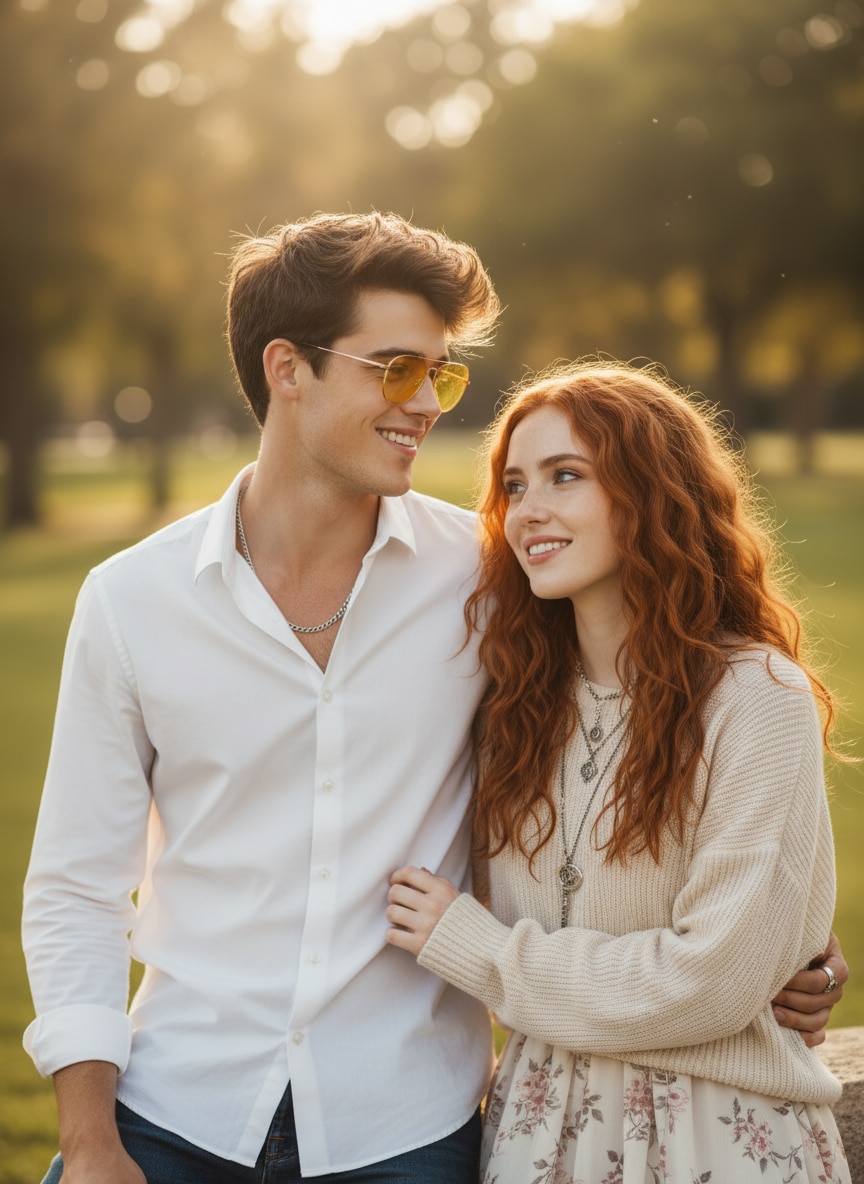
Combina la imagen 1 y la imagen 2 en un retrato de pareja natural. Conserva ambos rostros exactamente, colócalos juntos con sonrisas relajadas, luz natural diurna suave, contraluz sutil y textura de piel realista.
Las búsquedas de Image FX AI comúnmente combinan generación de imágenes, acceso a Google Labs, inicio de sesión, aplicación e intención de descarga. Media.io integra esas necesidades creativas en un flujo de trabajo de creación y edición de imágenes basado en navegador.
| Punto de Decisión | Intención Típica de Image FX AI | Media.io |
|---|---|---|
| Uso principal | Generar o editar imágenes de IA con indicaciones de texto basadas en prompts y referencias de imágenes. | Crear imágenes de IA, editar imágenes con prompts y continuar en los flujos de trabajo más amplios de imágenes y video de Media.io. |
| Ideal para | Usuarios que desean resultados de imágenes de IA de Google, imágenes realistas, ediciones por prompt y resultados creativos experimentales. | Creadores, especialistas en marketing, estudiantes, dueños de tiendas, bloggers y usuarios de redes sociales que desean una ruta de producción en línea sencilla. |
| Control de prompts | Los resultados dependen del detalle del prompt, la claridad del sujeto, la disponibilidad del modelo y si el usuario comienza desde texto o desde una imagen. | Flujo de trabajo guiado para sujeto, imagen de referencia, fondo, iluminación, estilo, tamaño de plataforma y dirección de prompt viral. |
| Estilos creativos | Las búsquedas comunes incluyen imagen de IA, editor de imágenes Gemini, imagen de IA de Google y prompt gratuito del generador de imágenes de IA Gemini. | Admite retratos, ediciones retro, fotos de parejas, anuncios de productos, miniaturas, carteles cinematográficos y páginas de prompts de IA basadas en tendencias. |
| Claridad del flujo de trabajo | Algunos usuarios buscan por separado en Gemini, ChatGPT, descarga de editor de fotos, páginas de prompts y herramientas de modelos. | Un camino directo: elige una herramienta, copia un prompt, genera, refina, descarga y explora más páginas del libro de prompts de IA de Media.io. |
Quieres fotos de IA realistas, ediciones de imágenes basadas en prompts y resultados creativos basados en instrucciones de texto o referencias cargadas.
Quieres generación de imágenes de IA dentro de un flujo de trabajo en línea sencillo, además de páginas de prompts de tendencia y herramientas relacionadas de imágenes/video con IA.

Prompts virales fáciles. Uso Media.io para probar prompts de imágenes de IA antes de publicar retratos de estilo tendencia en Instagram.

Visuales de productos rápidos. Media.io me ayuda a crear borradores de imágenes de productos con IA y conceptos de campaña sin contratar a un diseñador para cada prueba.

Ediciones de imágenes limpias. Me gusta usar el flujo de trabajo del editor de imágenes Gemini para cambios de fondo, pruebas de estilo y miniaturas pulidas para creadores.
Image FX AI generalmente se refiere a Google ImageFX, una herramienta experimental de generación de imágenes de Google Labs que crea imágenes a partir de prompts de texto. Los usuarios también pueden buscar Image FX Labs, Image FX Google o Flow Image FX. Media.io ofrece una alternativa separada basada en navegador para la edición de fotos de texto a imagen y basada en prompts.
Media.io proporciona créditos gratuitos o acceso de prueba para nuevos usuarios elegibles, para que puedas probar prompts y obtener una vista previa de los resultados antes de elegir un plan de pago. El uso de créditos puede variar según el modelo, la resolución y si creas una imagen o un video.
Image FX AI se enfoca en generar imágenes fijas a partir de prompts de texto, mientras que Flow AI generalmente se asocia con flujos de trabajo creativos más amplios que pueden incluir generación cinematográfica o de video. Media.io enfoca esta página en la generación y edición de imágenes, con herramientas de video separadas disponibles en otras partes de la plataforma.
No se requiere ninguna aplicación para el flujo de trabajo de Media.io. Funciona en un navegador moderno en dispositivos de escritorio y móviles, para que puedas crear, editar y descargar imágenes sin instalar software pesado ni usar archivos no oficiales.
Sí. ImageFX es un producto de Google Labs. Búsquedas como Image FX Google e Image FX Labs generalmente se refieren a ese servicio. Media.io es una plataforma separada y no se presenta como el servicio oficial de Google ImageFX o Flow.
No usas un inicio de sesión de Image FX en Media.io. Media.io tiene su propio sistema de cuentas, que puede ser necesario para recibir créditos, guardar proyectos, acceder a modelos seleccionados o descargar resultados generados.
Genera tu contenido, revisa la vista previa y usa la opción de descarga o exportación disponible. Antes de publicar, verifica los límites del plan del modelo elegido, las reglas de marca de agua, la resolución de salida y los términos de uso comercial.
Especifica el sujeto, la acción, el entorno, la iluminación, el ángulo de cámara, la paleta de colores, el estado de ánimo, el nivel de realismo y la relación de aspecto. Para ediciones, indica qué debe permanecer sin cambios, como la identidad del rostro, la ubicación del logotipo, la forma del producto o la composición del fondo.
 4.7 (162,357 Votos)

