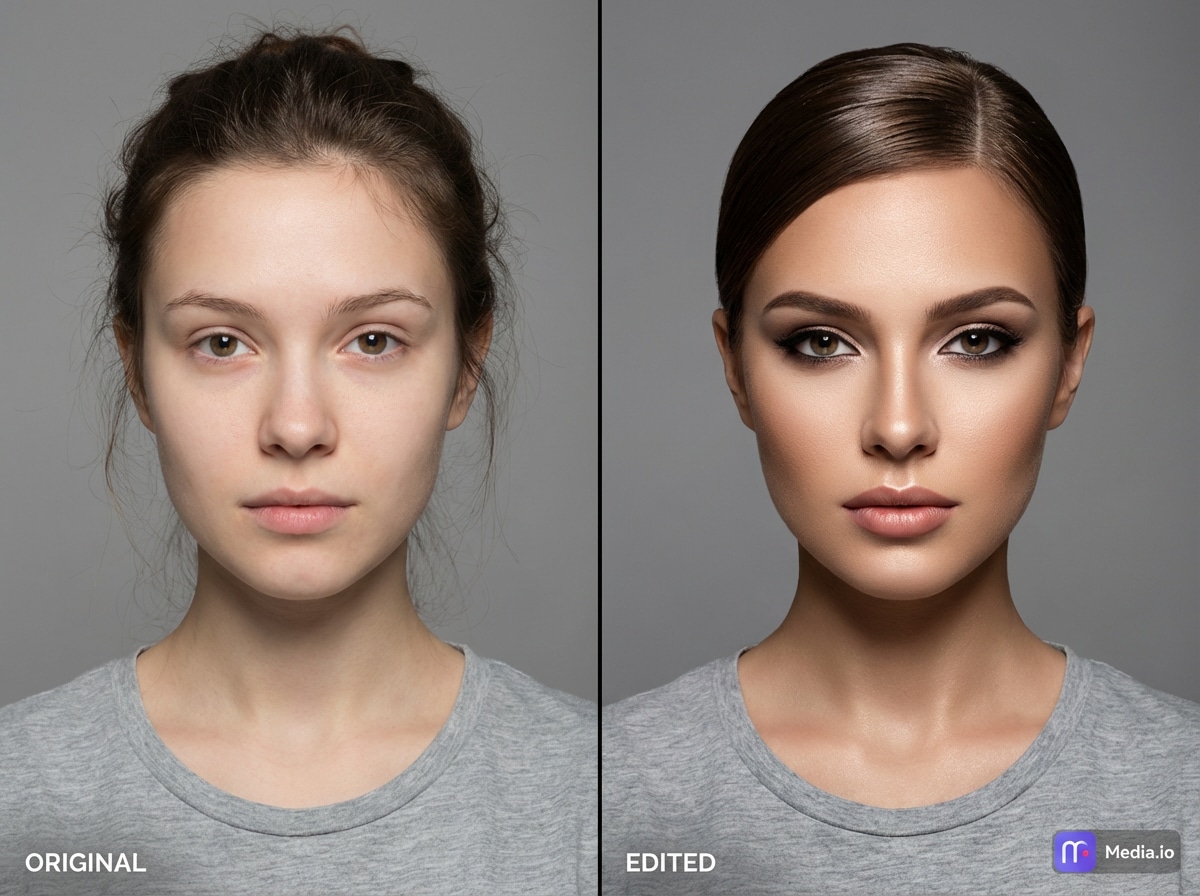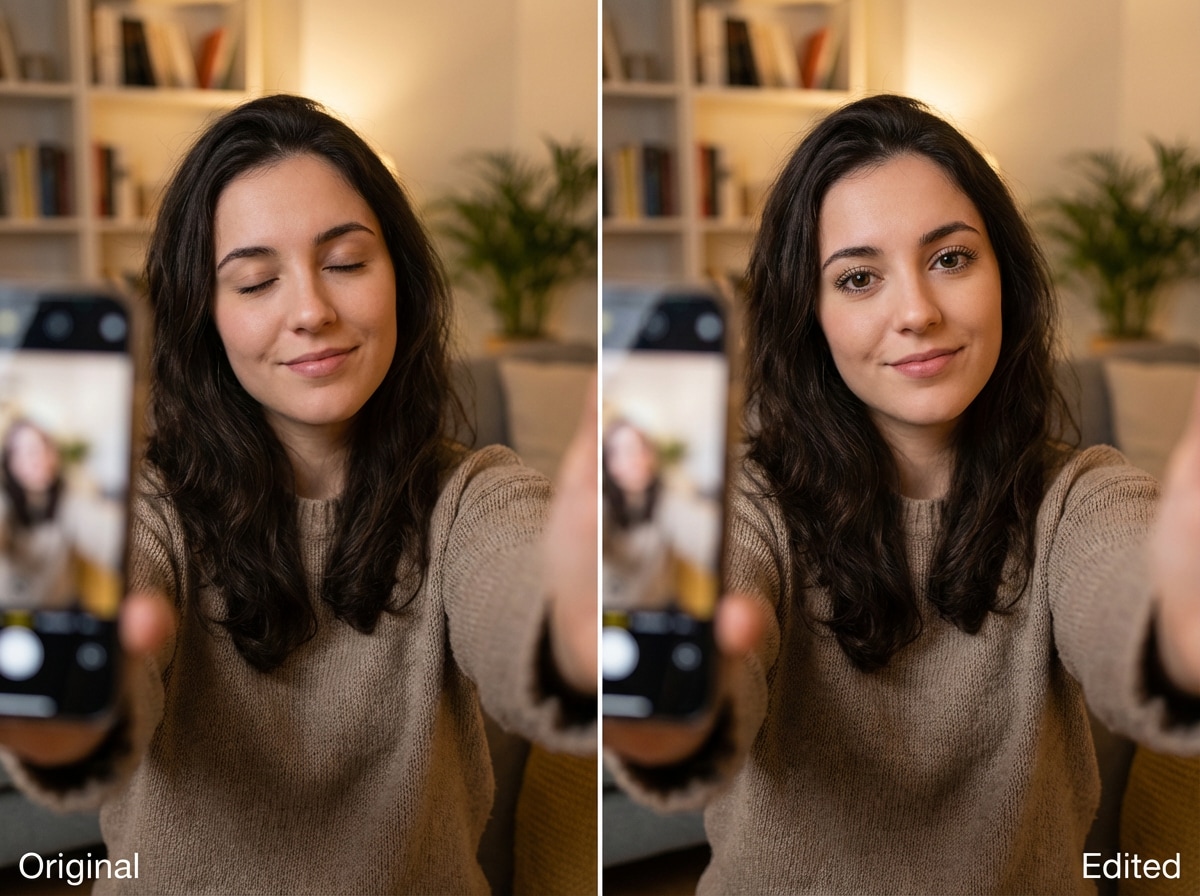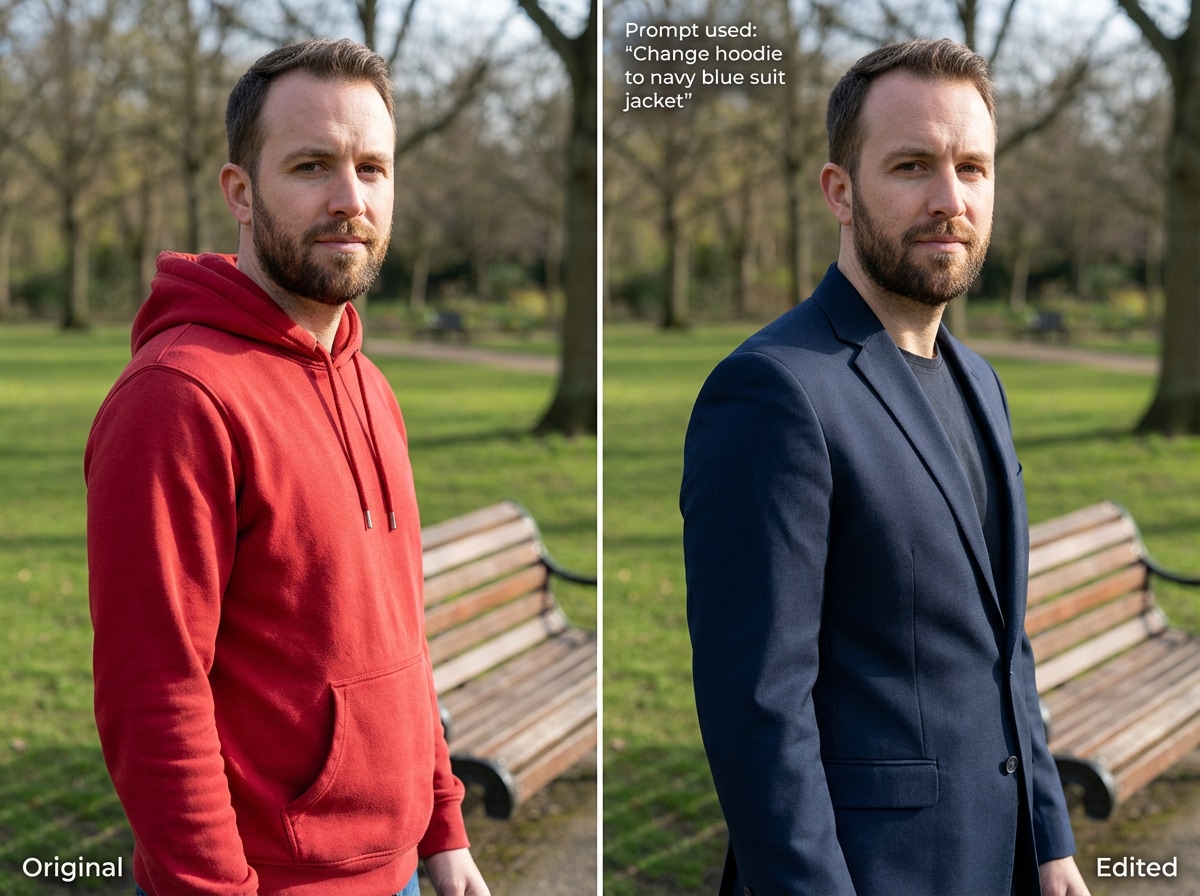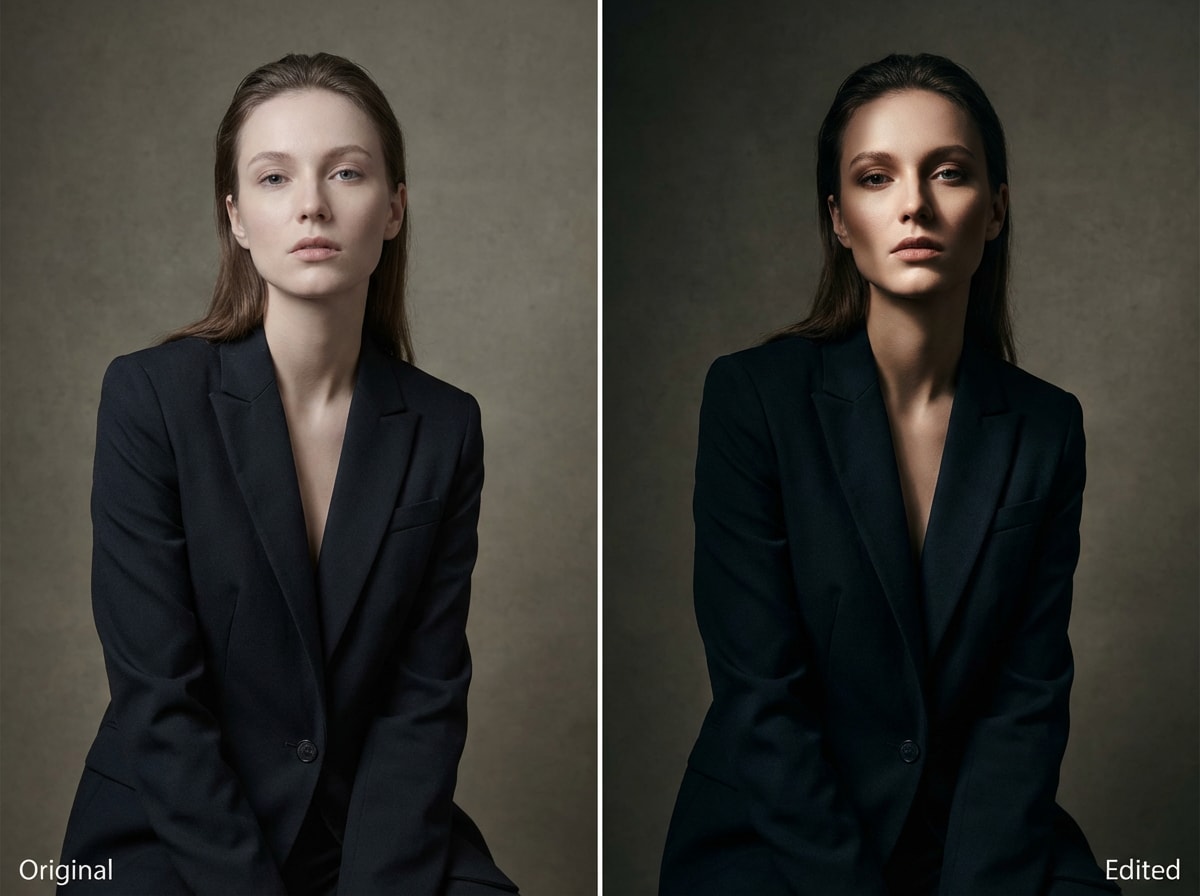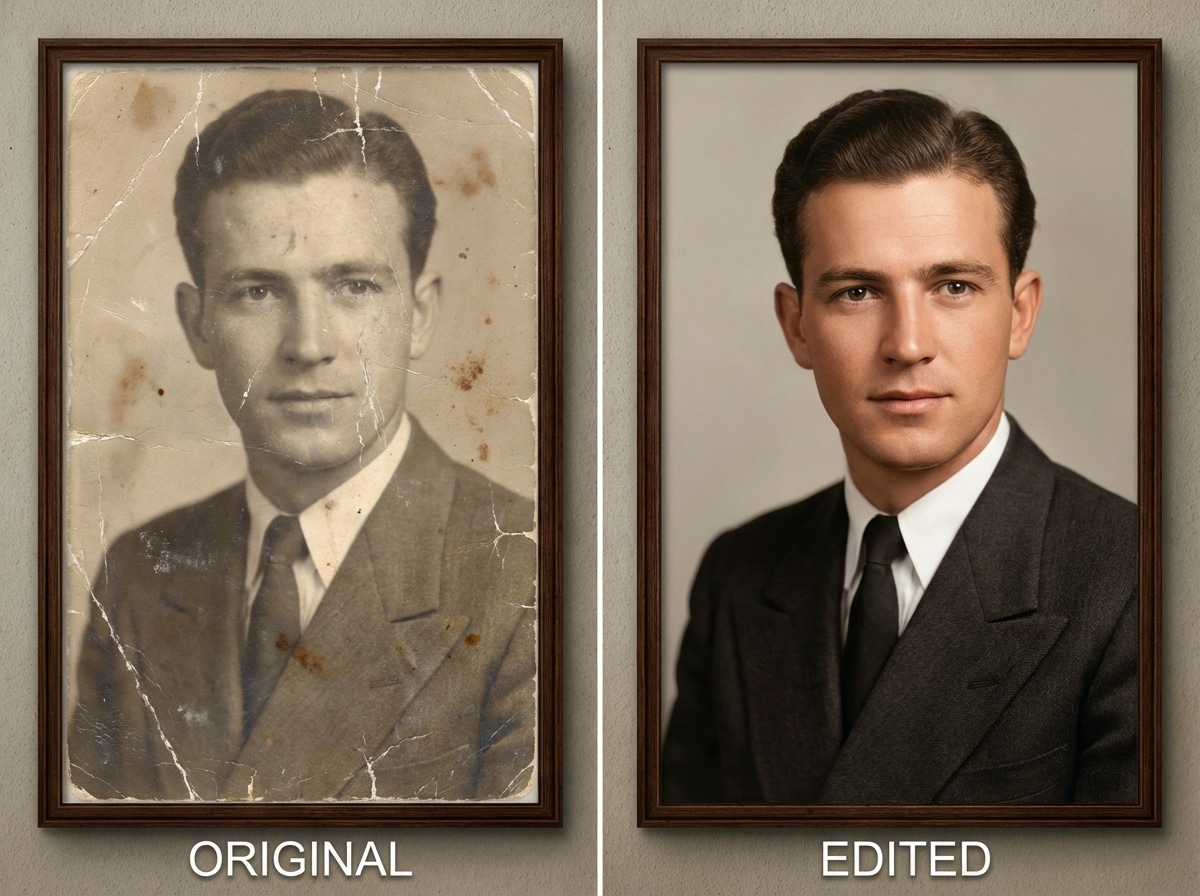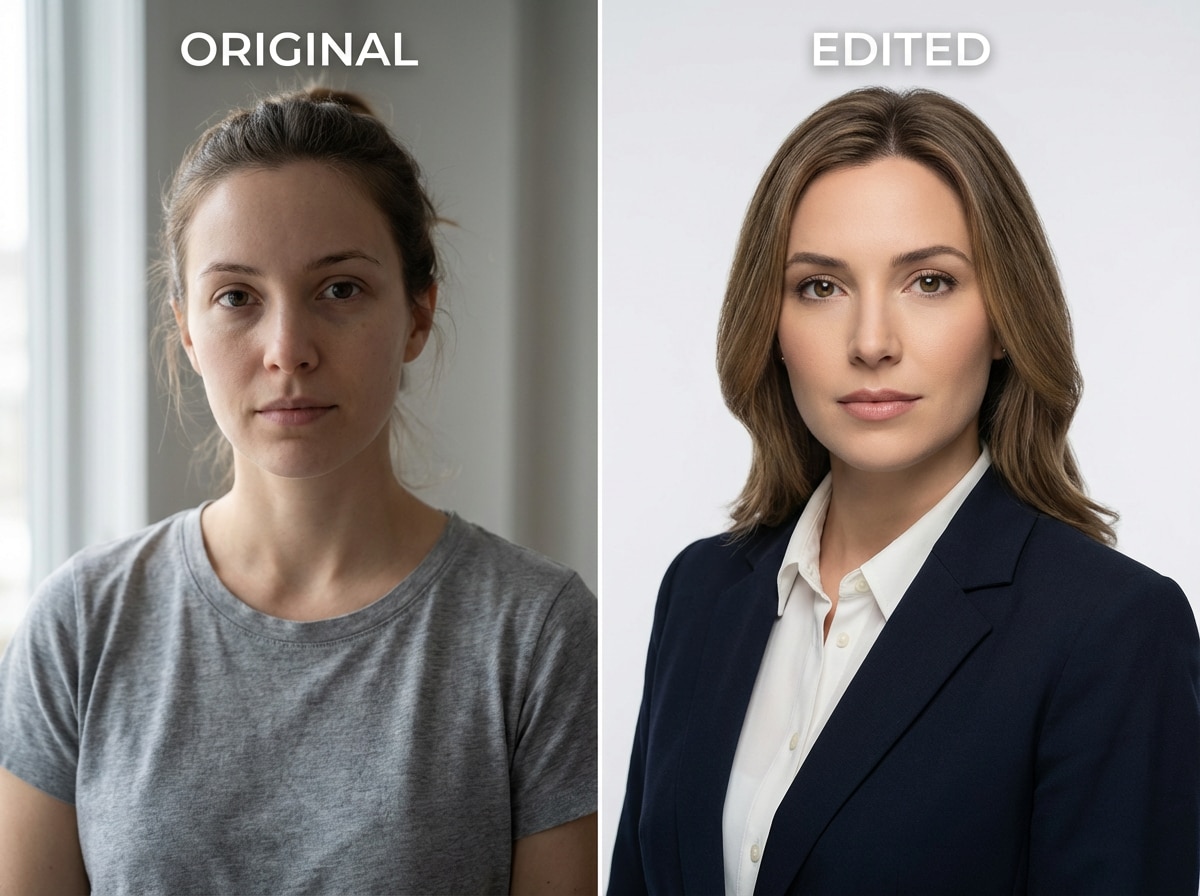
Mantén el mismo rostro (consistencia de identidad)
Realiza ediciones sin cambiar quién es la persona. Los rasgos faciales, las expresiones y la identidad general se mantienen reconocibles, ideal para retratos y fotos de perfil.
 ToMoviee Pro (ex-Media 2.0)
Sube tu foto y edítala con indicaciones de IA en línea. Media.io te ayuda a mantener a la misma persona mientras cambias la vestimenta, el fondo, la iluminación, el estilo, el cabello, el maquillaje, los accesorios y más. Describe la edición que deseas, genera con créditos gratuitos y realiza cambios precisos en tus fotos sin empezar de cero.
Créditos gratuitos al registrarte o iniciar sesión.
Realiza ediciones sin cambiar quién es la persona. Los rasgos faciales, las expresiones y la identidad general se mantienen reconocibles, ideal para retratos y fotos de perfil.
Prueba un nuevo peinado, ajusta el maquillaje o visualiza una versión más joven o mayor de ti mismo con una fusión suave y resultados naturales.
Elimina objetos, corrige áreas pequeñas o ajusta partes de tu imagen sin bordes irregulares ni fusiones artificiales.
Instrucciones simples generan resultados claros. El editor maneja ediciones faciales, eliminación de objetos y cambios de Diseño de manera más confiable.
Cambia el ambiente con contraluz, luz lateral o iluminación estilo estudio, sin retoque manual. Perfecto para retratos, fotos de moda y looks dramáticos.
Repara arañazos, reduce el desenfoque y mejora la claridad manteniendo los rostros reconocibles y los colores naturales.
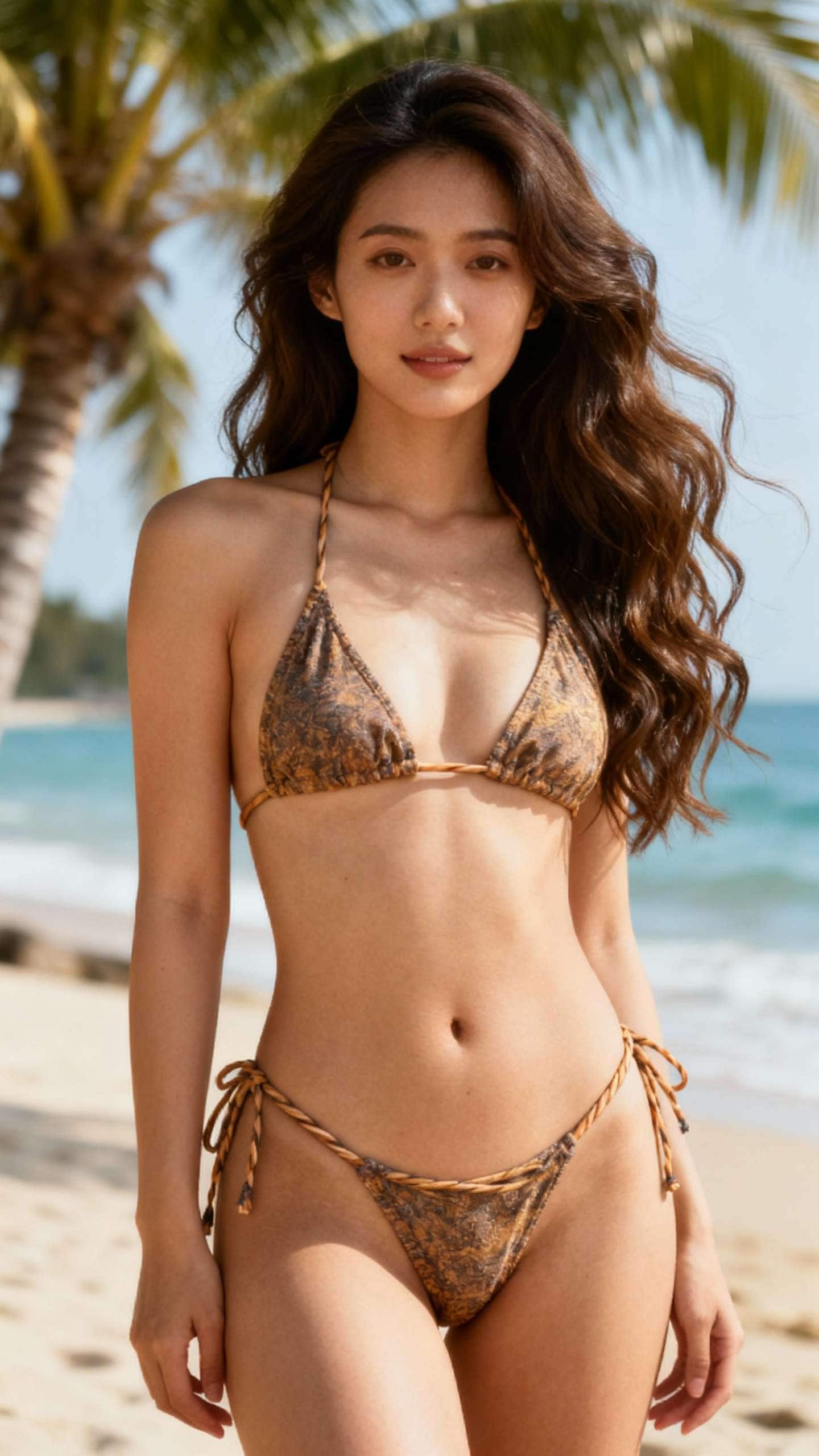
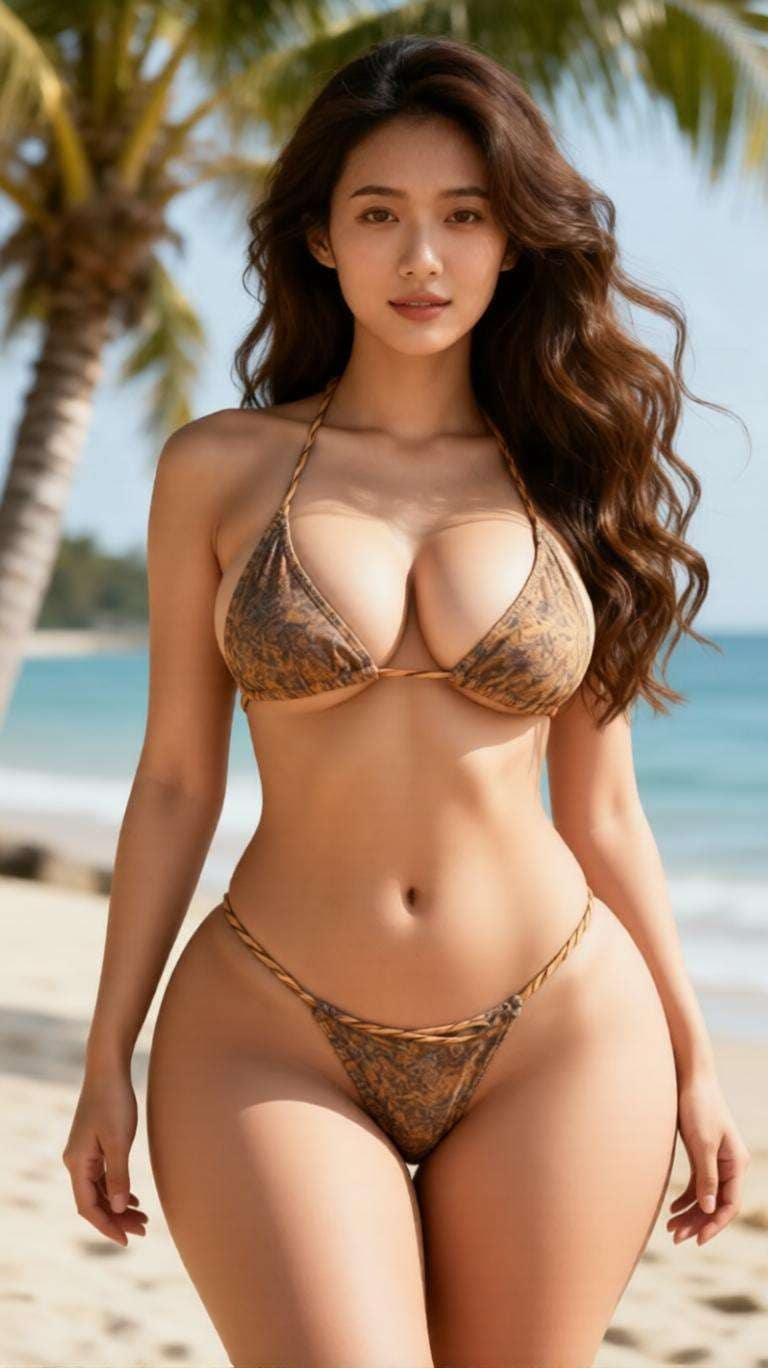
Usa indicaciones en lenguaje natural para describir exactamente lo que quieres cambiar. Desde cambios de vestimenta y nuevos fondos hasta mejor iluminación y retoques de Belleza, la edición de Imagen de IA con indicaciones hace que los cambios en las fotos sean mucho más fáciles.
Media.io es ideal para usuarios que desean ediciones precisas manteniendo el mismo rostro e identidad. En lugar de generar una imagen completamente diferente, puedes realizar cambios controlados en la foto subida.
Ajusta el fondo, la ropa, el peinado, el maquillaje, el tono de color, los accesorios o el estilo de la foto sin reconstruir toda la imagen desde cero. Esto facilita obtener ediciones limpias y realistas que sigan pareciendo tú.
Prueba diferentes looks, formulaciones de indicaciones y direcciones de edición con créditos gratuitos al registrarte. Es una forma rápida de experimentar con un editor de Imagen de IA con indicaciones gratuito sin necesitar habilidades avanzadas de edición.
Comienza con la imagen que deseas editar. Sube un retrato, selfie, Toma de producto o imagen de estilo de vida a Media.io para que la IA tenga la foto base exacta que quieres mejorar o Transformar.
Describe el cambio que quieres en lenguaje sencillo. Por ejemplo, puedes pedir cambiar la ropa, mejorar la iluminación, añadir un fondo de estudio, retocar detalles o cambiar el estilo de la imagen manteniendo a la misma persona.
Genera el resultado, compara la nueva versión con tu imagen original y luego refina la indicación si es necesario. Una vez que la edición se vea bien, descarga la imagen final para redes sociales, trabajo o uso personal.

Creadora de retratos

"Fue el primer editor de IA que realmente se sintió preciso." Subí un retrato y cambié solo la ropa, el fondo y la iluminación. El rostro seguía pareciéndose a mí, que es exactamente lo que quería.

Usuario de redes sociales
"Genial cuando sabes exactamente qué quieres cambiar." No quería una imagen totalmente nueva. Solo quería la misma foto con mejor iluminación y un fondo más limpio, y el flujo de edición basado en indicaciones funcionó muy bien.

Editora de contenido
"Los créditos gratuitos facilitaron probar varias versiones de indicaciones." Probé diferentes formulaciones para la misma imagen y rápidamente encontré el mejor resultado. Fue mucho más fácil que editar todo manualmente por mi cuenta.

Freelancer
"Perfecto para ediciones rápidas con aspecto profesional sin Photoshop." Lo usé para mejorar una foto casual y convertirla en una imagen de perfil más limpia y me sorprendió lo bien que preservó a la misma persona.
Un editor de Imagen de IA con indicaciones te permite subir una imagen y describir las ediciones que deseas usando texto. En lugar de editar manualmente cada detalle, le dices a la IA qué cambiar y ella genera una nueva versión para ti.
Sí. Media.io está diseñado para ayudarte a mantener a la misma persona mientras realizas ediciones basadas en prompts como cambiar ropa, iluminación, fondo y estilo. Esto hace que el resultado sea más preciso y realista.
Puedes cambiar el fondo, la ropa, el peinado, el maquillaje, la iluminación, el tono de color, los accesorios y el estilo general. También puedes eliminar detalles que distraigan o darle a la foto un aspecto más profesional, cinematográfico o estético.
Sí. Media.io ofrece créditos gratis al registrarte, para que puedas probar ediciones de fotos basadas en prompts antes de decidir si quieres hacer más generaciones.
Es más rápido, más fácil y más flexible para usuarios que quieren editar una imagen con texto en lugar de aprender herramientas manuales complejas. Puedes probar varios looks rápidamente y hacer cambios precisos manteniendo la misma foto como base.
 4.7 (162,357 votos)