Tus creaciones solo se guardan durante 7 días. Los recursos creados después de actualizar a Membresía se almacenarán de forma permanente.
¡Desbloquea tu potencial creativo y experimenta la magia de Media AI ahora mismo!
Prueba de Ropa con IA para Previsualizaciones de Atuendos Rápidas y Realistas
Crea previsualizaciones realistas de atuendos a partir de tu propia foto con Media.io prueba de ropa herramienta. Explora prueba virtual de atuendos estilos, cambia looks y mira prueba de ropa en línea en segundos para decisiones de moda casual, formal o tendencia antes de comprar, publicar o planear.
Escribe tu idea -> La IA lo diseña. Gratis para probar.
Revisa estas instrucciones de ejemplo y luego personaliza el mensaje para obtener mejores resultados con esta experiencia de prueba de ropa virtual en Media.io.
Realismo para Ecommerce de Estudio
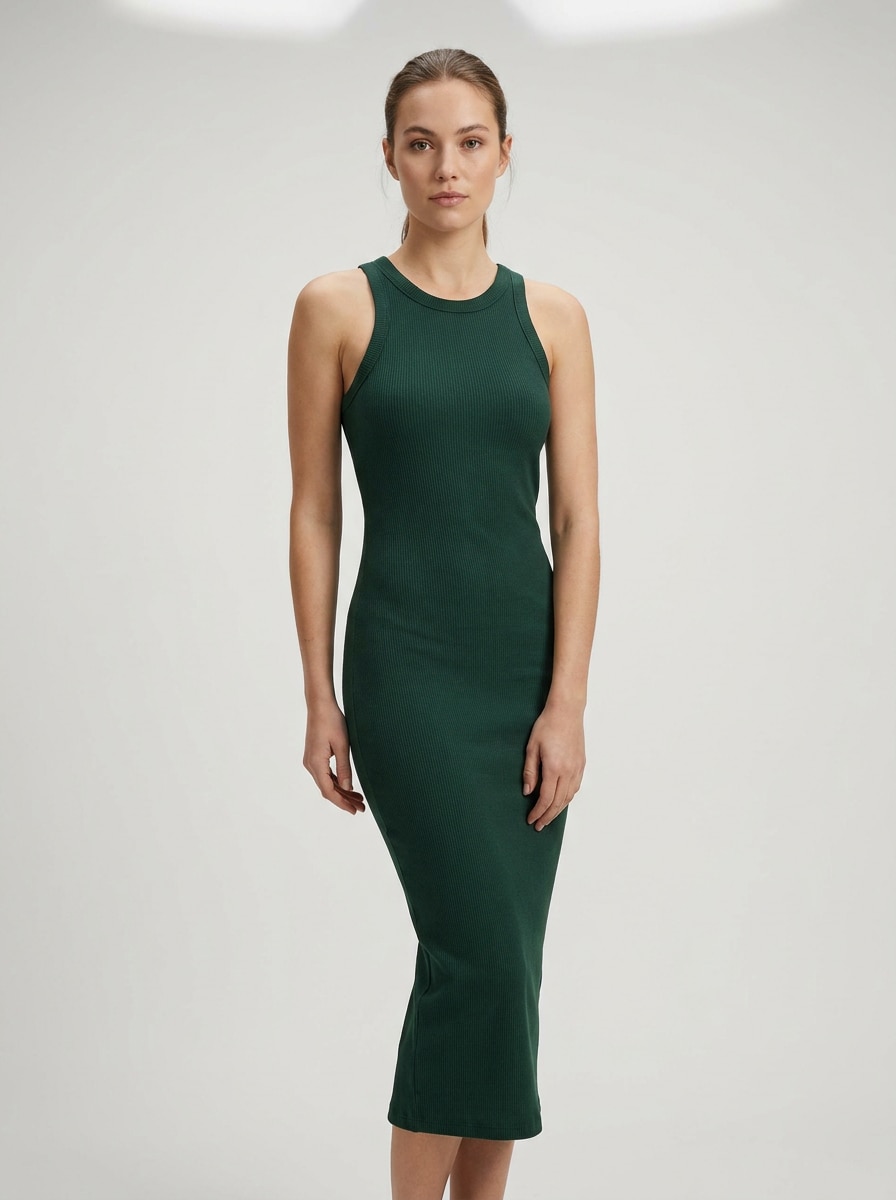
Usa la imagen subida como sujeto y transforma el atuendo en un look de moda pulido para ecommerce. Mantén el rostro, proporciones corporales y pose de la persona, añade caída realista de la tela y textura de la prenda, usa un fondo de estudio gris claro limpio, luz suave y difusa, sombras naturales, encuadre nítido de cuerpo completo y calidad premium de fotografía minorista.
Prueba Espejo Selfie
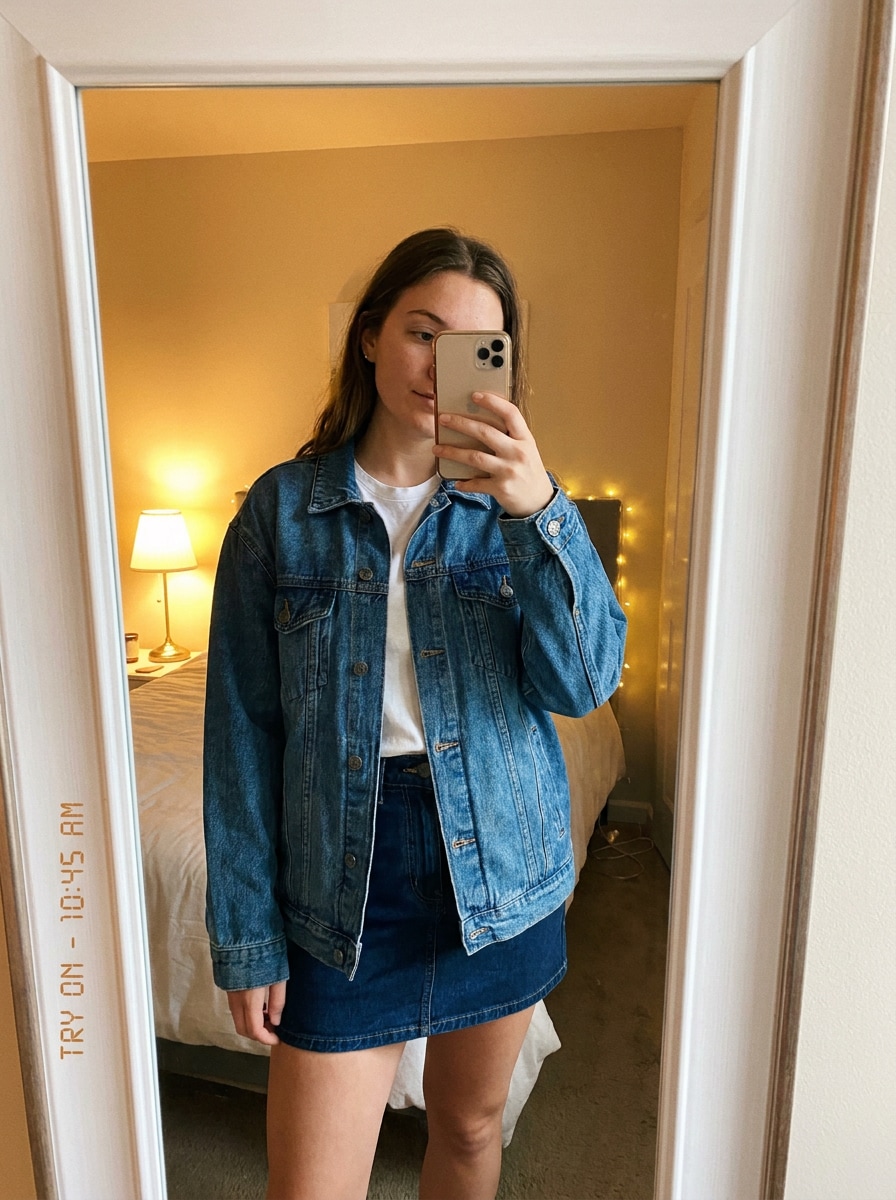
Usa la imagen subida como sujeto y restílala en una previsualización realista de atuendo tipo selfie frente al espejo. Conserva la identidad, la pose y la silueta natural, sustituye la ropa por un look coordinado a la moda, añade iluminación interior realista, sutil suavidad de cámara de móvil, detalle del espejo reflectante, pliegues naturales y un ambiente casual con realismo auténtico en la moda.
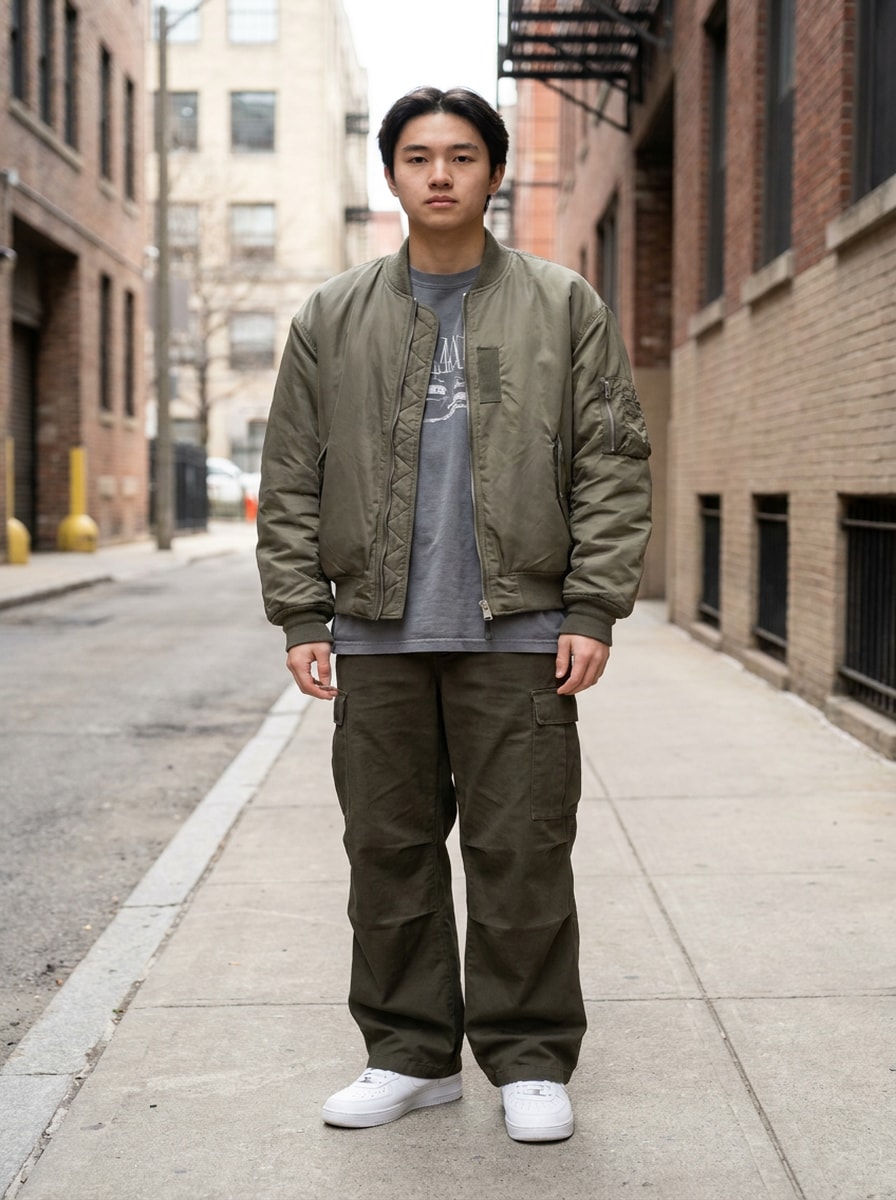
Renueva Streetwear
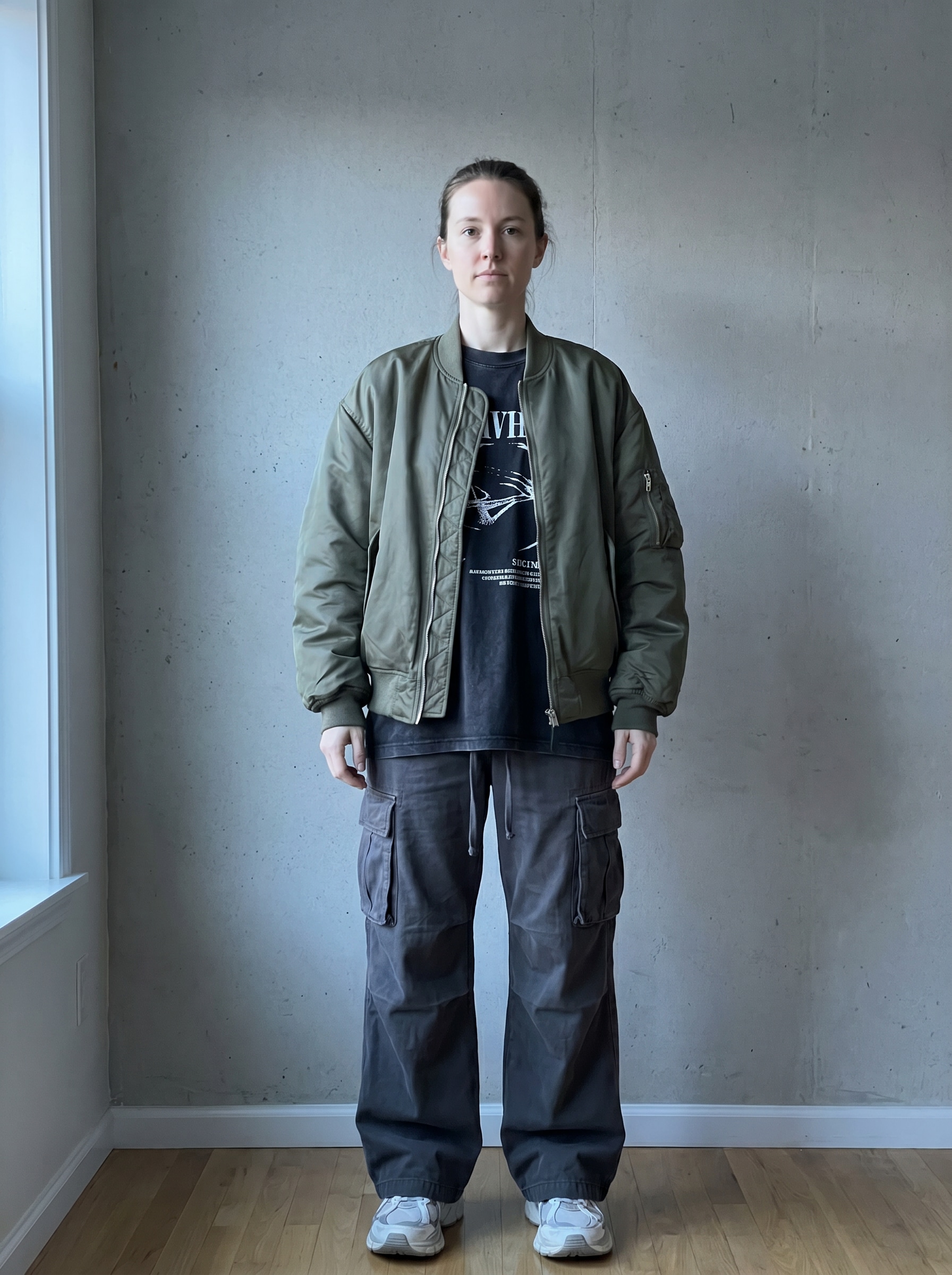
Usa la imagen subida como sujeto y transfórmala en un atuendo moderno streetwear con capas oversize realistas. Mantén rostro y pose reconocibles, añade chaqueta relajada, camiseta gráfica, pantalones anchos y zapatillas, destaca texturas de algodón y nailon, tonos urbanos fríos, luz suave direccional y una atmósfera editorial segura y nítida de cuerpo entero.
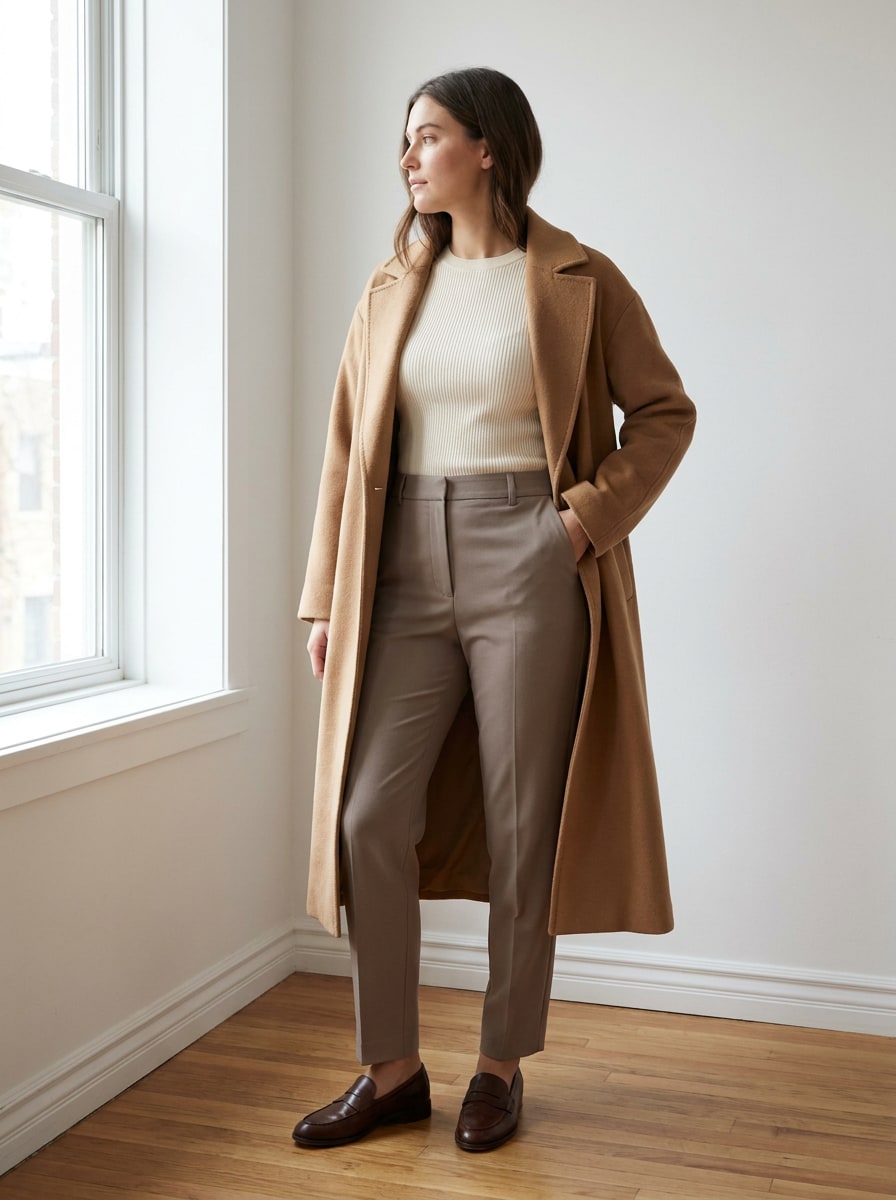
Armadura Cápsula Minimalista
Usa la imagen subida como sujeto y crea una previsualización refinada de atuendo minimalista con un vestuario cápsula de tonos neutros. Conserva la identidad y proporciones de la persona, añade pantalones entallados, una camiseta suave de punto y un abrigo estructurado, usa tonos beige, crema y topo, composición limpia, luz de día suave, textura de material realista y elegancia editorial discreta.
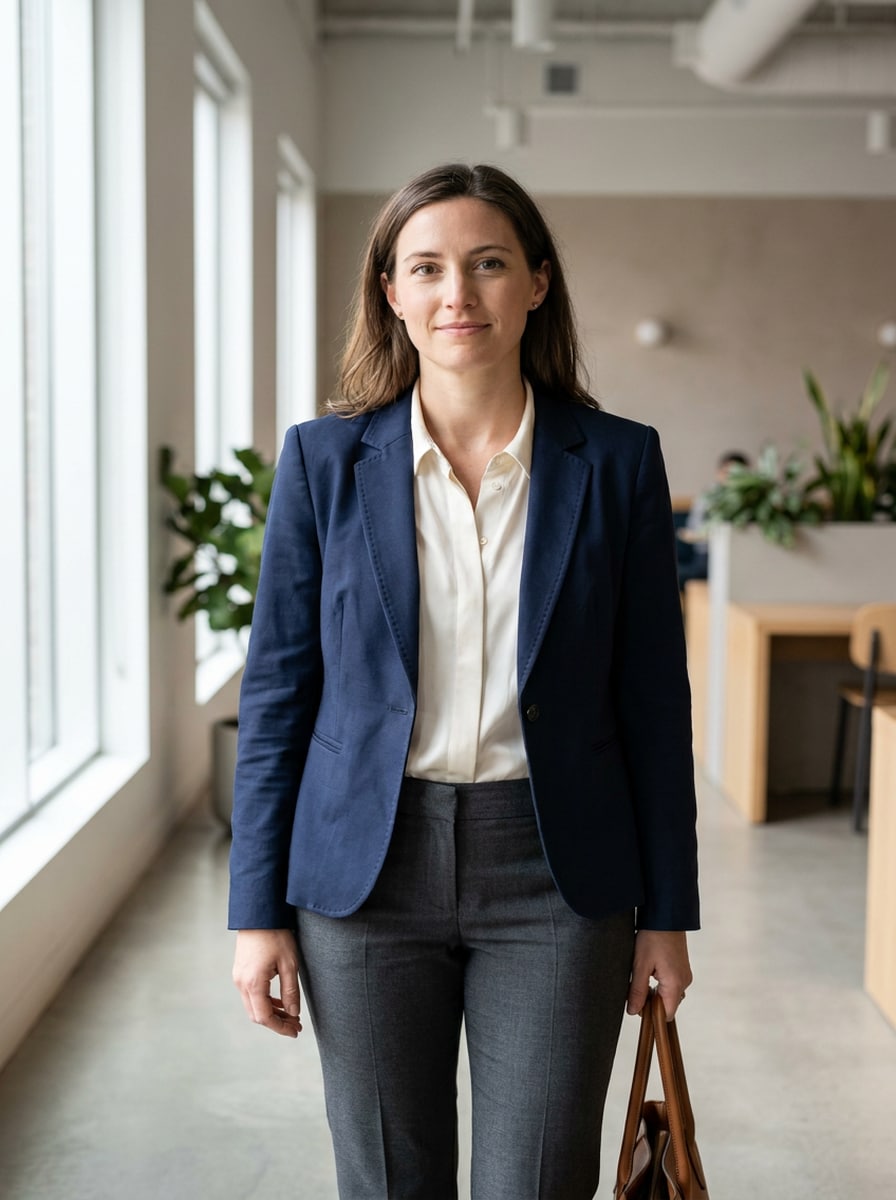
Previsualización de Ropa de Oficina
Usa la imagen subida como sujeto y cambia el atuendo por ropa de oficina pulida con confección realista. Mantén el rostro, el cabello y la pose, añade blazer estructurado, blusa y pantalones entallados, muestra tensión realista en la tela y líneas limpias, utiliza luz natural suave, fondo neutro moderno y una atmósfera profesional y segura tipo business casual.
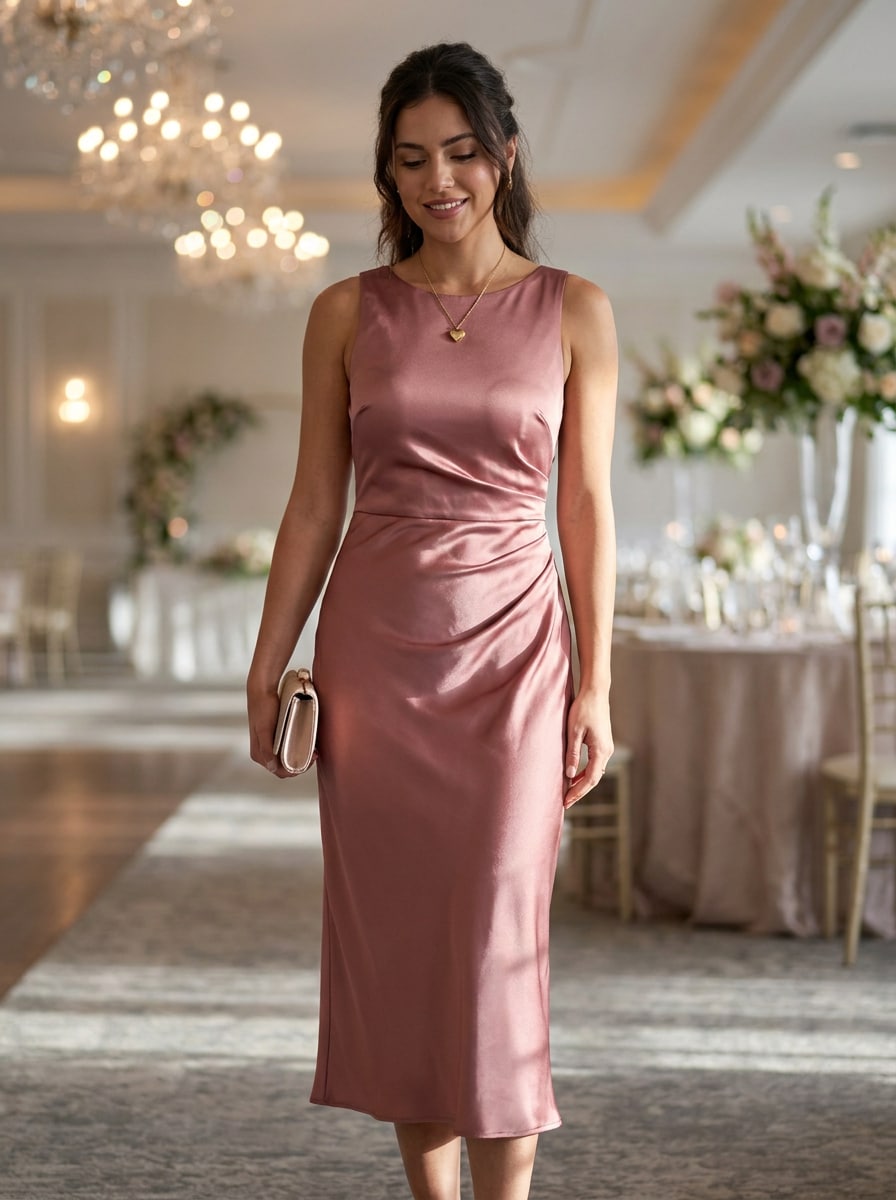
Ropa de Invitado de Boda
Usa la imagen subida como sujeto y transfórmala en un elegante look de invitado de boda. Mantén identidad, proporciones y postura, sustituye el atuendo por un vestido formal fluido, textura realista de satén o gasa, composición favorecedora de cuerpo completo, iluminación suave de lujo, acentos en pasteles y tonos joya, y una atmósfera refinada lista para eventos con movimiento creíble de la prenda.
Resortwear de Vacaciones
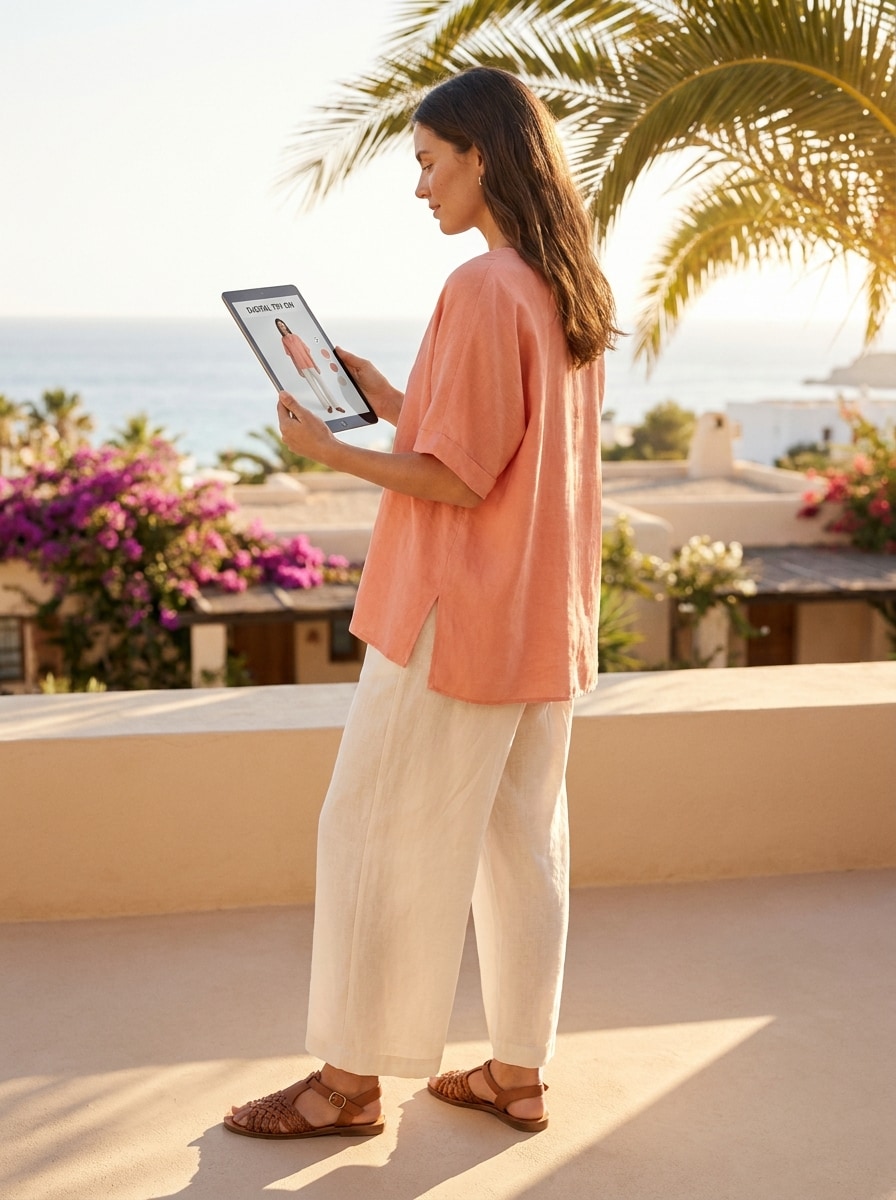
Usa la imagen subida como sujeto y convierte el atuendo en ropa de resort fresca con tejidos realistas de verano. Mantén identidad y pose, agrega un conjunto de lino fluido o un vestido veraniego, tonos de piel iluminados por el sol, sombras suaves, movimiento aireado, colores costeros brillantes y un ambiente relajado pero creíble y ponible.
Previsualización de Capas Otoñales
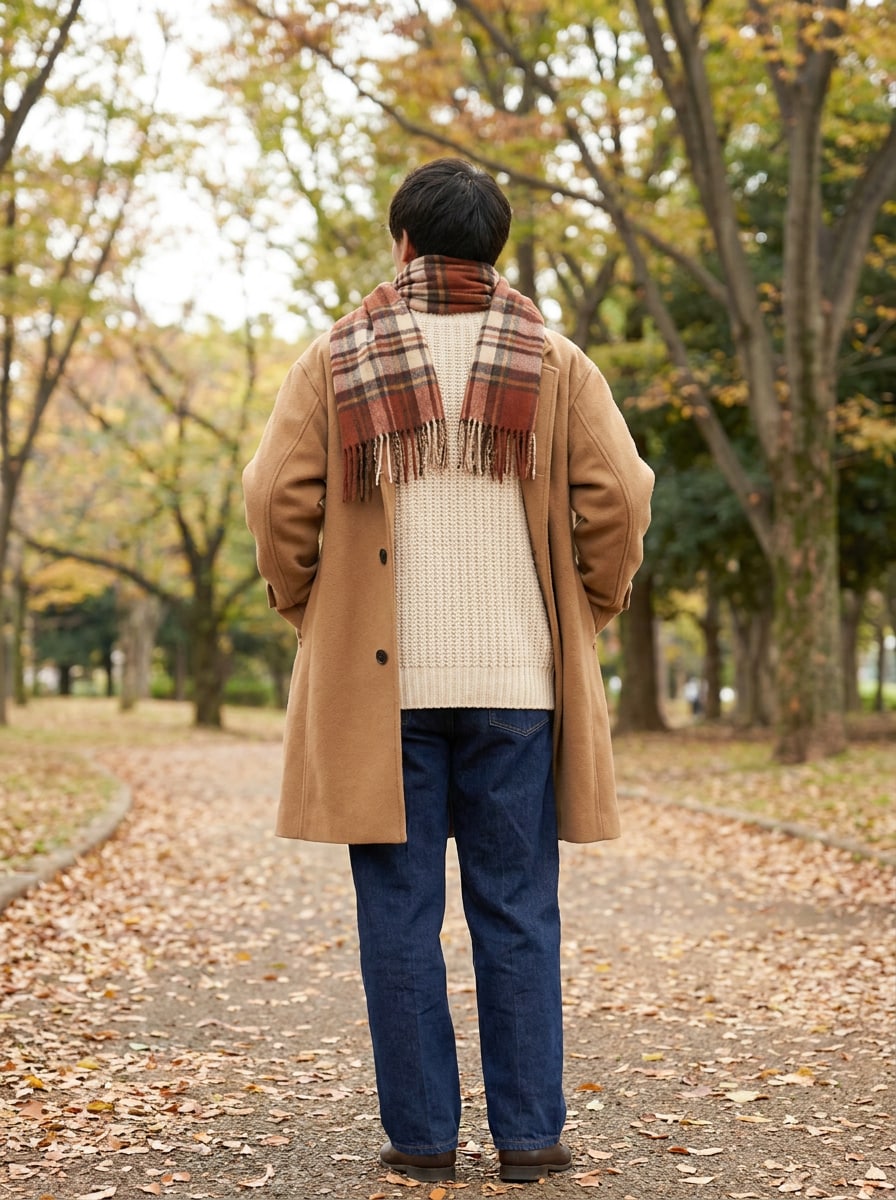
Usa la imagen subida como sujeto y construye un atuendo otoñal realista con capas. Mantén rostro, silueta y pose, añade abrigo de lana, suéter de punto, bufanda y pantalón recto, enfatiza texturas táctiles, neutros cálidos de otoño, luz suave exterior y superposición de prendas realista para un acabado editorial y acogedor.
Antes y Después Pantalla Dividida
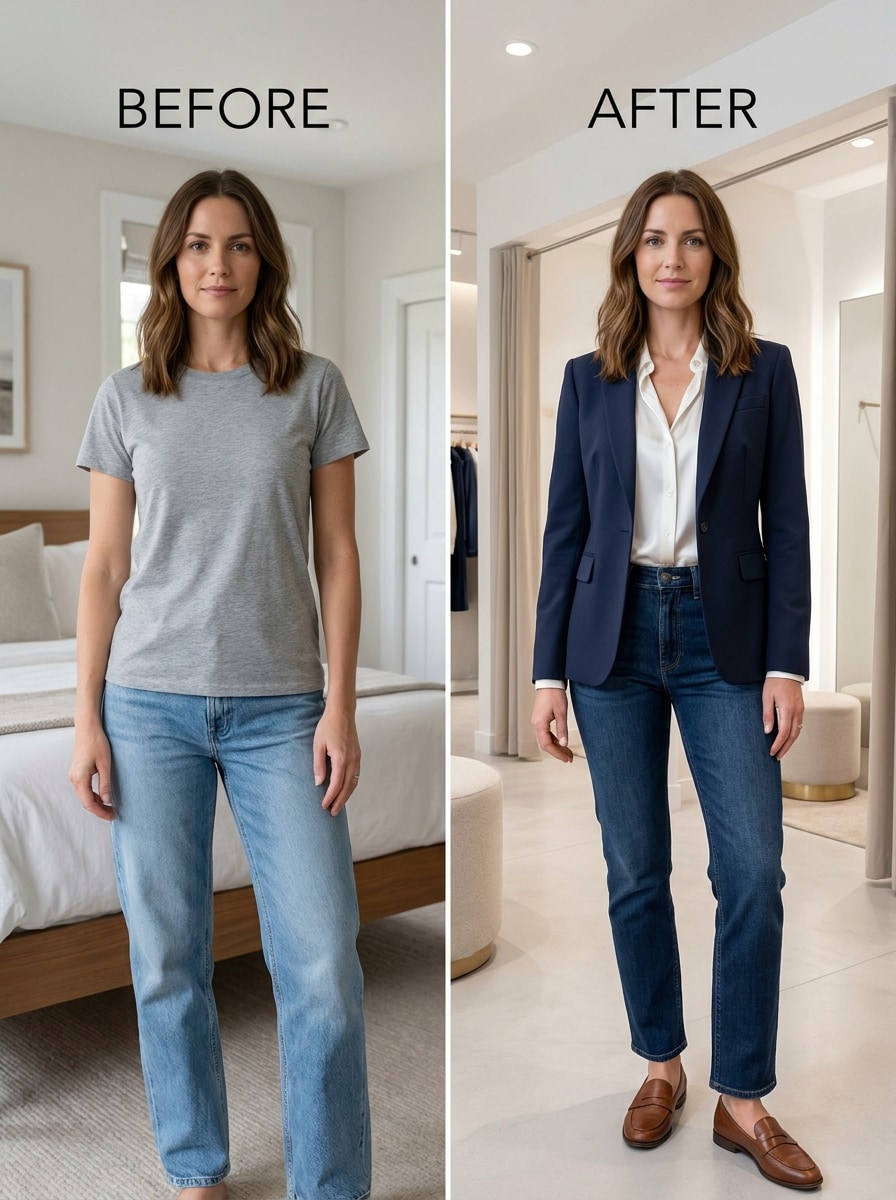
Usa la imagen subida como sujeto y crea una transformación de atuendo antes y después en pantalla dividida. Mantén la misma identidad facial, forma y pose a ambos lados, muestra el look simple original junto al resultado de moda mejorado, usa iluminación equilibrada, composición nítida lado a lado y un reemplazo de ropa muy realista para compartir en redes sociales.
Carrusel de Múltiples Atuendos
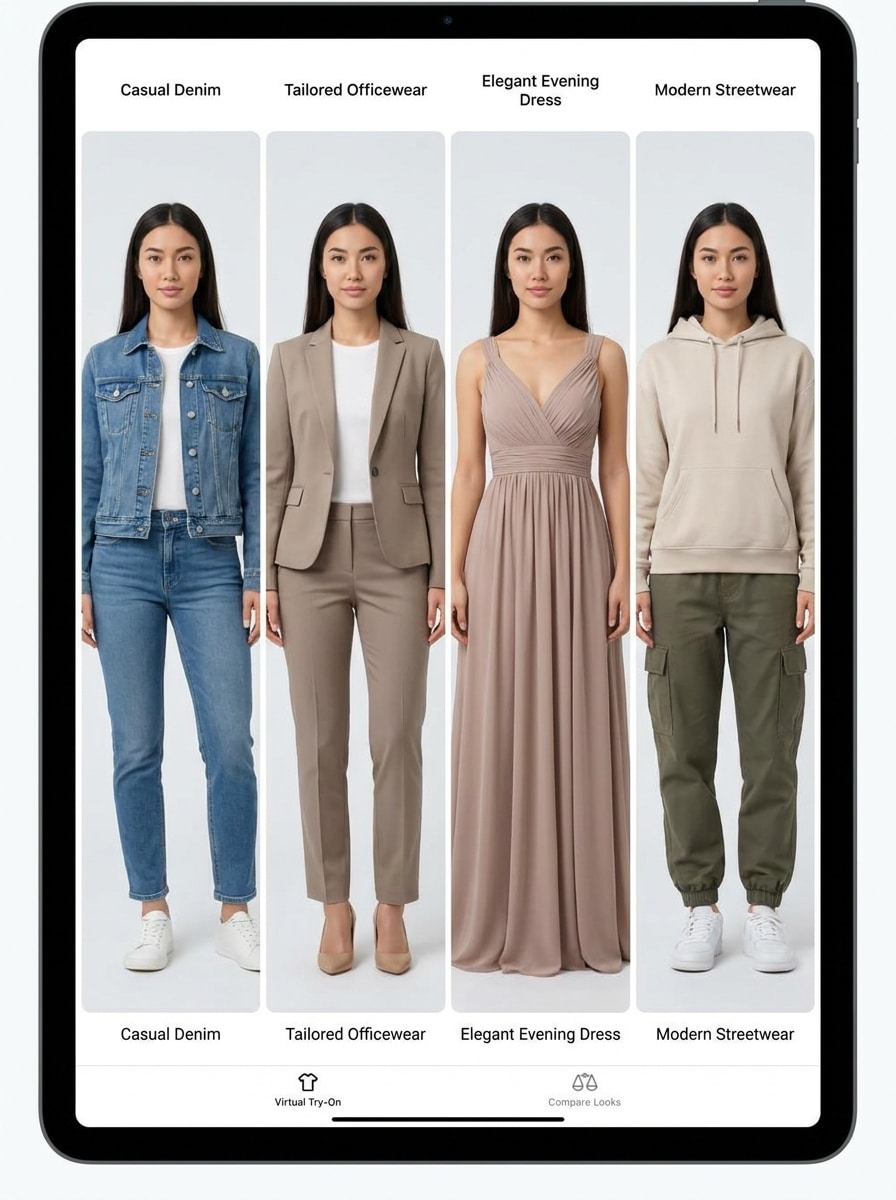
Usa la imagen subida como sujeto y genera múltiples variaciones realistas de atuendos a partir de la misma foto. Conserva rostro, peinado, proporciones y pose entre cada look, luego muestra estilos distintos como casual, oficina, noche y streetwear con iluminación consistente, encuadre limpio, tejidos precisos y coherencia editorial pulida.
Por Qué Usar Media.io Para Pruebas de Ropa
Previsualiza atuendos en tu propia foto
Media.io mantiene la coherencia visual de tu referencia durante la edición basada en subida, mientras cambia el estilo de la ropa, por lo que probarse ropa en línea se siente más personal y los resultados son más confiables y fáciles de usar.
Explora Diferentes Estilos Sin Perder el Rumbo
Desde looks diarios minimalistas hasta estilismos editoriales atrevidos, Media.io te ayuda a explorar diferentes estilos desde el mismo concepto de prueba de ropa, haciendo la exploración más flexible sobre la misma base visual.
Genera Imágenes Más Limpias Hasta 4K
Media.io crea visualizaciones de prueba de ropa más limpias que hacen más que solo mostrar un atuendo. Con salida de hasta 4K, este flujo de trabajo digital genera imágenes que lucen pulidas hasta como fondos de pantalla, presentaciones o mockups.
Funciona fácil en móvil y escritorio
Las ideas suelen comenzar en un dispositivo y se refinan en otro, y Media.io hace que ese proceso sea fluido en el navegador. Así es más fácil ser productivo cambiando de pantalla.
Cómo Hacer una Prueba Virtual de Atuendo Desde tu Foto
Convierte tus palabras en imágenes sorprendentes en tres sencillos pasos y después sigue perfeccionando el resultado si lo deseas.
Paso 1
Sube tu Imagen de Referencia
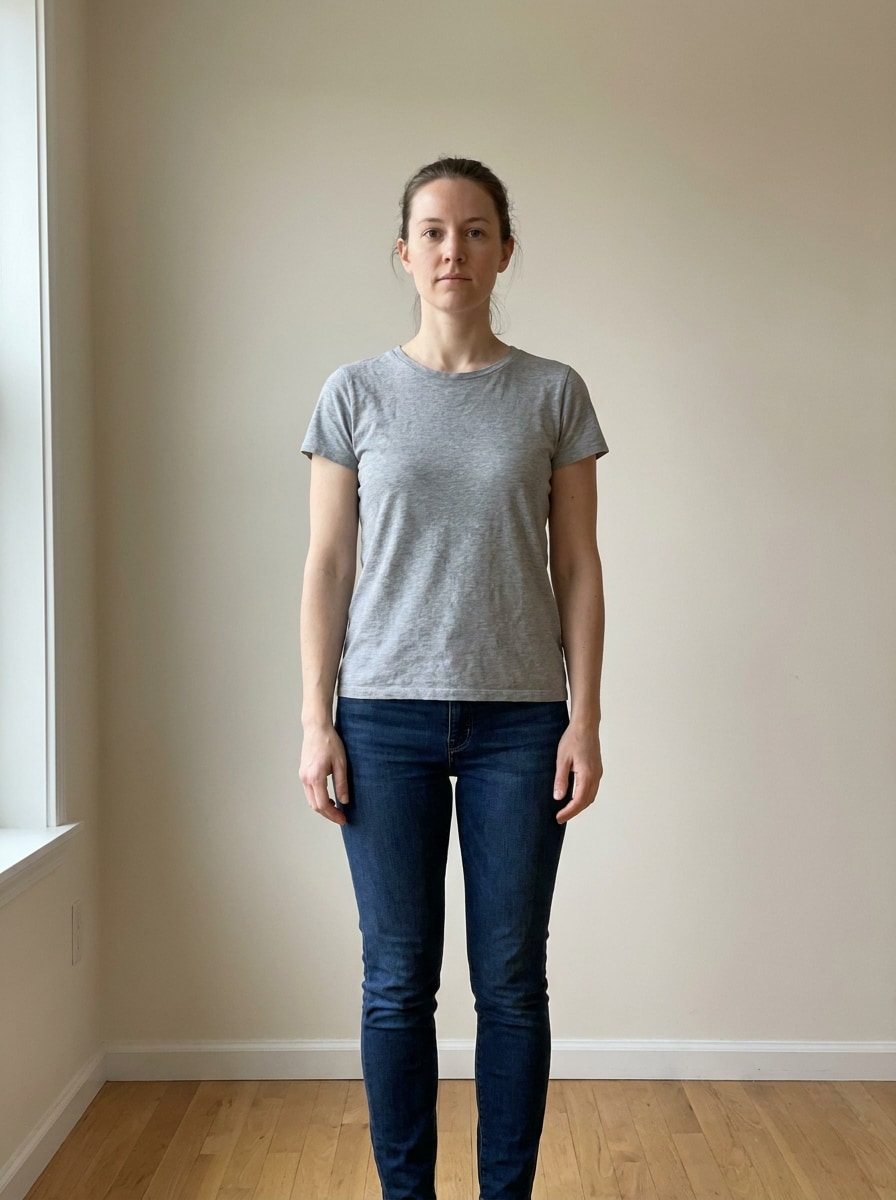
Comienza con una foto clara de cuerpo completo o medio con formato JPG, PNG o JPEG. Una pose limpia, área de ropa visible y buena iluminación dan a Media.io una mejor base para prueba de ropa en línea resultados que lucen más naturales.
Paso 2
Describe el Cambio y Configura Opciones
Indícale a la IA qué atuendo quieres previsualizar, como ropa de oficina, streetwear, vestidos o estilos con capas. Luego elige tu modelo y ajusta relación de aspecto, calidad o número de variaciones de imagen para guiar la IA de prueba de atuendos en los resultados.
Paso 3
Generar, Descargar y Seguir Mejorando
Crea tu resultado de prueba, compara variaciones y descarga la versión que más te guste. Si lo deseas, perfecciona el prompt, genera de nuevo para otro ajuste o dirección, o crea más estilos desde la misma imagen para un flujo de trabajo más rápido de prueba de ropa virtual.
Descubre el Potencial de la Prueba Virtual de Atuendos
Descubre cómo los creadores usan esta Prueba de Ropa para contenido, marketing y proyectos personales, y luego adapta cada idea a tu necesidad.
Planea tus Compras Antes de Comprar
Usa tu propia foto para comparar siluetas, colores y categorías de atuendo antes de ordenar. Esto ayuda en probar ropa virtual en línea cuando quieres ver rápidamente cómo lucirá un vestido, blazer o look casual en ti, y facilita probarse ropa online sin depender solo de fotos de modelos.
Crea contenido de moda sin cambiarte de ropa
Los creadores pueden convertir una imagen en múltiples estilos para reels, carruseles o publicaciones de antes y después. Es una forma práctica de crear contenido estilo prueba de ropa, desarrollar conceptos virtuales de moda o simular un haul de atuendos con menos tiempo, cambios de vestuario y repeticiones.
Prueba ideas de estilismo para trabajo, eventos y viajes
Desde ropa de oficina hasta looks de invitado de boda o atuendos de vacaciones, puedes previsualizar varias opciones desde un solo retrato. Esto hace útil la prueba de atuendo online para estilismo personal, decisiones de equipaje y planificación de looks para ocasiones, sobre todo si buscas comparaciones rápidas o un flujo virtual sencillo.
Lo Que Dicen los Usuarios Sobre las Herramientas de Prueba de Media.io
Sofía Ramírez
Creadora de Contenido de Moda
"Pruebas rápidas de atuendo con una sola foto" Usé una selfie al espejo y la convertí en varios looks para una publicación corta de moda. Los cambios de atuendo se veían sorprendentemente realistas, especialmente para chaquetas y vestidos, y me ahorró hacer muchas fotos.
Jasmine Lee
Compradora online
"Útil para comparar estilos antes de comprar" Quería una forma sencilla de ver si ciertos atuendos me quedaban mejor que en las fotos de modelos de las tiendas. Media.io facilitó comparar siluetas y colores en mi propia foto, así que me sentí más segura para elegir opciones.
Marcus Bennett
Gestor de Redes Sociales
"Bueno para bocetos visuales y campañas rápidas" Probamos varias ideas de moda con una sola foto de referencia y obtuvimos resultados útiles rápido. La capacidad de crear muchas variaciones nos ayudó a preparar contenido social sin una sesión extra completa.
Anika Patel
Estilista personal
"Útil para previsualizaciones de ropa de cliente" Para consultas iniciales, esto es una manera práctica de mostrar una propuesta sin buscar todas las piezas. Funciona bien para moda de oficina, eventos y armario cápsula cuando necesitas referencias visuales rápidas.
Explora los efectos de video e imagen con IA más populares
1. ¿Qué es la prueba de ropa con IA y cómo funciona?
La prueba de ropa con IA usa una foto de referencia y un mensaje de texto para generar una nueva imagen con la ropa cambiada manteniendo a la persona reconocible. En Media.io, subes una imagen JPG, PNG o JPEG, describes el atuendo, eliges modelo y ajustes, y la herramienta crea una previsualización realista para prueba virtual de atuendos con detalle de estilo.
2. ¿Puedo probarme ropa en línea usando mi propia foto?
Media.io está diseñado para edición basada en subida, así que puedes usar tu retrato, selfie al espejo o imagen de cuerpo entero como referencia para la prueba virtual de atuendos. Esto hace que probar ropa en línea sea más personal si quieres ver tu imagen y no solo la de un modelo genérico.
3. ¿Es gratuita esta herramienta de prueba virtual de ropa?
Media.io ofrece créditos gratis si deseas probar la herramienta antes de pagar. Si necesitas más generaciones o opciones de salida de mayor calidad, puedes consultar la página de precios para planes actuales, más créditos y descargas de alta resolución sin marca de agua.
4. ¿Qué tan realistas son los resultados de la prueba de atuendos?
Los resultados pueden verse muy realistas si usas una foto fuente clara y un mensaje detallado. Media.io utiliza modelos avanzados de imagen a imagen y te permite guiar la composición, formato y calidad, lo que ayuda a crear texturas creíbles, coherencia en proporciones y caída realista de la ropa.
5. ¿Qué tipo de ropa puedo probar con la herramienta de IA?
Puedes probar muchas categorías comunes de moda, incluyendo vestidos, tops, chaquetas, atuendos entallados, streetwear y estilos formales. Media.io es ideal para experimentar con estilos casuales, ropa para eventos, looks con capas y otras previsualizaciones cuando buscas un resultado rápido estilo ar desde una sola imagen.
6. ¿Puedo usar la prueba virtual de ropa en mi teléfono o solo en el escritorio?
Puedes usar Media.io en un navegador tanto en dispositivos móviles como en computadoras de escritorio, por lo que se adapta tanto a ediciones rápidas como a sesiones más largas sin necesidad de instalar nada. Esto lo hace útil, ya sea que quieras una experiencia similar a una aplicación para probar ropa en tu teléfono o un flujo de trabajo de prueba de ropa virtual más amplio en tu computadora.
Más allá de la prueba de ropa online impulsada por IA