Tus creaciones solo se guardan durante 7 días. Los recursos creados después de actualizar a Membresía se almacenarán de forma permanente.
¡Desbloquea tu potencial creativo y experimenta la magia de Media AI ahora mismo!
Prueba un filtro de cabello negro realista en línea en segundos
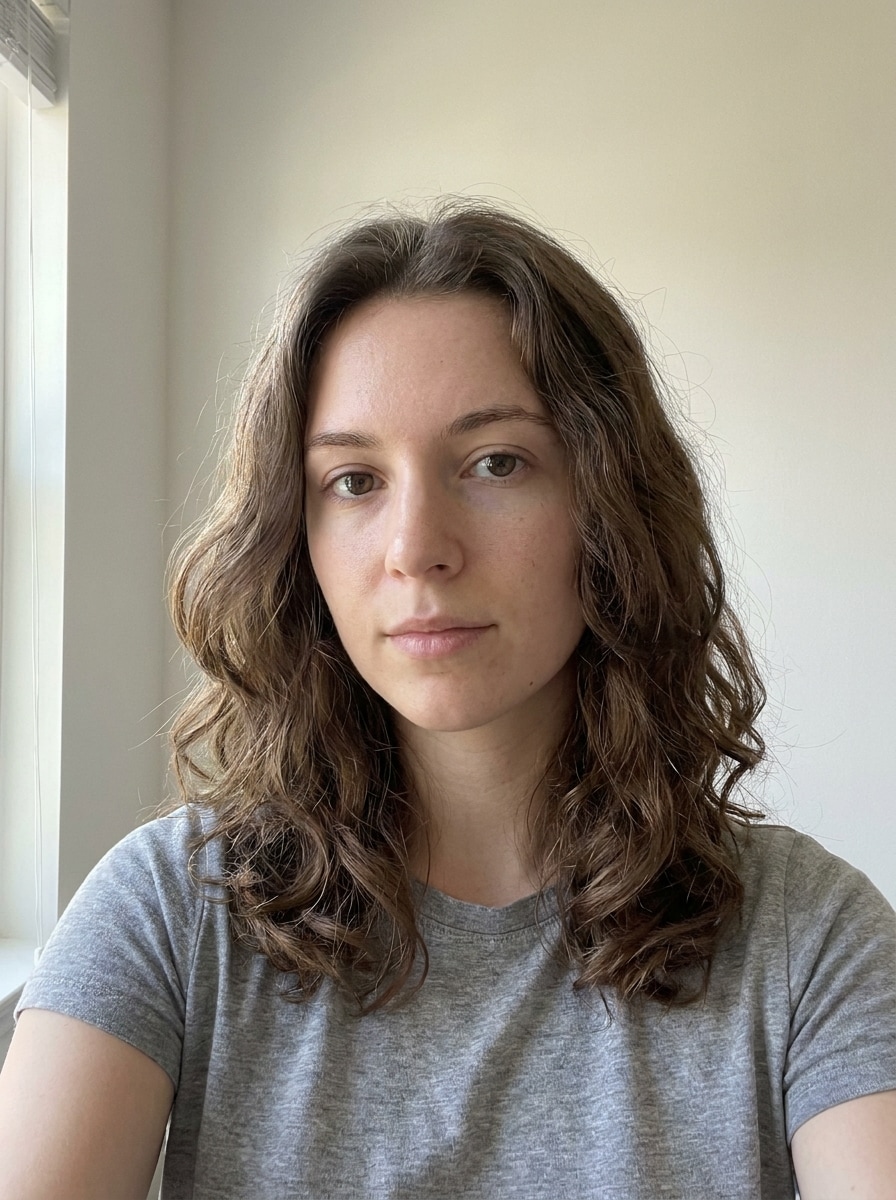
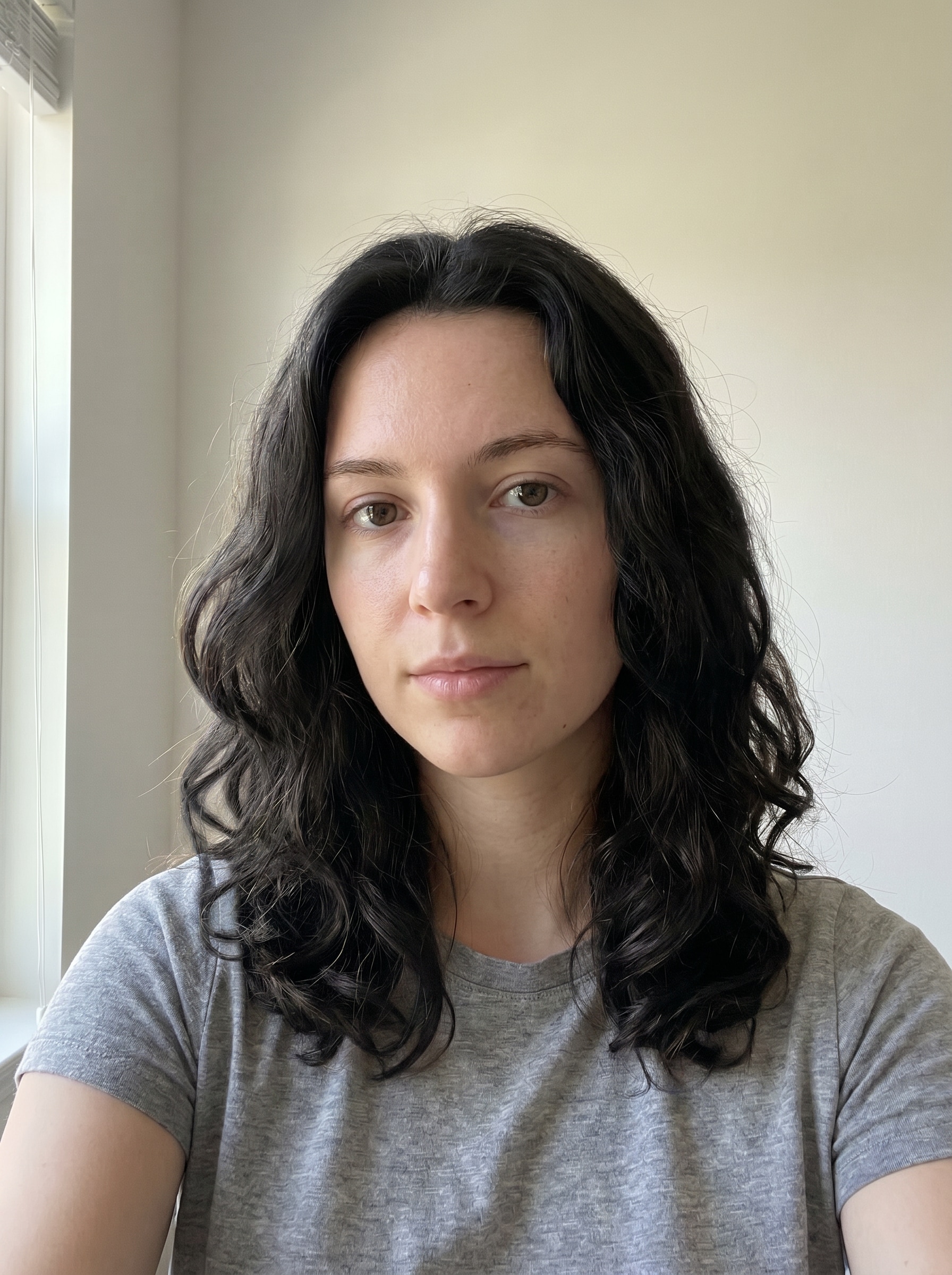
Sube tu selfie para previsualizar un cabello negro brillante y natural sin teñirlo primero. Media.io te ayuda aprobar el cabello negro en líneacon textura realista, control de tonos y ediciones rápidas, lo que facilita probar estilos negro suave, negro azabache o negro azul en cualquier dispositivo.
Escribe tu idea -> La IA lo diseña. Gratis para probar.
Revisa estos ejemplos de indicaciones y luego personaliza los detalles para obtener mejores resultados con esteFiltro de Cabello Negro.
Negro Natural Suave
Usa la imagen subida como sujeto y transforma el cabello en un tono negro natural suave. Conserva el corte de cabello original, raíces, mechones sueltos, detalle de los cabellos y el contorno facial. Mantén el tono de piel, iluminación y fondo sin cambios, con brillo sutil, profundidad tonal suave y un acabado realista de salón.
Negro Azabache Clásico
Utiliza la foto subida como referencia y cambia el color del cabello a un negro azabache intenso. Mantén exactamente el peinado, la línea capilar y la textura mientras mejoras el contraste y el brillo. Conserva detalles faciales y el fondo, creando una transformación realista con profundidad y pulido profesional.
Brillo Azul-Negro
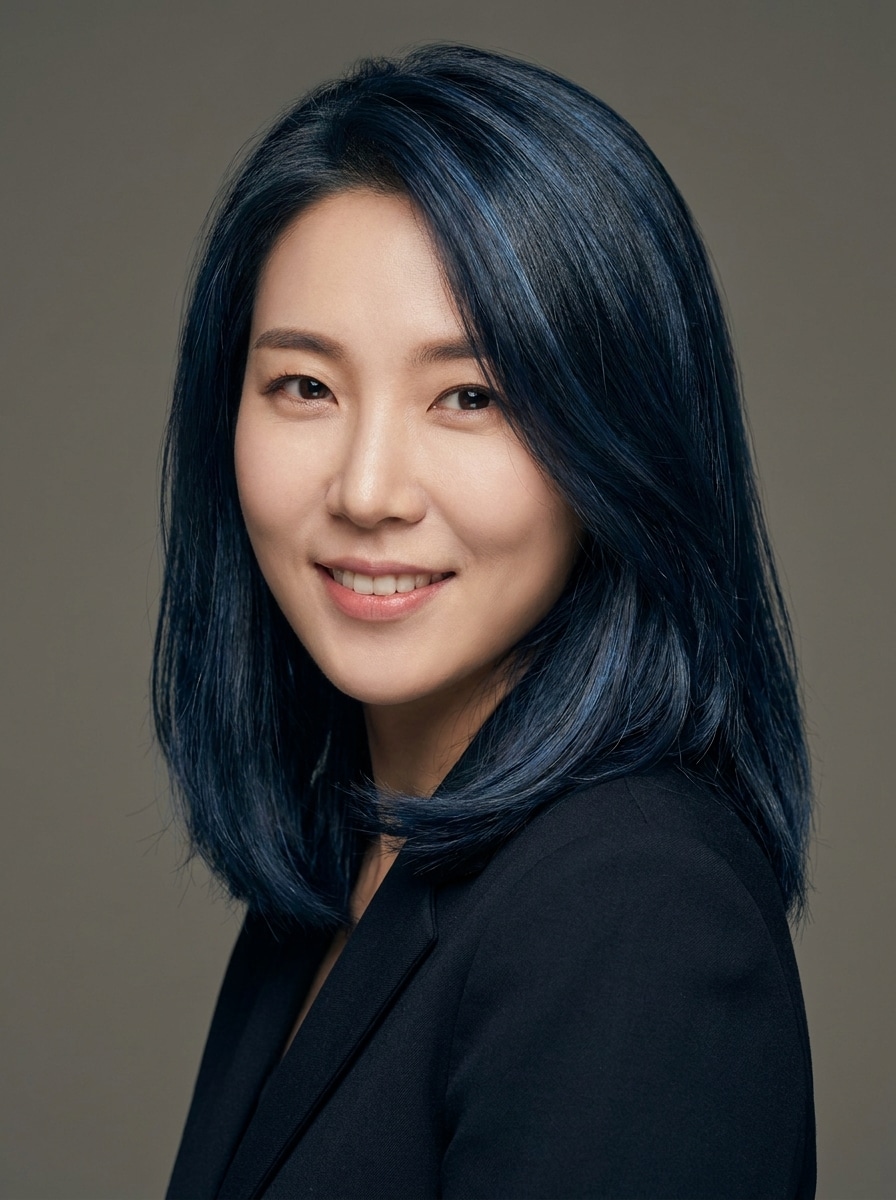
Utiliza la imagen subida como sujeto y aplica una transformación de cabello azul-negro intenso. Conserva el corte, la textura y el volumen originales mientras añades sutiles matices fríos y brillo reflectante. Mantén piel, ojos y fondo intactos para una previsualización realista y dimensional con acabado elegante.
De Espresso a Mezcla Negra
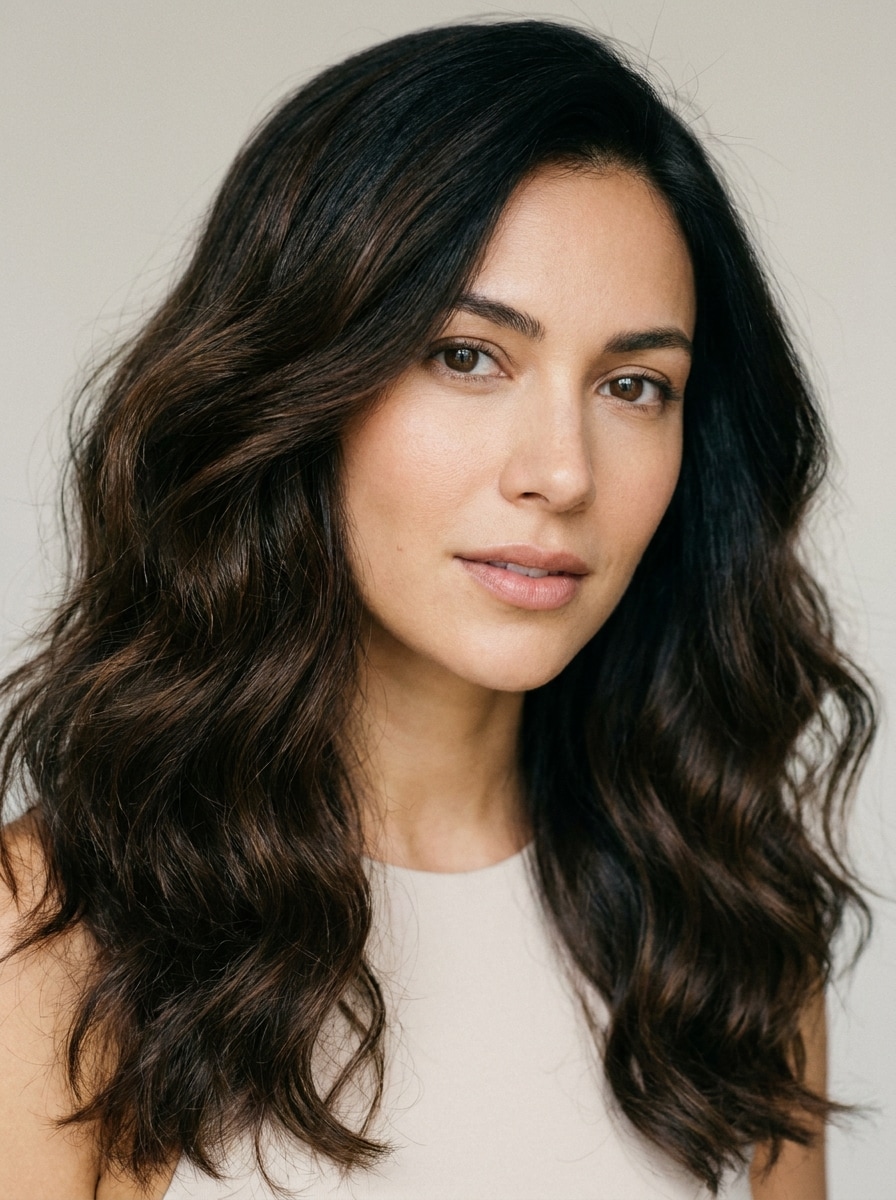
Utiliza la imagen subida y crea un resultado dimensional de cabello de espresso a negro. Mantén el peinado original y el movimiento natural mientras mezclas profundidad casi negra en largos y puntas. Conserva los reflejos, sombras y detalle de la raíz para un sutil cambio de look oscuro inspirado en salón.
Cabello Negro Liso y Brillante
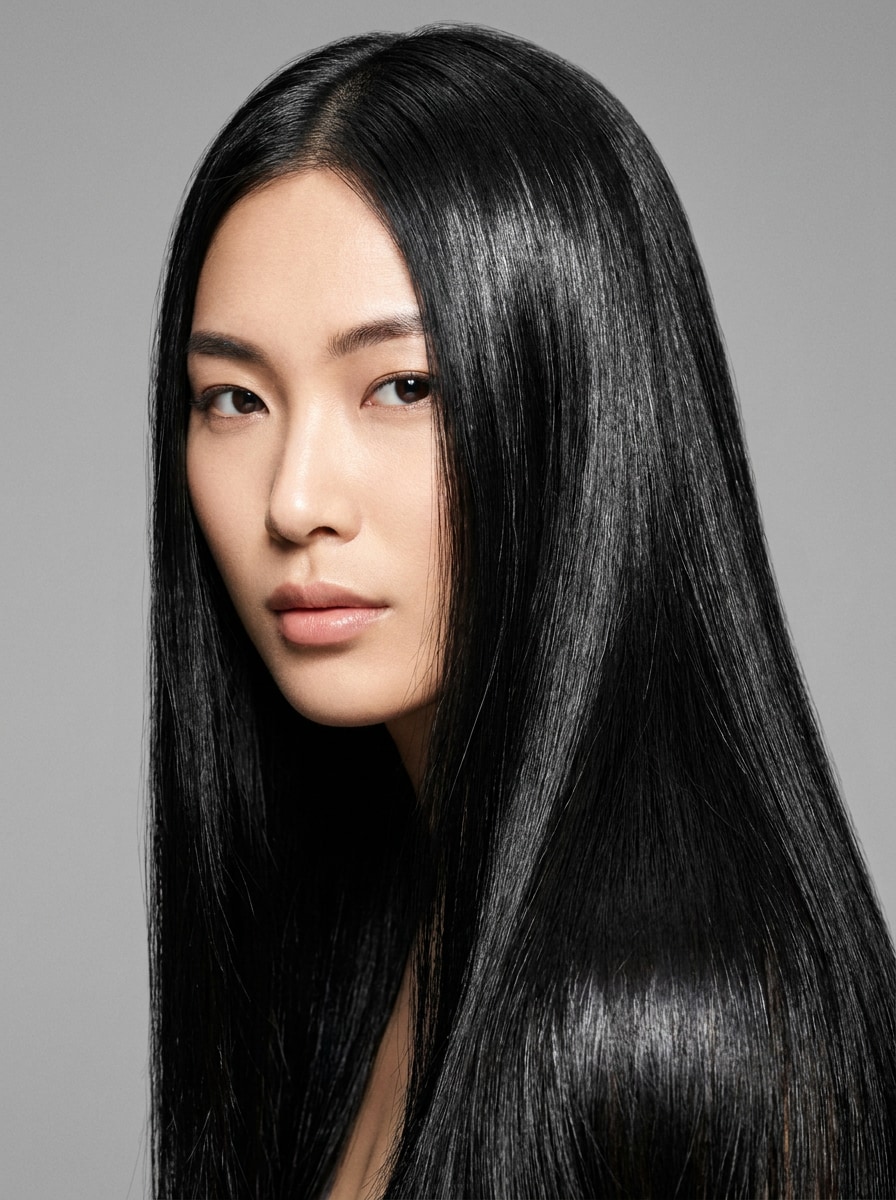
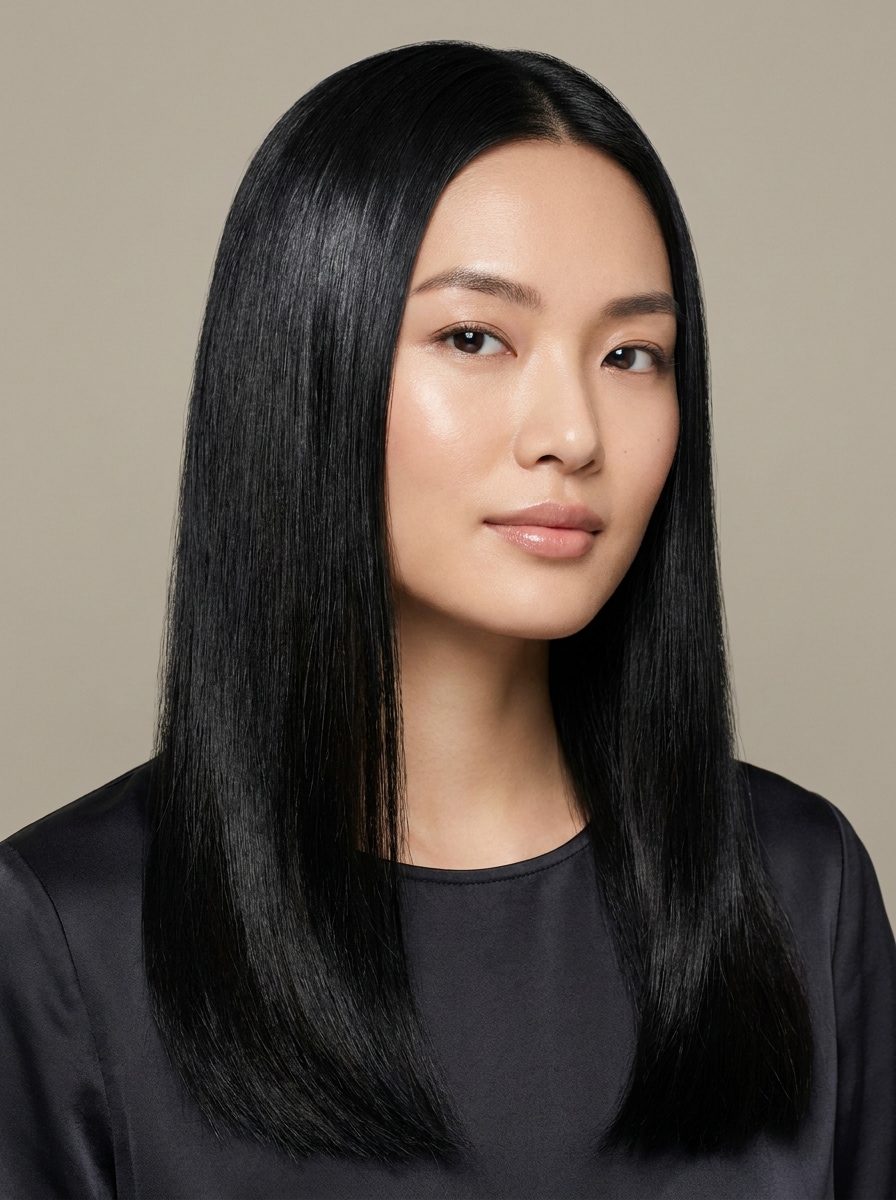
Utiliza la foto cargada como sujeto y transforma el peinado a un cabello negro liso y elegante. Preserva la identidad de la persona mientras suavizas mechones sueltos, intensificas el color y aportas un acabado brillante. Mantén el resultado fotorrealista, nítido y favorecedor sin cambiar el rostro ni el fondo.
Cabello Negro con Ondas Suaves
Usa la imagen subida y cambia el color del cabello a un tono negro profundo mientras lo realzas con ondas naturales suaves. Conserva la textura realista, el grosor y el contorno del rostro, con brillo equilibrado y transiciones suaves. Mantén el fondo y el tono de piel sin cambios para una previsualización creíble.
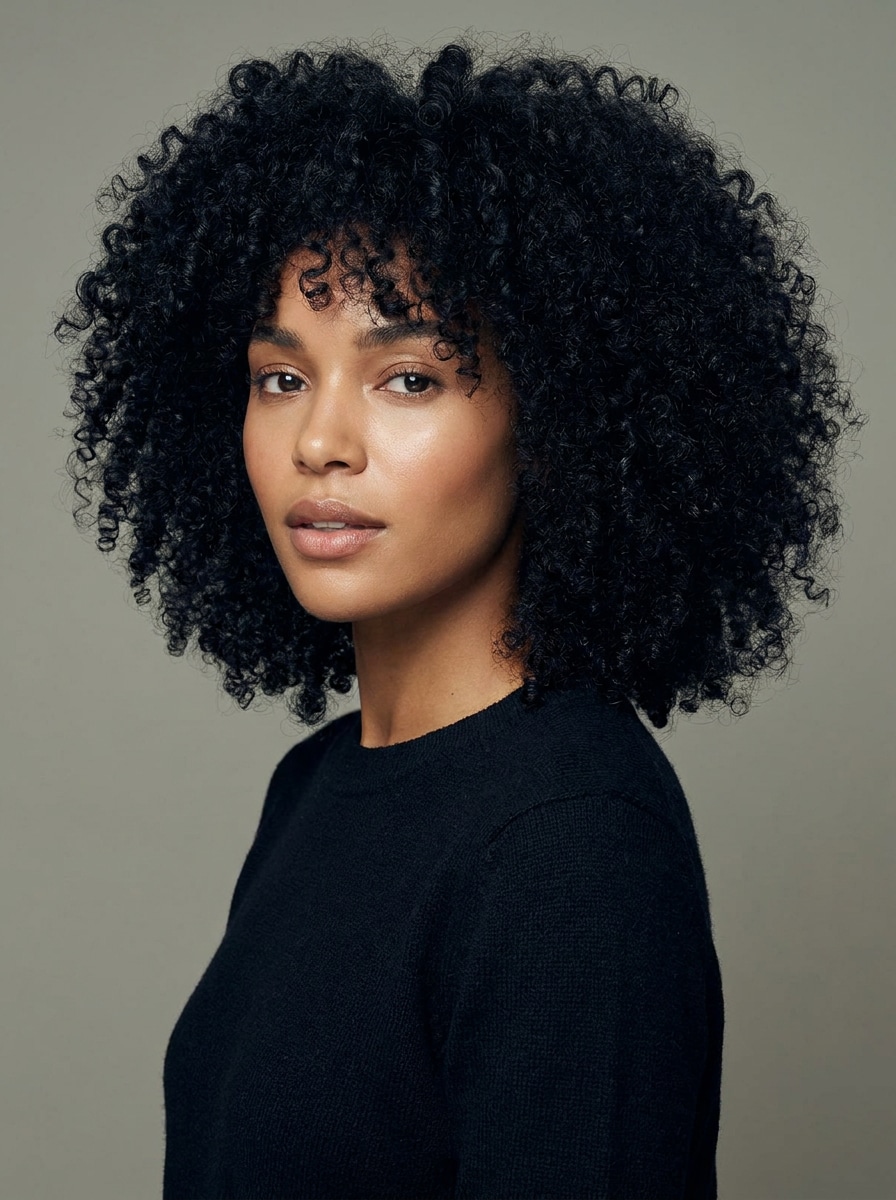
Rizado Negro Natural
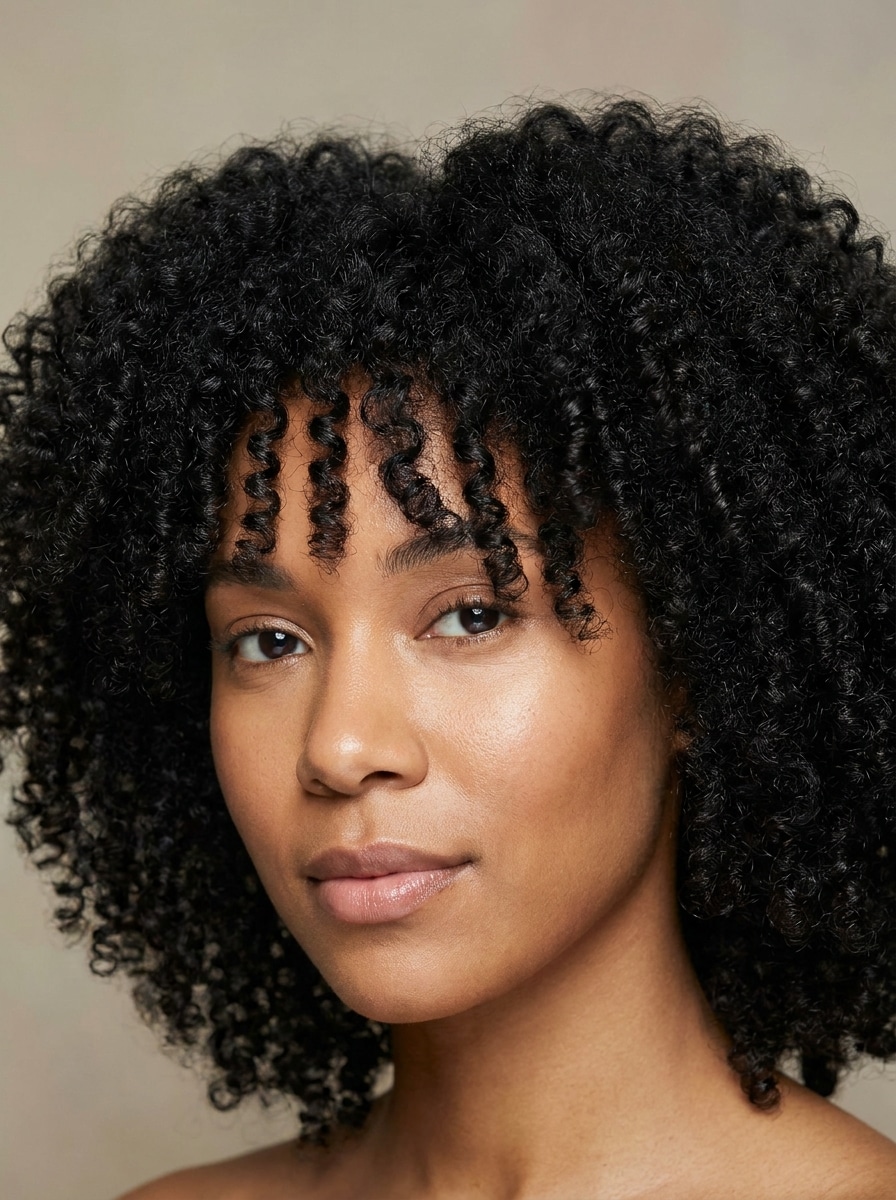
Utiliza la imagen subida como referencia y aplica un color negro natural realista al cabello rizado. Preserva el patrón de rizo, volumen, bordes y definición de la textura sin aplanar o sobre-suavizar. Mantén la iluminación, el tono de piel y el fondo consistentes para una previsualización fiel al color real.
Negro Azabache en Cabello Afro
Utiliza la foto subida y transforma el cabello coily en un rico tono negro azabache. Conserva la definición, densidad, bordes y profundidad natural de las sombras mientras aportas brillo saludable. Mantén los rasgos faciales y el fondo sin cambios para un resultado realista, limpio y natural.
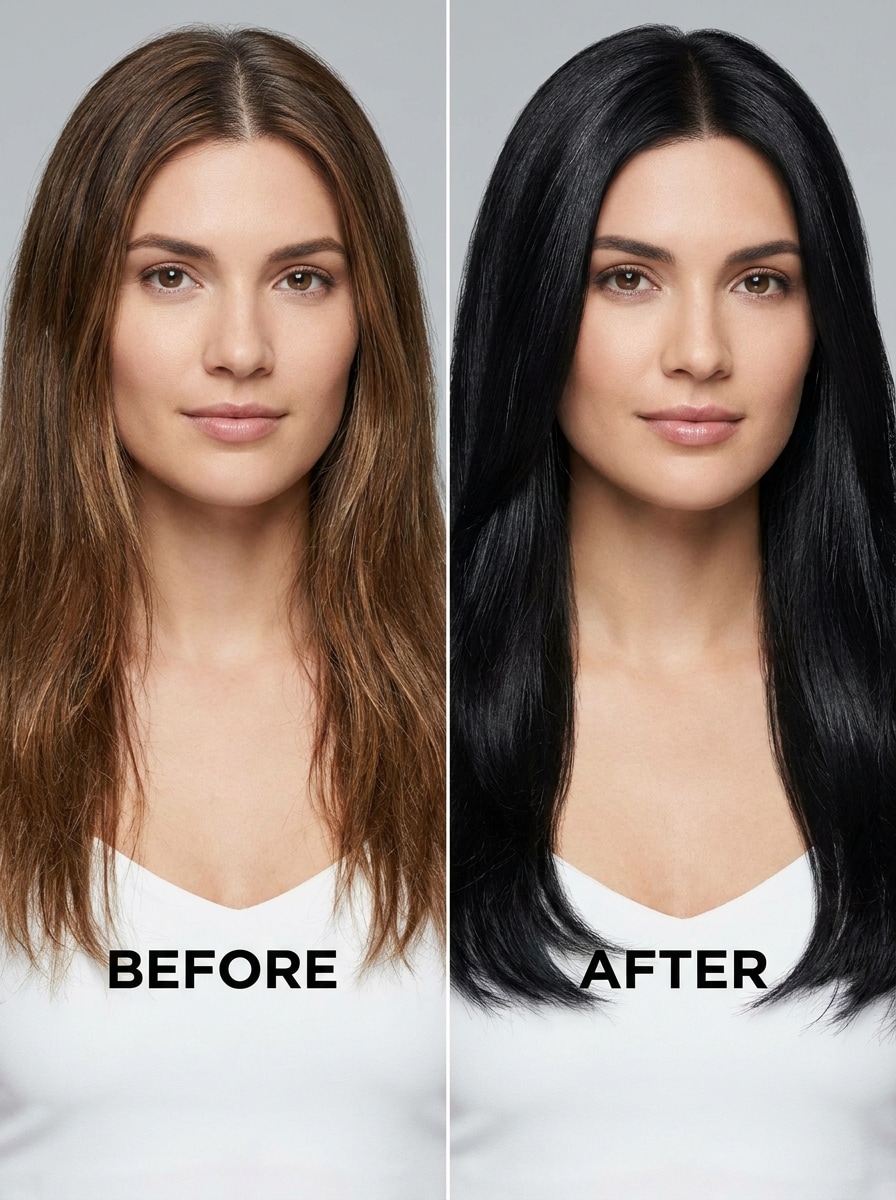
Retrato Antes y Después
Usa el selfie subido para crear una previsualización de cabello negro en comparación lado a lado antes y después. Conserva el mismo encuadre, expresión e iluminación, con un panel mostrando el cabello original y otro la transformación realista a cabello negro. Mantén la textura, raíces y detalles faciales para una comparación confiable.
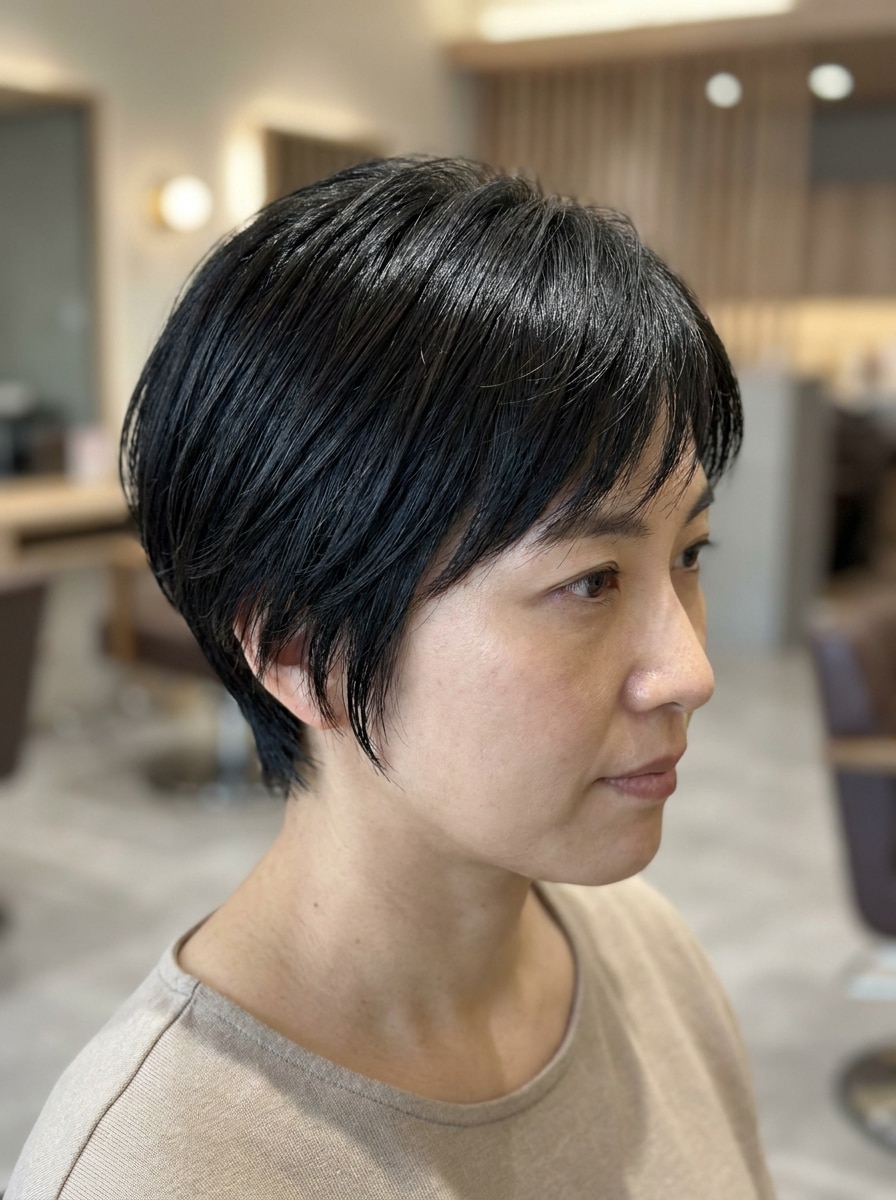
Filtro de Cabello Corto Negro
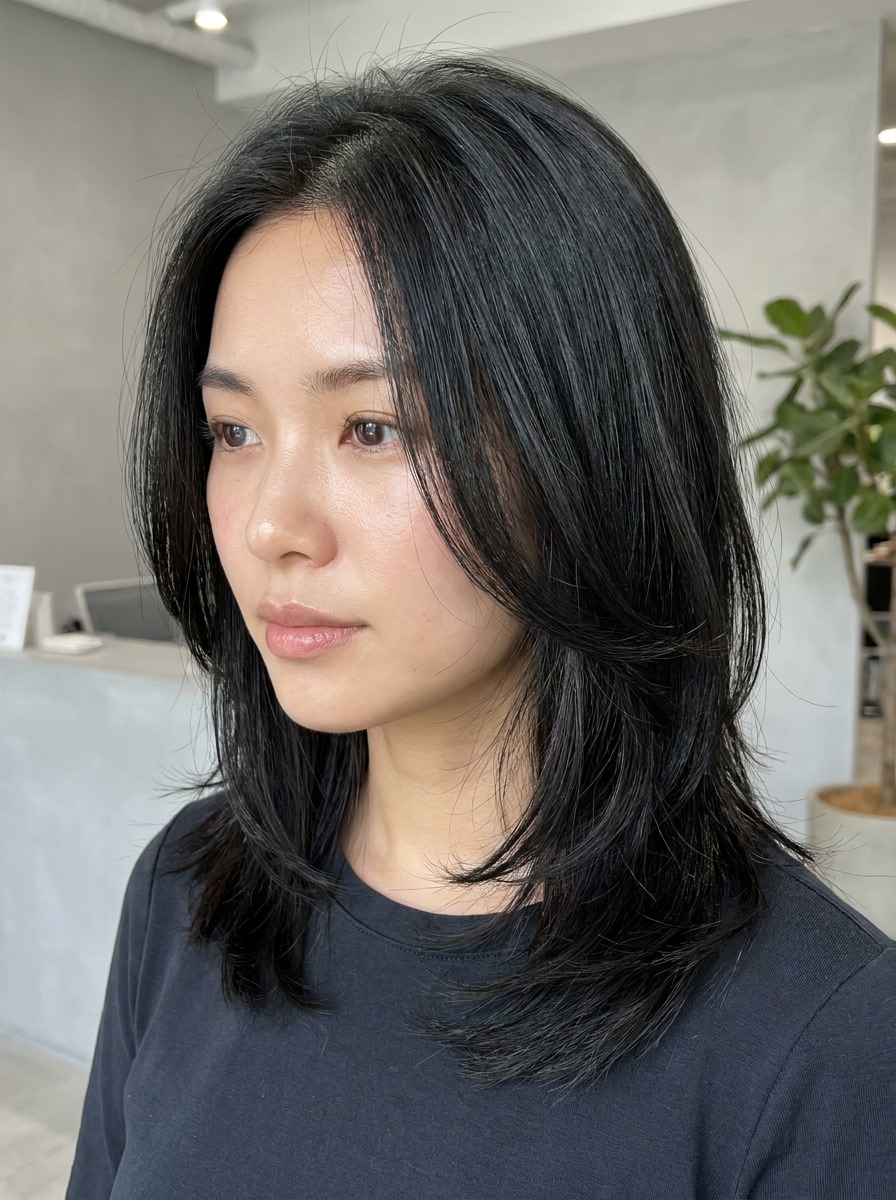
Utiliza la imagen subida como sujeto y aplica una transformación de cabello negro realista a un corte corto. Conserva la forma, capas, textura y sombras naturales del corte, añadiendo profundidad suave y brillo delicado. Mantén el look general limpio, moderno y muy creíble.
¿Por qué usar Media.io para un filtro de cabello negro?
Flujo rápido para probar un estilo con una sola foto
Media.io hace queprobar color de cabello negro con IAsea sencillo: sube un retrato claro, describe el tono que quieres y genera una previsualización del cambio en segundos.
Convierte un sujeto en múltiples estilos
Cuando el resultado debe permanecer ligado al sujeto original, Media.io ayuda a conservar los rasgos reconocibles mientras adapta el estilo visual del filtro de cabello negro para redes, branding o maquetas.
Crea imágenes de alta resolución para uso real
Si tu filtro de cabello negro va a ser publicado, Media.io te ofrece resultados más nítidos hasta 4K, ayudando a que la imagen se vea clara en presentaciones, fondos y activos reutilizados.
Crea en el navegador en cualquier dispositivo
Algunas ideas visuales de filtro de cabello negro se comienzan en movimiento y se finalizan luego en el escritorio. Media.io mantiene ese proceso en línea para que regreses al mismo flujo sin instalaciones extra.
Cómo usar una IA para probar cabello negro
Convierte tus palabras en imágenes asombrosas en tres sencillos pasos, y luego sigue mejorando el resultado si quieres ir más allá.
Paso 1
Sube tu imagen de referencia
Comienza con un selfie o retrato claro en formato JPG, PNG o JPEG. Las fotos con cabello visible, iluminación equilibrada y fondo simple ayudan a la IA a detectar tu peinado y generar una previsualización más precisa de cabello oscuro.
Paso 2
Describe el cambio y ajusta opciones
Indica el look deseado, como negro suave, negro azabache o azul-negro, y menciona brillo, textura o definición de rizo. Luego selecciona un modelo y ajusta relación de aspecto, resolución o cantidad de imágenes según tu preferencia.
Paso 3
Genera, descarga y sigue mejorando
Crea varias variaciones, compara los resultados y descarga la versión que más te guste. Si lo necesitas, ajusta la indicación para un tono más oscuro, más brillo o raíces más naturales, y genera de nuevo para un mejor resultado.
Descubre el potencial del filtro de cabello negro en línea
Mira cómo los creadores usan este filtro de cabello negro para contenido, marketing y proyectos personales, y adapta cada idea a tus necesidades.
Previsualiza un cambio de salón antes de decidirte
Prueba tonos más oscuros en tu propio retrato antes de reservar cita. Media.io te ayuda a comparar tonos negro suave, negro natural o azabache brillante, así puedes decidir cuál queda mejor con tu tono de piel, corte y estilo general.
Crea contenido beauty de antes y después
Crea visuales llamativos de transformación para TikTok, Instagram o portafolio. Un rápidoIA para probar cabello negroflujo ayuda a los creadores a generar imágenes comparativas realistas, listas para compartir y con un acabado profesional y confiable.
Prueba diferentes looks en cualquier dispositivo
Si quieres probar el cabello negro en línea desde tu móvil durante una consulta o mientras buscas inspiración, Media.io te da un editor flexible en el navegador que funciona perfecto para previsualizaciones rápidas y descargas fáciles.
Lo que dicen los usuarios
Maya L.
Creadora de Contenido de Belleza
"Brillo y textura realistas"Quería una previsualización de cabello negro que no pareciera pintada. Media.io mantuvo mis ondas y línea del cabello sorprendentemente natural, y el tono oscuro seguía teniendo dimensión.
Jasmine R.
Clienta de Salón
"Útil antes de una cita de color"La usé para comparar negro suave y azabache antes de ver a mi estilista. El resultado fue rápido y me dio una mejor idea de lo que realmente quería.
Erin K.
Gerente de Redes Sociales
"Fácil en el móvil"Probé un cambio de look rápido desde mi móvil sin descargar una app. El flujo en el navegador fue sencillo, y la imagen final era lo suficientemente pulida para una maqueta de campaña.
Nia T.
Bloguera de Estilo de Vida
"Funcionó bien en rizos"Muchos filtros aplastan el cabello rizado, pero este conservó mucho mejor mi textura. Me dio un look negro natural realista en vez de un relleno sólido pesado.
Explora los efectos de video e imagen con IA más populares
Preguntas Frecuentes sobre el Filtro de Cabello Negro
1. ¿Cómo puedo probar un filtro de cabello negro en mi foto en línea?
Sube un retrato claro a Media.io y luego introduce una indicación describiendo el look que deseas, como cabello negro suave, azabache o azul-negro. Puedes elegir un modelo, ajustar la relación de aspecto o calidad y generar una previsualización realista desde tu navegador para un flujo rápido defiltro de cabello negro en línea.
2. ¿Este filtro de cabello negro es gratis?
Sí, los usuarios gratuitos pueden probar la herramienta con créditos gratis. Si necesitas más generaciones o quieres descargas en alta resolución sin marcas de agua, puedes revisar la página de precios de Media.io para ver las opciones de planes. Los usuarios gratuitos pueden usar créditos gratis, y para más uso pueden suscribirse a un plan en la página de precios. Pásate a un plan de pago para obtener más créditos y descargas en alta resolución sin marca de agua.
3. ¿El cambio de color de cabello con IA se verá realista en mi tipo de cabello?
Media.io está diseñado para edición basada en la referencia, así que puede conservar la textura visible, detalle de los cabellos, rizos, raíces y el peinado general más naturalmente que aplicar solo un color sólido. Los mejores resultados suelen venir de una foto clara y con buena iluminación donde el cabello sea visible.
4. ¿Puedo elegir distintos tonos de negro como negro suave o azabache?
Puedes indicar el tono exacto que deseas en tu indicación, incluyendo negro suave, negro natural, negro azabache o azul-negro. Esto hace que Media.io sea útil para quienes quieren probar con IA distintos tonos de cabello negro en vez de un filtro de un solo estilo.
5. ¿El filtro de cabello negro funciona en iPhone y Android?
Media.io es un editor basado en la web, así que puedes utilizarlo en iPhone, Android, tabletas, Mac o Windows siempre que tengas navegador. Así es más fácil editar desde el móvil sin instalar una app. Media.io funciona en cualquier dispositivo con navegador (Windows, Mac, iOS, Android).
6. ¿Cuánto tarda en cambiar el color del cabello en una foto?
En la mayoría de los casos, solo toma unos minutos subir tu imagen, introducir tu indicación y generar resultados. El tiempo total depende de tus ajustes y la cantidad de variaciones que pruebes, pero el flujo está diseñado para previsualizaciones rápidas y comparaciones fáciles.
Más allá del filtro de cabello negro en línea potenciado por IA