Tus creaciones solo se guardan durante 7 días. Los recursos creados después de actualizar a Membresía se almacenarán de forma permanente.
¡Desbloquea tu potencial creativo y experimenta la magia de Media AI ahora mismo!
Filtro Whimsigoth con IA para transformaciones fotográficas celestiales y soñadoras
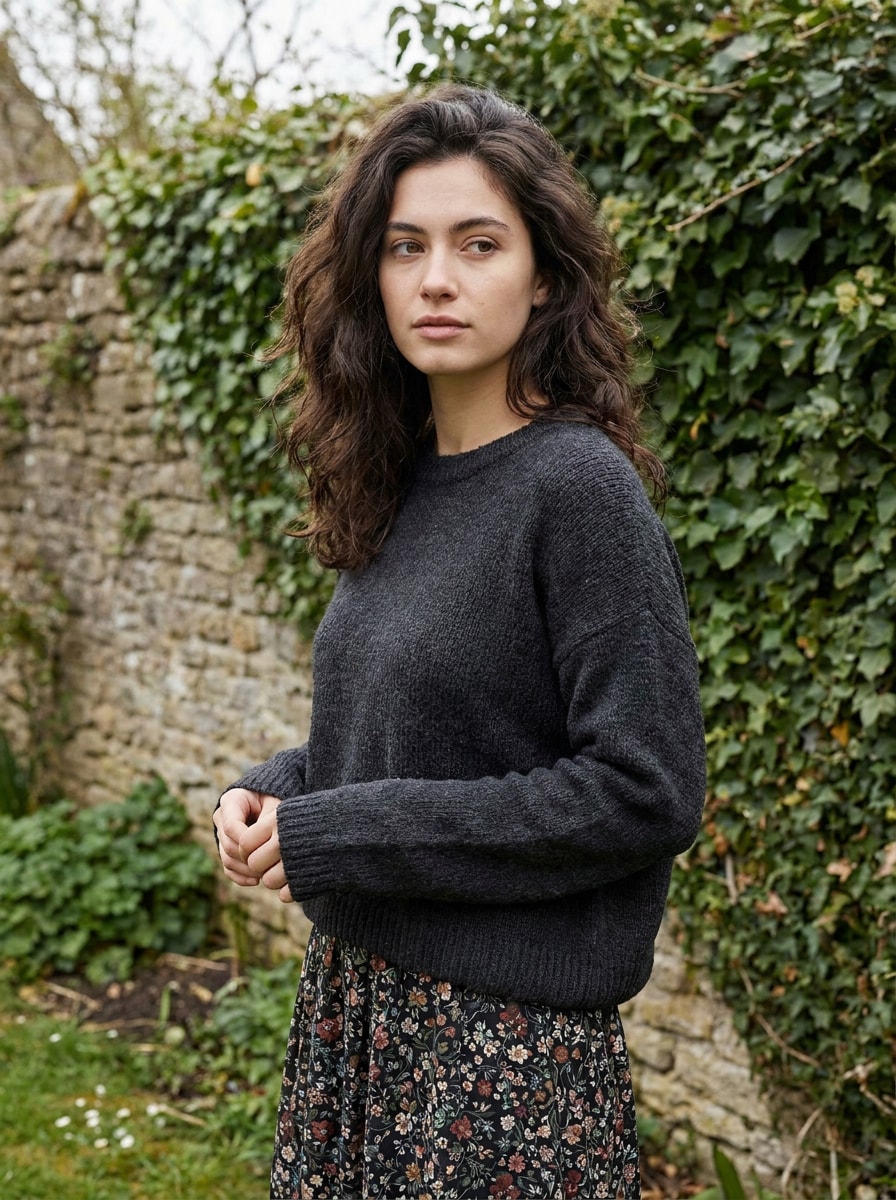
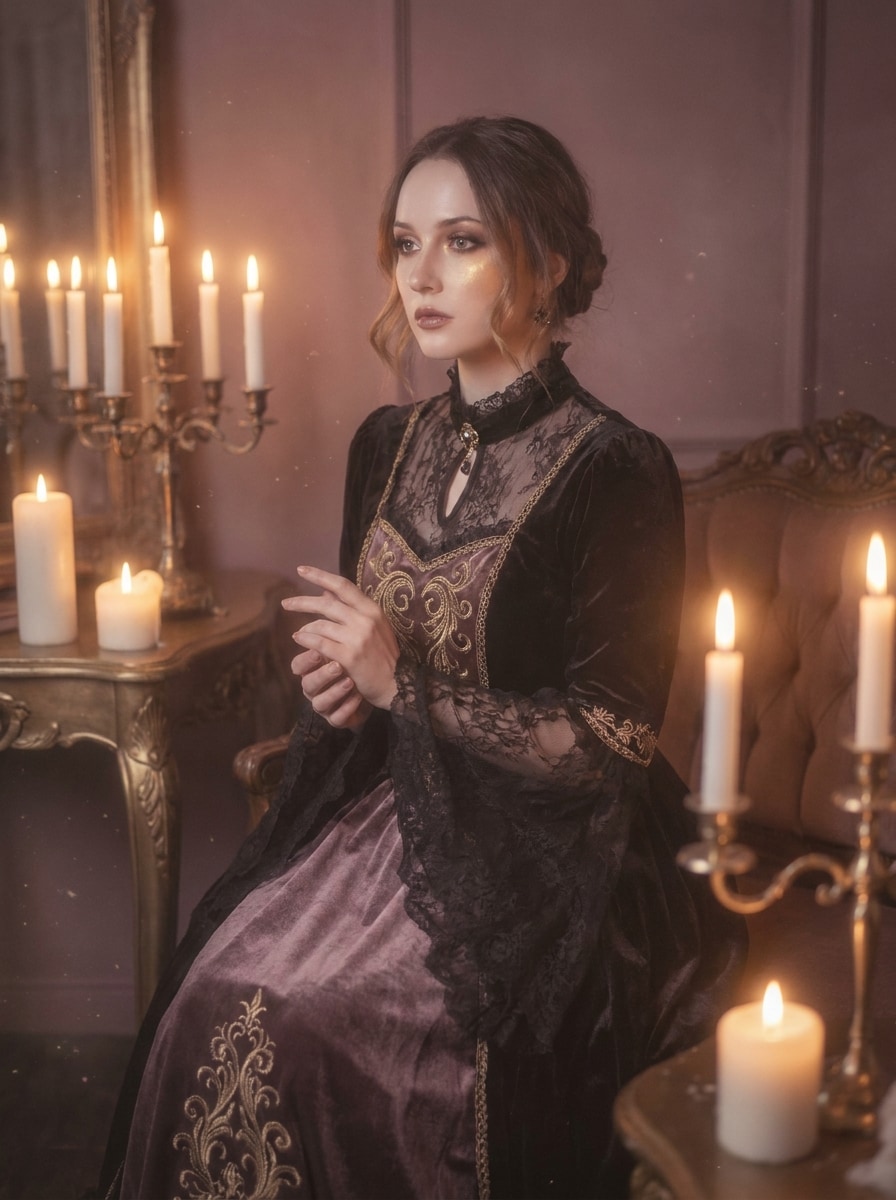
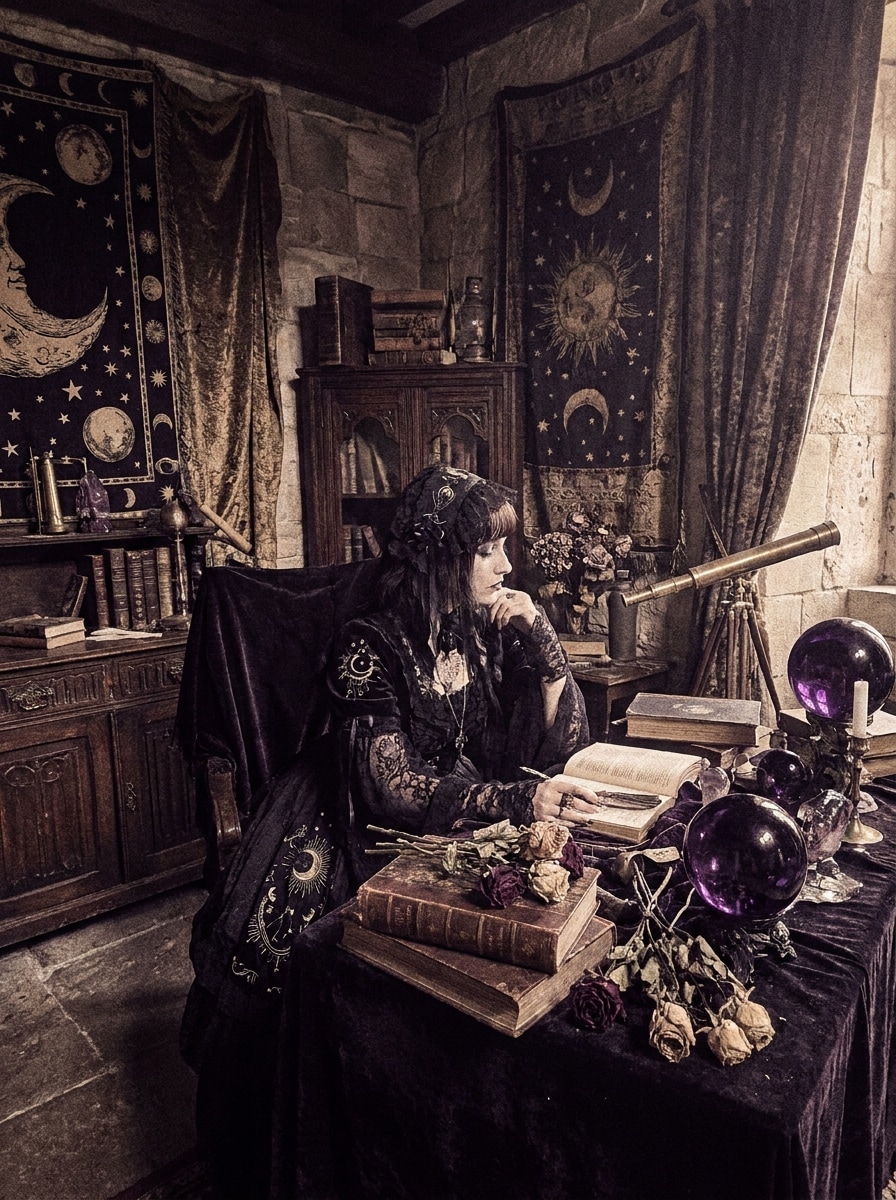
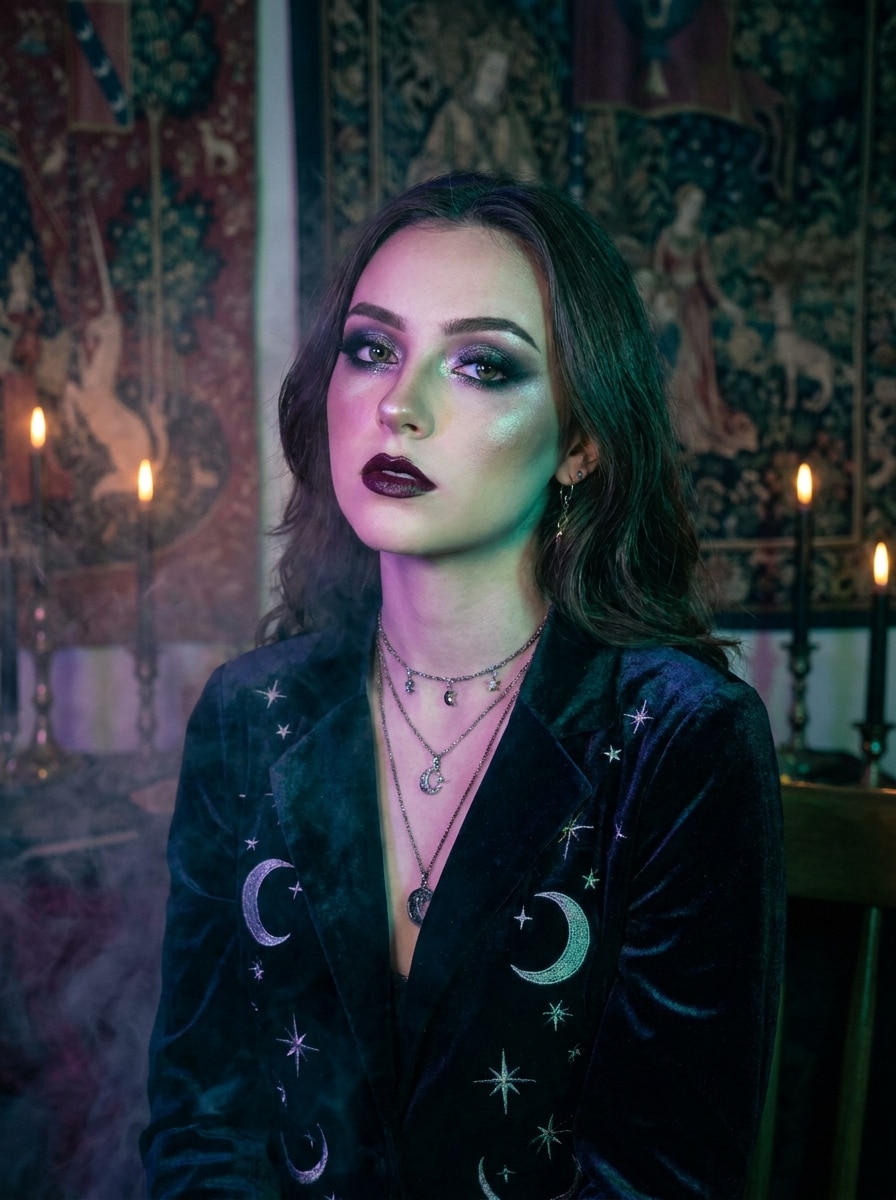
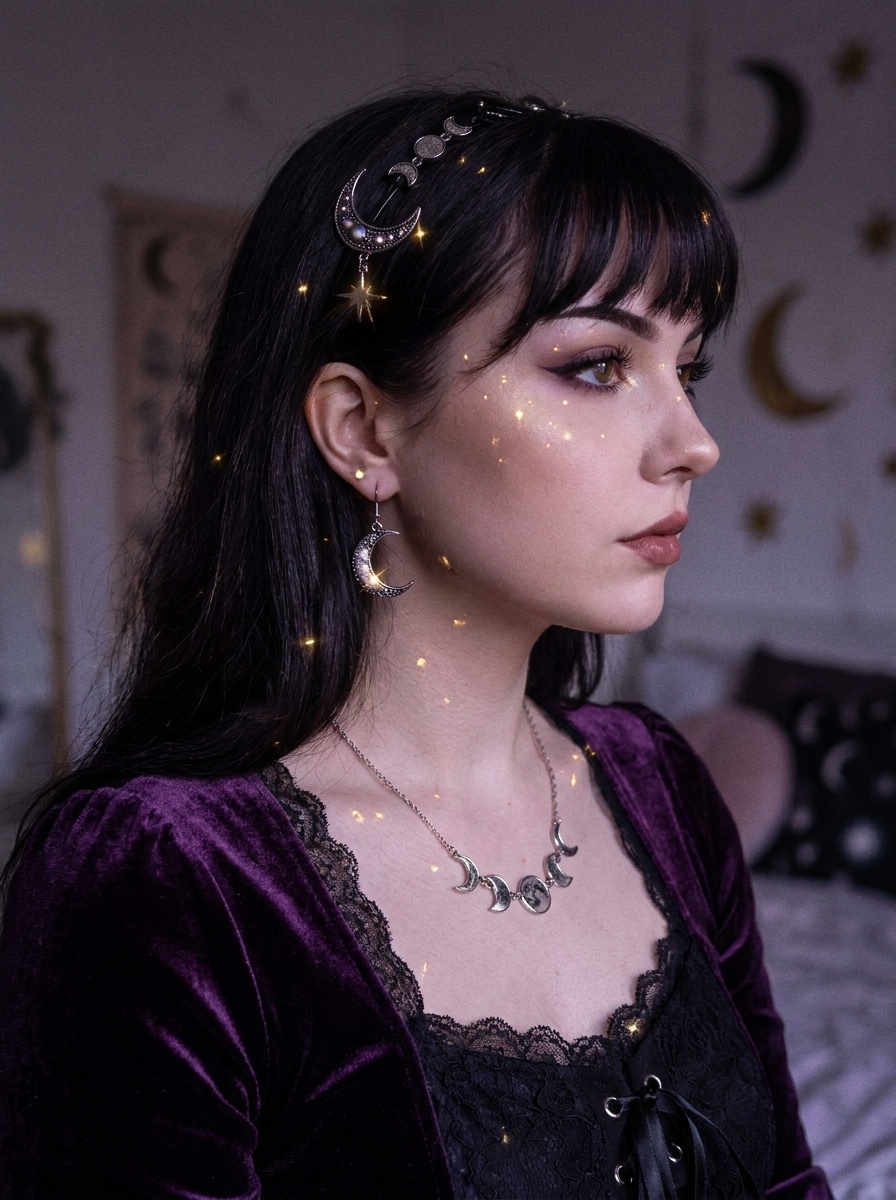
Crea ediciones místicas y evocadoras a partir de selfies, retratos y fotos de habitaciones con un filtro whimsigoth con IA. Media.io te ayuda a Transformar imágenes cotidianas en escenas celestiales con flash vintage, tonos joya, neblina Suave, texturas aterciopeladas y un acabado gótico-boho pulido en minutos.
Escribe tu idea -> La IA la diseña. Prueba gratis.
Revisa estas indicaciones de ejemplo y luego ajusta los detalles del prompt para obtener mejores resultados con este filtro Whimsigoth.
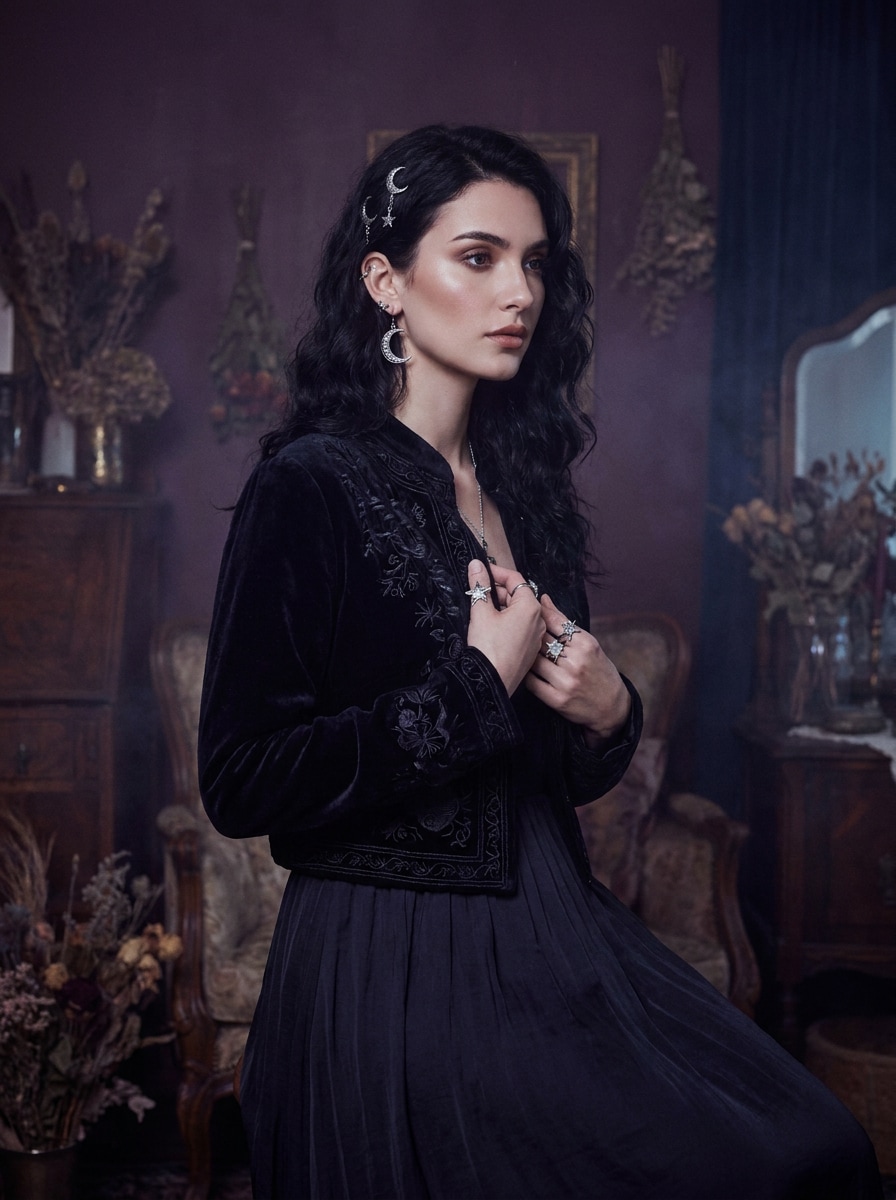
Retrato celestial de terciopelo
Usa la imagen subida como sujeto y transfórmala en un retrato whimsigoth con tonos ciruela profundo y azul medianoche, iluminación Suave de flash vintage, texturas de terciopelo, joyería celestial, neblina sutil, grano de película delicado y un ambiente gótico-boho soñador con detalles faciales favorecedores.
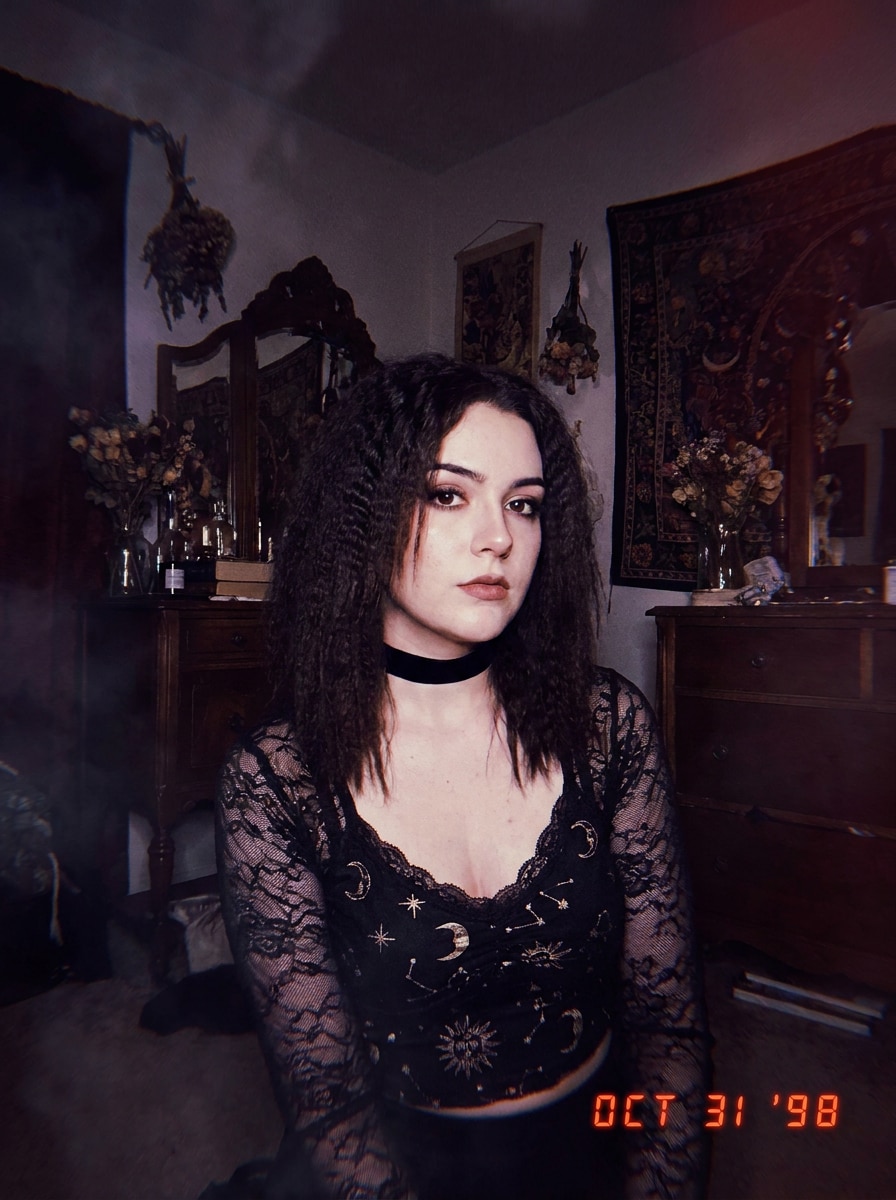
Flash místico de los 90
Usa la foto subida como base y rediseñala como un retrato whimsigoth con flash de los 90, flash directo de cámara, sombras ahumadas, Gradación de color en burdeos e índigo, Desenfocar Suave, grano vintage, accesorios místicos y una sensación editorial de cámara desechable que se mantiene favorecedora y reconocible.
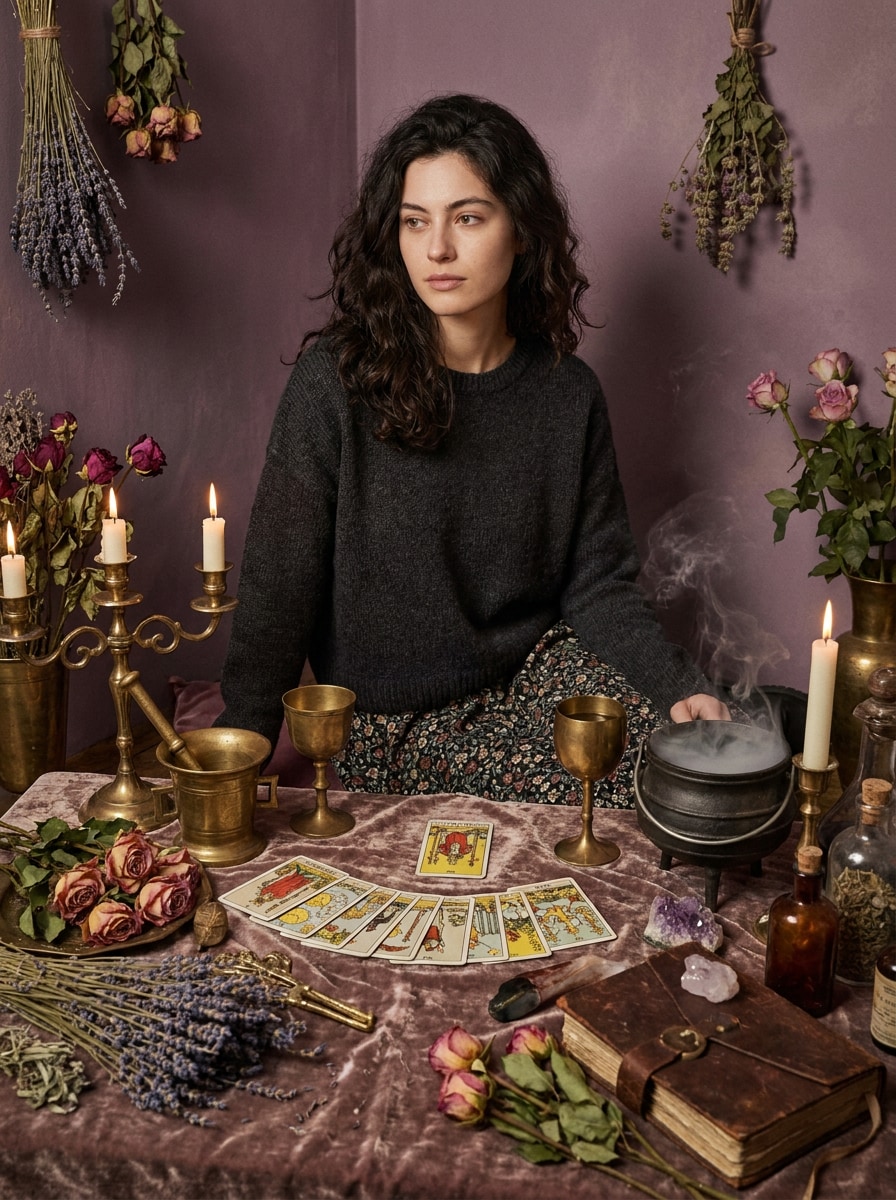
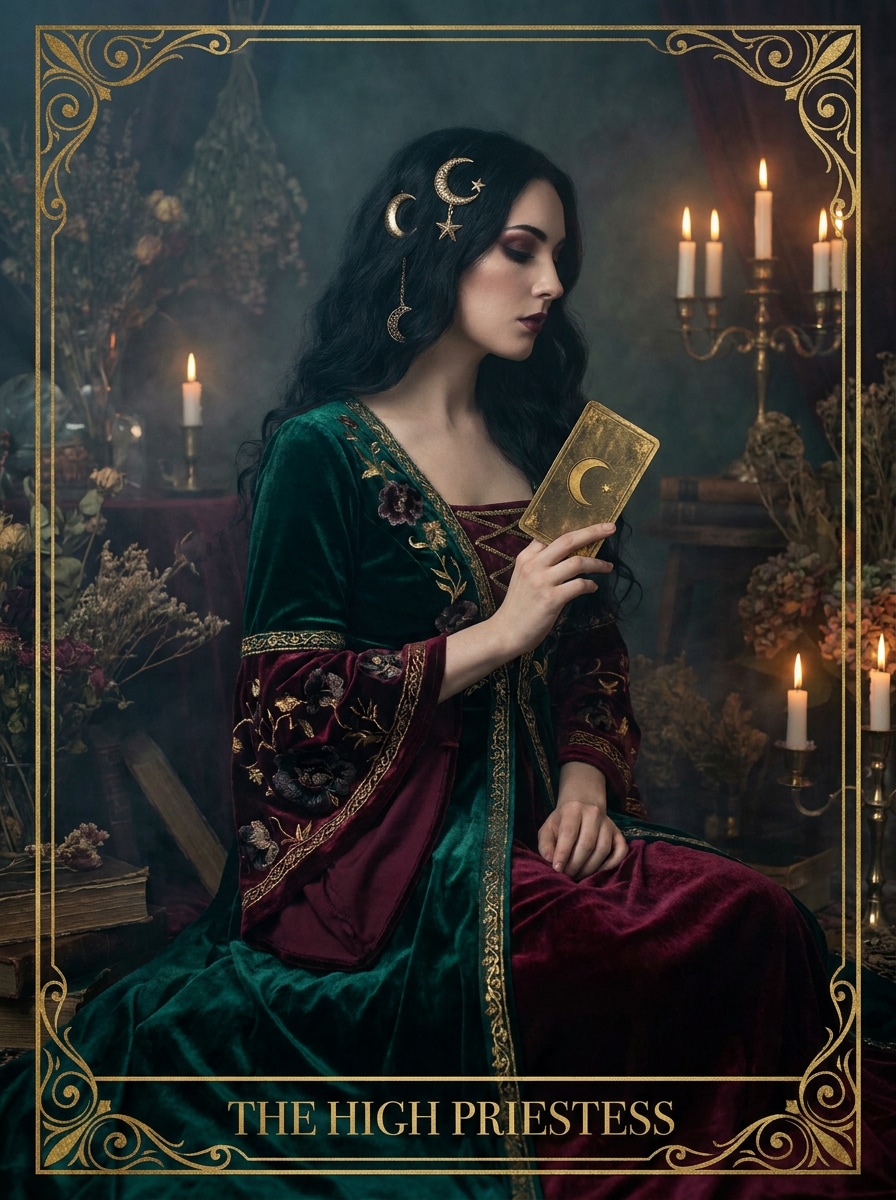
Musa del Tarot
Usa la imagen subida como sujeto y dale un cambio de imagen whimsigoth inspirado en el tarot con motivos lunares, acentos en oro antiguo, flores oscuras, tonos joya intensos, contraste Suave, resplandor brumoso, estilismo místico elegante y una composición editorial que se sienta mágica en lugar de dramática.
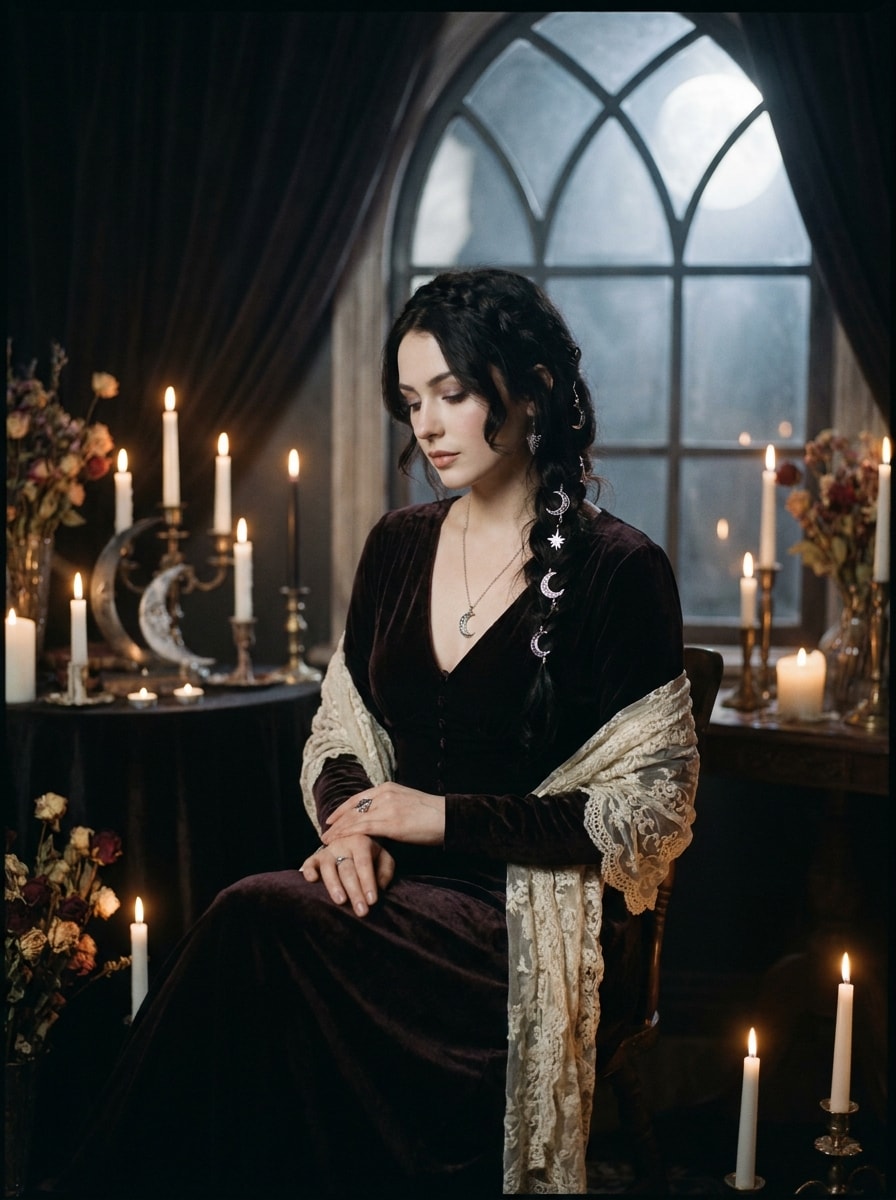
Gótico boho a la luz de la luna
Usa la foto subida como referencia y transfórmala en una escena gótica boho iluminada por la luna con reflejos plateados, sombras profundas, estilismo de encaje y terciopelo, ambiente de luz de velas, símbolos celestiales y grano cinematográfico Suave para un acabado místico, romántico e inspirado en la noche.
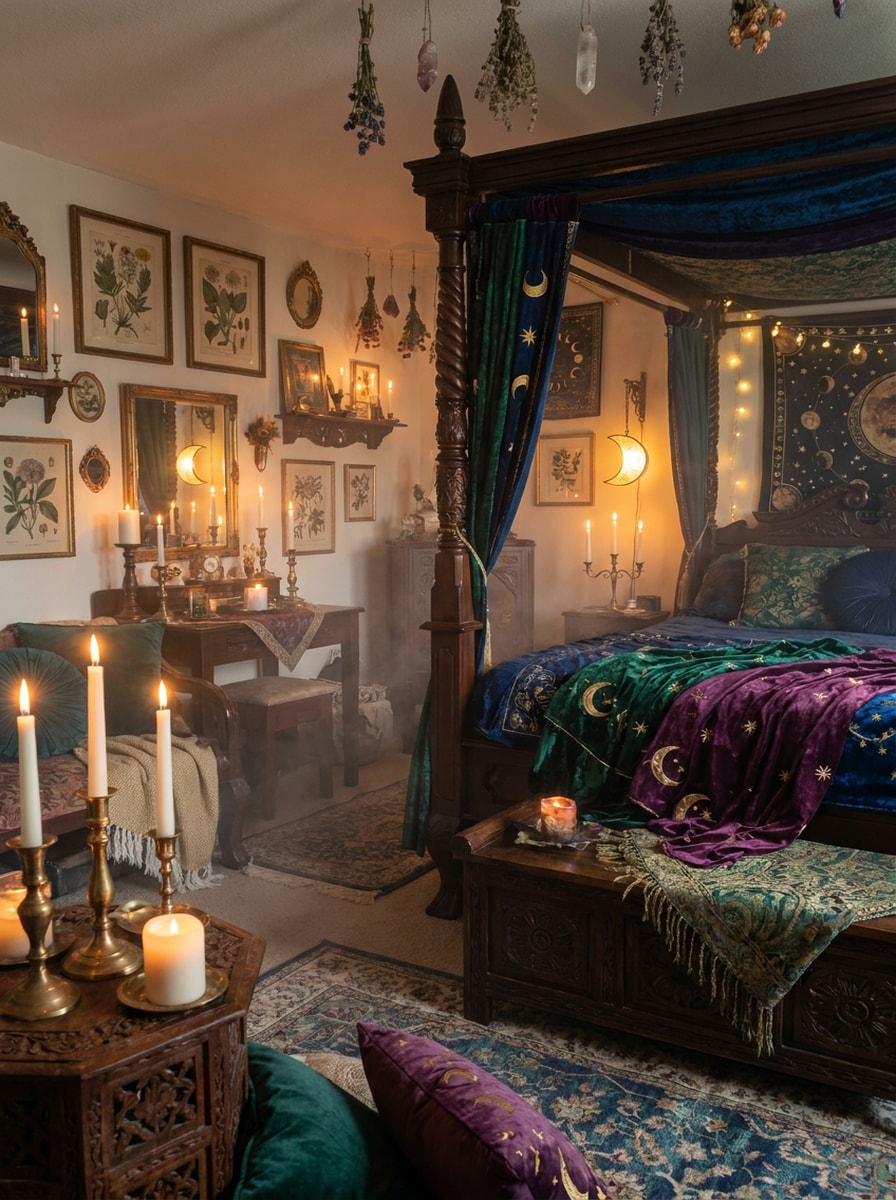
Decoración de dormitorio Whimsigoth
Usa la foto de la habitación subida como base y transfórmala en un interior whimsigoth con acentos de luna y estrellas, muebles de madera oscura, telas en tonos joya, velas, marcos antiguos, texturas superpuestas, neblina sutil y una atmósfera mística y soñadora con profundidad visual acogedora.
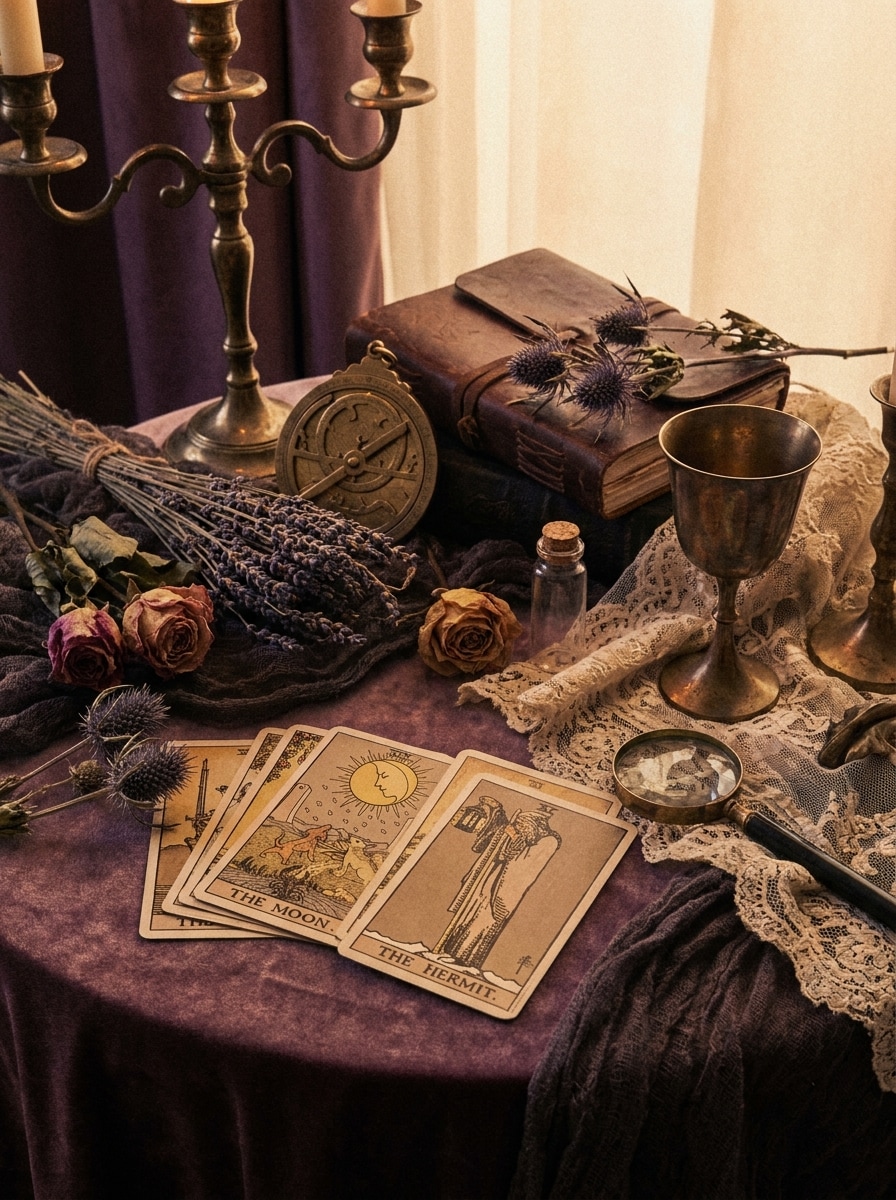
Naturaleza muerta vintage de bruja
Usa la imagen subida como referencia y conviértela en una naturaleza muerta whimsigoth de estilo bruja vintage con sombras púrpura polvorientas, objetos de latón antiguo, cartas de tarot, flores secas, resplandor Suave, grano de película sutil y un acabado editorial nostálgico rico en textura y atmósfera.
Resplandor gótico romántico
Usa la imagen subida como sujeto y añade un resplandor whimsigoth romántico y Suave con tonos malva, ciruela, negro y dorado, calidez de luz de velas, reflejos brumosos, estilismo gótico elegante, contraste suavizado y un acabado mágico que se mantiene delicado en lugar de duro.
Mezcla de Dark Academia y Whimsigoth
Usa la foto subida como sujeto y combina el estilo dark academia con el estilismo whimsigoth usando subtonos marrones vintage, sombras púrpura-negro, texturas antiguas, accesorios celestiales, grano de película y un ambiente soñador e intelectual que se siente literario, místico y visualmente refinado.
Edición viral de antes y después
Usa la foto subida como punto de partida y conviértela en una transformación whimsigoth lista para hacerse viral con Gradación de color dramática en tonos joya, ambiente celestial, contraste ahumado, energía de flash vintage, composición pulida y un resultado impactante de antes y después hecho para compartir en redes sociales.
Foto de perfil mística
Usa la imagen subida como referencia y transfórmala en una foto de perfil whimsigoth con detalles faciales favorecedores, iluminación gótica Suave, una paleta de púrpura y negro, reflejos sutiles tipo destellos, accesorios inspirados en la luna, encuadre central nítido y un acabado limpio listo para Avatar.
Por qué usar Media.io para ediciones fotográficas Whimsigoth
Estilo reconocible a partir de tu propia foto
El trabajo basado en referencias necesita más que un cambio de estilo superficial. Media.io ayuda a mantener los detalles clave de identidad reconocibles mientras reelabora el aspecto visual del filtro whimsigoth, para que el resultado se sienta personal en lugar de genérico.
Ajusta el ambiente: de místico Suave a gótico más oscuro
Cuando el estilo forma parte de la toma de decisiones, Media.io te ayuda a comparar múltiples direcciones desde la misma base visual del filtro whimsigoth, lo que hace que la selección creativa sea más eficiente.
Mantén los visuales finales nítidos para proyectos reales
Ya sea que estés actualizando contenido de Instagram, creando un fondo de pantalla para Teléfono o probando una pequeña impresión artística, Media.io admite exportación de hasta 4K para que tus visuales editados conserven su atmósfera, textura y claridad más allá de una vista rápida en pantalla.
Flujo de trabajo sencillo en el navegador en todos los dispositivos
El trabajo creativo rara vez se queda en una sola pantalla. Media.io mantiene el flujo de trabajo visual del filtro whimsigoth en tu navegador, para que puedas empezar en el Teléfono y terminar en el escritorio sin detenerte a instalar software adicional.
Cómo aplicar un filtro estético whimsigoth en Media.io
Convierte tus palabras en visuales impresionantes en tres sencillos pasos y luego sigue refinando el resultado si quieres llevarlo más lejos.
Paso 1
Sube tu imagen de referencia
Comienza con un selfi claro, un retrato, una foto de habitación o una foto de estilo de vida en formato JPG, PNG o JPEG. Elige una imagen con detalles visibles del sujeto e iluminación sencilla para que los tonos celestiales, el ambiente de flash vintage y las texturas superpuestas se Transformen de manera más limpia.
Paso 2
Describe el cambio y configura las opciones
Ingresa un prompt que explique el aspecto que deseas, como texturas de terciopelo, motivos lunares, Gradación de color en burdeos y ciruela, resplandor de velas o grano Suave. Luego elige tu modelo preferido y ajusta la Relación de aspecto, la calidad o la cantidad de imágenes según el resultado que necesites.
Paso 3
Genera, descarga y sigue mejorando
Crea varias variaciones, compara el ambiente y los detalles, y descarga tu versión favorita. Si deseas un aspecto místico más Suave o un acabado gótico más oscuro, edita el prompt, usa Regenerar y sigue refinando hasta que la transformación coincida con tu visión.
Desbloquea el potencial del filtro estético Whimsigoth
Descubre cómo los creadores usan este filtro Whimsigoth para contenido, marketing y proyectos personales, y luego adapta cada idea a tu necesidad.
Convierte selfies cotidianos en retratos místicos
Renueva un retrato sencillo con tonos joya, accesorios celestiales, energía de flash vintage y neblina soñadora. Es ideal para fotos de perfil, publicaciones en el feed o branding de creadores cuando quieres un aspecto mágico que siga siendo favorecedor y reconocible.
Rediseña habitaciones con energía de decoración celestial
Sube una foto de dormitorio o rincón y explora motivos lunares, madera oscura, velas, marcos antiguos y telas superpuestas antes de hacer cambios reales en la decoración. Es una forma rápida de visualizar un espacio evocador y crear tableros de inspiración para compartir.
Crea contenido de antes y después que detenga el scroll
Los creadores pueden usar Media.io como un flujo de trabajo rápido de filtro whimsigoth con IA para transformaciones dramáticas que funcionan bien en reels, carruseles y videos cortos. Los cambios de ambiente fuertes, la Gradación de color pulida y los detalles consistentes del sujeto ayudan a que las ediciones se sientan listas para redes sociales en lugar de sobreprocesadas.
Lo que dicen los usuarios
Nina R.
Creadora de estilo de vida
"Exactamente el ambiente de retrato místico que quería" Subí un selfie normal y obtuve un aspecto rico en púrpura con luz de velas en minutos. El resultado se sintió soñador y gótico sin hacer que mi rostro se viera artificial.
Marcus L.
Diseñador de redes sociales
"Genial para experimentos estéticos rápidos" Lo usé para probar ediciones evocadoras en imágenes de perfil y fotos de habitaciones. Es mucho más rápido que apilar presets manuales, y el efecto de antes y después es lo suficientemente fuerte para contenido en redes sociales.
Sabrina T.
Bloguera de decoración vintage
"Útil tanto para retratos como para interiores" La mayoría de las herramientas se inclinan demasiado hacia lo terrorífico, pero esta mantuvo el aspecto mágico y elegante. Me gustó usar la misma dirección de estilo en mis fotos de dormitorio y retratos personales.
Jade P.
Creadora estudiantil
"Compatible con móvil y fácil de refinar" Edité en mi Teléfono, cambié el prompt dos veces y obtuve un resultado mucho mejor en cada ronda. La imagen final se veía lo suficientemente nítida para publicar y guardar como fondo de pantalla.
Explora los efectos de video e imagen con IA más populares
Preguntas frecuentes sobre el filtro whimsigoth con IA
1. ¿Qué es un filtro whimsigoth con IA?
Un filtro de IA whimsigoth es un efecto de Edición de imagen a imagen que Transformara tu foto subida en un aspecto sombrío y místico inspirado en detalles celestiales, flash vintage, tonos joya, neblina Suave y estilismo gótico-boho. En Media.io, subes una imagen de referencia y guías la Transformaración con indicaciones y ajustes de modelo.
2. ¿Cómo hago que una foto se vea whimsigoth en línea?
Sube tu selfie, retrato o foto de habitación a Media.io, luego describe el estilo que deseas con indicaciones como motivos de luna, texturas de terciopelo, Gradación de color en ciruela y burdeos, resplandor de velas o grano de película Suave. Elige tu modelo y ajustes de imagen, genera variaciones y refina la indicación hasta que el aspecto del filtro estético whimsigoth coincida con tu visión.
3. ¿El filtro whimsigoth con IA es gratuito?
Los usuarios gratuitos pueden probar Media.io con créditos gratuitos. Si necesitas más generaciones, uso de mayor volumen o descargas sin marca de agua, puedes consultar la página de precios para ver los planes disponibles. Los usuarios gratuitos pueden usar créditos gratuitos. Para más uso, los usuarios pueden suscribirse a un plan en la página de precios. Actualiza a un plan de pago en la página de precios para obtener más créditos y descargas de alta Resolución sin marca de agua.
4. ¿Puedo aplicar un filtro whimsigoth a selfies y fotos de habitaciones?
Media.io admite la carga de imágenes de referencia para diferentes sujetos, por lo que puedes aplicar este estilo a selfies, retratos, interiores y otras fotos de estilo de vida. Esto lo hace útil para ediciones personales, imágenes de perfil, conceptos de decoración y publicaciones creativas en redes sociales con un ambiente místico consistente. Media.io es una herramienta basada en la web que funciona en cualquier dispositivo con navegador (Windows, Mac, iOS, Android).
5. ¿Qué tan realista o artística se verá la imagen final?
El resultado depende de tu indicación, el modelo elegido y la imagen de origen. Media.io puede crear un cambio de ambiente más Suave y realista o una transformación editorial más estilizada, por lo que puedes apuntar a una Gradación de color vintage sutil, detalles celestiales más marcados o un acabado de filtro whimsigoth más audaz.
6. ¿Mi imagen editada tendrá suficiente Resolución para Instagram o impresión?
Media.io ofrece opciones de Resolución de 1K, 2K y 4K, lo que lo hace adecuado para publicaciones de Instagram, fondos de pantalla y muchos usos creativos de impresión. También puedes establecer relaciones de aspecto como 1:1, 9:16, 16:9, 4:3 y 3:4 para ajustarse mejor a tu formato de publicación. Los usuarios gratuitos pueden tener marcas de agua.