Tus creaciones solo se guardan durante 7 días. Los recursos creados después de actualizar a Membresía se almacenarán de forma permanente.
¡Desbloquea tu potencial creativo y experimenta la magia de Media AI ahora mismo!
Filtro IA de olas del océano para transformaciones dramáticas de retratos y fotos
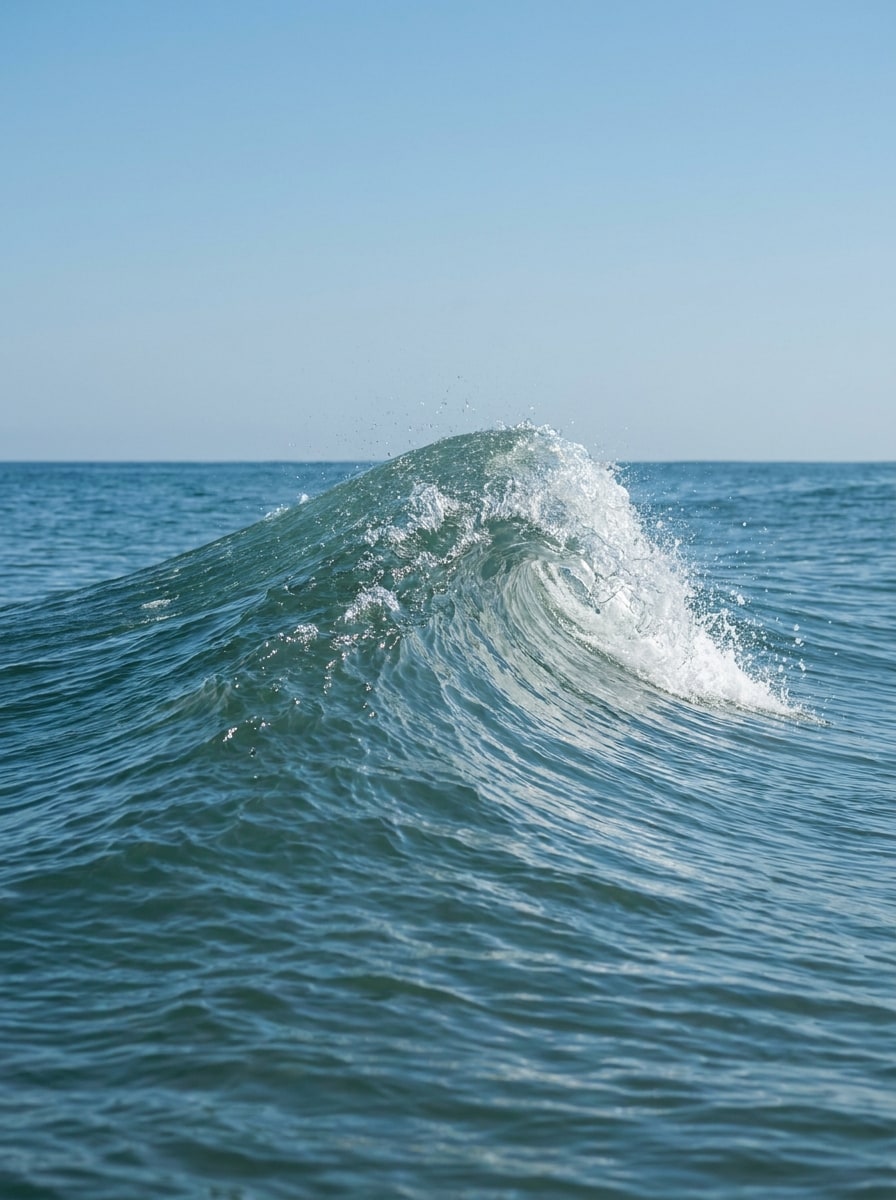
Convierte retratos y fotos en ediciones cinematográficas inspiradas en el océano con un filtro IA de olas del océano. Sube una imagen para crear escenas de surf, un aspecto pulido de filtro de olas de playa, o un soñador filtro estético de océano con textura de agua realista, movimiento y detalles que preservan el rostro. Esta configuración funciona bien como filtro fotográfico de olas del mar.
Escribe tu idea -> La IA la diseña. Pruébalo gratis.
Revisa estas indicaciones de ejemplo y luego ajusta los detalles del prompt para obtener mejores resultados con este filtro de olas del océano en Media.io.
Retrato con ola en tubo
Usa la imagen cargada como sujeto principal y transfórmala en un retrato cinematográfico con ola en forma de tubo. Mantén el rostro reconocible mientras mezclas el cabello, los hombros y la ropa con agua azul translúcida, espuma en aerosol, reflejos de luz solar y una ola poderosa y envolvente, con contraste dramático y detalles nítidos.
Rostro en la ola
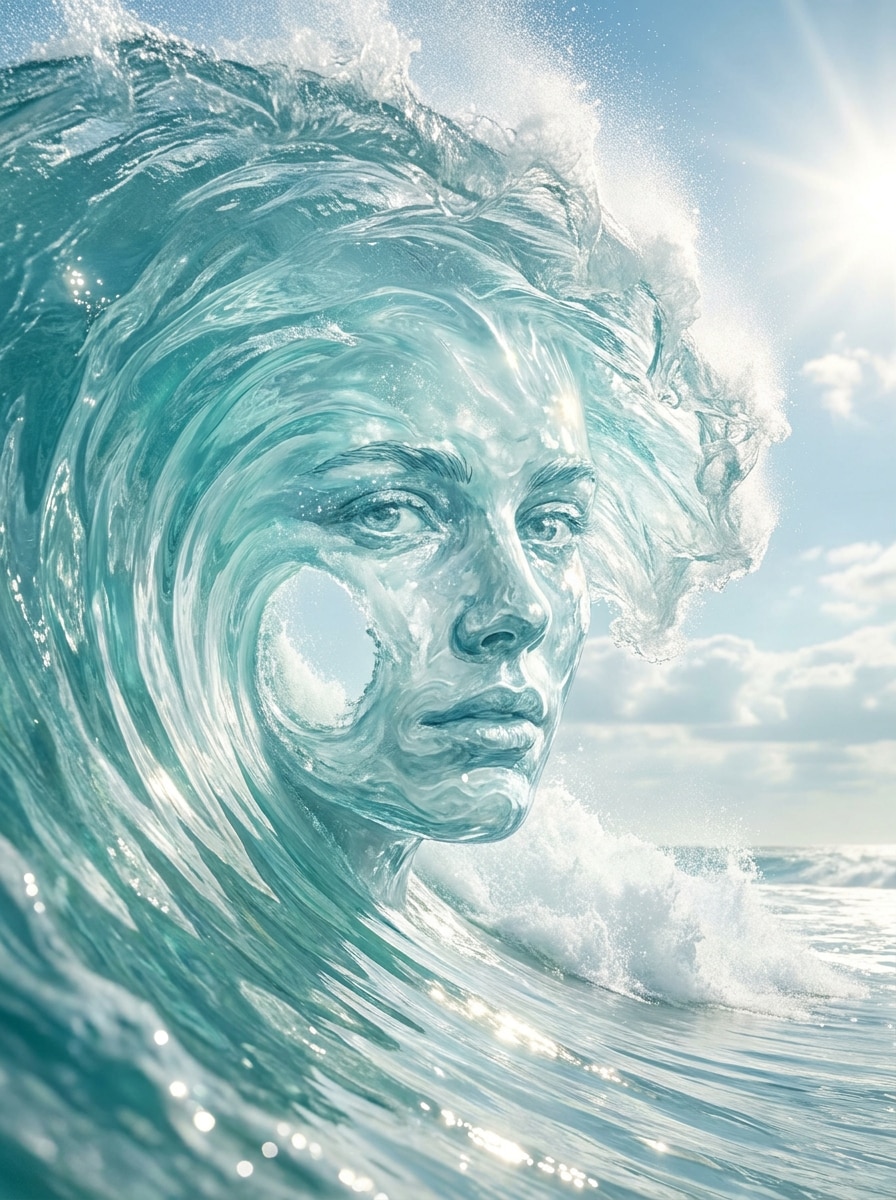
Usa el retrato cargado como sujeto y dale un Cambiar forma hacia una composición de ola cristalina. Preserva la estructura facial y los ojos mientras integras el rostro dentro de una ola oceánica envolvente con bordes de espuma, contornos fluidos, reflejos de cielo brillante y una atmósfera costera limpia para un resultado elegante y surrealista.
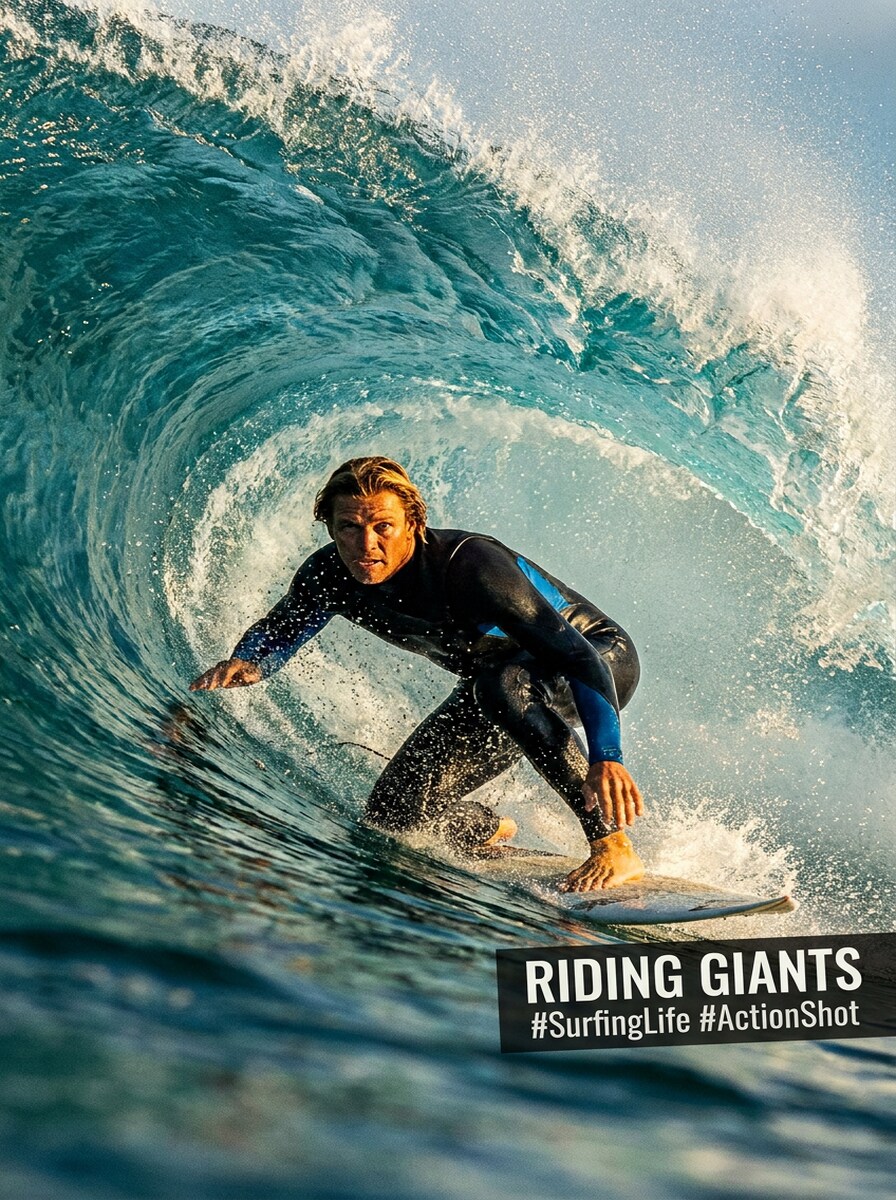
Filtro IA de surfista
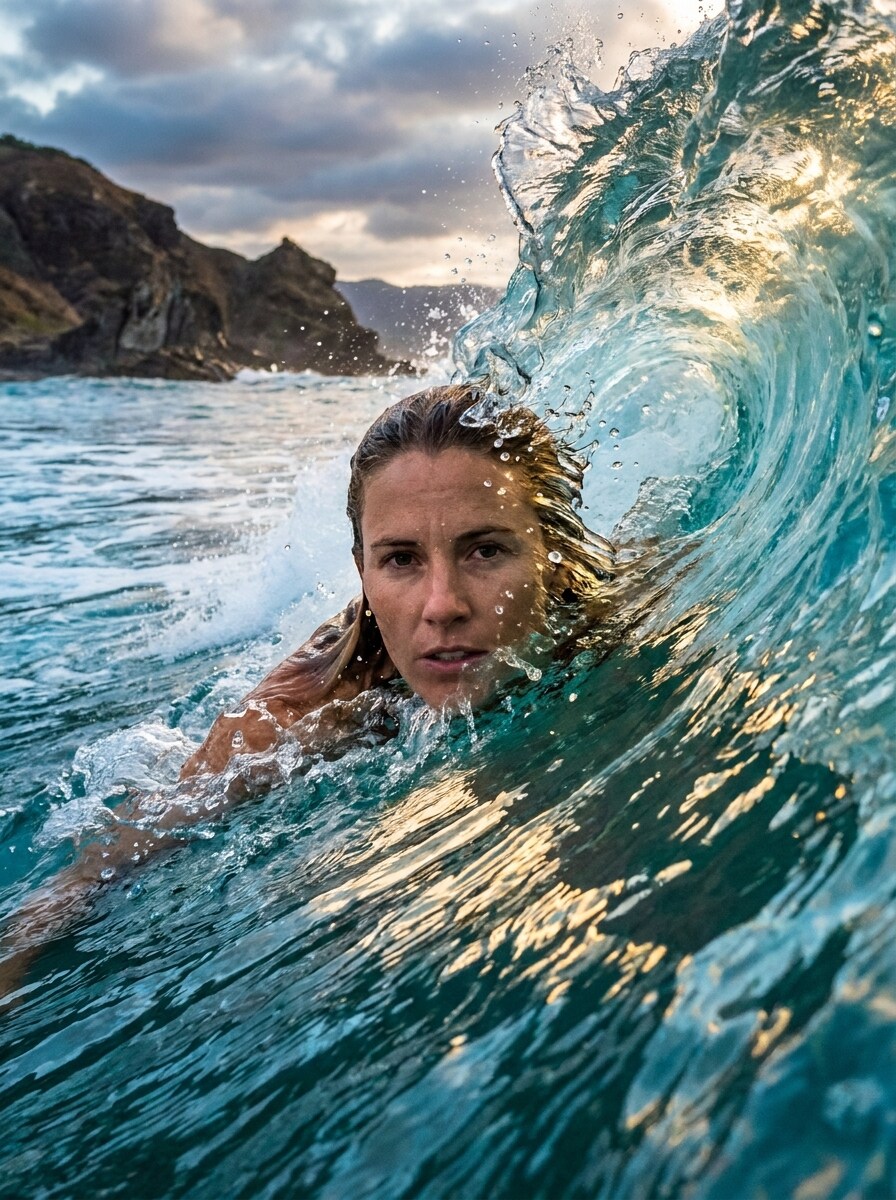
Usa la foto subida como personaje principal y conviértela en una escena de surf llena de energía. Coloca al sujeto surfeando una enorme ola turquesa con salpicaduras dinámicas, movimiento atlético, luz solar brillante y encuadre de fotografía deportiva, manteniendo el rostro reconocible y la pose natural dentro de la acción.
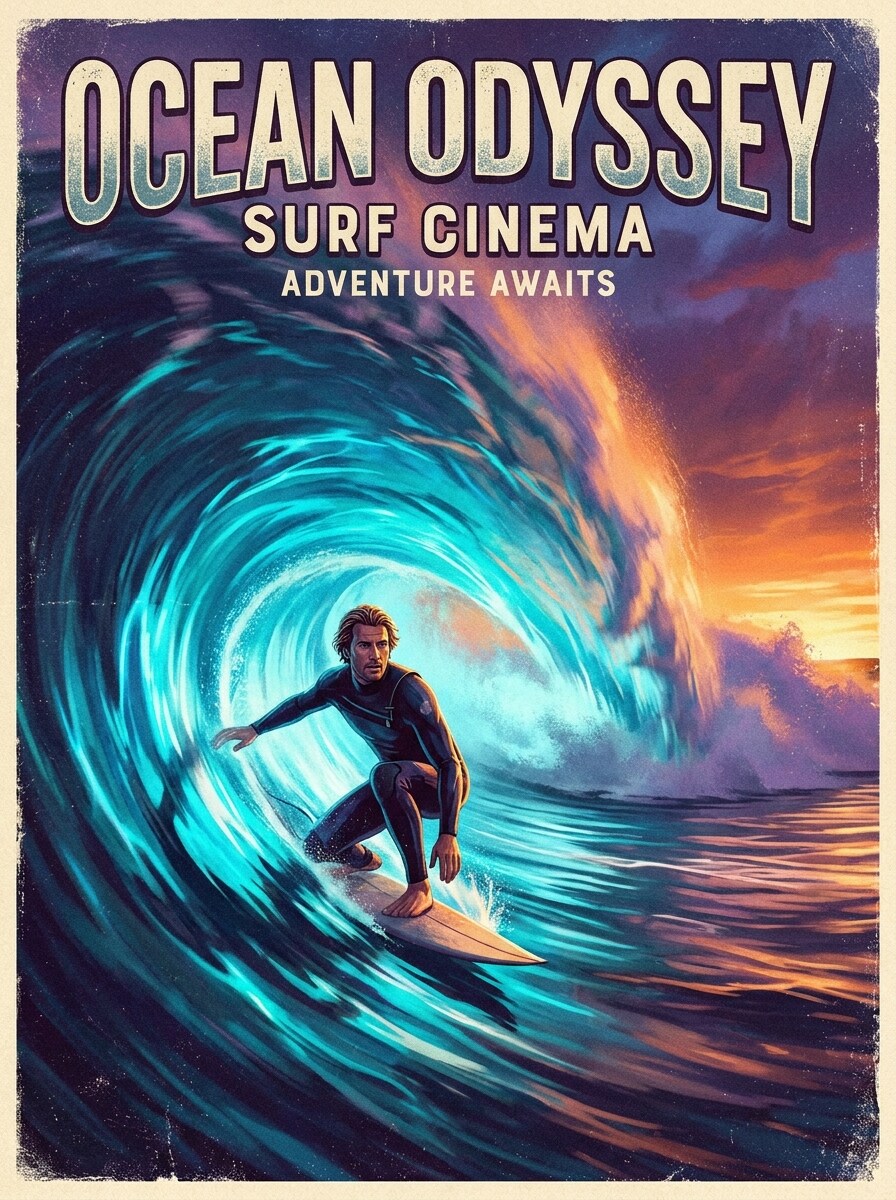
Fantasía del jinete de olas
Usa la imagen subida como sujeto y rodéala con un gigantesco túnel de ola brillante como un póster de surf extremo. Mantén a la persona clara y reconocible, luego añade tonos azules luminosos, bruma oceánica, luz del horizonte, acentos de Desenfoque de movimiento y contraste dramático estilo póster para un efecto de fantasía audaz.
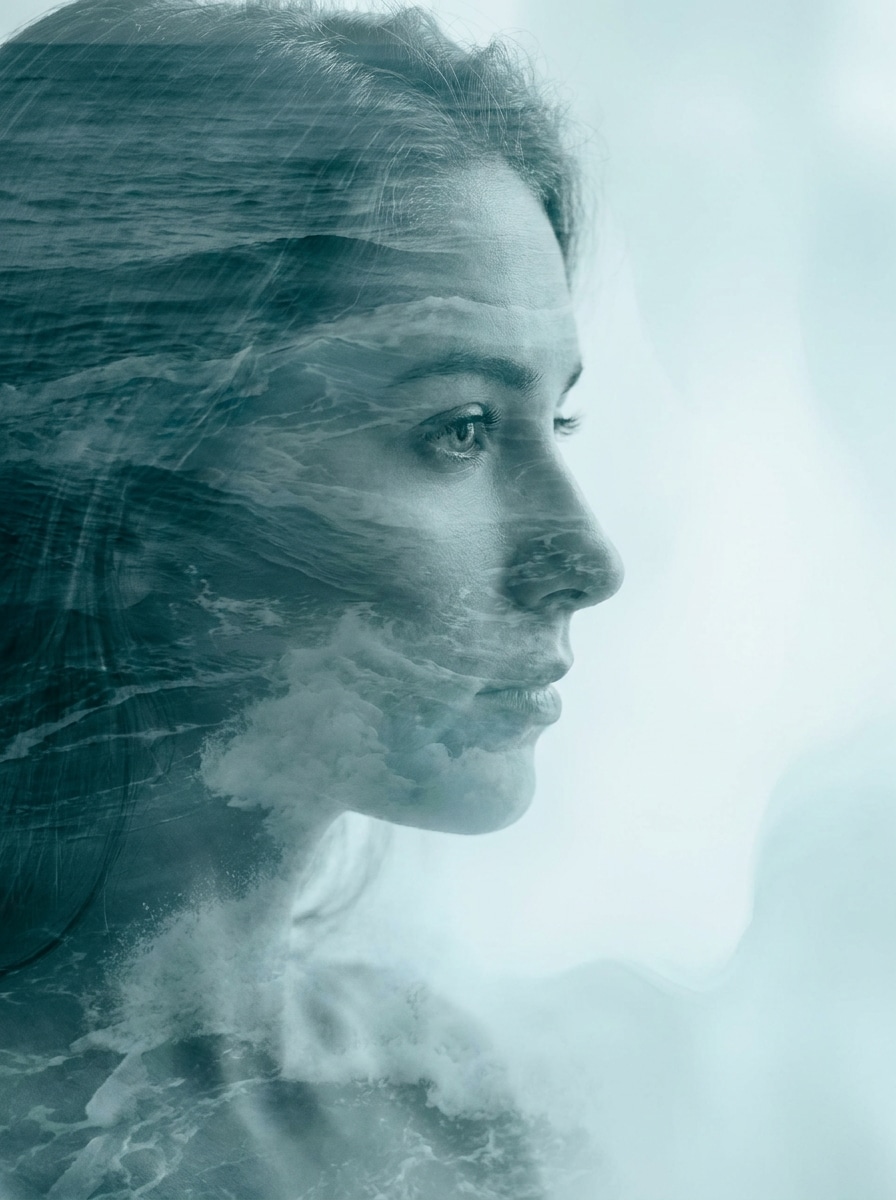
Doble exposición oceánica
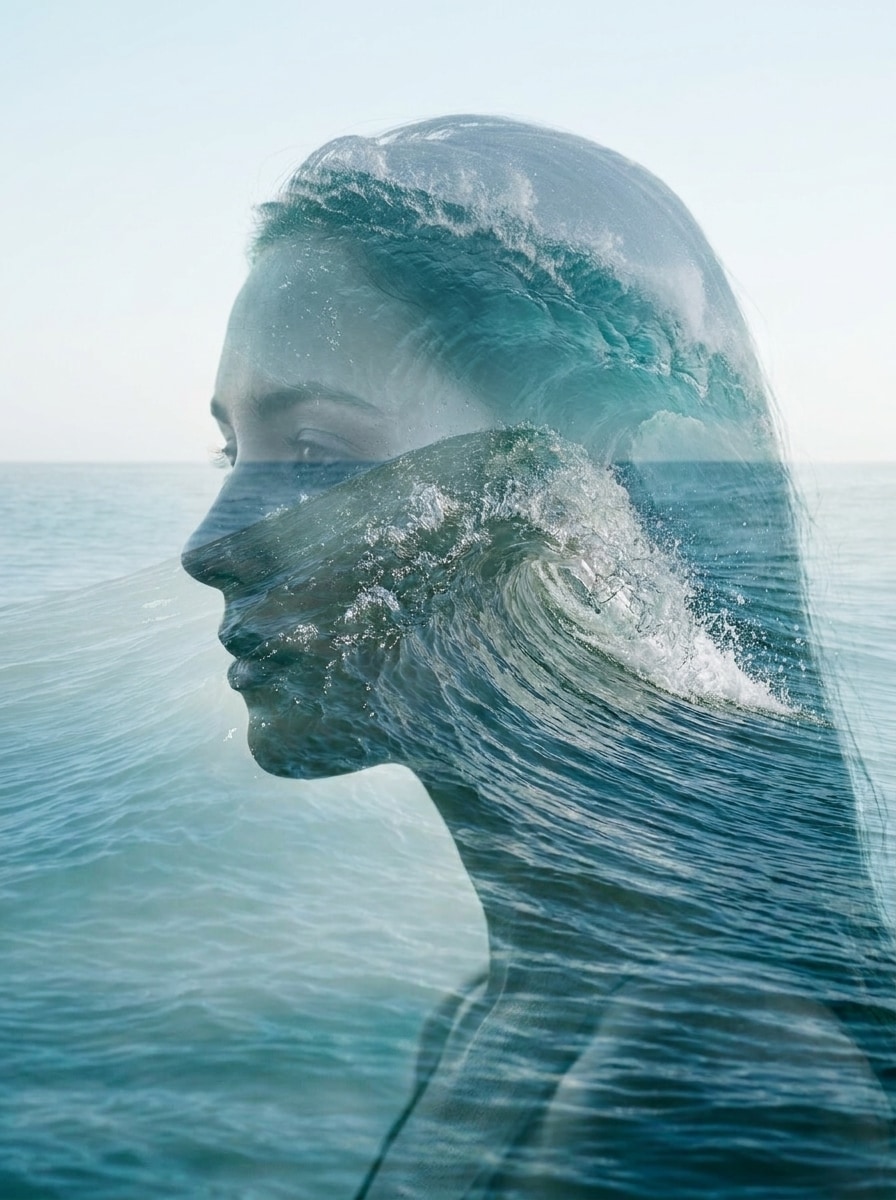
Usa el retrato subido como imagen base y mézclalo con capas de olas del océano en un estilo refinado de doble exposición. Mantén los rasgos faciales visibles mientras añades bruma marina, translucidez Suave, tonos verde azulado y aguamarina, y un ambiente de arte fino y sereno para una transformación pulida de estilo editorial.
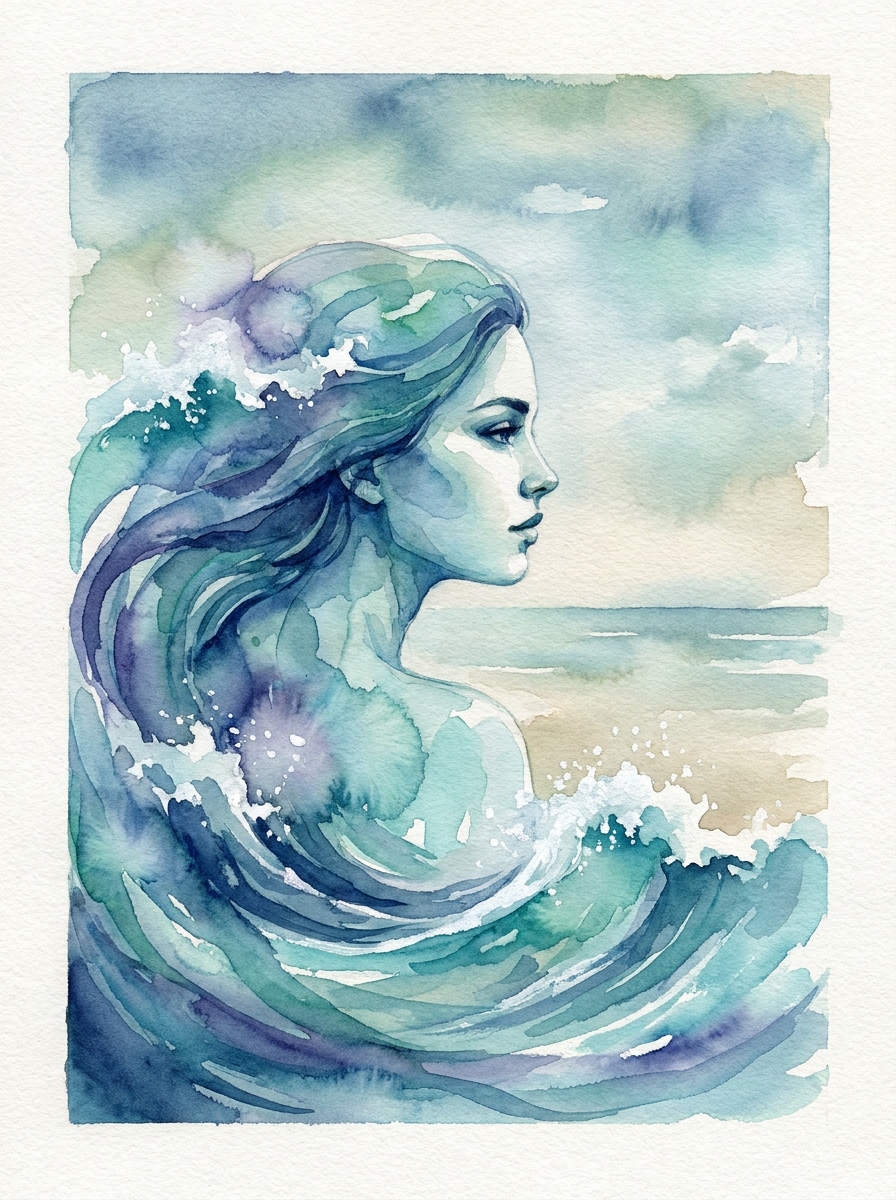
Filtro de ola en acuarela
Usa la foto cargada como sujeto y rediseñala como una obra de arte oceánica en acuarela. Preserva el rostro y la silueta de la persona mientras añades trazos de Pincel azules fluidos, formas de olas espumosas, textura de papel sutil, bordes Suave y una paleta costera calmada para un acabado artístico artesanal.
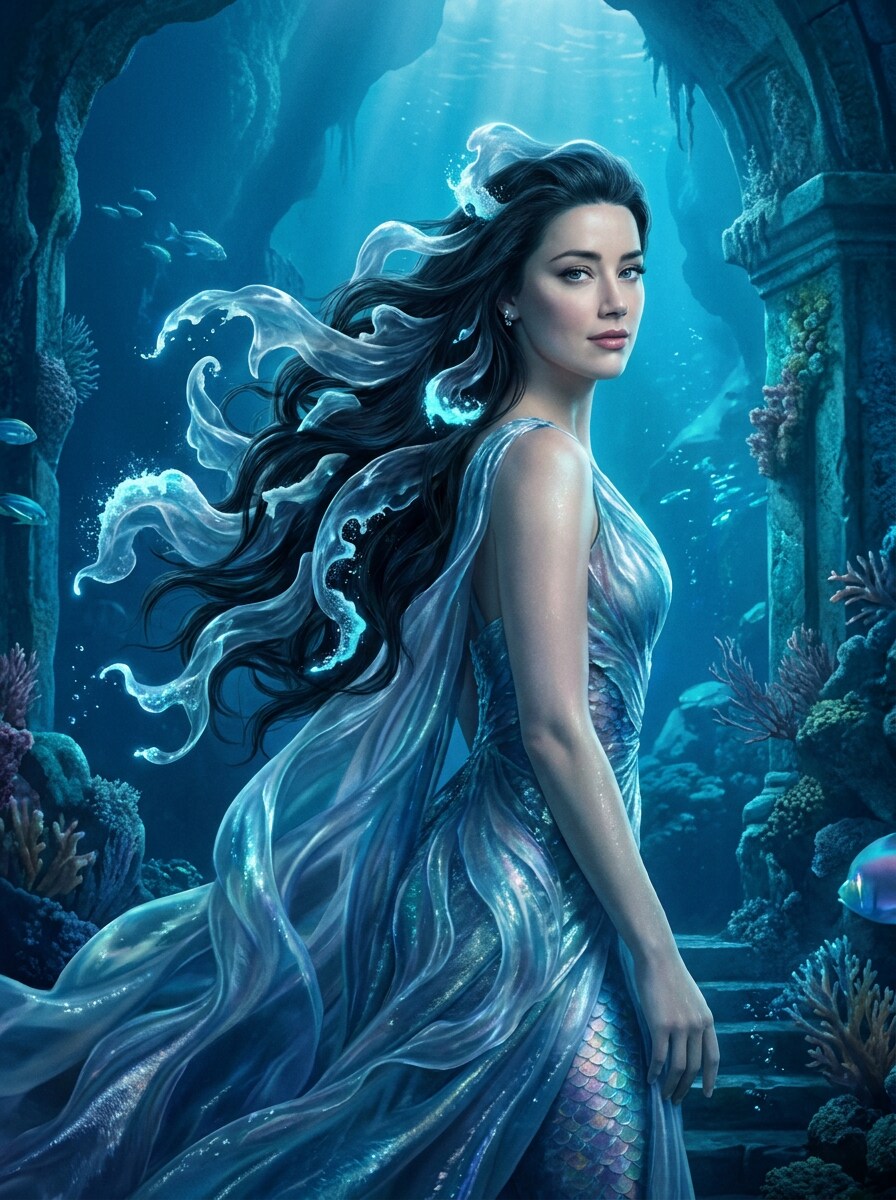
Retrato marino mítico
Usa el retrato cargado como sujeto y transfórmalo en una imagen de personaje mágico inspirado en el océano. Mantén el rostro reconocible mientras das forma al cabello y los detalles circundantes en olas fluidas, espuma de mar luminosa, luz zafiro y una atmósfera de fantasía cinematográfica con texturas elegantes y brillantes.
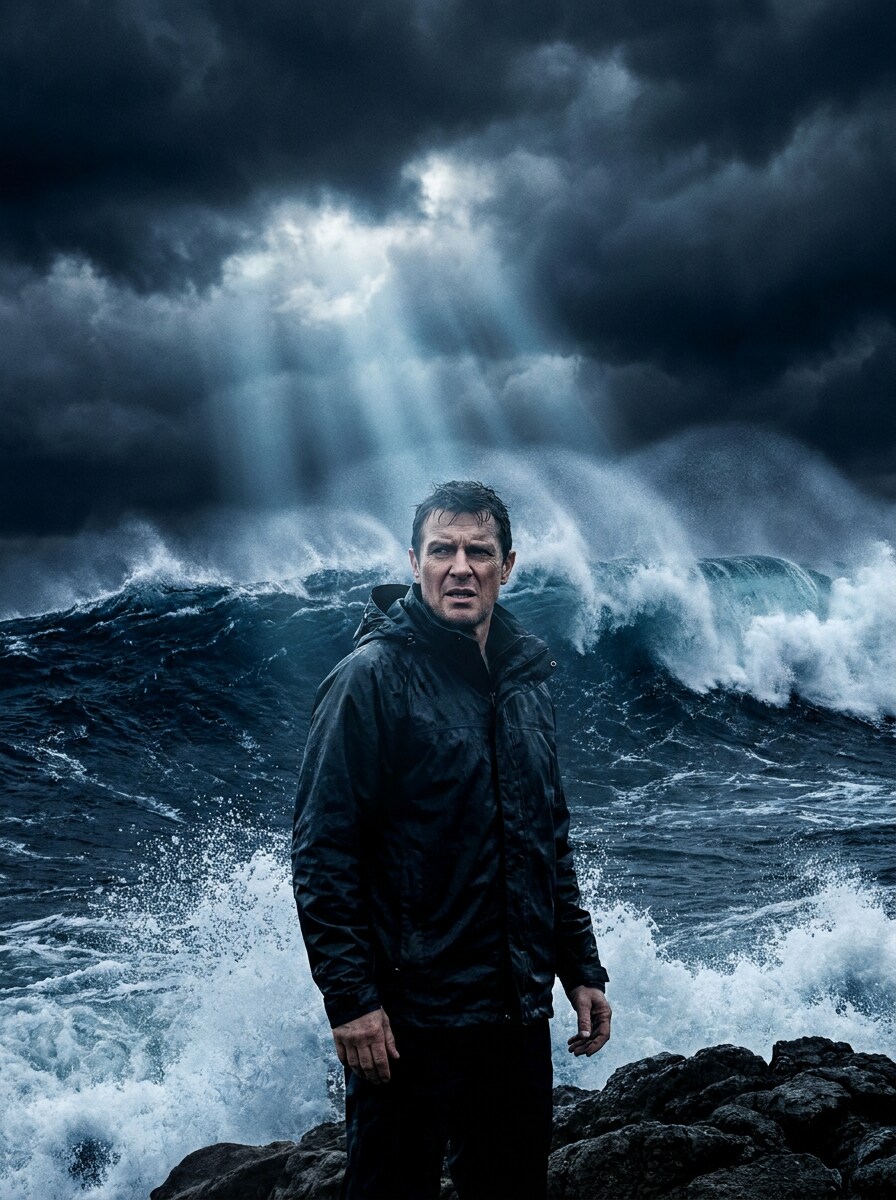
Ola de tormenta cinematográfica
Usa la imagen subida como sujeto y crea una intensa transformación de ola de tormenta. Preserva el rostro mientras rodeas a la persona con imponentes olas azul oscuro, salpicaduras en el aire, luz dramática entre nubes y un contraste sombrío para una escena cinematográfica que se sienta poderosa, envolvente y realista.
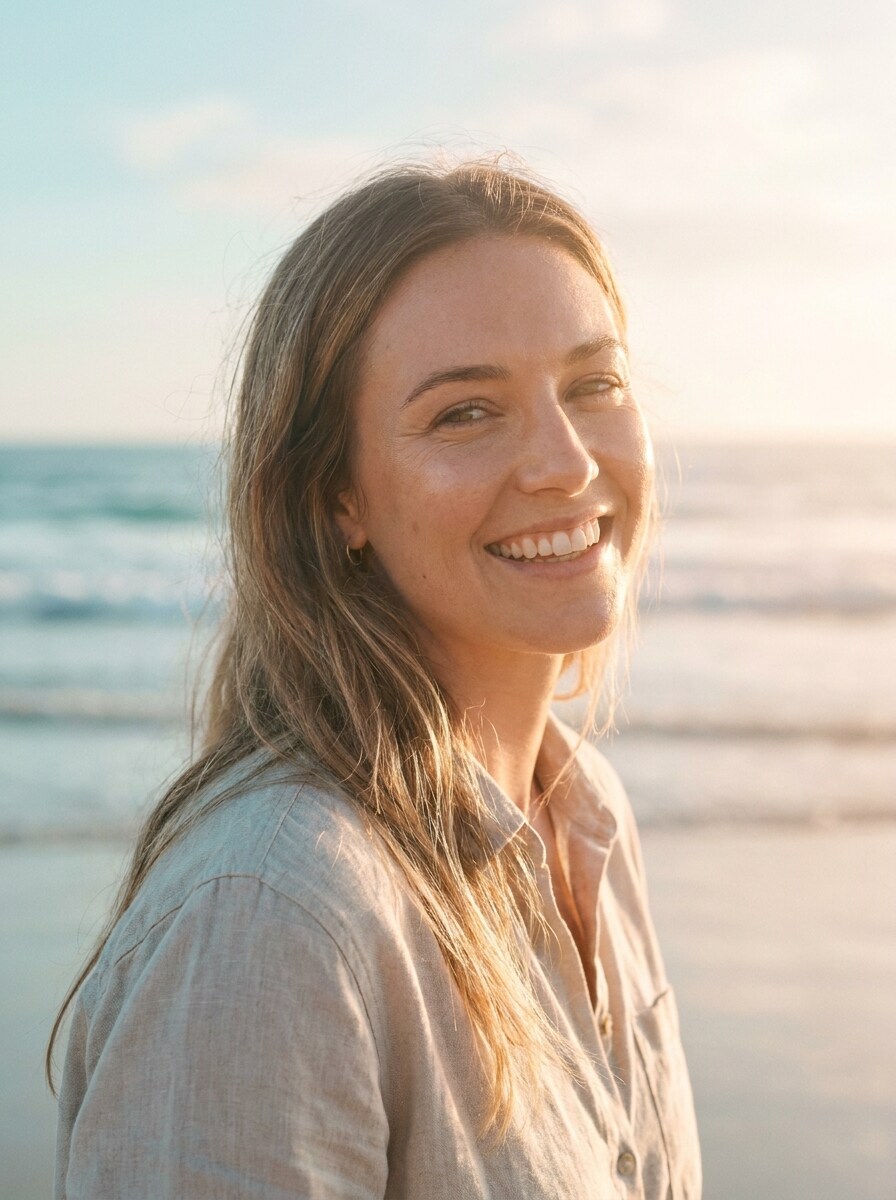
Resplandor costero Suave
Usa el retrato subido como base y aplica una edición limpia de Belleza inspirada en el océano. Mantén la piel natural y el rostro reconocible mientras añades tonos aguamarina pastel, un resplandor de luz solar Suave, texturas sutiles de olas, reflejos etéreos y un ambiente refinado de estilo de vida para un aspecto sutil de filtro fotográfico de olas del mar.
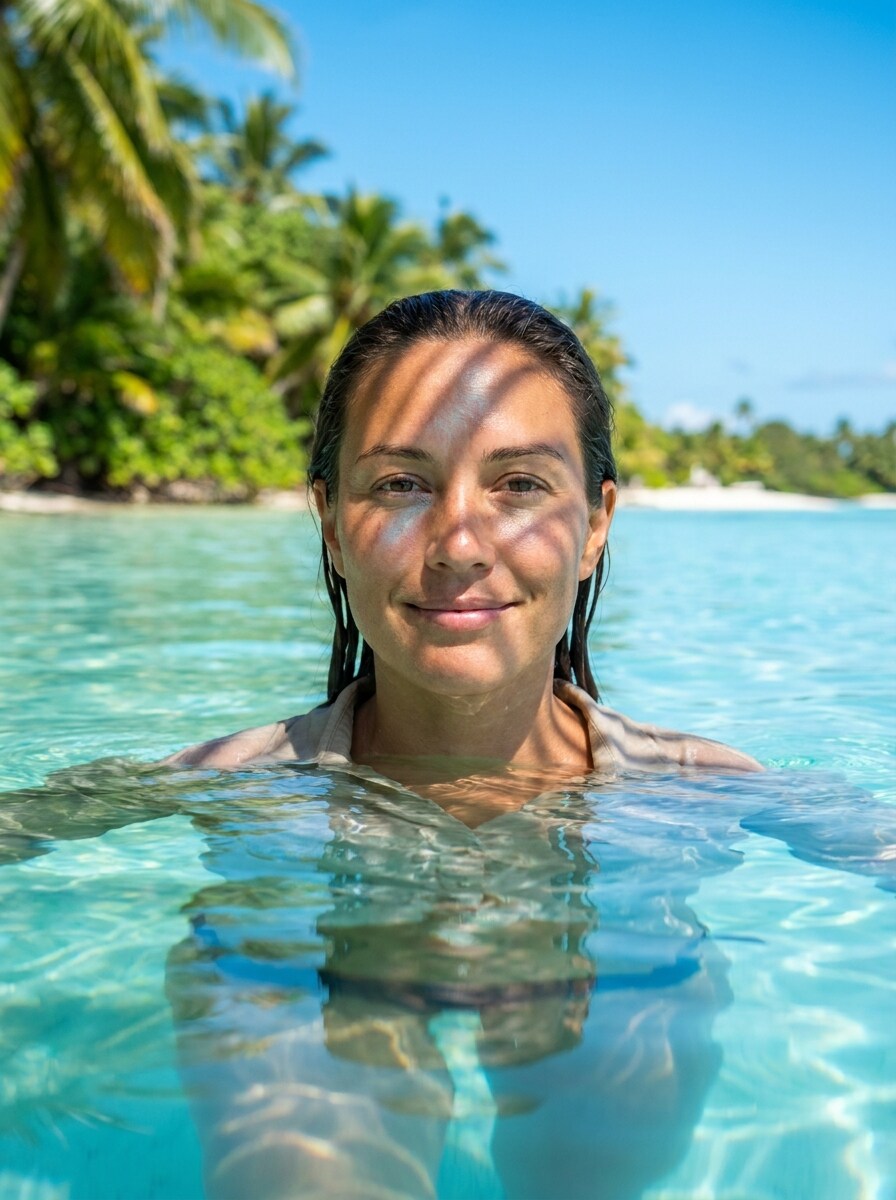
Efecto fotográfico de laguna azul
Usa la imagen subida como sujeto y colócala dentro de una vívida escena de laguna tropical. Mantén a la persona reconocible mientras añades reflejos de agua azul cristalina, texturas suaves de olas, luz brillante de verano y un estilo nítido de fotografía de viaje para un resultado refrescante y listo para redes con filtro de fondo de olas.
Por qué usar Media.io para transformaciones fotográficas con olas del océano
Preserva la identidad mientras cambias el aspecto
Para retratos, selfies y fotos de perfil de creadores, Media.io te permite subir una imagen de referencia y darle forma de efecto fotográfico de olas del océano manteniendo al sujeto reconocible, para que el resultado se sienta personal en lugar de convertirse en una escena oceánica genérica.
Cambia de looks costeros Suave a escenas de surf dramáticas
Diferentes resultados requieren diferentes estéticas. Media.io te ayuda a explorar tratamientos variados del mismo concepto de escena con filtro de olas del océano para que el visual final alcance el tono adecuado más rápido.
Genera resultados más limpios hasta 4K
Para diseños que necesitan ir más allá de una vista previa pequeña, Media.io puede producir imágenes de olas oceánicas más nítidas de hasta 4K de Resolución, ayudando a que tu concepto de filtro de fondo de olas se mantenga claro y más confiable en presentaciones, pósteres o contenido de marca.
Trabaja en cualquier dispositivo sin instalaciones adicionales
Algunos conceptos de escena con filtro de olas del océano se esbozan sobre la marcha y se terminan después en el escritorio. Media.io mantiene ese proceso en línea, para que puedas volver al mismo flujo de trabajo sin instalaciones ni configuraciones adicionales.
Cómo aplicar un filtro IA de olas del océano
Convierte tus palabras en visuales impresionantes en tres simples pasos y luego continúa refinando el resultado si deseas llevarlo más lejos.
Paso 1
Sube tu imagen de referencia
Comienza con un retrato claro, una selfie o una foto de cuerpo completo en formato JPG, PNG o JPEG. Una imagen fuente limpia con rasgos faciales visibles e iluminación sencilla ayuda a la herramienta a crear ediciones de surfista, superponer olas y transformaciones inspiradas en el océano más convincentes.
Paso 2
Describe el cambio y configura las opciones
Introduce el aspecto que deseas, como una ola en tubo dramática, un soñador filtro de fondo de olas, o un estilo de laguna tropical. Luego elige tu Modelo de IA preferido y ajusta la Relación de aspecto, la calidad, la Resolución y el número de variaciones de imagen.
Paso 3
Genera, descarga y sigue mejorando
Crea tus imágenes con estilo de olas, compara las variaciones y descarga la versión que más te guste. Si es necesario, refina el prompt, cambia el estilo de realista a artístico, o genera nuevas versiones hasta que la textura del agua, la iluminación y los detalles del rostro se sientan correctos.
Desbloquea el potencial del filtro de olas de playa
Descubre cómo los creadores usan este filtro de olas del océano para contenido, marketing y proyectos personales, y luego adapta cada idea en Media.io según tus necesidades.
Convierte selfies en ediciones irresistibles para redes sociales
Transformar un retrato cotidiano en una escena estilizada de olas para TikTok, Instagram o actualizaciones de perfil. Con Media.io, puedes crear desde un aspecto pulido de filtro estético de océano hasta un visual dramático inspirado en el surf que mantiene tu rostro claro mientras añade movimiento y textura oceánica.
Crea pósters de surf y arte con ambiente costero
Diseña visuales llamativos para moodboards, fondos de pantalla, pósters o portadas digitales mezclando personas con olas gigantes, bruma marina e iluminación azul cinematográfica. Media.io facilita la creación de arte costero o un estilo impactante de filtro de fondo de olas que se siente más personalizado que un preset estándar.
Renueva el contenido de viajes y verano con atmósfera oceánica
Mejora fotos de vacaciones, retratos de playa o fotos de estilo de vida con una escena de laguna brillante o un acabado sutil de filtro de olas de playa. Media.io funciona bien para creadores, marcas y aficionados que desean colores frescos, reflejos de agua Suave y una identidad costera más fuerte en sus imágenes.
Lo que dicen los usuarios sobre esta herramienta de efecto de olas
Maya R.
Creadora de contenido
"Perfecto para ediciones virales de retratos" Subí un simple selfie y obtuve un retrato dramático con olas en minutos. El rostro se mantuvo reconocible y las texturas del agua se veían mucho mejor que en las apps de filtros que probé antes.
Jordan T.
Diseñador de redes sociales
"Gran control sobre el estilo y el encuadre" Me gustó poder alternar entre un aspecto oceánico Suave y una escena de surf más cinematográfica. Las opciones de Relación de aspecto facilitaron la creación tanto de contenido para historias como de imágenes estilo fondo de pantalla.
Elena P.
Bloguera de estilo de vida
"Rápido y sorprendentemente pulido" Los resultados se sintieron limpios y de Alta calidad, especialmente para ediciones tropicales y soñadoras de playa. Lo usé primero en el móvil y luego terminé las descargas en el escritorio sin ninguna configuración adicional.
Chris L.
Artista digital
"Útil tanto para arte de olas realista como artístico" Lo que más me llamó la atención fue la variedad. Pude crear un retrato oceánico de doble exposición y luego probar un concepto de ola de tormenta a partir de la misma foto. Ahorra mucho tiempo al explorar ideas.
Explora los efectos de video e imagen con IA más populares
Preguntas frecuentes sobre el filtro de olas oceánicas con IA
1. ¿Qué es un filtro de olas oceánicas con IA?
Un filtro de IA de olas del océano es un efecto de Edición de imagen a imagen que Transformara una foto subida en una obra de arte inspirada en el océano o en escenas realistas basadas en olas. Con Media.io, puedes usar una imagen de referencia para crear retratos con texturas de olas, acción estilo surfista, Gradación de color costera Suave o Efectos de agua en capas, manteniendo al sujeto original como guía visual.
2. ¿Cómo convierto una foto en un efecto de ola oceánica?
Sube una foto JPG, PNG o JPEG a Media.io, luego describe el estilo de ola que deseas, como un retrato dramático con ola de tubo, un aspecto de agua azul tropical o una edición costera Suave. Después, elige tu modelo y configuración, genera la imagen y refina el prompt si deseas un ambiente, composición o nivel de realismo diferente.
3. ¿Puedo usar este filtro de olas con IA para retratos y selfies?
Media.io es muy adecuado para retratos y selfies porque utiliza tu imagen cargada como referencia para la transformación. Esto lo hace útil para ediciones de olas que preservan el rostro, retratos oceánicos artísticos y visuales inspirados en el surf donde aún quieres que la persona siga siendo reconocible.
4. ¿El filtro de olas oceánicas con IA es gratuito para probar?
Los usuarios gratuitos pueden probar Media.io con créditos gratuitos antes de decidir si necesitan más volumen de generación. Si deseas uso adicional o descargas sin marca de agua, puedes comparar planes en la página de precios y actualizar para obtener más créditos y exportaciones de mayor Resolución.
5. ¿Qué tan realistas son los resultados de olas oceánicas?
El realismo depende de tu imagen de origen, el prompt y el modelo seleccionado, pero Media.io es compatible con modelos avanzados de imagen a imagen que pueden producir texturas de agua convincentes, detalles de espuma, iluminación y movimiento de olas. También puedes orientar el aspecto hacia fantasía, arte fino o estilo lifestyle limpio si no deseas resultados puramente fotorrealistas.
6. ¿Mi imagen editada tendrá alta Resolución?
Media.io ofrece opciones de Resolución que incluyen 1K, 2K y 4K, para que puedas crear resultados que funcionen para compartir en redes sociales, fondos de pantalla, pósteres y otros proyectos creativos. Una mayor Resolución es especialmente útil cuando quieres que la textura de las olas, los detalles del rocío y los rasgos faciales se mantengan nítidos, aunque los usuarios gratuitos pueden tener marcas de agua.
Más allá del filtro de olas oceánicas en línea con IA