Explora escenas listas para pasarela
Prueba prompts de IA para fotos de Fashion Week para entradas en pasarela, finales de desfile, retratos de backstage, apariciones en primera fila, llegadas de paparazzi y fotos de street style urbano.
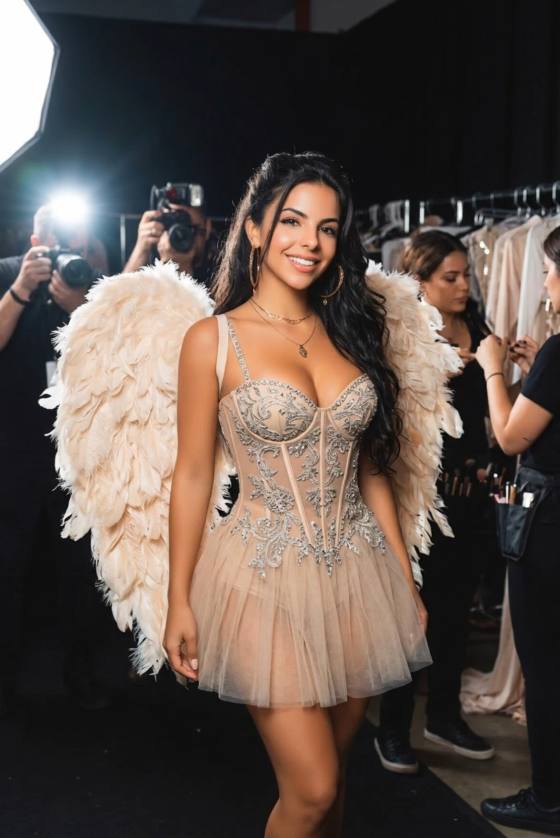
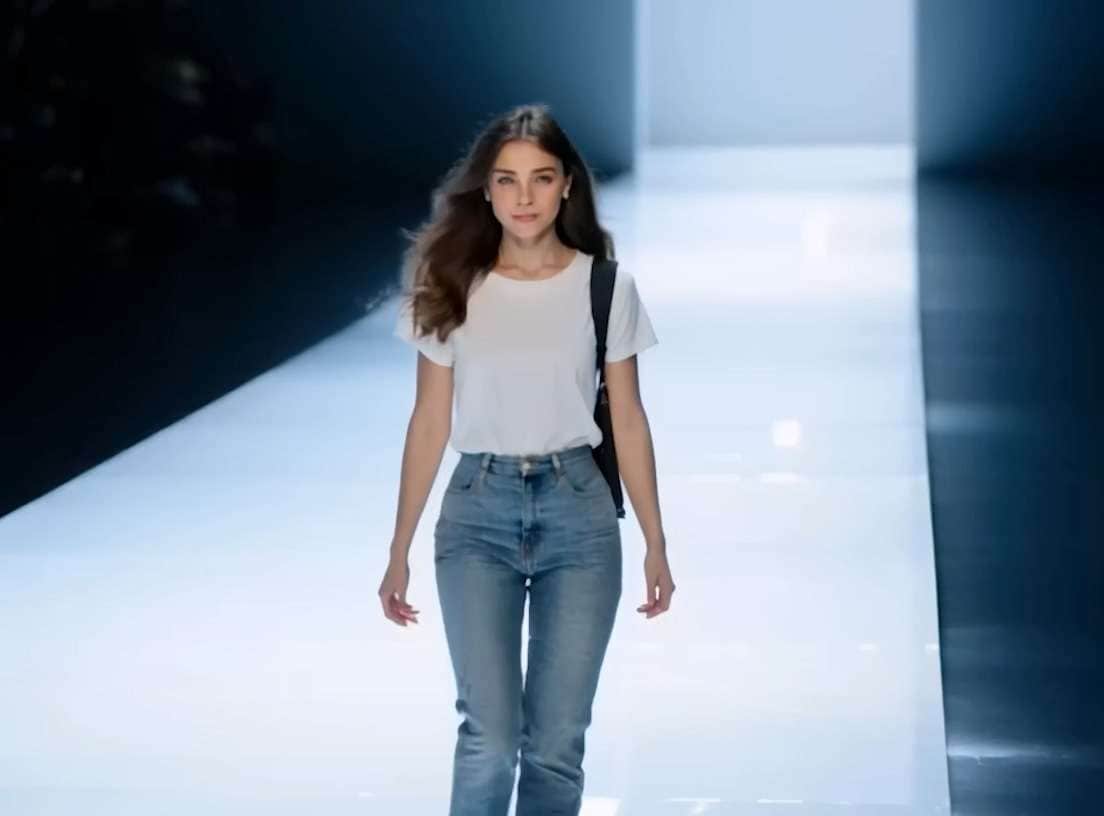
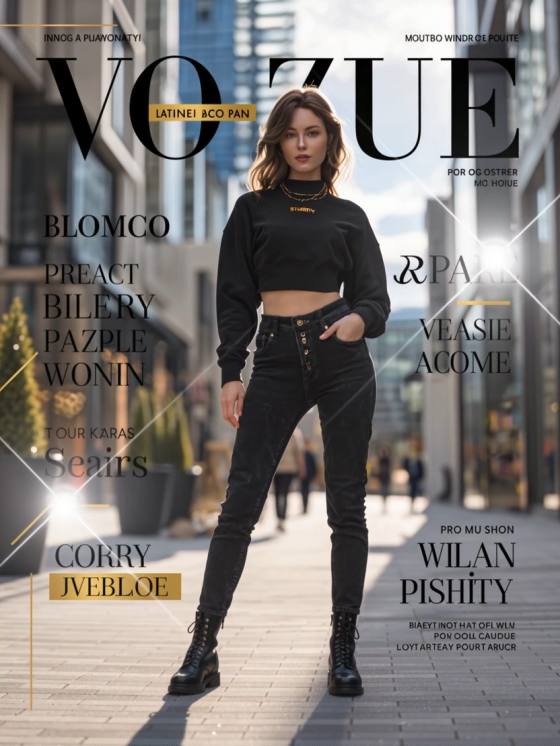
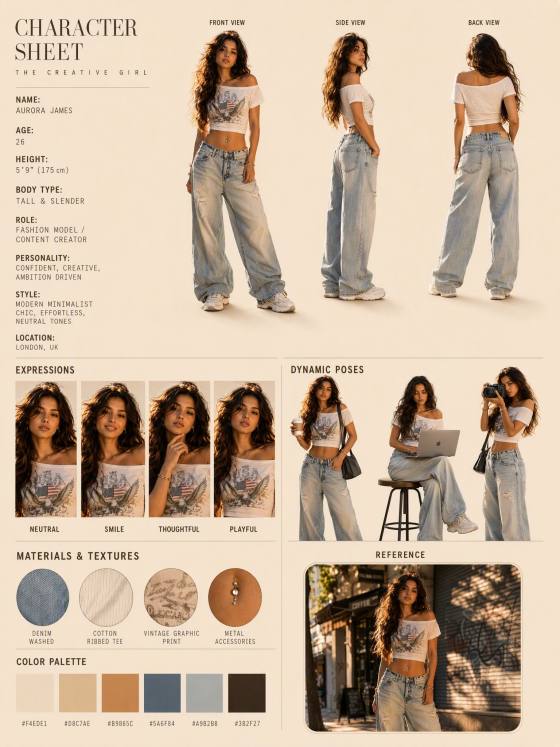
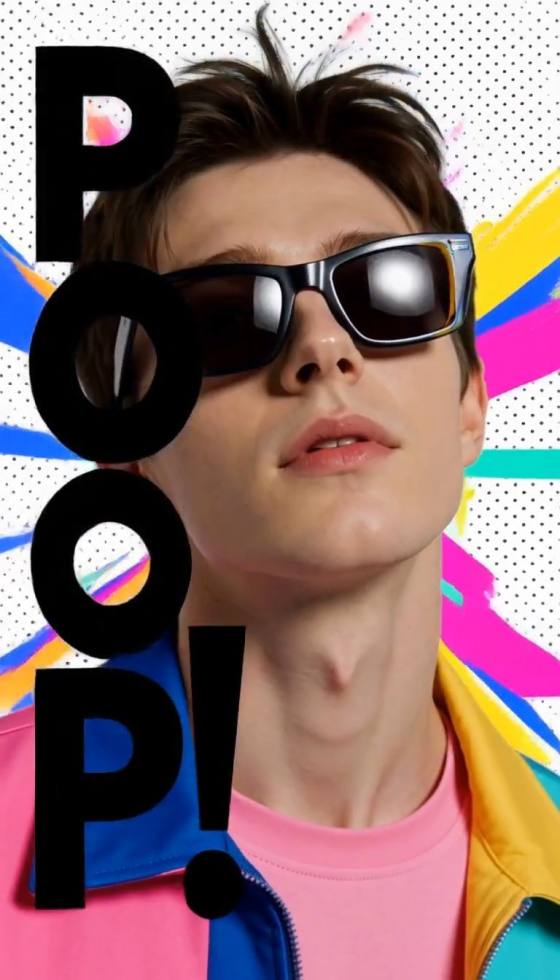
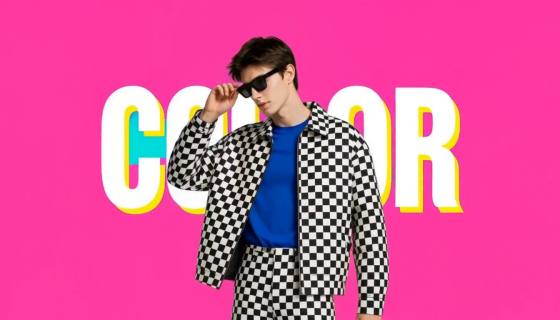
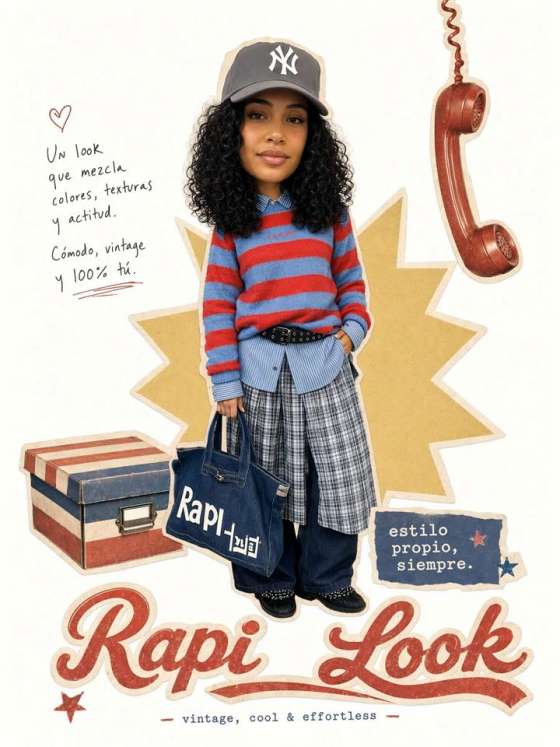
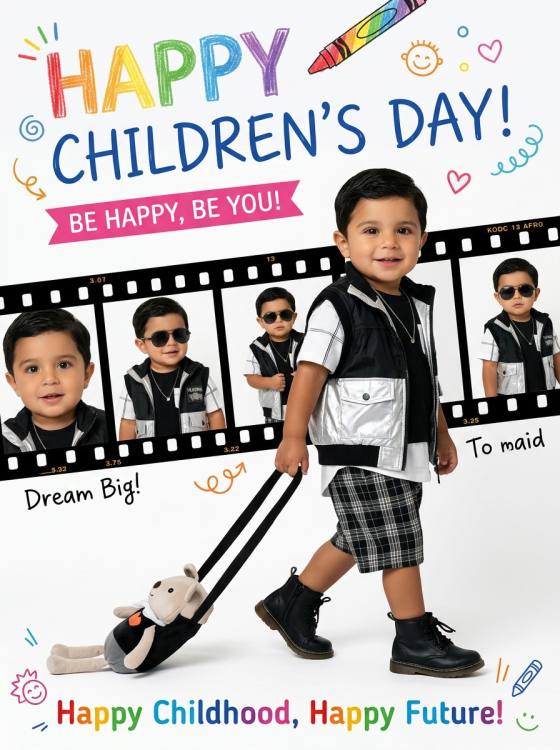
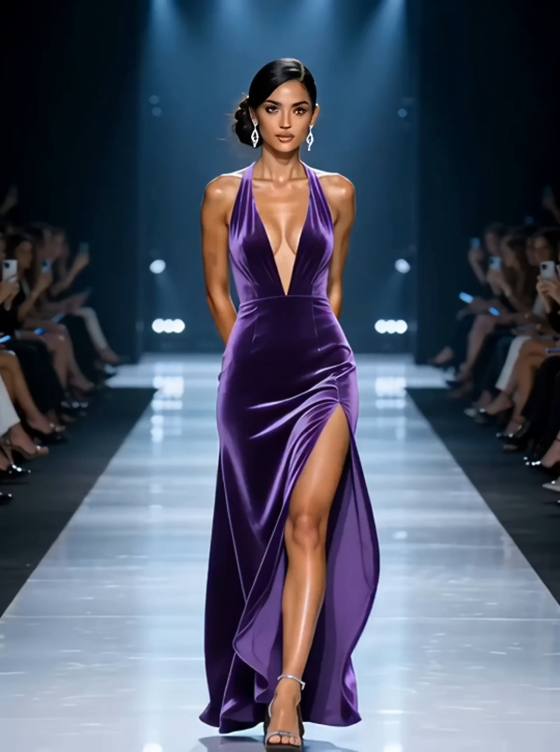
Copia un prompt de IA para fotos de Fashion Week y convierte tu foto en un desfile en pasarela, un retrato de backstage, un momento en primera fila o un editorial de street style. Mantén tu rostro reconocible mientras cambias el atuendo, la pose, la iluminación y el escenario del desfile de moda.
Sube un retrato nítido o una foto de cuerpo completo, elige un prompt de moda y personaliza la pasarela, el atuendo, la pose, la iluminación y el formato de imagen.
Prueba prompts de IA para fotos de Fashion Week para entradas en pasarela, finales de desfile, retratos de backstage, apariciones en primera fila, llegadas de paparazzi y fotos de street style urbano.
Indica al generador de fotos de moda con IA que preserve tu estructura facial, tono de piel, edad, peinado, expresión y proporciones naturales mientras cambia el estilismo y la escena.
Define la silueta del atuendo, la textura de la tela, la pose, el ángulo de cámara, la iluminación de pasarela, el público, los flashes de los fotógrafos, el fondo y la Relación de aspecto lista para redes sociales.
Copia un prompt de moda detallado para ChatGPT o Gemini y luego ajusta la ciudad, la ropa, la pose en pasarela, el estilo editorial, el encuadre de cámara, el espacio negativo o la Relación de aspecto.
Selecciona un desfile en pasarela, un street style de Fashion Week, una escena de backstage, un retrato de invitado en primera fila o un prompt de IA para fotos de moda estilo revista.
Sube un retrato nítido y bien iluminado o una foto de cuerpo completo que tengas permiso para editar. Un rostro, manos, atuendo y pose natural claramente visibles ayudan a la IA a preservar tu identidad y proporciones.
Genera la imagen y luego revisa el rostro, las manos, los pies, las costuras de la ropa, la textura de la tela y la perspectiva de la pasarela. Perfecciona un detalle a la vez si la IA cambia tu identidad o distorsiona el atuendo.

Desfile en pasarela de Fashion Week

"Desfile en pasarela de Fashion Week" Transformar la foto de cuerpo completo subida en una fotografía profesional de desfile de Fashion Week. Mantener la identidad facial de la persona, el tono de piel, el peinado, la edad y las proporciones corporales naturales claramente reconocibles. Mostrar a la persona caminando con confianza por una pasarela larga y minimalista, capturada a media zancada con un atuendo contemporáneo sofisticado con sastrería realista, costuras, pliegues y movimiento de tela. Añadir focos Suave superiores, fotógrafos e invitados difuminados a ambos lados, flashes de cámara sutiles, iluminación direccional dramática y detalle editorial nítido. Cámara a nivel de los ojos, composición vertical 4:5. Preservar manos, pies, rasgos faciales, construcción de la prenda y perspectiva de pasarela realistas. Sin logotipos de marcas, texto, marcas de agua, dedos extra, extremidades duplicadas ni anatomía distorsionada.

Street style de la Semana de la Moda de Nueva York
"Street style de la Semana de la Moda de Nueva York" Convertir la foto subida en una fotografía espontánea de street style de la Semana de la Moda de Nueva York. Preservar la identidad facial de la persona, el peinado, el tono de piel, la edad y las proporciones corporales naturales. Mostrarla caminando con confianza frente a un lugar de moda contemporáneo en Manhattan con un atuendo llamativo y pulido con texturas en capas, sastrería estructurada y accesorios de buen gusto. Añadir fotógrafos levantando cámaras, invitados de moda difuminados, taxis amarillos y arquitectura urbana moderna en el fondo lejano. Usar luz clara de última hora de la tarde, movimiento sutil en el abrigo y el cabello, sombras realistas en la acera, Profundidad de campo reducida y fotografía callejera editorial auténtica. Composición vertical 4:5. Sin logotipos de marcas, parecidos con celebridades, texto falso, dedos extra, pies distorsionados ni personas duplicadas.

Momento de backstage en Fashion Week
"Momento de backstage en Fashion Week" Convertir el retrato subido en una fotografía espontánea de backstage de Fashion Week preservando la identidad facial exacta de la persona, el tono de piel, el peinado y los rasgos naturales. Mostrarla preparándose momentos antes de un desfile junto a espejos de Maquillaje iluminados, percheros de ropa, fundas de prendas y estilistas suavemente difuminados. Vestir al sujeto con un atuendo editorial con sastrería realista y textura de tela detallada. Añadir bombillas cálidas de tocador mezcladas con luz de Ambiente fría, una expresión natural y concentrada, Profundidad de campo reducida, actividad sutil en el fondo y fotografía de moda estilo documental. Composición vertical 4:5. Mantener el rostro principal nítido y reconocible. Evitar logotipos de marcas, inconsistencias en espejos, reflejos duplicados, texto ilegible, dedos extra o rasgos faciales distorsionados.

Invitado en primera fila de Fashion Week
"Invitado en primera fila de Fashion Week" Recrear a la persona subida como un invitado elegante en primera fila en un desfile internacional de Fashion Week. Preservar su rostro reconocible, edad, tono de piel, peinado y proporciones corporales naturales. Sentarla elegantemente junto a otros invitados bien vestidos cerca de una pasarela iluminada, vistiendo un atuendo contemporáneo refinado con accesorios de buen gusto. Dar a la persona una expresión serena y una postura sentada natural, con ambas manos y piernas posicionadas de forma realista. Añadir reflejos sutiles de la pasarela, modelos suavemente difuminados en movimiento, iluminación cinematográfica baja, flashes de cámara discretos y fotografía de eventos Premium. Encuadre vertical 4:5 con el sujeto principal en foco nítido. No incluir celebridades, logotipos de marcas, texto de invitaciones, extremidades extra, rostros duplicados ni asientos deformados.
Un prompt de foto de IA de Fashion Week es una instrucción de edición de imágenes que Transformara un retrato en una foto de pasarela, backstage, primera fila, street-style o editorial de moda. Le indica a la IA qué detalles de identidad preservar y describe el atuendo, la pose, el escenario, la iluminación, el encuadre de la cámara y la Relación de aspecto de salida.
Sube un retrato nítido o una imagen de cuerpo completo y pega un prompt de Edición de fotos de Fashion Week. Describe la escena de pasarela, el atuendo, la pose, el ángulo de cámara, la iluminación y la Relación de aspecto. Pide al generador que preserve tu rostro, tono de piel, edad, peinado, estatura y proporciones corporales naturales.
Sí. Estos prompts de moda listos para copiar de ChatGPT y Gemini se pueden adaptar para Media.io y otras herramientas que admitan Edición con foto de referencia o generación de imagen a imagen. Los resultados varían según el modelo, así que perfecciona el rostro, las manos, el atuendo, la tela, el fondo de pasarela y la iluminación un detalle a la vez.
Especifica textura de piel realista, manos y pies naturales, sastrería precisa, costuras visibles en las prendas, movimiento de tela creíble y perspectiva de pasarela consistente. Mantén el fondo secundario respecto al sujeto. Evita piel plástica, poses imposibles, accesorios flotantes, personas duplicadas, ropa distorsionada, flashes de cámara excesivos y señalización ilegible.
Comienza con una foto de referencia nítida que muestre tu rostro y cuerpo claramente. Indica al generador que preserve tu identidad, edad, tono de piel, peinado, estatura y proporciones. Describe los detalles del atuendo requerido y excluye Intercambio de caras, piel plástica, dedos extra, extremidades duplicadas, calzado deformado, estampados cambiados o sujetos inventados.
 4.7 (162,357 votos)⟦T

