
AI Fairy Tale Story Video Generator for Magical Scripts and Storybook Worlds
Have a fairy tale script, children's story, classroom fable, or narration draft ready to bring to life? Media.io's AI Fairy Tale Story Video Generator helps turn detailed scripts into storybook-style videos with magical settings, original fairy tale characters, script-based voiceover, music, and formats for kids channels, classrooms, Shorts, TikTok, YouTube, or faceless storytelling. The richer your script, the easier it is to guide the hero, wish, conflict, helper, lesson, and ending.
Create Fairy Tale Story Videos from Detailed Scripts and Magical Worlds
Start with a rich fairy tale script, children's story, classroom fable, or narration draft. Describe the hero, magical setting, wish, problem, helper, lesson, and ending so Media.io can generate a fairy tale story video with storybook scenes, original characters, voiceover, music, and creator-friendly formats.
Create Fairy Tale Story Videos from Rich Scripts
A fairy tale video works best when the story is already clear on the page. Paste a detailed script with the main character, magical problem, helper, journey, lesson, and final resolution so Media.io can turn your writing into a storybook-style video with a more complete beginning-to-ending flow.
- Script-to-Fairy-Tale Video - Turn written fairy tales, children's stories, classroom fables, and narration drafts into story videos
- Detailed Story Input - Use clear characters, setting, wish, conflict, magical helper, and ending to guide the result
- Storybook Scene Flow - Shape the story from "once upon a time" opening to journey, choice, and resolution
- Moral Ending Structure - Create videos around kindness, courage, honesty, friendship, wishes, or gentle life lessons
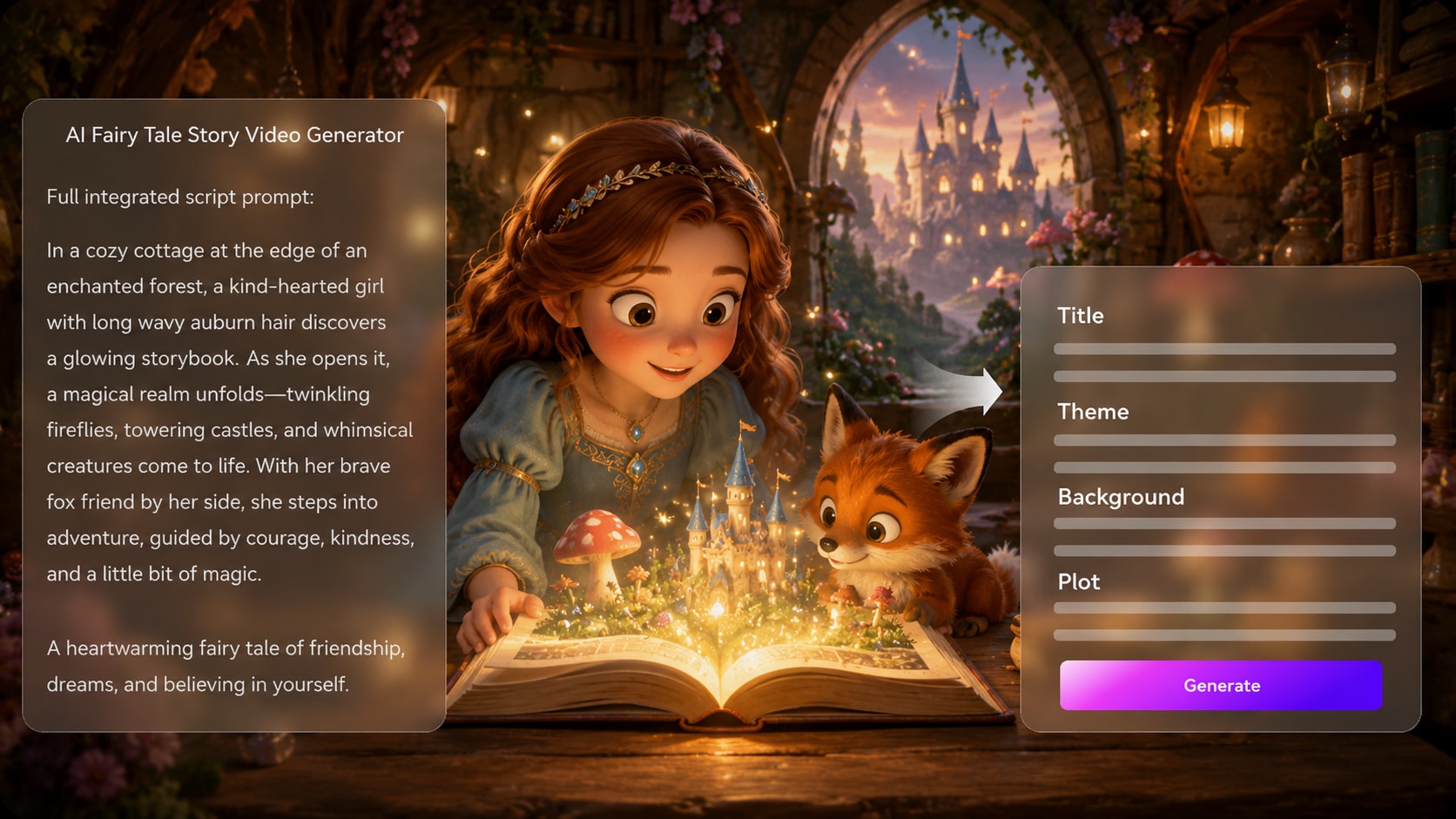
Build Castles, Magic Forests, and Storybook Worlds
Fairy tales need a world that feels enchanted, not generic. Use your script to describe castles, moonlit forests, tiny cottages, royal halls, enchanted gardens, glowing keys, wishing wells, sparkling portals, and cozy villages so each scene carries a storybook mood.
- Castle and Forest Settings - Guide royal halls, towers, woodland paths, cottages, gardens, and moonlit roads
- Magical Object Details - Add story clues like keys, crowns, lanterns, mirrors, books, flowers, wells, and portals
- Enchanted Scene Mood - Shape the video with wonder, mystery, warmth, danger, or a gentle magical reveal
- Storybook Visual World - Make the fairy tale feel more like a complete world than a set of random kids clips
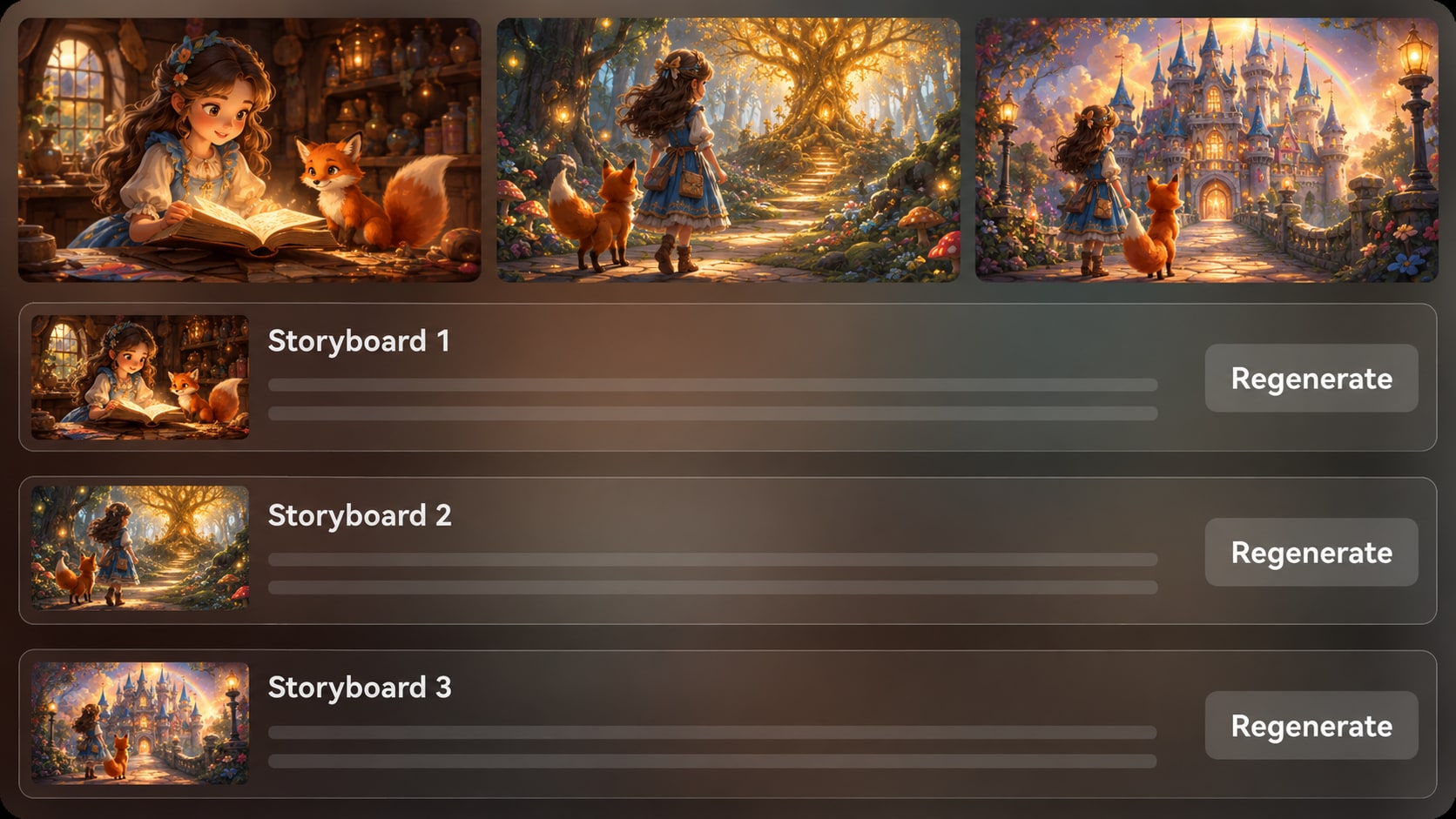
Create Original Fairy Tale Characters and Magical Friends
A memorable fairy tale needs characters with clear roles. Create an original princess-inspired hero, talking animal friend, gentle dragon, fairy guide, forest witch, brave child, royal messenger, or village baker, then describe the details that make them easy to recognize as the story unfolds.
- Original Fairy Tale Cast - Build heroes, helpers, magical friends, gentle villains, and storybook side characters
- Princess-Inspired Heroes - Create original royal, village, forest, or child heroes without copying existing characters
- Talking Animal Friends - Add foxes, owls, rabbits, bears, dragons, birds, or tiny companions with clear roles
- Magical Helpers and Villains - Guide fairies, witches, guardians, messengers, or rivals through costume, mood, and motive

Let Your Script Guide the Voiceover, Music, and Fairy Tale Ending
A fairy tale video should feel like a story being told, not just a moving picture. Write narration, dialogue, emotional turns, and the final lesson into your script. Media.io uses that script to generate a story video with voiceover and music, so the final result feels complete for kids channels, classrooms, faceless narration, or family viewing.
- Script-Based Voiceover - Let the narration and dialogue in your script guide how the story is spoken in the final video
- Fairy Tale Music Mood - Use words like magical, gentle, mysterious, joyful, or warm to shape the music feel
- Meaningful Story Ending - Write the lesson, wish, transformation, or happy ending clearly so the story closes well
- Ready for Story Channels - Generate fairy tale videos for kids channels, classrooms, Shorts, TikTok, YouTube, or faceless storytelling
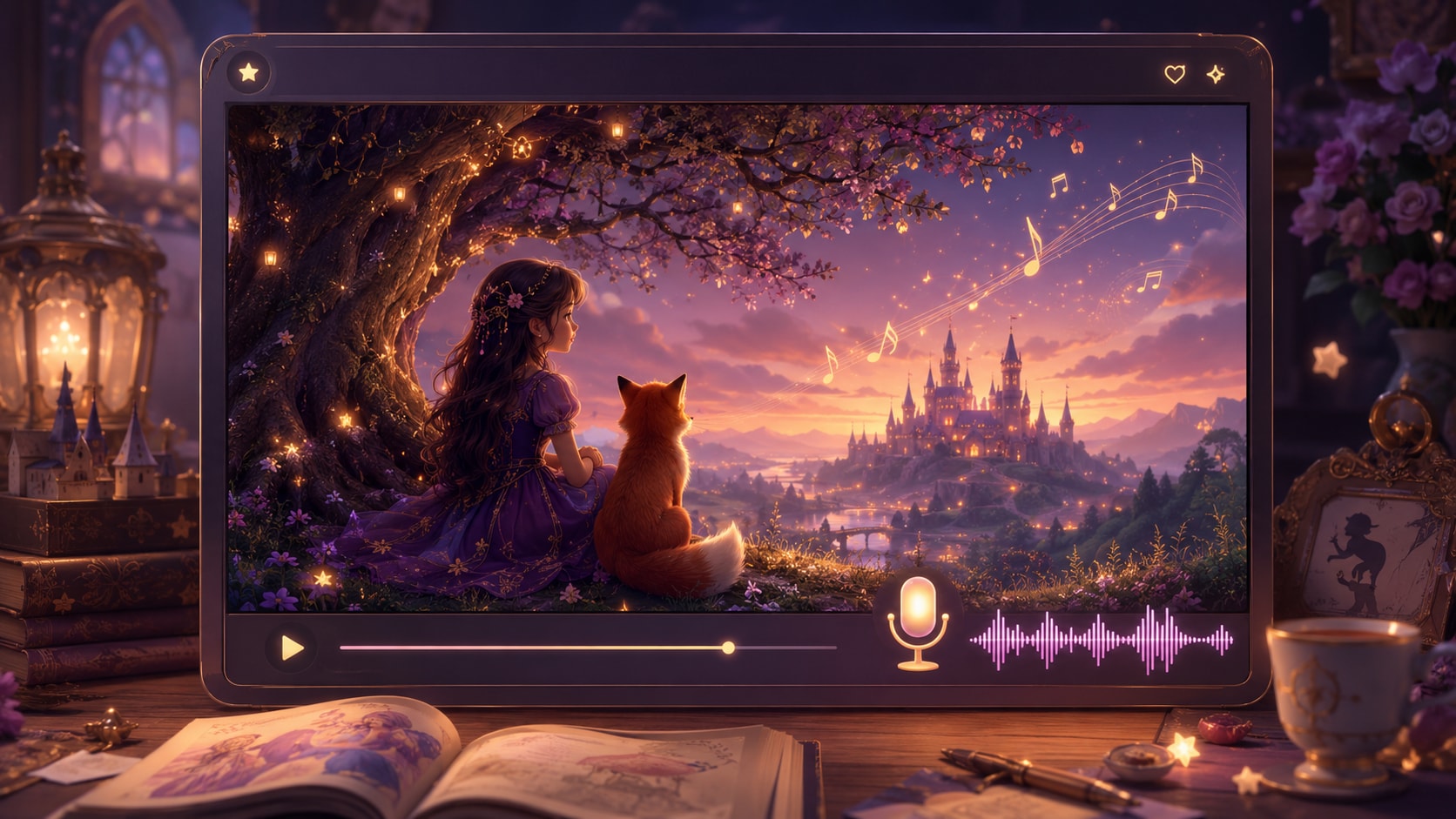
Make a Fairy Tale Story Video from Your Script in Three Steps
Start with a rich fairy tale script, guide the magical world and characters, then generate a storybook-style video with voiceover, music, and creator-friendly formats.

Paste a Rich Fairy Tale Script
Start with a detailed fairy tale, children's story, classroom fable, or narration draft. For better results, describe the hero, magical setting, wish, problem, helper, lesson, and ending so the video can follow a clear storybook flow.

Shape the Cast and Storybook World
Guide the fairy tale mood with original characters and clear scene details. Add castles, magic forests, cottages, talking animals, fairy guides, gentle dragons, glowing keys, wishing wells, or enchanted gardens to help the story feel magical and easy to follow.

Generate, Review, and Share
Generate a fairy tale story video with storybook scenes, voiceover, and music based on your script. Review the final result after generation, polish clarity with Media.io tools when needed, and share it on kids channels, Shorts, TikTok, YouTube, classrooms, or faceless story accounts.
Compare Media.io with
Basic AI Fairy Tale Video Generators
Basic tools may create a magical-looking clip. Media.io is built for creators who start with fairy tale scripts and need storybook flow, original characters, voiceover, music, and formats ready for kids channels, classrooms, Shorts, or faceless storytelling.
Choose Who Makes Fairy Tales with Media.io

YouTube Shorts Storytellers
Turn a one-minute fairy tale into a structured sequence of scenes with a consistent cast, then publish in vertical format with clean captions.

TikTok Creators
Build magical hooks, reveals, and endings fast, then re-roll the one scene that misses the vibe without redoing the whole video.

Educators
Create story-based lessons where setting, characters, and moral stay clear, with 16:9 exports that look good on classroom screens.

Indie Filmmakers
Pre-visualize fairy tale concepts with character references and editable storyboards before you pitch, storyboard, or shoot a live-action version.
See How Creators Ship
Ship Story Videos Across Genres
Use the same workflow to generate, refine, and publish different story formats with scene-level control.
Loved by Creators Making Fairy Tale Story Videos
See how kids channel creators, teachers, faceless storytellers, and content teams use Media.io to turn rich fairy tale scripts into storybook-style videos.


"I write short fairy tale scripts for YouTube Shorts, and Media.io helps me turn them into videos that feel like complete little stories. When I include the hero, wish, problem, helper, and ending in the script, the final video has a much clearer storybook flow."

"Most AI fairy tale video generators give me pretty fantasy shots, but not enough story direction. Media.io works better when I describe the castle, forest, talking fox, and magical object directly in the script. It feels more useful for building a real storybook world."

"For our kids story channel, the biggest win is script-based voiceover and music. We do not have to build the audio separately. If the narration, character dialogue, and mood are clear in the script, the generated fairy tale video feels much more polished."

"I use it for classroom fairy tale videos and moral story lessons. Instead of showing students a plain reading passage, I can turn a fable into a visual story with a clear character choice and ending. It makes read-aloud time feel more engaging."

"I make faceless fairy tale story videos for TikTok, so the opening needs to be simple and visual. Media.io helps when I write the hook directly into the script, like a lost crown, a talking owl, or a wish that goes wrong. The final video feels easier to follow than random fantasy clips."

"We used Media.io to make a light fairy tale brand teaser where the product played the role of a magic charm. The storybook framing made the message feel less like an ad and more like a mini tale, while the online editing tools helped us polish the final result."
FAQs on AI Fairy Tale Story Video Generator
What Is an AI Fairy Tale Story Video Generator?
An AI Fairy Tale Story Video Generator helps turn written fairy tale scripts, children's stories, classroom fables, and narration drafts into storybook-style videos. Media.io focuses on script-based storytelling, so your final video can include magical scenes, original fairy tale characters, voiceover, music, and a clear story flow from beginning to ending.
What Kind of Fairy Tale Script Works Best?
A rich fairy tale script usually works better than a one-line idea. Include the hero, magical setting, wish or problem, helper, journey, choice, lesson, and ending. For example, describe whether the story happens in a moonlit forest, a hidden castle, a tiny village, an enchanted garden, or a kingdom under a gentle curse.
How Is This Different from a Basic AI Fairy Tale Video Generator?
Many basic tools create pretty fantasy clips, but the story can feel disconnected. Media.io is better suited for creators who start with a detailed script and want a fairy tale video with a clearer arc, recognizable characters, storybook scenes, voiceover, music, and formats for kids channels, classrooms, Shorts, TikTok, YouTube, or faceless storytelling.
How Do I Make the Video Feel Like a Fairy Tale Instead of Generic Fantasy?
Use classic storybook details in your script. Mention castles, cottages, moonlit forests, wishing wells, glowing keys, royal halls, talking animals, fairy guides, gentle dragons, magical flowers, or a hidden door. Also include the emotional shape of the tale: a wish, a problem, a test, a kind choice, and a meaningful ending.
Can I Create Original Princesses, Talking Animals, or Magical Helpers?
Yes. You can guide original fairy tale characters through clear descriptions in your script, such as a princess-inspired forest hero, a talking fox with a silver scarf, a gentle dragon who guards a library, or a fairy guide carrying a lantern. Avoid copying existing copyrighted characters, and describe your own character's look, role, personality, and magical object.
Does the Generated Fairy Tale Video Include Voiceover and Music?
Yes. The final generated video can include voiceover and music based on your script. To guide the result, write the narration, character dialogue, emotional turns, and mood clearly. Words like magical, warm, mysterious, gentle, joyful, or adventurous can help shape the story's voice and music feel.
Can I Make a Faceless Fairy Tale Story Video?
Yes. A faceless fairy tale story video can be built around narration, magical scenes, original characters, and music without showing yourself on camera. This works well for YouTube story channels, TikTok fairy tale shorts, classroom fables, bedtime-style narration, and children's story accounts.
Can I Use It for Classroom Fairy Tales or Moral Story Lessons?
Yes. Teachers and educators can turn classroom fables, reading passages, kindness stories, courage lessons, or moral tales into fairy tale videos. For classroom use, keep the plot simple, make the lesson clear, and use visual details that support the reading goal instead of distracting from it.
What Fairy Tale Themes Work Well for Short Videos?
Short fairy tale videos work well with one clear magical problem and one emotional ending. Try a lost crown, a wish that goes wrong, a talking animal helper, a hidden door, a village under a small curse, a brave child returning a magic object, or a kindness choice that changes the ending.
Can I Make Fairy Tale Videos for YouTube Shorts, TikTok, and Reels?
Yes. You can create fairy tale videos for short-form platforms and story channels. For Shorts, TikTok, and Reels, keep the script focused on one hook, one magical event, one main character, and one satisfying ending so viewers can follow the story quickly.
How Do I Avoid Making the Story Too Scary for Kids?
Keep the conflict gentle and the ending reassuring. Instead of frightening monsters, use mild challenges like a lost map, a sleepy dragon, a broken spell, a forgotten promise, or a storm that passes. Describe the mood as warm, magical, hopeful, or playful if you want the video to feel suitable for younger viewers.
What Makes Media.io Useful for Fairy Tale Story Creators?
Media.io is useful because it connects the full fairy tale video workflow: detailed script input, magical scene direction, original character guidance, script-based voiceover, music, final video review, and online polishing tools. It helps creators turn written fairy tales into publishable story videos without filming, drawing, or manually building every scene.
Discover More AI Story Video Generators
Want to create beyond fairy tale story videos? Explore more Media.io AI video generators for anime episodes, horror stories, faceless narration, kids' tales, bedtime stories, animated ideas, and other script-to-video workflows built for different story styles, audiences, and channels.







Write the Fairy Tale.
Direct the Video.
Paste your script, lock your style and format, and ship a storybook short with a cast your viewers recognize.
 4. 8 (38427 Votes)