Deine Werke werden nur 7 Tage lang gespeichert. Assets, die nach dem Upgrade auf einen Mitgliedschaftstarif erstellt werden, werden dauerhaft gespeichert.
Entfalten Sie Ihr kreatives Potenzial und erleben Sie jetzt die Magie der Media-KI!
Erstellen Sie online ein realistisches Hoodie-Mockup aus Ihrem Design
Verwandeln Sie Ihr Logo, Ihr Kunstwerk oder Ihr Bekleidungskonzept in ein realistisches Hoodie-Mockup mit KI. Laden Sie ein Referenzbild hoch, erstellen Sie Vorschauen von vorne, hinten, als Flachbild oder im Lifestyle-Stil und testen Sie einen kostenlosen Hoodie-Mockup-Workflow, bevor Sie für Exporte in höherer Qualität upgraden.
Geben Sie Ihre Idee ein -> KI gestaltet sie. Kostenlos ausprobieren.
Sehen Sie sich diese Beispielanweisungen an und passen Sie dann die Prompt-Details an, um bessere Ergebnisse mit diesem Media.io Hoodie-Mockup-Tool zu erzielen.
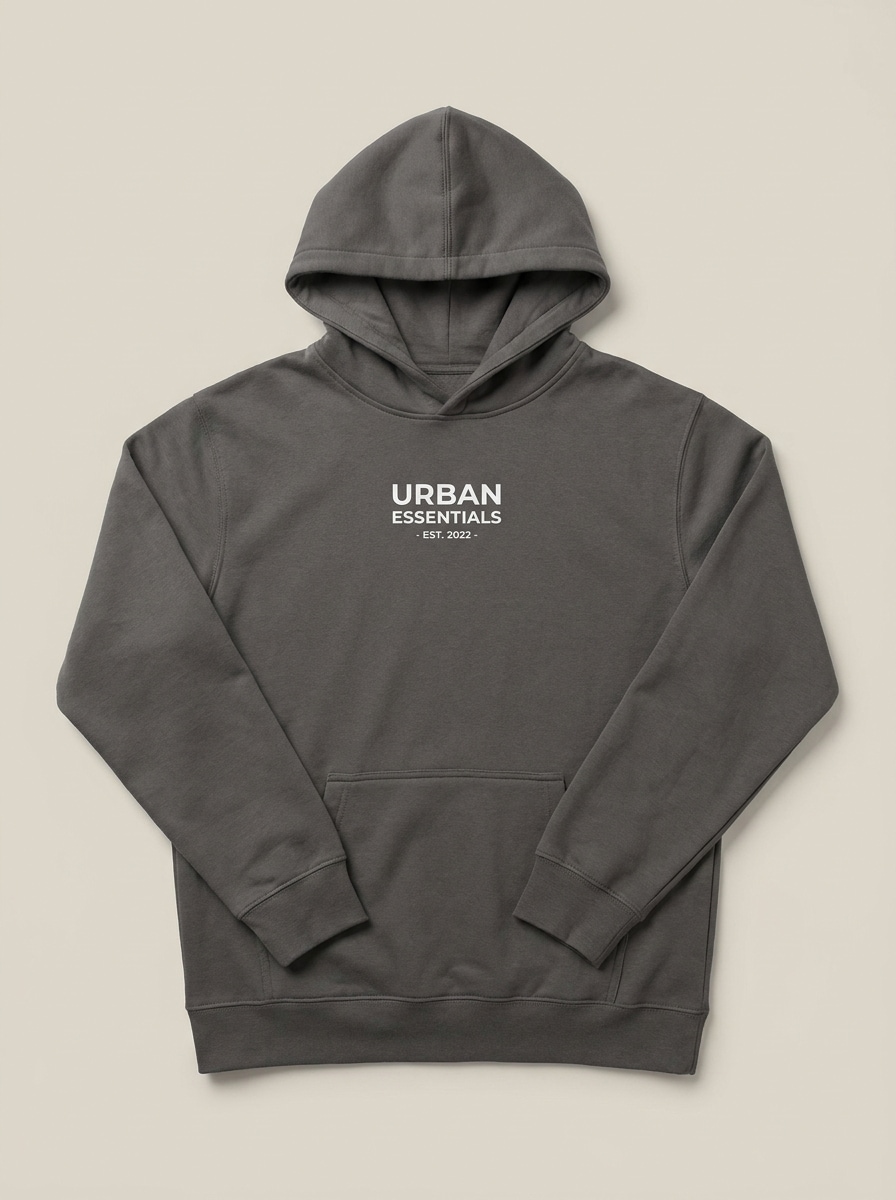
Vorderansicht sauberes Studio
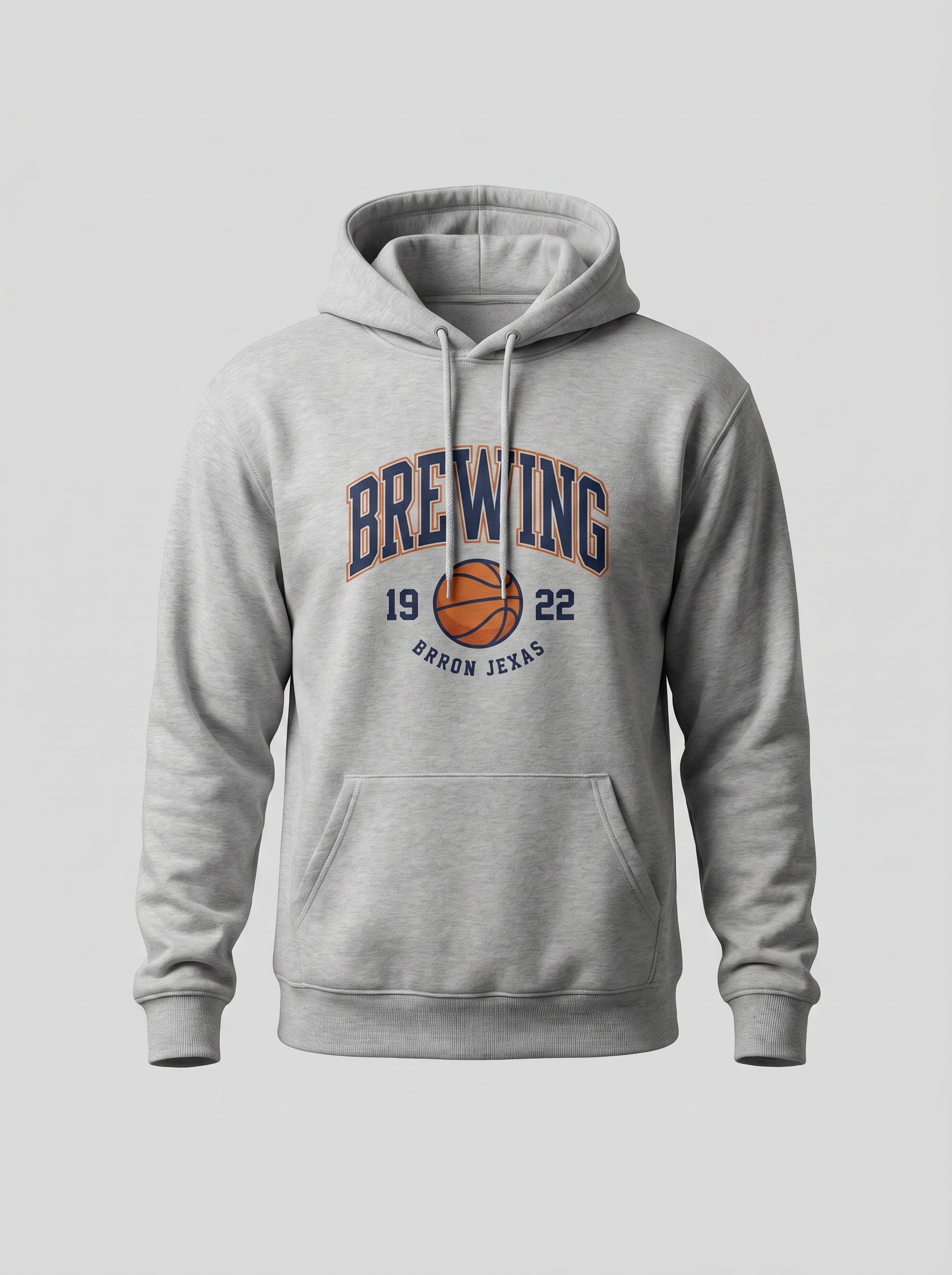
Verwenden Sie das hochgeladene Bild als Designreferenz und verwandeln Sie es in ein fotorealistisches Hoodie-Mockup mit Vorderansicht in einer sauberen Studioumgebung. Halten Sie die Brustgrafik zentriert und scharf, zeigen Sie realistische Baumwolltextur, weiche Schatten, neutralen Hintergrund, ausgewogene Falten und eine ecommerce-fertige Komposition mit Premium-Detail.
Vorder- und Rückseiten-Produktset
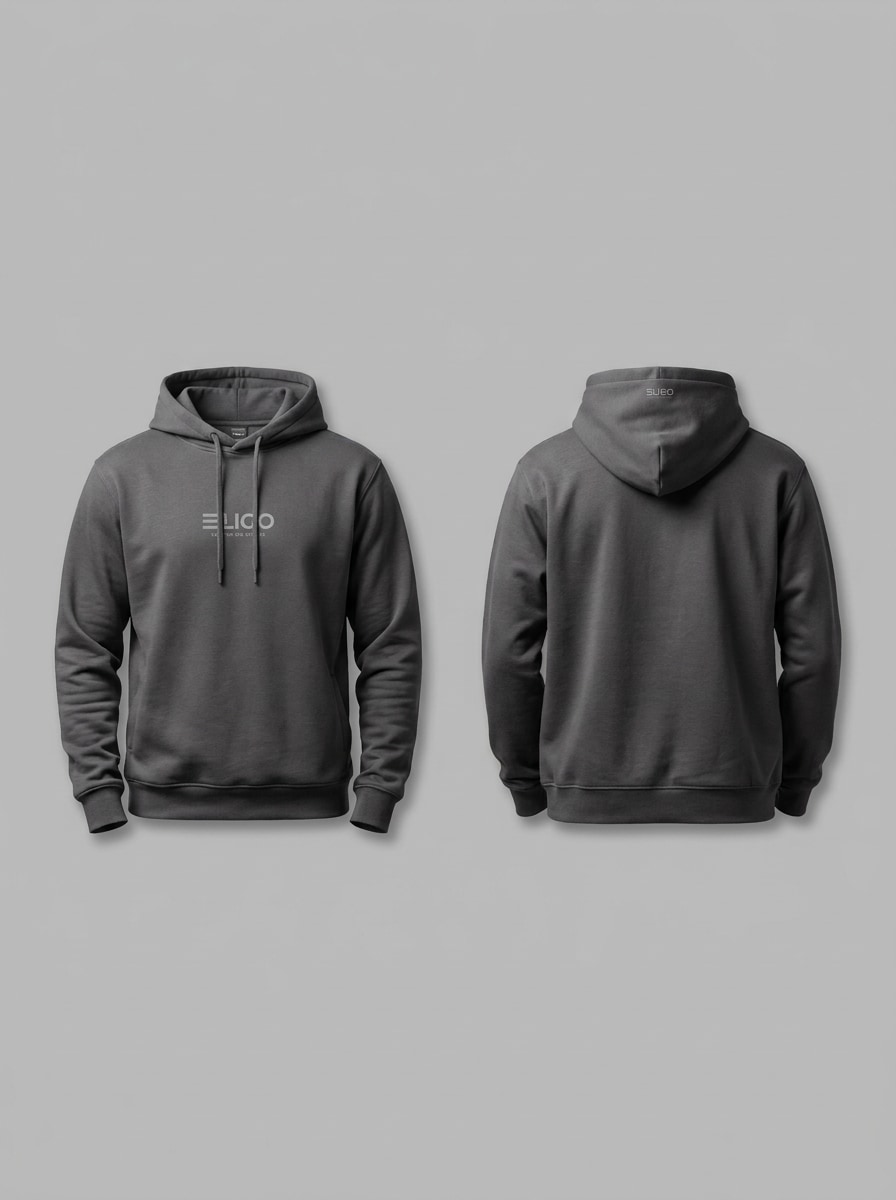
Verwenden Sie das hochgeladene Bild als Designquelle und erstellen Sie ein nebeneinander angeordnetes Hoodie-Mockup, das sowohl Vorder- als auch Rückansicht zeigt. Halten Sie die Beleuchtung konsistent, bewahren Sie realistische Falten und Nähte, sorgen Sie für eine saubere und glaubwürdige Druckplatzierung und präsentieren Sie das Kleidungsstück auf einem neutralen Hintergrund in einem polierten Bekleidungskatalog-Layout.
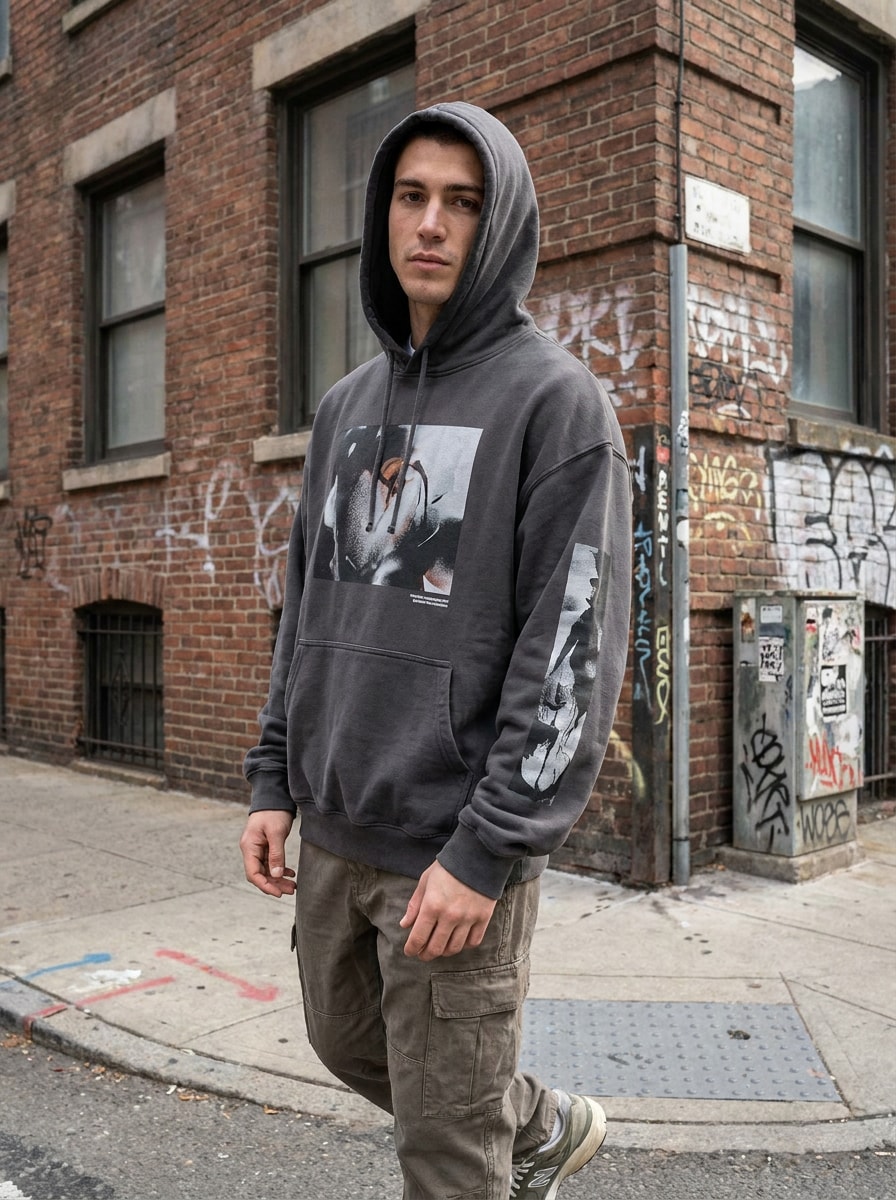
Streetwear-Model-Mockup
Verwenden Sie das hochgeladene Bild als Motivreferenz und verwandeln Sie es in ein fotorealistisches Oversized-Hoodie-Mockup, das von einem stilvollen jungen erwachsenen Model getragen wird. Fügen Sie einen urbanen Hintergrund, eine natürliche Pose, weiches Tageslicht, realistischen Stofffall, sichtbare Brustgrafik-Platzierung und eine moderne Streetwear-Stimmung mit scharfer redaktioneller Qualität hinzu.
Lässige Indoor-Lifestyle-Szene
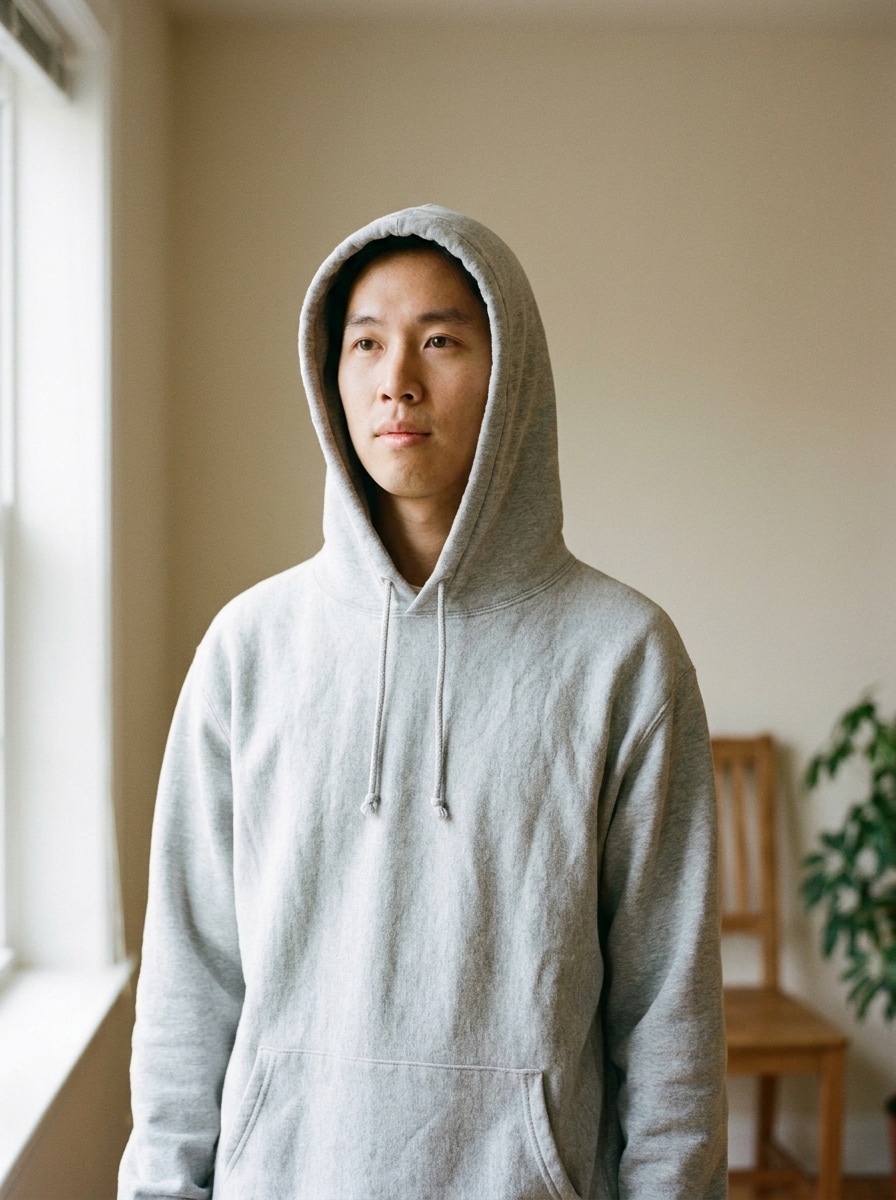
Verwenden Sie das hochgeladene Bild als Referenz und erstellen Sie ein realistisches Hoodie-Mockup in einer gemütlichen Indoor-Lifestyle-Szene. Zeigen Sie den natürlich getragenen Hoodie, lassen Sie das individuelle Brustdesign sichtbar, verwenden Sie warmes Fensterlicht, weiche Schatten, einladendes neutrales Dekor und ein Premium-Markenfoto-Feeling mit glaubwürdiger Textur und Falten.
Zentriertes Brustgrafik-Mockup
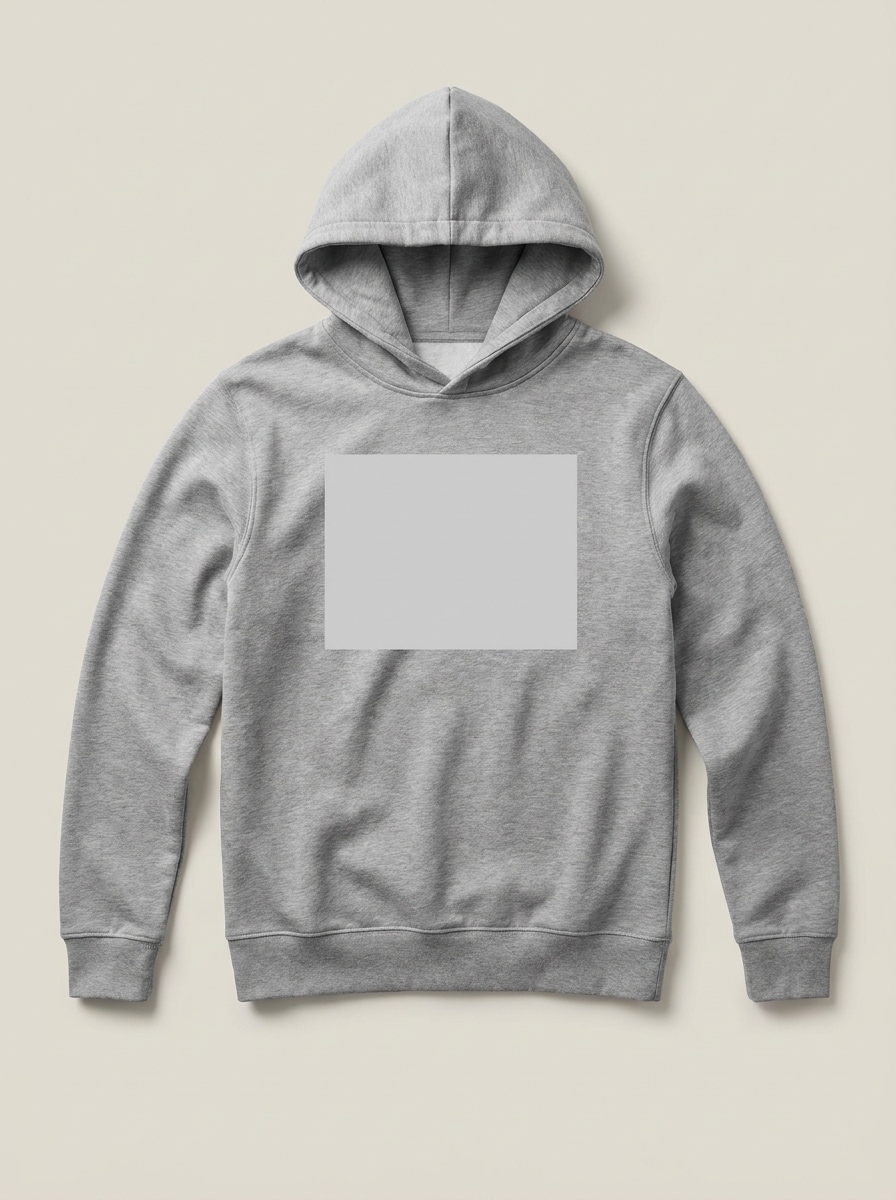
Verwenden Sie das hochgeladene Bild als Designreferenz und verwandeln Sie es in ein realistisches Produkt-Hoodie-Mockup mit einem sauberen zentrierten Brustdruck. Konzentrieren Sie sich auf eine präzise Logo-Platzierung, Premium-Baumwollfleece-Textur, neutralen Hintergrund, weiche gerichtete Beleuchtung und eine ladenfertige Komposition, die den bedruckbaren Bereich klar hervorhebt.
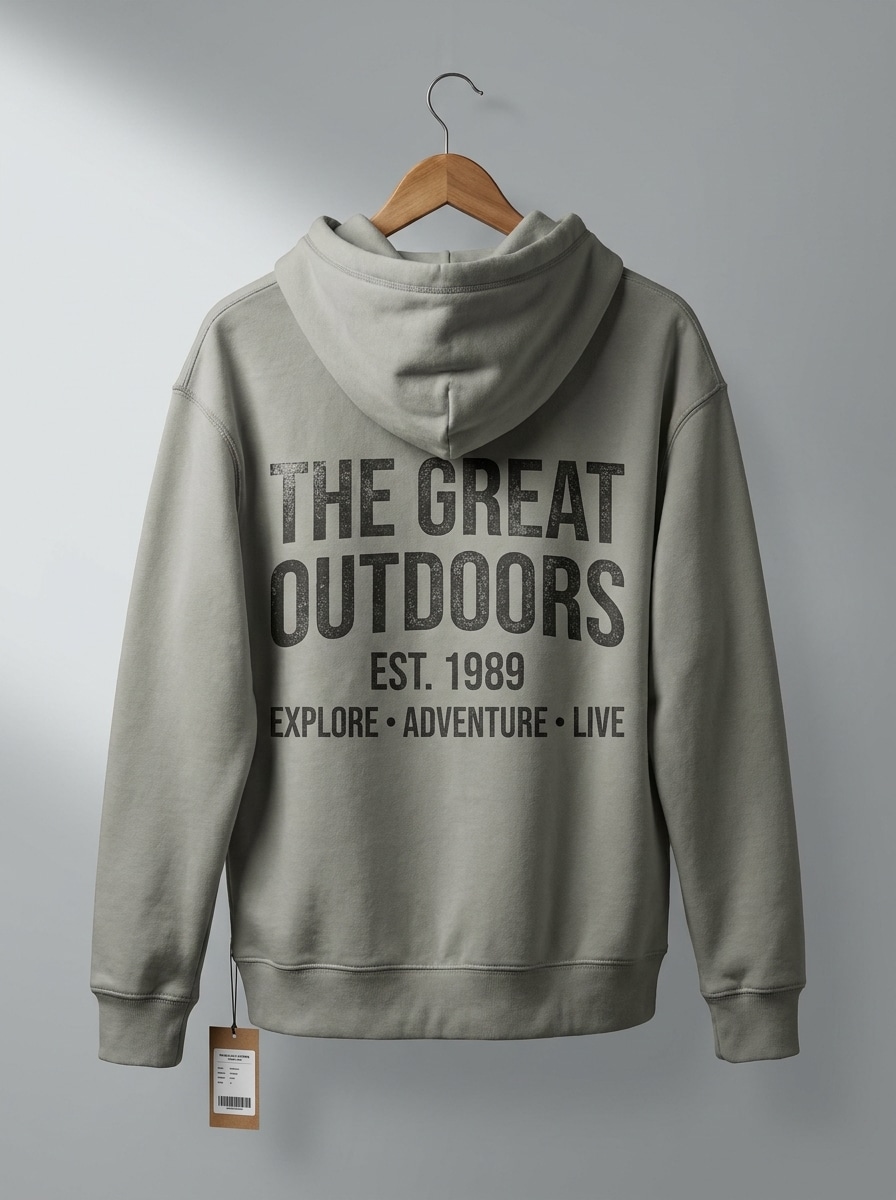
Rückendruck-Hoodie-Mockup
Verwenden Sie das hochgeladene Bild als Quelle und erstellen Sie ein fotorealistisches Hoodie-Mockup mit Fokus auf einen großen Rückendruck. Zeigen Sie das Kleidungsstück von hinten mit klar sichtbarer Kapuze, Schultern und Nähten, unter Verwendung weicher Studiobeleuchtung, realistischer Falten und einer sauberen Einzelhandelspräsentation auf neutralem Hintergrund.
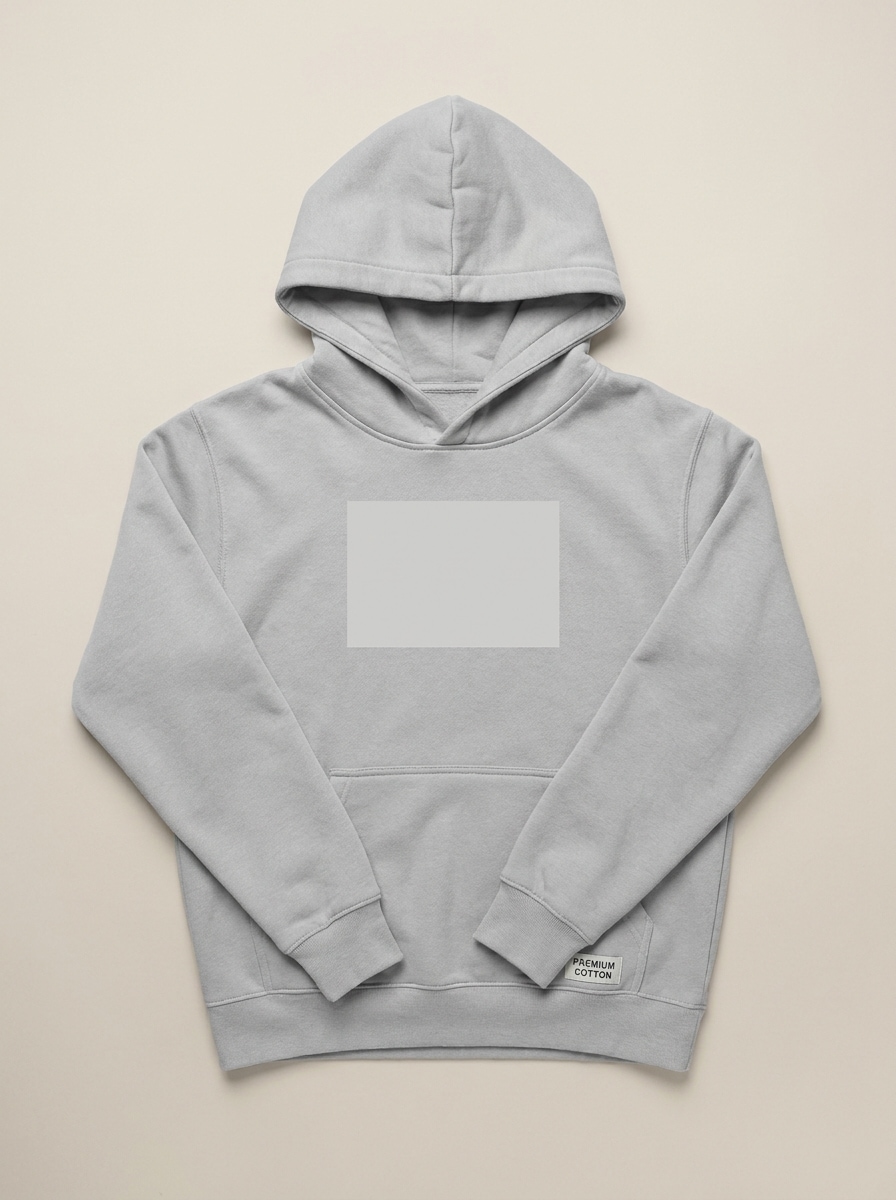
Flat-Lay-Minimalistisches Mockup
Verwenden Sie das hochgeladene Bild als Designleitfaden und verwandeln Sie es in ein von oben aufgenommenes Flat-Lay-Hoodie-Mockup. Ordnen Sie das Kleidungsstück ordentlich auf einem minimalen neutralen Hintergrund an, bewahren Sie realistische Baumwolltextur und subtile Falten, halten Sie den Druckbereich klar und liefern Sie eine saubere Markenpräsentation mit hoher visueller Klarheit.
Nahaufnahme von Faltendetails
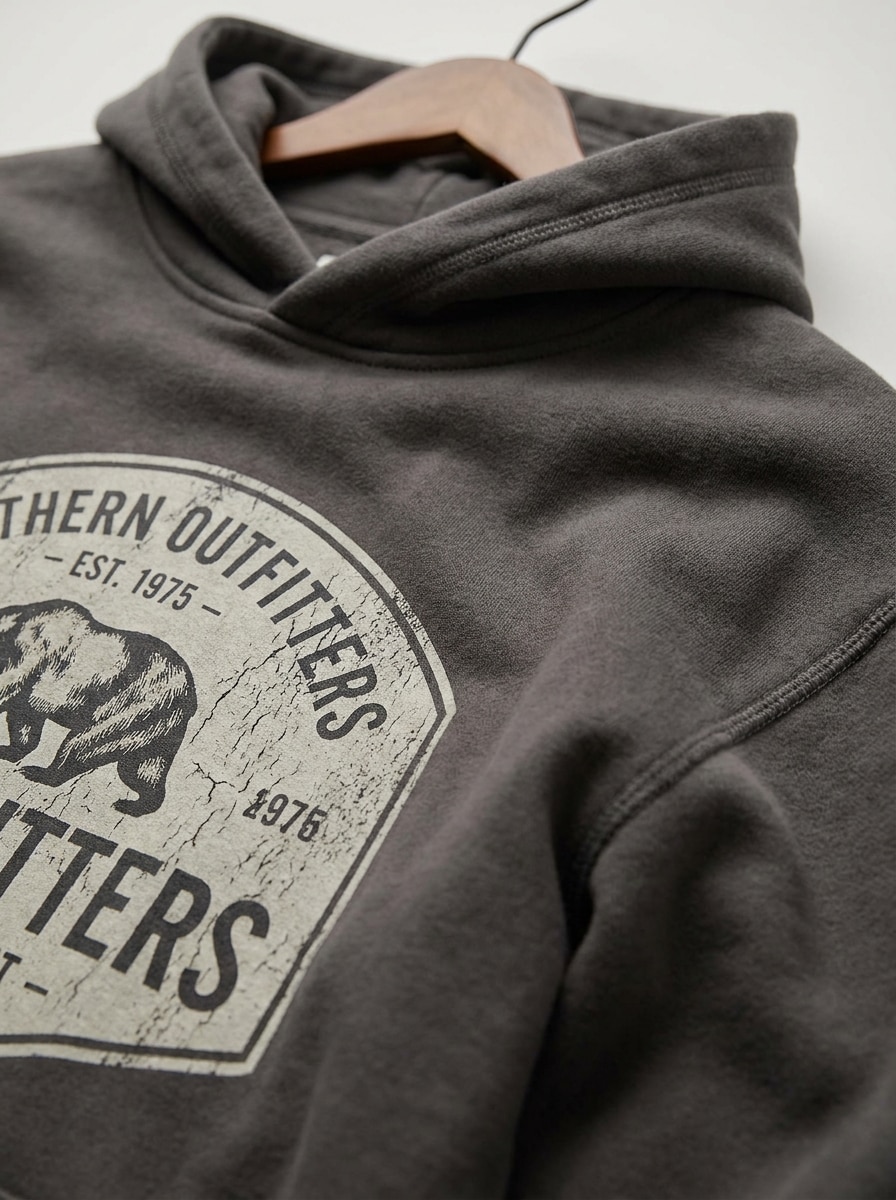
Verwenden Sie das hochgeladene Bild als Referenz und erstellen Sie ein Nahaufnahme-Hoodie-Mockup, das Premium-Stofftextur, Nähte und Falten betont. Lassen Sie einen Teil des Grafikbereichs sichtbar, verwenden Sie weiche gerichtete Beleuchtung, reichhaltige Materialdetails und eine professionelle Bekleidungspräsentation, die sich taktil und hochrealistisch anfühlt.
Erdton-Streetwear-Hoodie
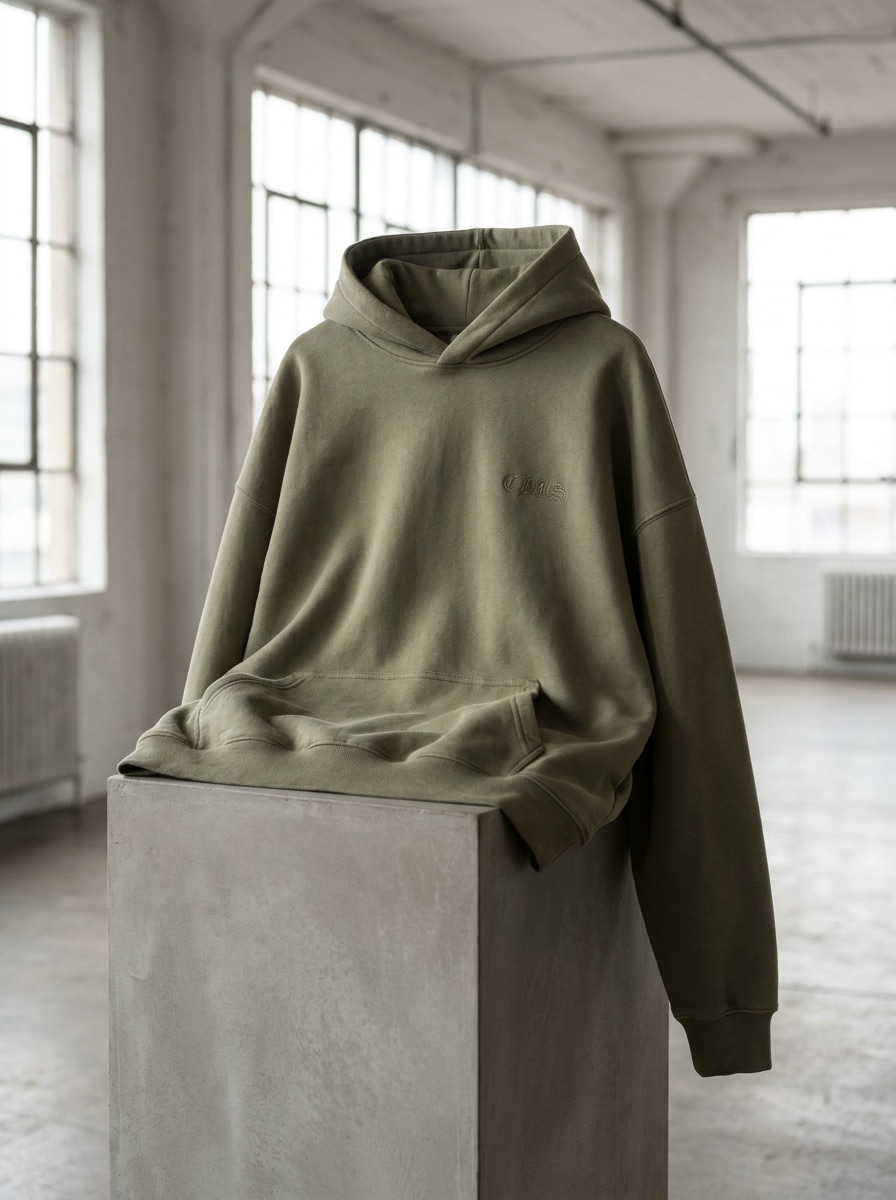
Verwenden Sie das hochgeladene Bild als Designreferenz und verwandeln Sie es in ein trendiges Erdton-Streetwear-Hoodie-Mockup. Verwenden Sie eine gedämpfte Beige- oder Olivpalette, Oversized-Passform, weiches natürliches Licht, realistischen Stofffall, modernes redaktionelles Styling und einen sauberen Markenlook, der zeitgemäß und modebewusst wirkt.
Premium-Mockup mit dunklem Hintergrund
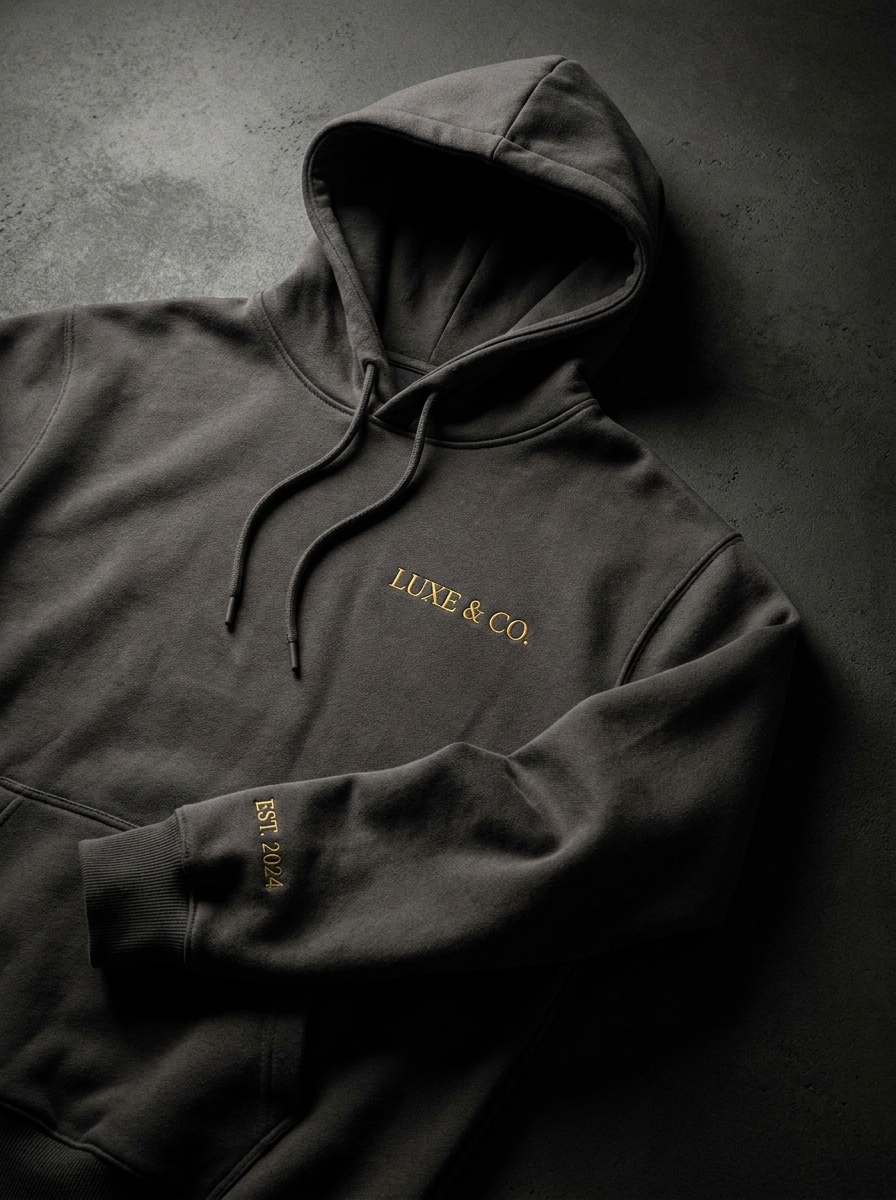
Verwenden Sie das hochgeladene Bild als Quelle und erstellen Sie ein Premium-Hoodie-Mockup auf einem dunklen, dramatischen Hintergrund. Beleuchten Sie das Kleidungsstück mit Softbox-Licht, halten Sie die Designplatzierung präzise, zeigen Sie reiche Fleece-Textur und strukturierte Falten und präsentieren Sie ein kontrastreiche Luxusprodukt-Showcase mit raffinierter Stimmung und Tiefe.
Warum Media.io für die Erstellung von Hoodie-Mockups verwenden
Referenzbilder in realistische Bekleidungsvorschauen umwandeln
Für Markeninhaber, die einen neuen Drop testen, ermöglicht Media.io das Hochladen eines Designs oder Referenzbildes und die Umwandlung in glaubwürdige Hoodie-Visuals mit klarer Druckplatzierung, sodass Sie Konzepte schneller präsentieren können, ohne ein Fotoshooting zu organisieren.
Den richtigen Stil für jede Version finden
Wenn der Stil Teil der Entscheidungsfindung ist, hilft Ihnen Media.io dabei, mehrere Richtungen aus derselben Hoodie-Mockup-Basis zu vergleichen, was die kreative Auswahl effizienter macht.
Ansichten für Shop-Listings und Social-Media-Assets steuern
Wenn dasselbe Hoodie-Mockup für mehrere Platzierungen funktionieren muss, hilft Media.io dabei, die Ausgabe für Social-Media-, Präsentations- und Werbeformate anzupassen, ohne das Konzept von Grund auf neu aufzubauen.
Hochauflösende Bilder für den echten Einsatz erstellen
Für Mockups, die mehr leisten müssen als nur eine kleine Vorschau auszufüllen, hilft Media.io dabei, schärfere Ergebnisse bis zu 4K zu erzielen, wodurch jeder kostenlose Hoodie-Mockup-Test für echte Designbewertungen und Präsentationsarbeiten nützlicher wird.
So erstellen Sie ein Hoodie-Mockup in Media.io
Verwandeln Sie Ihre Worte in beeindruckende Visuals in drei einfachen Schritten und verfeinern Sie das Ergebnis anschließend nach Wunsch weiter.
Schritt 1
Laden Sie Ihr Referenzbild hoch
Laden Sie eine klare JPG-, PNG- oder JPEG-Datei hoch, die Ihr Artwork, Logo, Hoodie-Design oder Quell-Bekleidungsbild zeigt. Eine saubere Referenz gibt der KI eine bessere Orientierung für realistische Druckplatzierung, Stoffform und allgemeine Mockup-Qualität.
Schritt 2
Änderung beschreiben und Optionen festlegen
Geben Sie einen detaillierten Prompt ein, der die gewünschte Hoodie-Ansicht, den Stil, den Hintergrund, die Beleuchtung und die Stimmung beschreibt. Wählen Sie dann Ihr bevorzugtes KI-Modell und passen Sie Optionen wie Seitenverhältnis, Auflösung und Anzahl der generierten Bilder an.
Schritt 3
Generieren, herunterladen und weiter verbessern
Erstellen Sie mehrere Hoodie-Variationen, vergleichen Sie die Ergebnisse und laden Sie die Version herunter, die zu Ihrer Marke oder Ihrem Shop-Listing passt. Sie können den Prompt weiter verfeinern, um Vorder-, Rück-, Flat-Lay- oder Lifestyle-Looks effizienter zu testen.
Das Potenzial des kostenlosen Hoodie-Mockups nutzen
Sehen Sie, wie Ersteller dieses Media.io Hoodie-Mockup-Tool für Inhalte, Marketing und persönliche Projekte verwenden, und passen Sie jede Idee an Ihre Anforderungen an.
Print-on-Demand-Listings schneller starten
Vorschau von Logos, Grafiken und saisonalen Drops auf realistischen Kleidungsstücken, bevor Sie veröffentlichen. Media.io hilft kleinen Marken und POD-Verkäufern, sauberere Produktbilder für Shops, Anzeigen und Marktplatzseiten zu erstellen, ohne Models engagieren oder Studio-Shootings einrichten zu müssen.
Vorder-, Rück- und Lifestyle-Variationen testen
Vergleichen Sie katalogähnliche Ansichten mit Streetwear-Szenen oder Indoor-Branding-Aufnahmen, um zu sehen, welche Präsentation zu Ihrer Zielgruppe passt. Media.io macht es praktisch, Platzierung, Maßstab und allgemeinen Stil zu validieren, bevor Assets für einen Kollektionslaunch finalisiert werden.
Kundenfertige Bekleidungskonzepte erstellen
Freiberufler und Designteams können rohe Kunstwerke oder Logo-Dateien in polierte Präsentationsvisuals für Genehmigungen umwandeln. Mit Media.io können Sie zeigen, wie ein Konzept auf einem fertigen Kleidungsstück aussehen könnte, anstatt nur flaches Artwork zu senden, was Feedback einfacher und überzeugender macht.
Was Nutzer über dieses Hoodie-Mockup-Tool sagen
Avery Collins
Print-on-Demand-Verkäufer
„Ideal für schnelle Shop-Visuals" Ich habe es verwendet, um Brustgrafiken und Rückendrucke in der Vorschau anzuzeigen, bevor ich Produkte in meinen Shop hochgeladen habe. Die Stofffalten und die Beleuchtung sahen viel realistischer aus, als ich erwartet hatte, und ich konnte mehrere Richtungen testen, ohne PSD-Dateien erstellen zu müssen.
Maya Brooks
Streetwear-Markengründerin
„Hilfreich für die Kollektionsplanung" Die Lifestyle- und Studio-Optionen erleichterten es, zu vergleichen, wie sich unsere Designs in verschiedenen Umgebungen anfühlen. Ich mochte es, ein Referenzbild hochladen, den Prompt anpassen und schnell Mockups für Launch-Diskussionen generieren zu können.
Jordan Lee
Freiberuflicher Grafikdesigner
„Einfache Mockups für Kundenpräsentationen" Anstatt flaches Logo-Artwork zu präsentieren, kann ich Kunden in Minuten eine realistische Hoodie-Vorschau zeigen. Das spart Zeit bei Genehmigungen und gibt ihnen ein besseres Gefühl für Maßstab, Platzierung und allgemeine Markenrichtung.
Sofia Ramirez
E-Commerce-Kreative
„Einfacher Workflow auf jedem Gerät" Ich habe es zuerst auf meinem Tablet ausprobiert und dann die finalen Exporte auf dem Desktop fertiggestellt. Der Workflow fühlte sich unkompliziert an, und das Generieren von Vorderansicht- und dunkleren Premium-Mockups war viel schneller als das Organisieren eines separaten Bekleidungs-Shootings.
Entdecken Sie die beliebtesten KI-Video- und Bildeffekte
Laden Sie ein Referenzbild im JPG-, PNG- oder JPEG-Format hoch und beschreiben Sie dann den gewünschten Hoodie-Stil, z. B. Vorderansicht, Rückansicht, Flat Lay oder Lifestyle-Szene. Media.io verwendet Image-to-Image-KI, um Ihre Quelle in ein realistisches Hoodie-Mockup umzuwandeln, und Sie können Modell, Seitenverhältnis, Auflösung und Anzahl der Variationen vor dem Herunterladen anpassen.
2. Kann ich ein kostenloses Hoodie-Mockup erstellen, bevor ich upgraden?
Media.io bietet kostenlose Credits an, sodass Sie einen kostenlosen Hoodie-Mockup-Workflow testen können, bevor Sie zu einem kostenpflichtigen Plan wechseln. Kostenlose Nutzer sehen möglicherweise Wasserzeichen, während Abonnenten wasserzeichenfreie hochauflösende Ergebnisse herunterladen können. Weitere Nutzungsdetails finden Sie auf der Preisseite.
3. Welche Bilddatei sollte ich für das beste Hoodie-Mockup-Ergebnis hochladen?
Laden Sie für das beste Ergebnis eine klare JPG-, PNG- oder JPEG-Datei mit sichtbarem Artwork, Kleidungsform oder Designdetails hoch. Saubere Bilder mit guter Beleuchtung, einfachem Hintergrund und scharfen Kanten geben Media.io eine bessere Orientierung für realistische Falten, Stofftextur und Druckplatzierung.
4. Kann ich Vorder- und Rück-Hoodie-Mockups aus einem Design generieren?
Ja. Media.io ermöglicht es Ihnen, ein hochgeladenes Design als Referenz zu verwenden und mehrere Variationen zu generieren, indem Sie Ihren Prompt ändern, um Vorder-, Rück- oder nebeneinander angeordnete Produktansichten anzufordern.
5. Sieht das Hoodie-Mockup für mein Shop-Listing realistisch genug aus?
Es kann sehr realistisch aussehen, wenn Sie mit einem starken Referenzbild und einem detaillierten Prompt beginnen. Media.io unterstützt erweiterte Image-to-Image-Generierung und Ausgabeoptionen bis zu 4K, was dabei hilft, überzeugendere Stofftextur, Schatten, Falten und eine bekleidungsstilgerechte Präsentation für E-Commerce-Vorschauen zu erstellen.
6. Kann ich einen Hoodie-Mockup-Generator auf meinem Telefon oder Tablet verwenden?
Media.io ist webbasiert, sodass Sie diesen Hoodie-Mockup-Generator in einem Browser auf Desktop, Telefon oder Tablet verwenden können. Das macht es einfach, ein Design hochzuladen, Variationen zu generieren und Ergebnisse auf Windows-, Mac-, iOS- oder Android-Geräten zu überprüfen.