Deine Werke werden nur 7 Tage lang gespeichert. Assets, die nach dem Upgrade auf einen Mitgliedschaftstarif erstellt werden, werden dauerhaft gespeichert.
Entfalten Sie Ihr kreatives Potenzial und erleben Sie jetzt die Magie der Media-KI!
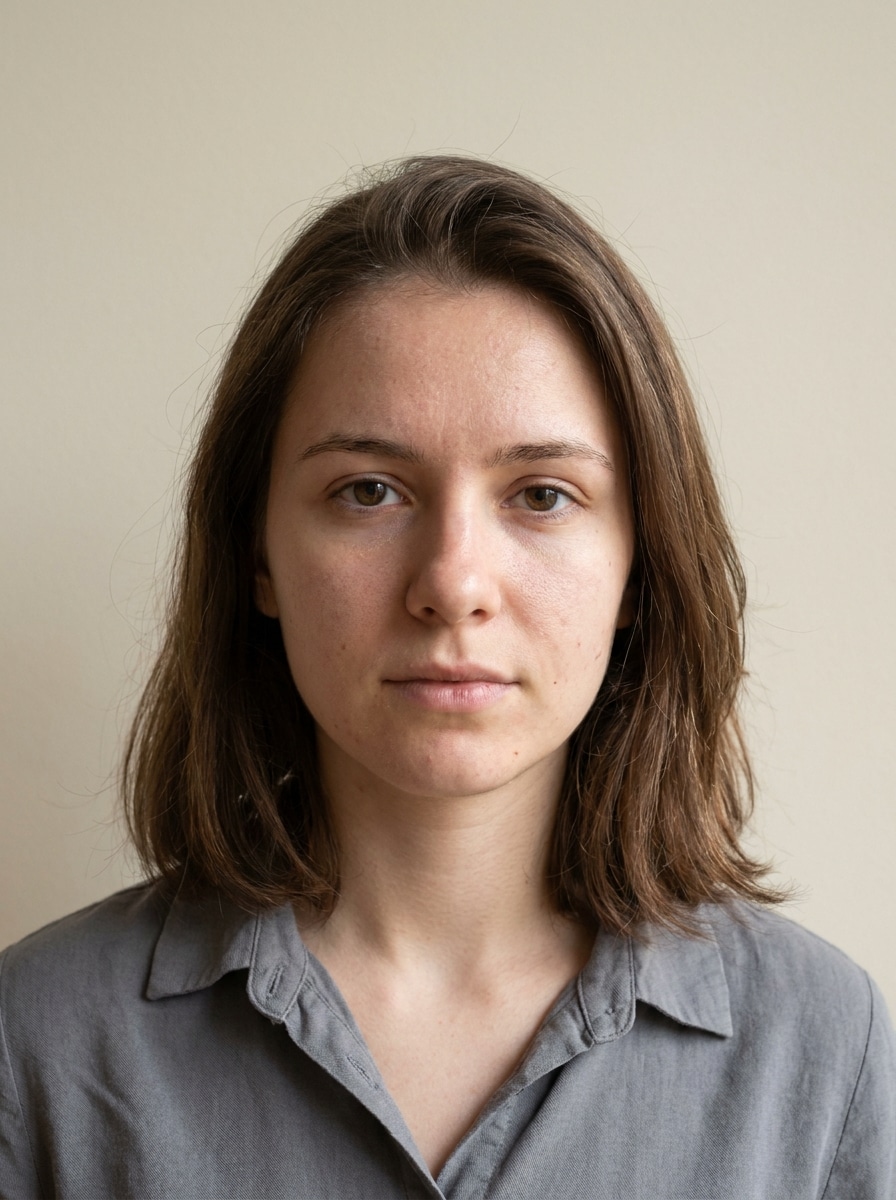
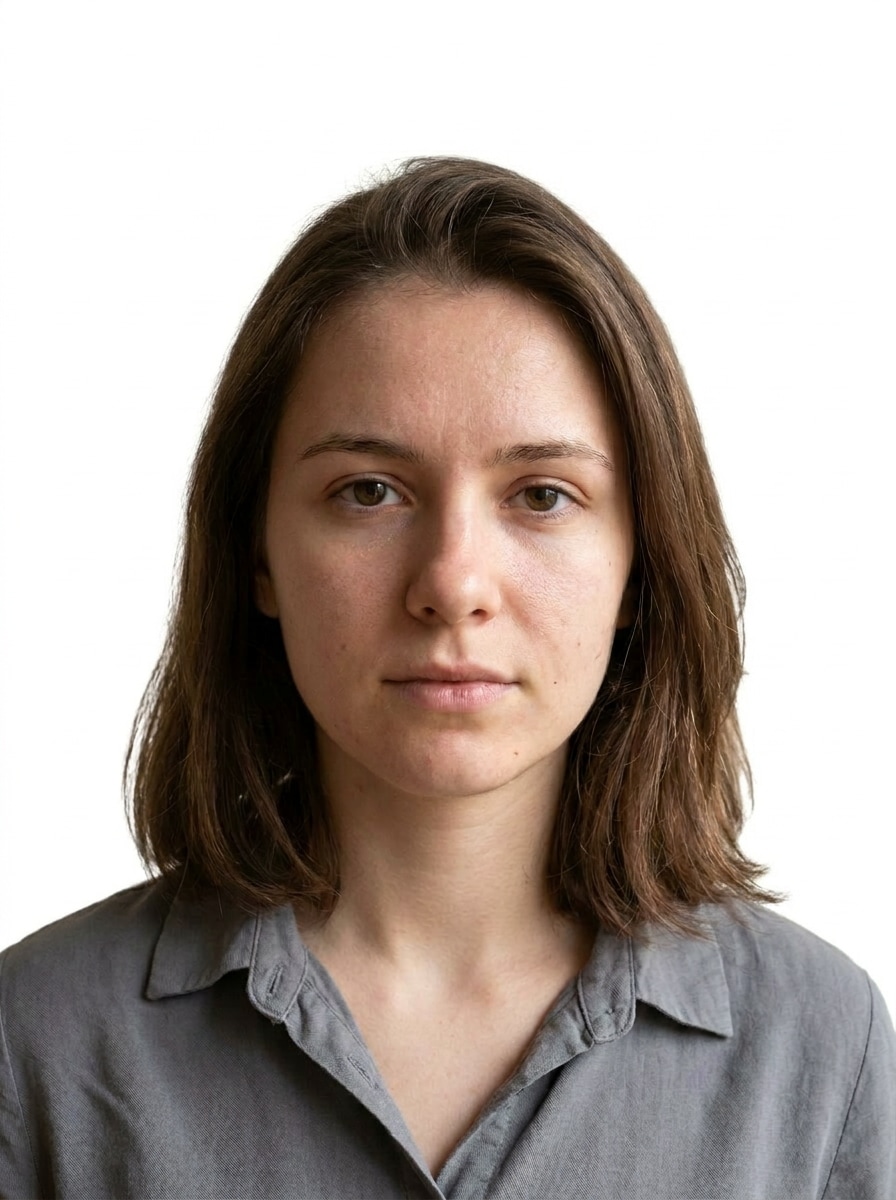
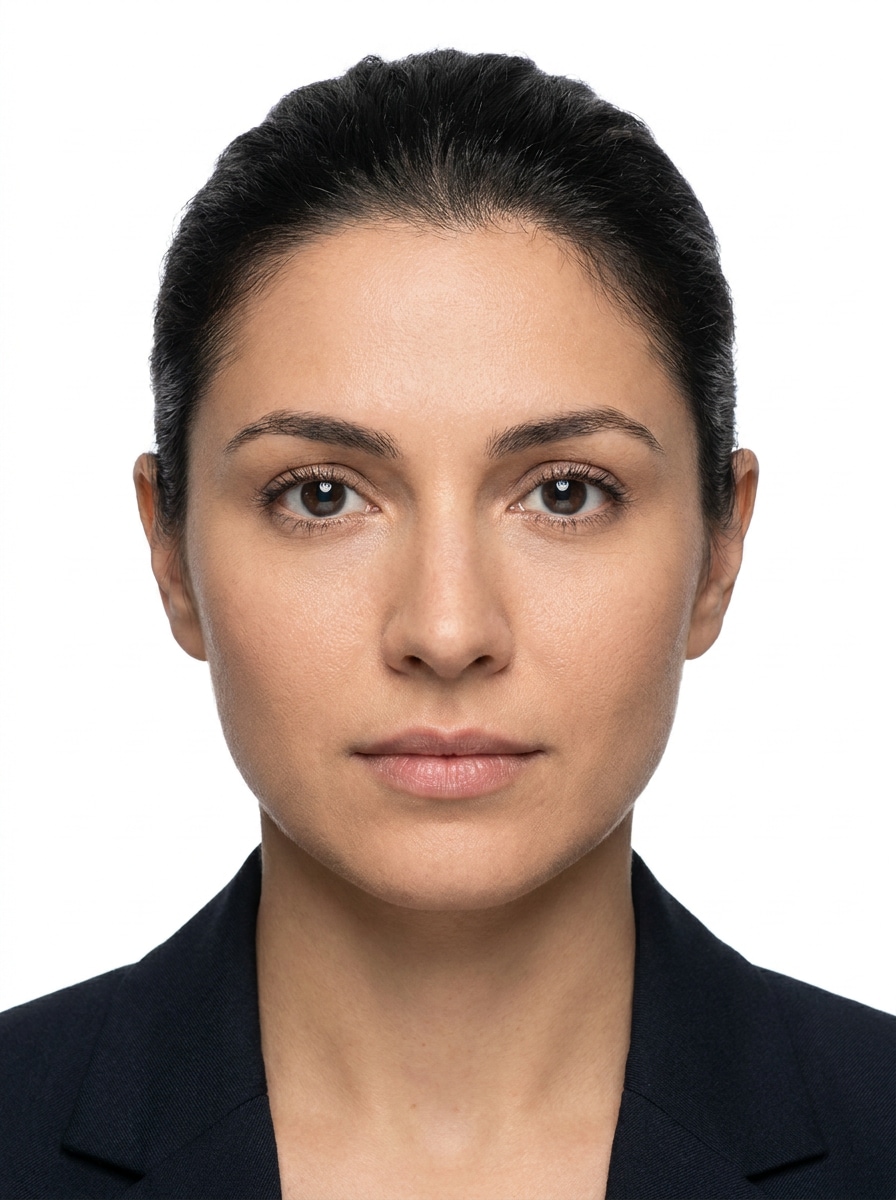
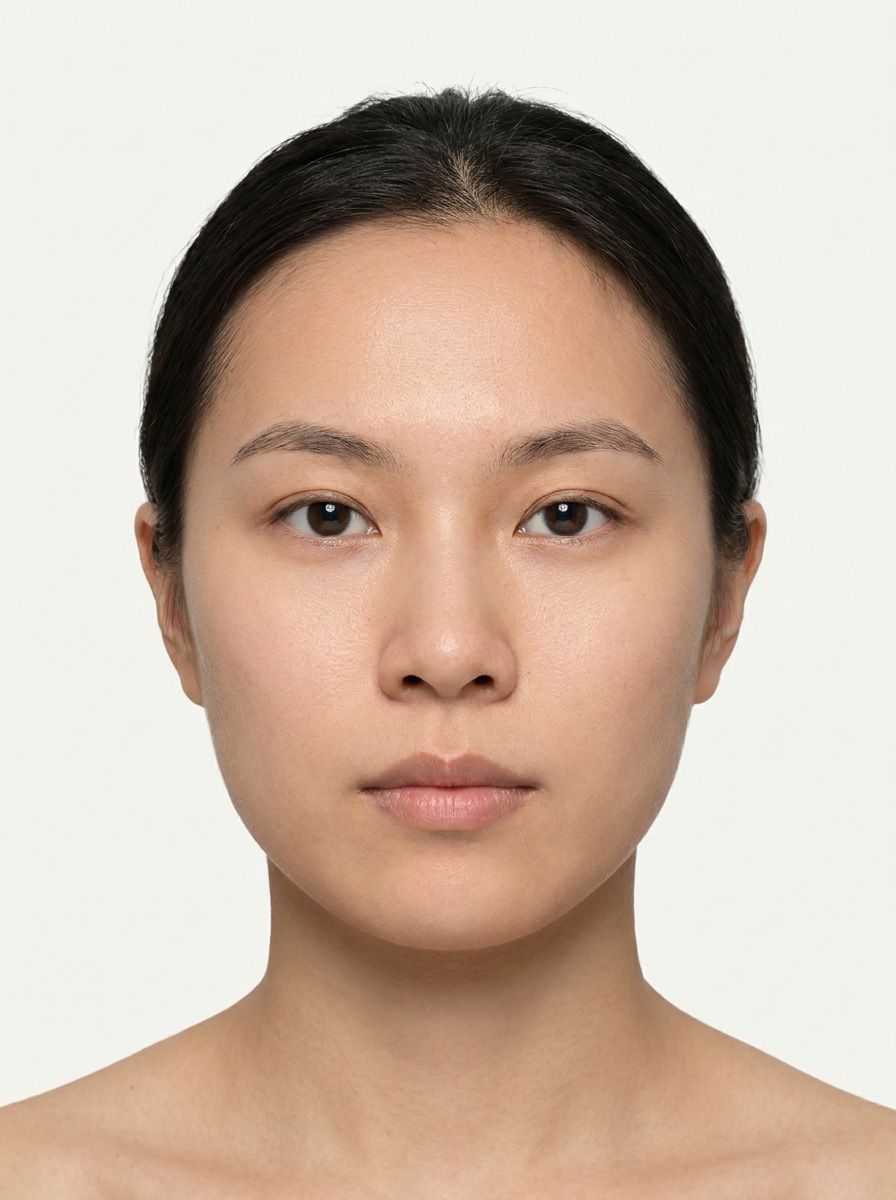
KI-Ausweisfoto-Stilfilter für saubere, professionelle Porträt-Optimierung
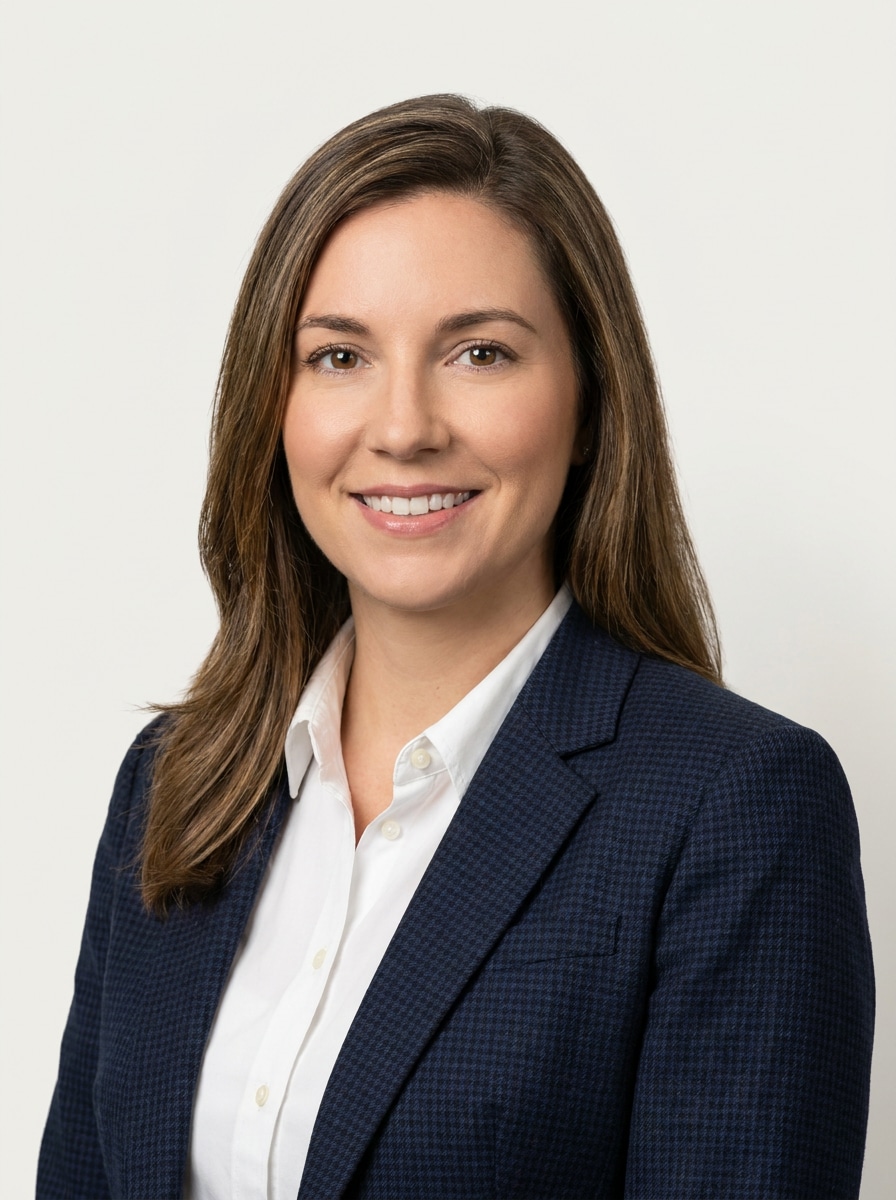
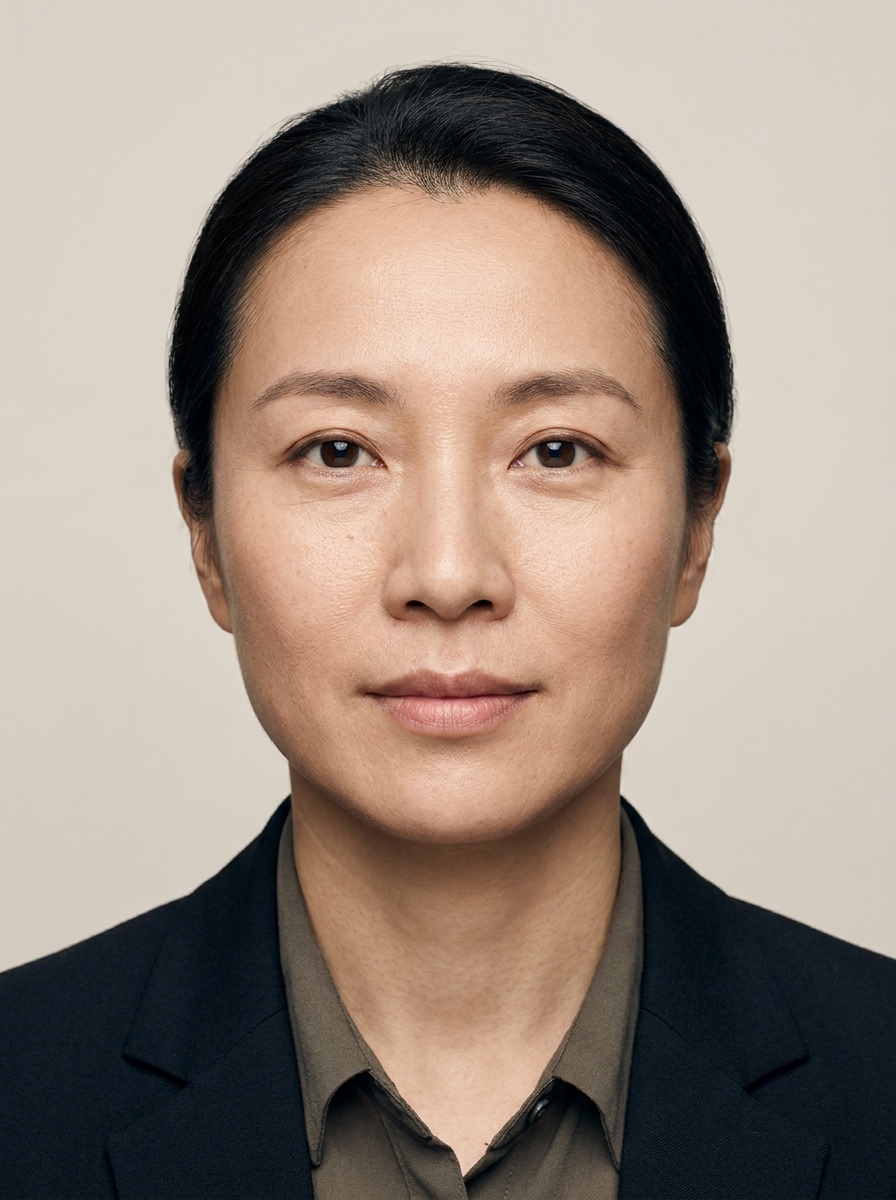
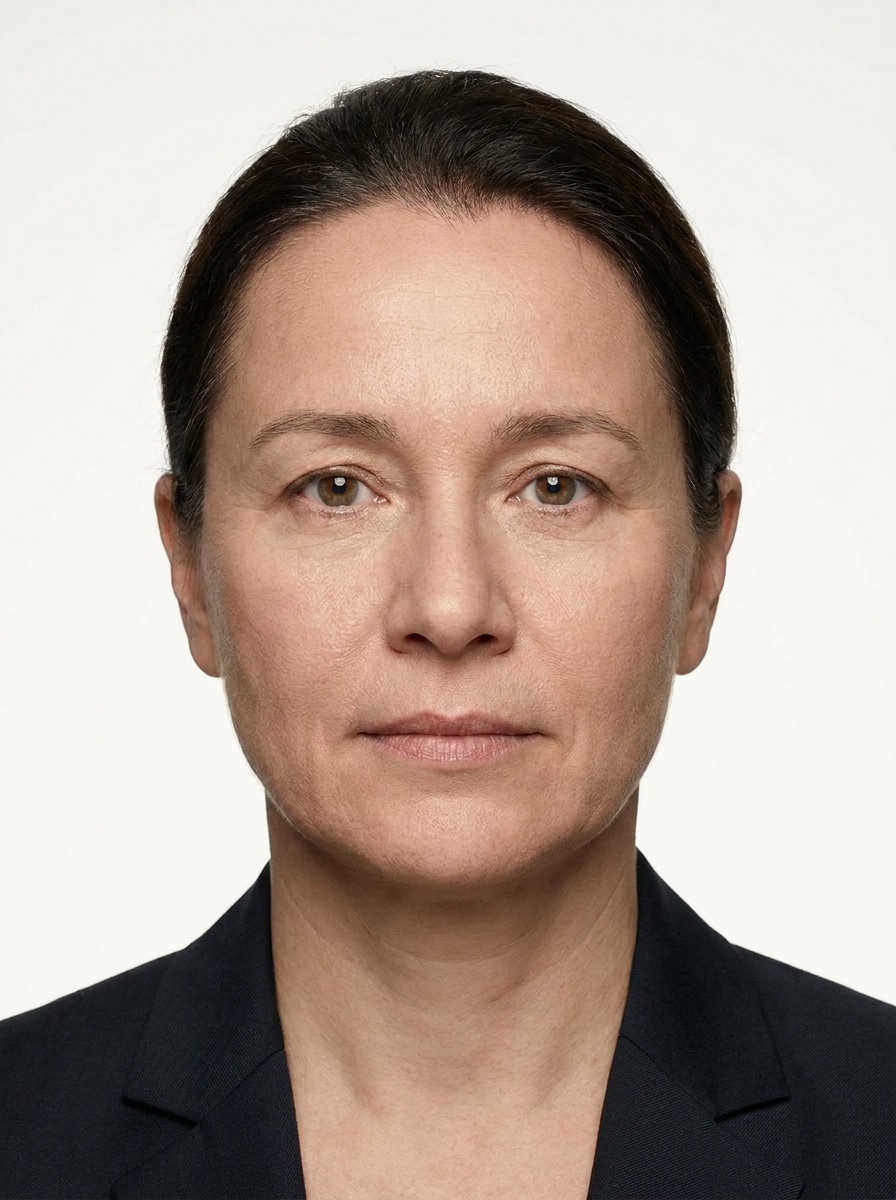
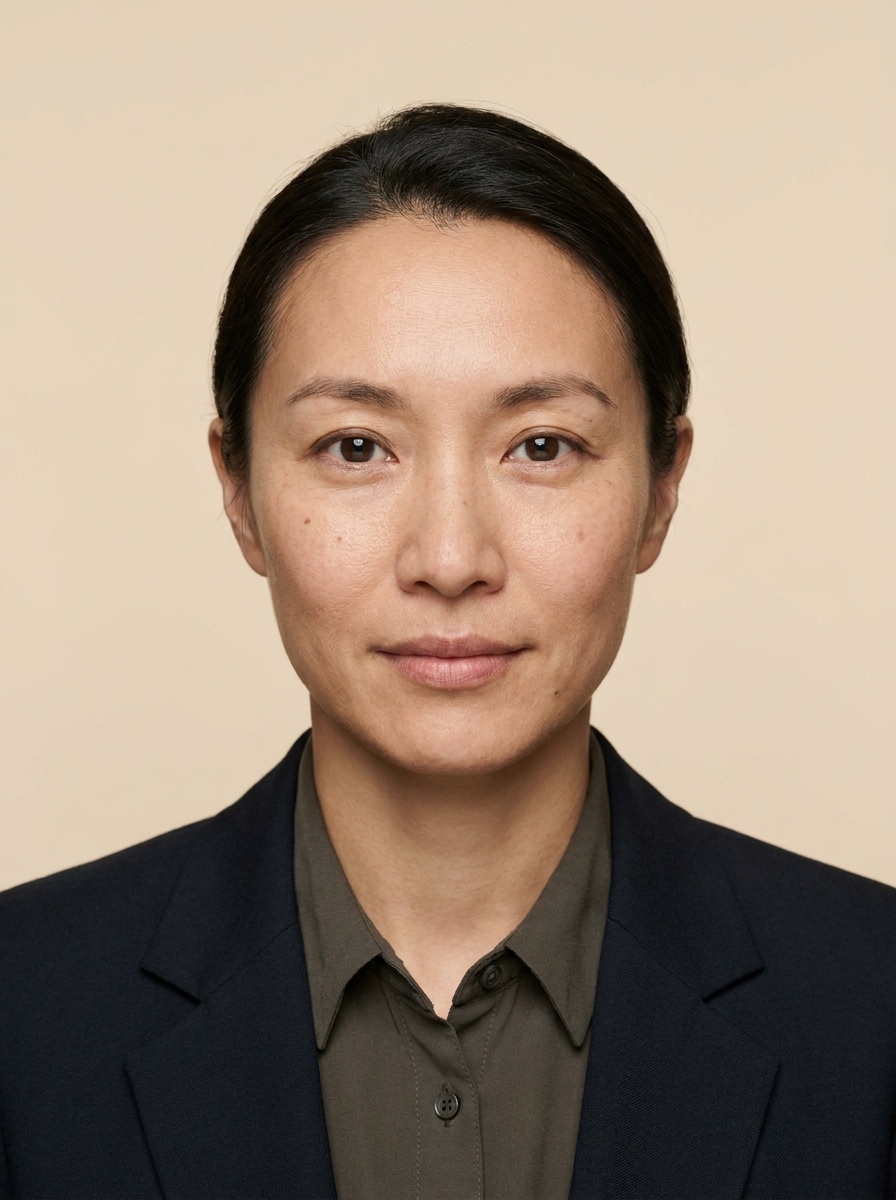
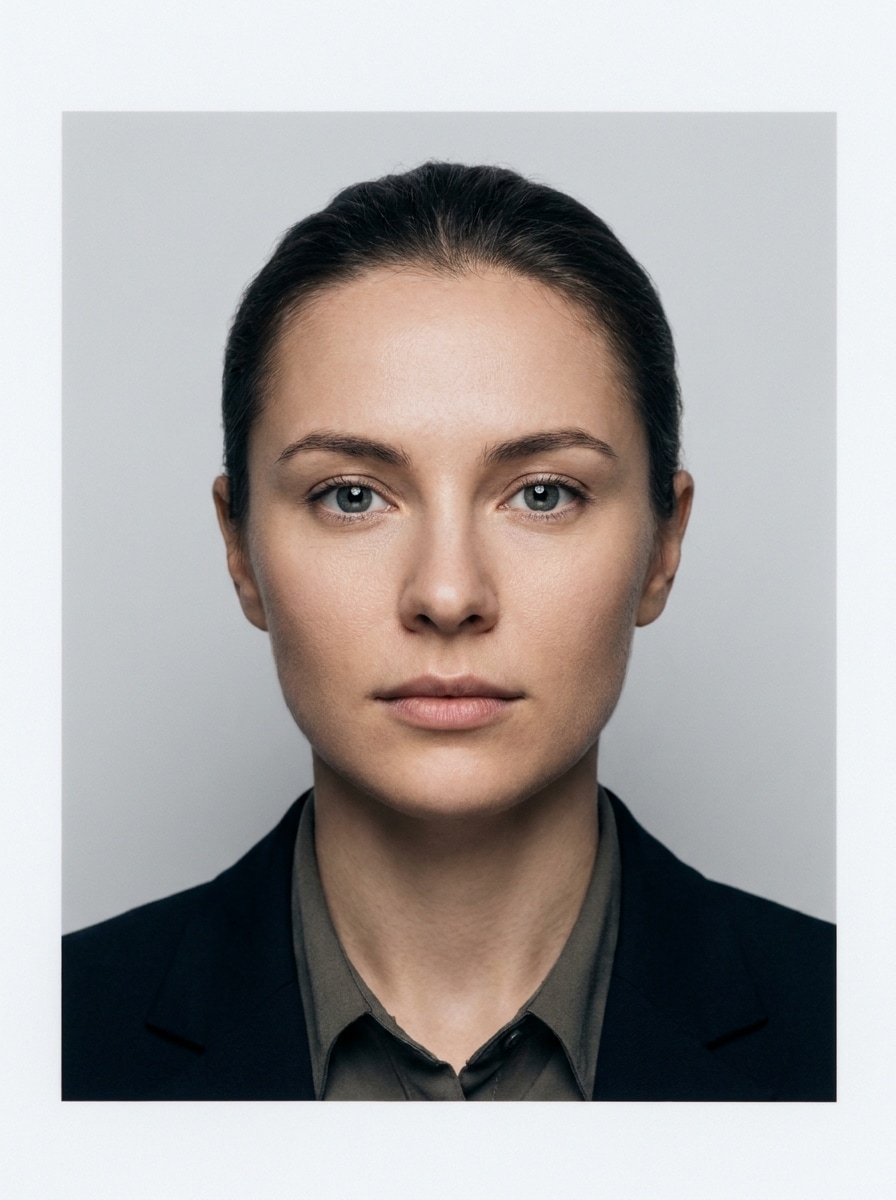
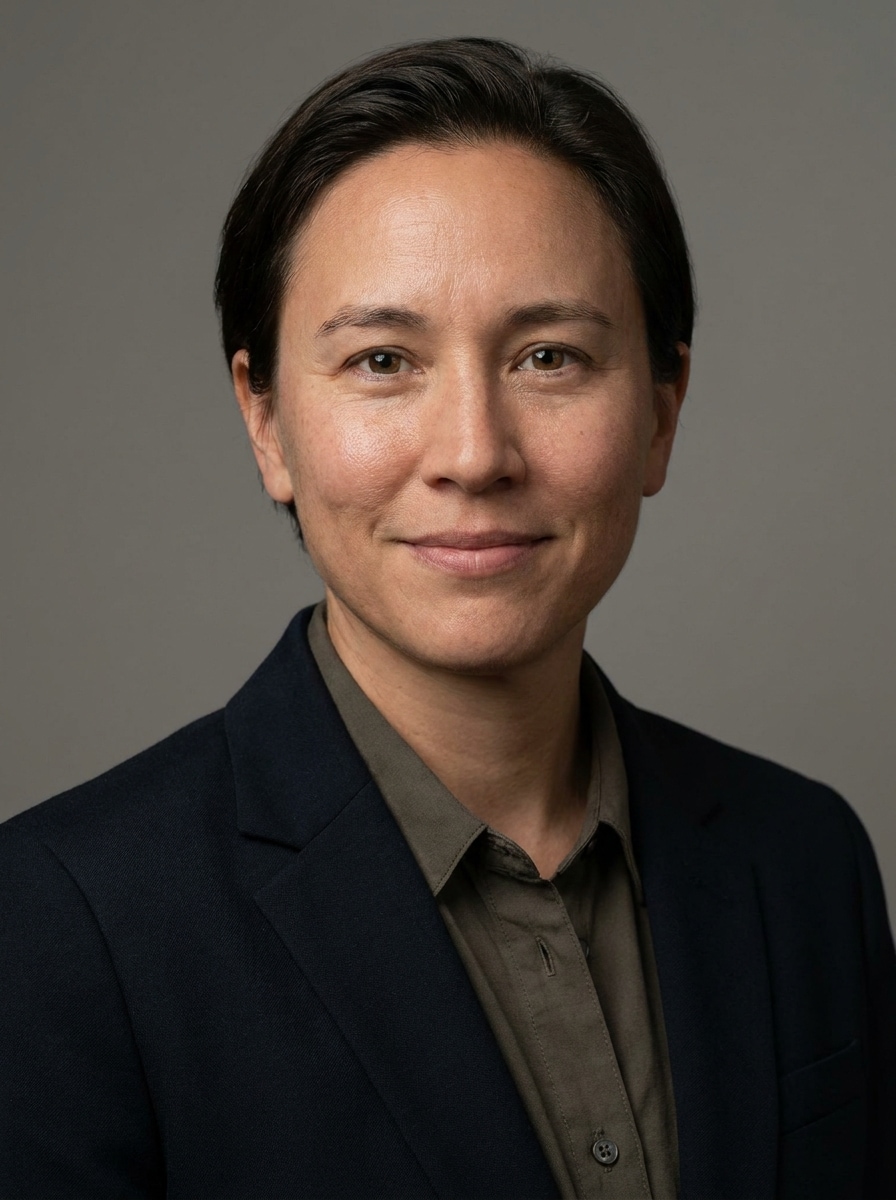
Erstellen Sie mit KI-Ausweisfoto-Stilfiltern ein professionell wirkendes Ausweisfoto aus Ihrem Selfie – mit Werkzeugen, die Hintergründe säubern, den Zuschnitt verbessern und Ihr Gesicht realistisch erhalten. Media.io hilft Ihnen, einen professionellen Look für Lebensläufe, Ausweise, Passbilder oder sogar einen schnellen Fotoautomaten-Ausweisfilter-Effekt mit schneller, mobilfreundlicher Bearbeitung in Sekunden zu erstellen.
Geben Sie Ihre Idee ein -> KI setzt sie um. Kostenlos testen.
Lesen Sie diese Beispiel-Anleitungen und passen Sie dann das Prompt an, um mit dem Ausweisfoto-Stilfilter in Media.io noch bessere Ergebnisse zu erzielen.
Passfoto Weißer Hintergrund
Nutzen Sie das hochgeladene Bild als Vorlage und verwandeln Sie es in ein sauberes Passfoto mit zentrierter Kopf-Schulter-Ausrichtung, neutralem Ausdruck, gleichmäßiger Frontalbeleuchtung, reinweißem Hintergrund, natürlicher Hautstruktur, realistischer Gesichtserhaltung, klaren Details und einem offiziellen, professionellen Fotolook.
Visafoto-Standard
Verwenden Sie das hochgeladene Selfie als Vorlage und verwandeln Sie es in ein professionelles Visafoto mit gerader Körperhaltung, mittigem Zuschnitt, einfarbig hellem Hintergrund, sanfter gleichmäßiger Beleuchtung, realistischen Haut- und Haardetails, klaren Kanten, natürlicher Farbbalance und formalem, dokumentengeeignetem Aussehen.
LinkedIn-Profilbild
Nutzen Sie das hochgeladene Bild als Vorlage und machen Sie daraus ein professionelles LinkedIn-Porträt mit weicher Studio-Beleuchtung, neutralem, sauberem Hintergrund, vorteilhafter Schulter-Porträt-Komposition, realistischer Gesichtswiedergabe, dezenter Garderoben-Optimierung, scharfem Fokus, natürlicher Hautstruktur und selbstbewusstem Business-Look.
Firmenausweis-Porträt
Verwenden Sie das hochgeladene Selfie als Vorlage und erstellen Sie ein ordentliches Firmenausweis-Foto mit zentriertem Schulter-Porträt, einfarbigem Hintergrund, ausgewogener Beleuchtung, gepflegtem Aussehen, realistischem Gesichterhalt, moderatem Kontrast, sauberem Styling und vertrauenswürdigem Arbeitsplatzfoto-Stil.
Selfie ins Studio
Nehmen Sie das lässige Selfie als Vorlage und verwandeln Sie es in ein ausweisähnliches Studiofoto mit angepasstem Zuschnitt, glattem, sauberem Hintergrund, gleichmäßiger Frontalbeleuchtung, natürlichen Gesichtsdetails, subtiler Schärfe, abgestimmter Farbbalance und offizieller, realistischer Präsentation.
Unordentlichen Hintergrund entfernen
Nutzen Sie das hochgeladene Bild als Vorlage und entfernen Sie störende Hintergründe, um ein sauberes Ausweisbild mit weißem oder hellgrauem Hintergrund, besserer Belichtung, ordentlicher Komposition, realistischer Gesichtserhaltung, scharfen Konturen, natürlicher Textur und offiziellem Finish zu erhalten.
Dezent retuschiertes Ausweisfoto
Nehmen Sie das hochgeladene Porträt als Vorlage und verbessern Sie es natürlich für ein Ausweisfoto mit kleiner Korrektur, verbesserter Klarheit, ausgeglichenen Hauttonen, realistischer Texturerhaltung, einfarbigem Hintergrund, sanfter Lichtkorrektur, zentrierter Ausrichtung und glaubwürdigem, gepflegtem Ergebnis ohne künstlich zu wirken.
Scharfes biometrisches Porträt
Verwenden Sie das hochgeladene Bild als Vorlage und machen Sie es schärfer und sauberer als biometrisches Porträt mit zentrierter Komposition, gleichmäßiger Belichtung, neutralem Hintergrund, klaren Augen-Details, realistischer Hautstruktur, ohne künstlerische Verzerrung und präzisem Dokumentenbild-Finish.
KI-Profi-Porträtfilter
Nutzen Sie das hochgeladene Selfie als Vorlage und wenden Sie einen professionellen Porträt-Filter an: mit weichem Studiolicht, sauberem Hintergrund, subtiler Garderoben-Korrektur, realistischer Gesichtserhaltung, feinem Kontrast, natürlichen Hautdetails, modernem Stil und profilbereiter Bildqualität.
Bewerbungsfoto-Upgrade
Bearbeiten Sie Ihr hochgeladenes Selfie und machen Sie es zum bewerbungstauglichen Porträt mit neutralem Hintergrund, schmeichelndem, aber natürlichem Licht, sauberem Schulter-Porträt, realistischer Gesichtserhaltung, dezentem Styling, scharfem Fokus, professionellem Ton und poliertem Look für die Bewerbung.
Warum Media.io für Ausweisfoto-Bearbeitung nutzen?
Identität bewahren und dennoch das Aussehen ändern
Starten Sie mit einem Selfie und verfeinern Sie es mit dem referenzbasierten Workflow von Media.io, damit Ihr Porträt glaubwürdig bleibt, aber Beleuchtung, Zuschnitt und Hintergrund für Lebenslauf, Ausweis oder natürliches Ausweisfoto-Filter Ergebnis verbessert werden.
Verschiedene Looks ohne Verfälschung ausprobieren
Eine Idee braucht oft verschiedene Looks. Media.io hilft, denselben Ausweisfoto-Stilfilter in unterschiedlichen Stilen umzusetzen, damit jede Version optimal zum Projekt passt.
Endergebnisse für echte Projekte gestochen scharf halten
Für Projekte mit Qualitätsanspruch produziert Media.io Ausweisfoto-Stilfilter mit bis zu 4K-Ausgabe, damit Details beim Präsentieren, Zuschneiden oder Nachbearbeiten erhalten bleiben.
Schnelle Bearbeitung auf jedem Gerät im Browser
Gerätewechsel dürfen nicht bremsen. Mit Media.io erstellen, bearbeiten und laden Sie Ausweisfoto-Stilfilter direkt im Browser – so bleibt Ihr Workflow flexibel, egal an welchem Bildschirm.
So erstellen Sie ein Ausweisfoto mit Media.io
Verwandeln Sie Ihre Worte in beeindruckende Bilder in drei einfachen Schritten – und verfeinern Sie das Ergebnis, wenn Sie es noch weiter optimieren möchten.
Schritt 1
Referenzbild hochladen
Laden Sie ein klares Selfie, Porträt oder vorhandenes Ausweisfoto im JPG-, PNG- oder JPEG-Format hoch. Ein frontales Bild mit gut sichtbaren Gesichtszügen gibt Media.io die beste Basis für realistische Optimierung, Hintergrundbearbeitung und professionelle Porträtverbesserung.
Schritt 2
Bearbeitungswunsch beschreiben und Optionen festlegen
Geben Sie ein Prompt ein, das Ihren Wunsch-Look beschreibt, z.B. weißen Hintergrund, zentrierten Zuschnitt, weiches Studiolicht oder Passfoto-Ausrichtung. Wählen Sie Ihr Modell und passen Sie Bildformat, Auflösung und Bildanzahl dem Einsatzzweck an.
Schritt 3
Generieren, Herunterladen und weiter optimieren
Lassen Sie Ihr neues Porträt erzeugen, vergleichen Sie Varianten und laden Sie die beste Version herunter. Optimieren Sie ggf. das Prompt, probieren Sie ein anderes Modell oder erzielen Sie durch neue Einstellungen für Zuschnitt, Licht oder Hintergrund noch bessere Ergebnisse.
Erfahren Sie, wie Creator diesen Ausweisfoto-Stilfilter für Inhalte, Marketing und private Projekte nutzen und passen Sie jede Idee individuell an.
Aus einem Alltags-Selfie ein Bewerbungsfoto machen
Jobsuchende können mit Media.io ihr Alltagsfoto in ein professionelles, sauberes Porträt für Lebensläufe, LinkedIn-Profile und interne Systeme verwandeln – eine praktische Lösung für Bewerbungsbilder ohne Studioshooting.
Hintergründe für Passfoto-Einreichungen säubern
Hatte Ihr Originalfoto einen unruhigen Raum, ungleichmäßiges Licht oder ungünstigen Bildausschnitt? Media.io verwandelt es in ein dokumententaugliches Porträt mit einfachem Hintergrund und klarerem Zuschnitt – ideal zur Vorbereitung offizieller Foto-Einreichungen.
Schneller einheitliche Mitarbeiter- und Ausweisfotos erstellen
Teams, Schulen und kleine Unternehmen können mit Media.io verschiedene Selfies zu einheitlichen Porträts für Verzeichnisse, Zugangsausweise und Profilkarten standardisieren. Das spart Zeit für Nachaufnahmen und sorgt dafür, dass jede Person erkennbar und professionell bleibt.
Das sagen Nutzer
Alicia M.
Jobsuchende
"Ideal zur Optimierung von Bewerbungsfotos" Ich habe mein Handy-Selfie damit in ein viel saubereres Porträt für Lebenslauf und LinkedIn verwandelt. Der Hintergrund sah professionell aus und mein Gesicht war immer noch authentisch.
Daniel R.
Büroleiter
"Hilfreich für Mitarbeiterausweise" Wir brauchten schnelle Ausweisfotos für Mitarbeiter, ohne einen ganzen Fototag zu organisieren. Media.io hat verschiedene Selfies einheitlicher gemacht und unserem Team viel Zeit gespart.
Priya S.
Masterstudentin
"Einfach am Handy" Ich habe mein Porträt in wenigen Minuten am Handy bearbeitet. Das Ergebnis hatte einen klareren Zuschnitt und einen einfachen Hintergrund – optimal für Schule und Bewerbungsformulare.
Marcus T.
Freiberuflicher Designer
"Realer als viele KI-Filter" Mir gefiel besonders, dass das Ergebnis natürlich blieb. Statt offensichtlicher KI-Kunst bekam ich ein poliertes Ausweisfoto mit realistischen Details und besserer Belichtung.
Entdecken Sie die beliebtesten KI-Video- und Bildeffekte
Ein KI-Ausweisfoto-Stilfilter ist ein Tool, das ein Selfie oder Porträt in ein sauberes, professionelleres Ausweisfoto verwandelt. In Media.io können Sie ein Referenzbild hochladen, das gewünschte Ergebnis beschreiben und ein optimiertes Porträt mit verbessertem Hintergrund, Zuschnitt und Präsentation erzeugen lassen.
2. Wie mache ich aus meinem Selfie online ein Ausweisfoto?
Laden Sie Ihr Selfie bei Media.io hoch, geben Sie einen Prompt für Ihren Wunsch-Look ein und wählen Sie Optionen wie Seitenverhältnis oder Auflösung. Das Tool erstellt dann mehrere professionell aussehende Varianten – ideal für schnelle Online-Porträt-Bearbeitung.
3. Kann ich den KI-Ausweisfoto-Editor für Pass- oder Visafotos nutzen?
Mit Media.io können Sie ein Pass- oder Visafoto mit einfarbigem Hintergrund, mittigem Zuschnitt und realistischer Gesichtserhaltung generieren. Die offizielle Anerkennung hängt jedoch von den exakten Vorschriften des jeweiligen Landes oder Amtes ab – prüfen Sie vor der Einreichung immer, ob Ihr Bild aktuellen Anforderungen entspricht.
4. Ist dieser KI-Ausweisfoto-Generator kostenlos?
Kostenlose Nutzer können Media.io mit Free-Credits ausprobieren. Für mehr Durchläufe oder hochauflösende Downloads ohne Wasserzeichen finden Sie die Tarife auf der Preisübersicht.
5. Bleibt mein Gesicht realistisch und hochauflösend?
Media.io kann hochwertige KI-Ausweisfoto-Stilfilter mit ausreichend Details zum Teilen, Präsentieren oder Weiterbearbeiten generieren. Kostenlose Nutzer sehen evtl. Wasserzeichen.
6. Kann ich auch am Handy ein Ausweisfoto machen?
Media.io ist webbasiert – Sie können es also per Handy, Tablet oder Desktop im Browser nutzen. So ist es bequem, ein Ausweisfoto oder einen Fotoautomaten-Filter zu testen, ohne extra Software zu installieren.
Über KI-gesteuerte Online-Ausweisfoto-Filter hinaus