Instant Gigachad Meme Transformation
Turn a normal selfie into a bold Gigachad AI photo with sharper facial structure, stronger jawline styling, confident expression energy, and exaggerated meme-character appeal.
 Entfalten Sie Ihr kreatives Potenzial und erleben Sie jetzt die Magie der Media-KI!
Upload your selfie and apply the Gigachad AI filter to create bold jawline edits, sigma-style portraits, exaggerated masculine meme looks, and ultra-confident cinematic profile photos in seconds. Media.io helps you transform an ordinary photo into a Gigachad AI image fast, then generate and download the final result online.
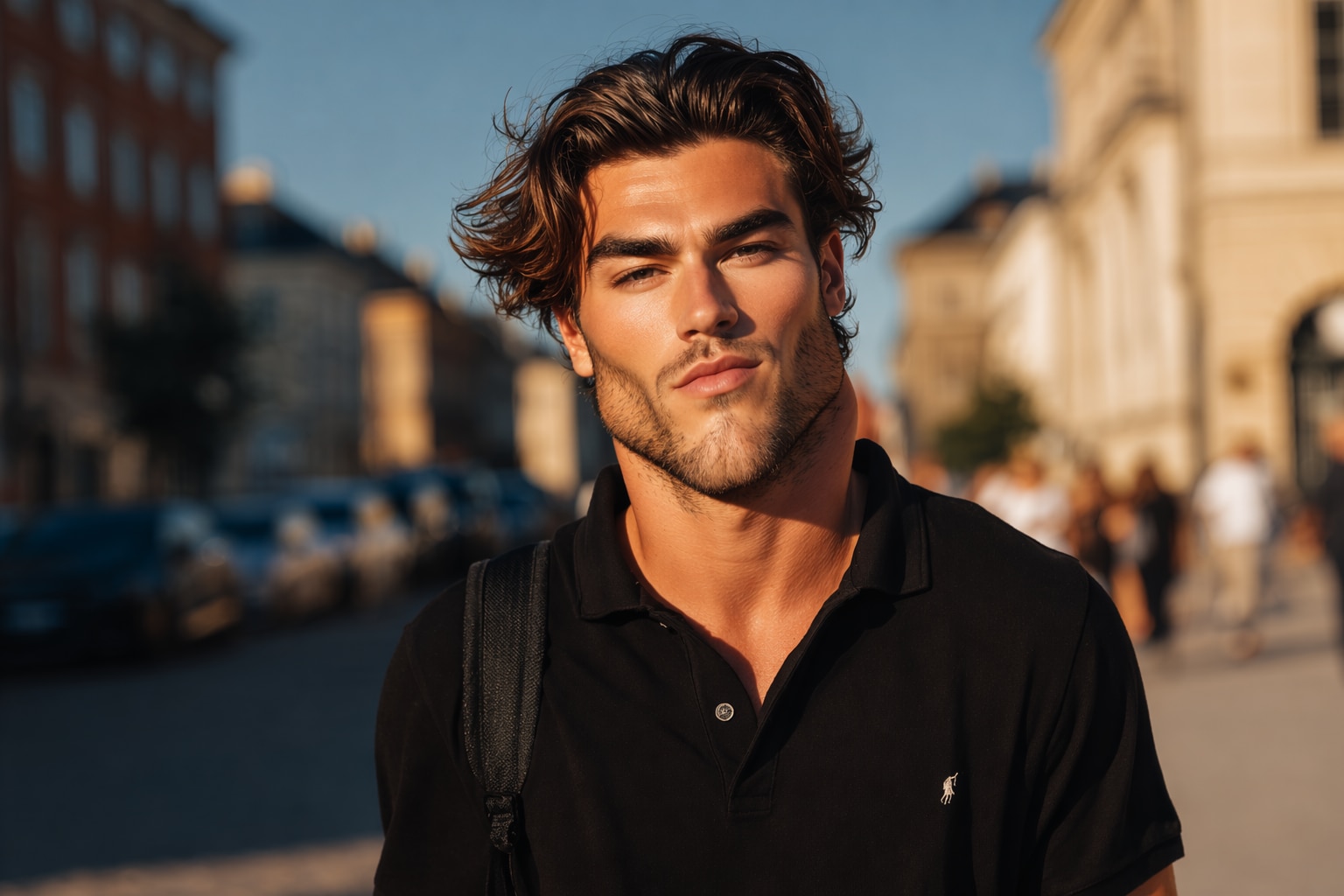
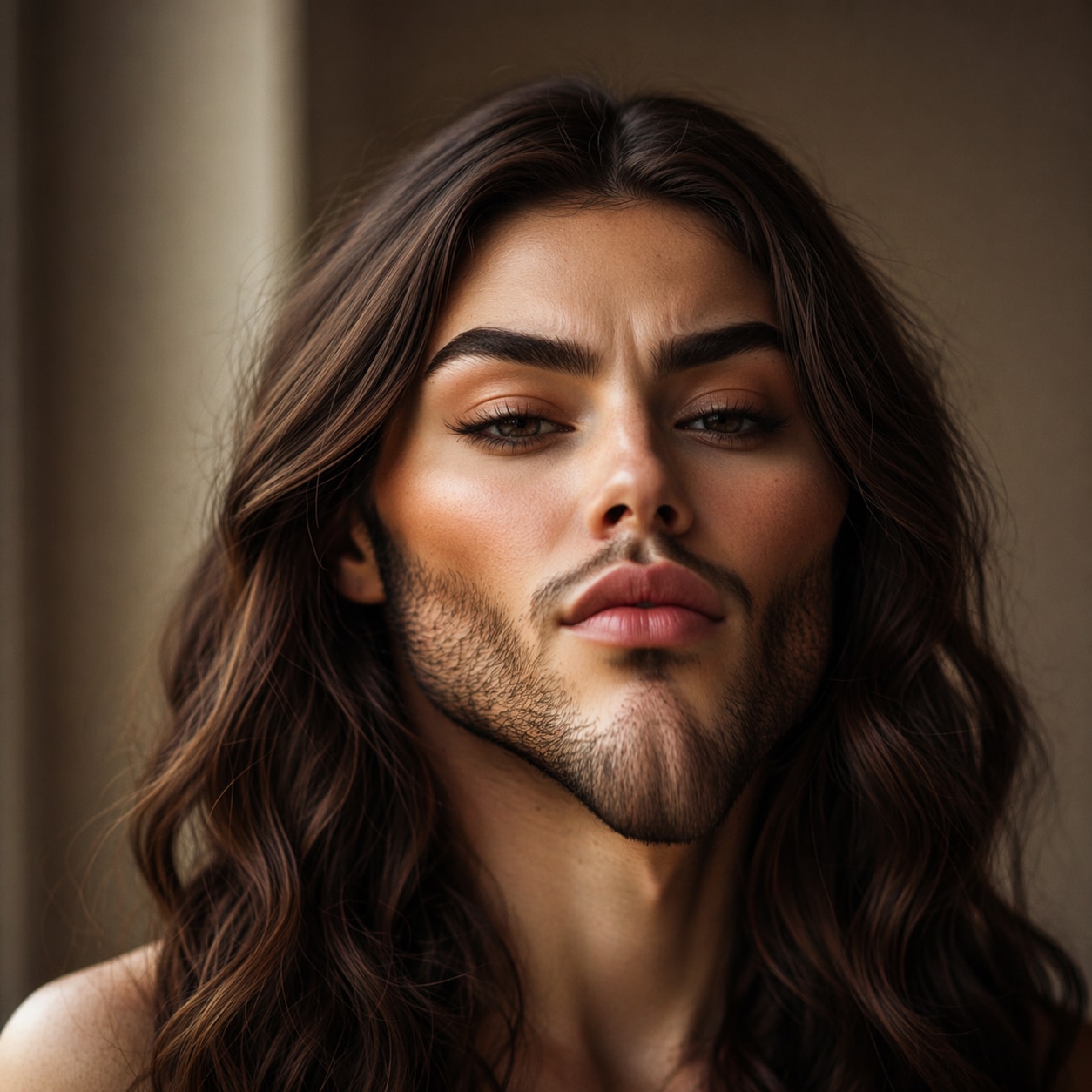
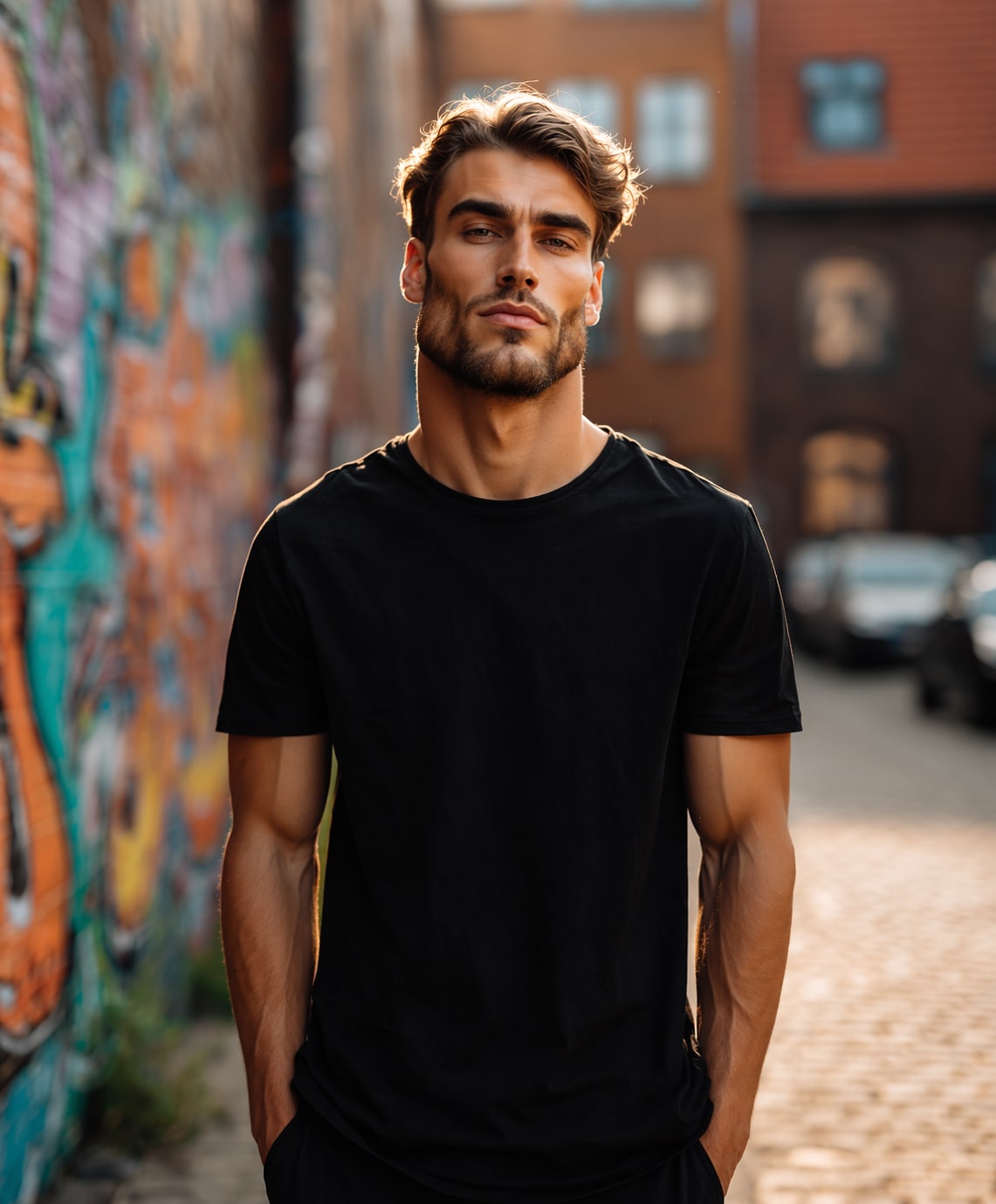
Free credits on signup.
Turn a normal selfie into a bold Gigachad AI photo with sharper facial structure, stronger jawline styling, confident expression energy, and exaggerated meme-character appeal.
The workflow is simple: upload your image, apply the Gigachad AI filter, generate the result, and download it online without needing Photoshop, face warping tools, or manual meme editing.
Create sigma-style edits for profile pictures, TikTok posts, Discord avatars, reaction images, gaming profiles, and funny social content that leans into the viral Gigachad aesthetic.
Media.io helps you create the specific AI Gigachad generator look users want: exaggerated masculinity, meme confidence, sculpted cheekbones, and a polished sigma-style portrait finish.
Start with a clear selfie or portrait. Front-facing photos with visible facial details usually work best for stronger jawline, cheekbone, and sigma-style facial enhancement.
Choose the Gigachad look and let Media.io turn your portrait into a meme-ready edit with a stronger facial structure, more intense expression, and bold hyper-masculine styling.
Generate the final image, preview the result, and download your sigma Gigachad AI photo for memes, profile pictures, reactions, or social media content.

Meme Creator

“The result looked instantly meme-ready.” I uploaded a basic selfie and got a much funnier strong-jaw edit than I expected. It worked perfectly for a reaction post and group chat meme.

Discord Admin
“Way easier than trying to fake the Gigachad look manually.” I didn’t need to mess with face editing apps. Just upload, apply the filter, and download a ridiculous sigma-style avatar in a minute.

TikTok Editor
“Perfect for exaggerated profile edits.” I used it for a funny sigma-themed post, and the stronger jawline plus confident expression made the image stand out immediately in the feed.

Gaming Creator
“Good balance of meme energy and clean output.” The filter made my portrait look exaggerated in the right way without turning it into random distortion, so it still worked as a profile image.
