
AI Watercolor Story Video Generator for Storybook-Style Videos
Have a bedtime story, children's tale, poem, lesson script, or gentle brand story that should feel hand-painted on screen? Media.io's AI Watercolor Story Video Generator helps turn your script into a soft watercolor-style story video with picture-book visuals, recognizable characters, voiceover, background music, and share-ready formats for Shorts, Reels, YouTube, classrooms, or bedtime viewing.
Create Watercolor Story Videos from Scripts and Ideas
Turn bedtime stories, short scripts, poems, lesson ideas, and gentle brand stories into soft watercolor-style videos with recognizable characters, picture-book mood, voiceover, background music, and share-ready formats.
Turn Scripts into Watercolor Story Videos
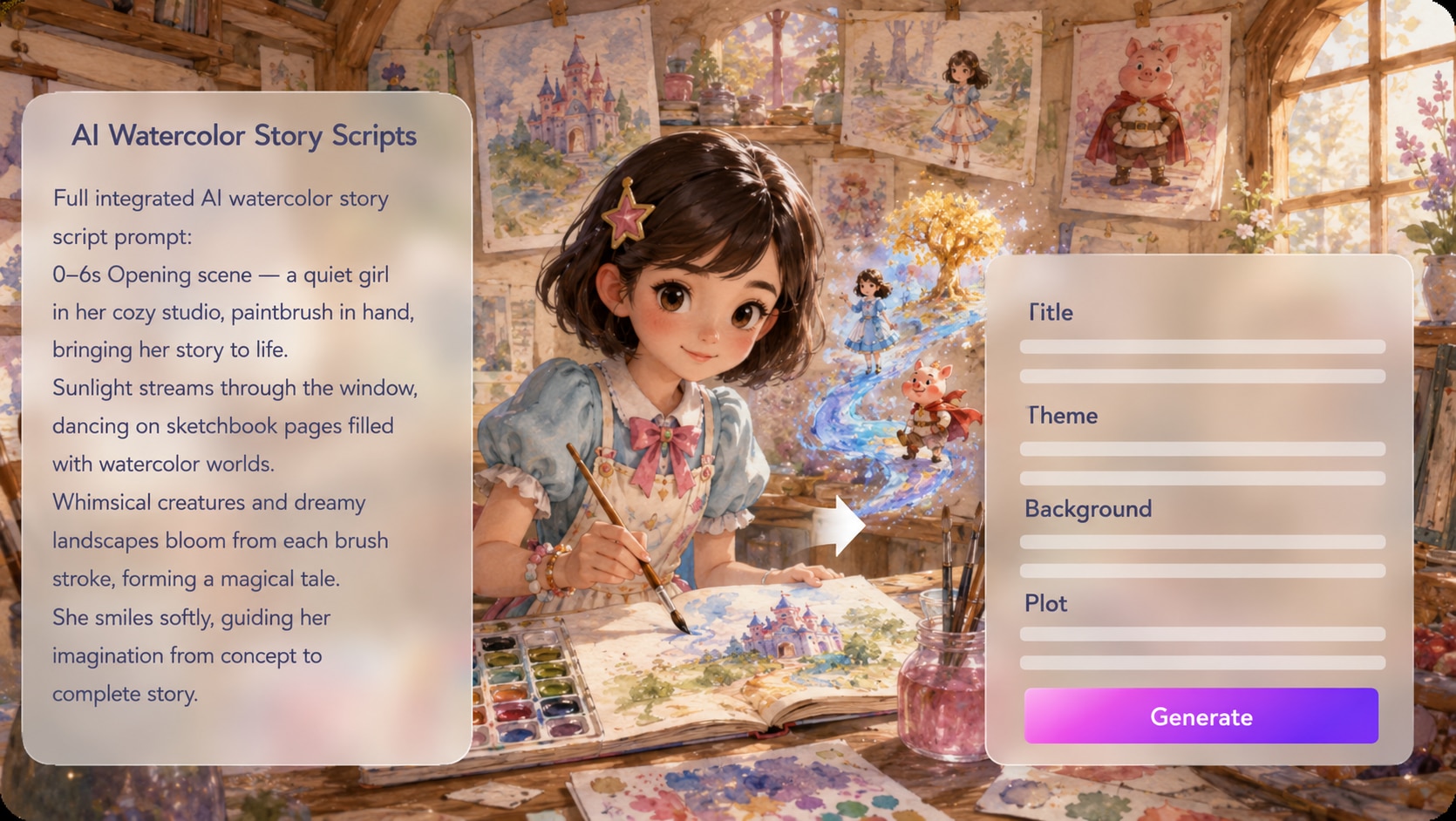
Start with the story you already have: a bedtime tale, children's script, poem, classroom story, or soft brand narrative. Media.io helps turn your text into a watercolor story video with a clearer beginning, emotional middle, and gentle ending instead of disconnected painterly clips.
- Script-to-Watercolor Video - Transform story ideas, poems, and lesson scripts into watercolor-style videos
- Story-First Flow - Shape setup, character moments, mood shifts, and ending beats
- Short Narrative Format - Create compact story videos for social, classrooms, or bedtime viewing
- Watercolor Story Maker - Build a soft illustrated video around your script, not just a single prompt
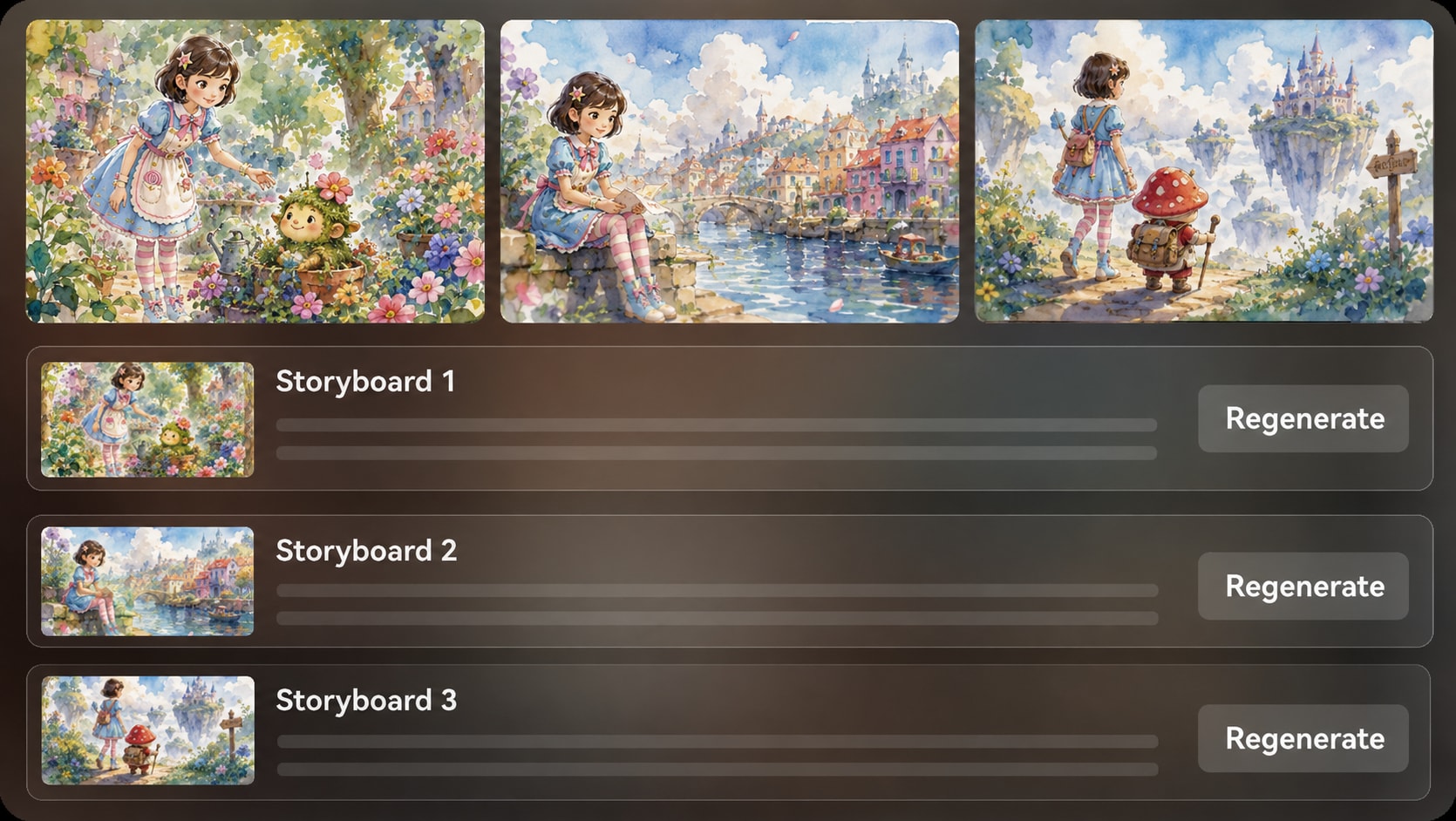
Create a Soft Watercolor Storybook Look
A watercolor story should feel calm, tactile, and emotionally warm. Guide your scenes toward soft washes, paper-like texture, gentle lighting, and delicate color palettes so the final video feels closer to an illustrated storybook than a generic AI animation.
- Picture-Book Atmosphere - Build a soft visual world for bedtime stories and gentle narratives
- Hand-Painted Mood - Use watercolor-style textures, light washes, and subtle color transitions
- Illustrated Scene Feel - Make landscapes, rooms, characters, and props feel part of one story world
- Warm Visual Tone - Fit children's tales, poems, classroom stories, and emotional brand moments

Keep Story Characters Recognizable in Every Scene
Watercolor charm fades fast when the hero looks different every few moments. Create characters from text, a sketch, or a reference photo, then guide their hair, outfit, shape, and overall personality so your child hero, animal friend, narrator, or brand mascot remains easy to recognize.
- Character Setup - Start with text, photo, or sketch references for your main cast
- Watercolor Character Feel - Keep the look soft, illustrated, and storybook-friendly
- Recognizable Cast - Help heroes, companions, and recurring figures stay visually familiar
- Series-Friendly Stories - Build characters that can return in bedtime stories, lessons, or episodes
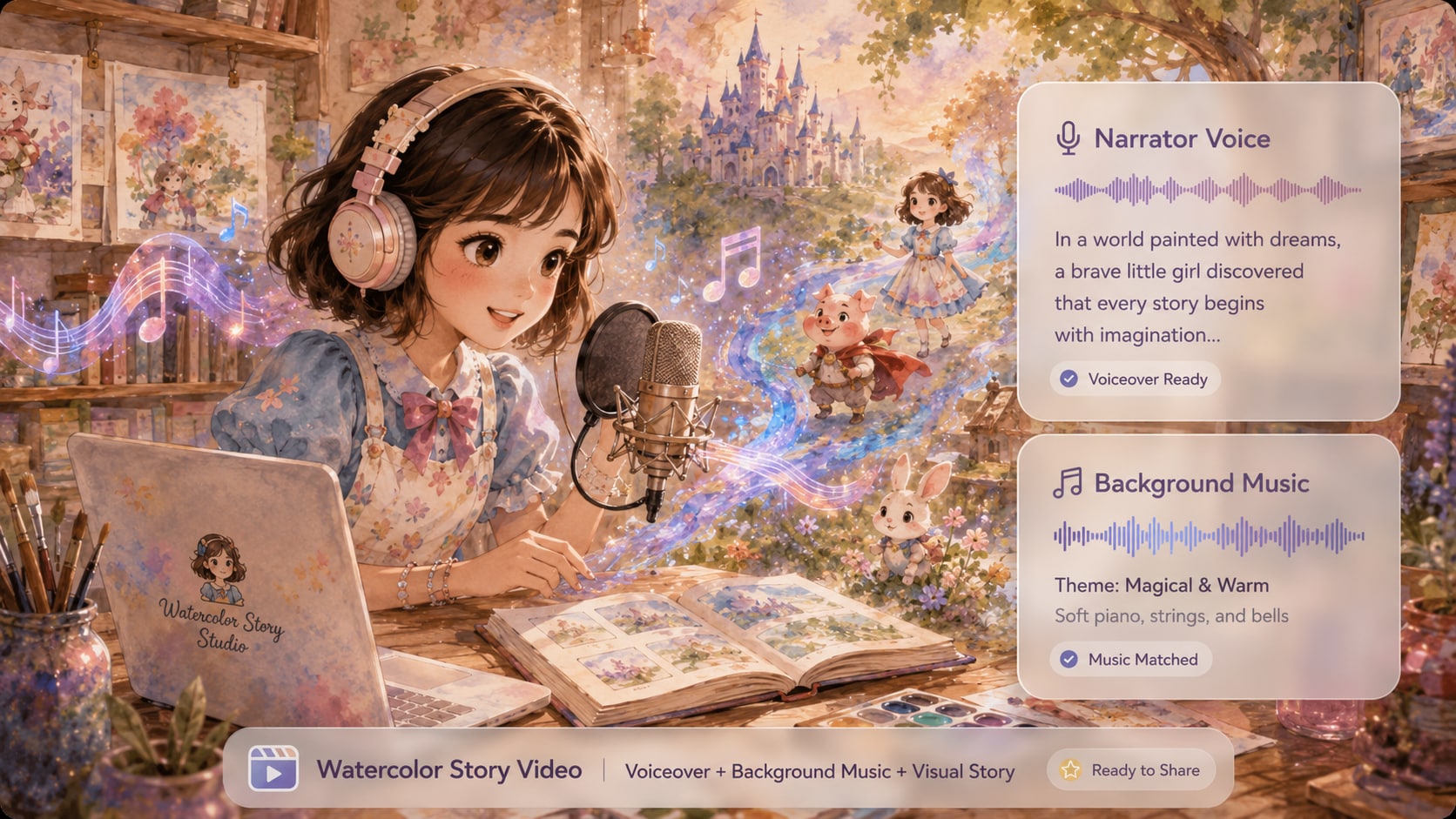
Finish a Watercolor Story Video with Voiceover and Music
A watercolor story video should be watchable, not just pretty. Add narration and background music to support the emotion of each scene, then prepare the final result for bedtime viewing, classroom storytelling, YouTube, Shorts, Reels, or a gentle brand campaign.
- Narrated Story Video - Add voiceover so viewers can follow the story from start to finish
- Background Music - Match the mood of calm tales, magical scenes, lessons, or emotional moments
- Share-Ready Output - Create watercolor videos for YouTube, Shorts, Reels, classrooms, or bedtime stories
- Post-Generation Polish - Review the generated video and refine clarity with Media.io tools when needed
Make a Watercolor Story Video in Media.io
Start with a story script, shape a soft watercolor world, and generate a narrated story video ready for Shorts, Reels, YouTube, classrooms, or bedtime viewing.

Paste Your Story Script
Start with a bedtime story, children's tale, poem, lesson idea, or gentle brand script. Choose the format that fits your plan, such as a vertical watercolor story video for Shorts or a wider storybook-style video for YouTube.

Build the Watercolor Cast
Create story characters from text, a reference photo, or a sketch, then guide the watercolor look with soft colors, picture-book mood, and recognizable character details for your hero, companion, narrator, or mascot.

Generate, Review, and Share
Generate a watercolor-style story video with illustrated visuals, voiceover, and background music. Review the final result, polish clarity with Media.io tools when needed, and share it as a storybook video, classroom clip, or social post.
Compare Media.io with
Basic AI Watercolor Story Video Generators
Basic tools may create pretty watercolor clips. Media.io helps turn scripts into complete watercolor story videos with recognizable characters, narrated flow, background music, and formats ready for sharing.
Make Watercolor Story Videos for Every Storytelling Channel

YouTube Storytellers
Turn bedtime stories, gentle scripts, poems, or serialized tales into watercolor story videos with picture-book visuals, recognizable characters, narration, and soft background music for YouTube and Shorts.

TikTok and Reels Creators
Create short watercolor story videos from simple scripts or emotional moments. Use soft illustrated scenes, quick story beats, and vertical-friendly pacing for TikTok, Reels, and Shorts.

Teachers and Story Educators
Transform lesson scripts, reading passages, moral stories, or historical scenes into approachable watercolor videos. Add narration and gentle visuals to help students follow the story, setting, and key idea.

Brands and Creative Teams
Give product stories, founder messages, seasonal campaigns, and brand moments a softer illustrated tone. Turn a written brief into a watercolor-style story video for landing pages, social posts, or launch teasers.
See How Stories Ship
Ship Across Different Formats and Niches
Use these examples to spot pacing, framing, and structure you can borrow for your own watercolor narratives.
Loved by Creators Making Watercolor Story Videos
See how storytellers, teachers, marketers, authors, and short-form creators use Media.io to turn scripts into soft watercolor-style videos with narration, music, and storybook visuals.


"I wanted my folktale shorts to feel like a watercolor picture book, not a random set of AI clips. Media.io helped me turn simple scripts into narrated story videos with a softer visual style and characters viewers could recognize from scene to scene."

"For classroom storytelling, the watercolor look makes lessons feel warmer and less like a slideshow. I can start with a reading passage or moral story, then create a short video with narration that students can follow more easily."

"We used it for a gentle brand story instead of a hard-sell product video. The watercolor style gave the campaign a handcrafted feeling, while the voiceover and music made the final video feel complete enough for Reels and landing page use."

"I tried it for a soft fantasy pitch where a normal AI video felt too glossy. The watercolor story video style helped the scenes feel more poetic, almost like a moving concept book, which worked well for sharing the mood of the project."

"My short stories usually need a hook, a small emotional turn, and a clean ending. Media.io helps me create vertical watercolor story videos that look different from standard AI clips and fit the softer tone my audience likes."

"I tested it for a children's book trailer, and the watercolor look matched the mood much better than a realistic video style. It gave me a gentle visual base with narration and music, so the story felt inviting before readers even opened the book."
FAQs on AI Watercolor Story Video Generator
What Is an AI Watercolor Story Video Generator?
An AI Watercolor Story Video Generator helps turn scripts, bedtime stories, poems, lesson ideas, or gentle brand stories into soft watercolor-style videos. Instead of creating one random painterly clip, Media.io helps generate a more complete story video with illustrated scenes, recognizable characters, voiceover, background music, and share-ready formats.
Is This Different from a Watercolor AI Video Generator?
Yes. A general watercolor AI video generator usually focuses on creating a short watercolor-style clip from a prompt. Media.io is built more for story video creation, so it is better when you want a script-based watercolor narrative with characters, narration, music, and a beginning-to-ending flow.
Can I Turn Text into a Watercolor Video?
Yes. You can start with text such as a short story, children's tale, poem, classroom script, narration draft, or scene idea. For users searching for a text to watercolor video workflow, Media.io helps turn written ideas into watercolor-style story videos rather than only generating a single static-looking visual moment.
Can I Turn a Script into a Watercolor Story Video?
Yes. Media.io can help turn a script to watercolor video by building a story-led video from your written content. This works well for bedtime stories, short fairytales, book trailers, lesson scripts, emotional social posts, and soft brand narratives that need a watercolor storybook feel.
What Types of Stories Work Best in Watercolor Style?
Watercolor style works especially well for bedtime stories, children's tales, fairytales, poems, gentle fantasy scenes, classroom stories, moral lessons, book trailers, emotional brand stories, and soft social videos. Scripts with clear characters, settings, and emotional beats usually produce stronger watercolor story videos.
Can I Make a Watercolor Storybook Video?
Yes. Media.io can work as a watercolor storybook video generator for creators who want soft illustrated scenes, gentle pacing, narration, and music. It is especially useful for children's stories, bedtime stories, classroom reading, book previews, and picture-book-style videos.
How Do I Make the Video Look Like a Watercolor Animation Story?
Use clear visual direction such as soft watercolor washes, paper texture, gentle lighting, pastel tones, storybook illustration, hand-painted scenery, and calm camera movement. A stronger watercolor animation story usually starts with a clear setting, simple character details, and a mood that stays consistent across the video.
Can I Keep the Same Character Across a Watercolor Story Video?
Yes. Media.io lets you create story characters from text, a reference photo, or a sketch, then guide details such as hairstyle, outfit, age, role, and overall personality. This helps your hero, animal friend, narrator, or mascot stay more recognizable across the watercolor-style scenes.
Can I Create an AI Watercolor Character Video from a Photo or Sketch?
Yes. You can use text, a photo, or a sketch to guide a watercolor-style character for your story video. This is useful when you want a child hero, animal companion, narrator, mascot, or recurring storybook character to feel visually familiar throughout the video.
Does the Watercolor Story Video Include Voiceover and Music?
Yes. Media.io can help create a more complete watercolor story video with illustrated visuals, voiceover, and background music. This is useful when you want a narrated bedtime story, classroom video, YouTube story, Reels clip, or book trailer instead of a silent visual draft.
Can I Make a Watercolor Bedtime Story Video?
Yes. Watercolor visuals are a strong fit for bedtime stories because they feel soft, calm, and picture-book-like. You can turn a gentle script into a watercolor bedtime story video with narration, background music, and a visual style that feels warm rather than overly flashy.
Can I Make Watercolor Story Videos for YouTube Shorts, TikTok, and Reels?
Yes. You can create vertical watercolor story videos for YouTube Shorts, TikTok, and Instagram Reels, or wider storybook-style videos for YouTube, lessons, presentations, and landing pages. This helps creators adapt one story idea to different publishing formats.
How Long Can the Generated Watercolor Story Video Be?
Media.io can generate watercolor story videos up to 2 minutes long. That length works well for bedtime stories, short fairytales, classroom segments, YouTube Shorts, TikTok stories, Reels, book teasers, and compact brand narratives.
Can I Review the Watercolor Story Video Before Sharing?
Yes. After the watercolor story video is generated, you can review the final result before publishing. Check whether the characters, scenes, pacing, narration, music, and watercolor mood feel coherent, then use Media.io tools to polish the video if needed.
What Should I Put in My Prompt for a Better Watercolor Story Video?
Describe the main character, setting, story mood, visual style, and ending. For example, mention "soft watercolor storybook style," "paper texture," "gentle pastel palette," "warm narration," or "calm background music." Clear story details usually work better than a vague one-line prompt.
What Makes Media.io Better Than a Basic AI Watercolor Video Maker?
Basic AI watercolor video makers often focus on generating one short watercolor-style clip. Media.io is designed for a fuller story video workflow: script-based generation, recognizable character setup, watercolor-style visuals, voiceover, background music, share-ready formats, and post-generation polishing tools.
Discover More AI Story Video Generators
Want to create more than watercolor story videos? Explore related Media.io AI video generators for anime stories, horror scripts, faceless narration channels, kids stories, general story videos, animation ideas, and other script-to-video workflows built for different storytelling styles.







Write the Story.
Ship It in Watercolor.
Create a painterly storyboard-driven video you can post, teach with, or pitch, without hand-animating every frame.
 4. 8 (48321 Votes)