Low-Gravity Moonwalk Motion
Describe gentle bouncing steps, slower falls, and light floating gestures to evoke reduced gravity. Keep pose simple so the subject stays coherent.
Turn a photo into a moon-inspired AI moon photo with gentle low-gravity poses, floating poses, and cinematic lunar scenery. Use Media.io Image to Image to experiment with a playful space effect while keeping your subject recognizable. No astronaut suit required.
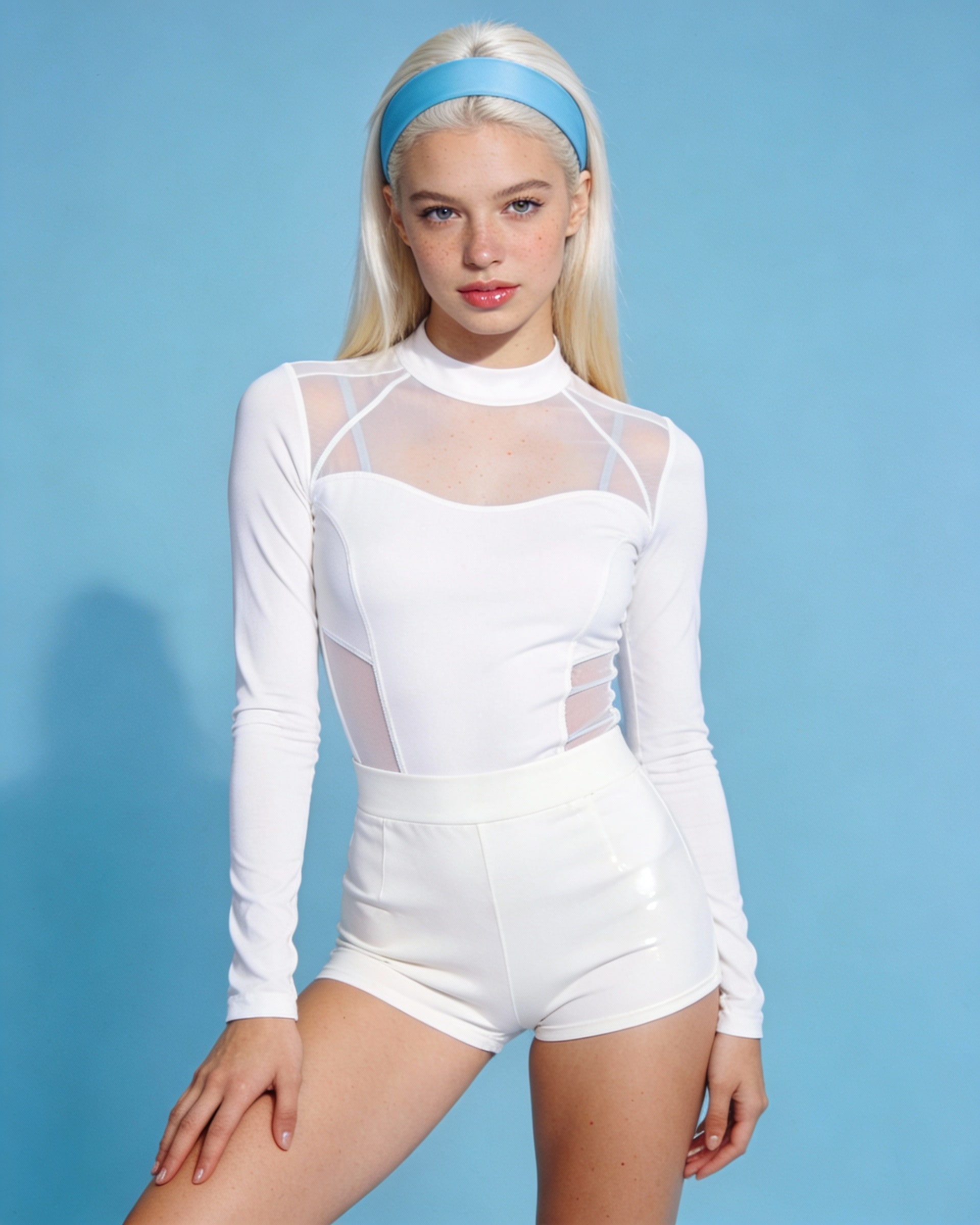
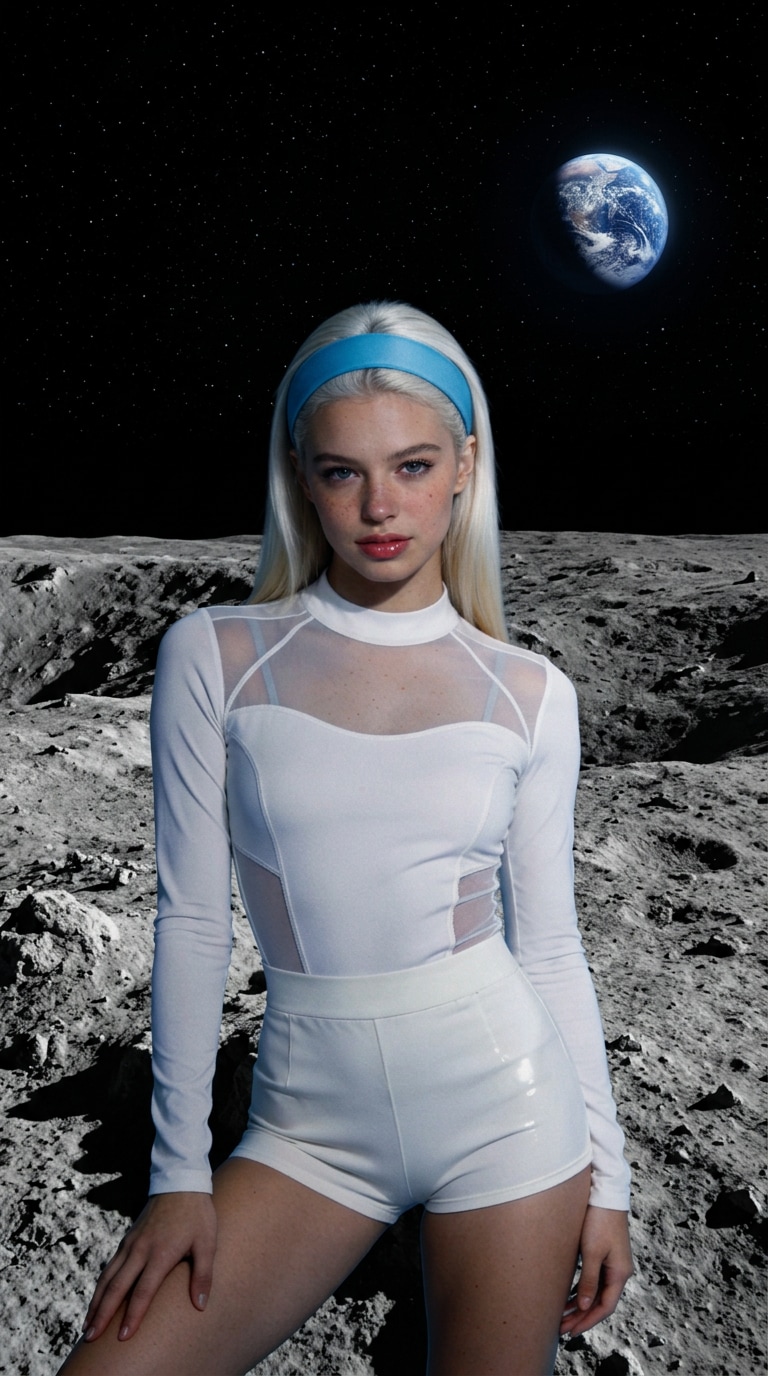
Before and after: see how a photo can be reimagined with a moon-inspired AI effect.
Upload a clear photo. Image quality, available models, and photo resolution vary by workflow.
Describe gentle bouncing steps, slower falls, and light floating gestures to evoke reduced gravity. Keep pose simple so the subject stays coherent.
Place your subject against gray moon dust, cratered terrain, distant Earth, and soft sunlight. You can keep their original outfit or request a space-inspired look.
Start with a well-lit photo and instruct the model to preserve facial features, hair, clothing, and body proportions. Check the generated result for changes.
Try a vertical composition for Reels, TikTok, or Shorts when your chosen model supports it. Add captions and licensed audio after generation.
Open Media.io Image to Image and upload a photo you own or have permission to use. A full-body image with visible feet works well for low-gravity pose.
Prompt a slow, buoyant moonwalk with small hops, floating arm gestures, lunar dust, and a stable camera. Specify that the face and outfit should remain consistent.
Generate your photo, then check facial details, body proportions, lighting, and background consistency. Adjust the appearance prompt if the subject moves too quickly or changes appearance.
The Motion on the Moon Filter refers here to a moon-inspired visual effect that makes a person appear to move in low gravity, often with low-gravity poses or floating gestures. Media.io can generate a similar AI photo from a photo and a descriptive prompt. It is not a claim of an official filter affiliation.
Upload a clear portrait or full-body photo to Media.io Image to Image. Describe slow moonwalk pose, floating poses, cratered lunar ground, and consistent facial features. Generate a short image and review the output. Exact controls depend on the selected model.
Yes. Ask the model to preserve the clothes in your original photo while changing the background and appearance. If you prefer a spacesuit, specify it in the prompt. Clothing and identity consistency can vary, so review the result.
Fast or complex poses, cropped feet, and busy backgrounds can make appearance less stable. Try a full-body photo, smaller hops, a fixed camera, and a shorter sequence. Regenerate if hands, feet, or facial details drift.
Free credits, generation costs, export options, and model availability depend on Media.io’s current plan and workflow. You can share content you have rights to use, subject to the platform’s terms. Check music and image permissions before publishing.