Recreate the Viral iPhone Meme
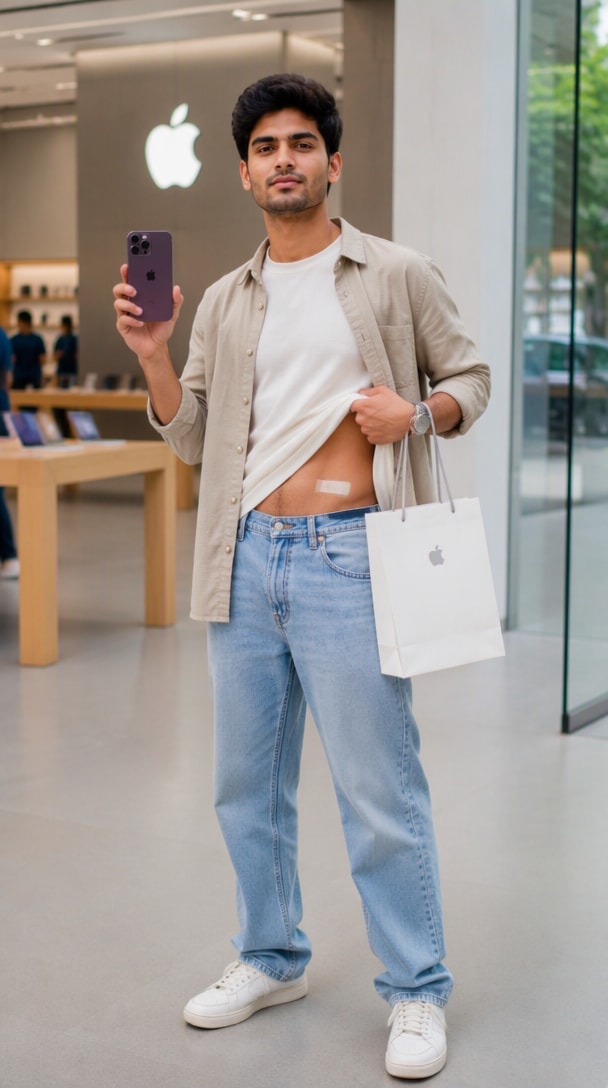
Create the non-graphic “sold my kidney for an iPhone” joke with a small abdominal bandage, a proud “worth it” expression, and a premium phone-store backdrop. The humor reads instantly without gore.
Turn one selfie into a funny iPhone 18 Pro Max photo while keeping your face recognizable. Recreate the viral “sold my kidney for this phone” meme, an Apple Store mirror selfie, a new-phone flex, launch-day portrait, or unboxing shot for girls and boys.
Upload a clear portrait, paste an iPhone 18 Pro Max prompt, and generate your viral photo edit.
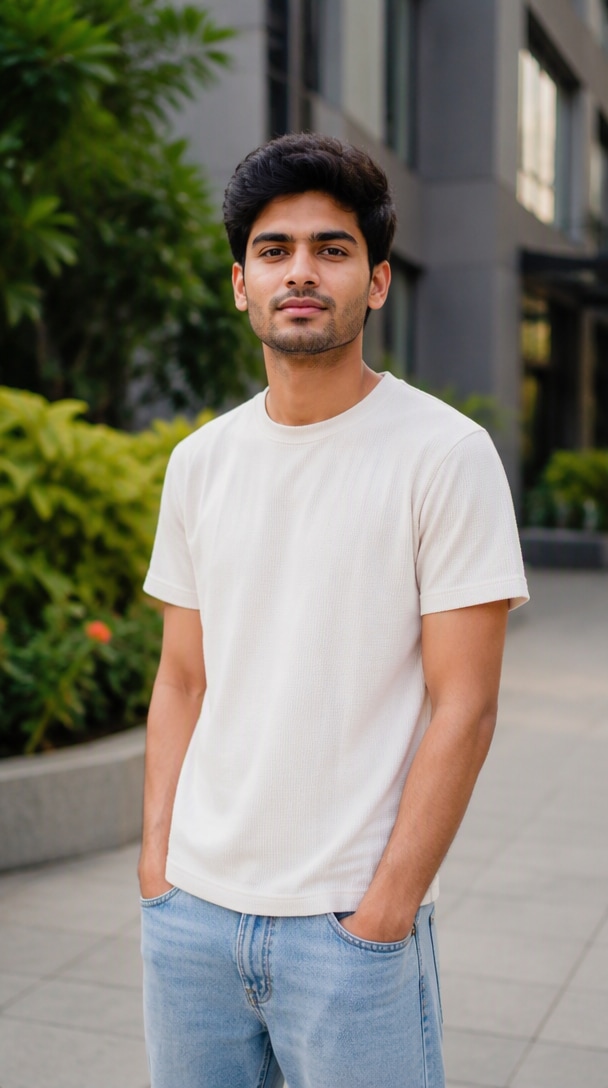
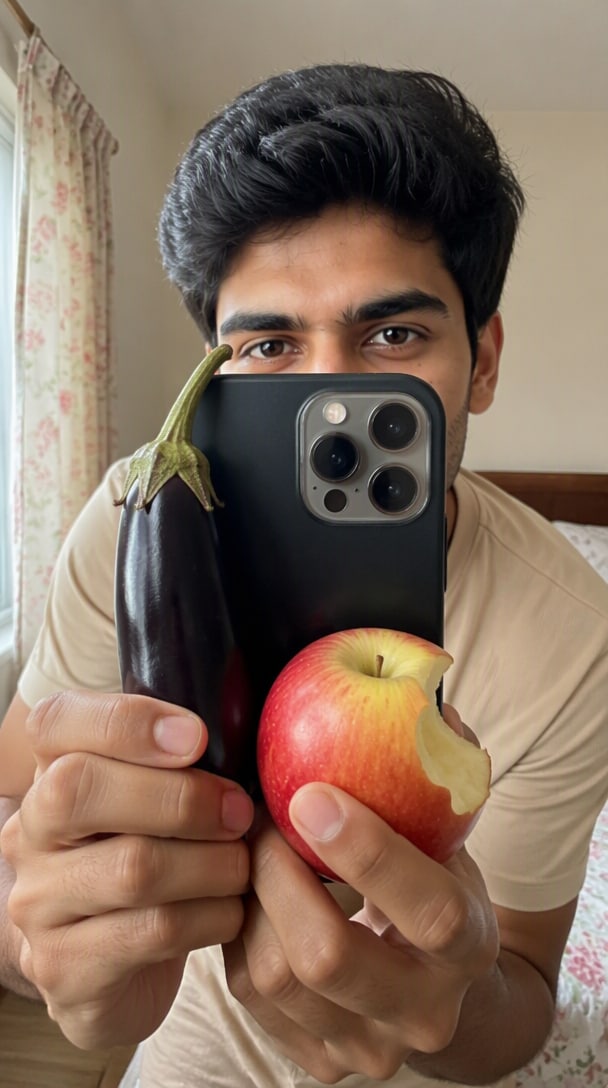
One photo → multiple funny iPhone 18 Pro Max styles
The current iPhone 18 Pro Max prompt trend mixes a recognizable new-phone flex with meme storytelling. Media.io lets you keep your identity while changing the store setting, outfit, pose, phone color, shopping bag, expression, and camera style—so a normal portrait becomes a social-ready AI photo.
Create the non-graphic “sold my kidney for an iPhone” joke with a small abdominal bandage, a proud “worth it” expression, and a premium phone-store backdrop. The humor reads instantly without gore.
Use an elegant fashion-forward outfit for girls or a relaxed layered streetwear look for boys. Keep the face, skin tone, hairstyle, age, and body proportions consistent with the uploaded portrait.
Specify the same Dark Cherry iPhone 18 Pro Max in the hand and background display. Clear product color, camera placement, hands, shopping bag, and framing help reduce mismatched or duplicated details.
Generate 9:16 or 4:5 portraits for Reels covers, Stories, profile posts, and meme shares. Ask for realistic smartphone photography, natural store lighting, clean skin texture, and believable reflections.
Choose a sharp portrait or full-body photo with a visible face, hands, and natural body outline. A clean source helps preserve your identity while the AI changes the outfit, phone, pose, and store environment.
Pick a funny iPhone 18 Pro Max photo prompt below. Describe the Dark Cherry phone, Apple-style showroom, shopping bag, expression, outfit, camera angle, and whether you want the viral bandage meme or a cleaner flex shot.
Generate the image, then check face consistency, fingers, phone camera layout, product color, text, reflections, and body proportions. If one detail drifts, keep the scene and simplify only that part of the prompt.
Copy a prompt, upload your portrait, and customize the outfit or expression. These ideas reflect current search intent around funny iPhone 18 Pro Max edits, Apple Store photos, new-phone flex shots, and girl/boy prompt variations.
Use the uploaded photo as the exact identity reference. Preserve the face, facial features, skin tone, hairstyle, age, and natural body proportions. Create a photorealistic 9:16 full-body portrait inside a bright premium Apple-style showroom. The subject proudly holds a Dark Cherry iPhone 18 Pro Max and a clean white shopping bag. Add a small rectangular surgical-style bandage on the lower abdomen as a funny “sold my kidney for this phone” joke; keep it completely non-graphic, blood-free, and playful. Add a proud “worth it” expression. Use an elegant fashionable outfit for a girl or a stylish casual layered outfit for a boy. Realistic smartphone photography, natural store lighting, believable hands, accurate reflections, high detail, no face change, no extra fingers, no watermark.
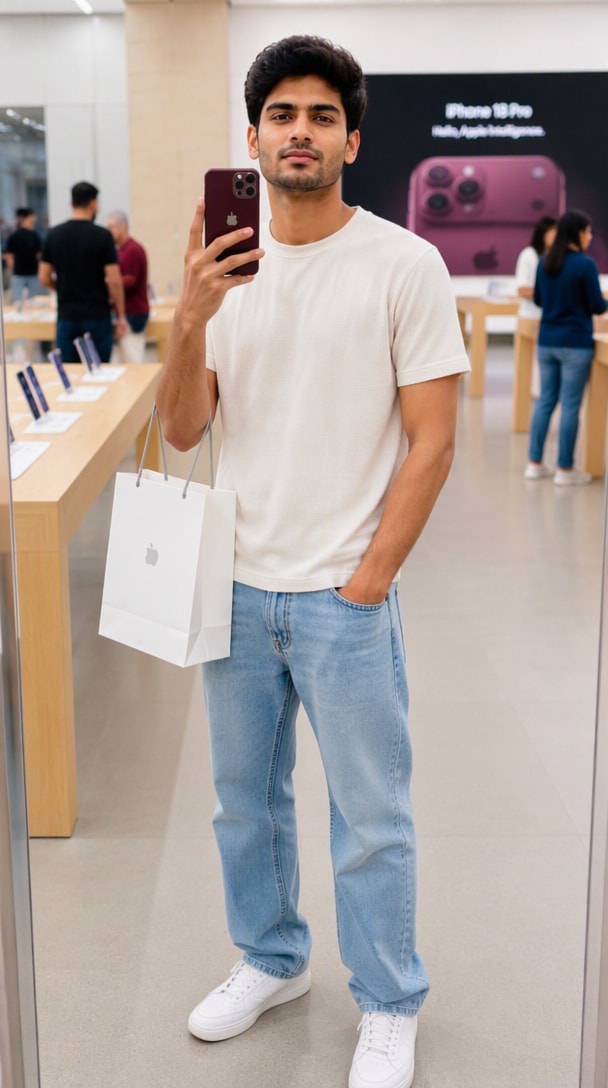
Transform the uploaded portrait into a photorealistic 4:5 full-body mirror selfie inside a modern premium phone store. Preserve the exact identity and natural appearance. Hold a Dark Cherry iPhone 18 Pro Max beside the face with the rear cameras visible, with a white shopping bag hanging from the same arm. Add pale wooden display tables, softly blurred shoppers, bright neutral retail lighting, and a large burgundy phone display in the background. Keep the pose relaxed and confident, with realistic hands, natural skin texture, accurate mirror reflections, and no distorted text or duplicated devices.
Use the uploaded girl as the exact identity reference. Keep her face, skin tone, hairstyle, age, and natural proportions unchanged. Place her in a bright luxury Apple-style showroom, holding a Dark Cherry iPhone 18 Pro Max and shopping bag. Style her in a fashionable fitted top with elegant jeans or tailored trousers and minimal accessories. Give her a playful confident smile and relaxed social-media pose. Add a premium product display behind her, realistic indoor lighting, clean 9:16 composition, natural skin texture, believable fingers, and a polished smartphone-photo look.
Use the uploaded boy as the strict identity reference and preserve his exact facial features, skin tone, hairstyle, age, and natural build. Create a realistic 9:16 full-body photo in a premium smartphone showroom. He holds a Dark Cherry iPhone 18 Pro Max at chest height and a retail shopping bag in the other hand. Dress him in a clean overshirt over a plain T-shirt, dark jeans or tailored trousers, and sneakers. Use a relaxed confident stance, subtle smile, realistic store reflections, natural lighting, sharp face, believable hands, and no face alteration.
Create an authentic launch-day press photograph using the uploaded person as the identity reference. Preserve the face and natural skin texture. The subject stands beside a premium display table holding a Dark Cherry iPhone 18 Pro Max upright with the back facing the camera and a retail box in the other hand. Behind them, add a clean product-launch screen with a large matching burgundy phone visual and simple “iPhone 18 Pro Max” headline. Include softly blurred photographers and shoppers, neutral event lighting, 50mm camera perspective, realistic hands, natural shadows, and a 4:5 vertical composition.
Pose inside a bright premium phone store with a Dark Cherry iPhone 18 Pro Max, shopping bag, and a small clean abdominal bandage. Add a proud “worth it” expression for the viral joke.
Create a full-body mirror selfie with the phone held near the face, realistic store tables and displays, relaxed styling, and a shopping bag hanging from the arm.
Turn your portrait into a launch-day press-style photo holding the new phone and retail box in front of a premium product display, with realistic event lighting and softly blurred shoppers.

Lifestyle Creator
“The Meme Looks Surprisingly Real.” I used the funny bandage concept and the result looked like a believable new-phone flex instead of a random AI scene. My face stayed recognizable too.

Fashion Content Creator
“Perfect for a Story Post.” The girl version gave me a clean outfit, realistic store lighting, and a strong 9:16 composition that worked well as a Story and Reel cover.

Social Media Creator
“The Phone Flex Feels Natural.” I liked that I could switch from the meme version to a simple launch-day photo while keeping the same face and Dark Cherry phone concept.
It is a text instruction that turns your uploaded portrait into an iPhone 18 Pro Max themed AI photo. Current versions often use a premium phone-store scene, a Dark Cherry phone, shopping bag, realistic full-body framing, and humorous storytelling such as the non-graphic “sold my kidney for this phone” meme.
It is a visual meme prompt showing the subject proudly holding a new iPhone while wearing a small, clean surgical-style bandage on the lower abdomen. The joke exaggerates how expensive a flagship phone feels. Keep it blood-free and non-graphic so the image stays playful rather than disturbing.
Yes. Keep the same phone-store concept while adapting styling and body language. For girls, try an elegant top with jeans, trousers, heels, or sandals and a playful confident pose. For boys, use a casual overshirt, T-shirt, jeans or trousers, sneakers, and a relaxed new-phone flex.
Use a clear unfiltered portrait and explicitly ask the AI to preserve your exact facial identity, skin tone, hairstyle, age, and natural proportions. For the phone, specify the same model and Dark Cherry color everywhere it appears. If your tool supports a separate phone reference image, use it to reduce hardware drift.
Use 9:16 for Stories, Shorts, and Reel covers, or 4:5 for Instagram feed posts. Full-body vertical framing works especially well for the Apple Store meme because it leaves room for the phone, shopping bag, outfit, bandage gag, and store background in one readable composition.