Faça Upload do Seu Rosto
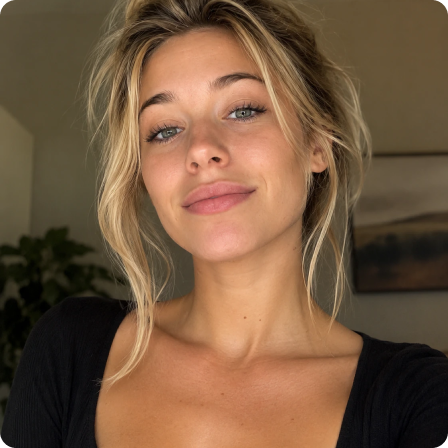
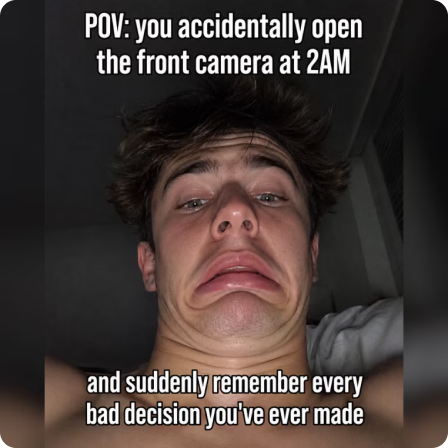















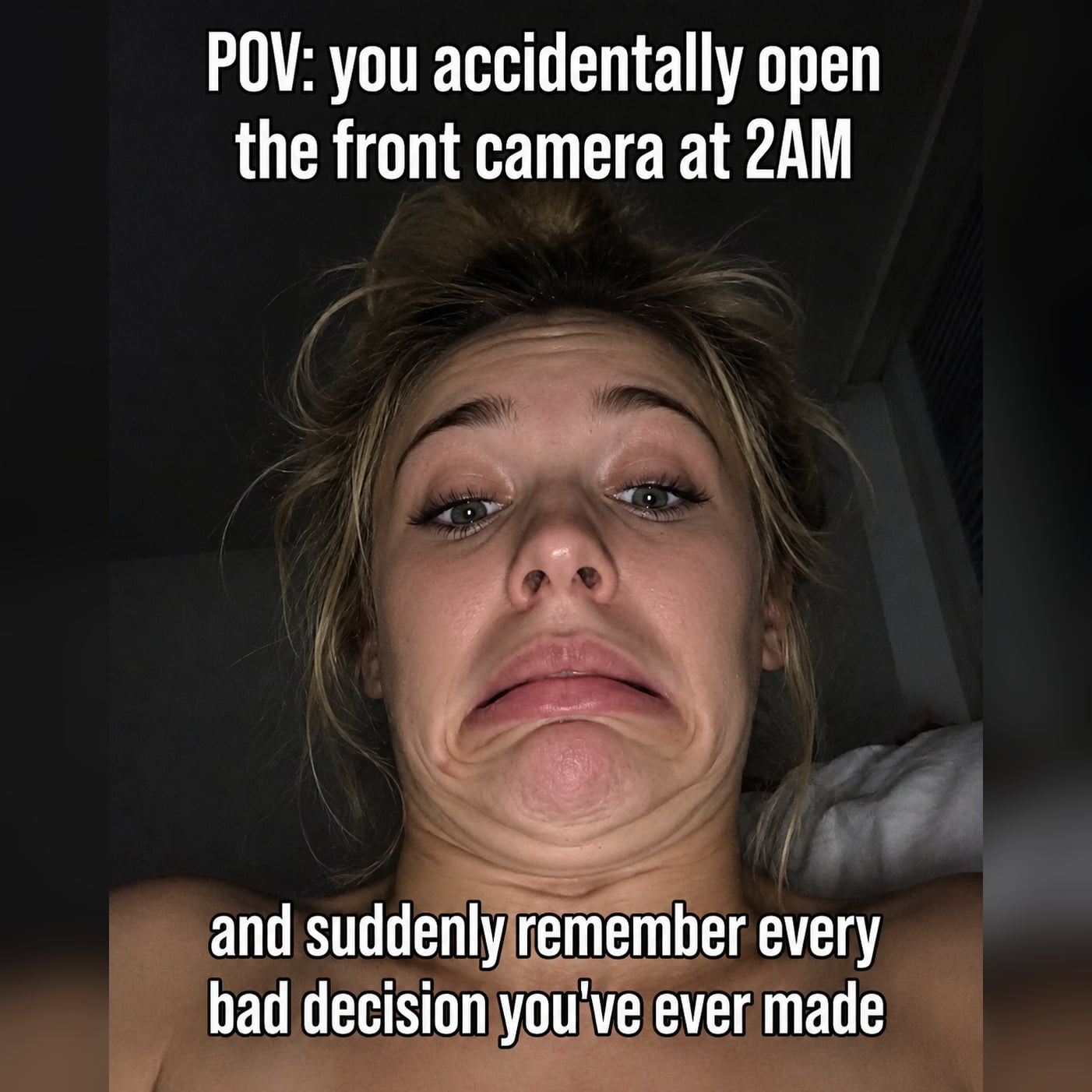
Crie vídeos e fotos com FaceSwap AI realistas sem edição complexa. Faça upload de um rosto nítido e uma foto ou vídeo curto de destino, e deixe o Media.io detectar detalhes faciais, rastrear expressões e misturar a substituição de forma natural. Use para troca de rosto em vídeo, vídeo de troca de rosto com IA, foto de troca de rosto, memes, retratos, edições em grupo, clipes sociais e campanhas criativas — tudo em um fluxo de trabalho baseado no navegador.

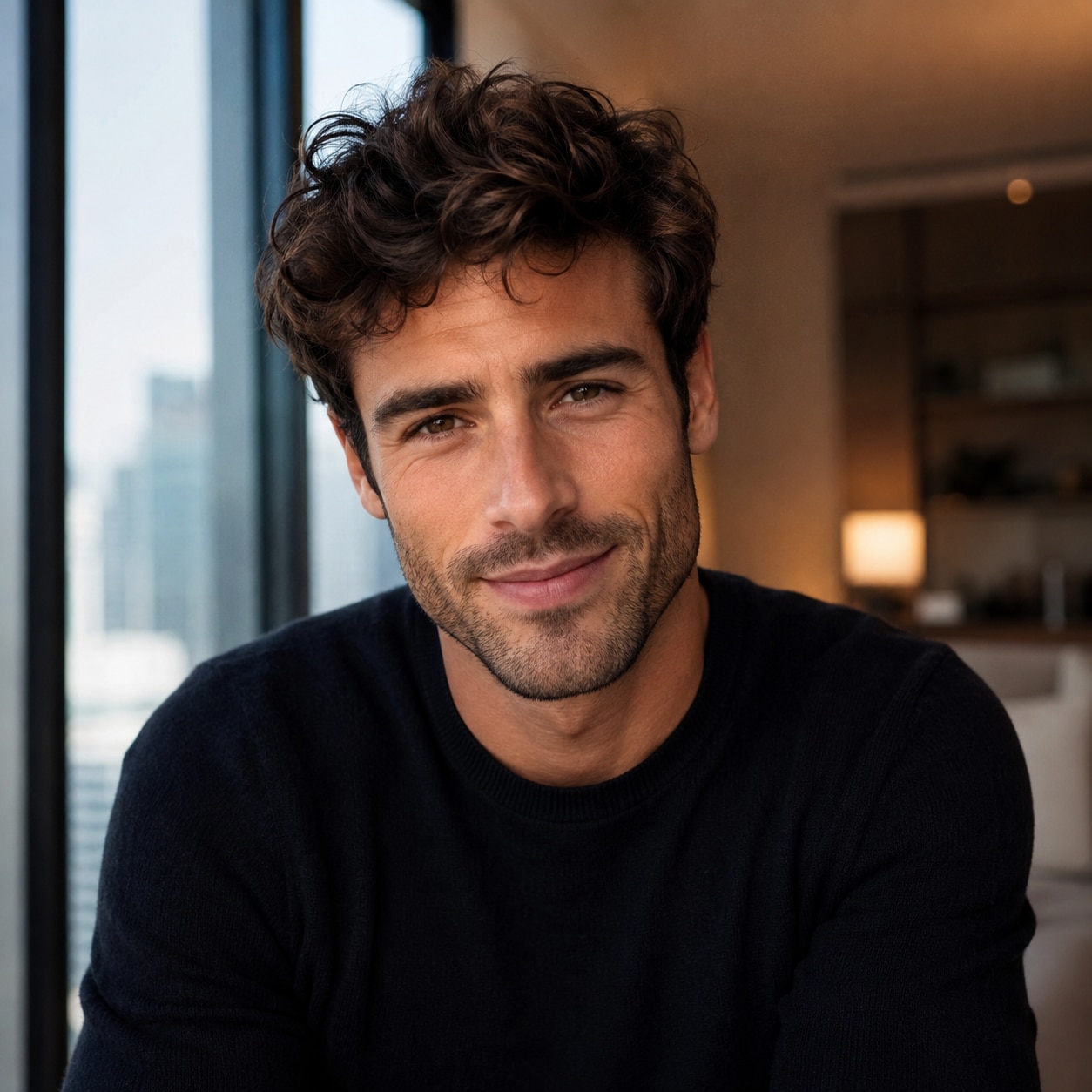

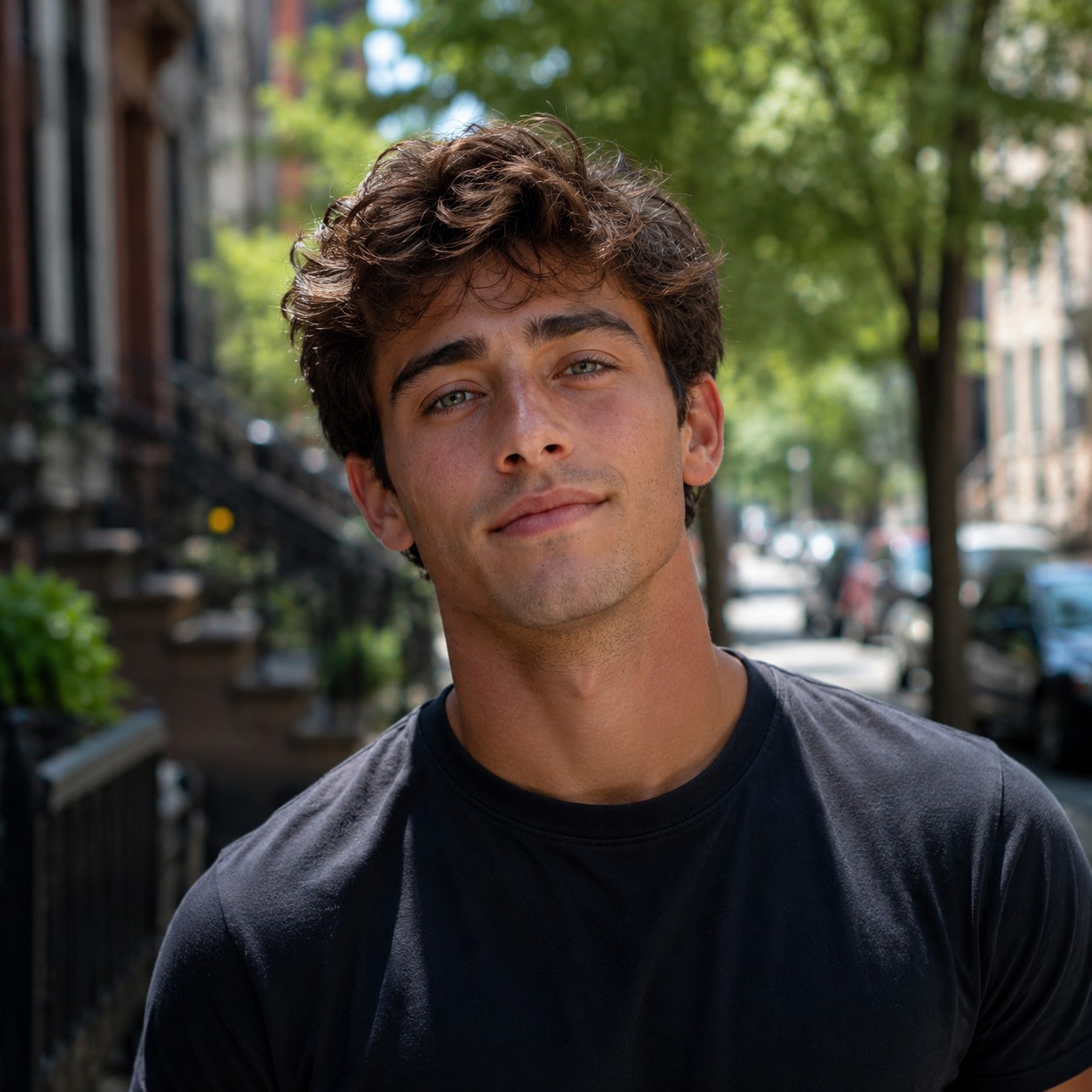
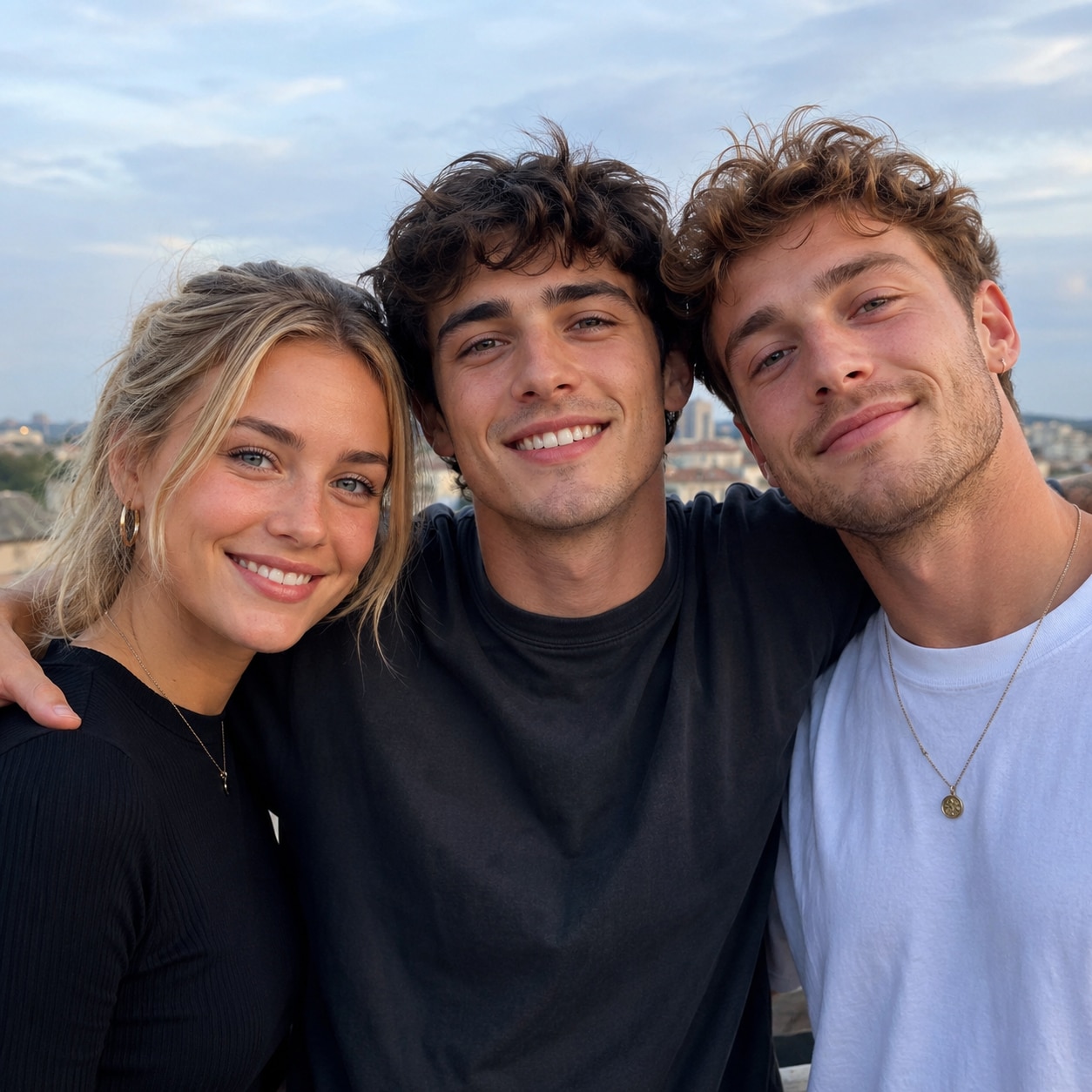
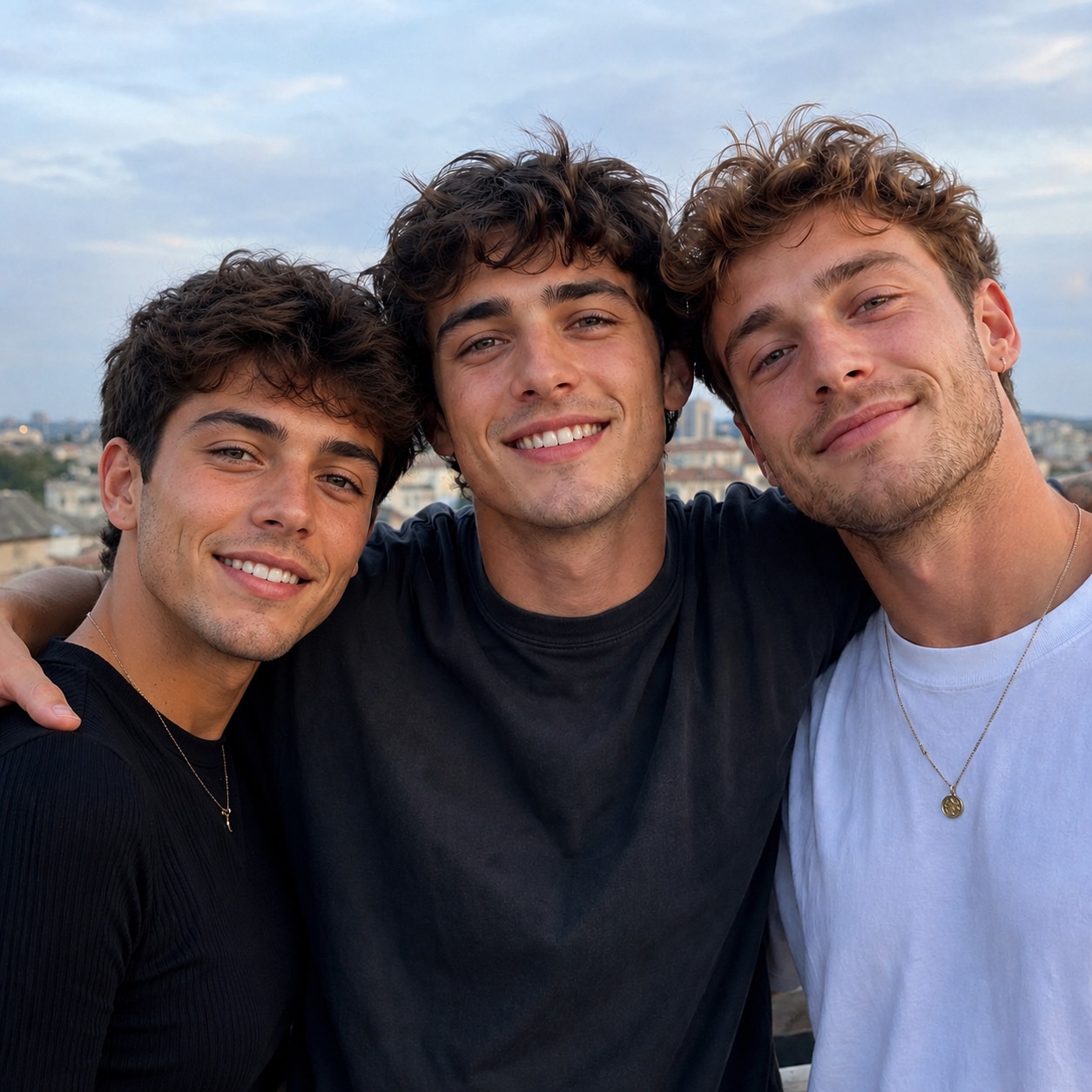
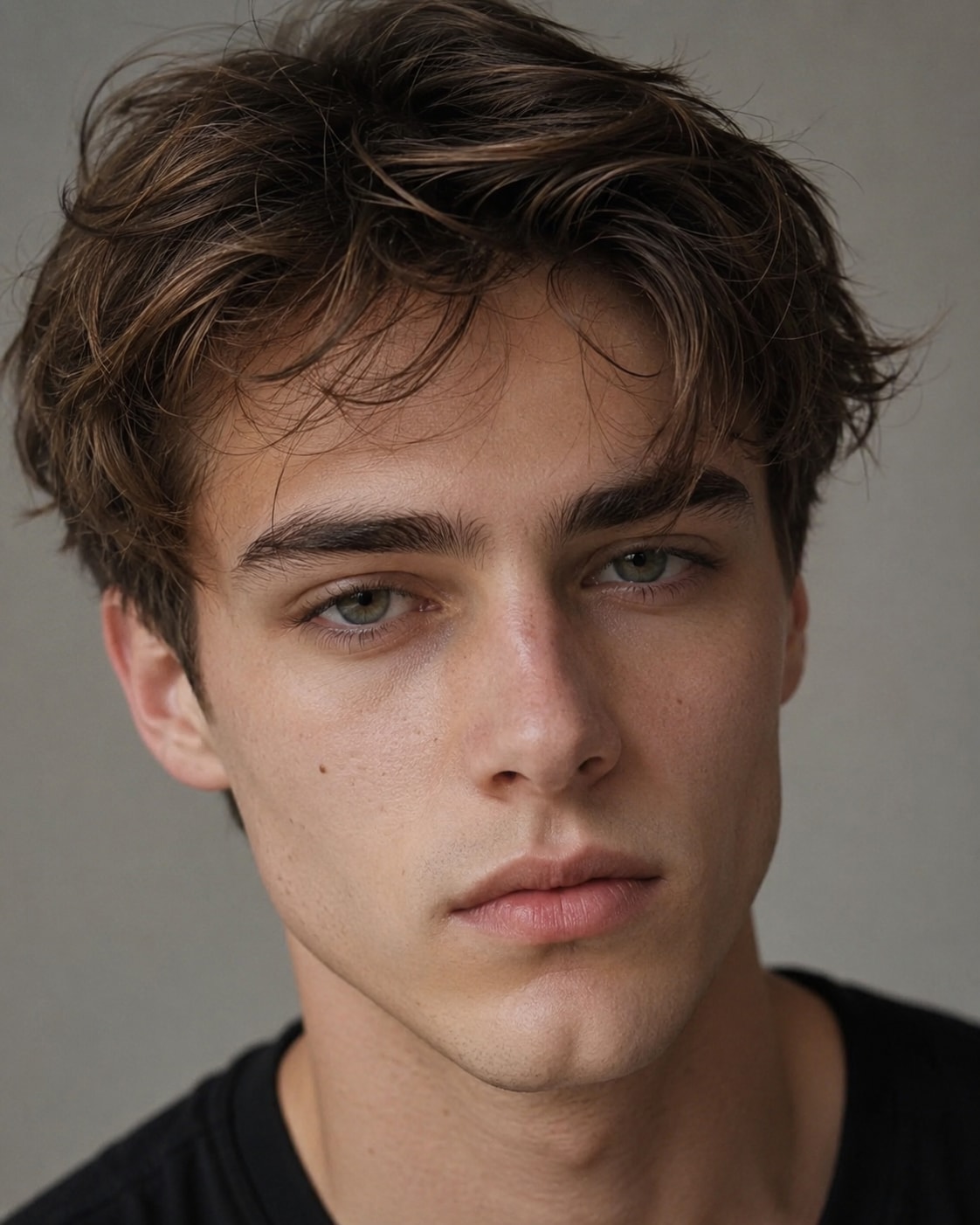
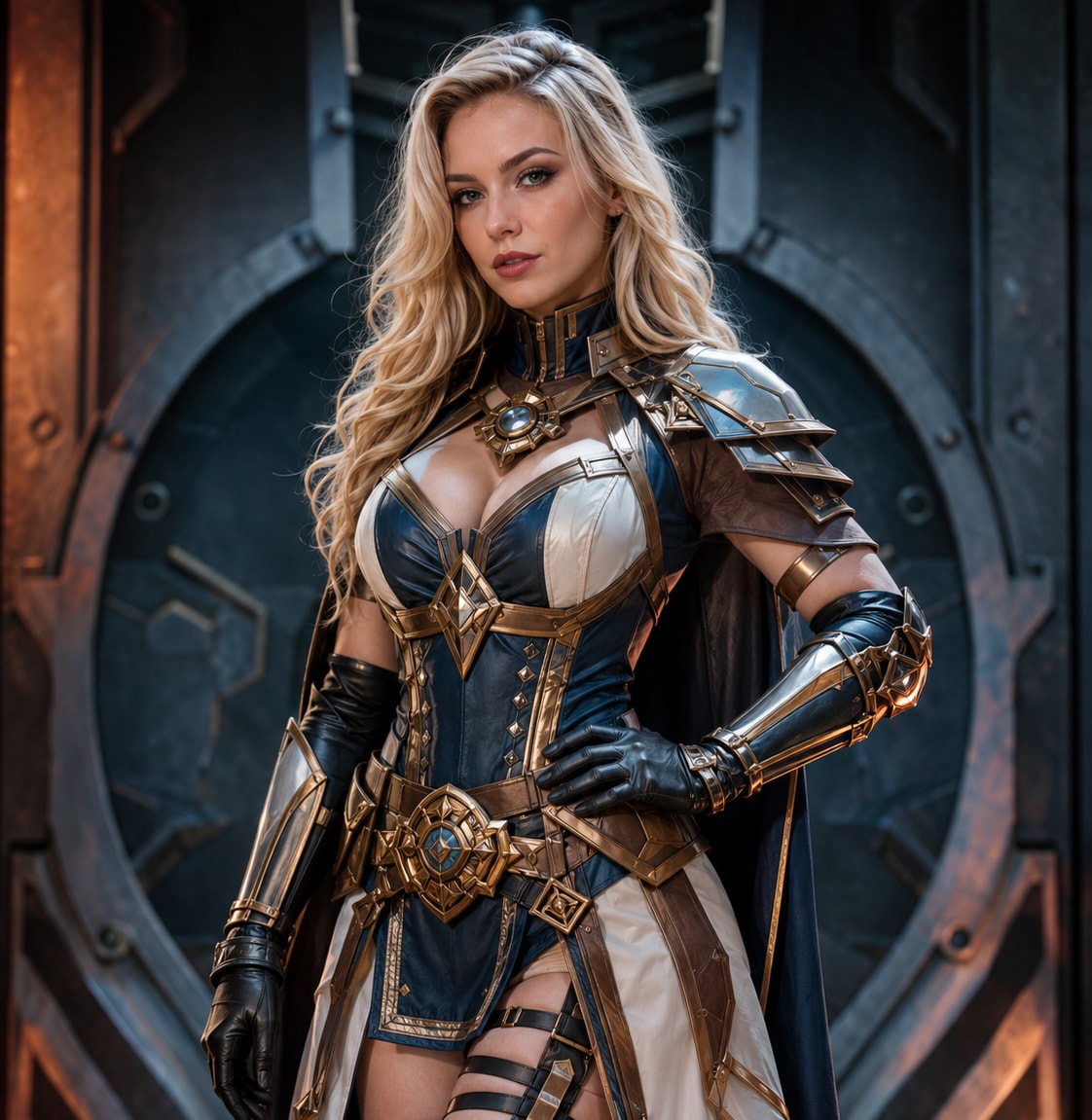

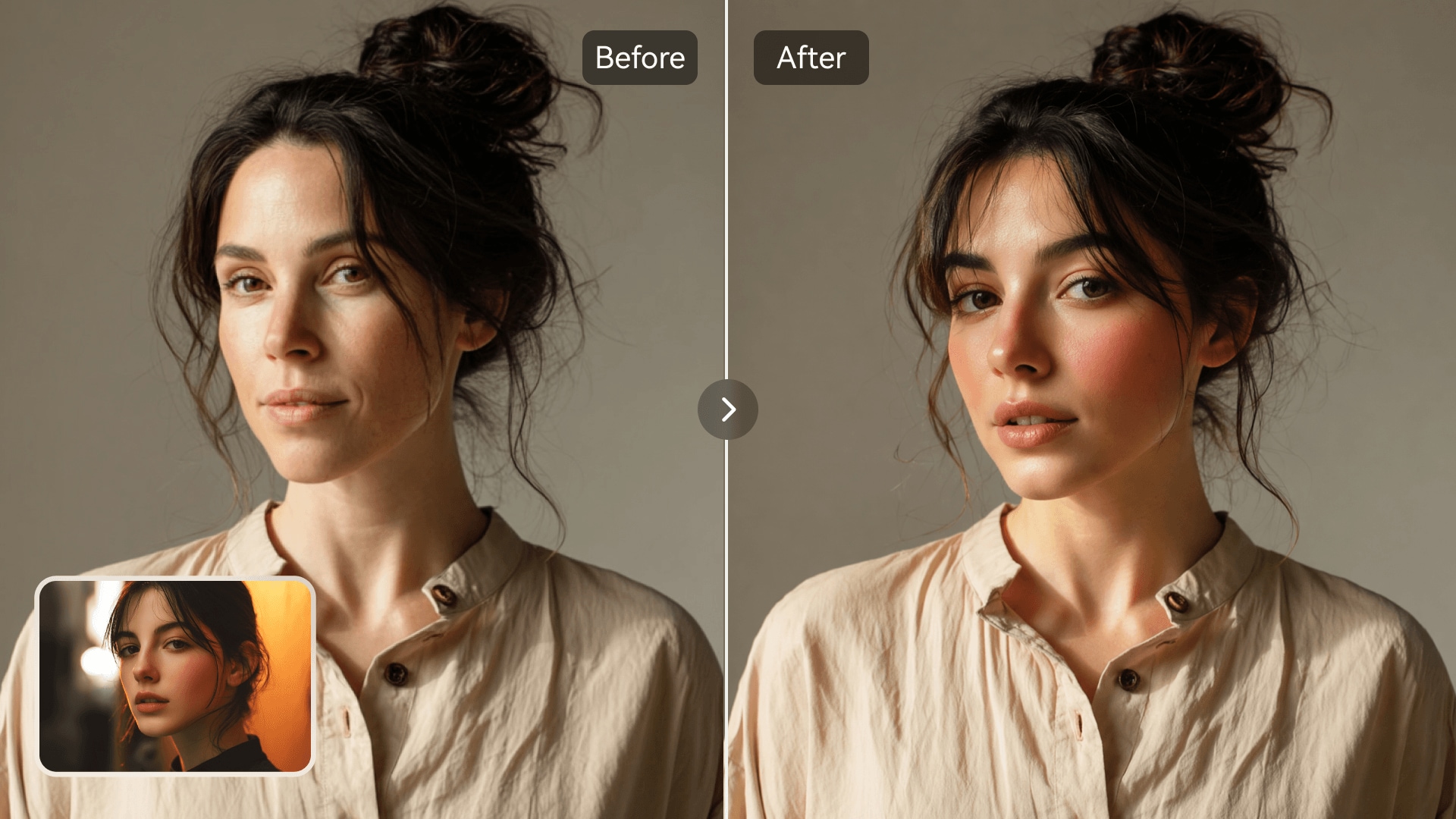
Use um único espaço de trabalho FaceSwap AI para troca de rosto em vídeo, clipes curtos, retratos, memes e fotos em grupo, em vez de alternar entre ferramentas separadas.
A IA acompanha o movimento facial, o ângulo da cabeça, a expressão, a iluminação e o tom de pele para manter a substituição mais consistente em cada cena.
Crie um vídeo de troca de rosto com IA online gratuitamente com uploads pelo navegador, detecção automática e geração simples — sem editor de desktop ou rastreamento manual.
Continue com aprimoramento de imagem, edição de fundo, imagem para vídeo, efeitos de IA e outras ferramentas do Media.io após concluir sua troca de rosto.
O Media.io combina ferramentas de troca de rosto em vídeo e em foto em uma única plataforma. A IA detecta pontos de referência faciais, rastreia expressões e movimentos, e mescla a nova identidade com a iluminação e o ângulo originais. Crie vídeos sociais curtos, edições de retratos, trocas em fotos de grupo, memes, cenas de personagens e visuais de marketing sem software de desktop.
Faça upload de uma foto ou vídeo de destino e uma imagem de rosto nítida. O Media.io detecta automaticamente o rosto, alinha os principais recursos e gera um resultado com aparência natural sem mascaramento, quadros-chave ou edição de linha do tempo.
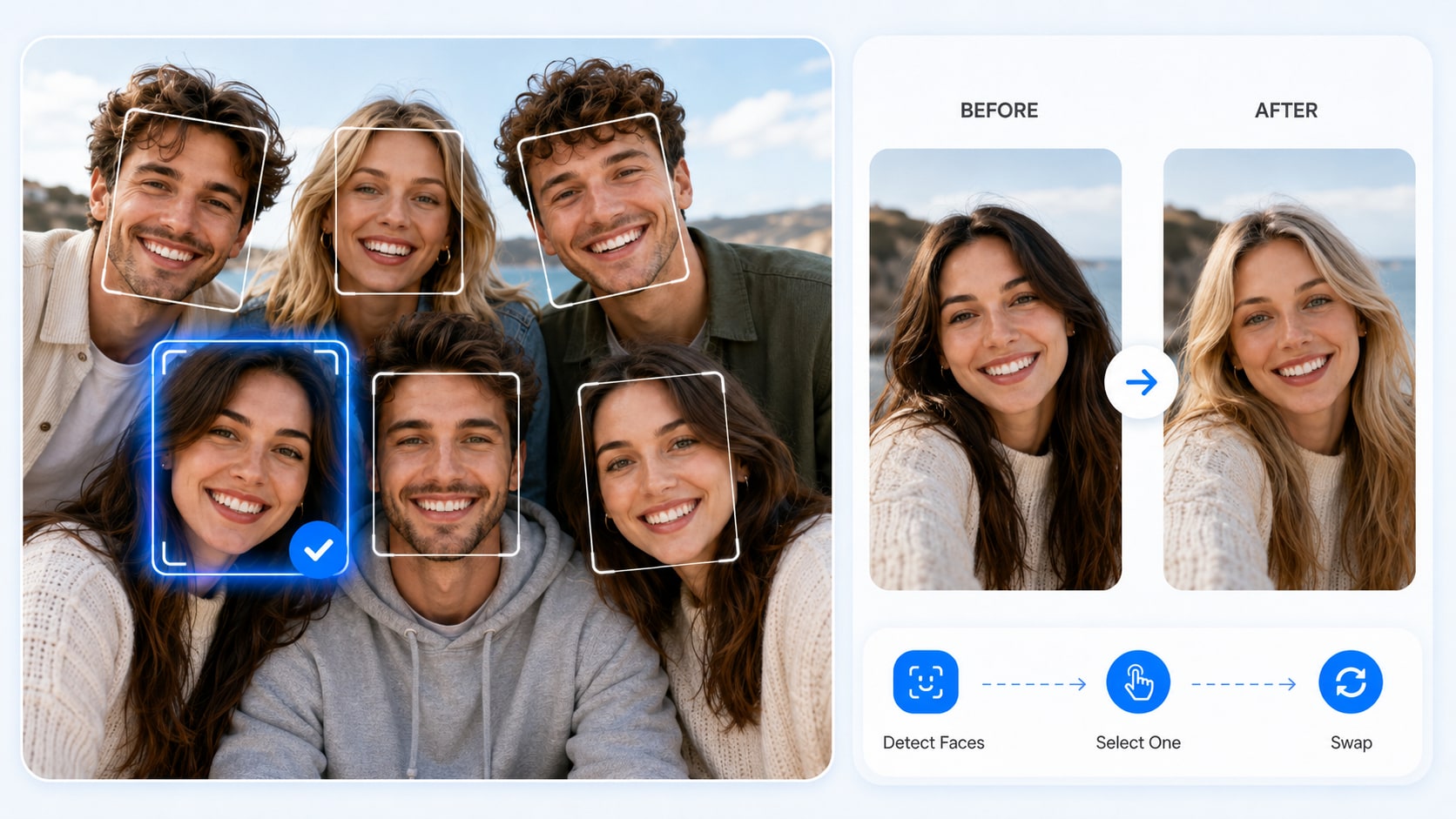
Quando uma foto inclui várias pessoas, o Media.io permite escolher exatamente o rosto que você deseja substituir. Isso torna a troca de rosto mais flexível e precisa para troca de rosto em foto de grupo, troca de rosto entre amigos, e edições divertidas para redes sociais.
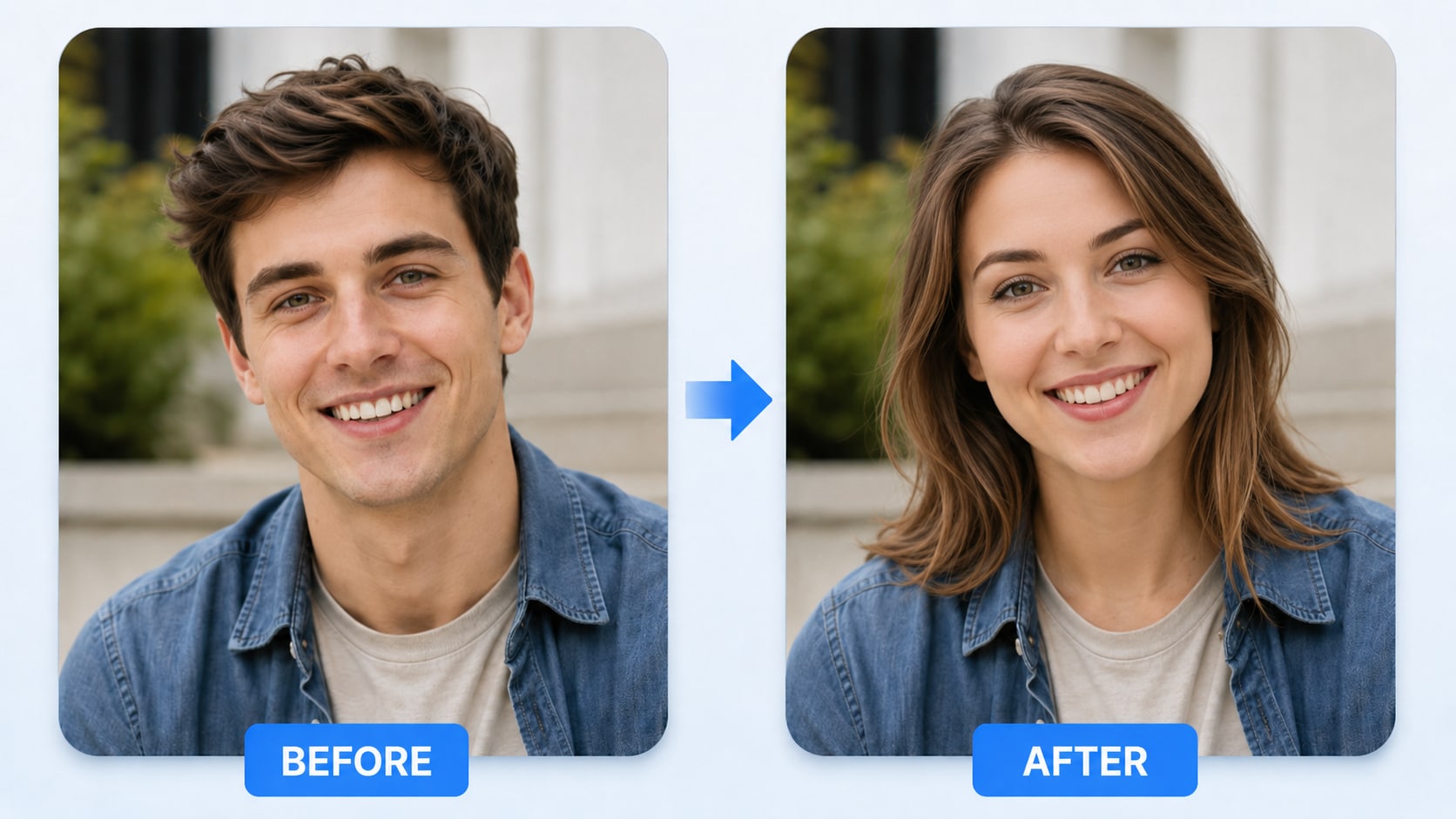
O Media.io cria resultados de troca de rosto mais suaves e naturais para uma ampla variedade de usos criativos em fotos. De fotos de perfil e troca de rosto em meme a edições de personagens, visuais sociais e materiais de marketing leves, ele ajuda suas trocas de rosto a parecerem mais polidas e convincentes.
O Media.io conecta a troca de rosto com IA ao seu fluxo de criação existente, facilitando o gerenciamento de tarefas, o salvamento de resultados, o download de imagens e a continuidade da criação com créditos de membro.
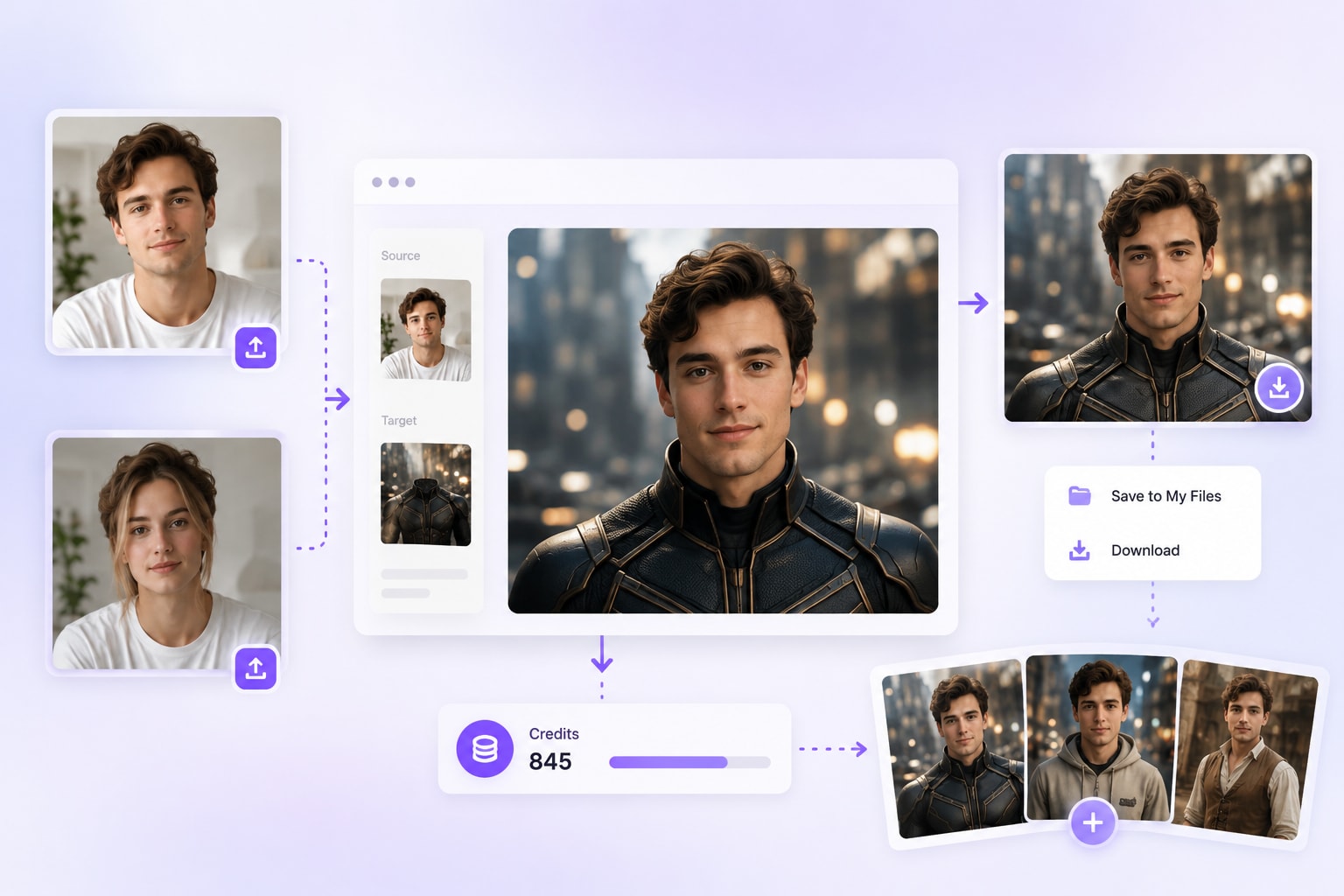
Escolha um vídeo curto com troca de rosto, retrato, imagem de grupo ou cena com um rosto claramente visível. Faça upload do seu dispositivo ou selecione um projeto anterior em Meu Histórico.
Após a IA detectar os rostos disponíveis, selecione a pessoa que deseja substituir e faça upload de uma selfie de referência nítida. Imagens de frente com iluminação equilibrada geralmente produzem a melhor correspondência de identidade.
Clique em Gerar para processar a troca de rosto. Visualize a consistência facial, o movimento e a mesclagem, depois baixe a foto ou o vídeo finalizado para redes sociais, projetos criativos ou uso pessoal.

Criador de Conteúdo & Blogueiro de Redes Sociais

"As trocas de rosto parecem surpreendentemente naturais!" Usei o Media.io AI Photo Face Swap para criar imagens de perfil, memes engraçados e posts sociais para meu calendário de conteúdo. A ferramenta detectou rostos rapidamente, me permitiu escolher o rosto exato a substituir em fotos de grupo e gerou resultados limpos sem Photoshop. É um simples trocador de rosto com IA para quem deseja edições de fotos rápidas e compartilháveis.

Usuário de Redes Sociais & Criador de Memes
"Ótimo para fazer edições engraçadas em fotos de grupo." Usei o Media.io AI Photo Face Swap para editar algumas fotos de amigos e criar posts no estilo meme. Ele detectou automaticamente os rostos, me permitiu escolher qual pessoa substituir e produziu um resultado limpo sem edição complicada. Para fotos de grupo, imagens de reação e conteúdo social casual, essa ferramenta de troca de rosto com IA é rápida e fácil de usar.

Fotógrafa de Retratos & Criadora Visual
"Torna as edições criativas de retratos muito mais rápidas." Costumo criar retratos temáticos e visuais no estilo de personagens para campanhas sociais. O Media.io AI Photo Face Swap me ajuda a testar diferentes edições de rosto rapidamente, especialmente quando preciso de mesclagem natural para avatares, imagens conceituais ou mockups promocionais. Economiza tempo em comparação com a edição manual e me fornece resultados limpos para revisar, refinar e compartilhar.

Blogueiro de Tecnologia
"Uma das ferramentas de troca de rosto com IA mais fáceis que já experimentei." Testei várias ferramentas de troca de rosto online, e o Media.io se destacou pelo fluxo de trabalho limpo e resultados rápidos. A IA detecta rostos automaticamente, suporta a seleção do rosto correto em fotos de grupo e mantém o processo simples do upload ao download. É uma ferramenta de troca de rosto em foto com IA amigável para iniciantes que funciona bem para edições casuais, conteúdo social e testes criativos.

Entusiasta de Estilo
"Divertido, seguro e super fácil de usar." Meu amigo e eu usamos essa IA trocadora de roupas para trocar looks em nossas fotos, e a IA trocadora de roupas deixou nossas selfies com aparência de produção em segundos. É perfeita para experimentações, cosplay e posts sociais — sem precisar de guarda-roupa. Essa IA trocadora de roupas é segura para privacidade e amigável para iniciantes.

O FaceSwap AI usa detecção facial, alinhamento de pontos de referência e mesclagem de identidade para substituir um rosto em uma foto ou vídeo. Faça upload da mídia de destino e um rosto de referência claro, então o Media.io combina expressões, ângulo, iluminação e movimento para criar um resultado mais natural.

O Media.io oferece créditos gratuitos para ferramentas de troca de rosto em vídeo com IA compatíveis. Faça upload do seu vídeo e do rosto substituto, depois teste o fluxo de trabalho online. A duração disponível, a resolução de exportação, as regras de marca d'água e os limites de geração podem variar de acordo com a conta ou o plano.
Sim. Quando sua imagem de origem contém múltiplos rostos, o Media.io pode detectá-los e permitir que você escolha o rosto específico que deseja substituir. Isso é útil para fotos de grupos de amigos, fotos de festas, fotos de viagens e edições divertidas para redes sociais.
Use uma selfie de referência clara e bem iluminada e um vídeo de destino onde o rosto esteja visível na maioria dos quadros. Evite desfoque excessivo, ângulos laterais extremos, máscaras, obstruções grandes e cortes muito rápidos. Clipes curtos com enquadramento estável geralmente criam resultados de troca de rosto em vídeo com IA mais consistentes.
O Media.io suporta a criação de troca de rosto em vídeo de formato curto, incluindo projetos de cerca de 30 segundos quando o modelo selecionado, os créditos da conta e os limites atuais do produto permitirem. Verifique o painel de upload para saber a duração suportada mais recente e as opções de exportação.
Sim. O Media.io AI Photo Face Swap funciona online, então você pode fazer upload de imagens e criar trocas de rosto a partir de um navegador de desktop ou móvel. Não é necessária instalação de aplicativo ou software de edição avançado.
Sim. Após a geração, você pode visualizar e baixar o resultado da troca de rosto. O Media.io também se conecta ao fluxo de trabalho de criação existente, incluindo tarefas geradas, Meu Histórico, downloads de resultados e créditos de membro, facilitando a continuação da criação.
Você pode usar o AI Photo Face Swap para criar fotos de perfil, memes engraçados, edições de fotos em grupo, imagens inspiradas em personagens, postagens em redes sociais, miniaturas para criadores, visuais de feriados e materiais de marketing simples. Para uso responsável, certifique-se de ter o direito ou permissão para usar os rostos em suas imagens.
 4.7 (162.357 Votos)


