
Discover and Create with the Trend Dashboard
3x Faster
Trend Detection Speed
10K+
Analyzed Viral Formats Monthly
95%
AI Workflow Accuracy
Stay ahead of what is buzzing online with Media.io Viral Studio's trend dashboard. Find emerging topics, analyze viral content patterns, and recreate on-brand visuals or videos driven by data and AI creativity. Media.io Viral Studio helps turn trend dashboard research into a clear creation workflow. This also supports searches such as viral analytics when users want a more specific creative angle.
Explore Live Trends with the Viral Dashboard
Media.io's trend dashboard delivers real-time viral analytics so creators, agencies, and marketers can spot breakout content early. Browse the tabs below to explore related batch keywords revealing fresh trend clusters, audience formats, and AI-ready insights.
 link to recreate the viral style with AI.
 Turn Trend Dashboard Insights into Original AI Content
The Media.io Viral Studio trend dashboard connects real-time discovery with instant creation. It converts trend data into clear, visual analysis so you can easily test ideas, adapt viral formats, and create your own brand-powered media. Whether you manage social campaigns, ecommerce visuals, or influencer collaborations, Media.io's dashboard helps transform insights into original assets that stand out. Let every emerging trend inspire your next viral post or video concept. This also supports searches such as viral analytics when users want a more specific creative angle.
See What Is Trending Before It Peaks
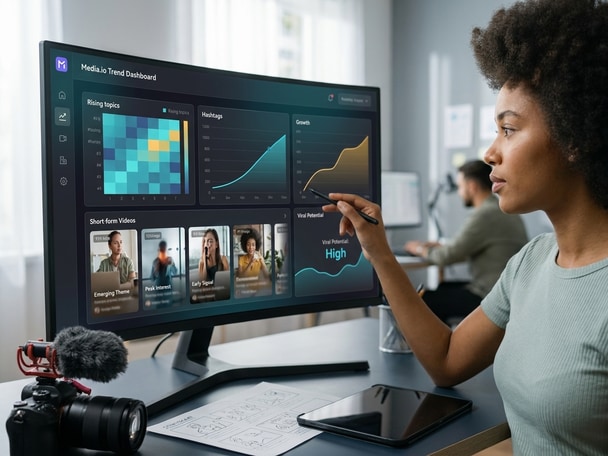
Media.io Viral Studio aggregates content signals from multiple platforms and visualizes them in an intuitive trend dashboard. It gives marketers and creators a real-time snapshot of trending themes, hashtags, or video types before they saturate mainstream feeds. By acting early, you can produce authentic content that meets audience curiosity right when it starts to rise. This proactive view turns insight into an advantage for brand growth. This also supports searches such as viral analytics when users want a more specific creative angle.
Analyze Viral Formats with Precision
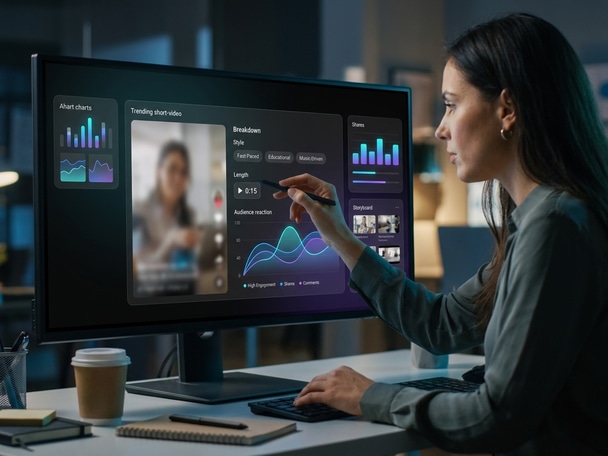
Each trending item in the Media.io trend dashboard is paired with detailed format breakdowns, including style, length, and audience reaction metrics. Instead of guessing why a post went viral, you can see the structural clues that made it work. This data-backed approach guides you to creatively evolve the same concept into new, original material while keeping your brand voice intact. It bridges the gap between analytic discovery and production-ready creativity. This also supports searches such as viral analytics when users want a more specific creative angle.
Recreate Original Visuals with AI Support
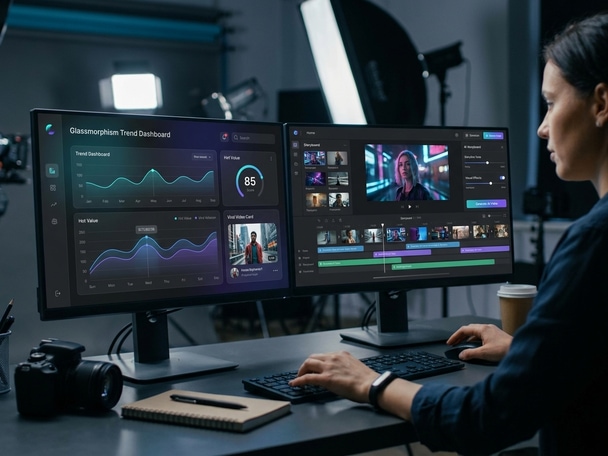
Once you identify a promising idea, Media.io Viral Studio lets you transform it into AI-generated videos or images. You can adjust storyline, tone, and visual effects while maintaining the format's winning pattern. Combined with smart editing controls, your new version becomes unique, compliant, and culturally relevant. The trend dashboard ensures every AI-generated piece is rooted in timely data and impactful storytelling. This also supports searches such as viral analytics when users want a more specific creative angle.
How to Use the Trend Dashboard for AI Creation
Turn viral tracking into personalized creation with an effortless Media.io workflow. Follow these simple steps to transform data insights into original visual stories. This also supports searches such as viral analytics when users want a more specific creative angle.

Find High Traction Topics in the Dashboard
Open the trend dashboard to scan the latest viral triggers across Reels, Shorts, and TikTok. Filter by industry or content type to isolate fast-rising topics that match your niche and brand goals. This also supports searches such as viral analytics when users want a more specific creative angle.

Break Down the Format Structure
Click into a trend to review how it performs and read a clear breakdown of its hook, pacing, and visual pattern. This structure overview helps you plan an AI recreation that aligns with the original success factors. This also supports searches such as viral analytics when users want a more specific creative angle.

Generate AI Versions Tailored to Your Brand
Use Media.io's AI tools to produce videos or images inspired by your chosen trend. Adjust visuals, captions, and styles to make them fit your brand tone, then download and share your new viral-ready version instantly. This also supports searches such as viral analytics when users want a more specific creative angle.
What Users Say About Media.io's Trend Dashboard
Creators and marketers share how the Media.io trend dashboard powers their everyday content decisions and helps them create faster with data-driven AI tools. Media.io brings trend discovery and AI creation into the same browser-based workflow. This also supports searches such as viral analytics when users want a more specific creative angle.


The trend dashboard changed how I plan weekly campaigns. Instead of searching across multiple apps, I get instant clarity on what audiences respond to. Media.io Viral Studio saves time and provides creative direction in one place. My engagement rates improved within two weeks of using it. This also supports searches such as viral analytics when users want a more specific creative angle.

Knowing which topics rise quickly helps me plan visuals that match trending conversations. The dashboard gives me straightforward data, and the AI creation side makes the transition from insight to content seamless. I no longer need separate analytic and editing tools. It keeps everything in sync for fast product launches. This also supports searches such as viral analytics when users want a more specific creative angle.

I used to guess what kind of video would perform well. With Media.io's trend dashboard, I can see proven trends backed by numbers and adapt them to my style. The AI generator helps me personalize each concept easily. It is like having a research and production partner in one. This also supports searches such as viral analytics when users want a more specific creative angle.

For my clients, timing is everything. The trend dashboard provides early signals that keep our creatives a step ahead. The platform turns analytics into action with minimal friction. It is a vital data hub that supports smart, fast, and on-brand campaign creation. This also supports searches such as viral analytics when users want a more specific creative angle.

Working with the trend dashboard saves so much prep time before editing. I quickly understand what themes perform well and how to align new visuals with them. Media.io's AI assists in brainstorming, scripting, and even visual styling, which accelerates delivery without losing authenticity. Media.io made the trend dashboard workflow easier to test and explain. This also supports searches such as viral analytics when users want a more specific creative angle.

Media.io's trend dashboard has become my go-to for pitching data-backed strategies. The visual maps clearly show why a trend emerges and how brands can use it. I can then generate examples right inside the platform. It adds both credibility and creativity to my proposals. This also supports searches such as viral analytics when users want a more specific creative angle.
Trend Dashboard FAQs
What Is the Media.io Trend Dashboard?
The trend dashboard is Media.io Viral Studio's visual analytics tool that tracks and displays real-time viral trends. It helps users identify emerging topics, content themes, and formats across social platforms. With easy-to-read charts and AI insights, creators and marketers can use it to spot opportunities early. The dashboard then links directly to AI tools for making original media that fits each trend. This also supports searches such as viral analytics when users want a more specific creative angle.
How Can I Use the Trend Dashboard for Content Planning?
You can use the dashboard to review trending hashtags, sound types, and video durations that perform best. Filter results by niche or timeframe to match your campaign goals. This information helps build data-driven content calendars and creative briefs. Media.io connects those insights to creation tools so you can design assets built on real audience data. This also supports searches such as viral analytics when users want a more specific creative angle.
Does Media.io's Trend Dashboard Show Real Time Updates?
Yes. The dashboard refreshes continuously as new content signals appear across social platforms. This allows teams to monitor trend acceleration rates, engagement peaks, and format shifts as they happen. With this live view, you can confidently adjust strategy and produce timely materials. This also supports searches such as viral analytics when users want a more specific creative angle.
Can I Recreate Viral Videos Using the Trend Dashboard?
You can analyze a viral reference from the dashboard and then use Media.io's AI tools to recreate a unique version. The goal is to transform the format's insights, not copy original media. Adjust visuals, captions, or themes to reflect your brand identity. The workflow bridges research and production safely and creatively. This also supports searches such as viral analytics when users want a more specific creative angle.
Who Benefits Most from the Trend Dashboard?
The dashboard serves creators, social managers, and marketers who need actionable updates on content trends. Agencies use it for quick campaign concepts, while ecommerce teams identify visual angles that fit seasonal spikes. Video editors also use it to plan editing styles that match current audience preferences. Essentially, anyone producing digital content gains clarity from Media.io's trend dashboard. This also supports searches such as viral analytics when users want a more specific creative angle.
What Makes This Trend Dashboard Different from Other Tools?
Media.io's dashboard goes beyond analytics by integrating trend data directly with AI creation. Instead of exporting lists or graphs, you can immediately generate new videos or visuals inside the same platform. Its simplicity and automation reduce friction between discovery and output. That makes Media.io Viral Studio ideal for performance-oriented content creators. This also supports searches such as viral analytics when users want a more specific creative angle.
Is the Trend Dashboard Good for Small Businesses?
Absolutely. Small businesses can use it to find trending topics that align with their product or local niche. The insights show how similar brands communicate visually and what hooks audiences respond to. Combined with AI-assisted design, this helps small teams produce marketing content efficiently. This also supports searches such as viral analytics when users want a more specific creative angle.
How Do I Start Using Media.io's Viral Studio Trend Dashboard?
Visit Media.io Viral Studio and open the trend dashboard for a live view of current viral opportunities. You can explore topics, filter by industry, and save promising ideas for creation. Then move directly to AI generation to turn those insights into visuals or clips. The interface is structured so anyone can start analyzing and creating right away without training. This also supports searches such as viral analytics when users want a more specific creative angle.
Explore More AI Tools for Viral Content Creation
Keep creating beyond viral trend discovery. Try more Media.io AI tools to generate videos, edit visuals, enhance content, and turn your ideas into scroll-stopping social media posts.






 4.7 (162,357 Votes)