
Prompt-Driven Glass Customization
Effortlessly design specific visual distortion styles. Simply describe your visual intent—such as AI liquid glass effect or heavy prism warp—and let our image-to-image generator do the rest.
 Nano Banana Pro
 立即释放你的创造潜力,体验Media AI的魔力!
Elevate your photos into striking editorial masterpieces with the Media.io AI Glass Distortion Effect. Using prompt-based image-to-image generation, effortlessly apply organic refraction, textured glass filters, and liquid glass aesthetics to craft highly artistic, fragmented portraits in seconds.
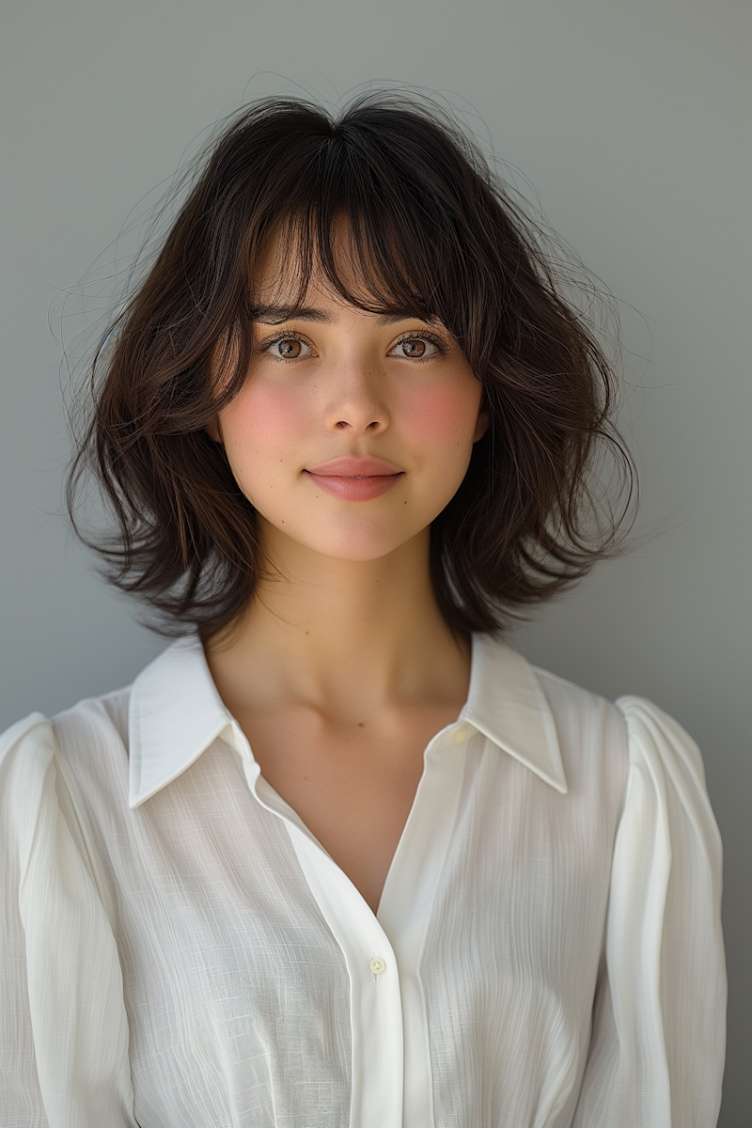 Before
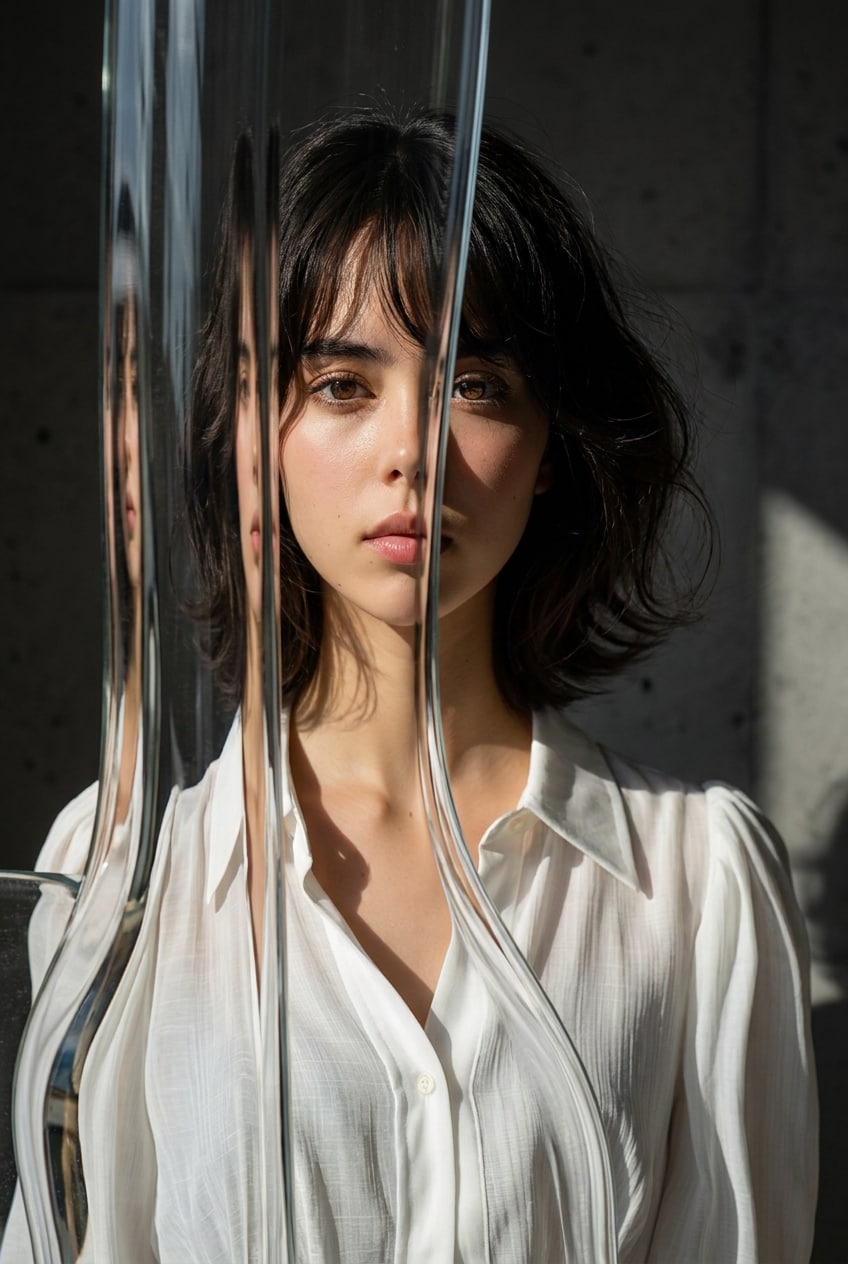 After
After
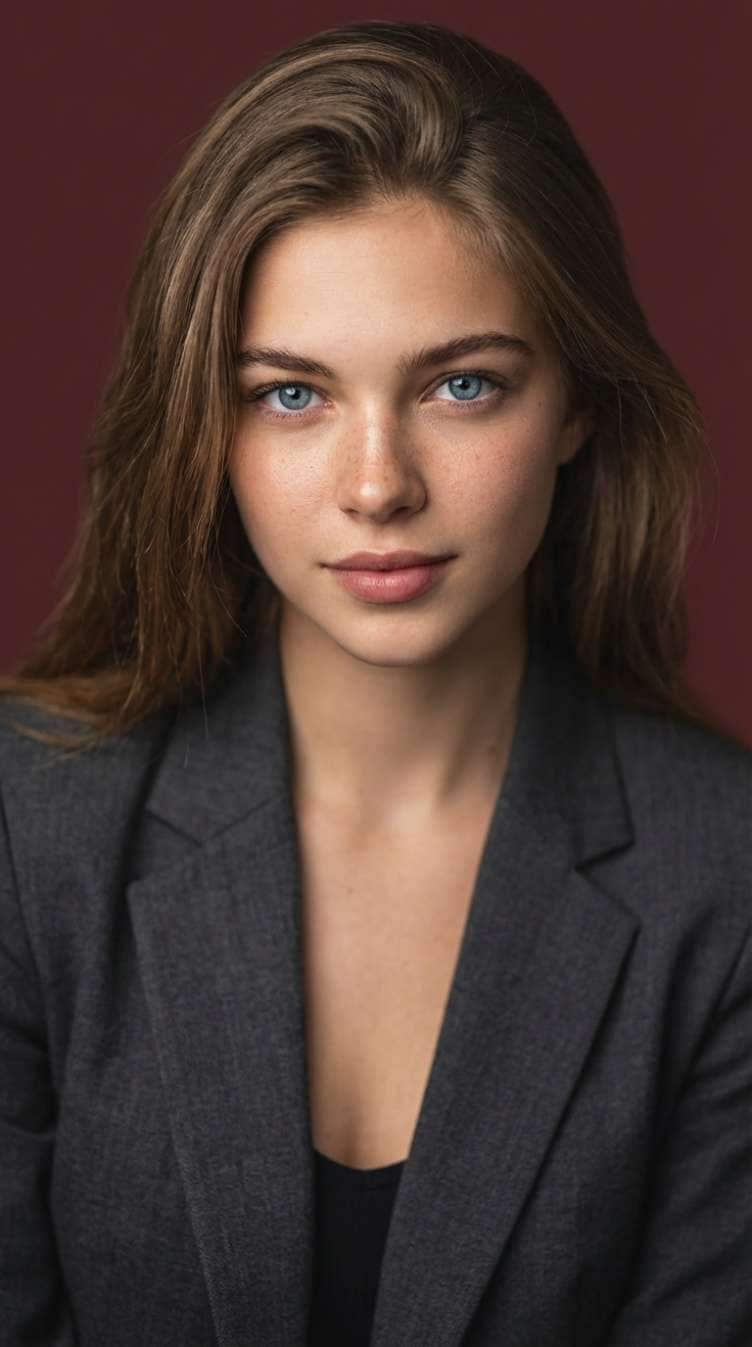 Before
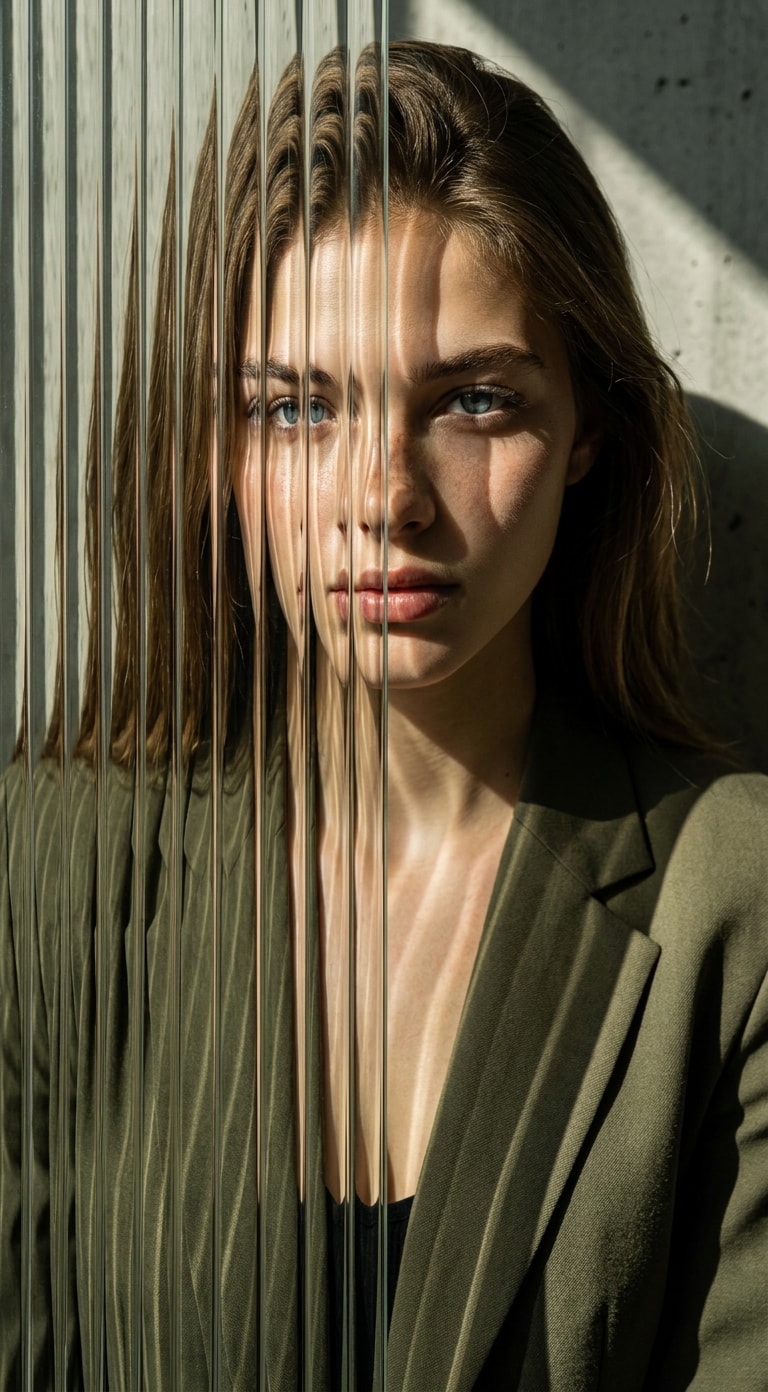 After
After
Free credits on signup.
Effortlessly design specific visual distortion styles. Simply describe your visual intent—such as AI liquid glass effect or heavy prism warp—and let our image-to-image generator do the rest.
Mimic premium, expensive physical camera setups. Apply sophisticated AI glass refraction filters and realistic lighting splits to turn standard portraits into high-fashion designs.
Our advanced AI retains the core features of your model. It blends fragmented glass effects and organic textures while keeping the face recognizable, clean, and perfectly stylized.
Experiment with an array of premium styles instantly online. Generate realistic textured glass effects and complex frosted filters watermark-free with free trial credits.
Drag and drop your high-quality fashion or portrait photo into Media.io's prompt-based image-to-image tool.
Write descriptors like "AI liquid glass effect", "textured glass distortion", or "refracted portrait effect" to guide the AI style.
Click generate and preview your refracted glass portrait within seconds. Export your stunning, watermark-free visual instantly.

Fashion Photographer

“Stunning optical realism without the expensive studio setup.” I used to spend hours placing physical glass sheets in front of my camera lenses. Media.io's AI glass refraction filter gives me that high-end, fragmented look instantly through simple prompts. It's a total game-changer for my digital portfolio.

Art Director
“The perfect liquid glass aesthetic in seconds!” Recreating organic fluid textures in traditional graphic design software is incredibly tedious. Media.io’s prompt-based AI liquid glass effect maps physical distortion around my portrait subjects flawlessly.

Editorial Stylist
“Preserves facial details under intense distortion.” My main pain point with other filters was that they blurred out the subject's face entirely. This tool keeps the core facial features recognizable while wrapping them in a beautiful, artistic fragmented glass effect.

Digital Artist
“Incredibly intuitive prompt control.” The image-to-image generator lets me guide the look precisely. Adding keywords like "textured glass distortion" or "heavy prism refraction" gives me perfect, tailor-made editorial assets every single time.
The AI Glass Distortion Effect is an advanced, prompt-guided image-to-image tool that mimics realistic glass optics. By uploading a portrait and entering descriptive prompts, you can apply stunning textures like liquid glass, organic prism distortions, and fragmented glass patterns directly onto your images.
The tool uses your uploaded portrait as a visual anchor and maps the glass effects over it based on your text description. Typing phrases such as "AI liquid glass effect" or "complex refraction filters" instructs the AI to warp the visual details elegantly without altering the underlying image structure.
Yes! Media.io's advanced algorithm keeps natural facial features, shapes, and expressions intact. It applies the refracted portrait effect and glass texture overlays cleanly on top, keeping facial features sharp and beautifully recognizable.
For the best results, use keywords such as "fragmented glass effect", "textured glass distortion", "geometric prism refraction", and "editorial portrait overlay". You can adjust the phrasing to increase or decrease the intensity of the glass breaks.
Yes, Media.io provides free credits upon signup. You can upload your image, experiment with different AI glass refraction filters, and download high-quality, watermark-free results completely online.
 4.7 (162,357 Votes)