The Ultimate Office Meltdown
Turn a calm desk portrait into an over-the-top reaction: a frustrated stare, hands flying toward the keyboard, and a dramatic comic payoff. Great for the “me at work” meme format.
Turn your work photo into a hilarious keyboard-smashing AI video. Capture the moment when emails, deadlines, and endless meetings become too much, with an exaggerated desk reaction and chaotic office comedy. Create your own relatable work meme using Media.io Image to Video.
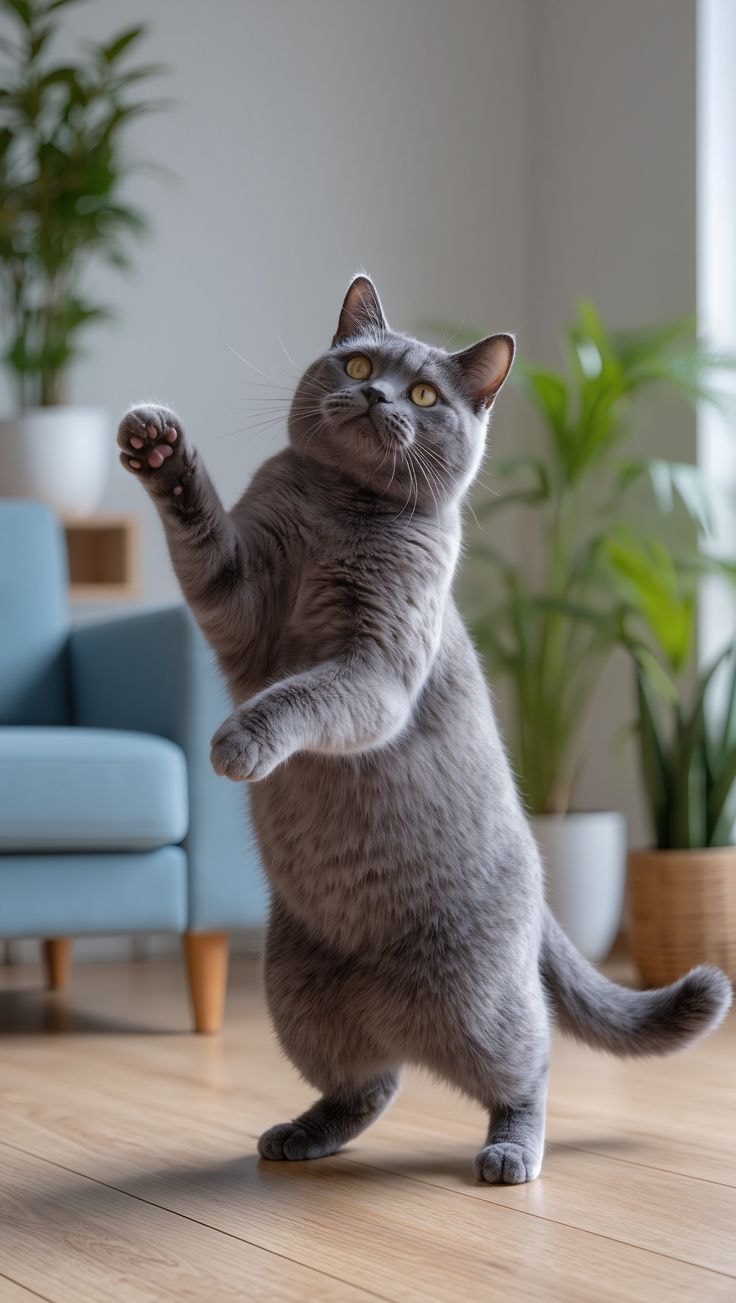
One office photo. One spectacular keyboard-smashing meltdown.
Use a clear office photo. Exaggerated action and object motion may vary by AI model.
Turn a calm desk portrait into an over-the-top reaction: a frustrated stare, hands flying toward the keyboard, and a dramatic comic payoff. Great for the “me at work” meme format.
Prompt rapid typing, an abrupt keyboard slam, scattered keycaps, and a startled reaction. Specify cartoon-like exaggeration and a stable desk to keep the scene readable.
Start from your own photo and describe the same face, hairstyle, clothes, monitor, and workspace throughout. Short, clearly sequenced actions can help reduce unexpected changes.
Create a short vertical clip for TikTok, Reels, or Shorts, then add captions like “one more urgent email” and licensed sound effects in your editor.
Choose a clear photo of yourself sitting at a desk, ideally with your hands, keyboard, and monitor visible. Use an image you have permission to animate.
Write a prompt with a clear sequence: calm typing, an annoying notification, an exaggerated frustrated expression, and a playful keyboard-smashing reaction. Keep the scene non-graphic and fictional.
Generate the AI video, review the hands and keyboard for visual glitches, and adjust the prompt if needed. Add a punchline caption or licensed sound before sharing.
It is a workplace-reaction meme concept in which a person appears to lose patience at their desk and dramatically smash or slam a keyboard. AI image-to-video lets you animate a still office photo into a humorous, exaggerated scene. Specific sounds and edits differ between creators; a single official template is not required.
Open Media.io Image to Video and upload a clear desk photo. Describe the character typing, noticing an overwhelming email, reacting with comic frustration, and slamming the keyboard. Generate a short clip, check the result, and add text or sound in an editor. Available models and controls vary.
Try: “Animate the person at an office desk typing calmly. A new urgent email appears; they stare in disbelief, then dramatically slam the keyboard with exaggerated, harmless comic energy. A few keycaps bounce, papers flutter, and the camera gives a quick comedic push-in. Keep the same face, hands, outfit, desk, and office background; vertical 9:16, no injury, no extra fingers.” Simplify the action if the keyboard becomes distorted.
Yes, you can create a short fictional office-reaction clip and edit it for social platforms. Try captions such as “Me at work after the fifth urgent request” or “When the spreadsheet crashes.” Avoid using coworkers’ likenesses without permission and follow your workplace’s publishing rules.
Media.io pricing, credits, output length, and model access depend on the current workflow. Hands, moving keycaps, and fast contact with objects are challenging for video models, so results are not guaranteed. Use a clear starting image, keep the movement short, and regenerate if details warp.