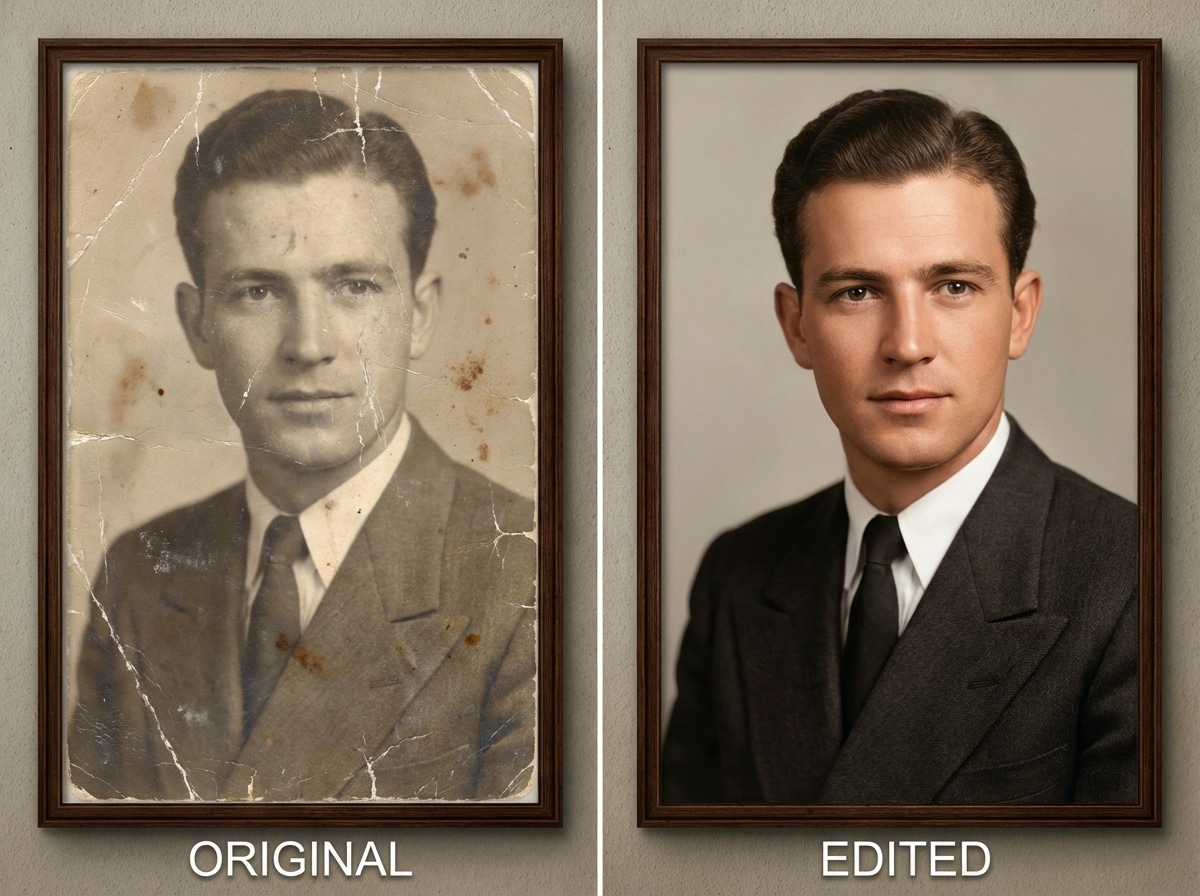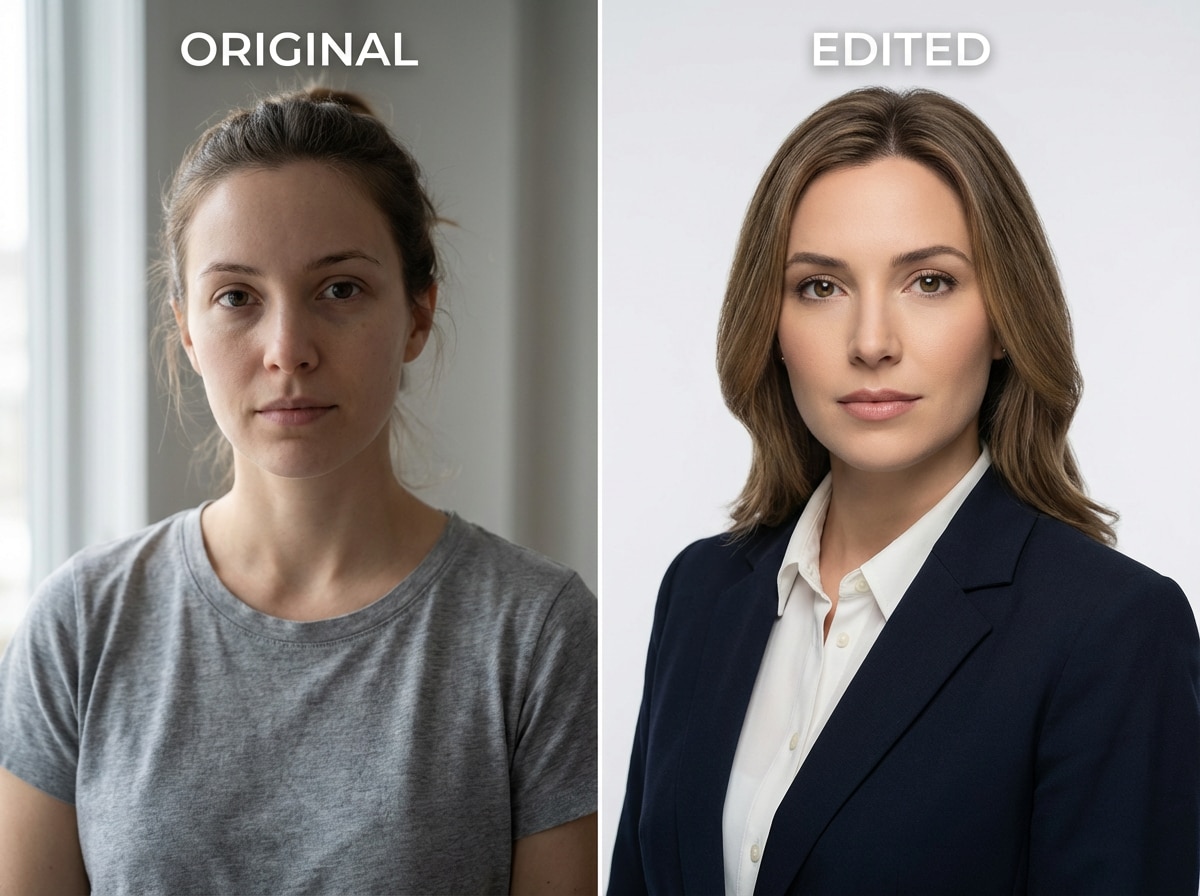
Aynı Yüzü Koruyun (Kimlik Tutarlılığı)
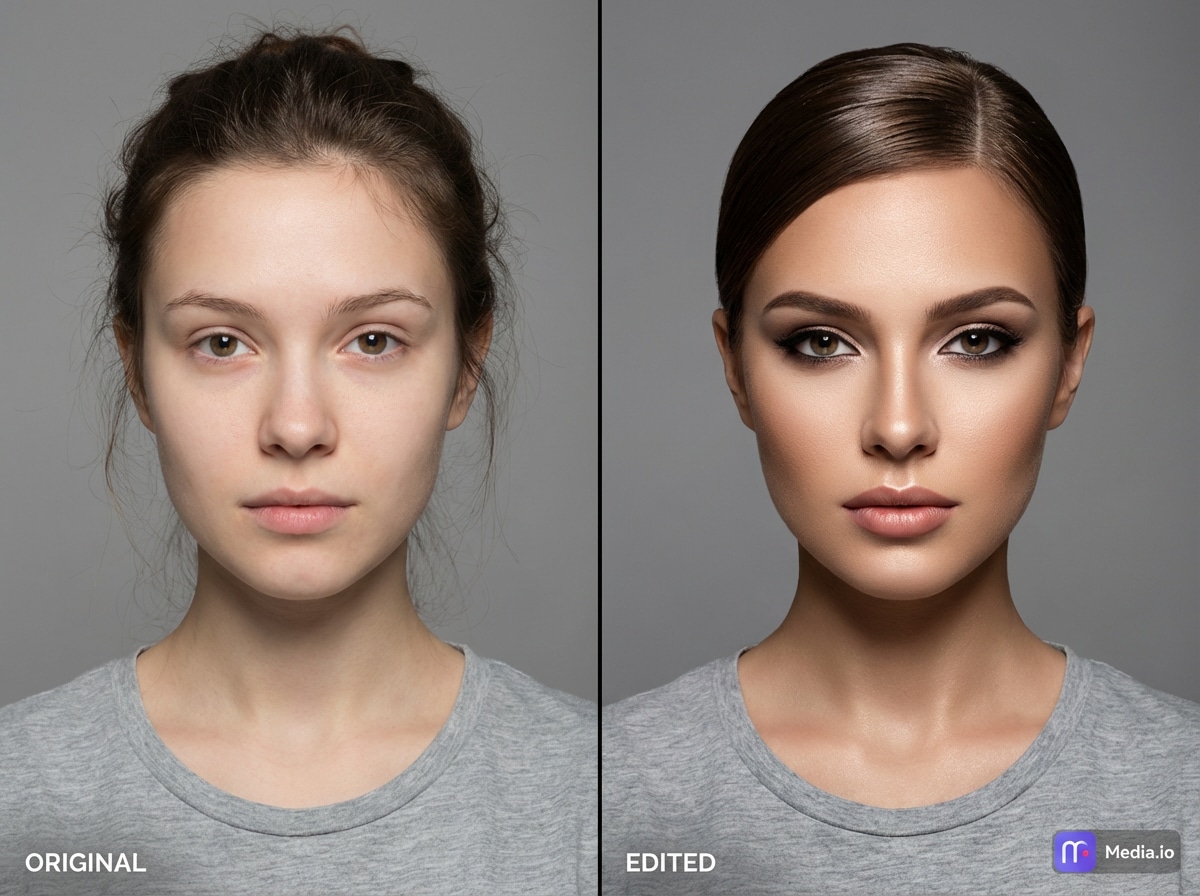
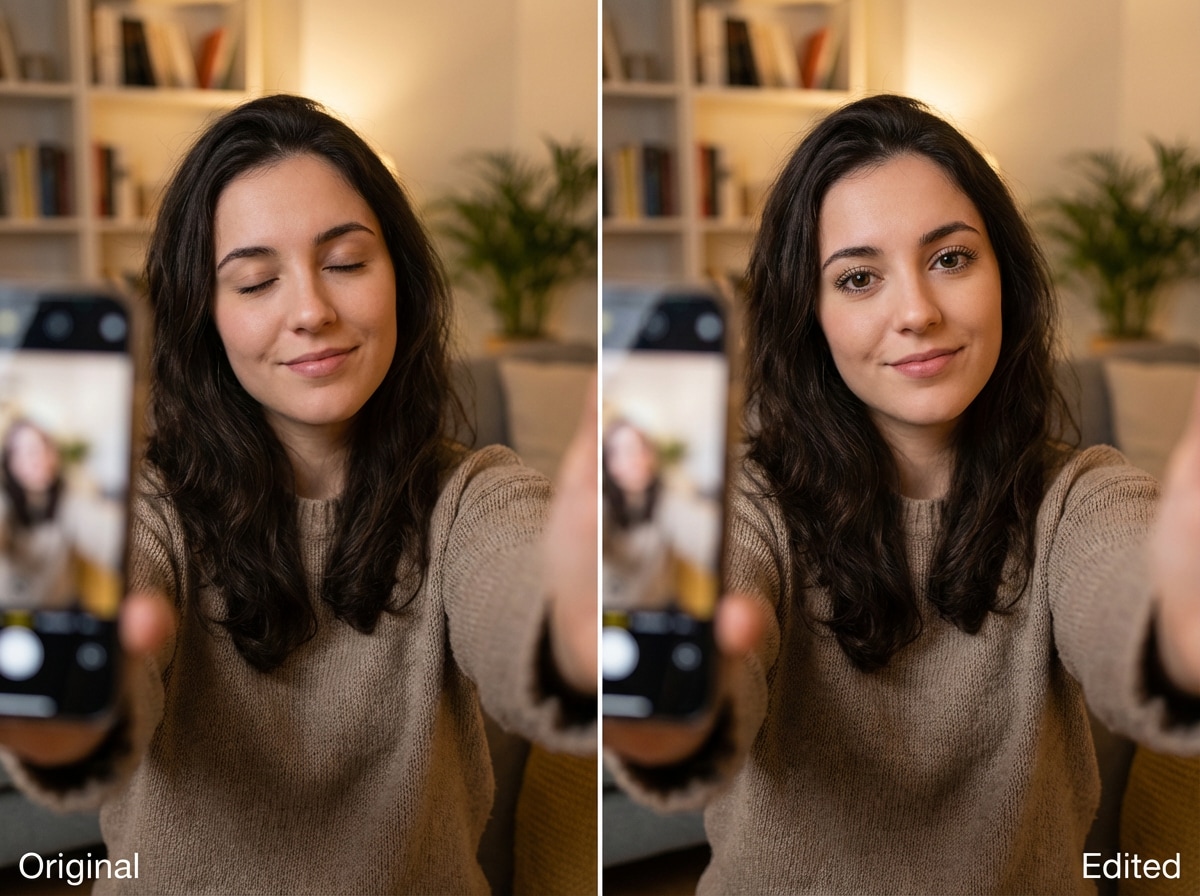
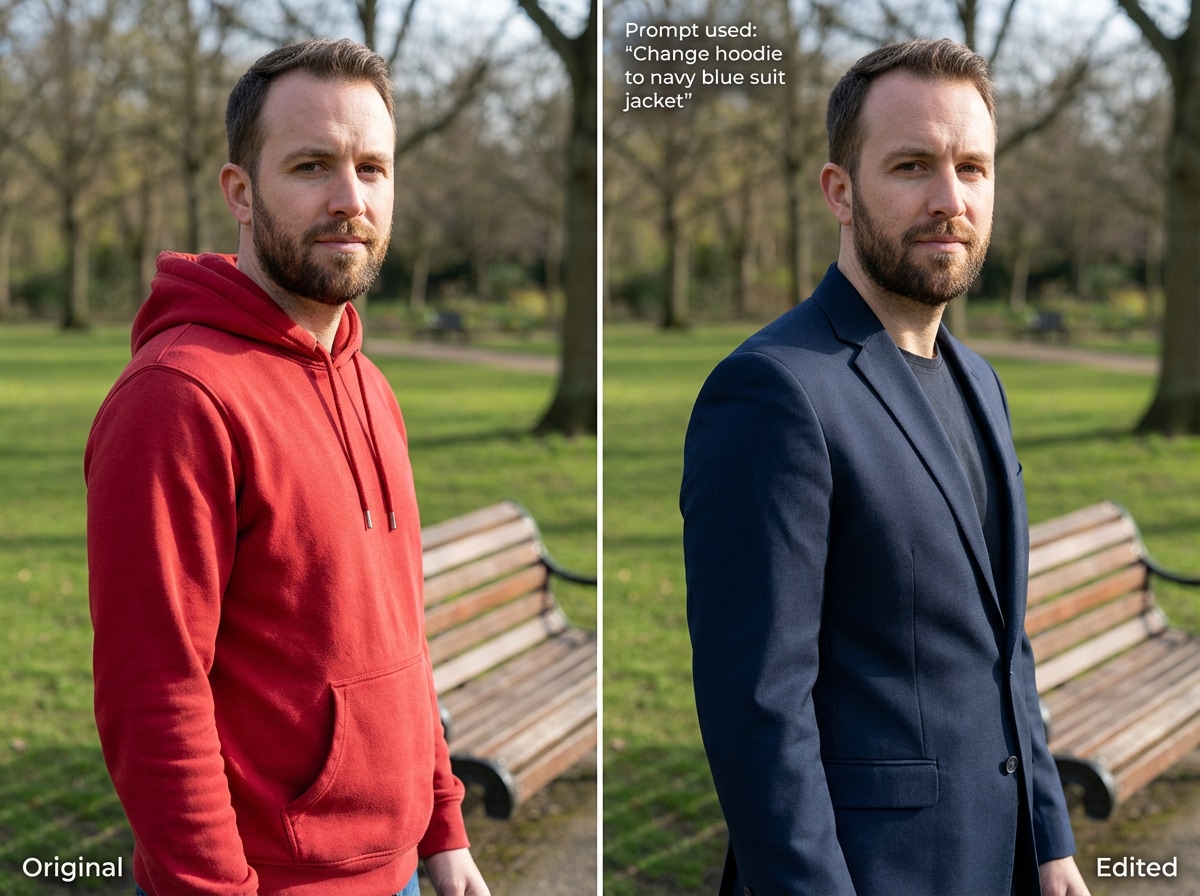
Kişinin kim olduğunu değiştirmeden düzenlemeler yapın. Yüz özellikleri, ifadeler ve genel kimlik tanınabilir kalır; portreler ve vesikalık fotoğraflar için idealdir.
 ToMoviee Pro (ex-Media 2.0)
Fotoğrafınızı yükleyin ve çevrimiçi AI promptlarıyla düzenleyin. Media.io, kıyafet, arka plan, aydınlatma, stil, saç, makyaj, aksesuar ve daha fazlasını değiştirirken aynı kişiyi korumanıza yardımcı olur. İstediğiniz düzenlemeyi açıklayın, ücretsiz kredilerle oluşturun ve sıfırdan başlamadan hassas fotoğraf değişiklikleri yapın.
Kayıt/giriş yapınca ücretsiz krediler.
Kişinin kim olduğunu değiştirmeden düzenlemeler yapın. Yüz özellikleri, ifadeler ve genel kimlik tanınabilir kalır; portreler ve vesikalık fotoğraflar için idealdir.
Yeni bir saç stili deneyin, makyajı ayarlayın veya pürüzsüz geçişler ve doğal sonuçlarla kendinizin daha yaşlı ya da daha genç halini görün.
Dağınık kenarlar veya doğal olmayan geçişler olmadan nesneleri kaldırın, küçük alanları düzeltin veya görüntünüzün bölümlerini ayarlayın.
Basit talimatlar net sonuçlara yol açar. Düzenleyici yüz düzenlemelerini, nesne kaldırmayı ve düzen değişikliklerini daha güvenilir biçimde gerçekleştirir.
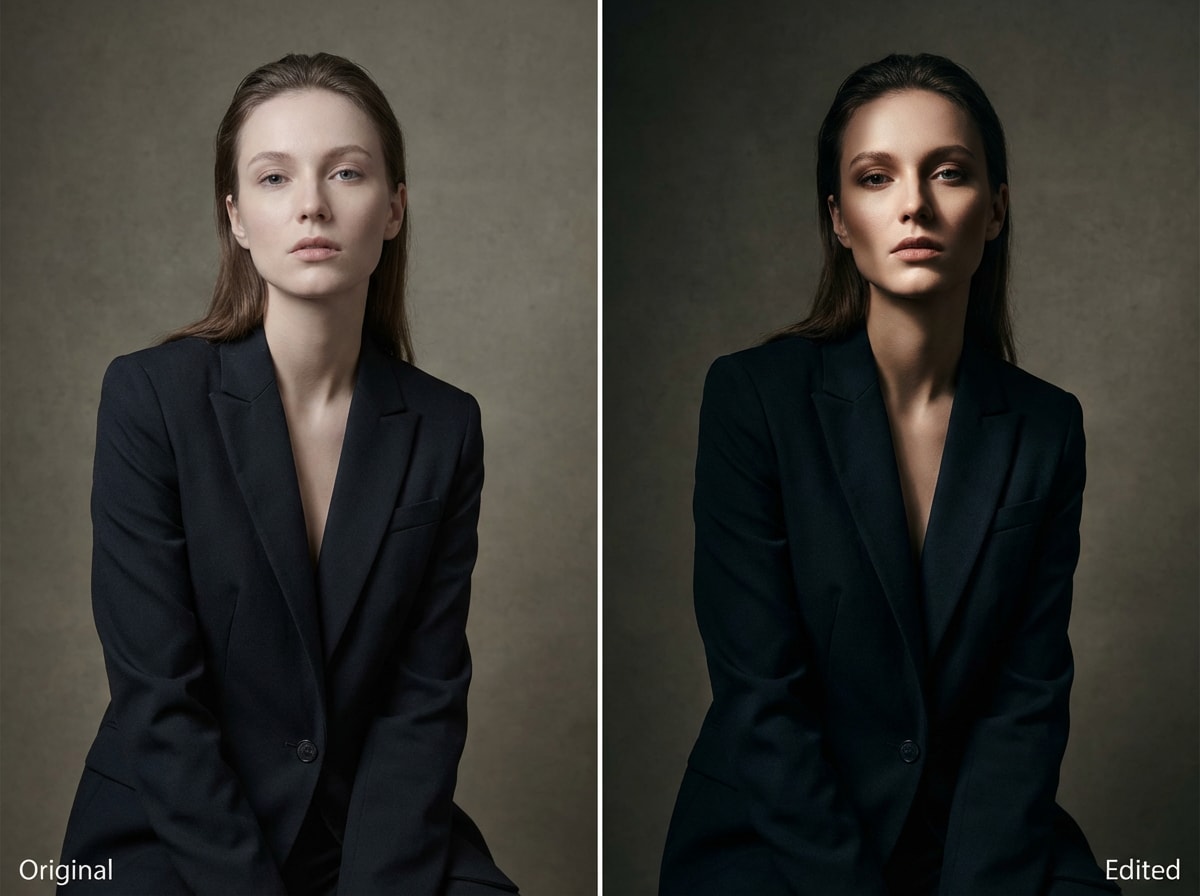
Manuel rötuş yapmadan arka ışık, yan ışık veya stüdyo tarzı aydınlatmayla havayı değiştirin. Portreler, moda çekimleri ve dramatik görünümler için mükemmeldir.
Çizikleri onarın, bulanıklığı azaltın ve yüzleri tanınabilir, renkleri doğal tutarken netliği artırın.
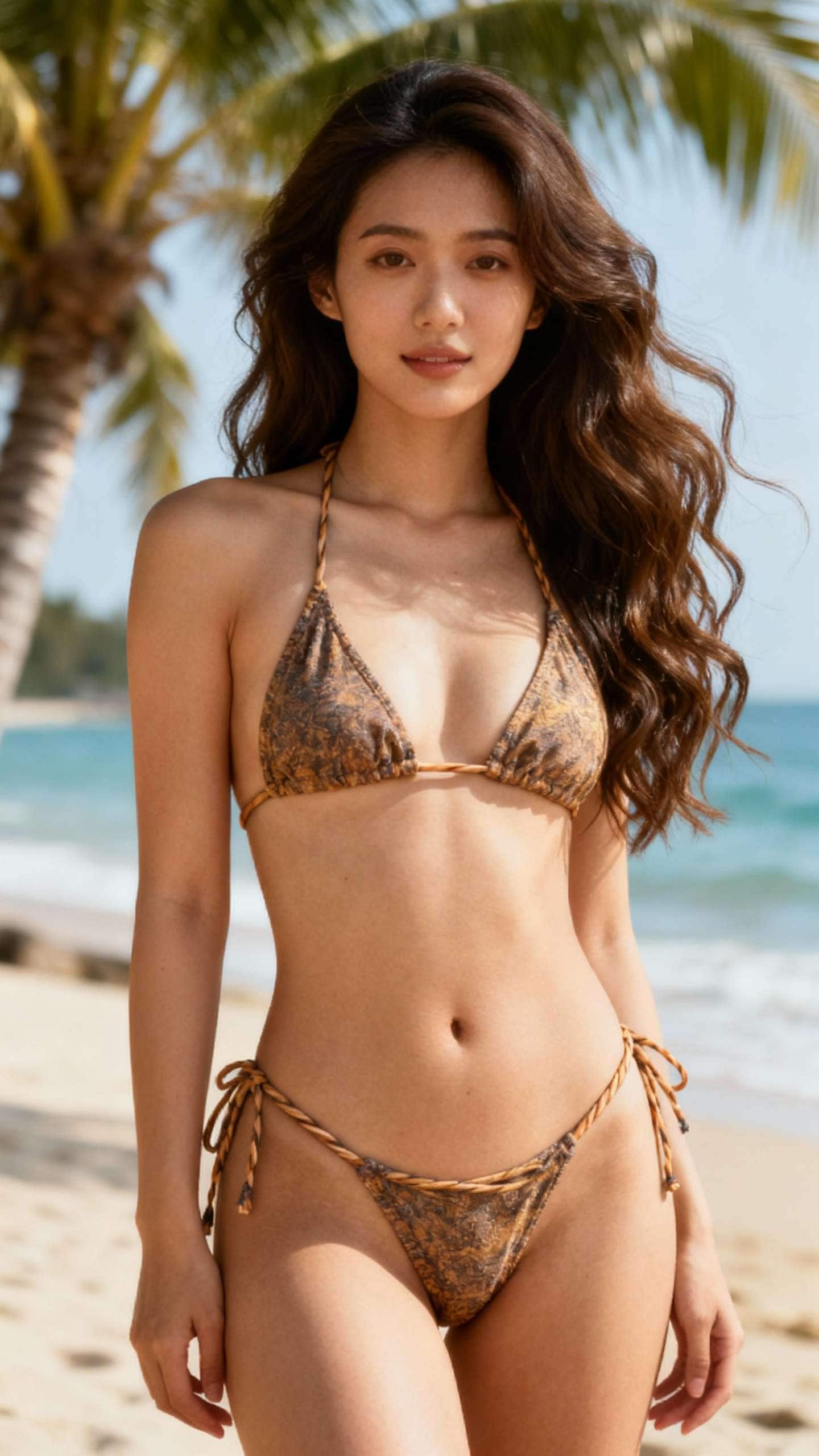
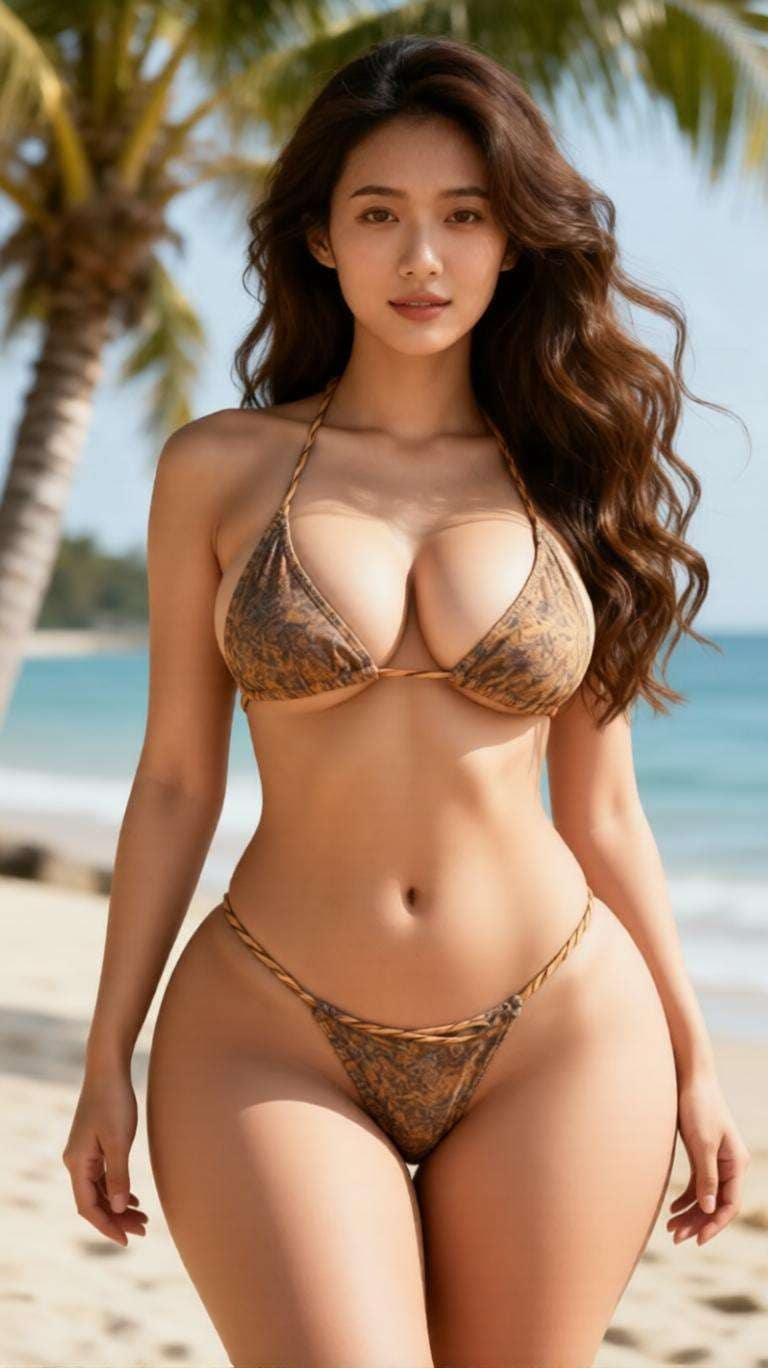
Değiştirmek istediğiniz şeyi tam olarak tanımlamak için doğal dil promptları kullanın. Kıyafet değişimlerinden yeni arka planlara, daha iyi aydınlatmadan güzellik rötuşuna kadar, prompt ile AI görüntü düzenleme fotoğraf değişikliklerini çok daha kolay hale getirir.
Media.io, aynı yüzü ve kimliği korurken hassas düzenlemeler yapmak isteyen kullanıcılar için mükemmeldir. Tamamen farklı bir görüntü oluşturmak yerine, yüklenen fotoğrafta kontrollü değişiklikler yapabilirsiniz.
Tüm görüntüyü sıfırdan yeniden oluşturmadan arka planı, kıyafeti, saç stilini, makyajı, renk tonunu, aksesuarları veya fotoğraf stilini ayarlayın. Bu, hâlâ size ait hissettiren temiz, gerçekçi düzenlemeler elde etmeyi kolaylaştırır.
Kayıt sırasında ücretsiz kredilerle farklı görünümleri, prompt ifadelerini ve düzenleme yönlerini test edin. Bu, ücretsiz prompt ile ai görüntü düzenleyiciyi gelişmiş düzenleme becerileri gerektirmeden denemenin hızlı bir yoludur.
Düzenlemek istediğiniz görüntüyle başlayın. AI'nin geliştirmek veya dönüştürmek istediğiniz tam taban fotoğrafa sahip olması için Media.io'ya bir portre, selfie, ürün fotoğrafı veya yaşam tarzı görüntüsü yükleyin.
İstediğiniz değişikliği sade bir dille açıklayın. Örneğin, aynı kişiyi korurken kıyafeti değiştirmeyi, aydınlatmayı iyileştirmeyi, stüdyo arka planı eklemeyi, detayları rötuşlamayı veya görüntüyü yeniden stilize etmeyi isteyebilirsiniz.
Sonucu oluşturun, yeni sürümü orijinal görüntünüzle karşılaştırın, ardından gerekirse promptu iyileştirin. Düzenleme doğru göründüğünde, sosyal medya, iş veya kişisel kullanım için son görüntüyü indirin.

Portre Yaratıcısı

"Gerçekten hassas hissettiren ilk AI düzenleyiciydi." Bir portre yükledim ve yalnızca kıyafeti, arka planı ve aydınlatmayı değiştirdim. Yüz hâlâ benim gibi görünüyordu; tam istediğim buydu.

Sosyal Medya Kullanıcısı
"Tam olarak ne değiştirmek istediğinizi bildiğinizde harika." Tamamen yeni bir görüntü istemiyordum. Sadece daha iyi aydınlatma ve daha temiz bir arka planla aynı fotoğrafı istedim; prompt tabanlı düzenleme akışı gerçekten çok iyi çalıştı.

İçerik Editörü
"Ücretsiz krediler birkaç prompt versiyonunu test etmeyi kolaylaştırdı." Aynı görüntü için farklı ifadeler denedim ve en iyi sonucu hızla buldum. Her şeyi kendim manuel olarak düzenlemekten çok daha kolaydı.

Serbest Çalışan
"Photoshop olmadan hızlı profesyonel görünümlü düzenlemeler için mükemmel." Gündelik bir fotoğrafı daha temiz bir profil görüntüsüne yükseltmek için kullandım ve aynı kişiyi ne kadar iyi koruduğuna şaşırdım.
An Prompt ile AI görüntü düzenleyici bir görüntü yüklemenizi ve metin kullanarak istediğiniz düzenlemeleri tanımlamanızı sağlar. Her detayı manuel olarak düzenlemek yerine, AI'ye neyi değiştireceğini söylersiniz ve sizin için yeni bir sürüm oluşturur.
Evet. Media.io, kıyafet, aydınlatma, arka plan ve stil değiştirme gibi prompt tabanlı düzenlemeler yaparken aynı kişiyi korumanıza yardımcı olmak için tasarlanmıştır. Bu, sonucun daha hassas ve gerçekçi hissettirir.
Arka planı, kıyafeti, saç stilini, makyajı, aydınlatmayı, renk tonunu, aksesuarları ve genel stili değiştirebilirsiniz. Ayrıca dikkat dağıtıcı detayları temizleyebilir veya fotoğrafa daha profesyonel, sinematik ya da estetik bir görünüm kazandırabilirsiniz.
Evet. Media.io kayıt sırasında ücretsiz krediler sunar; böylece daha fazla oluşturma yapmak isteyip istemediğinize karar vermeden önce prompt tabanlı fotoğraf düzenlemelerini deneyebilirsiniz.
Karmaşık manuel araçları öğrenmek yerine bir görüntüyü metinle düzenlemek isteyen kullanıcılar için daha hızlı, daha kolay ve daha esnektir. Birkaç görünümü hızla test edebilir ve aynı fotoğrafı tabanınız olarak korurken hassas değişiklikler yapabilirsiniz.
 4.7 (162.357 Oy)