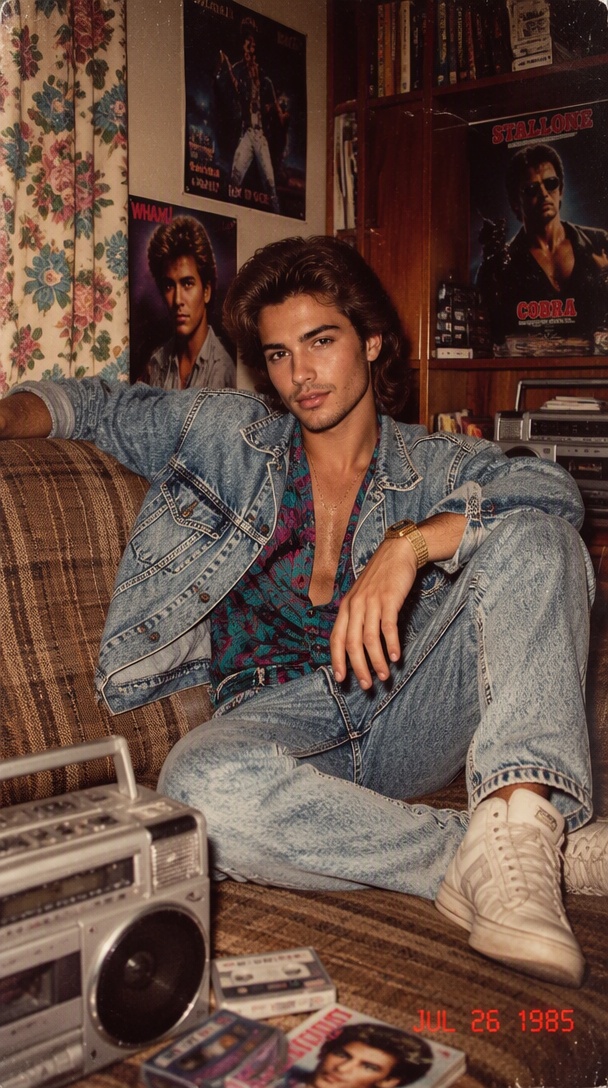
Three beats, three hair bursts
Each “opa” has its own bounce: hair flies up, falls back, then springs again. The repeated rhythm is the whole joke.
One selfie. Three little jumps. Hair that seems to have a mind of its own. The Opa Opa Opa AI trend turns each “opa” beat into an exaggerated hair bounce, ending with a proud grin. Use the ready-made template above to try the playful look with your photo.
Each “opa” has its own bounce: hair flies up, falls back, then springs again. The repeated rhythm is the whole joke.
A steady, front-facing portrait makes the expression and hair movement easy to read even on a small phone screen.
Keep the original hairstyle and color as the bounce becomes exaggerated, rather than changing the person’s identity.
After the third bounce, the hair settles and the subject gives the camera a pleased little smile.
Face the camera in a casual selfie-style shot with hair visible.
A light jump sends the hair upward before it falls back.
Two more bounces create bigger, playful hair movement.
The hair settles and the subject gives a knowing smile.
The exact timing depends on the selected template and generation. Preview the final clip before sharing.
Choose a clear, well-lit photo showing your face and hair. A simple background keeps the motion easy to see.
Go to the template at the top of this page and upload your photo. The hair-bounce sequence is built in, so you do not need to paste a prompt.
Preview the hair rising and settling on each beat. Save your result and add any music you have the rights to use when posting.
The hair-bounce format grew out of short-form videos using an “opa” rhythm: creators bob toward the camera while their hair springs up on each accent. Dated October examples preceded AI remake tools in November. The milestones below identify documented posts and tool coverage, not a verified first inventor.
A post by @cellow111 uses fluffy, springing hair as the visual punchline, according to the trend guide. View source
Remake the Trend lists its Opa Opa Opa AI version, turning the hair-bounce sequence into a one-photo workflow. View source
The trend guide reports additional creator activity during the preceding week, showing continued interest in AI remakes. View source
See what creators are making on TikTok, Reels & Shorts — watch the effects and try your next viral idea.
Explore All AI Trends