
AI Courtroom Drama Video Generator: Turn Trial Scripts into Legal Videos
Media.io AI Courtroom Drama Video Generator is a script-to-video tool for trial scripts and courtroom scenes. It keeps testimony, objections, and evidence in order so the case reads cleanly from opening statement to verdict. That makes it a practical fit for dialogue-heavy legal videos.
Core Features of Media.io AI Script to Video Generator
Build a complete video from written content without treating every scene as a separate generation task. Media.io combines script understanding, story structure, character setup, storyboard preview, AI-generated visuals, voiceover, optional background music and subtitles, and agent mode for one-step creation, with exports up to 2 minutes in 4K.
Turn Courtroom Scripts into a Clear Case Outline
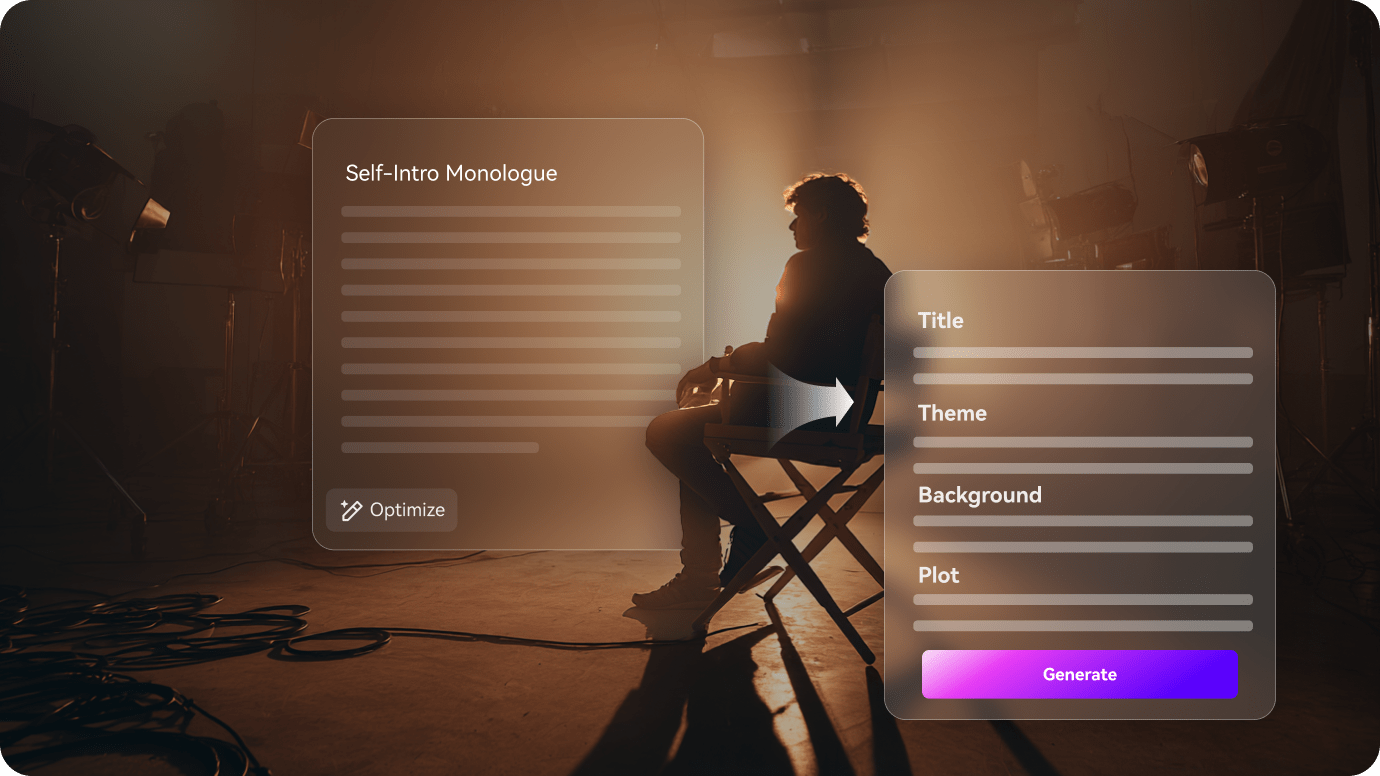
Start by turning the script into a case map, with opening statements, witness turns, objections, and the verdict placed in sequence.
- Map opening statements, witness turns, objections, and verdict beats
- Keep the trial order readable for legal and dialogue-heavy scenes
- Turn long scripts into a case flow you can review before export
Keep Judges, Lawyers, and Witnesses Consistent
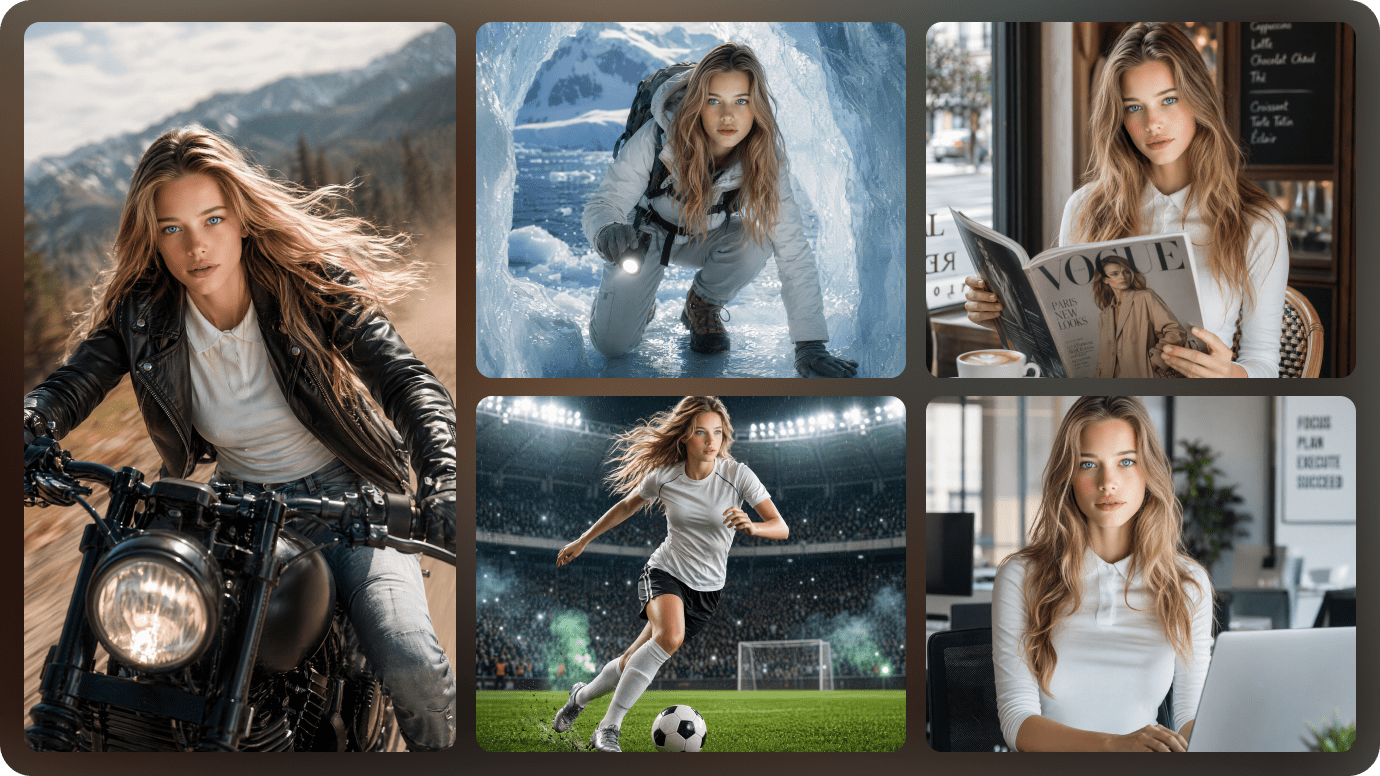
Courtroom drama depends on who is speaking, who is being challenged, and who holds authority. The cast map keeps those roles steady as the trial moves.
- Make recurring legal characters easy to follow from scene to scene
- Support cross-examination, evidence reveals, and closing arguments
- Preserve courtroom continuity across the same case
Refine Testimony and Evidence Beats Before Export
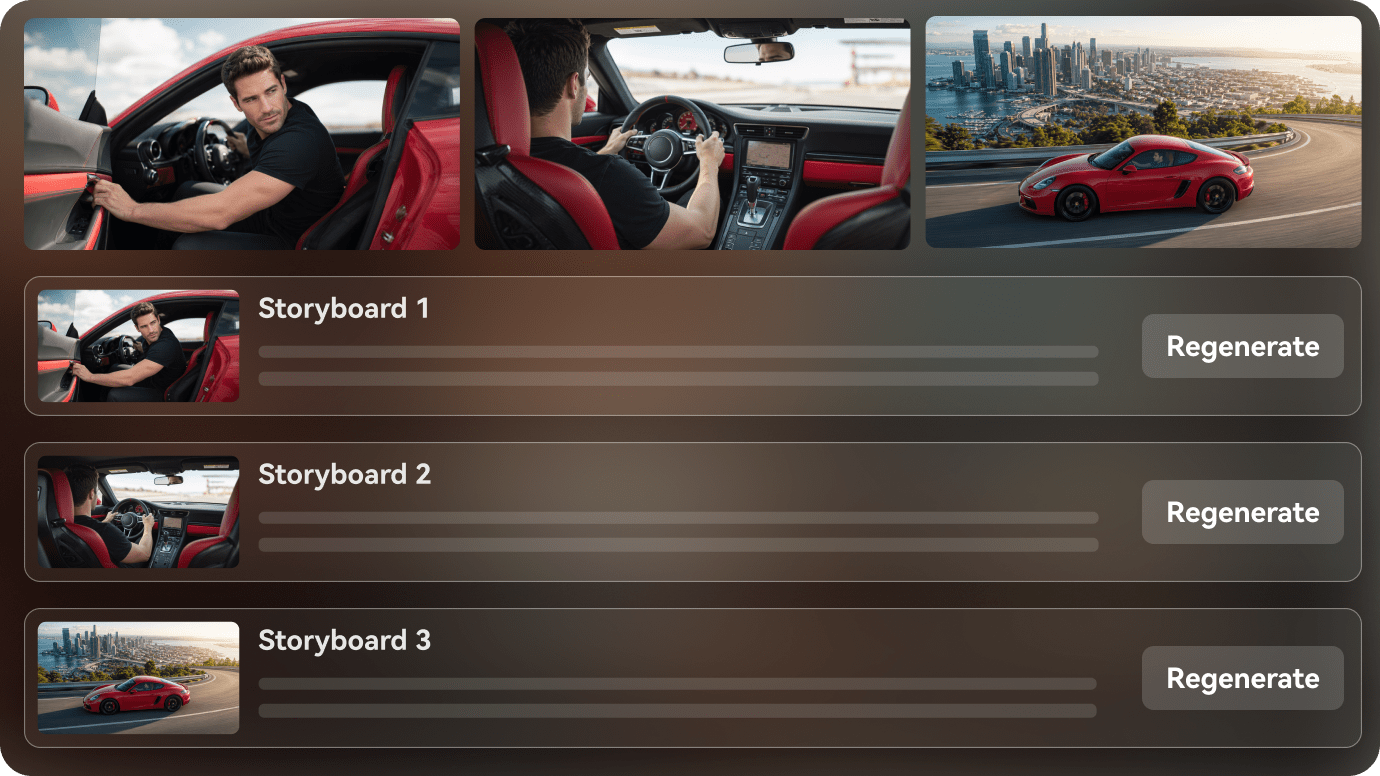
Before export, review the witness exchange and evidence reveal so the verdict feels earned rather than sudden.
- Rewrite a weak scene without breaking the case logic
- Focus on testimony and evidence instead of generic drama language
- Use the final review step to keep the verdict build intact
How to Create a Courtroom Drama Video in 3 Steps
Start with the script, then shape the cast and scene order before export.

Paste the trial script
Start with a legal scene, a witness sequence, or a full courtroom outline. Media.io turns it into a structured case flow.

Map the legal cast
Keep the judge, lawyer, defendant, and witness recognizable as the case moves from testimony to closing argument.

Review the verdict cut
Check the scene order, revise any weak beat, and export the final legal drama video.
How This Workflow Compares to a Basic Prompt-to-Video Flow
A structured workflow gives the trial a case map first; a loose prompt chain often leaves the order for you to repair afterward.
Courtroom Drama Video Ideas You Can Create
These story ideas lean into witness turns, objections, evidence reveals, and verdict pacing.
Surprise Witness
A new voice enters the case at the exact moment the room thinks the answer is settled.
Courtroom
Hidden Evidence
A legal drama built around a document, object, or recording that changes the argument.
Courtroom
False Accusation
A story that follows the pressure of proving who actually caused the problem.
Courtroom
Cross-Examination
Fast dialogue, sharp questions, and a scene that lives or dies on timing.
Courtroom
Closing Argument
The final emotional summary before the verdict lands.
Courtroom
Unexpected Verdict
The last scene flips the room with a result nobody in the case can ignore.
Courtroom
How Different Legal Creators Use AI Script to Video
From legal-drama creators and faceless YouTubers to screenwriters, trial channels, and education teams, see how AI script to video can move written courtroom ideas into finished videos.


"I can move from written trial scenes to a visual case flow without losing the order."

"It helps me turn courtroom scripts into a clear legal video with less setup."

"The tool makes witness turns, objections, and verdict pacing easier to visualize."

"I can preview a trial chapter as a short video before I commit to the final cut."

"I can paste a long legal script, review the outline, and keep the case readable."

"It helps me turn courtroom scenes into teaching videos with a cleaner story arc."
FAQs on Courtroom Drama
The short answers below cover the product questions people usually ask first.
What Is an AI Courtroom Drama Video Generator?
It turns trial scripts into connected courtroom videos with judges, lawyers, witnesses, evidence, and verdict pacing. Start from a legal script, witness sequence, or full trial outline, then keep the judge, lawyer, defendant, and witness roles readable across scenes. Move cleanly from testimony to closing argument to verdict.
What Export Options Can I Choose?
You can use agent mode for a one-step run or review the storyboard first. Background music and subtitles can be toggled on or off, and exports can go up to 2 minutes in 4K with realistic or anime presets.
Can I Turn a Trial Script into a Video?
Yes. Courtroom scripts are a strong fit because the tool can separate witness turns, objections, and verdict beats into a visible outline.
Can I Keep the Same Judge or Lawyer Across Scenes?
Yes. The workflow is designed for recurring legal characters so the trial remains readable from one scene to the next.
What Courtroom Drama Stories Work Best?
Surprise witnesses, hidden evidence, cross-examinations, closing arguments, and verdict reveals usually map well to video.
Does It Help with Dialogue-Heavy Scenes?
Yes. Courtroom stories depend on spoken lines, so the outline stage helps keep each statement and response in order.
Can I Use It for Short-Form Legal Clips?
Yes. It can be shaped for vertical video, recap formats, or short legal drama episodes.
What If a Scene Needs Revision?
You can review the scene flow and rewrite the weak shot before you export the finished video.
Explore Script-to-Video Ideas and Use Cases
These topics branch into trials, witnesses, and verdict scenes without collapsing into one phrase.

Turn Your Courtroom Script into an AI Video In One Workflow
Paste your legal script, witness sequence, or full trial outline. Media.io helps structure the case, set up characters, preview the storyboard, and generate a watchable courtroom video from your written idea. You can also switch on background music and subtitles, or use agent mode when you want a one-step run. Exports can go up to 2 minutes in 4K.