Первая подписка доСкидка 50%
Купить сейчас

Ganpati Bappa AI Видео

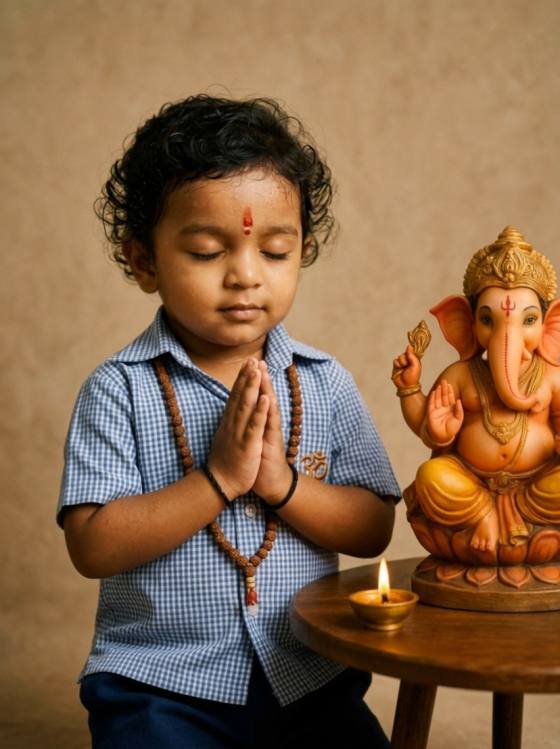
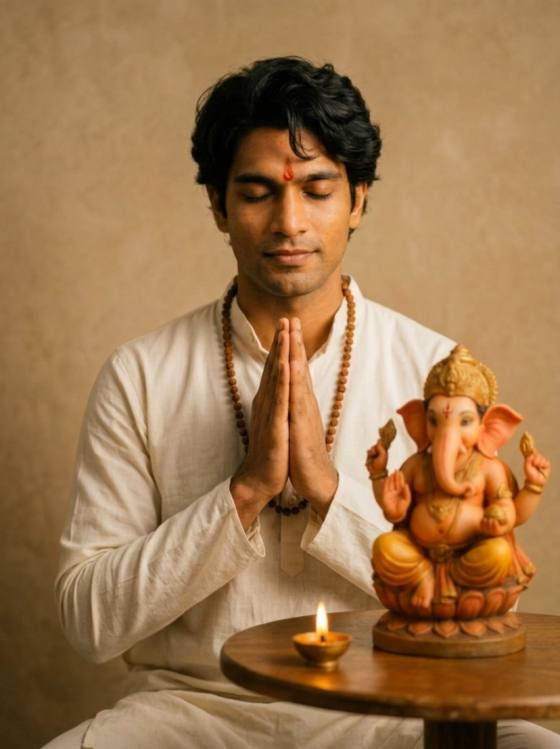
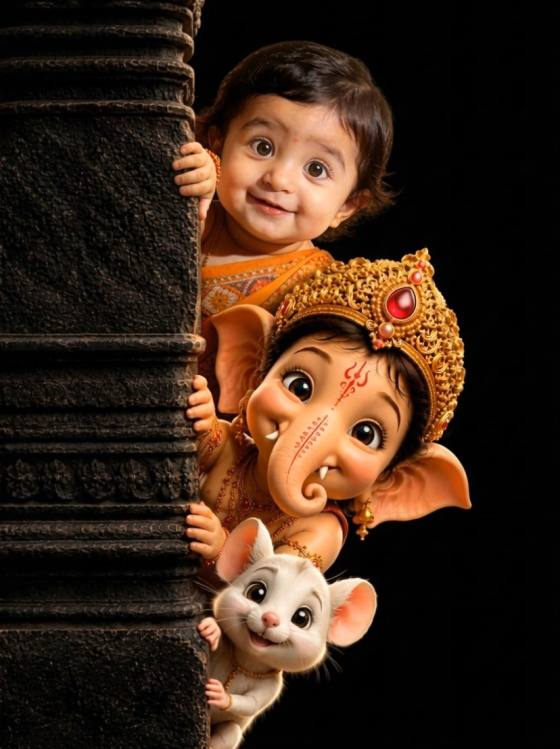
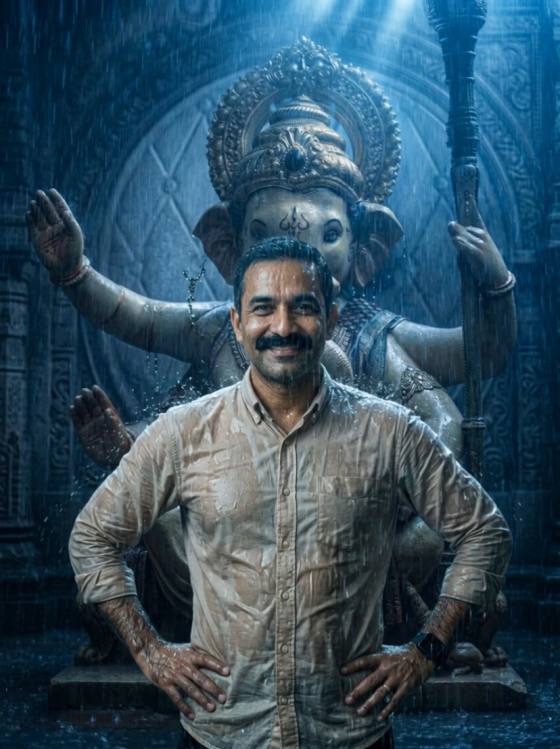
Создайте AI-видео Ганпати Баппа из фотографии. Анимируйте благословения Ганеши, лепестки цветов, лампочки, божественный свет и сцены фестиваля онлайн с Media.io.
All Submissions

Ganpati Bappa AI Video – Bring Your Ganesh Photo to Life

Turn a Ganpati Bappa photo into a beautiful Ganpati Bappa AI video with natural festival motion. Animate flower petals, glowing diyas, divine light, blessings, garlands, and cinematic camera movement for Reels, Shorts, WhatsApp Status, and festive sharing.

Create Ganpati Bappa AI Video

Upload a Ganesh photo and turn the moment into motion.

Why Create a Ganpati Bappa AI Video with Media.io

Turn Any Ganesh Photo into Video

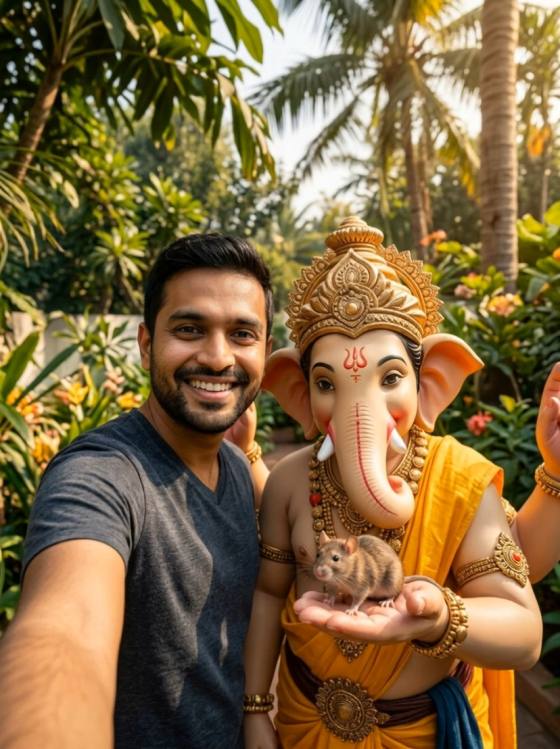
Start with a Ganpati idol, temple, pandal, puja, family, or devotional photo. Media.io turns the still image into a Ganesh AI video with natural motion while preserving the main composition and visual details of your original image.


Add Divine & Devotional Motion

Bring the atmosphere to life with falling marigold petals, flickering diyas, glowing light rays, moving garlands, incense smoke, and subtle background motion. Keep Ganpati Bappa visually stable while adding motion around the devotional subject.

Create Ganpati Blessing Videos

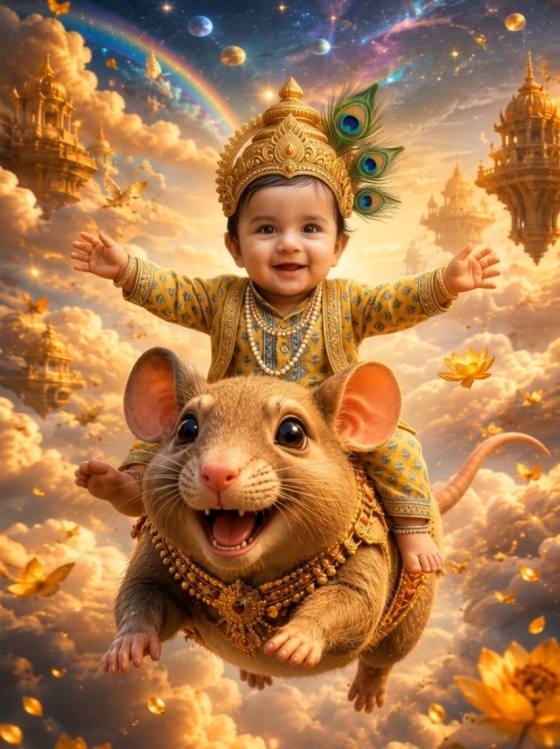
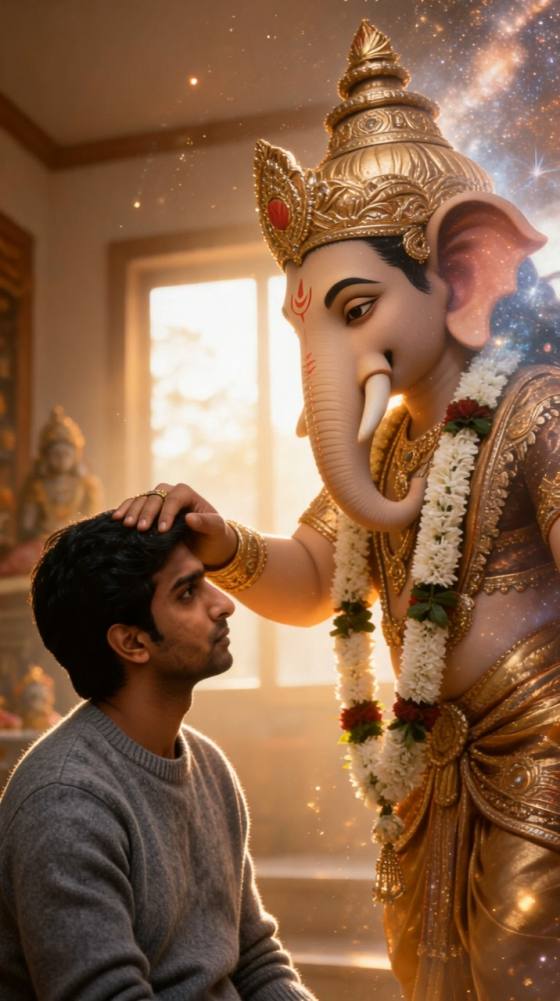
Transform a Ganesh blessing photo into an emotional short video. Add a gentle divine glow, floating petals, soft camera movement, and peaceful ambient motion to create a warm Ganpati Bappa AI video for personal or festival sharing.

Made for Reels & WhatsApp Status

Create short vertical Ganpati videos without manually animating a photo. Generate social-ready clips for Instagram Reels, YouTube Shorts, WhatsApp Status, Facebook, or Ganesh Chaturthi posts directly from your browser.

How to Make a Ganpati Bappa AI Video from a Photo

01

Upload Your Ganesh Photo

Choose a clear Ganpati Bappa, Ganesh idol, temple, pandal, puja, or festival photo. Images with a visible main subject and clean composition generally give the AI a better reference.

02

Describe Your Ganpati Video

Tell the AI how the scene should move. Try falling flower petals, glowing diyas, moving garlands, divine light rays, incense smoke, waving decorations, or a slow cinematic camera movement.

03

Generate Your Ganesh AI Video

Generate and preview the animation. Check the Ganpati idol, faces, hands, decorations, and background for consistency, refine the motion if needed, then download your finished video.

Popular Ganpati Bappa AI Video Ideas

Ganpati Bappa Blessing AI Video

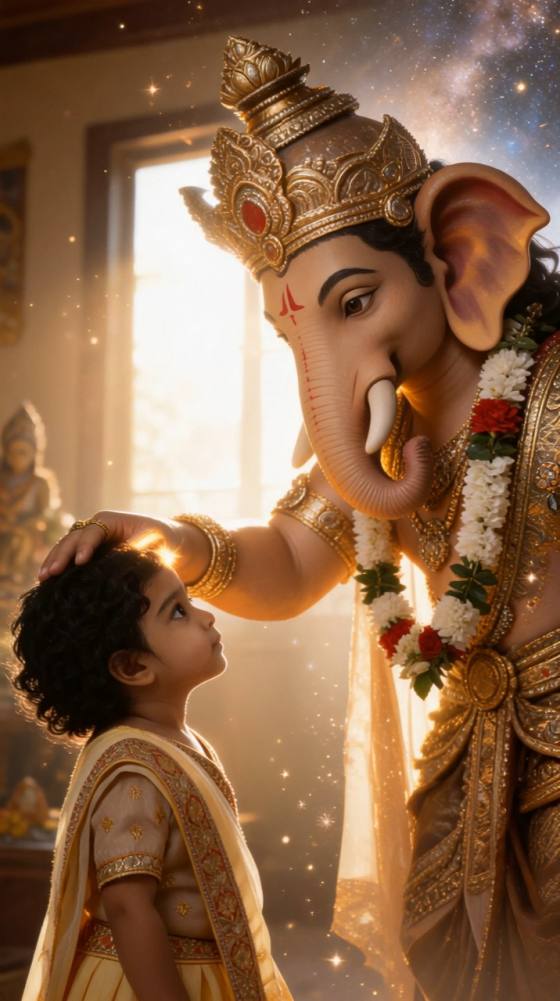
Create a peaceful devotional scene with Ganpati Bappa surrounded by warm golden light, gently falling flower petals, glowing diyas, and subtle divine rays. Ideal for blessing videos, festival greetings, and WhatsApp Status.

Ganesh Chaturthi Pandal AI Video

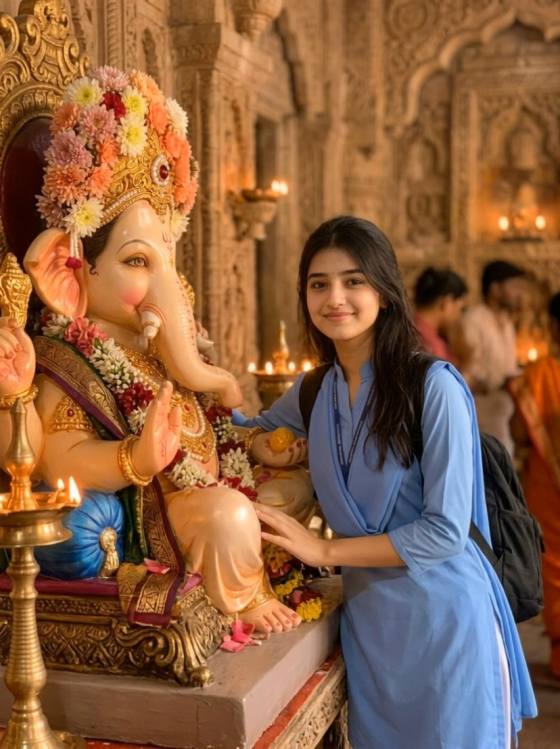
Bring a decorated Ganpati pandal photo to life with moving lights, swaying garlands, incense smoke, falling marigold petals, and subtle crowd activity. Add a slow camera push-in for a more cinematic festival atmosphere.

Ganpati Puja & Aarti AI Video

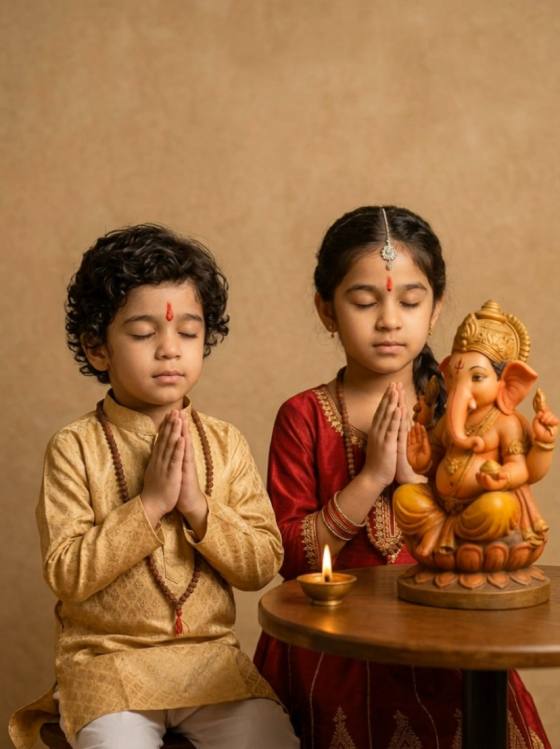
Animate a family puja or aarti photo with gently flickering flames, folded hands, natural facial movement, glowing diyas, flower petals, and warm ambient lighting while keeping Lord Ganesha central and dignified.

What Creators Say About Ganpati Bappa AI Video

Aarav Patil
Aarav Patil

Festival Content Creator

★★★★★

“Beautiful devotional motion.” I used a simple Ganpati photo and added petals, diya light, and a slow camera move. The result felt much more alive without making the scene look overly animated.

Riya Deshmukh
Riya Deshmukh

Reels Creator

★★★★★

“Perfect for festive Reels.” Turning my Ganesh Chaturthi photo into a short vertical video was straightforward. The subtle light and flower movement worked especially well for Instagram.

Neha Kulkarni
Neha Kulkarni

Social Media Creator

★★★★★

“Easy Ganpati video creation.” I created a Ganpati blessing video from one photo without manually editing keyframes. Keeping the idol still while animating the surroundings gave me a much cleaner result.

FAQs About Ganpati Bappa AI Video

1. What is a Ganpati Bappa AI video?

A Ganpati Bappa AI video is a video created or animated with AI from a Ganesh image. AI can add controlled motion such as falling flowers, flickering diyas, moving garlands, divine light, incense smoke, background activity, and cinematic camera movement while keeping the devotional subject visually consistent.

2. How can I turn a Ganesh photo into a video?

Upload your Ganesh photo to Media.io AI Image to Video and describe the motion you want. For example, ask for marigold petals to fall, diyas to flicker, garlands to sway gently, and the camera to slowly move toward Ganpati Bappa. Generate the video and refine the prompt if you want different motion.

3. What are the best Ganpati Bappa AI video ideas?

Popular Ganpati AI video ideas include Ganesh blessing videos, Ganpati pandal animations, family puja and aarti scenes, divine-light effects, flower-petal animations, temple scenes, Ganesh Chaturthi greetings, and cinematic festival Reels. For Visarjan-specific procession and farewell scenes, a dedicated Ganesh Visarjan concept works better.

4. How do I keep Ganpati Bappa consistent in an AI video?

Use a clear source photo and keep the requested movement simple. Instead of asking Lord Ganesha to perform complex actions, animate the environment—petals, diyas, smoke, garlands, lights, flags, or the camera. In your prompt, explicitly ask the AI to keep the Ganpati idol stable, dignified, and visually consistent.

5. Can I make a Ganpati Bappa AI video for Instagram or WhatsApp?

Yes. A vertical Ganesh AI video works well for Instagram Reels, YouTube Shorts, WhatsApp Status, Facebook Stories, and Ganesh Chaturthi greetings. For short-form platforms, start with a vertical image when possible and use one or two clear motions instead of overcrowding the scene.

Media.io Online AI Tools Quality Rating:
vote4.7 (162,357 Votes)
