Design Around Biomes, Gear, and Roles
Create a redstone engineer, deep-cave explorer, Nether warrior, woodland alchemist, ocean guardian, or server mascot. Define blocky proportions, colors, armor materials, tools, capes, and role-specific details.
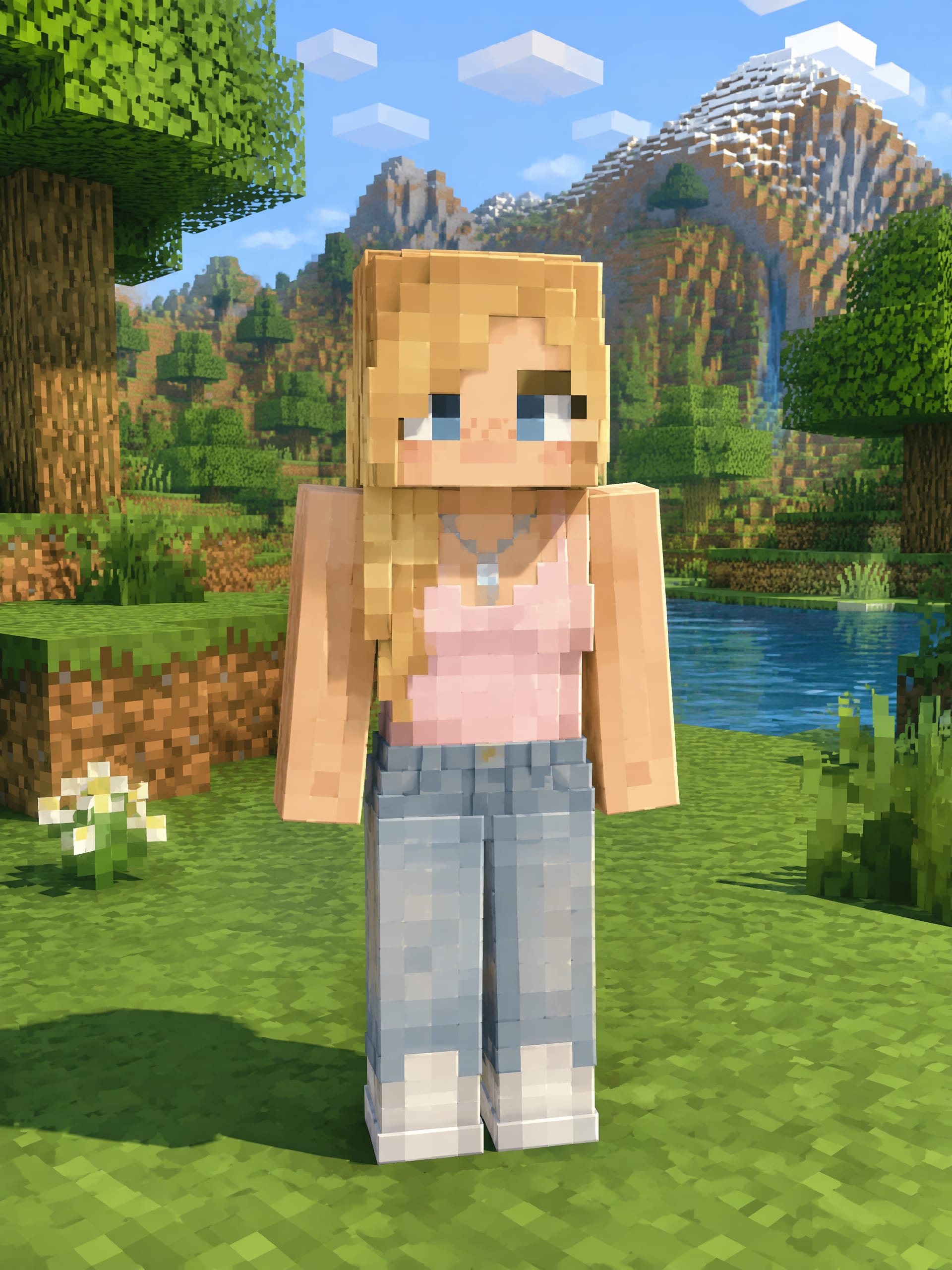
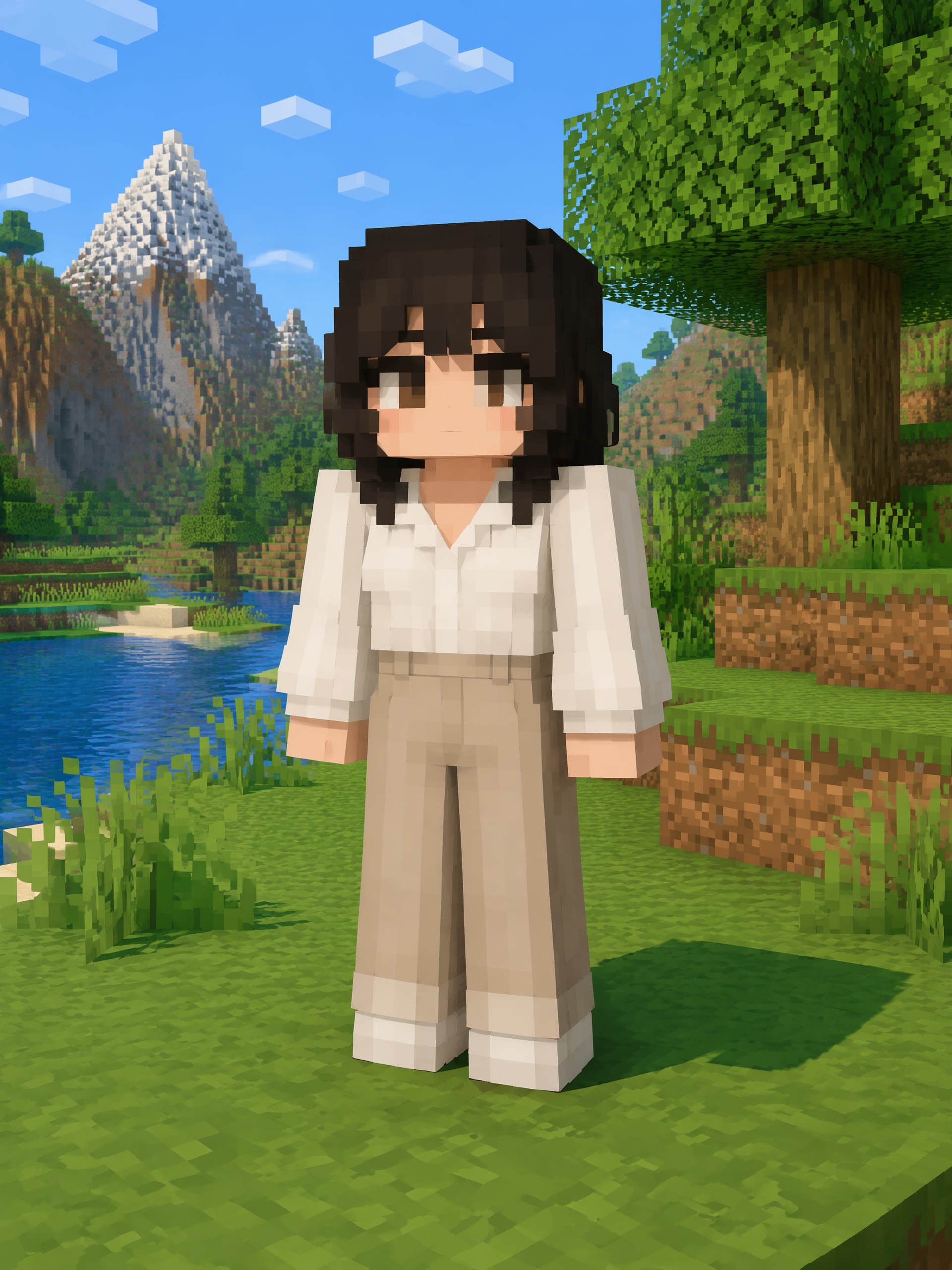
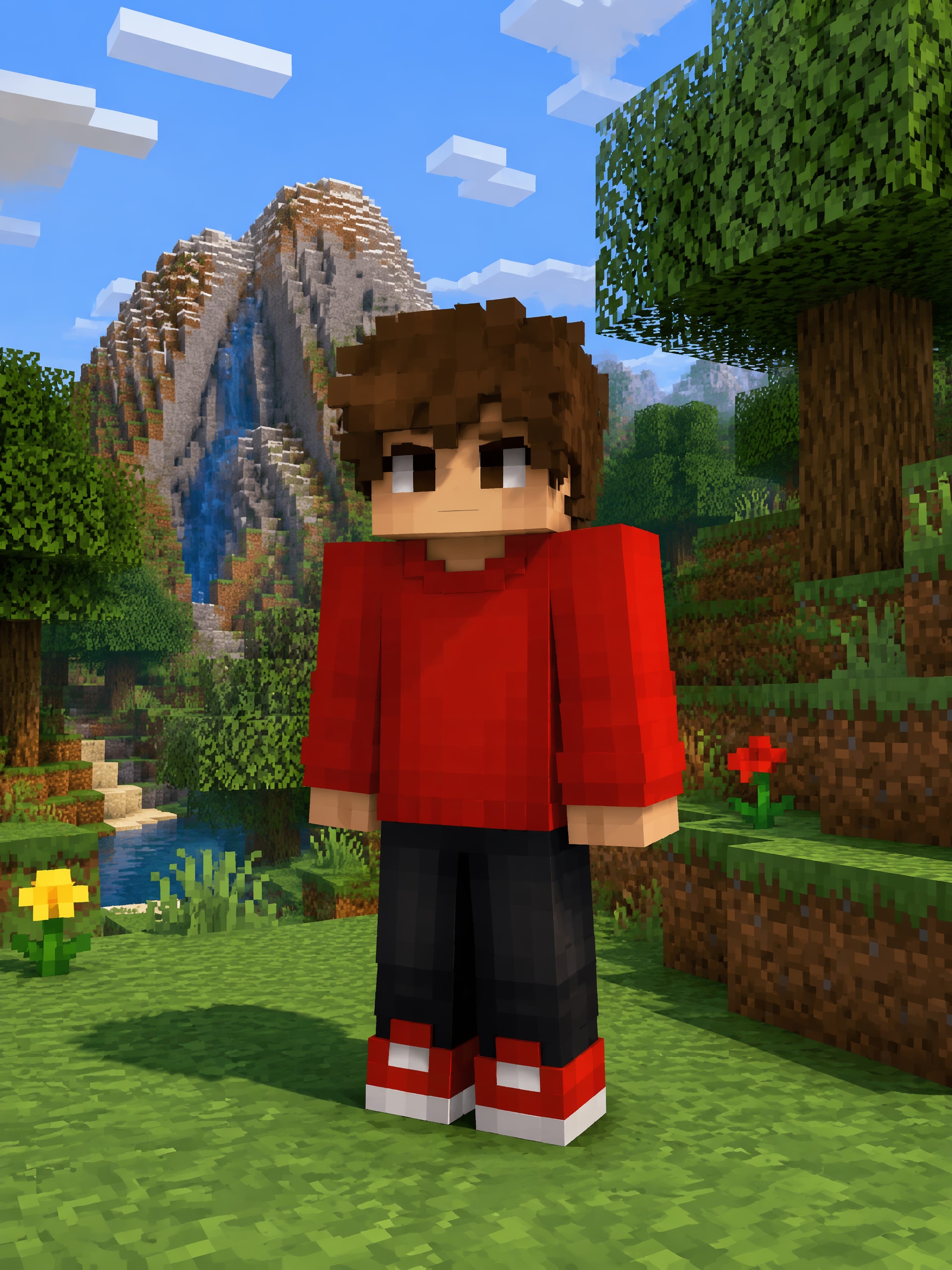
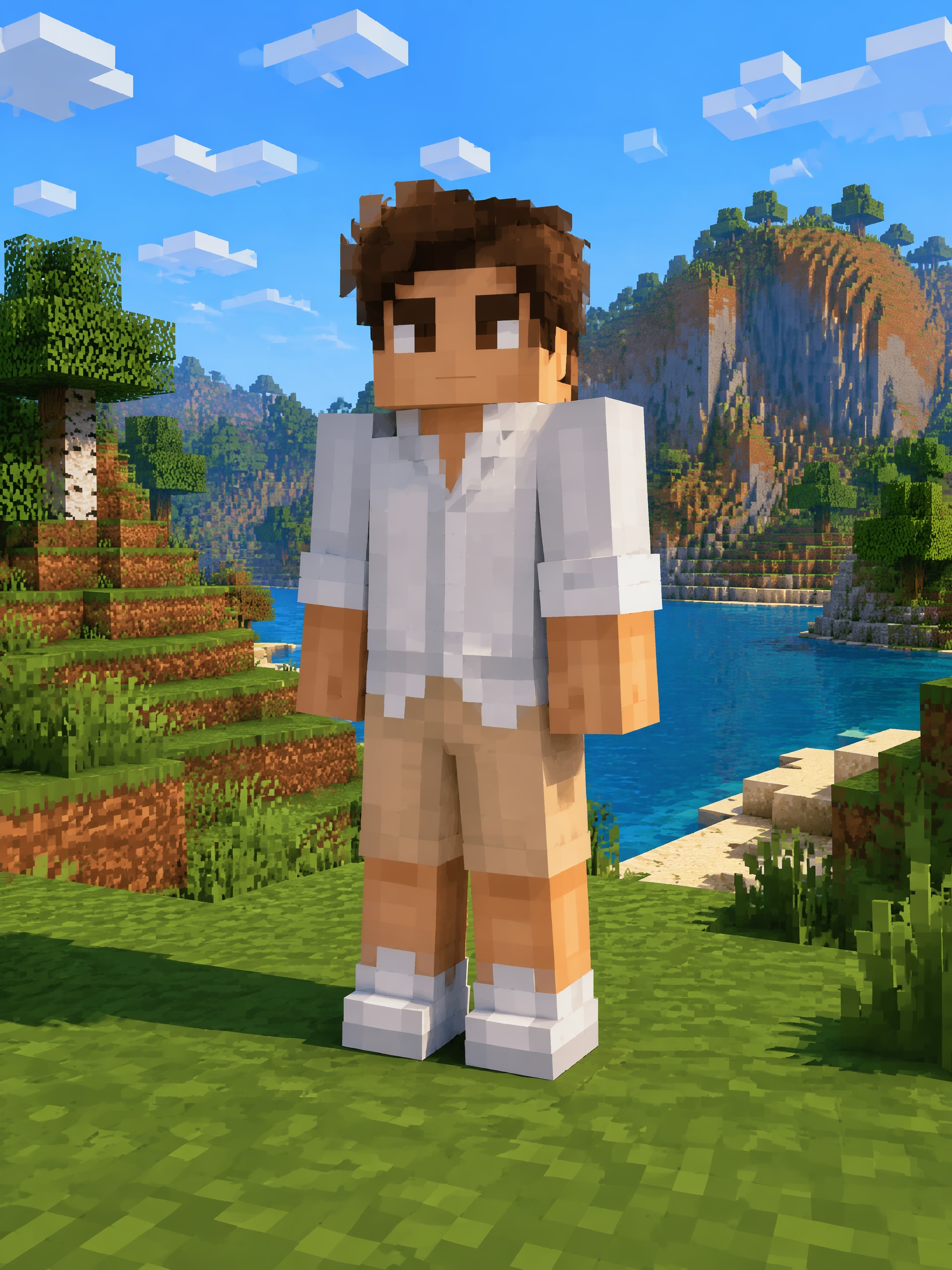
Use the AI Minecraft Character Generator to create Minecraft-inspired character artwork with blocky silhouettes, pixel-like details, armor, tools, biome themes, and original personalities. Make server avatars, skin concepts, portraits, and detailed scene art in your browser. Outputs are visual concepts, not valid or importable 64x64 skins.
Free credits on signup.
Create a redstone engineer, deep-cave explorer, Nether warrior, woodland alchemist, ocean guardian, or server mascot. Define blocky proportions, colors, armor materials, tools, capes, and role-specific details.
Move from clean pixel-inspired skin concepts to richly lit illustrations with textured armor and dramatic environments. Try a Front view for the core design or Face + Full Body to show both expression and equipment.
Save a chosen character to Assets and mention @character in your next prompt. Reintroduce the same explorer in caves, villages, snowy peaks, strongholds, or multiplayer-inspired scenes while retaining key visual cues.
Start with free signup credits, create without installing software, and download watermark-free results. Media.io helps you visualize ideas quickly while keeping the output clearly in the realm of concept artwork.
Begin with text or an uploaded image. Describe the character’s blocky face, clothing, armor, tool, personality, server role, and home biome. Include signature colors or symbols that should anchor the design.
Select Front, 3-View Sheet, Face Close-Up, Face + Full Body, Creative Model Card, or None. Pair it with Realistic, Anime, Stylized 3D, Influencer, or None, choose a model from Gemini Nano to GPT Image 2, and generate.
Add your preferred result to Assets. In later prompts, use @character to bring that blocky adventurer into mining scenes, boss encounters, server posters, profile images, or more detailed cinematic artwork.

Server Event Designer

“Our event guide now looks like a real character.” I combined copper goggles, a utility belt, and a redstone-themed jacket in the prompt. The result gave our server announcement a much stronger identity than a generic player silhouette.

Adventure Map Writer
“Biome details make each member of the cast feel different.” My desert scout, mushroom researcher, and frozen-peak guardian each needed distinct gear. The artwork helped me settle their palettes and equipment before writing the next quests.

Community Profile Artist
“I can explore a profile concept without pretending it is a finished skin file.” Face Close-Up is useful for expressive server avatars, while the fuller views let me test clothing and tools. The distinction between artwork and an importable skin is refreshingly clear.

Gaming Video Creator
“Saved characters give my episode art a recognizable hero.” I reuse my lantern-carrying miner for cave, village, and Nether-inspired thumbnails. Small details can shift between generations, but the visual through-line is much easier to maintain.
The AI Minecraft Character Generator makes Minecraft-inspired character images, including blocky original characters, server avatar art, pixel-style concepts, armored adventurers, and cinematic biome scenes. It generates visual artwork rather than a game-ready character or skin file.
No. The generated result is concept art and is not guaranteed to follow the exact 64x64 skin template or import requirements. You can use it to explore clothing, color placement, faces, armor, and accessories before recreating the idea in a dedicated skin editor.
Yes. Describe diamond-like armor, an enchanted pickaxe, a bow, a shield, a companion creature, or settings inspired by forests, caves, oceans, deserts, snowy peaks, or other block-built environments. Keep the prompt focused on the details most important to your character.
Front is useful for a straightforward design, 3-View Sheet helps compare multiple angles, Face Close-Up suits a server profile image, and Face + Full Body shows expression plus equipment. Creative Model Card can present the OC with extra visual context.
Save a result to Assets, then reference it with @character in a new prompt. You can request another biome, action, expression, or scene while keeping the main character as a visual anchor. Media.io works in the browser, offers free signup credits, and supports watermark-free downloads.
 4.7 (162,357 Votes)