
AI 마피아 드라마 생성기: 지하 세계 스크립트를 비디오 스토리로 변환
마피아 이야기는 충성심, 위협, 통제가 같은 장면 안에 있을 때 가장 효과적입니다. AI 마피아 드라마 생성기는 범죄 가문 스크립트, 거래 장면, 지하 세계의 압박을 초안에서 연결된 비디오로 변환합니다. 첫 번째 경고부터 마지막 움직임까지 권력 구조를 명확하게 유지합니다.
Media.io AI 마피아 드라마 생성기의 핵심 기능
지하 세계 거래부터 충성심 테스트까지, Media.io는 마피아 스크립트를 출연진, 스토리보드 미리보기, 선택적 배경 음악, 자막, 에이전트 모드를 하나의 워크플로우에 담은 범죄 가문 비디오로 변환합니다.
마피아 스크립트를 더욱 긴밀한 범죄 장면으로 변환
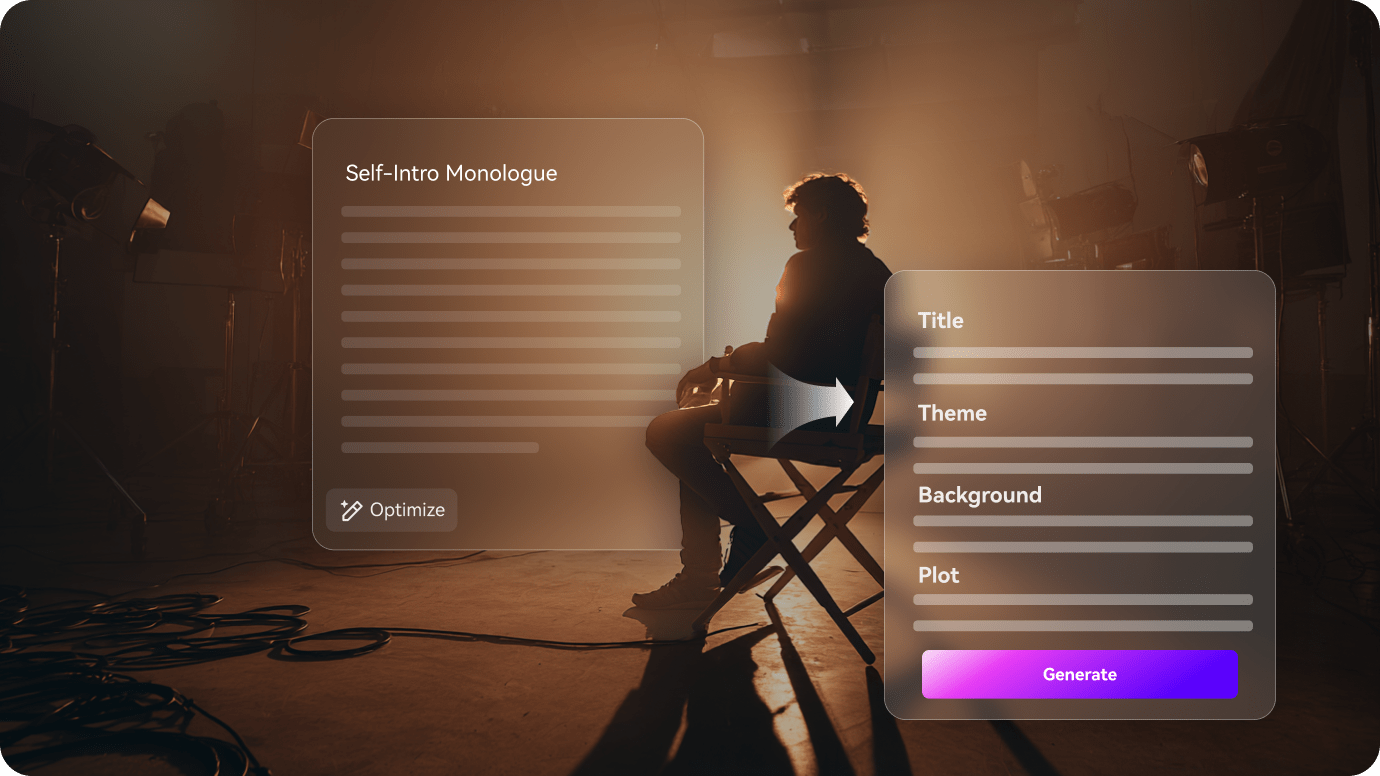
충성심 체계, 지하 세계 거래, 권력 이동을 먼저 파악하여 범죄 스토리가 명확한 구조를 갖도록 합니다.
- 가족 충성심, 지하 세계 거래, 권력 이동을 깔끔한 개요로 분류
- 클럽, 창고, 비밀 방을 이동하는 동안에도 스토리를 읽기 쉽게 유지
- 분위기를 평범하게 만들지 않으면서 긴장감 유지
장면 전반에 걸쳐 지하 세계 캐릭터를 일관성 있게 유지
보스, 돈, 솔저, 정보원은 스토리가 클럽 장면에서 밀실 압박으로 이동할 때도 식별 가능해야 합니다.
- 연결된 장면 전반에 걸쳐 보스, 돈, 솔저, 정보원을 일관되게 유지
- 스토리가 고조되는 동안 가족 구조를 쉽게 따라갈 수 있게 구성
- 장면에서 장면으로 반복되는 범죄 가문 역할을 명확하게 유지

내보내기 전 충성심 갈등 다듬기
내보내기 전에 위협, 거래, 또는 배신 장면을 검토하여 최종 비디오가 하나의 연결된 범죄 가문 이야기처럼 느껴지도록 합니다.
- 최종 편집본이 나가기 전에 거래, 위협, 또는 배신 장면 검토
- 너무 모호하거나 너무 다듬어진 장면 수정
- 권력 역학 관계가 명확하게 드러나는 마피아 드라마 내보내기
3단계로 마피아 드라마 비디오 만들기
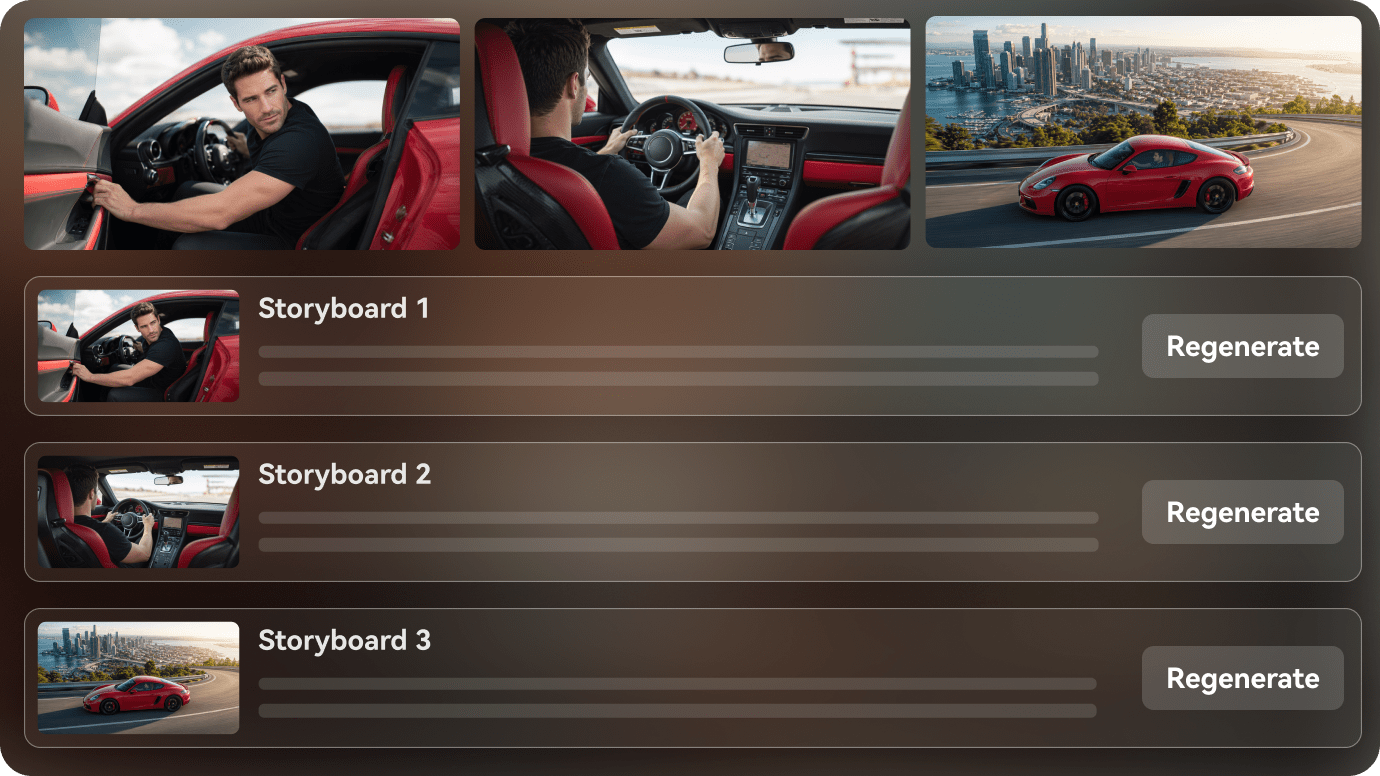
스크립트로 시작하여 내보내기 전에 출연진과 장면 순서를 구성하세요.

마피아 스크립트 붙여넣기
범죄 가문 장면, 충성심 테스트, 또는 권력 이동으로 시작하여 명확한 개요로 변환합니다.

지하 세계 출연진 설정
스토리가 거래를 통해 진행되는 동안 보스, 돈, 솔저, 정보원을 식별 가능하게 유지합니다.

최종 편집본 검토
긴장감을 높이고, 페이싱을 조정하고, 연결감 있는 마피아 드라마 비디오를 내보냅니다.
만들 수 있는 마피아 드라마 비디오 아이디어
이 스토리 아이디어들은 분위기를 평탄하게 만들지 않으면서 충성심, 거래, 라이벌 권력을 중심으로 합니다.
가족 충성심 테스트
압박이 높아질 때 누가 충성을 지키는지 증명하는 장면.
마피아
숨겨진 정보원
방 안의 누군가가 반대편을 위해 일하고 있을 때 전환되는 이야기.
마피아
부두 거래
그 뒤에 있는 위협만큼이나 교환 자체가 중요한 긴장된 만남.
마피아
권력 이양
조용하지만 날카로운 방식으로 통제권이 바뀌는 계승 이야기.
마피아
라이벌 가문의 압박
두 범죄 가문이 더 이상 비밀로 유지할 수 없는 충돌을 향해 나아가는 이야기.
마피아
안전가옥 탈출
다음 반전 전에 판도를 바꾸는 빠르게 진행되는 장면.
마피아
다양한 범죄 스토리 창작자들이 AI 스크립트-비디오를 활용하는 방법
범죄 드라마 크리에이터와 페이스리스 유튜버부터 시나리오 작가, 소설가, 채널 팀에 이르기까지, AI 스크립트-비디오가 지하 세계 아이디어를 완성된 비디오로 만드는 방법을 확인하세요.


"원래 스토리 구조를 잃지 않고 스크립트에서 비디오로 이동할 수 있습니다."

"내레이션, 캐릭터, 장면 순서를 하나의 워크플로우로 정리하는 데 도움이 됩니다."

"최종 버전을 확정하기 전에 분위기와 페이싱을 명확하게 보여줄 수 있습니다."

"작성된 챕터가 훨씬 공유하기 쉬운 시각적 미리보기가 됩니다."

"개요를 검토하고 비디오 구조를 명확하게 유지할 수 있습니다."

"캠페인 스크립트를 팀을 위한 더욱 시각적인 워크플로우로 변환합니다."
마피아 드라마에 관한 자주 묻는 질문
이 답변들은 범죄 가문 스크립트, 지하 세계 역할, 스토리를 깔끔하게 진행시키는 워크플로우를 다룹니다.
AI 마피아 드라마 생성기란 무엇인가요?
마피아, 갱단, 범죄 가문 이야기를 연결된 장면으로 변환하는 스크립트-비디오 워크플로우입니다.
마피아 스크립트로 시작할 수 있나요?
네. 마피아 개요, 갱단 장면, 또는 범죄 가문 스토리 초안이 워크플로우에 잘 맞습니다.
장면 전반에 걸쳐 동일한 보스나 정보원을 유지할 수 있나요?
네. 워크플로우는 반복되는 지하 세계 캐릭터를 장면 전반에 걸쳐 명확하게 유지하도록 설계되었습니다.
어떤 마피아 스토리 아이디어가 가장 잘 작동하나요?
가족 충성심 테스트, 숨겨진 정보원, 거래 장면, 권력 이양, 라이벌 가문의 압박이 일반적으로 잘 작동합니다.
짧은 형식의 비디오에 사용할 수 있나요?
네. 동일한 스토리를 짧은 클립, 요약 형식, 또는 에피소드 범죄 드라마에 맞게 구성할 수 있습니다.
장면 검토에 도움이 되나요?
네. 내보내기 전에 개요를 확인하고 갈등을 다듬을 수 있습니다.
지하 세계 분위기를 일관성 있게 유지할 수 있나요?
네. 워크플로우는 장면 전반에 걸쳐 출연진, 배경, 긴장감을 일치시켜 유지할 수 있습니다.
스크립트-비디오 아이디어 및 활용 사례 탐색
이 주제들은 분위기를 평탄하게 만들지 않으면서 충성심, 거래, 라이벌 권력으로 확장됩니다.

하나의 워크플로우로 마피아 스크립트를 AI 비디오로 변환
마피아 스크립트, 범죄 가문 초안, 또는 지하 세계 개요를 붙여넣으세요. Media.io는 장면을 구성하고, 캐릭터를 설정하고, 스토리보드를 미리 보고, 작성된 아이디어에서 시청 가능한 범죄 비디오를 생성하는 데 도움을 줍니다. 배경 음악과 자막을 켜거나, 원스텝 실행을 위한 에이전트 모드를 사용할 수도 있습니다. 내보내기는 4K로 최대 2분까지 가능합니다.