Work with the file you are allowed to edit
The Video Eraser starts from a video already saved on your device. It does not download Kwai posts or replace the platform's own features.

 창의적 잠재력을 풀고 미디어 AI의 마법을 즉시 경험하십시오!
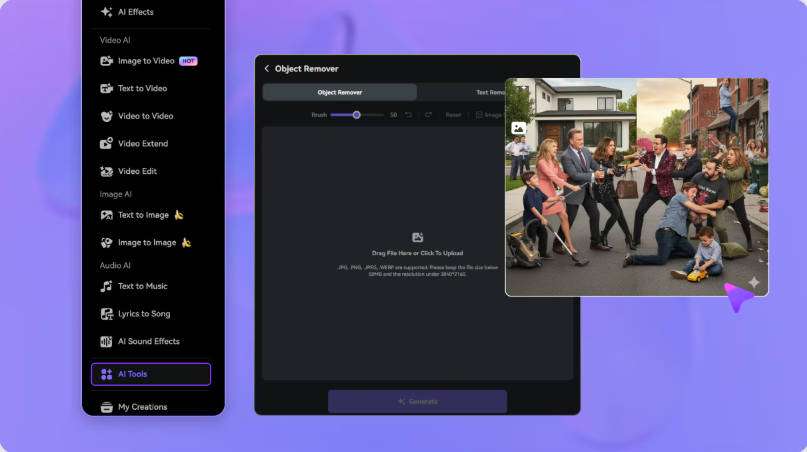
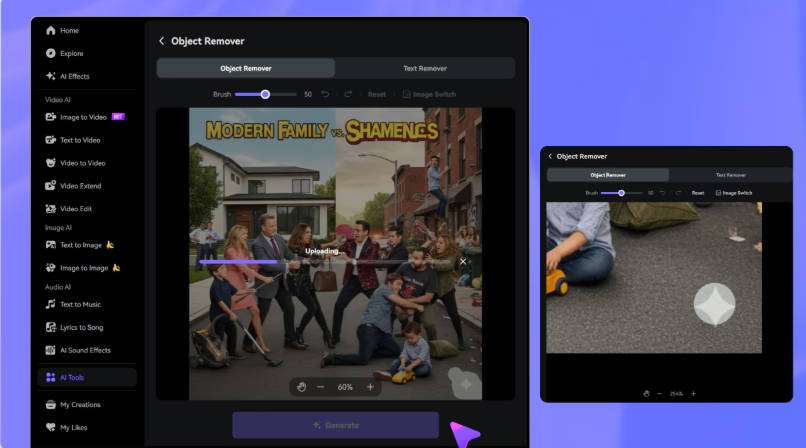
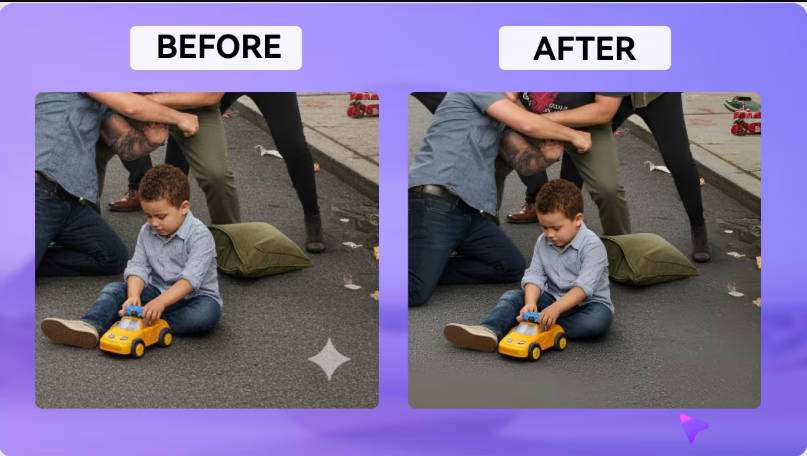
Already have a Kwai video on your device that you own or are authorized to edit? Use the Media.io Video Eraser to treat the logo or other visible mark directly on the file, without having to Crop the entire frame. Media.io is not a Kwai Downloader: you upload an already saved MP4 or MOV, mark the Overlay with a brush or prompt, and review the result before downloading.
Compatible with MP4 and MOV videos up to 15 minutes. Use only your own or authorized content.
Once you have the authorized file on hand, choose the mode based on the mark's position and the type of background behind it.
| Mode | How to indicate the mark | Best for | What to expect |
|---|---|---|---|
| Basic model | Paint over the Kwai logo in the video | Small marks that are easy to outline in the corner or another fixed area | Visually reconstructs the selected region without crop |
| AI Model | Describe the logo and its position | When you prefer to indicate the mark using natural language | Treats the requested area; review backgrounds that change during the clip |
| Gaussian Blur | Select the region that should be hidden | When hiding the mark is sufficient | Keeps a blurred area instead of reconstructing the background |
The Video Eraser starts from a video already saved on your device. It does not download Kwai posts or replace the platform's own features.
Being able to access a video does not mean you have authorization to remove branding or republish it. Use your own videos or material whose editing has been permitted.
When the mark crosses a face, caption, or background detail, reduce the Mask and review those frames more carefully.
After authorized cleanup, check the aspect ratio, Resolution, and duration before adapting the file for another channel or project.
Open the Media.io Video Eraser and upload the Kwai file in MP4 or MOV, up to 15 minutes.
Paint over the mark with the Basic model, describe it in the AI Model, or use Gaussian Blur to hide the region.
Generate the result, watch the edited area, and confirm that you have the necessary rights and permissions before republishing the video.