
AI Horror Story Video Generator for
Shorts, Creepypasta, and Dark Tales
Turn a horror script, creepypasta, Reddit-style story, or urban legend into a suspenseful short video. Media.io's AI Horror Story Video Generator helps you structure the plot, build scene cards, control pacing, keep recurring characters consistent, and create dark cinematic videos ready for YouTube Shorts, TikTok, or Reels.
Build Horror Story Videos That Actually Build Suspense
Turn a horror script, creepypasta, or dark narration into a paced video workflow with atmosphere, story control, recurring characters, and scene-level edits.
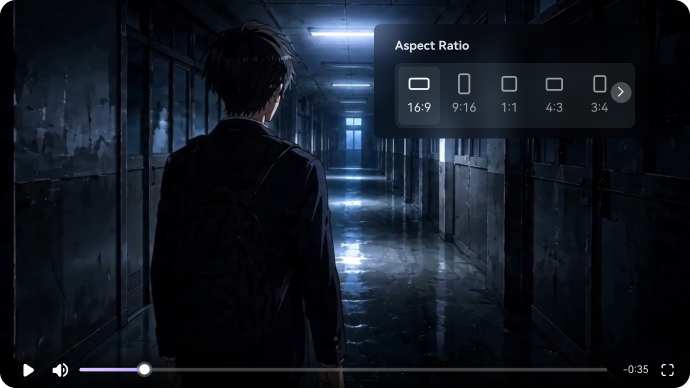
Set a Horror Mood That Feels Cinematic, Not Generic
Shape the visual tone before generation so your story feels tense from the first frame. Choose a realistic or anime horror style, guide the setting, and keep shadows, framing, and atmosphere consistent across the whole video.
- Horror Lighting - Guide fog, moonlight, silhouettes, and hard shadows for mobile viewing
- Style Presets - Choose realistic or anime horror before generation
- Cinematic Framing - Use close-ups for fear and wide shots for isolation
- Location Continuity - Keep haunted rooms, empty roads, forests, or hallways consistent between scenes
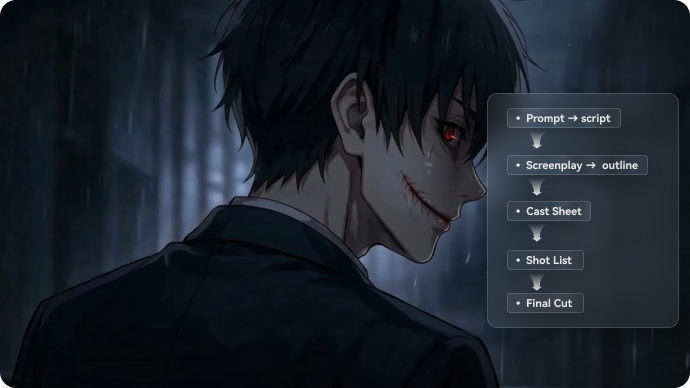
Turn a Horror Script into a Scene Plan You Can Control
Start with a full horror script, creepypasta, Reddit-style story, or eerie narration. Media.io extracts the title, theme, setting, plot, and characters, then turns your story into an editable scene plan instead of generating random visuals from one short prompt.
- Script-First Input - Paste a complete short horror script, narration, or episode outline
- Editable Outline - Adjust the setup, tension, twist, and final reveal before scenes generate
- Scene Purpose - Keep every shot tied to a scare, clue, character reaction, or story beat
- Generation Setup - Choose ratio, duration, model, and horror style before creating the video
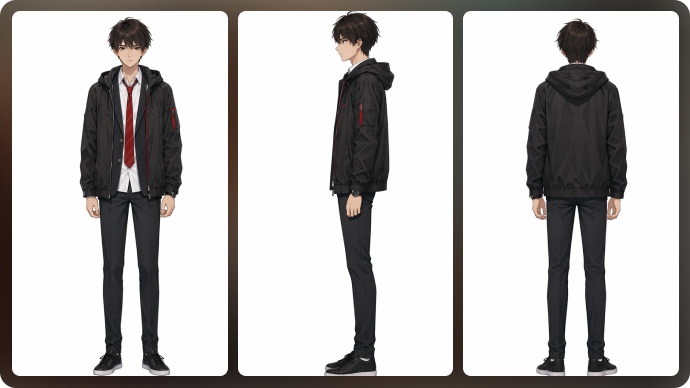
Keep Recurring Characters and Creatures Recognizable
Horror channels often build around familiar faces, monsters, investigators, narrators, or cursed locations. Create reusable character references so your cast feels consistent across one video or a continuing scary story series.
- Text, Photo, or Sketch Inputs - Create characters from the source that fits your workflow
- Three-View References - Guide front, side, and back angles for visual continuity
- Series-Ready Casting - Reuse the same investigator, creature, narrator, or witness concept
- Style Matching - Keep characters aligned with your realistic or anime horror look
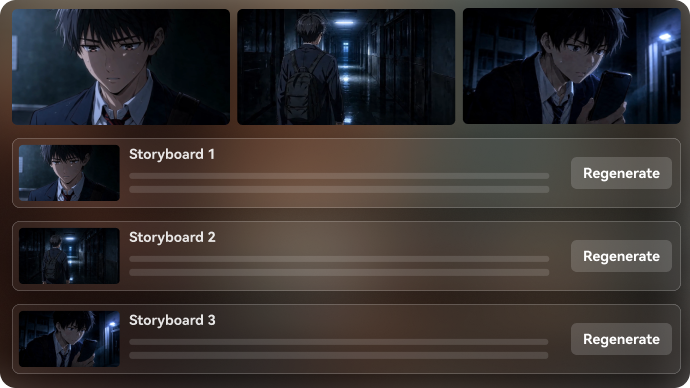
Refine the One Shot That Makes or Breaks the Scare
Horror depends on timing. Review your storyboard cards, tighten the build-up, and regenerate only the scene that feels off. When the structure is close, polish the final video so the reveal feels intentional on Shorts, TikTok, Reels, or YouTube.
- Editable Storyboard Cards - Reorder, refine, and tighten the suspense curve
- Single-Shot Regeneration - Regenerate the single-shot without starting over
- Video Enhancer - Sharpen dark footage so details still read on mobile feeds
- Object Remover and Video Extend - Clean distractions or stretch a key moment before the reveal
How to Make a Horror Short from a Script
Go from written dread to a publishable horror video with control over story beats, characters, scenes, and format.
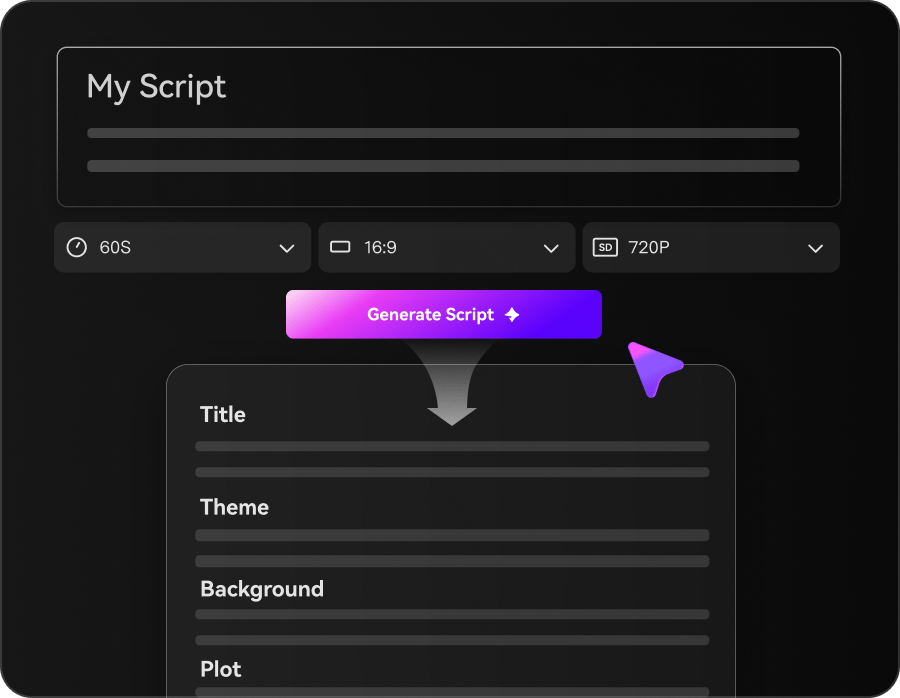
Add Your Horror Script
Paste a complete horror script, creepypasta, eerie narration, or episode outline. Then choose your aspect ratio, duration, visual style, and video model before generation starts.
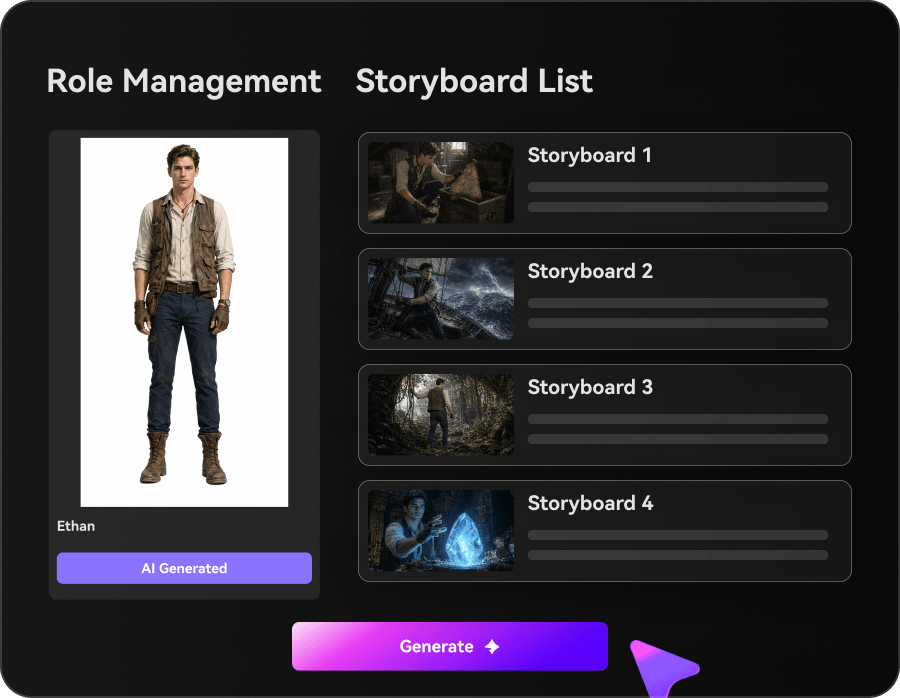
Plan the Scare
Media.io extracts the outline, characters, setting, and plot beats, then creates editable storyboard cards. Review the buildup, location changes, character reactions, and reveal timing before making the full video.
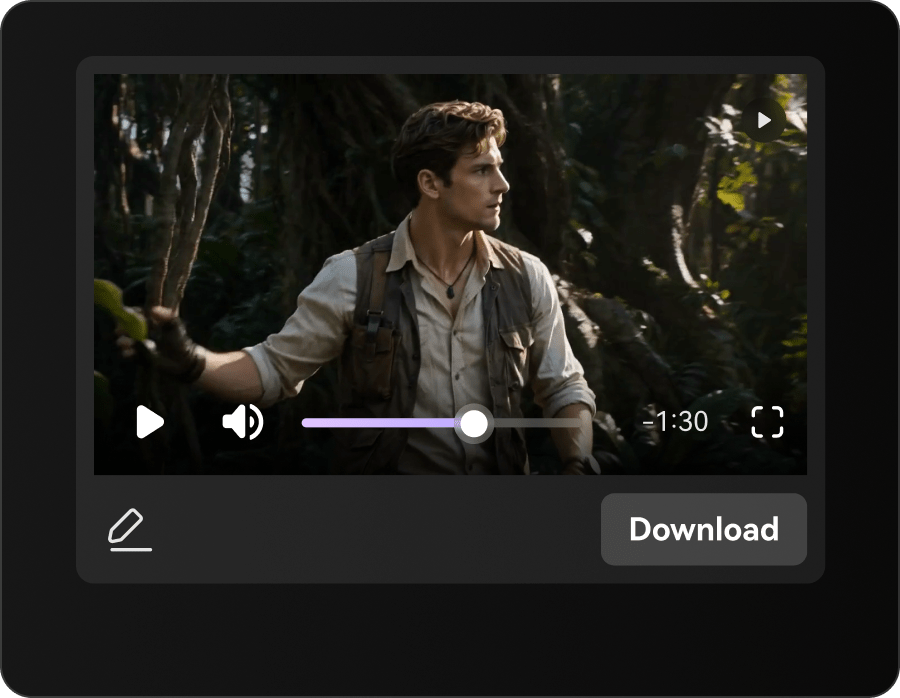
Generate, Polish, and Export
Generate the horror story video, then refine any scene that feels off. Use tools like Video Enhancer, Video Extend, or Object Remover to polish the final cut for Shorts, TikTok, Reels, or YouTube.
Media.io vs. Basic AI Horror Story Video Generators
See how Media.io goes beyond spooky one-off clips with a script-first workflow built for suspense pacing, editable scene cards, recurring characters, and horror story videos you can actually direct.
Choose Pick the Horror Format You Publish
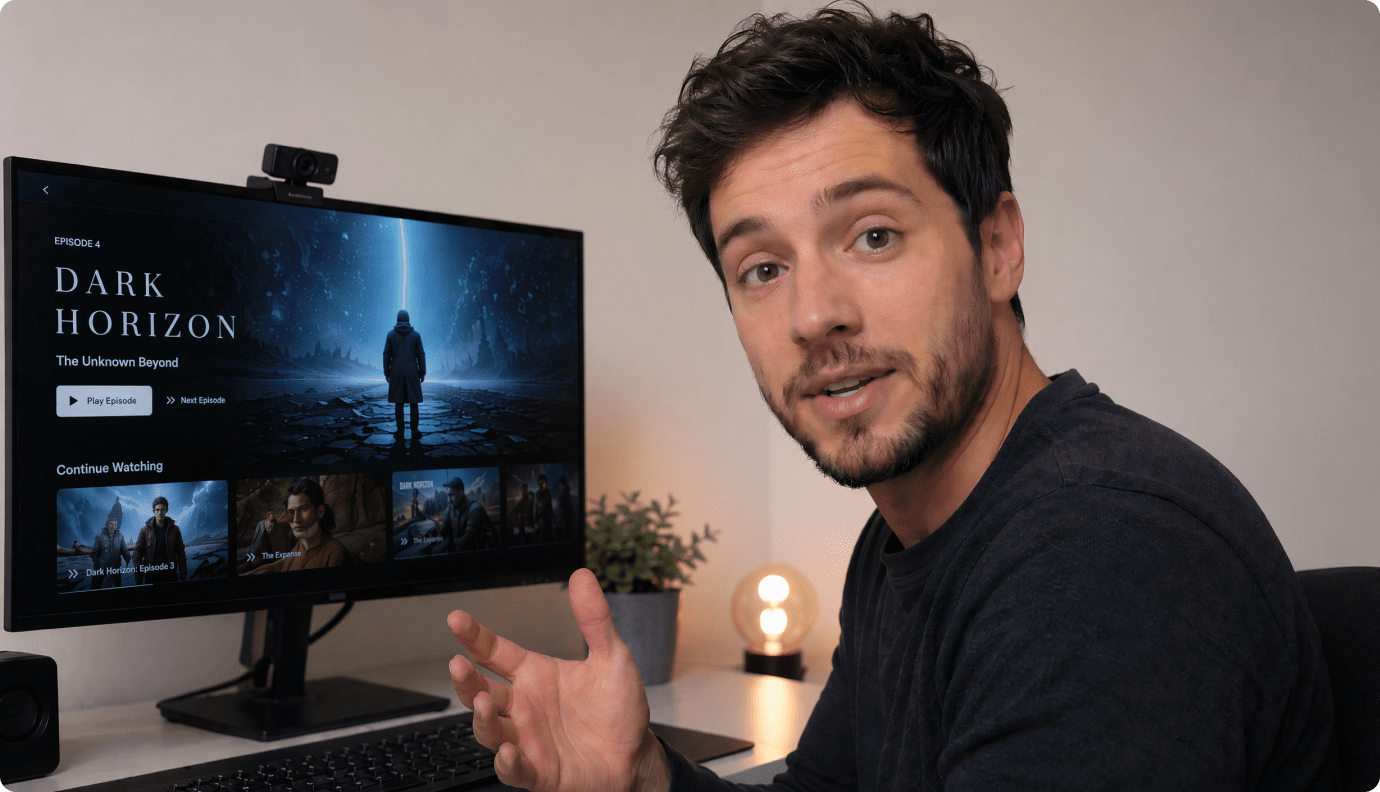
Creepypasta Narration Channels
Match your voiceover with scene-led visuals that keep the same setting, cast, and tension across the full story.
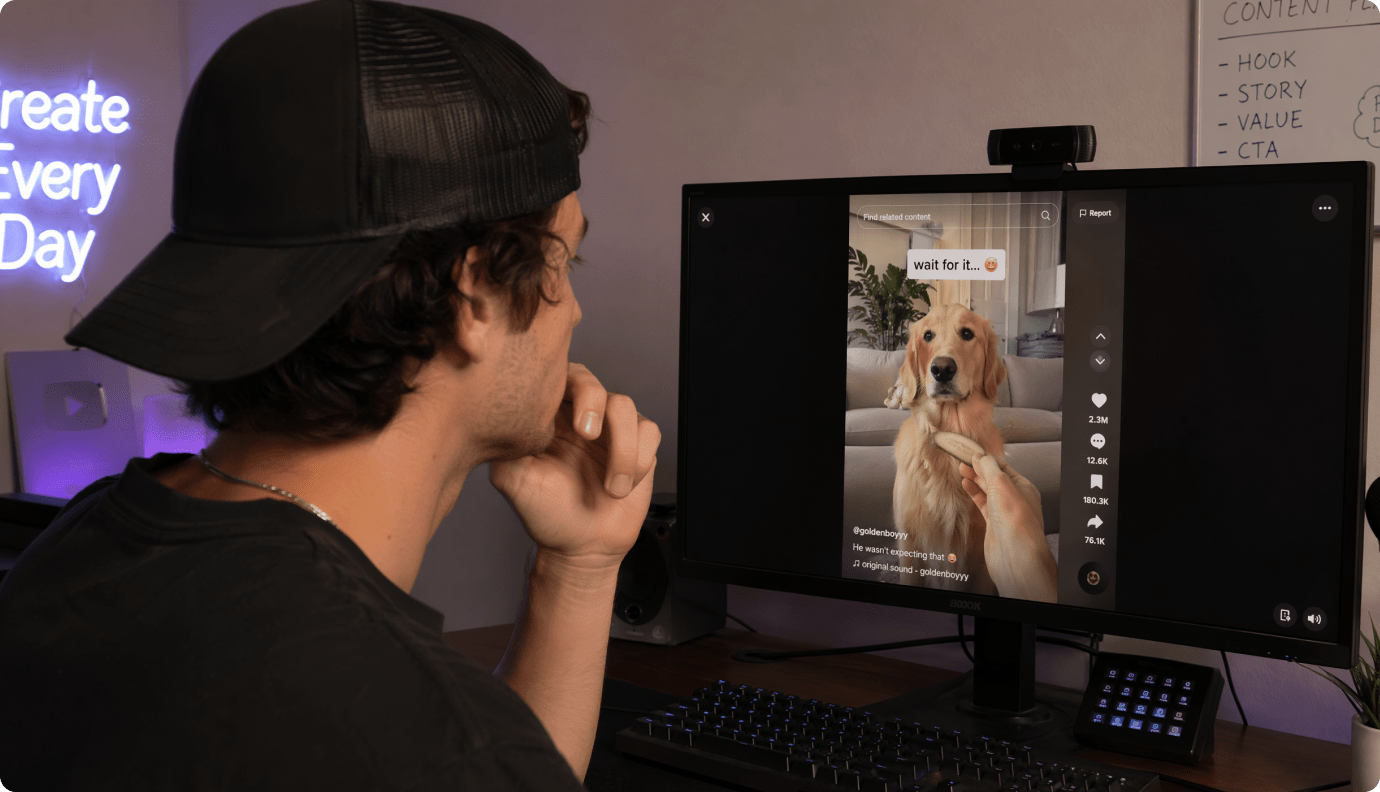
YouTube Shorts Scary Series
Build episodes fast with recurring characters and vertical framing that looks sharp in a swipe feed.
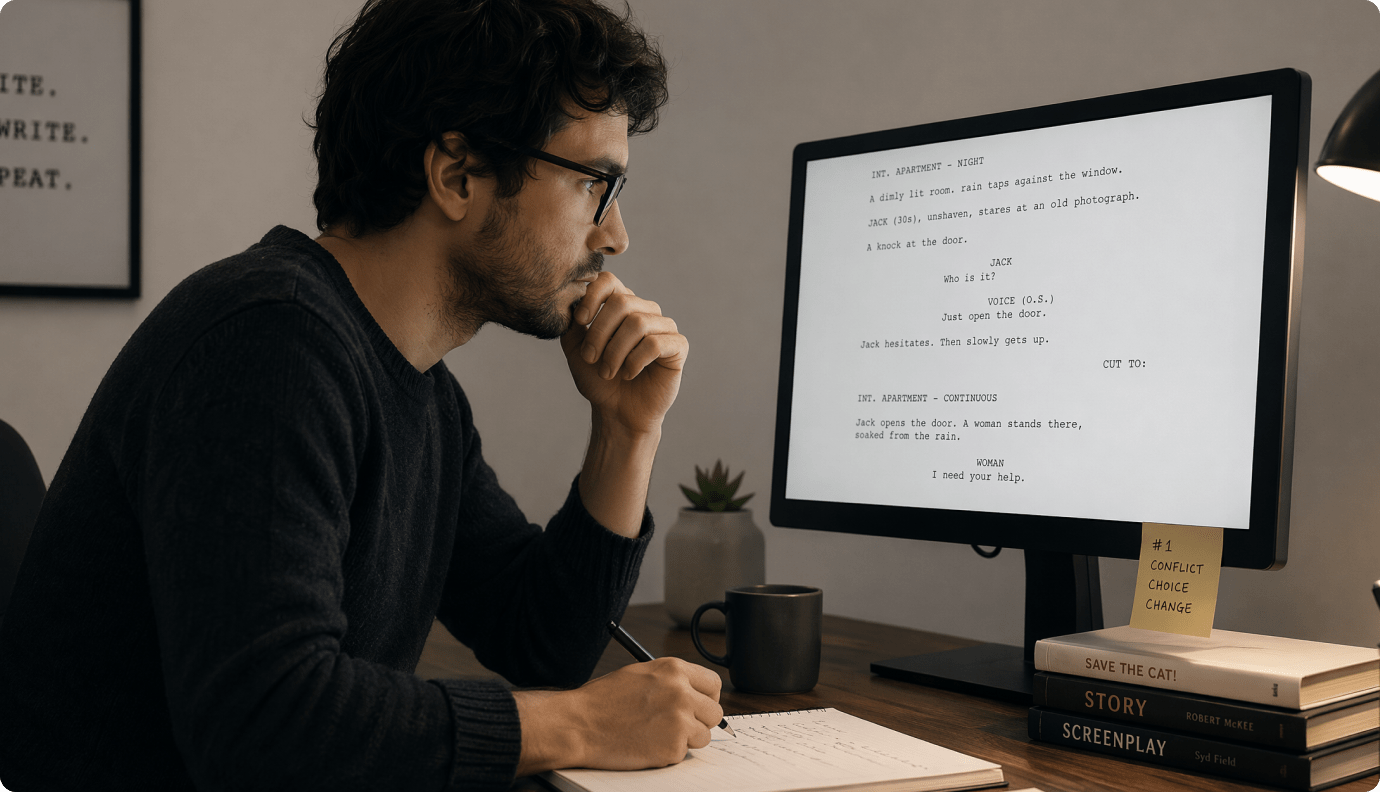
TikTok Horror Creators
Create hook-first openings, quick scene changes, and readable dark visuals that hold attention on mobile.
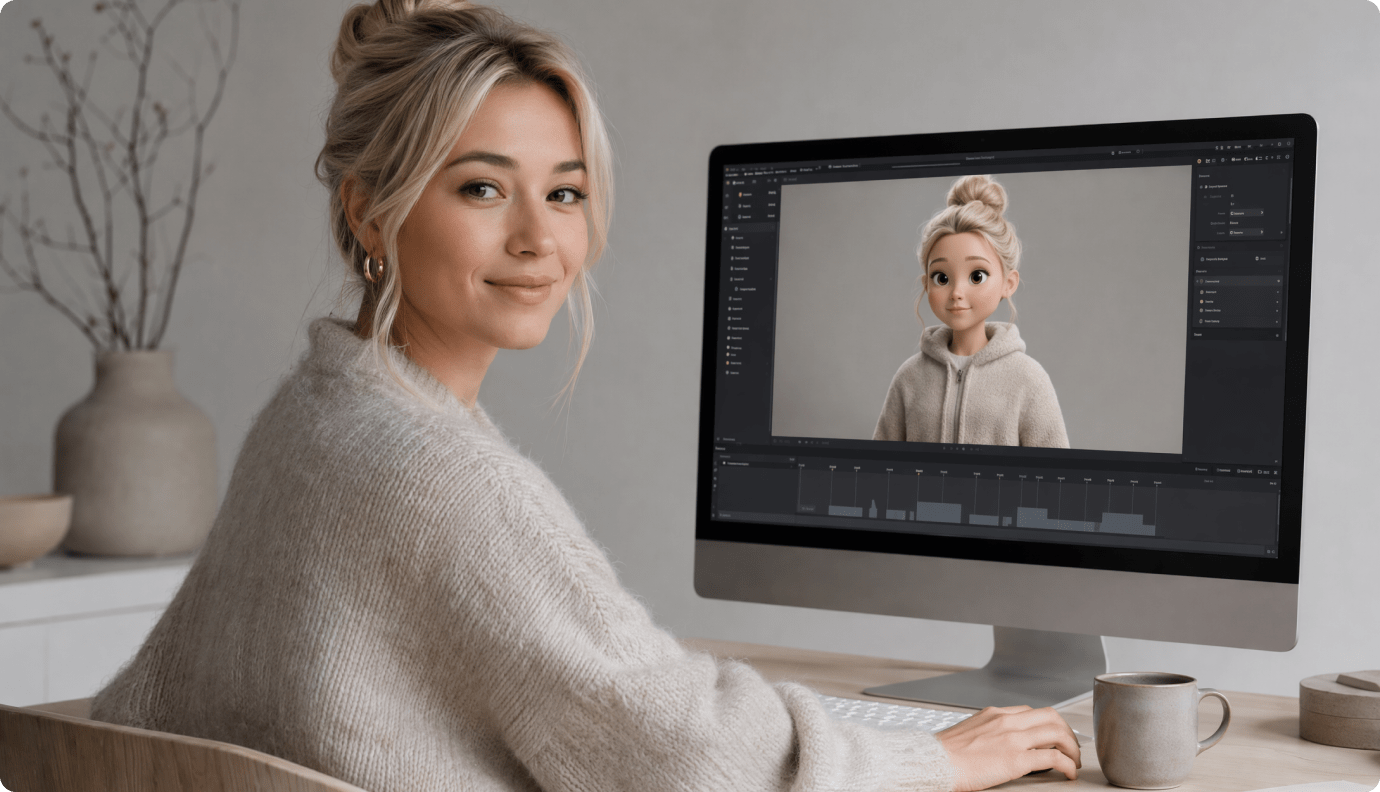
Analog Horror and Found Footage
Lean into static, flicker, and unsettling environments for an eerie, lo-fi story style without manual editing.
Ship More Horror Episodes
Ship Without Re-Editing from Scratch
Use the same workflow for short scares, series episodes, and longer retellings.
Hear Creators Who Publish Dark Stories Use This
Real feedback from narrators and Shorts-first horror channels.


"I run a faceless creepypasta channel and the outline-to-storyboard flow is the first one that feels made for pacing. I can fix a single bad shot instead of restarting the whole video. This scary story video generator finally matches my narration beats."

"The character references are the difference for series content. My "investigator" looks the same across multiple Shorts, which keeps viewers recognizing the format. For an AI horror story video maker, the control is surprisingly practical."

"I write 60-second scripts and needed something that doesn't feel like random spooky B-roll. The scene cards let me tighten the buildup, and the 9:16 export saves time. Solid creepypasta video generator when you need consistency fast."

"Analog horror is picky, but I can push the mood with darker frames and then re-roll the one scene that breaks the vibe. Enhance Video Quality helps the shadows read on mobile without turning everything into mush."

"I adapt short fiction into quick teasers. Being able to paste the script and get an outline immediately keeps the structure tight. Exporting in 16:9 for YouTube plus vertical for Shorts makes my workflow cleaner."

"I'm not a video editor, but I still need my visuals to follow the story. The storyboard approach makes it understandable, and Object Remover has saved multiple scenes where a weird artifact popped in. Great for horror shorts video generator needs."
FAQs on AI Horror Story Video Generator
What Is an AI Horror Story Video Generator Used for?
It's used to turn a written horror story or creepypasta into a short video with matching scenes, mood, and pacing. It helps narrators publish visuals for Shorts, TikTok, and Reels without filming.
What Should I Paste as input: a Full Story, a Script, or a Reddit-Style Post?
Paste the script version when possible, including key beats and scene changes. Media.io supports up to 5000 characters, so most Shorts-length stories fit comfortably.
Can I Keep the Same Character Across Multiple Horror Episodes?
Yes. You can generate characters from text, sketches, or real photos, then use three-view references to keep a recurring cast consistent across scenes and future videos.
Can I Make Horror Videos for YouTube Shorts and TikTok?
Yes. Choose a vertical preset during setup, generate a paced storyboard, and export a clip that's sized for swipe feeds and short retention-focused storytelling.
How Do I Make the Pacing Scarier Instead of Rushed?
Use the editable outline and storyboard cards to control buildup and reveal timing. If a key moment doesn't land, re-roll that single shot or extend a beat with Video Extend.
Can I Use the Generated Horror Video Commercially on My Channel?
In most creator workflows, yes, but usage depends on your plan and the assets you provide. If you are adapting a story you didn't write, make sure you have the rights to the underlying text.
What Aspect Ratios Does It Support for Horror Shorts and Regular Videos?
You can choose 9:16 for Shorts / Reels / TikTok, 1:1 for square feeds, and 16:9 for standard YouTube or compilation uploads.
Can I Re-Roll Just One Scene Instead of Regenerating the Entire Video?
Yes. Media.io supports scene-by-scene storyboard editing and single-shot re-roll, so you can fix the one frame that breaks continuity without losing the rest of your cut.
What Is the Main Advantage of Media.io for Horror Creators?
It combines horror-friendly control (outline + storyboard) with practical fixes (single-shot re-roll, quality enhancement, extend / cleanup tools), so your scary narration gets visuals that feel coherent and publishable.

Make the Next Scare
Look Like a Real Scene, Not a Random Clip
Paste your script, shape the storyboard, and publish a horror short that keeps the dread intact.
 4. 8 (38421 Votes)