
AI Fantasy Drama Video Generator: Turn Fantasy Scripts into World-Building Videos
Fantasy stories need the world rules to stay visible from the first scene. AI Fantasy Drama Video Generator turns fantasy tension, magical rules, and reveal beats into connected videos from a script or story draft. It keeps the fantasy arc readable as the story moves from setup to payoff.
Core Features of Media.io AI Fantasy Drama Generator
When a fantasy story needs more than spectacle, this setup keeps the world logic visible from draft to export.
Keep the World Rules Visible Before the Magic Lands
Use the first pass to line up the spell rule, the cost, and the reveal so the fantasy arc stays believable.
- Break world-building beats, magical rules, and scene shifts into a readable outline
- Keep the fantasy order clear from scene to scene
- Turn the draft into a reviewable path before export
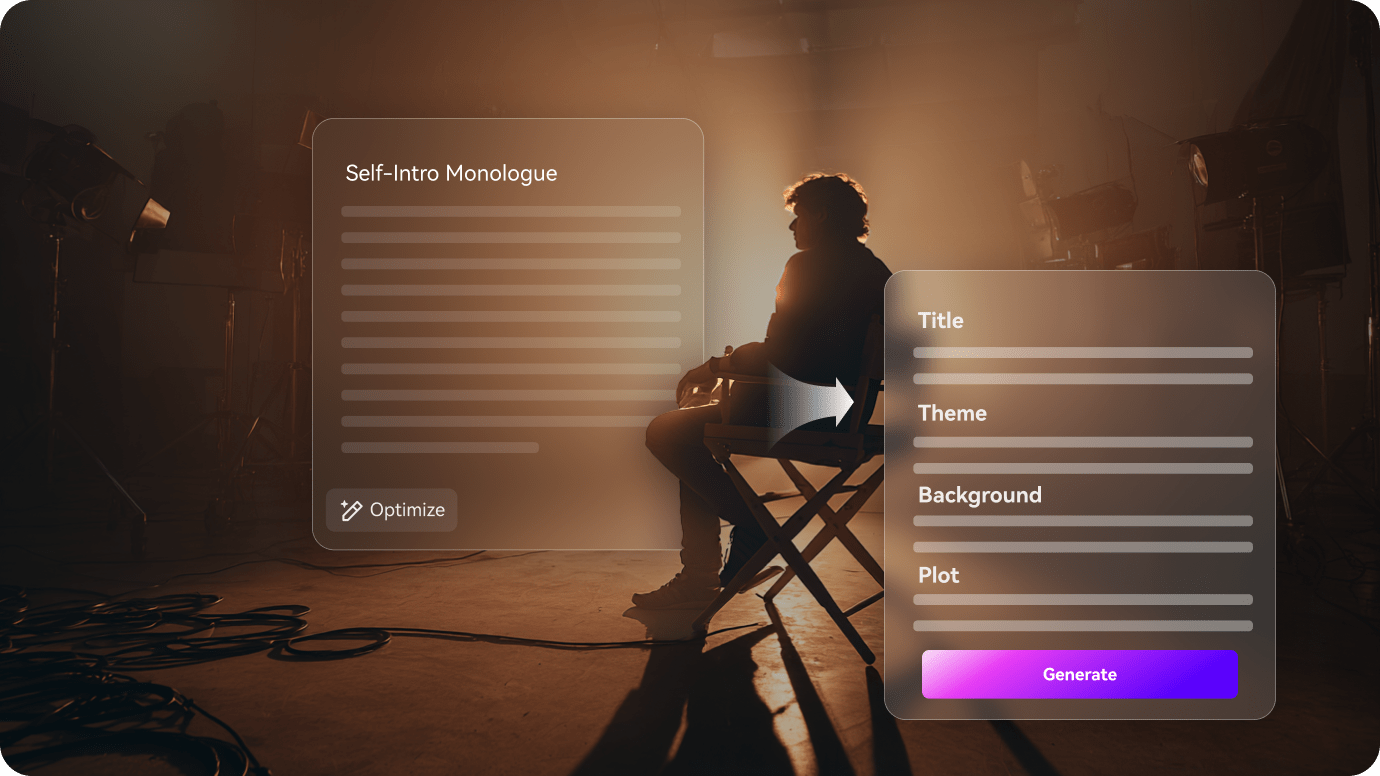
Keep the Fantasy Cast Consistent Across Scenes
Fantasy stories depend on keeping the leads, rivals, and magical figures recognizable as the story changes. The fantasy cast stays steady while the world expands.
- Hold the leads, rivals, and magical figures steady through the story
- Make recurring fantasy roles easy to follow in every shot
- Keep the world readable even when the powers shift

Refine the Fantasy Beats Before Export
Before export, the outline gives you a place to tighten the fantasy beat, sharpen the spell reveal, or keep the payoff from feeling rushed.
- Tighten the reveal, spell, or showdown beat before the final cut goes out
- Review any scene that feels too broad or too rushed
- Export a fantasy video that still feels specific to the keyword
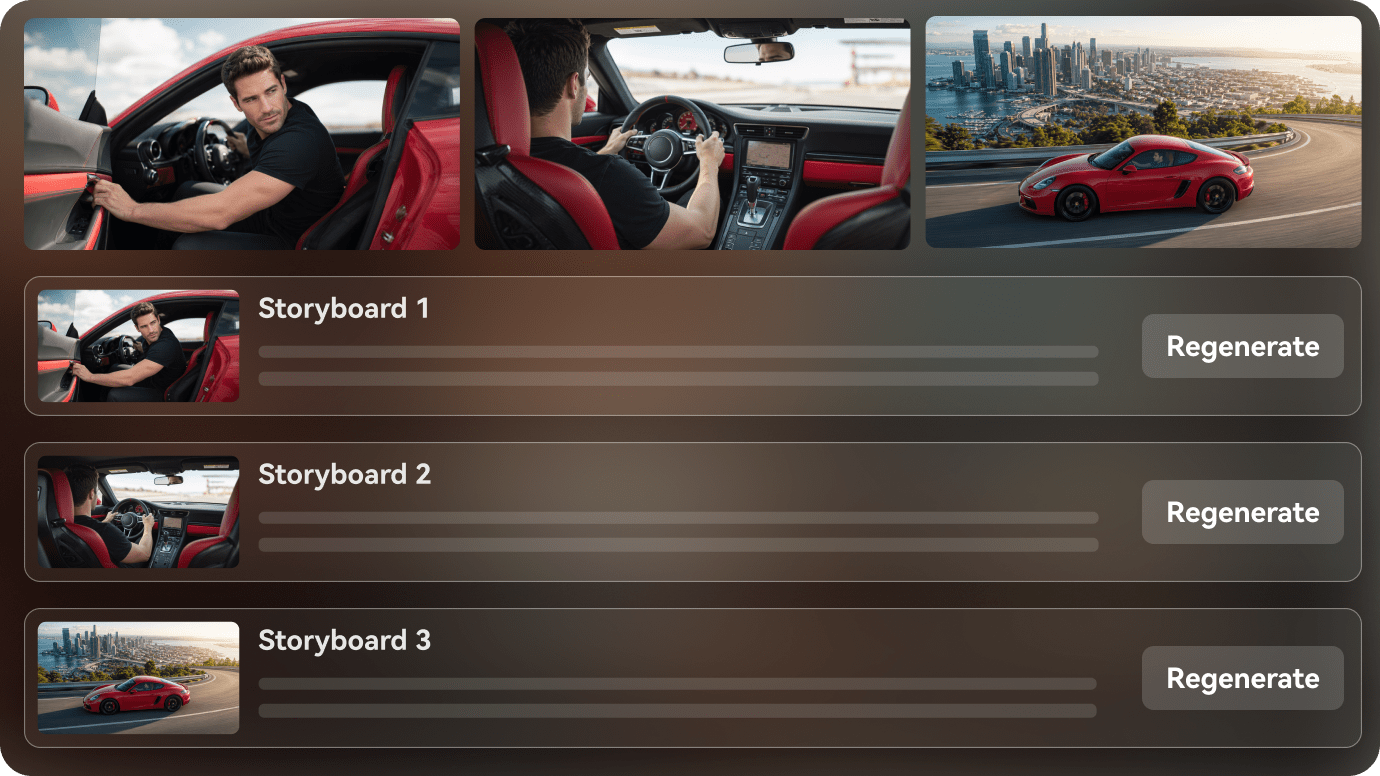
How to Create a Fantasy Drama Video in 3 Steps
Start with the world rule, then keep the cast, the magic cost, and the reveal in the same sequence before export.
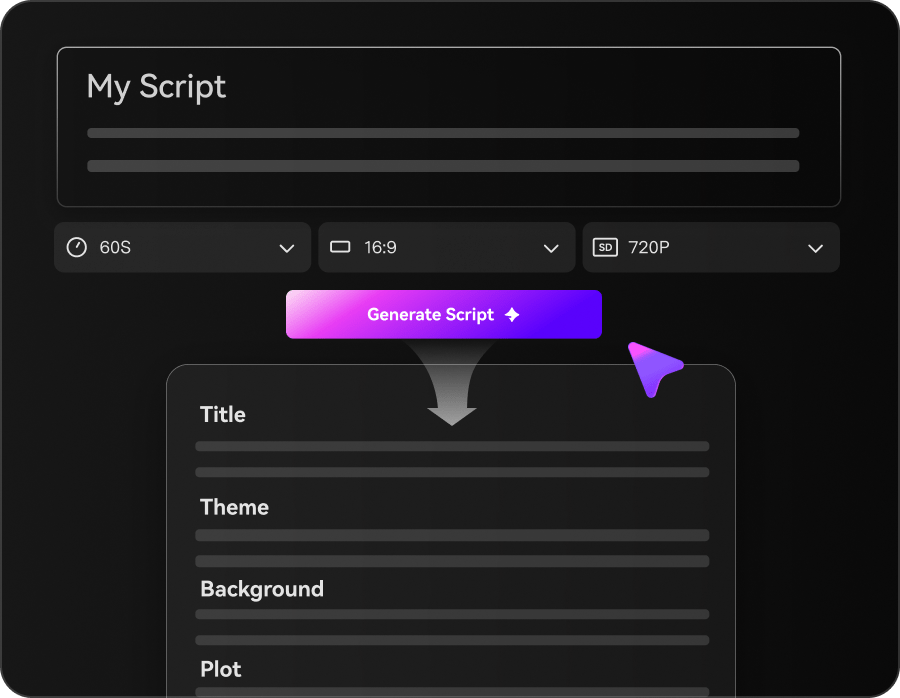
Enter a Prompt or Script & Choose a Mode
Start with a prompt, narration, screenplay, story, or other script. Choose Agent Mode for a faster end-to-end workflow, or Structured Mode when you want to review story planning before generation.
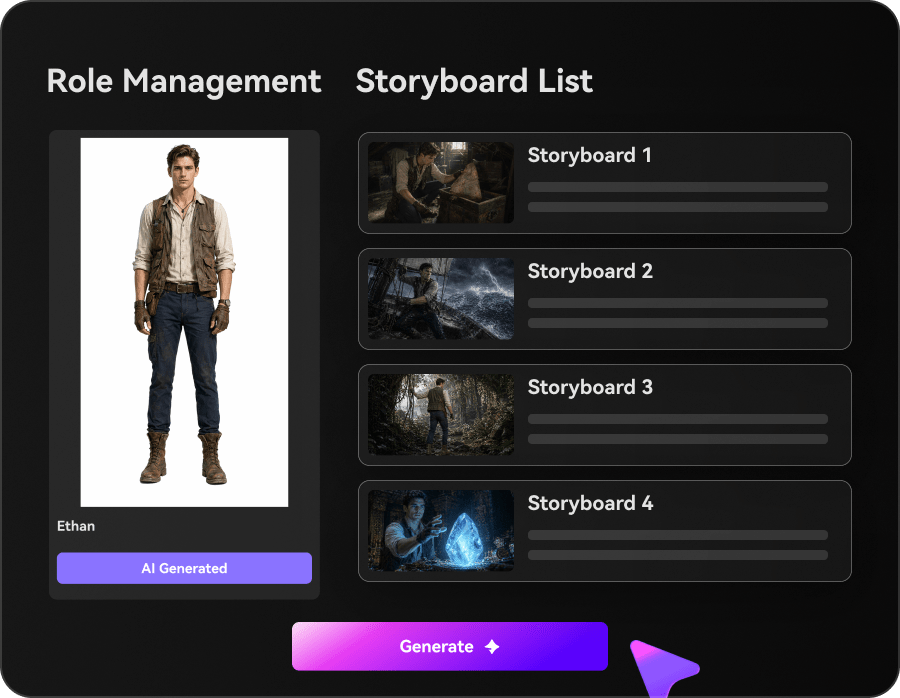
Set Characters, Style, Music & Subtitles
In Structured Mode, review story structure, set up characters, and preview the storyboard. Use Realistic or Anime as a quick preset or describe another style. Choose whether to generate background music and subtitles with the video.
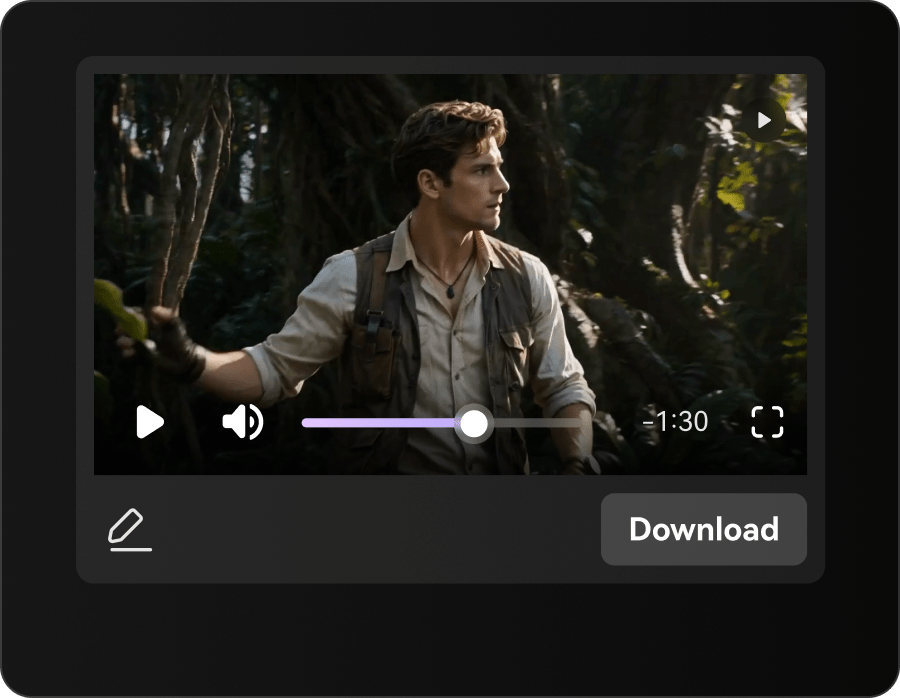
Generate & Export Your AI Video
Generate the final video with AI visuals and voiceover, plus music and subtitles when enabled. Create videos up to 2 minutes long and export at up to 4K resolution.
Fantasy Drama Video Ideas You Can Create
These scenes are built around the rule, the cost, and the reveal so the magic system feels clear before the climax arrives.
Magic Rule
A story built around one rule that changes everything.
Story
Spell Reveal
A scene where hidden power finally shows itself.
Story
World Conflict
A fantasy beat where the setting feels alive and risky.
Story
Chosen Moment
A turning point where the lead has to act.
Story
Enemy Power
A clash that raises the story stakes.
Story
Realm Choice
A final beat that points the story forward.
Story
How Different Creators Use AI Script to Video
From fantasy creators and world-building channels to screenwriters and fan teams, these examples show how a fantasy story keeps the rulebook in view.


"I can move from a fantasy script to a visual draft much faster and keep the world rules clear."

"It helps me organize narration, magic beats, and reveal timing in one workflow."

"I can show the tone and spell structure of the story without rebuilding the draft."

"I can turn a chapter into a quick preview and keep the fantasy beat readable."

"I can paste long text, review the outline, and shape a video with a stronger fantasy arc."

"It turns fantasy scripts into visual videos that are easier to share with a team."
What to Know Before Making a Fantasy Drama Video
These answers cover fantasy drama pacing, character continuity, and the scene review steps that matter most in this story type.
How Do I Keep the World Rules Readable Before the Magic Pays Off?
Keep the rule, the cost, and the reveal in sequence so the fantasy logic stays visible.
Can I Start from a Fantasy Script or World Outline?
Yes. A draft or outline works well because the workflow can map the magic system before export.
Can the Cast Stay Clear While the Rules of Magic Stay in View?
Yes. The workflow keeps the characters readable while the world rules shift around them.
What Fantasy Stories Work Best?
Stories built around rules, cost, and a visible turning point usually work well.
Can I Turn the Same Fantasy Arc Into Short Clips?
Yes. You can trim the world-building into short clips or recap-style videos.
What If the Spell Reveal Needs More Build-Up?
You can revise the weak beat before export so the magic lands with more weight.
Explore Script-to-Video Ideas and Use Cases
These related topics branch the fantasy story into rule, cost, and reveal scenes without flattening the world-building.

Turn Your Fantasy Script into an AI Video In One Workflow
Paste a fantasy script, a world outline, or a magic draft. Media.io helps keep the rulebook visible, set up the characters, preview the storyboard, and generate a watchable fantasy video from your written idea. You can also switch on background music and subtitles, or use agent mode for a one-step run. Exports can go up to 2 minutes in 4K.