画像から画像生成
Nano Banana Pro
0/2000
1K
自動
1
Banana Pro無制限モード
作品
アイデアハブ
すべて
生成リスト
作品は 7 日間のみ保存されます。メンバーシッププランにアップグレードした後に作成されたアセットは、永久に保存されます。
ai_video_generator創造力を解き放ち、Media AIの魔法をすぐに体験しよう!

Transform Rough Drawings into Masterpieces with Sketch to Render AI

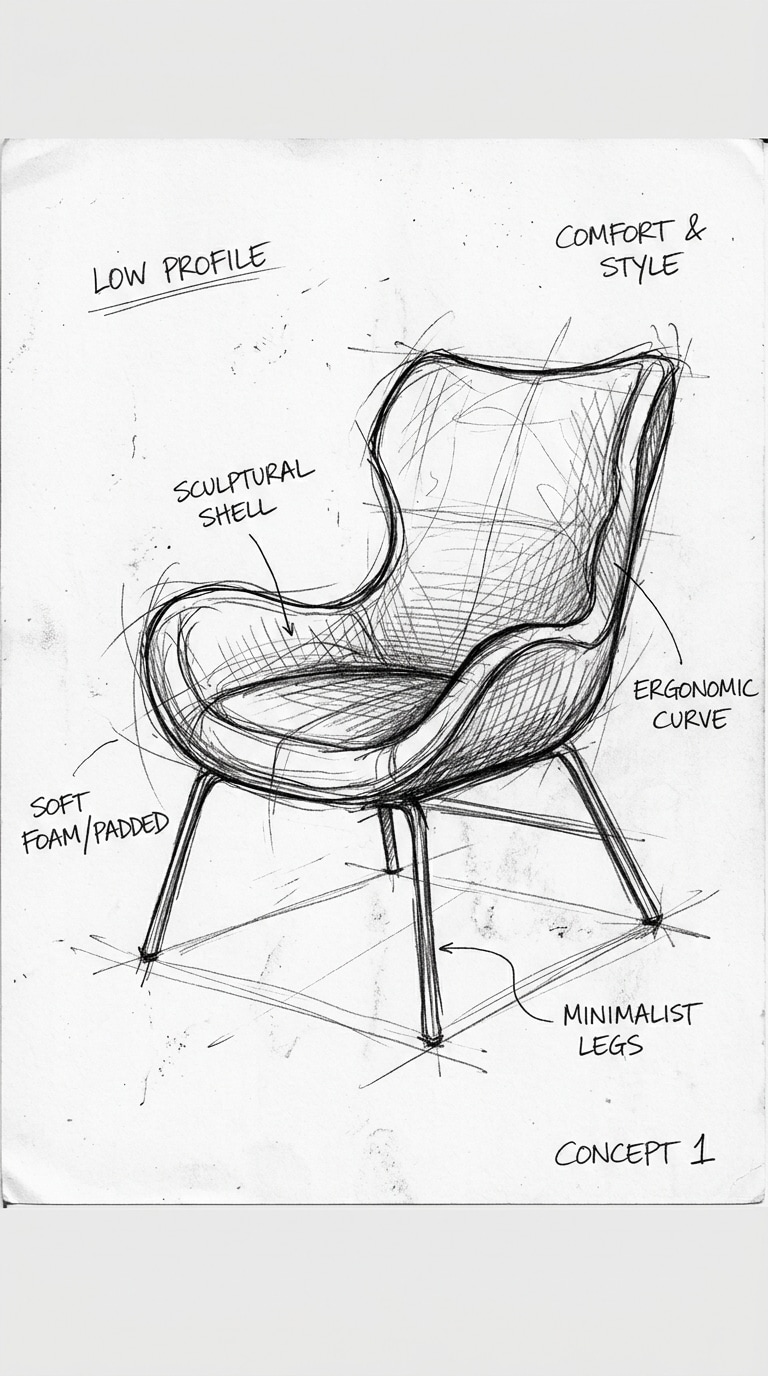
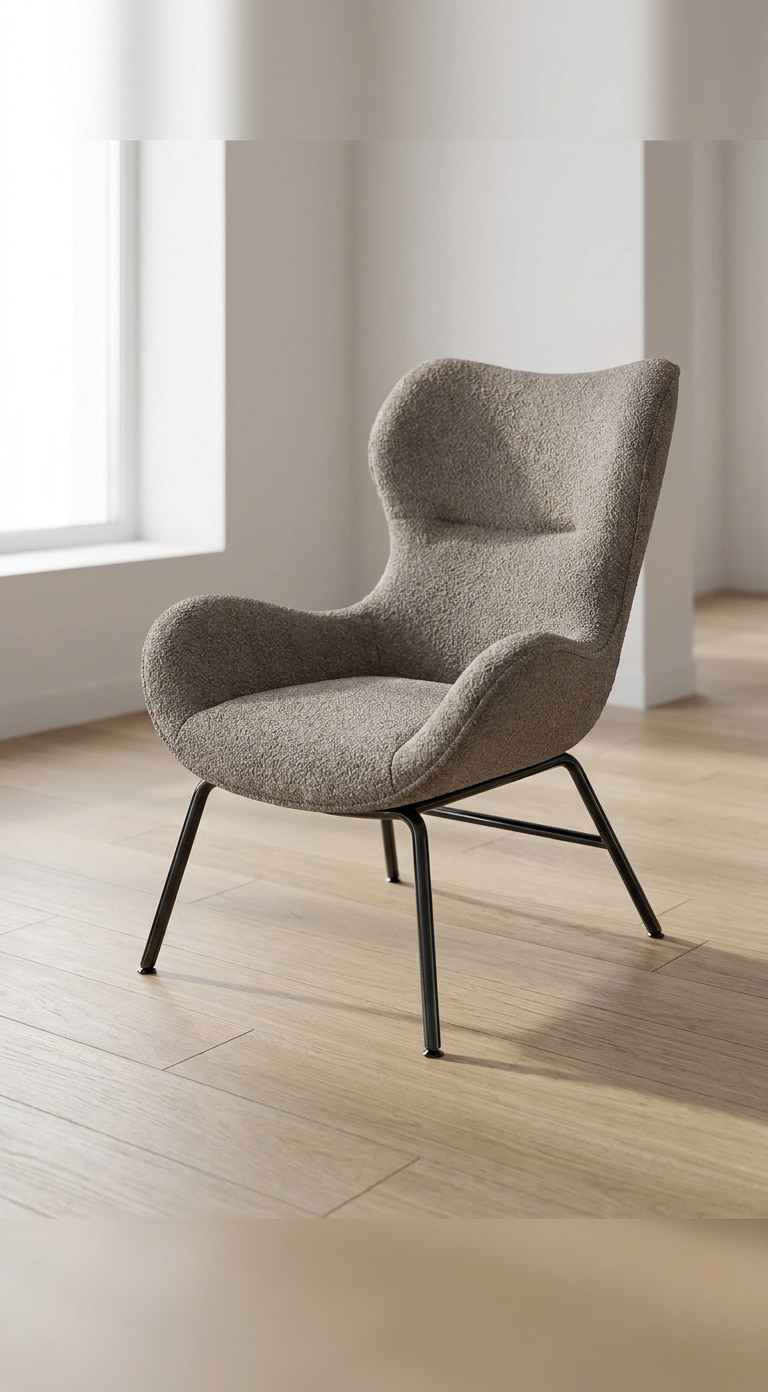
Instantly convert your hand-drawn sketches, line art, or concept drafts into polished AI-generated renders. Use our advanced AI sketch to image generator to turn layout ideas into realistic architectural concepts, product designs, fashion templates, or stunning digital illustrations in seconds.

Before AI image generation
After AI image generation
Generate AI Image from Sketch

Free credits on signup.

Why Choose Media.io Sketch to Render Generator

Multi-Style AI Render from Sketch

Go beyond basic drawing to image AI. Generate high-quality architecture sketch to render layouts, interior sketch to render drafts, product sketch to render mockups, fashion styles, or fantasy character designs effortlessly.

Structure-Preserving Image-to-Image Workflow

Our advanced image to image sketch generator precisely respects the boundary lines, proportions, and composition of your original draft while applying realistic lighting, textures, and shading details.

No 3D Modeling or Rendering Skills Needed

Skip complex and expensive rendering software. Our AI sketch to render technology turns your basic line drawings into photorealistic visualizations with simple text descriptions.

Works with Any Rough Sketch or Line Art

Whether you have a hand-drawn pencil outline, a digital black-and-white vector, a concept sketch to render, or line art to image AI demands, our platform translates your design ideas seamlessly.

How to Turn Sketches into Stunning AI Images & Renders Online

01

Step 1: Upload Your Sketch or Drawing

Drag and drop your rough draft, pencil sketch, digital drawing, or line art to image AI template directly into the generator.

02

Step 2: Describe Style, Material & Details

Type a prompt specifying styles (e.g., modern interior, cinematic, realistic render), materials, and lighting to guide the drawing to render AI process.

03

Step 3: Generate and Download Your Render

Click generate and watch your rough sketch to realistic image materialize in seconds. Download your high-definition, watermark-free result.

Join Designers & Creators Transforming Sketches with AI in Seconds

user
@architect_dan

Architectural Designer

star star star star star

“Incredible architecture sketch to render speed!” I used to spend hours setting up basic textures in V-Ray just to show clients a conceptual draft. Now, I upload my rough perspective drawing, prompt for 'brutalist concrete and oak wood', and get instant variations.

user
@product_emily

Product Designer

star star star star star

“From basic layout sketch to realistic product render.” Conveying shape and material is so hard with just pencil lines. Media.io's drawing to render AI preserves my exact product dimensions while wrapping it in realistic matte plastic, metal, and glass textures beautifully.

user
@character_creator_leo

Indie Game Developer

star star star star star

“Perfect for fast character concepts.” I sketch rough body guides, and this sketch to image generator converts them into fully colored, shaded anime or realistic concept art. It saves me days of preliminary digital painting.

user
@fashion_stylist_stacy

Fashion Designer

star star star star star

“Turns flat fashion sketches into realistic model lookbooks.” I upload basic dress outlines, and the AI renders them draped in gorgeous fabrics on realistic model figures. It makes my design ideation process seamless.

FAQs About Sketch to Render AI Converter

1. How does the Media.io Sketch to Image AI generator work?

Media.io uses advanced image-to-image AI algorithms to analyze the spatial structure, lines, and composition of your uploaded drawing. By combining this structure with your text prompts, it seamlessly converts your rough sketch into a fully rendered, textured, and styled high-resolution image.

2. Can I use this tool for professional architecture and interior design renders?

Yes! Media.io functions as an efficient sketch to render AI. You can upload floor plans, exterior drafts, or interior sketches, input prompts describing materials (like wood, concrete, glass) and lighting, and quickly generate realistic architectural renderings.

3. Do I need 3D modeling skills to convert a drawing to a render?

Not at all. That is the main advantage of our AI drawing to render tool. You do not need experience with complex CAD, 3ds Max, or Blender software. A simple hand-drawn sketch and a basic text description are enough to generate realistic 3D-like concept images.

4. What file formats are supported for the sketch upload?

The sketch to image generator supports common image formats, including PNG, JPG, JPEG, and WebP. You can upload digital line art or simply take a photo of a physical paper sketch and upload it.

5. Will the AI maintain the original geometry of my sketch?

Yes. Our image to image sketch generator is specifically calibrated to respect the boundary lines, perspective, and core structure of your sketch while enhancing the overall detail, texture, shading, and visual fidelity.

Media.io Online AI Tools Quality Rating:
vote 4.7 (162,357 Votes)