マレーシア独立2026 AI写真&ビデオ生成器

マレーシア独立2026のAI写真またはCapCut風の動画を作成してください。ジャルール・ゲミラン、祝祭的な動き、そして共有可能なハリ・ケバンサアンの雰囲気を追加してください。
すべての投稿

Onam Celebration CapCut Template

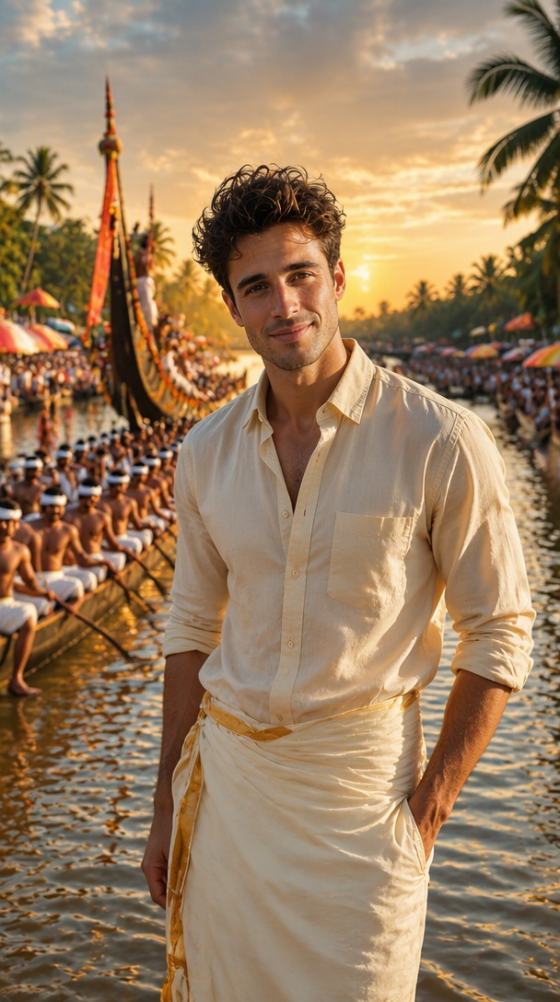
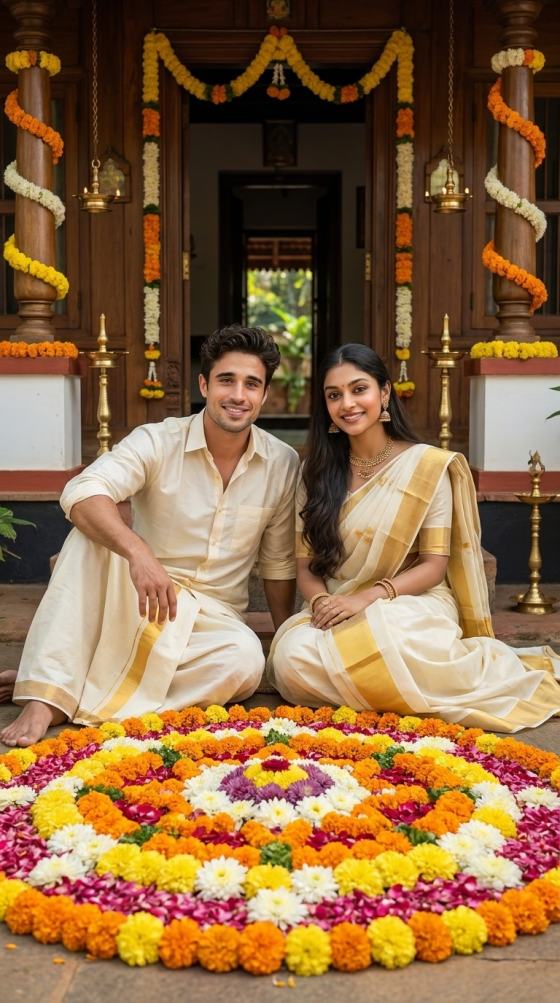
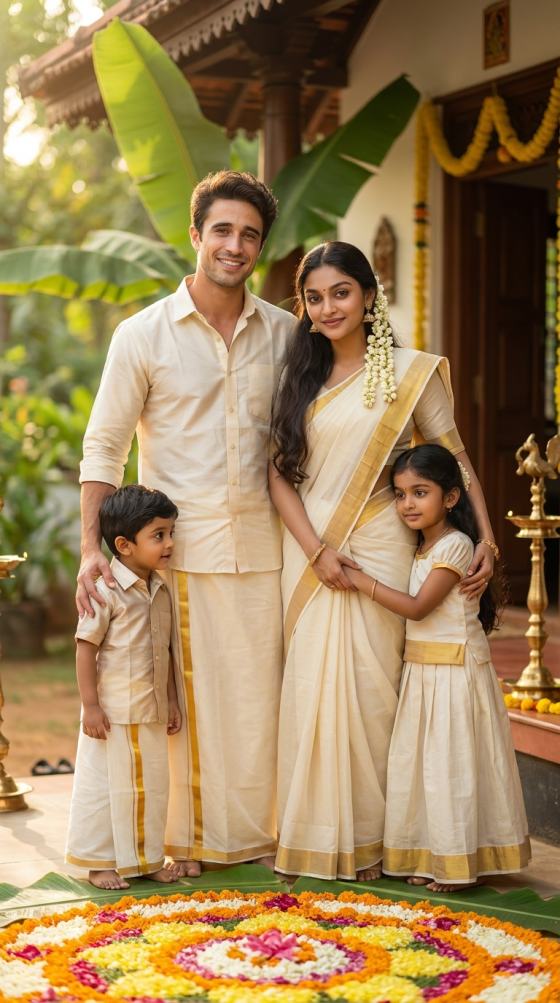
Celebrate Kerala’s festive season with an Onam Celebration CapCut Template -inspired video. Upload your photos and turn family moments, traditional outfits, pookalam scenes, Onam Sadya, and festival memories into cinematic short videos for Reels, Shorts, and social posts.

Create Onam Celebration Video

Free credits on signup.

Why Make an Onam Celebration CapCut Template Trend with Media.io

Turn Onam Photos into Festive Videos

Bring portraits, family photos, floral decorations, and traditional Kerala scenes to life with gentle camera movement, festive transitions, warm lighting, and cinematic depth.

Create the New Trend Your Way

Recreate an Onam Celebration CapCut Template new trend without being locked to one preset. Adjust the setting, movement, mood, clothing details, framing, and visual effects for your own celebration.

Add a Cinematic Festival Look

Build a CapCut cinematic template -style result with slow push-ins, elegant reveals, golden-hour light, soft flower petals, traditional decor, and polished vertical composition.

Make Social-Ready Vertical Videos

Create 9:16 festival edits designed for Instagram Reels, YouTube Shorts, WhatsApp Status, and other social platforms, then test different visual directions from the same source photo.

How to Make an Onam Celebration CapCut Template Style Video

01

Upload Your Onam Photo

Choose a clear portrait, couple, family, or celebration photo. Images with visible faces, traditional outfits, and uncluttered subjects usually give you more room to build a polished festival scene.

02

Choose Your Festival Style

Describe the Onam look you want—traditional Kerala portrait, pookalam celebration, family gathering, cinematic slow motion, floral reveal, or a music-led social video.

03

Generate & Share

Generate the video, refine movement or atmosphere if needed, and export your favorite result for Reels, Shorts, WhatsApp Status, or an Onam greeting post.

What Creators Say About Onam Video Templates

user
Anjali Nair

Lifestyle Creator

star star star star star

“Beautiful festive motion.” My simple Onam portrait became a warm vertical video with subtle movement and a much more polished festival feel.

user
Arjun Menon

Reels Creator

star star star star star

“Easy cinematic Onam Reel.” I could keep the traditional look while adding a slow camera push and modern cinematic movement for Instagram.

user
Meera Krishnan

Family Content Creator

star star star star star

“Perfect for family memories.” It gave our family photo a festive pookalam atmosphere without making the video feel overloaded with effects.

FAQs About Onam Celebration CapCut Template

1. What is the Onam Celebration CapCut Template trend?

The Onam Celebration CapCut Template trend refers to short-form festival edits built around Onam visuals such as traditional Kerala clothing, pookalam flower arrangements, family celebrations, festive greetings, and cinematic portrait shots. Some versions use photo transitions or beat-synced cuts, while others focus on slow, elegant motion. Media.io lets you recreate the underlying festival-video style from your own image and customize the visual direction instead of relying on a single fixed template.

2. Can I download an Onam Celebration CapCut Template?

If you specifically need an Onam Celebration CapCut Template download , availability depends on the original template creator and CapCut region. Media.io takes a different approach: upload your own photo, recreate a similar Onam visual concept with AI, and export the generated result. This is useful when a template link is unavailable, the preset does not fit your photo, or you want more control over the background, camera motion, lighting, and festival details.

3. Where can I make Onam video templates free?

People searching for Onam video templates free download are usually looking for a quick way to create festival greetings, Reels, or WhatsApp Status videos. With Media.io, you can start online and use signup credits to test an Onam-inspired AI video. Upload a suitable image, describe your desired festival scene and motion, generate the result, and refine it if needed. Credit usage can vary by the AI model and generation settings you choose.

4. Can I create an Inaam CapCut Template or Je Tu Meri Jaan Bhi Mangle CapCut Template style?

Yes, if your goal is to recreate the visual editing style rather than obtain an exact project file. Searches such as Inaam CapCut Template and Je Tu Meri Jaan Bhi Mangle CapCut Template may refer to music-led or creator-specific trends. You can use Media.io to build a similar cinematic mood with your own photo, including slow motion, portrait reveals, camera pushes, light effects, and vertical social framing. For an exact CapCut preset, use the original creator or official template source when available.

5. What photos work best for a new trend CapCut template style Onam video?

For a new trend CapCut template -style Onam video, start with a sharp photo where the main subject is clearly visible. Traditional outfits, family portraits, pookalam backgrounds, temple or Kerala-house settings, and natural outdoor photos all work well. Avoid heavily blurred faces or extremely crowded compositions when identity consistency matters. For a more cinematic result, describe specific camera movement, lighting, background details, and the amount of motion you want rather than using only a broad phrase such as “make it cinematic.”

Media.io Online AI Tools Quality Rating:
vote 4.7 (162,357 Votes)