Create Standout Avatars with an AI Roblox Character Generator

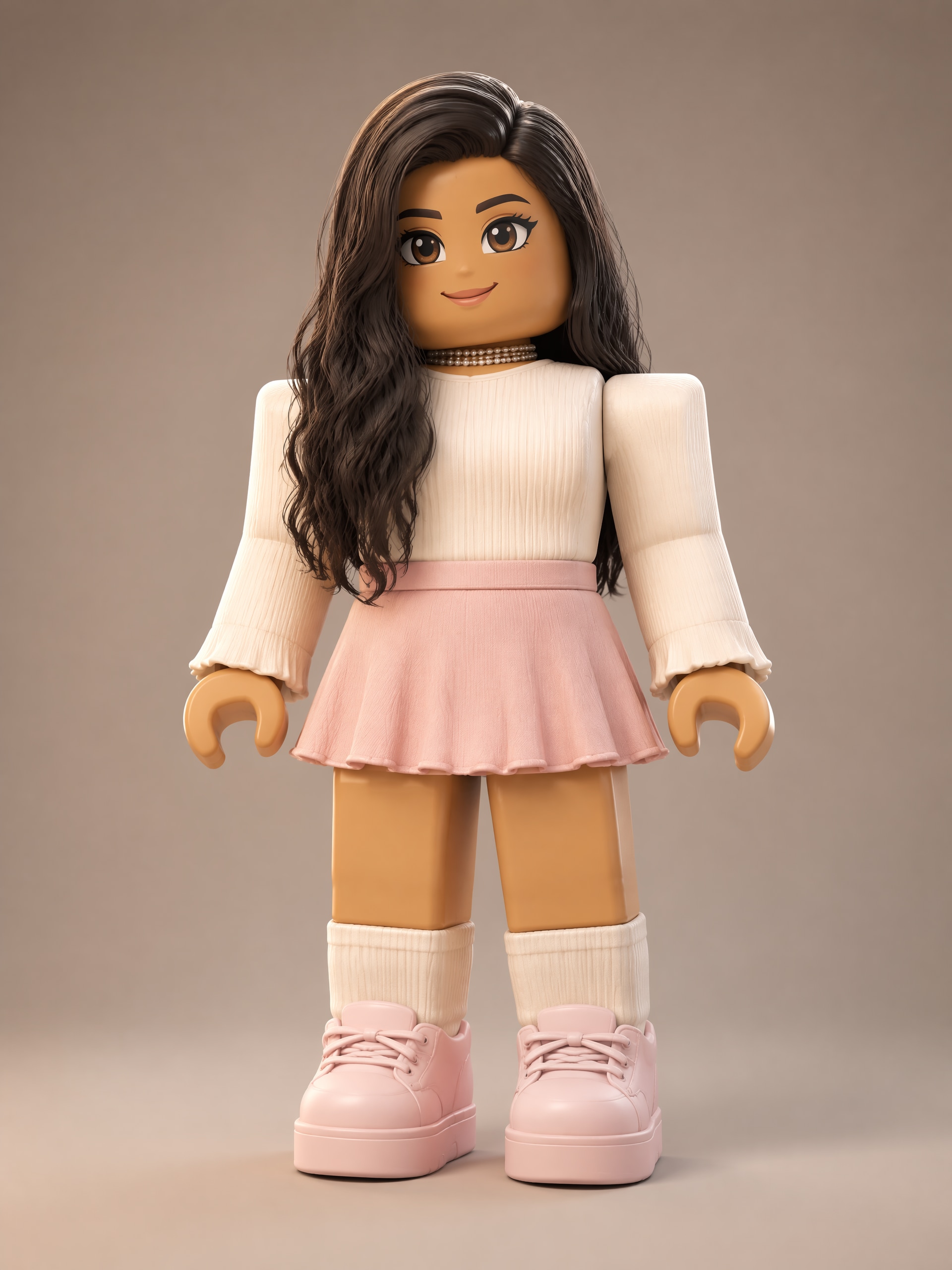
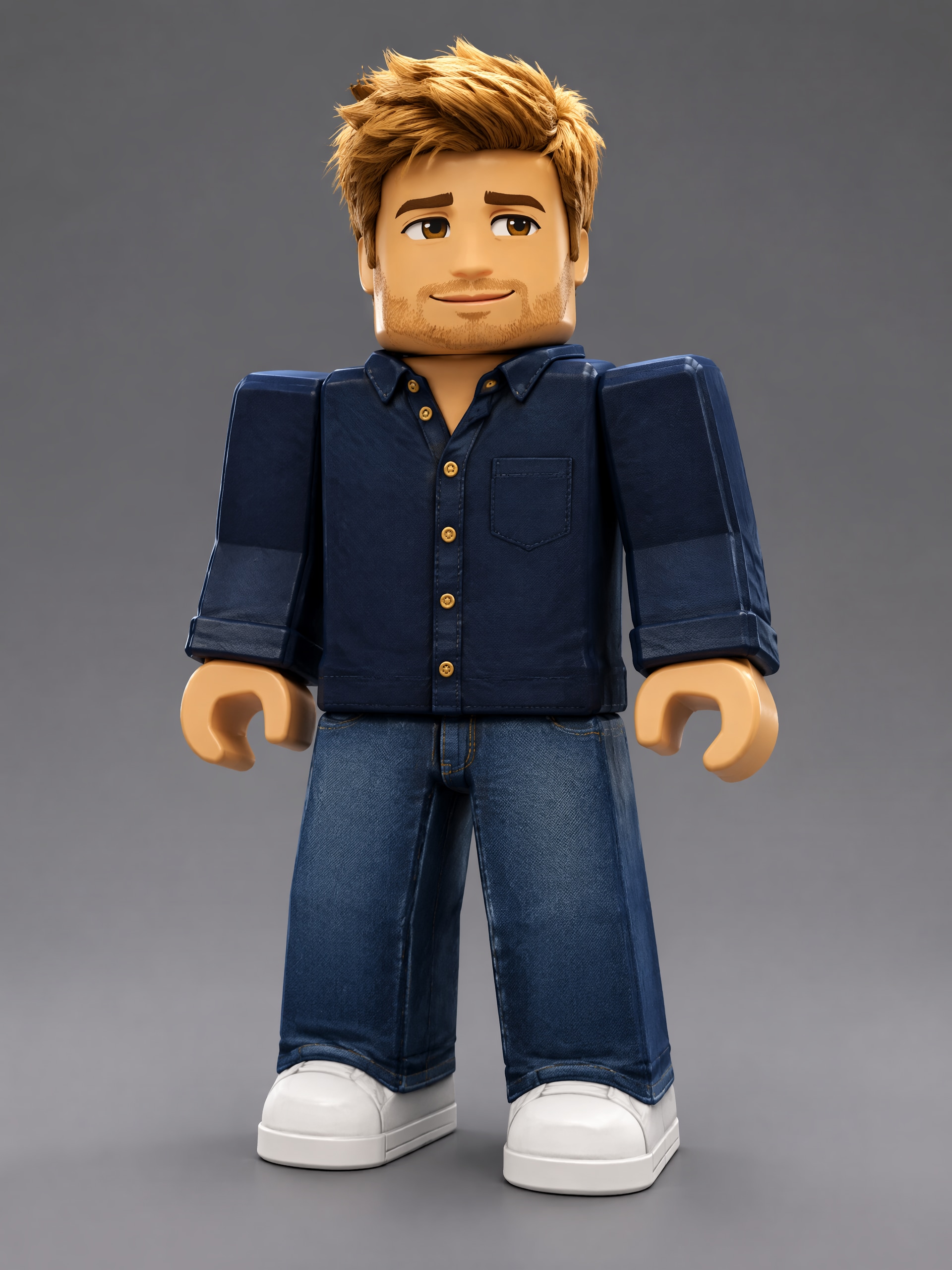
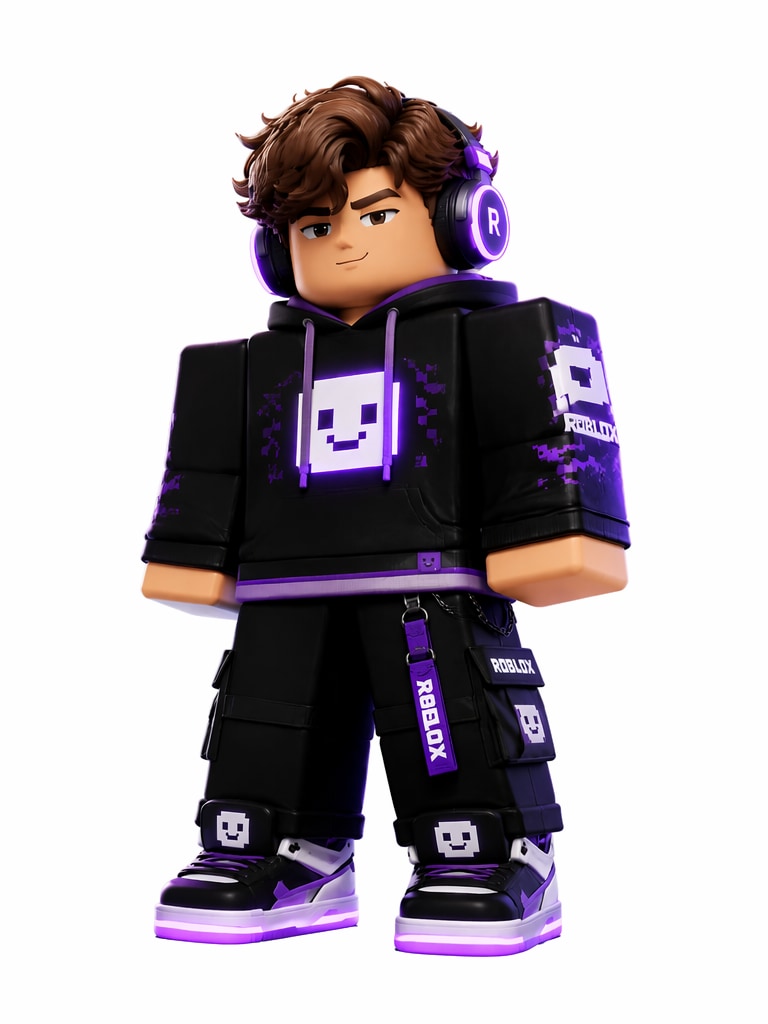
Turn your Roblox avatar idea into polished character artwork with Media.io’s AI Roblox Character Generator. Describe your OC’s outfit, hair, accessories, personality, and role, then create Roblox-inspired PFPs, thumbnails, roleplay art, and character concepts directly in your browser.

Create Roblox-Inspired Character Art

Free credits on signup.

Build Roblox-Inspired OCs for Every Creative Project

Shape a Memorable Avatar Look

Explore bold streetwear, fantasy armor, school uniforms, game-themed costumes, expressive faces, layered hair, hats, wings, pets, and other accessories. Start from text or upload a reference to guide the character’s visual direction.

Create PFPs, Thumbnails, and Roleplay Art

Frame your character as a Face Close-Up for a profile image, use Face + Full Body for a complete outfit reveal, or build dramatic artwork for roleplay stories, channel thumbnails, and social posts.

Bring the Same OC into New Scenes

Save a favorite result to Assets, then call it back with @character in later prompts. This helps preserve recognizable visual details while you explore new poses, locations, reactions, and story moments.

Create Online and Download Clean Artwork

Work entirely in your browser with free signup credits. Generate, review, and download watermark-free character artwork without installing design software or connecting directly to Roblox.

How to Make Roblox-Inspired Character Artwork

01

Step 1: Describe Your Avatar

Start with text or upload a reference image. Describe the character’s look, outfit, personality, and role—such as an obby champion, café owner, fantasy knight, or city roleplayer.

02

Step 2: Choose a View and Generate

Choose Front for a clear avatar design, Face Close-Up for a PFP, Face + Full Body for a complete outfit, or Creative Model Card for a polished character showcase. Then generate your artwork.

03

Step 3: Download, Save, and Reuse

Download your character artwork in HD or save it to Assets. Use @character in future prompts to bring the same OC into new PFPs, thumbnails, roleplay scenes, and story art.

How Creators Use Roblox-Inspired Character Art

user
@BlockSceneMia

Roleplay Story Creator

star star star star star

“My roleplay lead finally has a clear visual identity.” I described her layered hair, varsity jacket, headphones, and confident personality, then created a full-body concept and several scene ideas. Saving her to Assets made it much easier to keep developing the same recognizable lead.

user
@ObbyFrames

Gaming Thumbnail Designer

star star star star star

“The close-up view gives my thumbnails more personality.” I can quickly test shocked, determined, or celebratory expressions with bright outfits and oversized accessories. The artwork feels tailored to my channel while staying clearly separate from an in-game asset.

user
@PixelPlazaJay

Community Art Moderator

star star star star star

“It is easy to turn member ideas into polished PFP concepts.” Starting with a short description lets me explore color palettes, hats, hairstyles, and themed clothing before anyone commits to a final community avatar look.

user
@QuestRoomNora

Interactive Story Writer

star star star star star

“I use it as a visual development tool for my cast.” The character views help me plan heroes, shopkeepers, rivals, and side characters. I especially like reusing saved characters when I need artwork for another chapter or location.

FAQs About the AI Roblox Character Generator

1. What does the AI Roblox Character Generator create?

The AI Roblox Character Generator creates Roblox-inspired visual artwork from a text description or uploaded reference. Use it for avatar concepts, original characters, roleplay illustrations, PFPs, thumbnails, and design exploration. It does not produce playable models, coded items, or assets that can be imported into Roblox.

2. Can I design specific outfits, hair, and accessories?

Yes. Describe details such as layered hair, a hoodie, fantasy armor, headphones, glasses, wings, bags, hats, color palettes, facial expressions, and the character’s personality or role. Clear visual details give the selected AI model stronger creative direction.

3. Which character views can I generate?

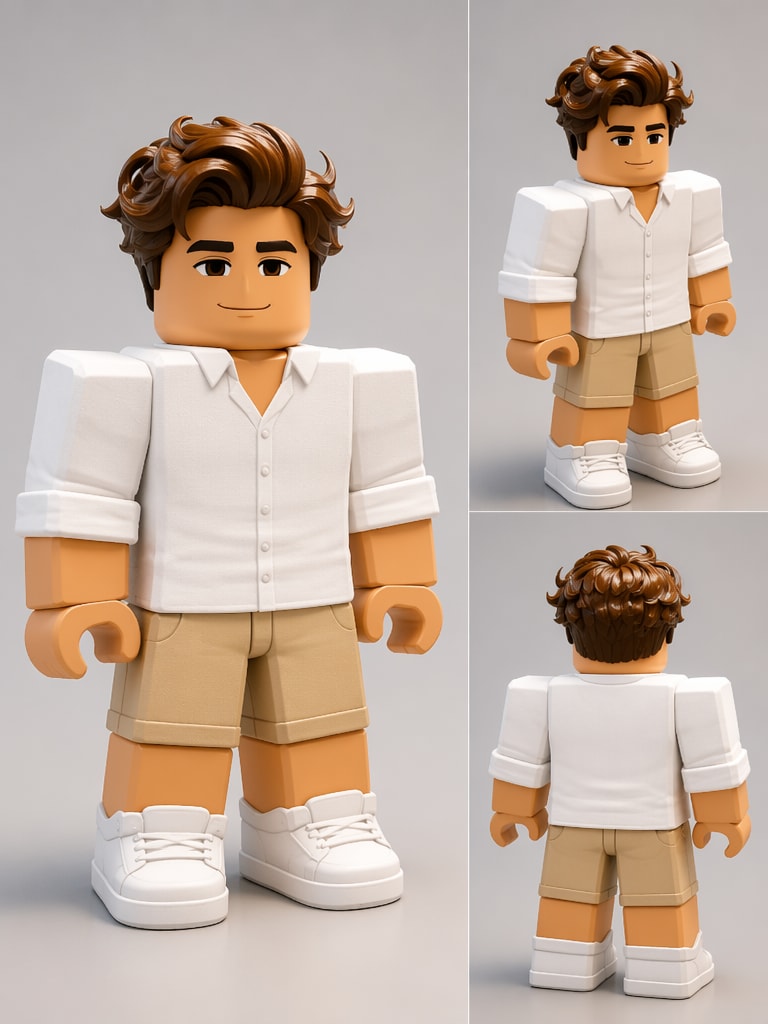
You can choose Front, 3-View Sheet, Face Close-Up, Face + Full Body, Creative Model Card, or None. Pick a close-up for a PFP, a fuller composition for outfit planning, or a 3-view layout when you want to examine the concept from several angles.

4. Can I reuse a Roblox-inspired OC in later images?

Yes. Save the generated character to Assets and reference it with @character in a later prompt. This supports recognizable follow-up artwork across roleplay scenes, reactions, thumbnails, and social visuals, though results may still vary between generations.

5. Is this connected to Roblox or an in-game avatar editor?

No. Media.io is a browser-based creative tool for generating character artwork and has no direct Roblox integration. The output is an image rather than a valid game asset. Free signup credits are available, and generated artwork can be downloaded without a watermark.

Media.io Online AI Tools Quality Rating:
vote 4.7 (162,357 Votes)


