Engineer Future Heroes with an AI Cyborg Character Generator

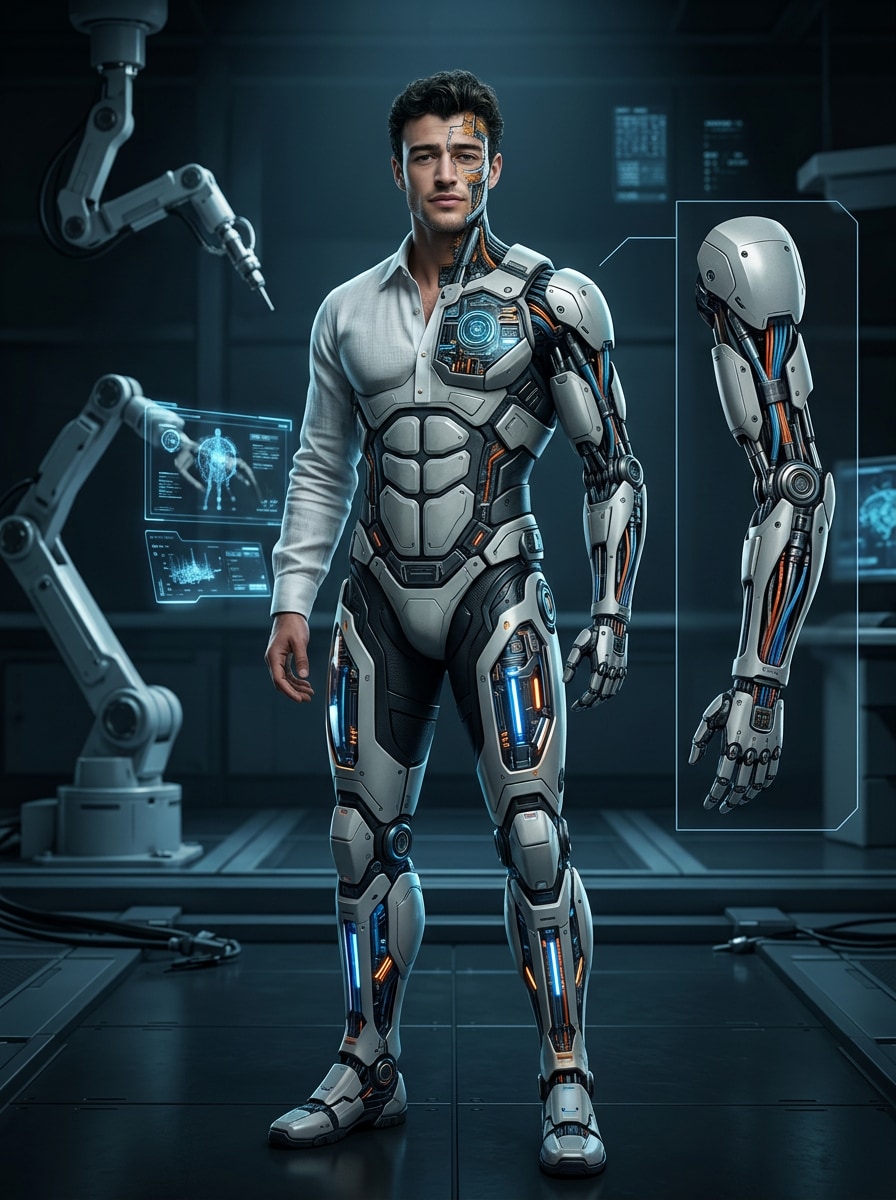
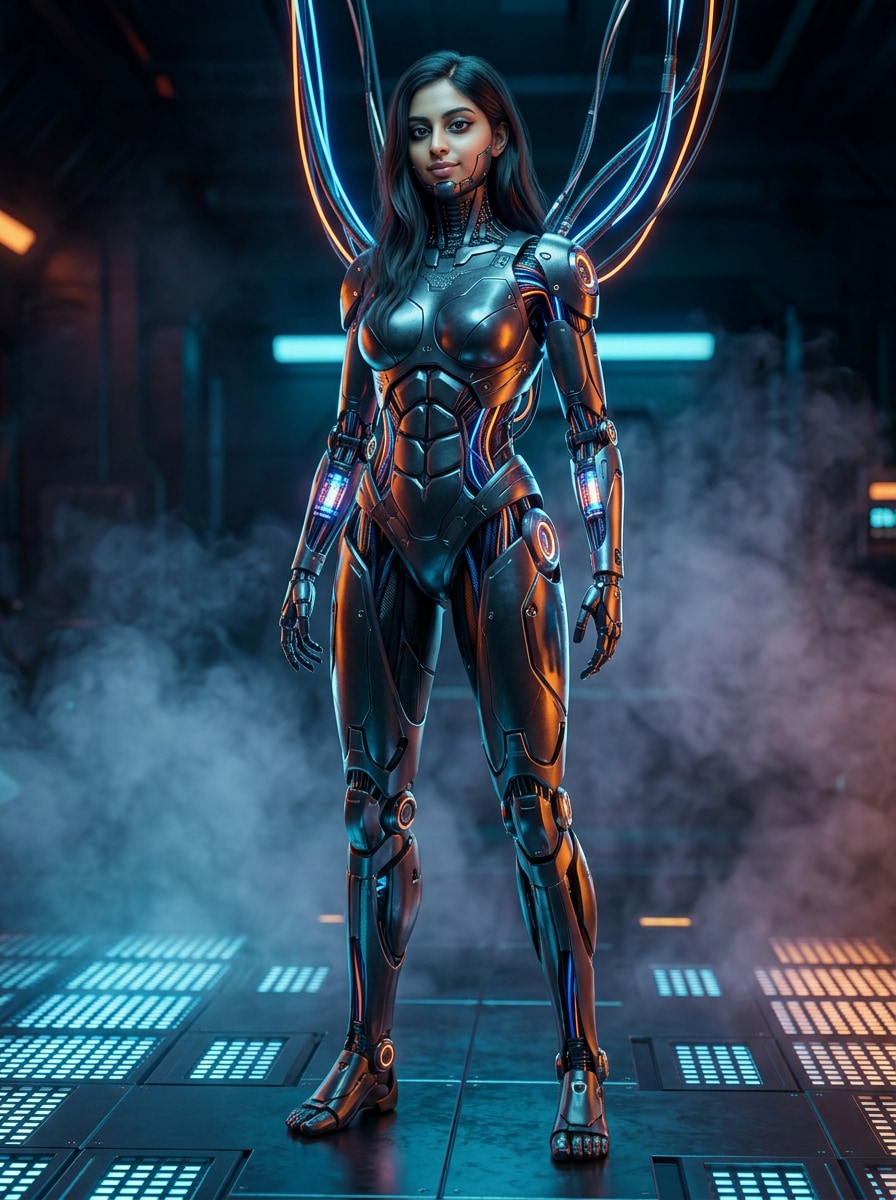
Create original human-machine designs with the AI Cyborg Character Generator. Control the human-to-machine ratio, implants, synthetic limbs, armor, circuitry, personality, and sci-fi role to produce portraits, full-body concepts, 3-view sheets, and recurring future-scene artwork.

Create Your Cyborg Character

Free credits on signup.

Design Human-Machine Characters with Purpose

Control the Human-to-Machine Balance

Describe a subtle neural implant, one prosthetic arm, a half-synthetic face, or a nearly complete mechanical body. Direct the materials, exposed components, scars, lights, skin tone, silhouette, and emotional presence.

Develop Implants, Limbs, and Armor Systems

Build believable visual functions into the design: optical sensors, reinforced legs, modular hands, medical ports, tactical plating, reactor cores, or sleek exosuits. Connect every enhancement to the character’s role and history.

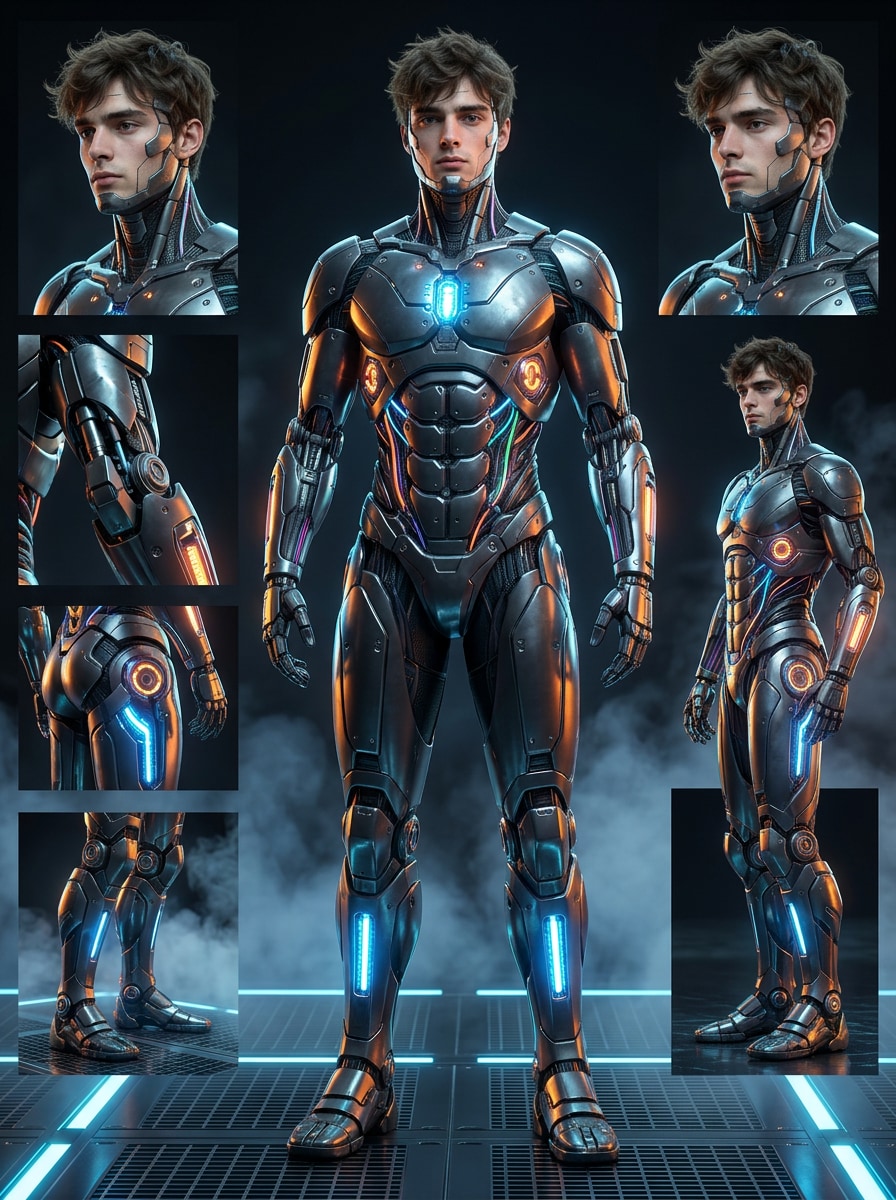
Create Portraits, Full Bodies, and 3-View Sheets

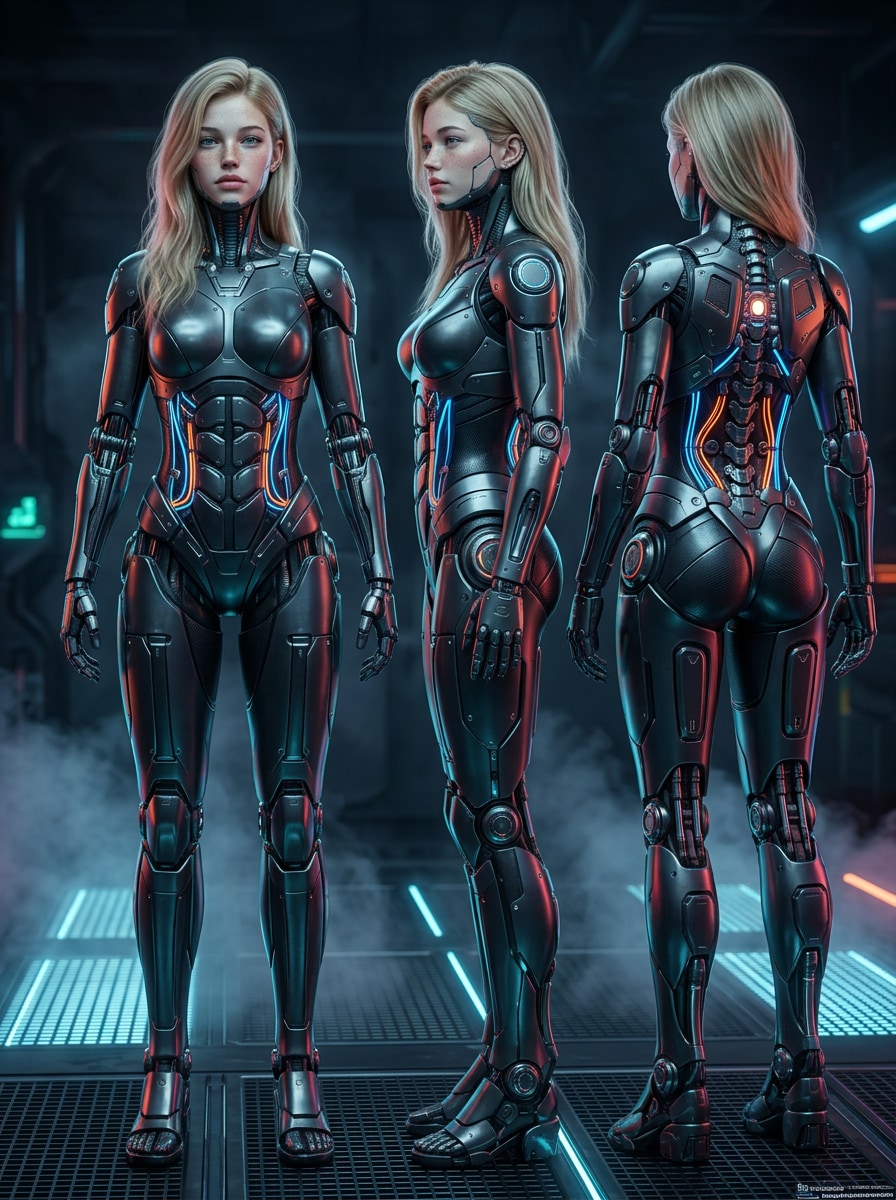
Use Face Close-Up for implant detail, Face + Full Body for the complete silhouette, or 3-View Sheet for broader concept development. Save the strongest result to Assets when you are ready to expand the character’s world.

Explore Sci-Fi Looks Online

Generate in your browser with free signup credits and download watermark-free artwork. Shift from grounded near-future prosthetics to neon cyberpunk or far-future military design without specialized illustration software.

How to Build a Detailed Cyborg OC

01

Step 1: Define the Person Beneath the Technology

Start text-only or upload a reference. Describe appearance, outfit, personality, profession, human-machine ratio, implant locations, mechanical limbs, armor function, and the future society that shaped the character.

02

Step 2: Choose the Visual Treatment

Pick Front, 3-View Sheet, Face Close-Up, Face + Full Body, Creative Model Card, or None. Choose Realistic, Anime, Stylized 3D, Influencer, or None, then select a model from Gemini Nano to GPT Image 2 and generate.

03

Step 3: Save and Stage New Future Scenes

Save the selected cyborg to Assets. Reference it with @character in later prompts for laboratory portraits, neon streets, orbital stations, battlefield moments, or quieter scenes that reveal the person behind the machinery.

Cyborg Concepts Built for Bigger Stories

user
@NeonAnatomy

Cyberpunk Comic Artist

star star star star star

“The human-machine ratio made my prompt much more intentional.” Instead of asking for a generic robot person, I specified one synthetic eye, a transparent jaw plate, and a medical-grade arm. The resulting portrait gave my lead a believable history.

user
@OrbitForge

Sci-Fi Game Writer

star star star star star

“A 3-view sheet helped me understand the whole silhouette.” My zero-gravity technician needed compact leg thrusters and tool storage that looked functional from several angles. The sheet gave our story team a useful visual direction.

user
@ChromeFrame

Concept Art Student

star star star star star

“I can compare cyberpunk and clean sci-fi treatments quickly.” I keep the same core character brief, then test exposed cables, smooth ceramic armor, or industrial prosthetics. It is a practical way to study how materials change the mood.

user
@FutureSceneLab

AI Storyboard Creator

star star star star star

“My saved pilot can return across different locations.” I have placed the character in a hangar, a rain-soaked city, and an orbital cockpit with @character. The results are not identical every time, but the defining implants and costume remain strong anchors.

FAQs About the AI Cyborg Character Generator

1. How does the AI Cyborg Character Generator work?

The AI Cyborg Character Generator turns a written description or uploaded reference into original character artwork. Describe the person, technology, outfit, personality, and role; select a view, style, and AI model; then generate and refine the visual direction you prefer.

2. Can I control how human or mechanical the character appears?

Yes. State the intended ratio or describe it visually, such as “mostly human with a synthetic left arm,” “half-mechanical face,” or “full cybernetic body with visible human eyes.” Add material, lighting, and anatomy details to make the balance clearer.

3. What should I include in a cyborg character prompt?

Include age range, expression, body type, clothing, occupation, implant placement, limb design, armor, materials, power source, color palette, damage or maintenance details, and setting. A short backstory can also help connect enhancements to personality and purpose.

4. Can I generate a portrait, full body, or 3-view sheet?

Yes. Choose Face Close-Up for facial implants, Face + Full Body for identity and silhouette, or 3-View Sheet for multiple design angles. Front, Creative Model Card, and None are also available when another presentation better fits the project.

5. How do I keep a cyborg recognizable in multiple scenes?

Save your preferred character to Assets and use @character in future prompts. Repeat a few defining traits—such as the eye color, arm material, chest plate, and coat—to reinforce the design. The browser-based workflow includes free signup credits and watermark-free downloads.

Media.io Online AI Tools Quality Rating:
vote 4.7 (162,357 Votes)


