
Generatore di Drama di Vendetta con IA: Trasforma gli Script di Rivalsa in Storie Video
Le storie di vendetta funzionano meglio quando il riscatto è strettamente legato al tradimento che le ha originate. Il Generatore di Drama di Vendetta con IA trasforma rancori, verità nascoste e scene di rivalsa in video collegati tra loro, partendo da uno script o da una bozza narrativa. Mantiene l'arco della vendetta ben definito, dalla rottura al ribaltamento.
Tutto ciò di cui hai bisogno in Media.io AI Revenge Story Video Maker
Modella le scene di rivalsa, le verità nascoste e il ribaltamento finale senza perdere il dolore che ha dato origine alla storia né l'ordine che la porta avanti.
Trasforma gli Script di Vendetta in Scene di Conflitto Mirate
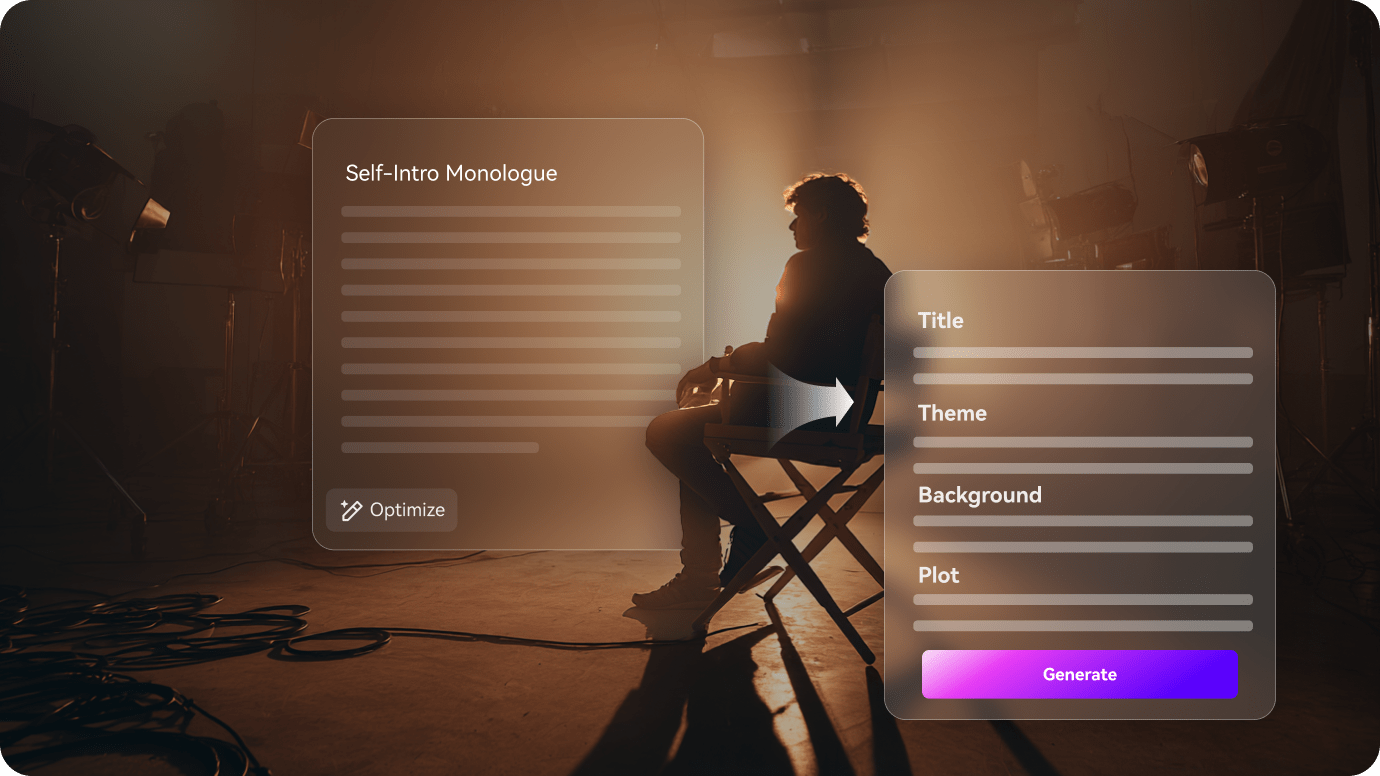
Inizia trasformando lo script in una mappa della rivalsa, con tradimento, comeback e ribaltamento finale disposti in sequenza.
- Suddividi tradimento, rivalsa e momenti chiave della vendetta in uno schema chiaro
- Mantieni il ribaltamento leggibile senza perdere il dolore originale
- Preserva la tensione affinché il riscatto arrivi più avanti nella storia
Mantieni i Personaggi del Tradimento Coerenti tra le Scene
Le storie di vendetta dipendono da chi ha fatto del male a chi e da chi è ancora presente. La mappa del cast mantiene quei ruoli stabili mentre la storia avanza verso il riscatto.
- Mantieni stabili il protagonista tradito, il rivale, l'ex e il ruolo familiare in tutte le scene
- Rendi il bersaglio della rivalsa facile da seguire in ogni momento chiave
- Mantieni il cast leggibile mentre la storia avanza verso la rivelazione

Modella il Momento Chiave della Vendetta Prima dell'Esportazione
Prima dell'esportazione, rivedi la rivelazione e il ribaltamento finale affinché il riscatto sembri guadagnato piuttosto che improvviso.
- Rivedi i tempi della rivelazione prima che il taglio finale venga distribuito
- Raffina qualsiasi scena che sembri troppo vaga o troppo affrettata
- Esporta una storia di vendetta con un finale più incisivo
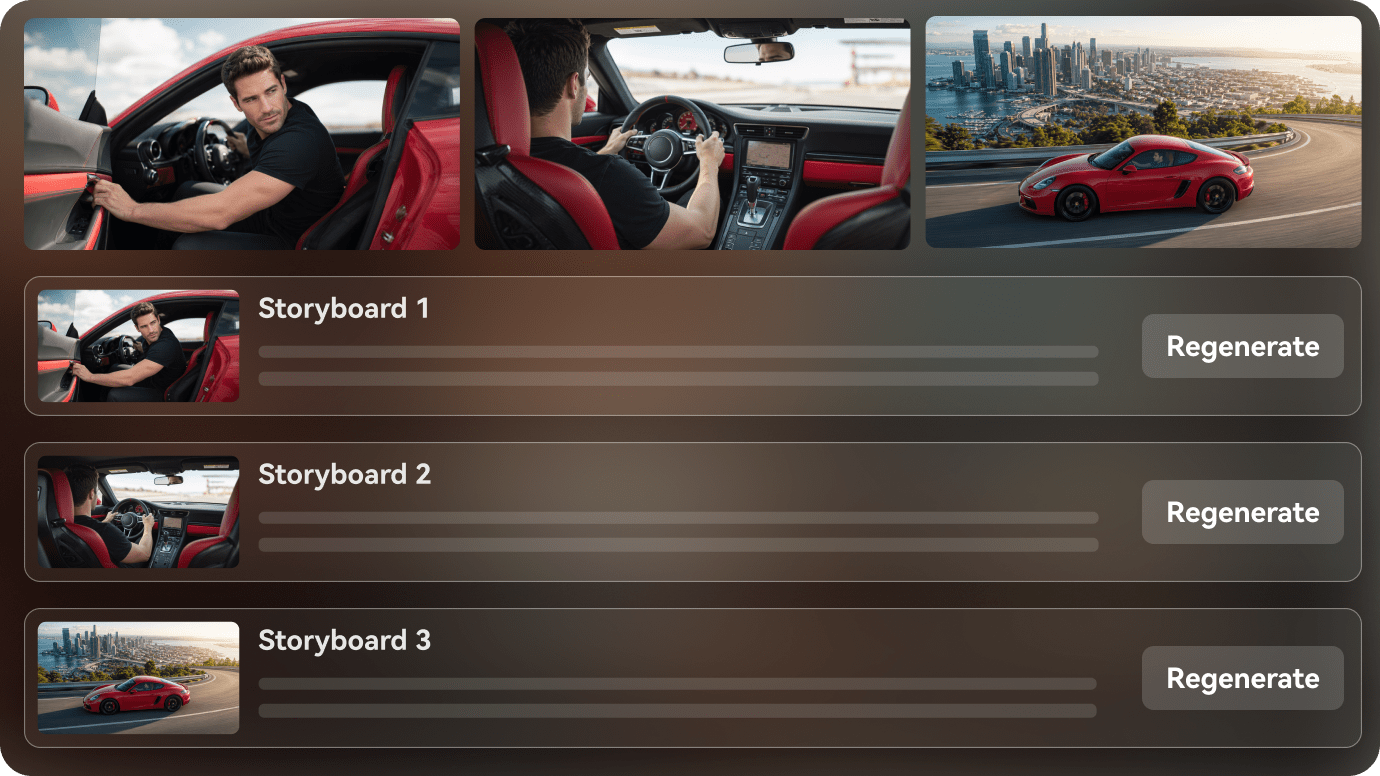
Come Creare un Video Drama di Vendetta in 3 Passaggi
Inizia con lo script, poi definisci il cast e l'ordine delle scene prima dell'esportazione.

Incolla lo script della vendetta
Inizia con una scena di tradimento, uno schema di rivalsa o una bozza di vendetta e mappa chiaramente il conflitto.

Imposta il cast del conflitto
Mantieni il protagonista tradito, il rivale, l'ex o il membro della famiglia facili da seguire mentre la storia avanza.

Rivedi il taglio finale
Perfeziona i tempi, affina la rivelazione ed esporta un video drama di vendetta che consegni il riscatto.
Idee per Video Drama di Vendetta che Puoi Creare
Queste idee narrative si concentrano su tradimento, rivalsa e comeback senza ridursi a una sola frase.
Vendetta per Tradimento
Una storia che inizia con una promessa infranta e termina con un chiaro ribaltamento.
Vendetta
Arco del Comeback
Un personaggio ricostruisce il proprio controllo dopo essere stato messo da parte.
Vendetta
Rivelazione della Verità Nascosta
La storia cambia una volta che emerge la vera ragione dietro il tradimento.
Vendetta
Umiliazione Pubblica
Una scena drammatica in cui la stanza finalmente vede ciò che era nascosto.
Vendetta
Vendetta Silenziosa
Una storia più calma in cui il riscatto arriva attraverso la pianificazione piuttosto che le urla.
Vendetta
Ritorno della Seconda Possibilità
Una persona torna più forte e cambia gli equilibri nella stanza.
Vendetta
Come Diversi Creatori di Storie di Vendetta Usano l'IA da Script a Video
Da creatori di drama di vendetta e YouTuber anonimi a sceneggiatori, romanzieri e team di canale, scopri come l'IA da script a video può trasformare le idee di rivalsa in video finiti.


"Posso passare dallo script al video senza perdere la forma originale della storia."

"Mi aiuta a organizzare la narrazione, i personaggi e l'ordine delle scene in un unico flusso di lavoro."

"Posso mostrare tono e ritmo chiaramente prima di impegnarmi nella versione finale."

"Un capitolo scritto diventa un'anteprima visiva molto più facile da condividere."

"Posso rivedere lo schema e mantenere la struttura video leggibile."

"Trasforma gli script delle campagne in un flusso di lavoro più visivo per il team."
Domande Frequenti sul Drama di Vendetta
Queste risposte riguardano gli script di tradimento, il ritmo della vendetta e i passaggi di revisione delle scene che contano nelle storie di vendetta.
Cos'è un Generatore di Drama di Vendetta con IA?
È un flusso di lavoro da script a video per trasformare storie di tradimento, rivalsa e comeback in scene collegate tra loro.
Posso Iniziare da uno Script di Vendetta?
Sì. Uno schema di tradimento, una storia di comeback o uno script di drama di vendetta si adattano bene al flusso di lavoro.
Posso Mantenere gli Stessi Personaggi in Tutte le Scene?
Sì. Il flusso di lavoro è progettato per mantenere leggibili il protagonista, il rivale e i ruoli secondari in tutte le scene.
Quali Idee di Storie di Vendetta Funzionano Meglio?
La vendetta per tradimento, le rivelazioni di verità nascoste, l'umiliazione pubblica, la vendetta silenziosa e gli archi di comeback di solito funzionano bene.
Posso Usarlo per Video in Formato Breve?
Sì. La storia può essere strutturata per clip brevi, contenuti di riepilogo o drama di vendetta episodici.
Aiuta con il Flusso della Storia?
Sì. Puoi rivedere lo schema e mantenere i momenti chiave della vendetta in ordine prima dell'esportazione.
Posso Mantenere un Tono Intenso?
Sì. Il flusso di lavoro può preservare il conflitto, il ritmo e la struttura della rivelazione in tutto il video.
Esplora Idee e Casi d'Uso da Script a Video
Questi argomenti si ramificano in tradimento, rivalsa e comeback senza ridursi a una sola frase.

Trasforma il Tuo Script di Vendetta in un Video con IA in un Unico Flusso di Lavoro
Incolla il tuo script di vendetta, la bozza di tradimento o lo schema di comeback. Media.io aiuta a strutturare le scene, impostare i personaggi, visualizzare in anteprima lo storyboard e generare un video di rivalsa fruibile dalla tua idea scritta. Puoi anche attivare la musica di sottofondo e i sottotitoli, oppure utilizzare la modalità agente per un'esecuzione in un solo passaggio. Le esportazioni possono arrivare fino a 2 minuti in 4K.