AI Character
Nano Banana Pro
0/2000
1K
3:4
Tipo di Vista
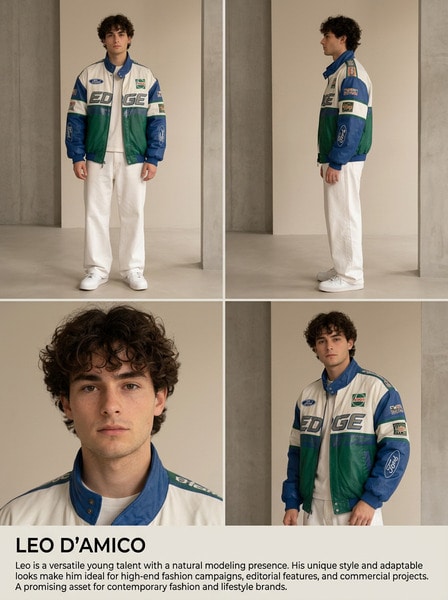
Scheda Modello Creativa
Per concetti stilizzati ed esplorazione rapida.
Stile
Realistico
Realistico
All
Added
Not Added
Generate reusable AI characters and brand influencers
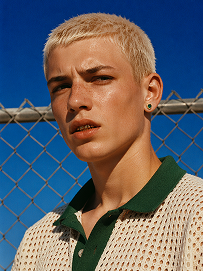
Outdoor bust portrait, cool teenage young man with short platinum blonde buzz cut, freckles across nose and cheeks, gold teeth grills on front teeth, single emerald green gem earring in left ear, sweat drop on cheek, wearing off-white open-knit polo shirt with dark green collar, standing in front of chain-link fence, vivid deep blue clear sky background, harsh bright midday direct sunlight, high contrast sharp shadows, 90s street fashion editorial photography, realistic skin texture, film grain, saturated vibrant color grading, shot on 35mm film, ultra detailed, 8K, sharp focus
Use Prompt
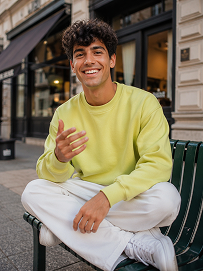
Realistic treet portrait, handsome young man with fluffy dark curly hair, sitting cross-legged on a dark green outdoor metal bench on city sidewalk, big bright smile showing teeth, right hand raised gesturing as if chatting, wearing lime yellow crew neck sweatshirt, loose white casual trousers, white sneakers, modern urban building background with shallow depth of field, natural soft daylight, lifelike skin texture, casual lifestyle photography, shot on Canon R5, 50mm f/1.8 lens, sharp focus, 8K, ultra detailed, warm natural tone
Use Prompt
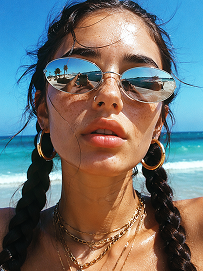
Close-up beach portrait, young woman with two thick dark long braids, freckles all over nose and cheeks, futuristic silver oval mirrored sunglasses reflecting beach scenery, large gold hoop earrings, layered multiple gold chain necklaces, slightly open mouth, bright harsh summer midday sunlight, clear turquoise ocean and blue sky background, wind blowing stray hair strands on face, realistic skin texture, sun-kissed complexion, vintage film grain, summer coastal fashion photography, sharp details, high saturation, shot on 35mm film, 8K ultra realistic
Use Prompt

Build an AI Influencer Headshot That Looks Brand Ready

Turn a rough idea into a polished influencer-style headshot for bios, profile pages, and branded outreach. Media.io helps you generate clean, modern character portraits that feel credible across social channels and creator assets. Use it to test personal branding directions, maintain a consistent look, and speed up visual production for campaigns.

Generate My Headshot

Tip: Mention platform, style, wardrobe, lighting, and expression for a more usable influencer portrait.

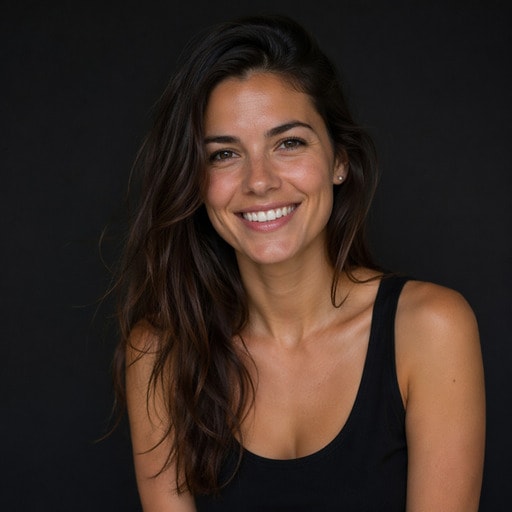
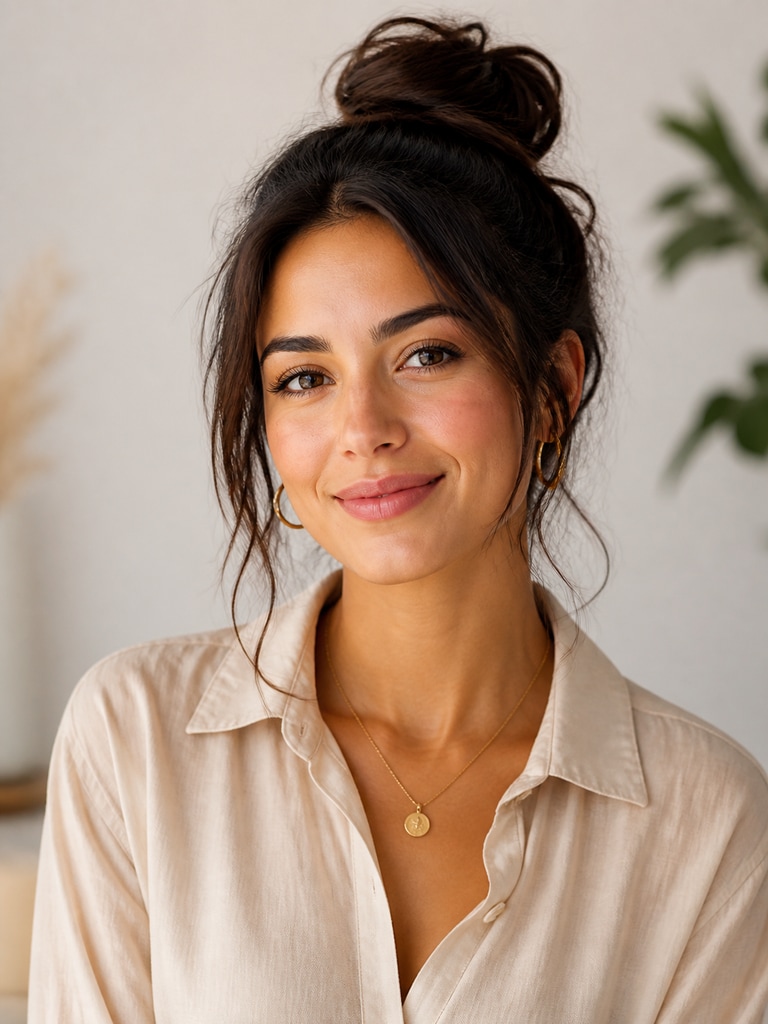
Lifestyle creator style AI influencer headshot for an adult profile bio with soft studio lighting and a clean background

Lifestyle Creator Bio Headshot

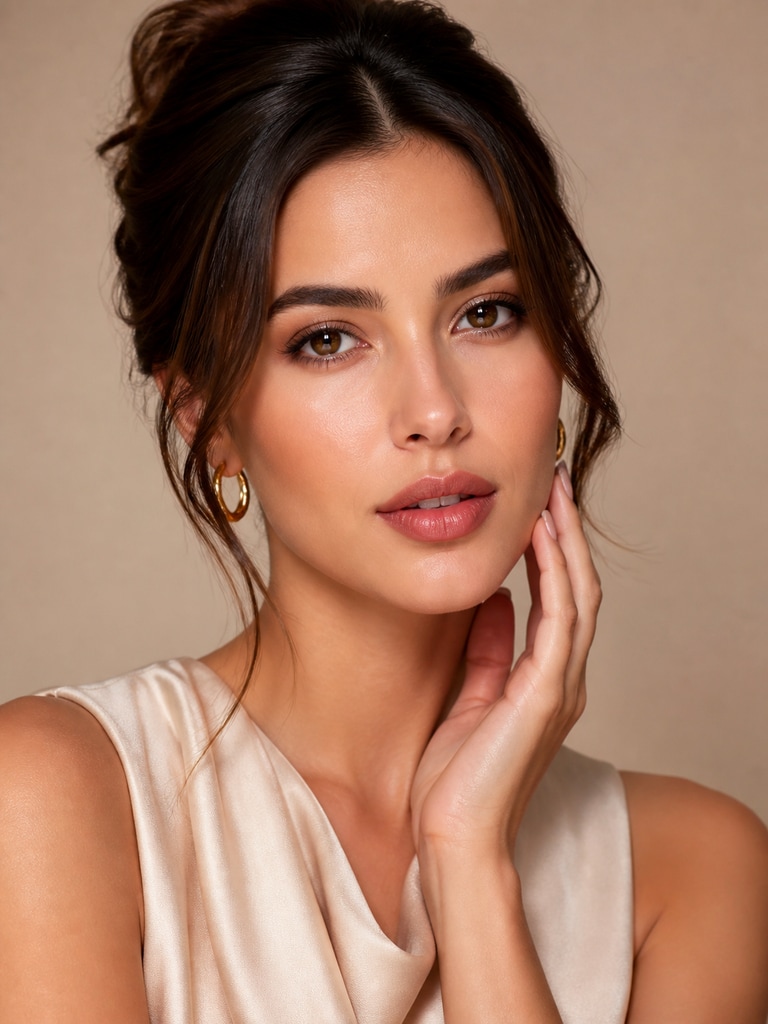
Beauty campaign AI influencer headshot of an adult fictional creator with polished makeup and premium editorial lighting

Beauty Campaign Portrait

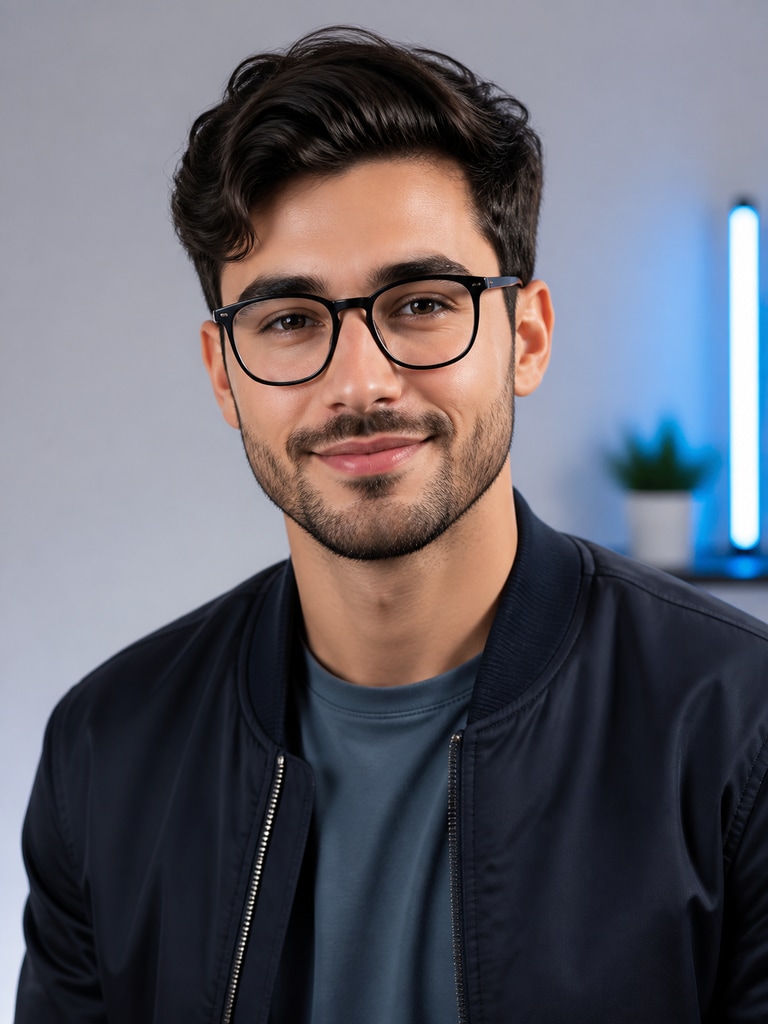
Tech reviewer AI influencer headshot for an adult creator avatar with smart casual styling and a modern neutral backdrop

Tech Reviewer Profile Avatar

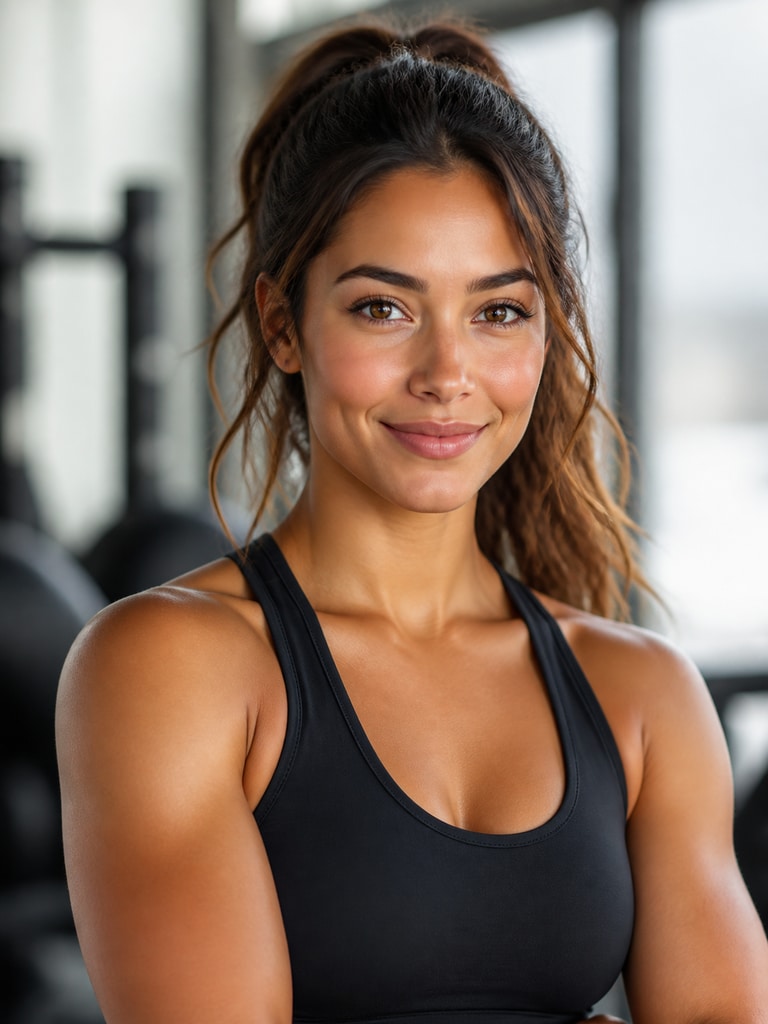
Fitness brand ambassador AI influencer headshot showing an adult fictional creator in athletic smart-casual style

Fitness Brand Ambassador Portrait

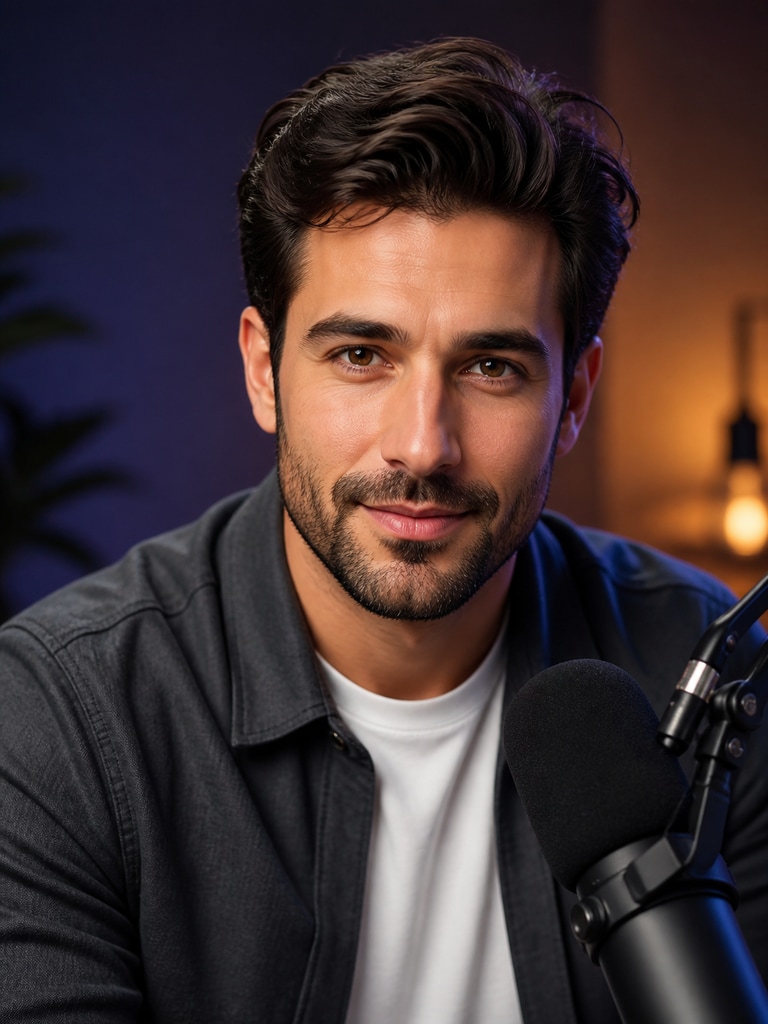
Podcast host AI influencer headshot for an adult creator thumbnail with expressive eye contact and studio-quality lighting

Podcast Host Thumbnail Portrait

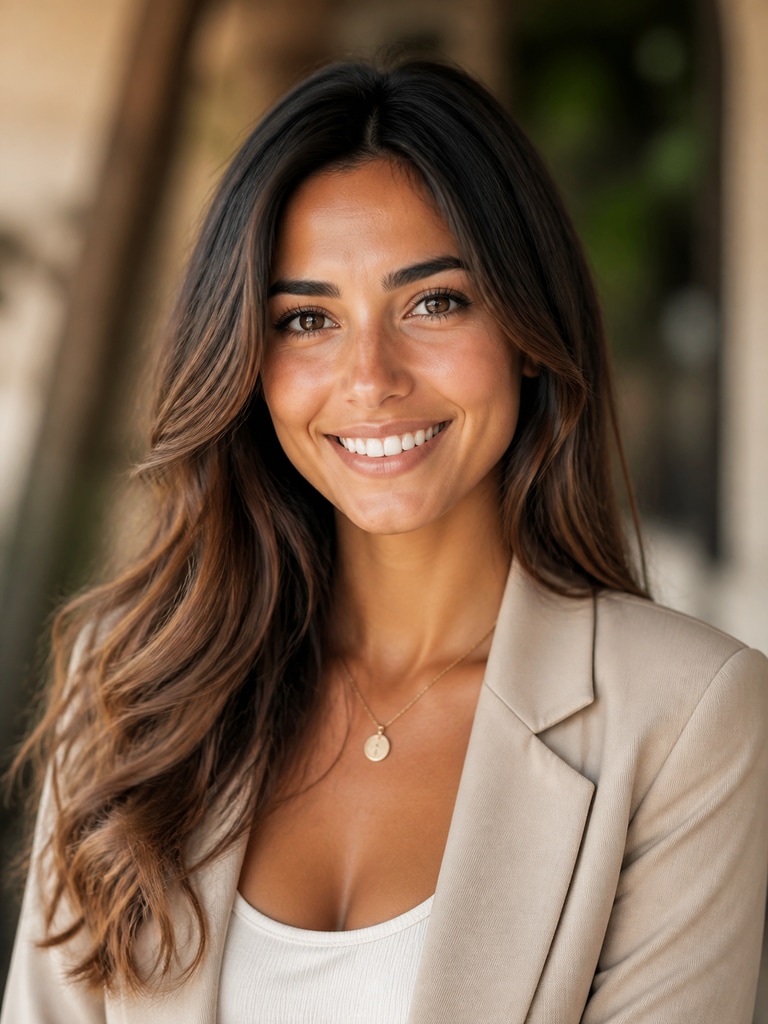
Travel creator AI influencer headshot for an adult media kit with refined wardrobe, warm tones, and a professional portrait crop

Travel Creator Media Kit Photo

Why Use an AI Influencer Headshot Generator

Influencer branding often needs to move faster than traditional photo scheduling allows. Teams still need portraits that look intentional, trustworthy, and aligned with a campaign or creator niche. Media.io makes it easier to generate headshot-style AI character visuals that fit profile pages, social avatars, and promotional materials. That means less waiting, faster testing, and more visual consistency across every touchpoint.

Shape a Strong First Impression

Your profile image often decides whether someone clicks through, replies, or keeps scrolling. A focused influencer headshot gives your bio a clearer and more professional identity. Media.io helps you create a portrait that feels approachable without looking generic. That balance is especially useful for creators, consultants, and small teams building trust quickly.

Keep Branding Consistent Across Channels

Creators rarely publish in only one place anymore. You may need a matching visual system for Instagram, TikTok, YouTube, newsletters, and pitch decks. Media.io helps you generate a repeatable headshot look with consistent styling, mood, and framing. That makes your brand feel more recognizable every time your image appears.

Move Faster for Campaigns and Launches

Brand partnerships, media kits, and creator launches often need fresh visuals on short timelines. An AI influencer headshot generator lets you test multiple directions before a campaign goes live. Media.io makes it simple to adjust wardrobe, lighting, expression, and background without restarting the process. That speed helps small teams deliver polished assets with less production overhead.

Create Flexible Portraits for Reuse

A useful headshot should work beyond a single upload. You may need one image for a website bio, another for a podcast thumbnail, and another for a campaign one-sheet. Media.io supports that reuse by helping you generate portraits that stay clean and adaptable across formats. The result is a stronger asset library built from one clear visual identity.

How to Make an AI Influencer Headshot

01

Describe Your Creator Look

Start with the platform, niche, and overall tone you want to project. Include details like wardrobe, background, lighting, expression, and how polished or casual the portrait should feel.

02

Generate and Compare Variations

Create multiple headshot options to explore different branding directions quickly. Compare which version feels strongest for your bio, avatar, media kit, or campaign layout.

03

Refine for Real-World Use

Adjust details until the portrait fits the channel where it will appear most often. Then reuse that visual direction across profile pages, thumbnails, and brand materials for stronger consistency.

What Users Like About This Headshot Style

user
Avery

Creator Strategist

starstarstarstarstar

"Useful for profile refreshes" I needed a cleaner portrait direction for creator bios and outreach decks. This gave me several headshot options that felt modern without looking overproduced. The best part was being able to steer the style toward a niche audience instead of using a generic business portrait. That made the final image much easier to use across multiple profile touchpoints.

user
Jordan

Social Media Manager

starstarstarstarstar

"Faster than organizing a shoot" We had to prepare profile visuals for a campaign page on a short deadline. Media.io helped us generate influencer-style portraits that looked cohesive enough for branded assets. We could test different wardrobe and lighting directions in one workflow. That saved a lot of time before approvals and posting.

user
Morgan

Newsletter Creator

starstarstarstarstar

"Good fit for personal branding" I wanted a headshot that felt credible for sponsorships but still approachable for subscribers. The results gave me a better balance between polished and personable than my old avatar. I also liked how easy it was to try different expressions and backgrounds. It made my bio section and social profile feel more intentional.

user
Riley

Brand Partnerships Lead

starstarstarstarstar

"Helpful for creator-facing materials" Our team often needs headshot-style visuals for one-sheets and campaign proposals. This tool made it easier to create profile-ready portraits that fit a creator brand instead of a corporate template. The styling stayed clean, and the portraits looked strong in cropped layouts. That flexibility matters when assets have to work in decks, pages, and thumbnails.

user
Taylor

Podcast Producer

starstarstarstarstar

"Worked well for thumbnails and bios" We were looking for a portrait style that could support both podcast thumbnails and host bios. The headshots came out with strong eye contact and clean composition, which helped in smaller crops. I appreciated that the visual tone could still feel creator-led rather than overly formal. That made the assets easier to use across audio and social channels.

Users often prefer influencer-style portraits that look polished enough for business use but still feel personal and platform-native.

FAQ

1. What is an AI influencer headshot generator used for?
faqfaq

An AI influencer headshot generator helps you create portrait-style visuals for digital identity and branding. People often use it for profile pages, creator bios, social avatars, media kits, and campaign materials. It is especially useful when you need a polished image quickly without planning a full photo session. Media.io supports this workflow by helping you generate and refine a consistent creator-style look.

Yes, these headshot-style character images are well suited for social profiles and creator pages. They can work across Instagram, TikTok, YouTube, newsletters, and personal websites when you want a more polished first impression. It helps to choose clear lighting, direct eye contact, and a simple background so the image reads well at smaller sizes. That keeps the final portrait usable across several platforms.

An influencer headshot usually aims for a more brand-forward and platform-aware look than a traditional corporate portrait. The styling may feel more current, expressive, and niche-specific while still staying professional enough for outreach and partnerships. This makes it a better fit for creator bios, channel branding, and campaign portraits. It is designed to support audience recognition as much as credibility.

Include the platform, creator niche, wardrobe style, expression, lighting mood, and background preference. You can also mention whether the headshot is for a bio, avatar, thumbnail, or brand presentation so the result feels more targeted. Clear prompt details help the portrait look intentional instead of random. That usually leads to stronger first-pass options and fewer refinements.

Yes, creating several portrait directions is one of the most practical ways to use the tool. Many users generate one clean bio headshot, one warmer social avatar, and one stronger campaign portrait for presentations or outreach. This gives you flexibility while still keeping a recognizable brand identity. A small set of coordinated looks can support many publishing needs.

In many cases, yes, because headshot-style visuals are often needed beyond social profiles. A clean portrait can support sponsor decks, press pages, partnership proposals, and creator media kits when it is styled thoughtfully. Choose neutral framing, clear lighting, and a confident but natural expression for the best reuse value. That helps the image feel credible in both creative and business contexts.

No, you do not need advanced design skills to create useful headshot concepts. The main advantage comes from describing your branding goals clearly and comparing a few visual directions. Even simple prompt inputs can produce strong results when the intended use case is specific. Media.io makes the process approachable for solo creators, marketers, and small teams.

Start with simple visual choices that communicate clarity and confidence. Neutral backgrounds, flattering lighting, neat wardrobe styling, and direct eye contact usually improve credibility without removing personality. Avoid overcrowded scenes when the image is meant for bios, profiles, or presentation materials. The goal is to look memorable, polished, and easy to recognize at a glance.

Media.io Online AI Tools Quality Rating:
vote 4.7 (162,357 Votes)



