
Generator Video Cerita Keluarga AI untuk Video Warisan Keluarga yang Hangat
Buat video sejarah keluarga dari catatan reuni, keterangan foto lama, linimasa leluhur, atau draf kenangan yang dinarasikan. Media.io's Generator Video Cerita Keluarga AI membantu mengatur skrip Anda menjadi kerangka yang jelas, membimbing anggota keluarga dengan foto atau deskripsi teks, dan melihat pratinjau gambar storyboard sebelum membuat video yang dirancang untuk dibagikan kepada keluarga.
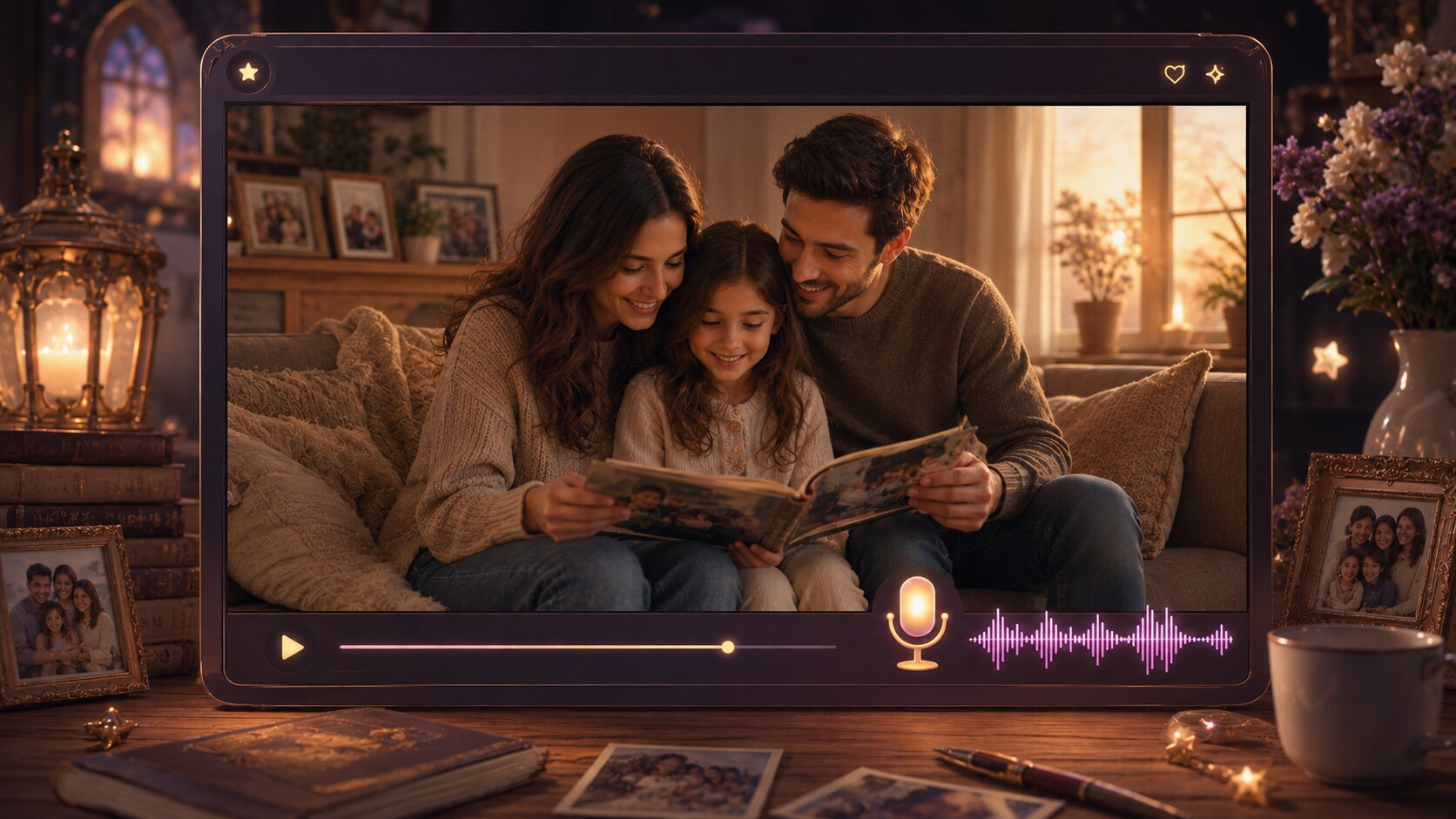
Ubah Kenangan Keluarga Menjadi Adegan yang Layak Ditonton Ulang
Melampaui slideshow foto sederhana dengan alur kerja berbasis skrip yang dibuat untuk warisan, pencapaian, dan penceritaan dokumenter pribadi.
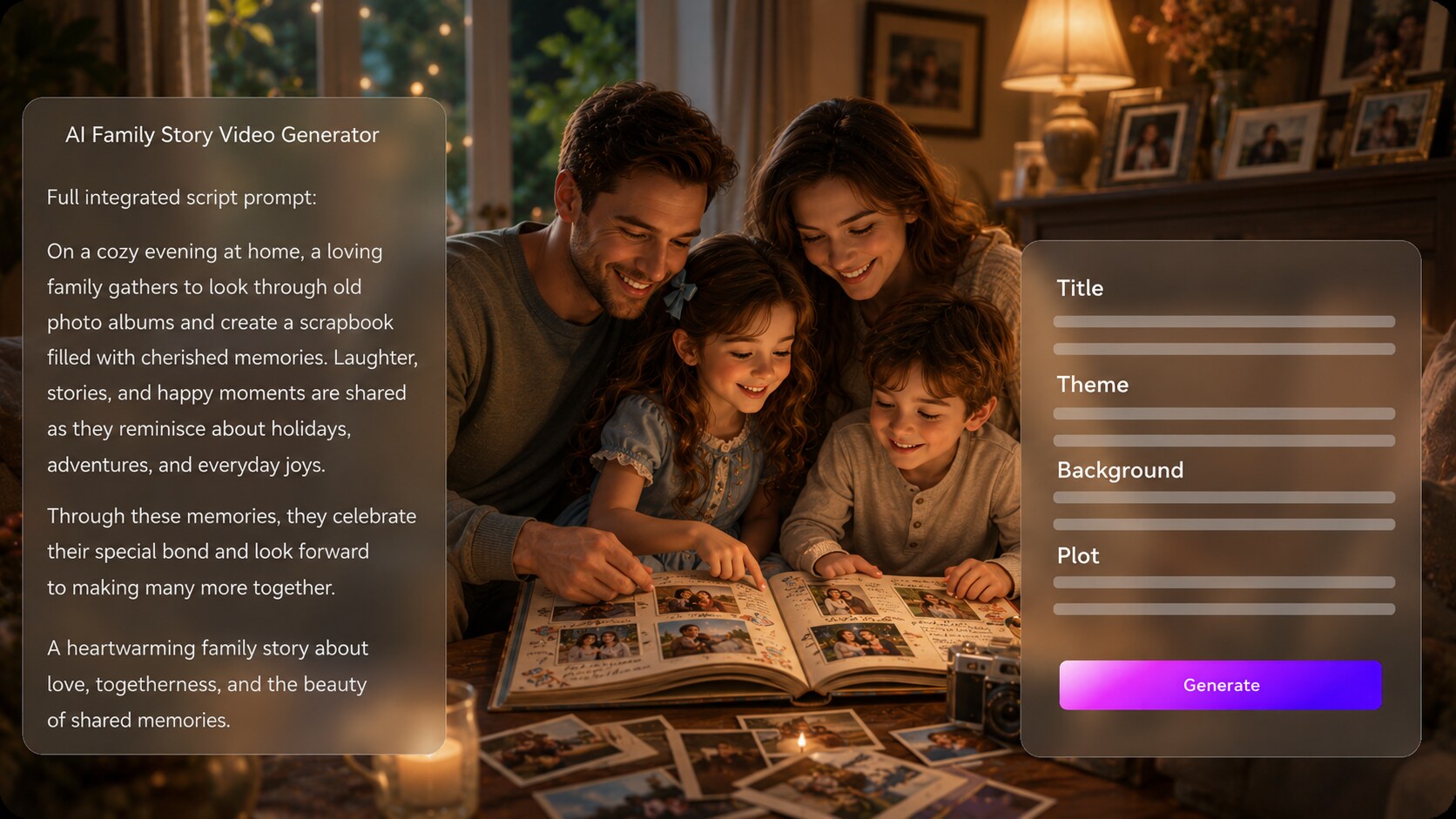
Ubah Catatan Keluarga Menjadi Alur Warisan yang Jelas
Mulailah dengan skrip terperinci, draf wawancara, atau linimasa alih-alih prompt yang samar. Ini juga cocok untuk alur kerja pembuat video cerita AI saat penonton mengharapkan adegan yang spesifik topik.
- Skrip Terlebih Dahulu - Gunakan catatan reuni, sejarah lisan, atau draf kenangan yang dinarasikan
- Kerangka yang Dapat Diedit - Tinjau judul, tema, latar, alur cerita, dan karakter
- Linimasa Keluarga - Buat pencapaian, tempat, dan generasi lebih mudah diikuti
- Alur Cerita yang Lebih Kuat - Bangun menuju akhir berupa penghormatan, pengungkapan, pelajaran, atau reuni
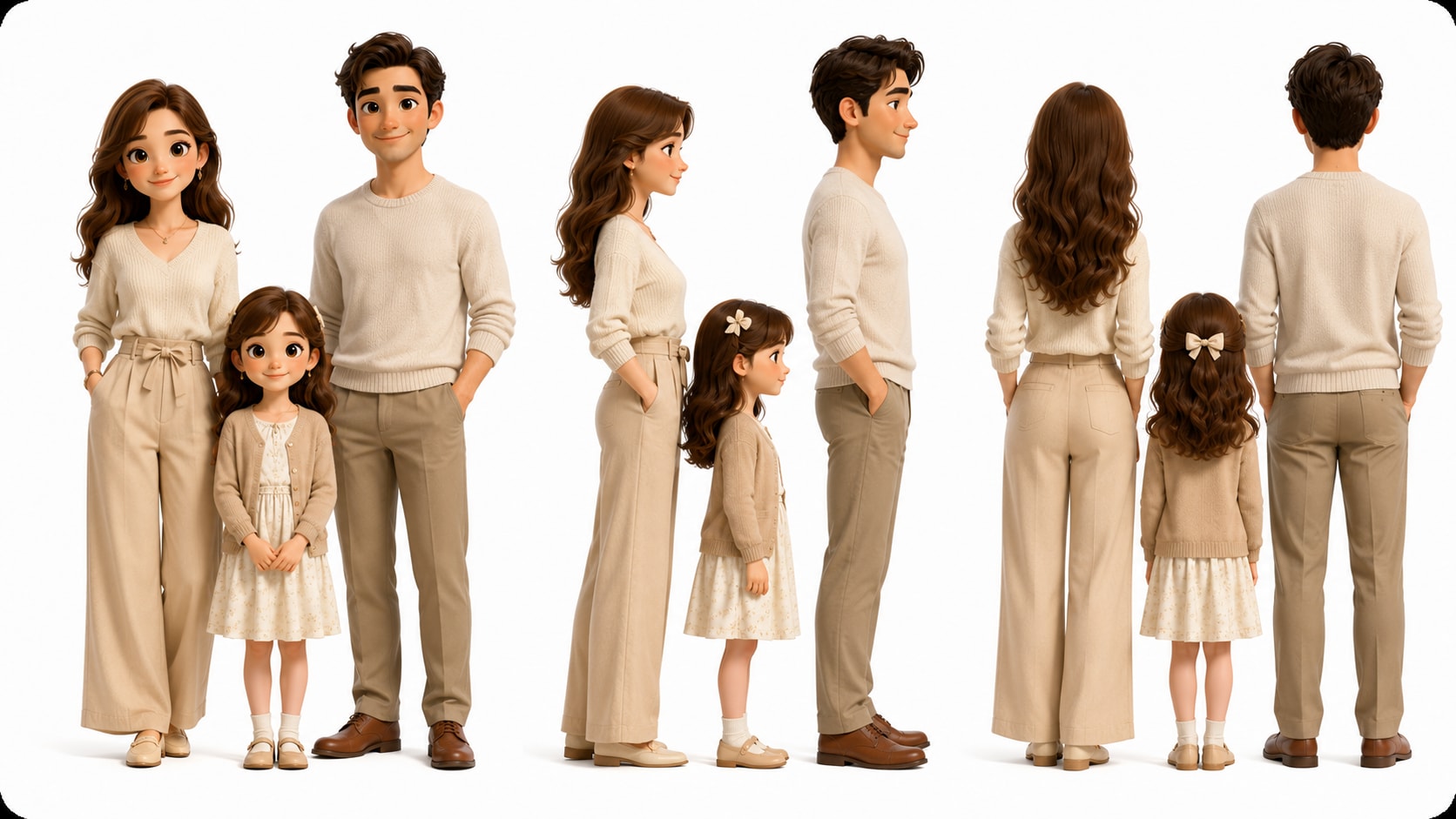
Bimbing Anggota Keluarga dengan Foto, Sketsa, atau Teks
Tampilkan kakek-nenek, saudara kandung, orang tua, anak-anak, dan versi muda anggota keluarga dengan arah visual yang lebih jelas. Gunakan untuk ide generator video dari skrip tanpa menambahkan langkah pengeditan tambahan.
- Panduan Foto - Referensikan potret lama atau foto keluarga terbaru
- Karakter Teks - Deskripsikan anggota keluarga ketika foto tidak tersedia
- Detail Generasional - Saran usia, pakaian, era, dan petunjuk kepribadian
- Pengenalan yang Lebih Hangat - Bantu penonton menghubungkan adegan dengan anggota keluarga nyata
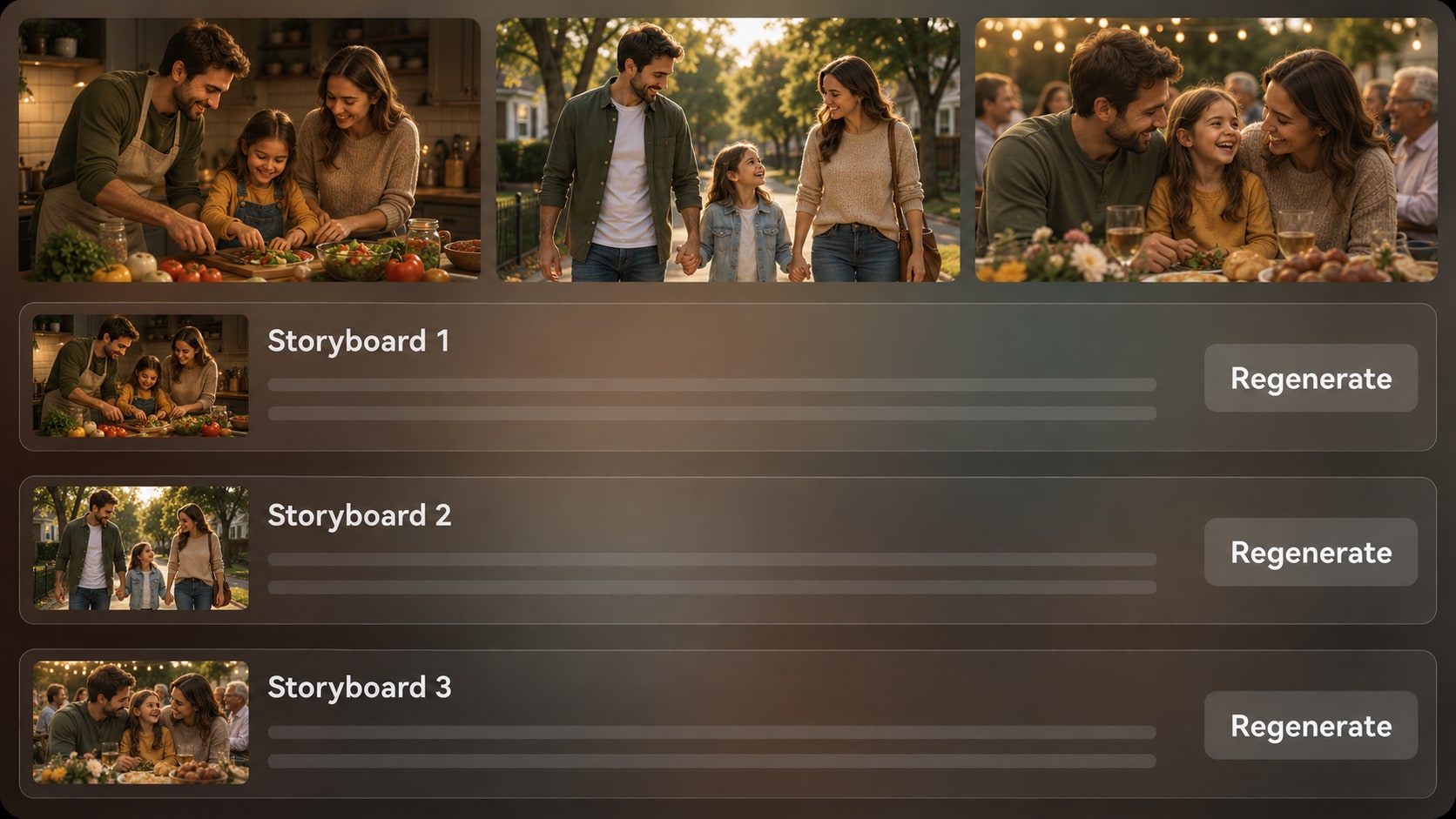
Tinjau Langsung Cerita Sebelum Video Dibuat
Lihat gambar storyboard yang dihasilkan setelah kerangka selesai agar Anda dapat memeriksa apakah adegan keluarga sesuai dengan suasana hati. Jika satu gambar tidak cocok, buat ulang bidikan tertentu tersebut dan terus bergerak menuju hasil generator video sejarah keluarga yang lebih koheren.
- Pratinjau Storyboard - Periksa ritme visual sebelum pembuatan akhir
- Pembuatan Ulang Bidikan - Buat ulang gambar storyboard yang tidak memuaskan jika diperlukan
- Pemeriksaan Suasana - Temukan adegan yang terasa terlalu dramatis, datar, atau tidak relevan
- Tinjauan Kontinuitas - Bandingkan orang, tempat, dan momen penting di seluruh adegan
Poles dan Siapkan Video Keluarga untuk Tempat Orang Menontonnya
Pilih arah yang sesuai dengan momen penayangan, mulai dari layar reuni hingga YouTube, TikTok, atau proyek kelas. Video akhir dapat menyertakan narasi suara dan musik berdasarkan skrip Anda, dan Anda dapat meninjau serta memoles hasilnya dengan alat Media.io.
- Pilihan Format - Atur untuk tampilan vertikal, persegi, atau layar lebar
- Audio Berbasis Skrip - Biarkan narasi dan musik mengikuti draf cerita
- Pribadi atau Publik - Buat untuk anggota keluarga, siswa, saluran, atau klip sosial
- Poles Setelahnya - Tinjau video akhir dan tingkatkan jika diperlukan
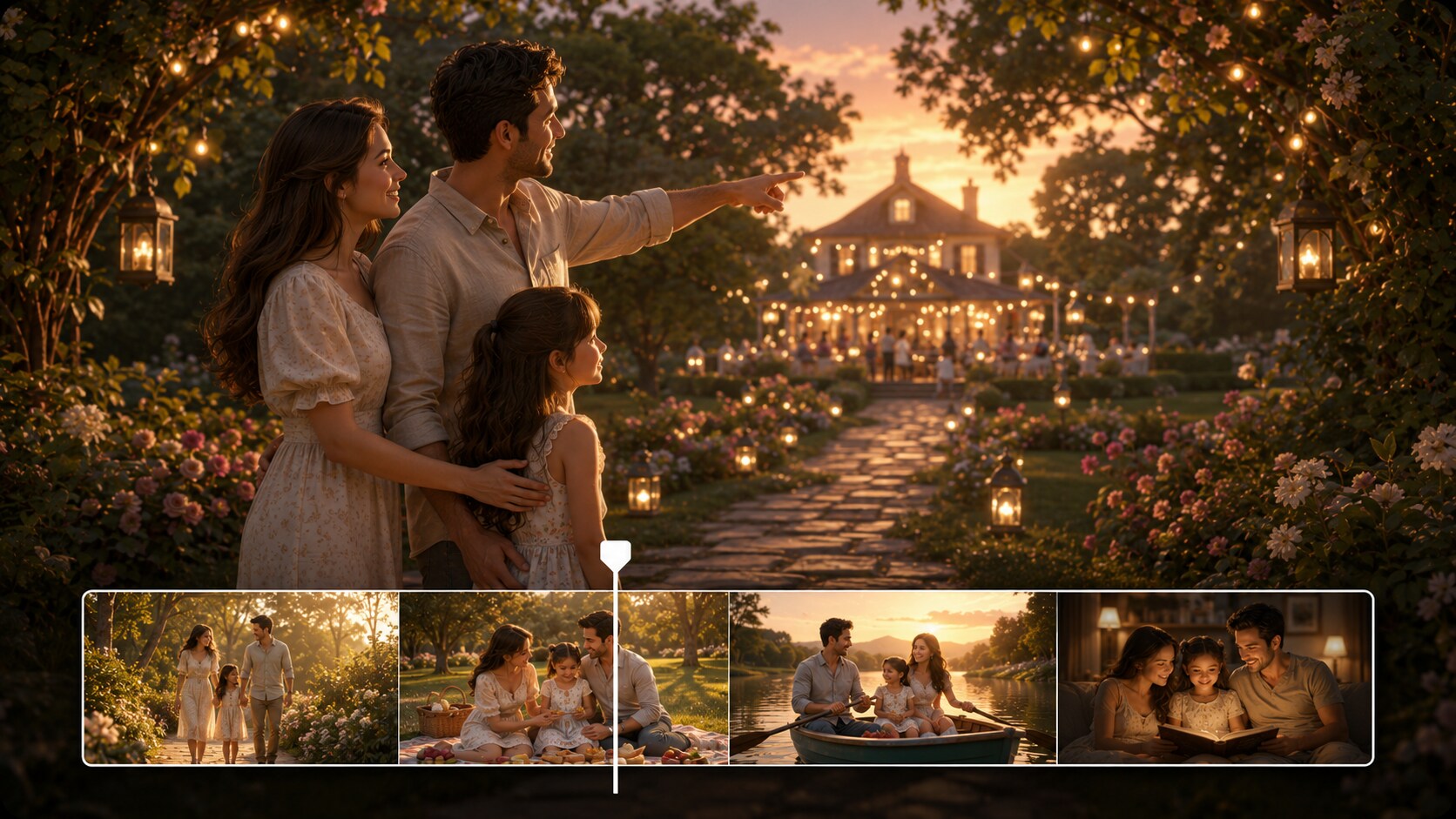
Buat Video Cerita Keluarga dari Skrip hingga Layar
Gunakan alur kerja terstruktur yang menghormati kenangan, orang-orang, dan linimasa di balik cerita.

Buat Draf Cerita
Berikan skrip terperinci atau input cerita terstruktur dengan nama, hubungan, tempat, tanggal, dan momen emosional. Tinjau dan edit kolom kerangka yang diekstrak, termasuk judul, tema, latar atau latar belakang, alur cerita, dan karakter, lalu pilih rasio aspek seperti 9:16, 1:1, atau 16:9 saat pengaturan.

Arahkan Adegan
Tambahkan arahan karakter untuk anggota keluarga menggunakan foto nyata, sketsa, atau deskripsi teks yang tersedia. Setelah kerangka disiapkan, tinjau gambar storyboard yang dihasilkan untuk memeriksa apakah momen penting, latar keluarga, dan nada visual sesuai dengan cerita yang ingin Anda sampaikan.

Buat dan Poles
Buat video akhir dengan narasi suara dan musik berdasarkan skrip. Jika gambar storyboard terasa salah sebelum pembuatan akhir, buat ulang bidikan tertentu tersebut; setelah video selesai dibuat, tinjau hasilnya dan gunakan alat Media.io seperti Tingkatkan Kualitas Video saat pemolesan diperlukan.
Bandingkan Generator Video Cerita Keluarga AI dengan Pembuat Slideshow Dasar
Cerita keluarga membutuhkan linimasa, orang-orang, narasi, dan konteks emosional, bukan sekadar urutan gambar.
Buat Video Cerita Keluarga untuk Setiap Penjaga Kenangan

Sejarawan Keluarga
Ubah catatan silsilah, linimasa leluhur, dan transkrip wawancara menjadi cerita yang dapat ditonton oleh anggota keluarga dan generasi mendatang.

Kreator YouTube
Buat episode sejarah keluarga bergaya dokumenter, kisah migrasi, dan video warisan pribadi dengan struktur dan narasi yang lebih jelas.

Kreator TikTok
Buat klip emosional singkat tentang kenangan keluarga, lalu atur penceritaan vertikal untuk tampilan sosial yang cepat.

Pendidik
Bantu siswa menjelaskan warisan keluarga, wawancara sejarah lisan, dan garis waktu migrasi dalam format kelas yang lebih visual.
Lihat Lebih Banyak Contoh Video Skrip menjadi Cerita
Gunakan format penceritaan yang berdekatan sebagai inspirasi, mulai dari penjelasan edukatif hingga kehangatan gaya dongeng tidur dan ritme dokumenter.
Disukai oleh Pembuat Cerita Keluarga
Penjaga kenangan dan pencerita menggunakan alur kerja ini untuk mengorganisir cerita nyata sebelum mengubahnya menjadi video yang dapat ditonton.


"Langkah pembuatan garis besar membantu saya mengubah catatan-catatan yang tersebar tentang kakek-nenek saya menjadi sebuah cerita yang benar-benar bisa diikuti oleh sepupu-sepupu saya."

"Saya suka bisa mengerjakan dari draf narasi lengkap daripada mencoba memaksa cerita keluarga dari satu prompt."

"Pratinjau papan cerita memudahkan saya menemukan adegan mana yang terasa tepat untuk penghargaan reuni kami sebelum membuat videonya."

"Siswa saya dapat mengubah skrip wawancara menjadi cerita visual yang jelas tanpa tersesat dalam perangkat lunak pengeditan yang kompleks."

"Menggunakan foto dan deskripsi teks untuk kerabat membuat video terasa lebih personal daripada tayangan slide biasa."

"Ini memberi saya cara praktis untuk menguji urutan dokumenter keluarga sebelum menghabiskan waktu untuk pengeditan penuh."
FAQ tentang Generator Video Cerita Keluarga AI
Apa Itu Generator Video Cerita Keluarga AI?
Generator video cerita keluarga AI membantu mengubah skrip keluarga, garis waktu, catatan foto, dan draf kenangan menjadi video naratif. Media.io paling baik digunakan ketika Anda memberikan input cerita yang terperinci agar garis besar, karakter, adegan, pengisi suara, dan musik dapat mengikuti sejarah keluarga dengan lebih dekat.
Apa yang Harus Saya Siapkan Sebelum Membuat Video Cerita Keluarga?
Siapkan skrip terperinci atau catatan terstruktur dengan nama, hubungan, lokasi, tanggal, foto, dan tujuan emosional dari cerita tersebut. Transkrip wawancara, garis waktu silsilah, surat, dan catatan reuni semuanya dapat membantu video terasa lebih spesifik.
Apakah Pengisi Suara dan Musik Dapat Sesuai dengan Skrip Cerita Keluarga Saya?
Video yang dihasilkan dapat menyertakan pengisi suara dan musik berdasarkan skrip yang Anda berikan. Untuk hasil yang lebih hangat, tulis petunjuk narasi seperti reflektif, perayaan, lembut, atau bergaya dokumenter dalam input cerita Anda.
Bagaimana Cara Menulis Skrip yang Lebih Baik untuk Video Warisan Keluarga?
Tulis cerita dalam adegan daripada daftar fakta. Sertakan siapa yang ada di setiap momen, di mana hal itu terjadi, mengapa hal itu penting, dan apa yang harus dirasakan penonton, terutama seputar tonggak sejarah, migrasi, reuni, tantangan, atau tradisi keluarga.
Kesalahan Apa yang Harus Saya Hindari dalam Video Sejarah Keluarga?
Hindari memasukkan terlalu banyak tanggal ke dalam satu urutan, menggunakan label yang tidak jelas seperti rumah lama atau nenek tanpa detail, dan melewatkan alasan emosional mengapa suatu adegan penting. Garis waktu yang jelas, kerabat yang disebutkan namanya, dan tema yang terfokus biasanya membuat video lebih mudah ditonton.
Bisakah Saya Menggunakan Foto untuk Memandu Tampilan Anggota Keluarga?
Ya. Media.io dapat menggunakan foto asli, sketsa, atau deskripsi teks untuk ekstraksi fitur karakter dan pembuatan karakter. Ini memberikan panduan yang lebih jelas untuk kerabat yang dapat dikenali, tetapi Anda harus meninjau hasilnya karena tidak ada jaminan panduan karakter yang sempurna dan jelas.
Bisakah Saya Membuat Video Cerita Keluarga untuk YouTube, TikTok, atau Layar Reuni?
Ya. Saat pengaturan, Anda dapat memilih arah format seperti vertikal, persegi, atau layar lebar tergantung di mana video akan ditonton. Ini membuat alur kerja berguna untuk Shorts, Reels, TikTok, YouTube, kelas, berbagi pribadi, dan presentasi reuni.
Bisakah Saya Meninjau Papan Cerita Jika Adegan Keluarga Terlihat Salah?
Anda dapat meninjau dan mengedit garis besar yang diekstrak sebelum pembuatan papan cerita. Gambar papan cerita itu sendiri tidak dapat diedit secara manual, tetapi jika gambar papan cerita tertentu tidak memuaskan, Anda dapat membuat ulang gambar tersebut dan meninjau gambar baru sebelum melanjutkan.
Mengapa Menggunakan Media.io daripada Pembuat Slideshow Keluarga Biasa?
Media.io lebih baik untuk penceritaan keluarga naratif karena dimulai dari skrip terperinci, mengekstrak garis besar cerita, membuat karakter terpandu, menghasilkan gambar papan cerita, dan dapat memproduksi video dengan pengisi suara dan musik berbasis skrip. Slideshow biasanya menampilkan kenangan; alur kerja ini membantu menjelaskannya.
Jelajahi Lebih Banyak Cara untuk Mengubah Skrip menjadi Video Cerita
Kenangan keluarga sering terhubung dengan pendidikan, kehangatan dongeng tidur, asal-usul merek, dan narasi bergaya dokumenter. Jelajahi generator AI Skrip ke Video terkait saat Anda menginginkan nada atau format penerbitan yang berbeda.















Lestarikan Sebuah Cerita Keluarga
Sebagai Video yang Akan Ditonton Orang
Mulai dengan kenangan nyata Anda, panduan orang-orang dan adegan, lalu buat video cerita keluarga yang siap untuk ditinjau, dipoles, dan dibagikan.
 4.8 (286 Suara)