AI Character
Nano Banana Pro
0/2000
1K
3:4
Tipe Tampilan
Kartu Model Kreatif
Kartu Model Kreatif
Untuk konsep bergaya dan eksplorasi cepat.
Gaya
Realistis
Realistis
All
Added
Not Added
Generate reusable AI characters and brand influencers
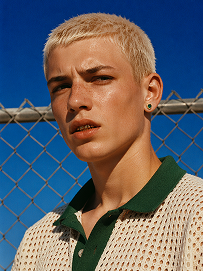
Outdoor bust portrait, cool teenage young man with short platinum blonde buzz cut, freckles across nose and cheeks, gold teeth grills on front teeth, single emerald green gem earring in left ear, sweat drop on cheek, wearing off-white open-knit polo shirt with dark green collar, standing in front of chain-link fence, vivid deep blue clear sky background, harsh bright midday direct sunlight, high contrast sharp shadows, 90s street fashion editorial photography, realistic skin texture, film grain, saturated vibrant color grading, shot on 35mm film, ultra detailed, 8K, sharp focus
Use Prompt
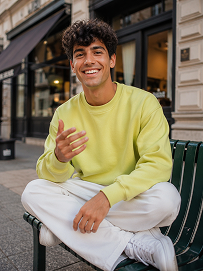
Realistic treet portrait, handsome young man with fluffy dark curly hair, sitting cross-legged on a dark green outdoor metal bench on city sidewalk, big bright smile showing teeth, right hand raised gesturing as if chatting, wearing lime yellow crew neck sweatshirt, loose white casual trousers, white sneakers, modern urban building background with shallow depth of field, natural soft daylight, lifelike skin texture, casual lifestyle photography, shot on Canon R5, 50mm f/1.8 lens, sharp focus, 8K, ultra detailed, warm natural tone
Use Prompt
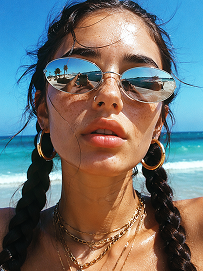
Close-up beach portrait, young woman with two thick dark long braids, freckles all over nose and cheeks, futuristic silver oval mirrored sunglasses reflecting beach scenery, large gold hoop earrings, layered multiple gold chain necklaces, slightly open mouth, bright harsh summer midday sunlight, clear turquoise ocean and blue sky background, wind blowing stray hair strands on face, realistic skin texture, sun-kissed complexion, vintage film grain, summer coastal fashion photography, sharp details, high saturation, shot on 35mm film, 8K ultra realistic
Use Prompt

Design AI Fashion Model Characters That Stay on Brand

Turn a style direction into a polished AI fashion model character in minutes. Build looks for campaign visuals, social posts, branded avatars, and concept boards without starting from scratch every time. Media.io helps you shape a consistent face, wardrobe mood, and pose language that fits your brand.

Generate Fashion Model Characters

Tip: Start with a style era, wardrobe mood, and pose direction for more consistent results.

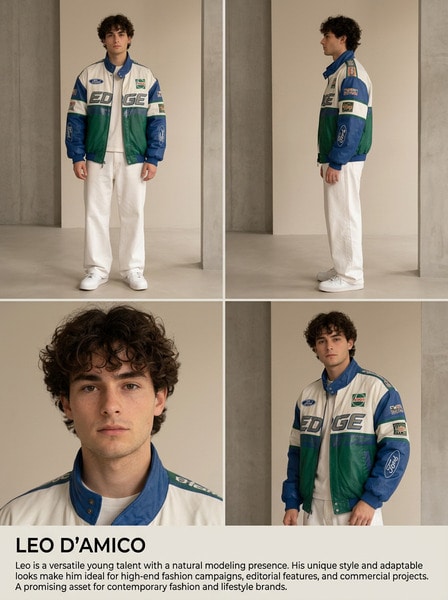
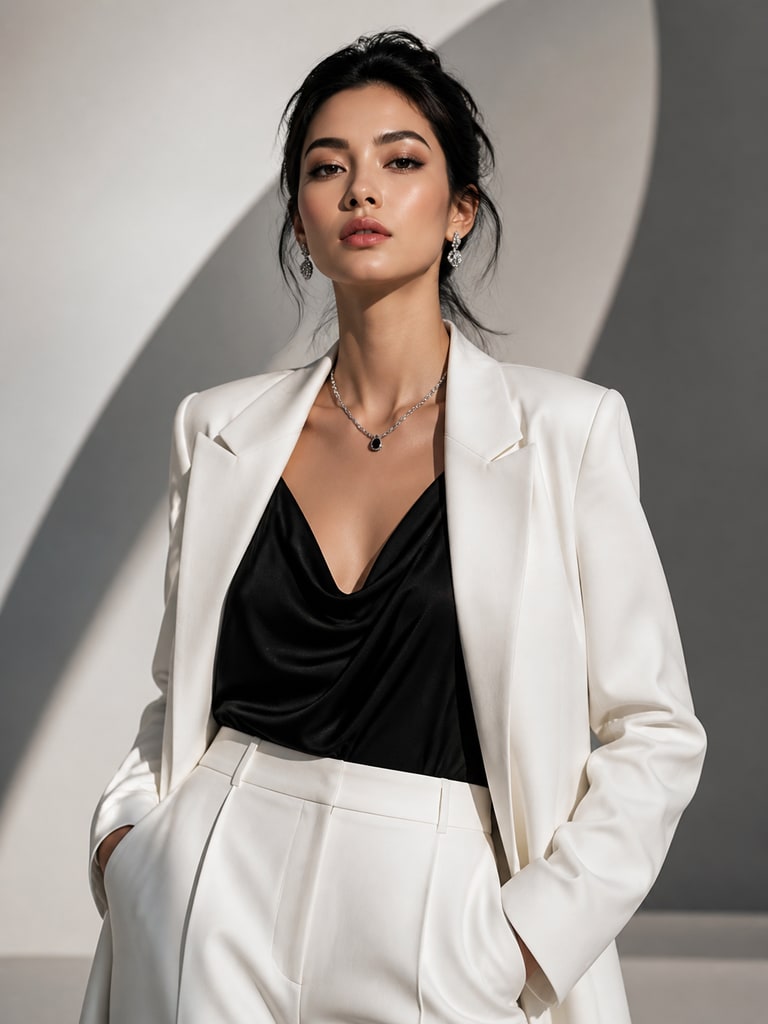
AI fashion model character in luxury editorial styling with monochrome wardrobe and clean studio pose

Luxury Editorial Model with Monochrome Styling

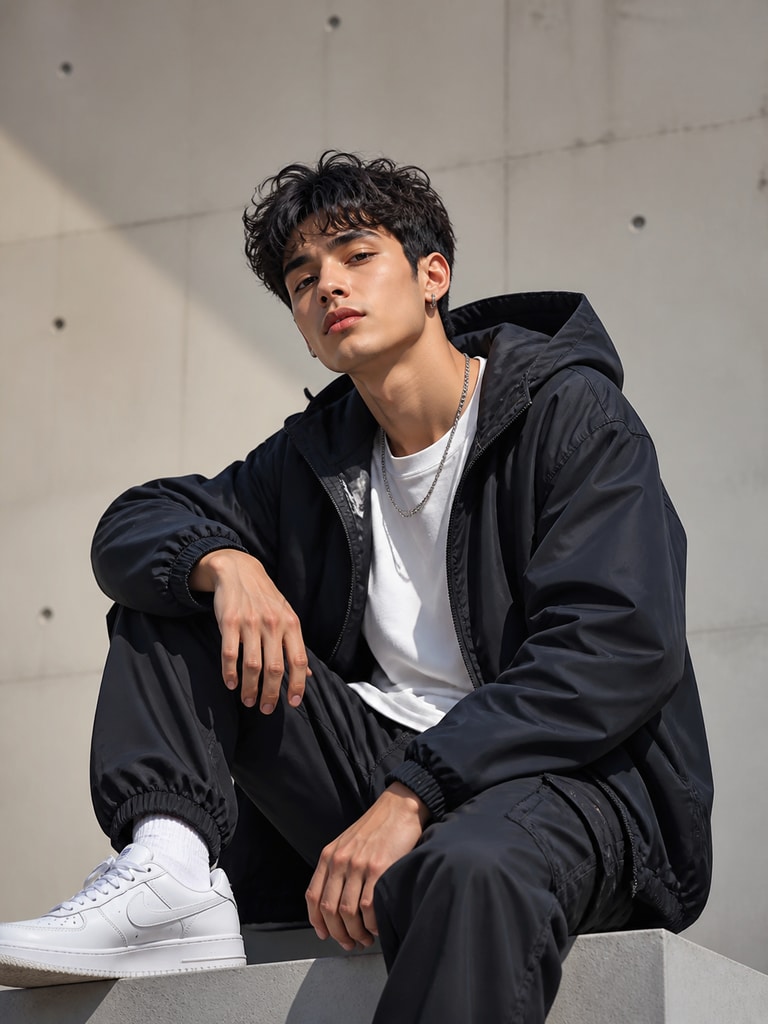
AI fashion model character wearing premium streetwear for social campaign content and brand promos

Streetwear Campaign Model for Social Launches

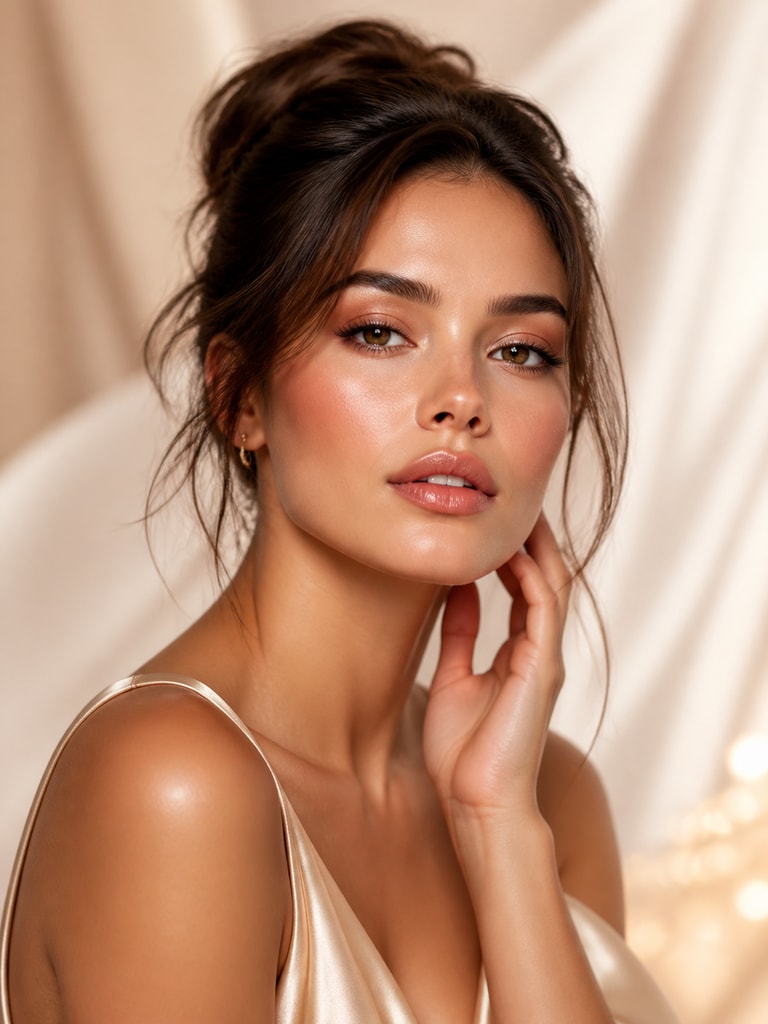
AI fashion model character designed for beauty campaign visuals with soft glam makeup and polished styling

Beauty Brand Spokesmodel with Soft Glam Look

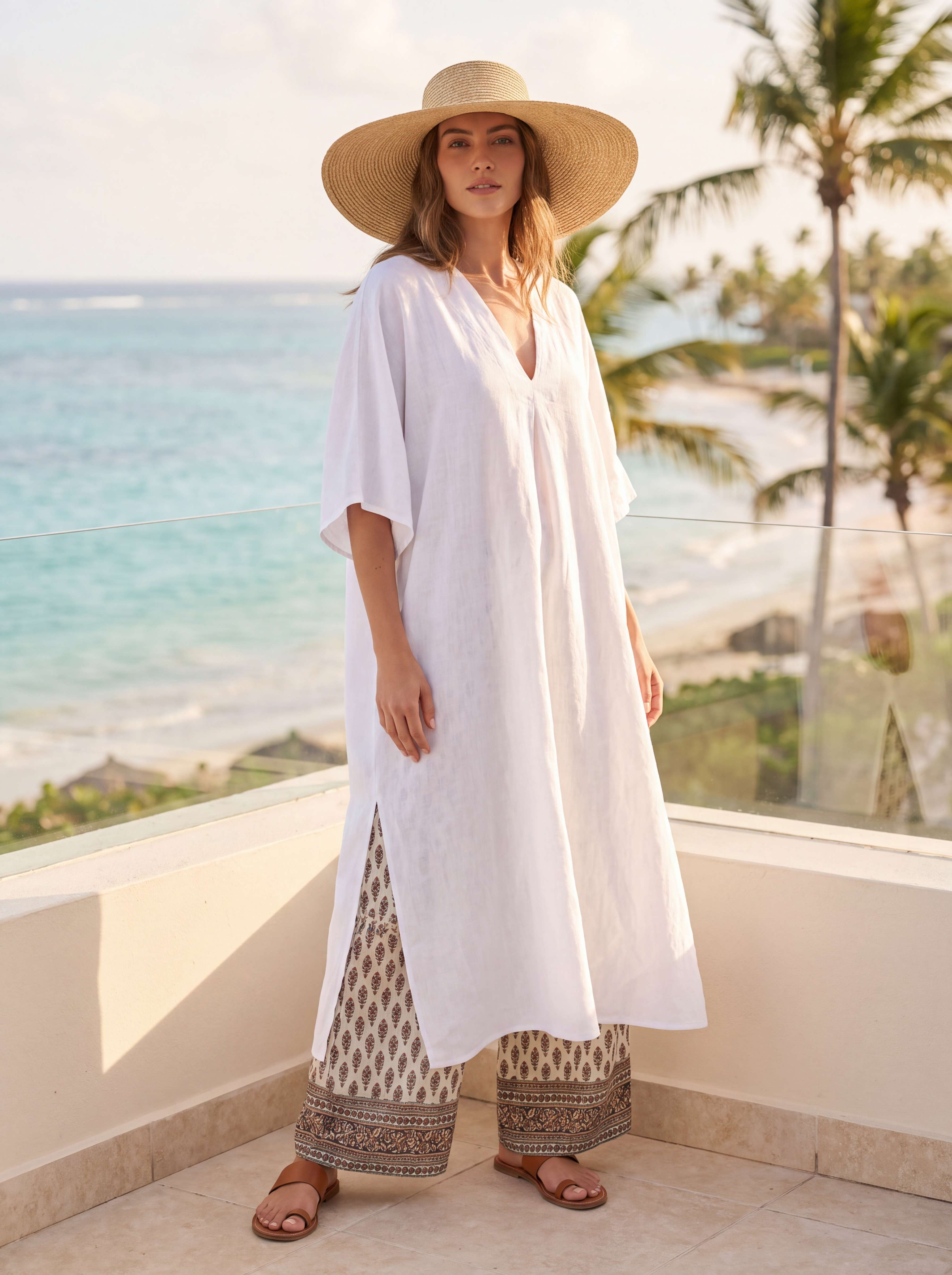
AI fashion model character in resort fashion styling for a bright lookbook and lifestyle campaign

Resort Collection Model with Sunlit Lookbook Energy

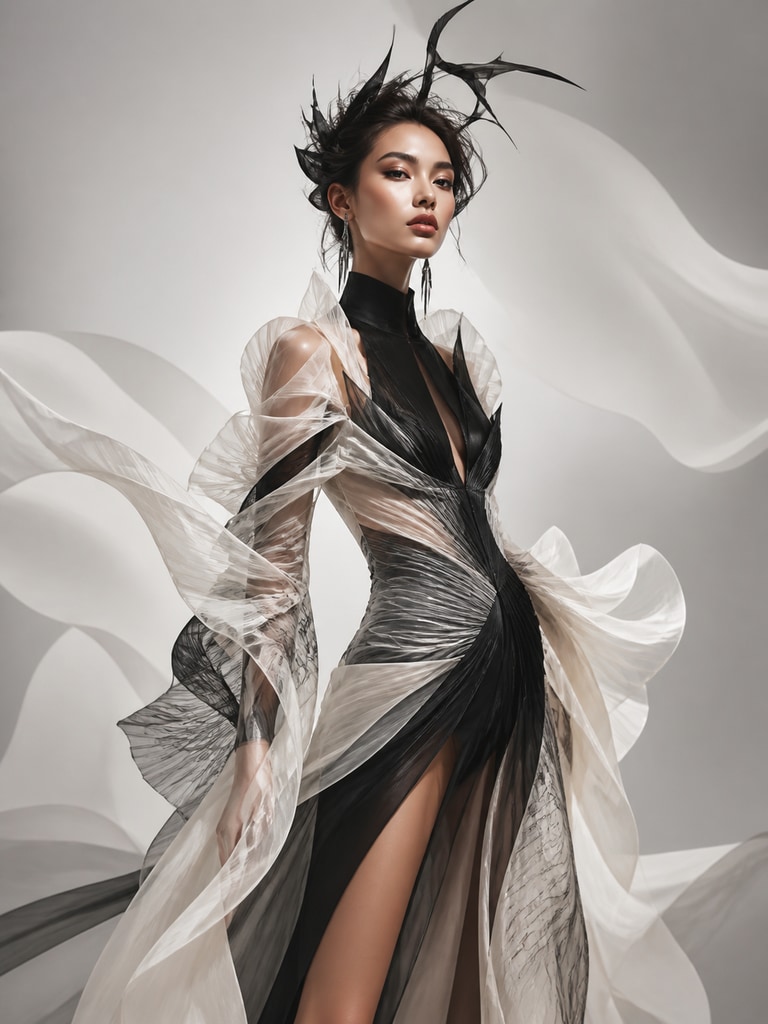
AI fashion model character with avant-garde runway styling for concept art and mood board use

Avant-Garde Runway Character for Concept Boards

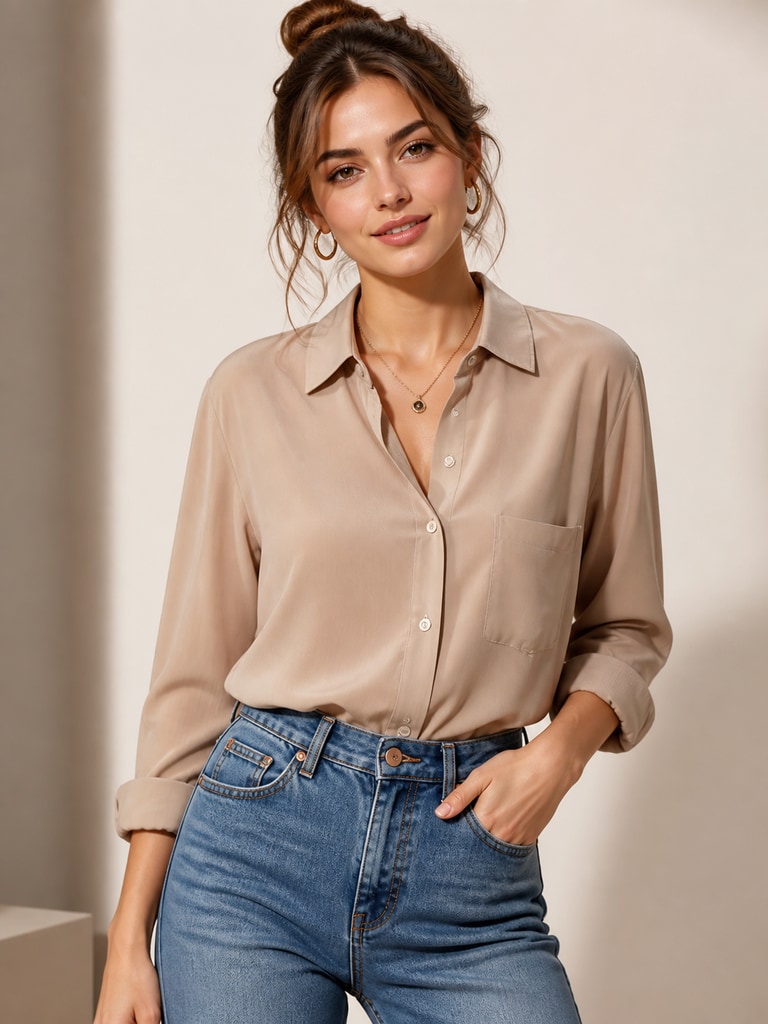
AI fashion model character in clean commercial styling for e-commerce fashion product visuals

E-Commerce Model with Clean Product-Focused Poses

Why Teams Use an AI Fashion Model Generator

Fashion content moves fast, but reshoots, casting, and endless revisions can slow a team down. An AI fashion model generator gives creators a flexible way to test looks, define visual direction, and build reusable character assets before production. That makes it easier to align marketing, design, and content teams around a clear aesthetic. With Media.io, you can move from concept to creator-ready visuals without losing consistency.

Keep Character Identity Consistent

A strong fashion character should feel recognizable across every asset you publish. Media.io helps you keep the same visual identity while changing wardrobe, background mood, and pose direction. That consistency matters for branded avatars, campaign sequences, and recurring social content. It lets your team build a character system instead of a one-off image.

Prototype Looks Before Production

Campaign ideas often need quick visual proof before a team commits to shooting or design work. An AI fashion model generator helps you test silhouettes, styling moods, and art direction early. You can compare concepts, gather feedback, and narrow the strongest route faster. That saves time and helps stakeholders react to something concrete.

Create Assets for More Than One Channel

Fashion visuals rarely live in just one place. You may need a hero portrait for a landing page, a square avatar for Instagram, and vertical concepts for TikTok or YouTube. Building a reusable AI character makes cross-channel adaptation much easier. One model concept can support multiple formats without restarting the creative process.

Support Brand Storytelling with Style

A fashion model character can do more than display clothing. It can signal brand attitude, audience aspiration, and seasonal direction in a way plain product imagery cannot. Media.io helps teams create visual personalities that support launches, editorials, and social storytelling. That makes the output useful for both performance content and brand-building work.

How to Create an AI Fashion Model Character

01

Set the Style Direction

Start with the fashion lane you want, such as editorial, streetwear, resort, beauty, or e-commerce. Add details like wardrobe mood, color palette, pose energy, and camera style.

02

Generate and Refine the Character

Create your first model concept, then adjust facial features, styling, background feel, and expression until the character fits your use case. Save the strongest version as your reusable visual base.

03

Reuse Across Campaign Assets

Apply the character to avatars, concept boards, campaign visuals, social posts, and reference sheets. Keep the same identity while testing new outfits, scenes, and content formats.

What Creators Say

user
Avery

Brand Designer

starstarstarstarstar

"Useful for lookbook concepts" We used Media.io to build a fashion model character for early lookbook direction before our full campaign shoot. The tool helped us test wardrobe moods and visual tone without waiting on outside production. What stood out was how easy it was to keep the character identity consistent across different styling ideas. That made internal review much faster and more confident.

user
Jordan

Social Content Lead

starstarstarstarstar

"Better than one-off style mockups" Most image tools give us a cool result once, but not a reusable character we can build on. With this workflow, we created an AI fashion model that worked for Instagram posts, teaser graphics, and profile art. The character felt coherent even when we changed outfits and scene direction. That helped our social calendar look more planned and branded.

user
Mina

Creative Strategist

starstarstarstarstar

"Helpful for campaign pitching" I often need to present a fashion concept before a team approves budget and production. Media.io let me turn an abstract style narrative into a clear model character with enough polish to sell the idea. It gave stakeholders something visual to react to instead of a vague description. That made approvals easier and cut down on revision loops.

user
Casey

E-Commerce Marketer

starstarstarstarstar

"Strong for fast content testing" We needed fresh character-led visuals for landing pages and ad tests, and this tool gave us speed without making the output feel generic. I liked being able to guide the wardrobe tone and keep the result commercial-friendly. The images looked clean enough for mock campaigns and internal experiments. It is now part of our early creative testing process.

user
Riley

Art Director

starstarstarstarstar

"Great for recurring brand personas" Some campaigns need a model character that feels like a brand persona rather than a single image. This made it easier to build a repeatable visual identity with a defined face, attitude, and fashion language. We could explore multiple seasonal directions while keeping the same core character. That balance between flexibility and consistency is what made it valuable.

Teams use AI fashion model characters to speed up concepting, improve consistency, and expand campaign output without adding production bottlenecks.

FAQ

1. What is an AI fashion model generator used for?
faqfaq

An AI fashion model generator helps you create fictional adult model characters for creative and commercial visuals. Teams use it for campaign mockups, avatars, style references, social content, and concept boards. It is useful when you need a polished fashion persona without building every image from zero. The goal is to create a reusable character that supports multiple content needs.

Yes, that is one of the main reasons to use this type of tool. You can establish a recognizable face, styling direction, and overall mood, then adapt wardrobe or background details for different campaigns. That helps your visuals feel connected across launch assets and social channels. Media.io is especially useful when you want consistency without repeating the exact same image.

Yes, it works well for early-stage campaign planning and fast-turn content creation. Marketers can use it to prototype concepts, test creative directions, and build branded character visuals for ads or landing pages. It is also helpful for story-led fashion content where a recurring persona strengthens recognition. That makes it valuable for both performance and brand campaigns.

Yes, many users create fashion-focused avatars for brand channels, creator profiles, and visual identities. A well-designed model character can make a profile look more curated and distinct. You can also adapt the same character for posts, teasers, and cover graphics. That gives your social presence a more cohesive visual system.

Start with a clear fashion category, such as editorial, streetwear, beauty, or resort. Then add specifics like clothing mood, color palette, camera angle, expression, and background style. If you want reusable output, describe the character identity before changing outfit details. Short prompts can work, but more intentional direction usually leads to stronger and more consistent visuals.

Yes, this workflow is useful for building character references that show a model's look and style language. You can generate multiple versions with different outfits, poses, or seasonal aesthetics while keeping the same core identity. That gives creative teams a clearer visual foundation to work from. It is especially helpful for campaign planning, art direction, and brand storytelling.

A standard headshot generator usually focuses on one clean portrait outcome. An AI fashion model generator is broader because it supports styling, mood, wardrobe direction, and character reuse across different use cases. The output is less about a single professional photo and more about building a fashion persona you can deploy in content. That makes it better suited for campaigns, social assets, and visual concepts.

Media.io gives you a fast browser-based way to generate and refine fashion model characters without a complicated workflow. It is useful for creators and teams who need polished visuals they can keep developing over time. You can move from rough idea to reusable character asset in a few steps. That combination of speed, control, and creative flexibility makes it a practical choice.

Media.io Online AI Tools Quality Rating:
vote 4.7 (162,357 Votes)



