Vos créations sont conservées pendant seulement 7 jours. Les éléments créés après la mise à niveau de l'Abonnement seront stockés de façon permanente.
Libérez votre potentiel créatif et découvrez la magie de l'IA médiatique dès mIAntenant!
Flying Pet AI
Avec l'édition d'images par IA de Media.io, vous pouvez transformer des photos d'animaux de compagnie en images fantastiques oniriques d'animaux flottant dans le ciel.Flying Pet AICréez des mondes adorables comme si votre animal planait dans le ciel bleu, des compositions de vol avec des ballons, des angles ultra-larges vus d'en bas, et du texte gribouillé blanc dessiné à la main — tout cela facilement avec Media.io. Améliorez rapidement la photo de votre animal en une image impressionnante prête à être partagée sur les réseaux sociaux, tout en conservant les traits du visage et la texture du pelage d'origine.
Téléchargez la photo de votre animal -> L'IA la convertit naturellement en une photo de vol onirique. Essayez-le directement depuis votre navigateur.
Pour ceux qui souhaitent transformer des photos de chiens, de chats et d'autres animaux en clichés fantastiques volants, Media.io propose 10 invites pratiques faciles à utiliser. Du ciel bleu ouvert aux gribouillis de ballons et de fusées, aux compositions ultra-larges, aux espaces bien conçus pour les publications sociales — vous pouvez utiliser les invites directement correspondant aux numéros d'images.
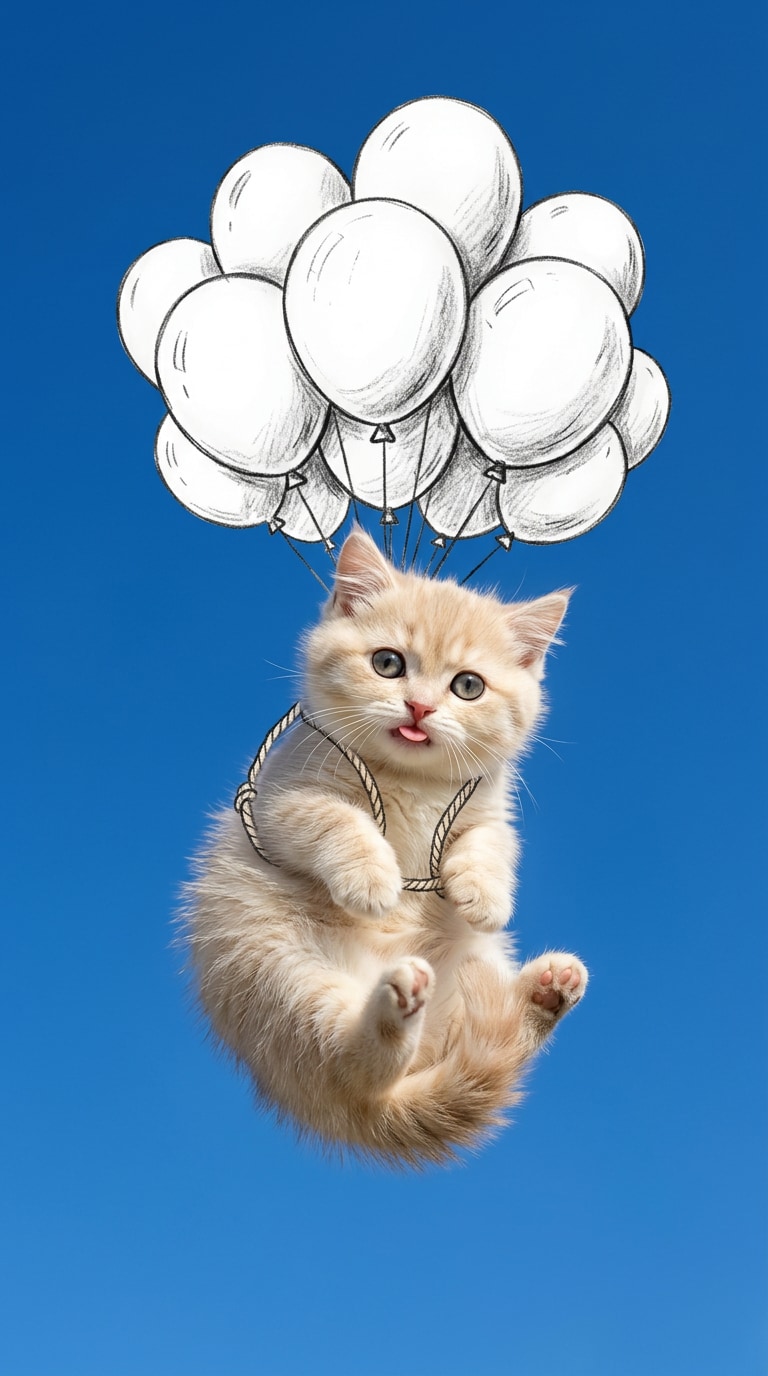
001. Photo d'animal volant avec un ballon
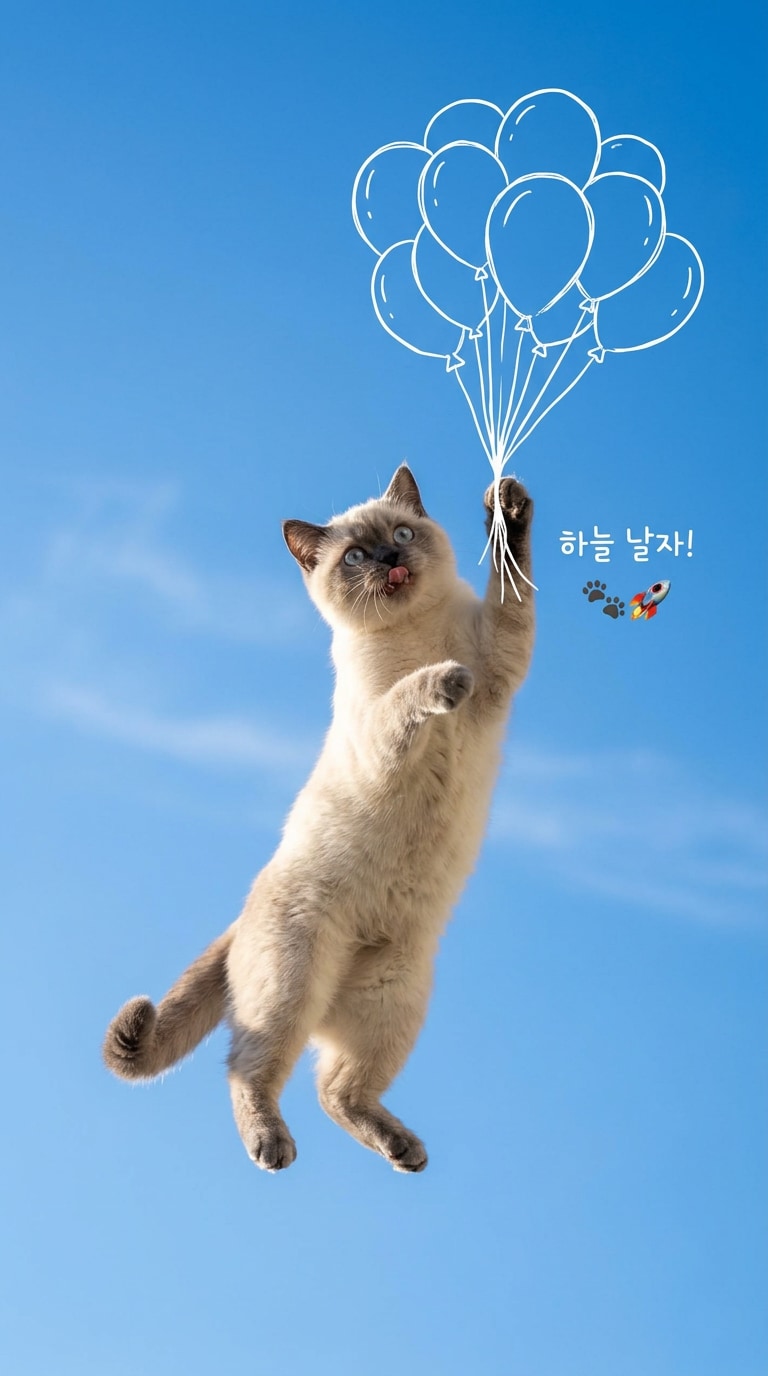
Invite pour transformer des photos d'animaux en un visuel vertical de votre animal volant dans le ciel en tenant un ballon blanc dessiné à la main. Conserve les expressions faciales et le pelage de la photo originale, tout en ajoutant une sensation de flottement moelleux et un espace blanc bien équilibré pour le partage sur les réseaux sociaux.
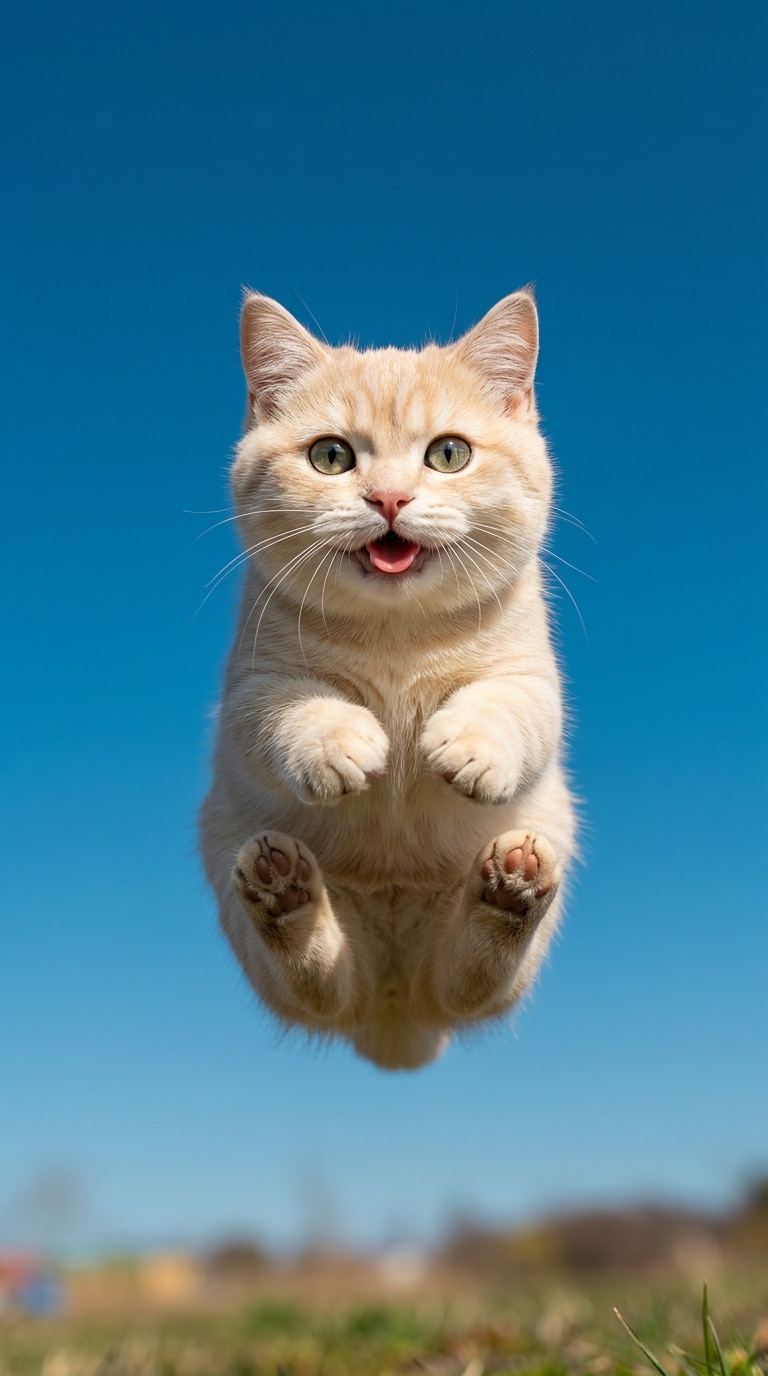
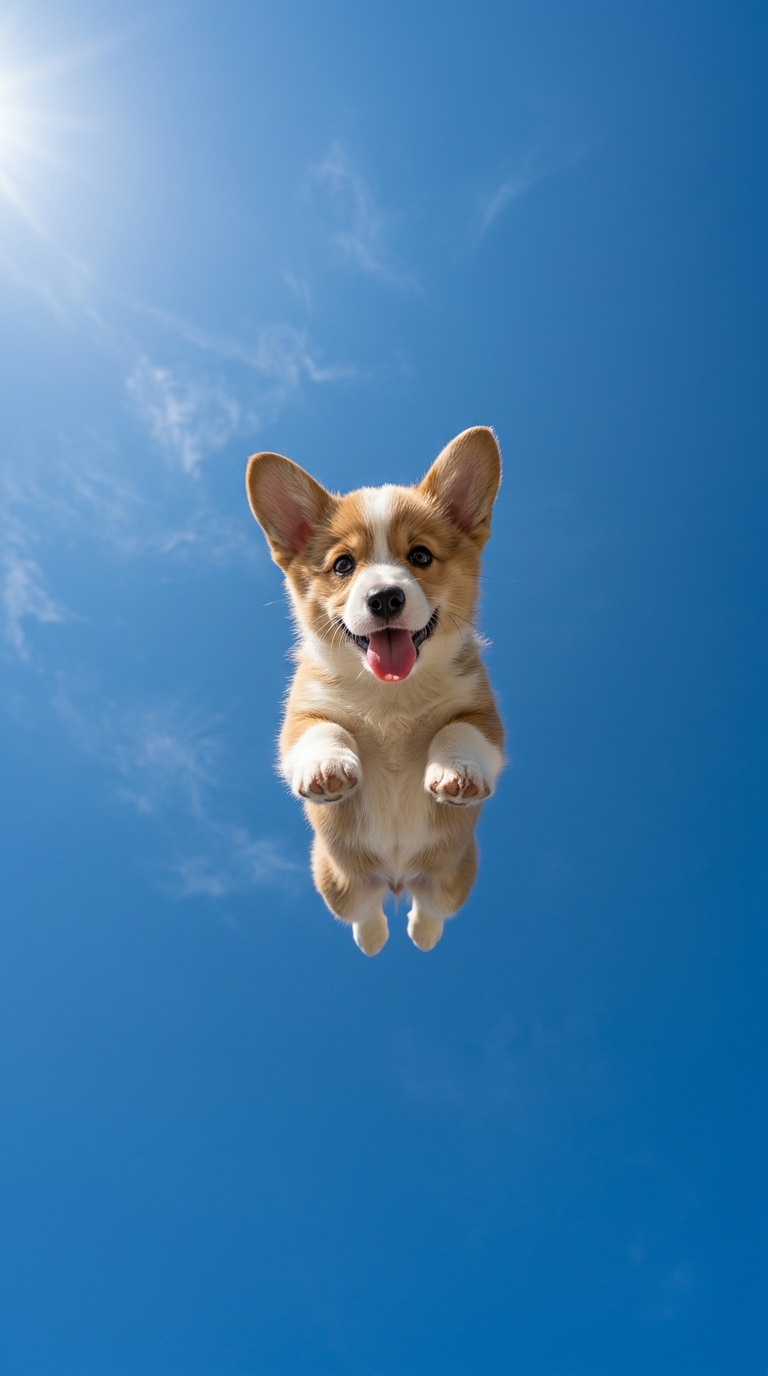
002. Animal volant sautant vers la caméra
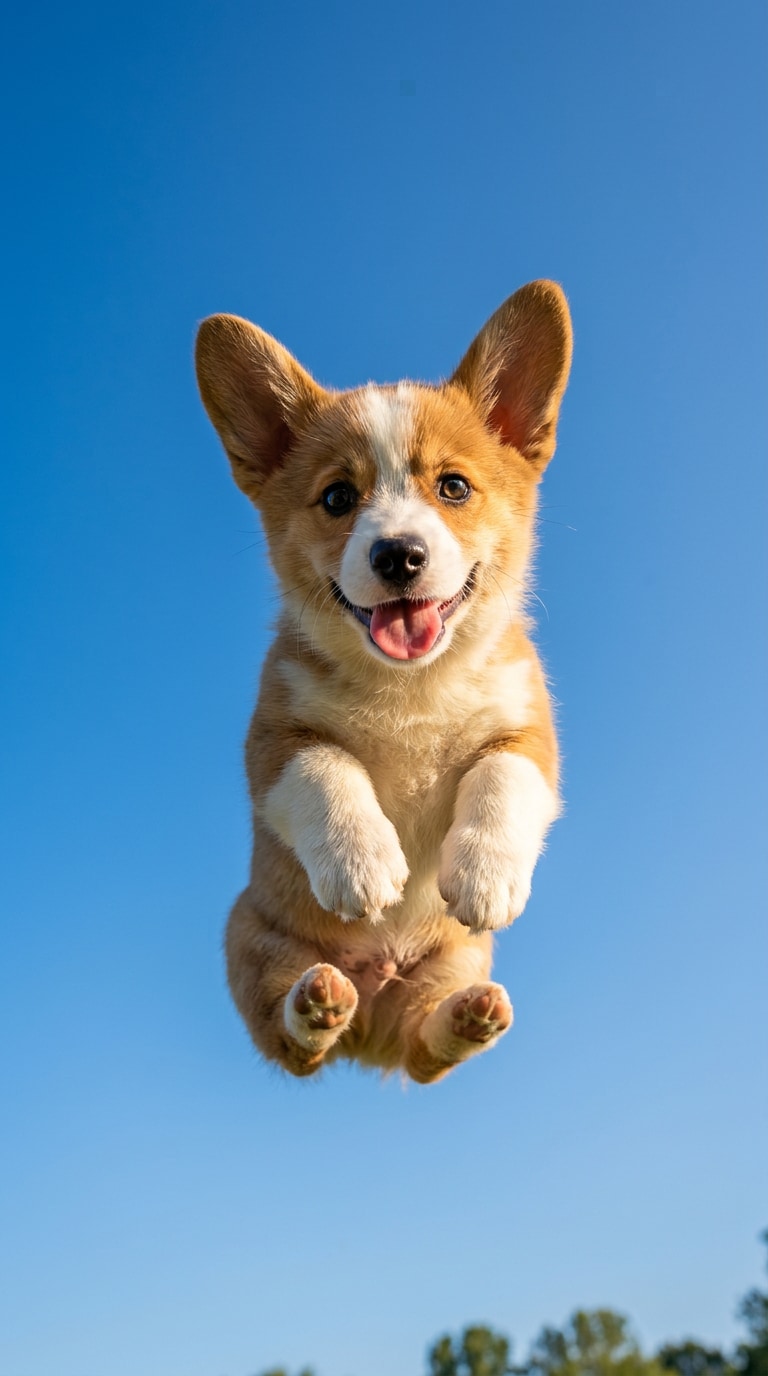
Un exemple d'édition avec une énergie vibrante, alors que votre animal saute vers vous sous un ciel bleu vif. Avec un angle de vue vers le haut et une composition style objectif ultra-large, il est facile de créer des clichés époustouflants qui font sensation.
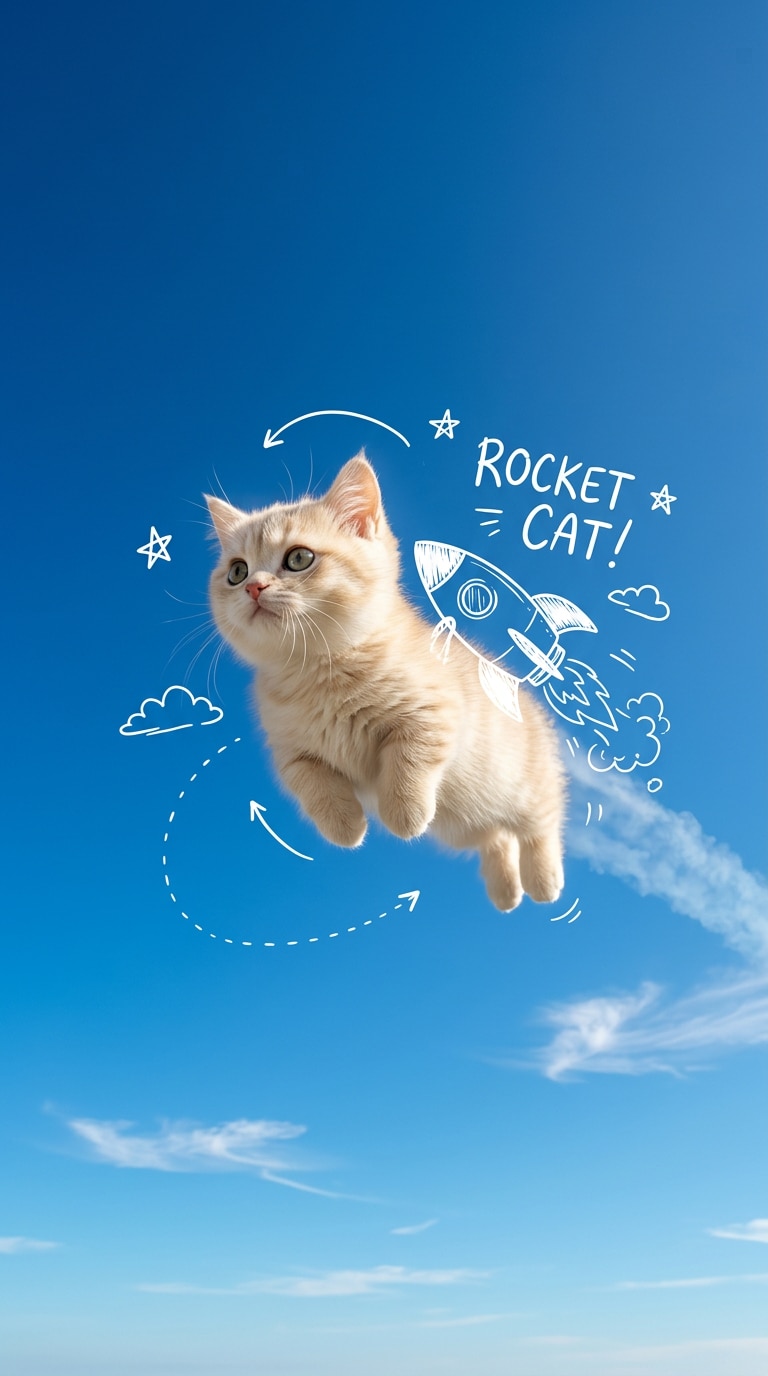
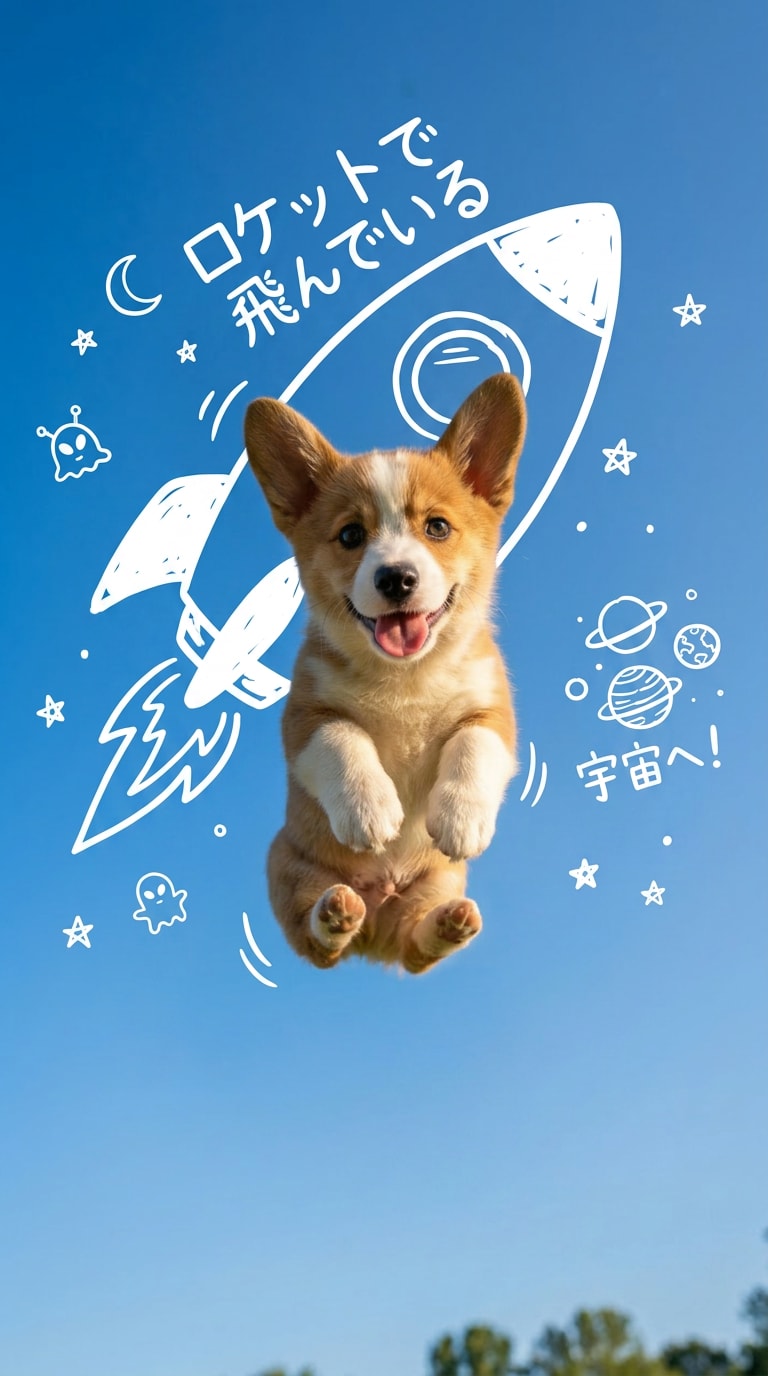
003. Photo d'animal volant avec une fusée blanche dessinée à la main
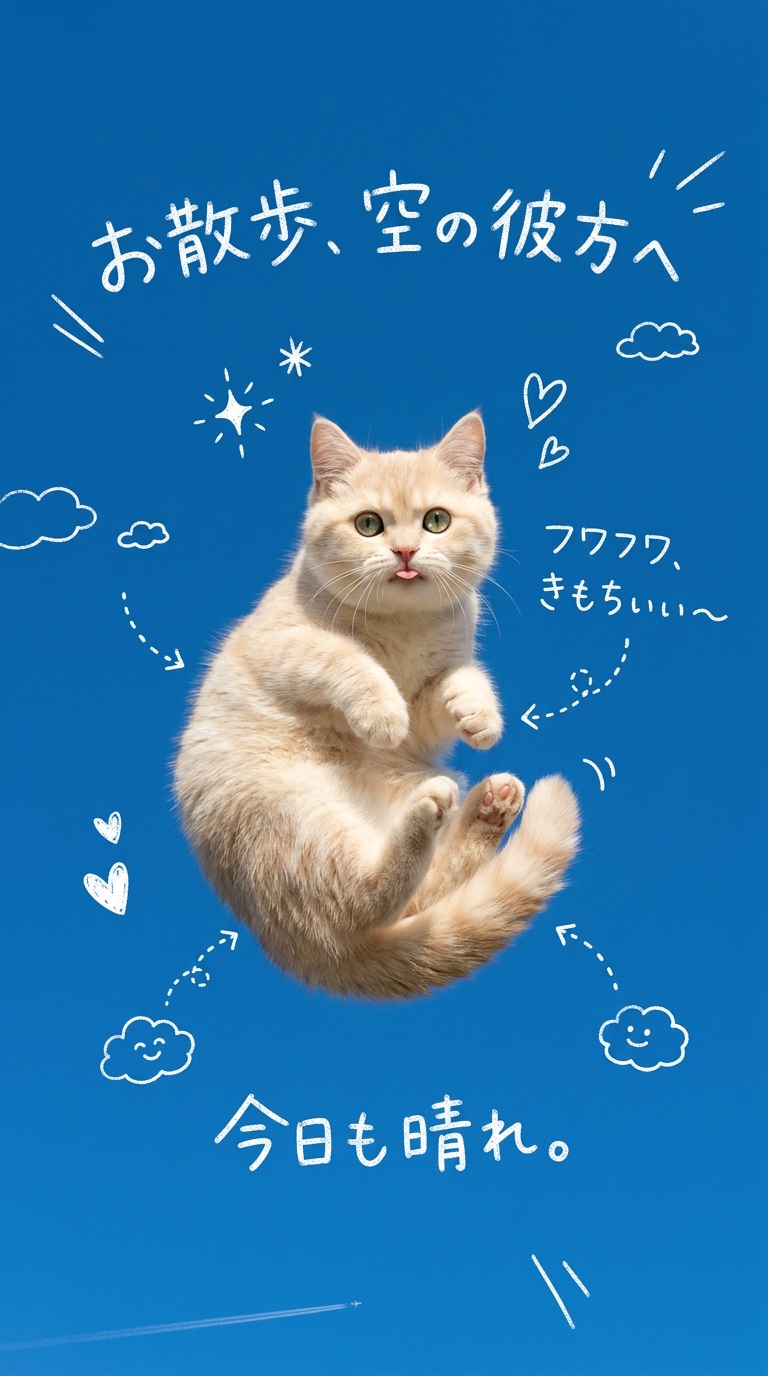
Modifiez la photo de votre animal avec des gribouillis dessinés à la main tels que des fusées, des étoiles et des flèches, apportant une touche de fantaisie à votre photo d'animal volant. Cela conserve le réalisme de la photo tout en ajoutant un design décontracté pour les publications en story.
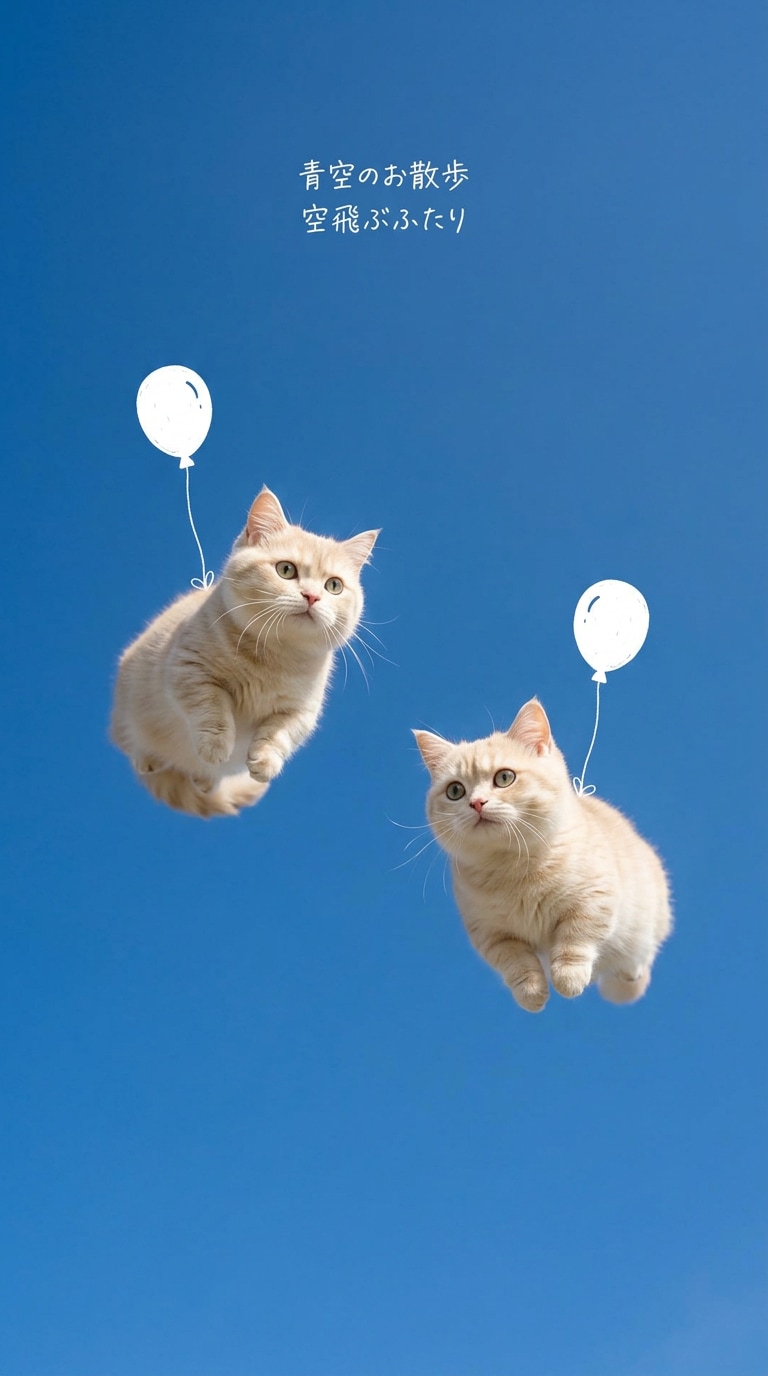
004. Adorable duo d'animaux volant dans le ciel
Un exemple de compositions en duo mignon où deux chiens ou chats volent ensemble dans le ciel bleu. En utilisant des ballons et des poses flottantes, cette invite est pratique pour montrer naturellement l'amitié et des univers légers.
005. Édition d'animal volant avec du texte blanc dessiné à la main
Modifiez en ajoutant du texte anglais ou des gribouillis blancs dessinés à la main dans l'espace vide du ciel bleu, donnant à votre photo une ambiance de story Instagram. Parfait lorsque vous souhaitez une touche journal intime ou émotionnelle tout en gardant votre animal comme sujet principal.
006. Fond d'écran minimaliste d'animal volant
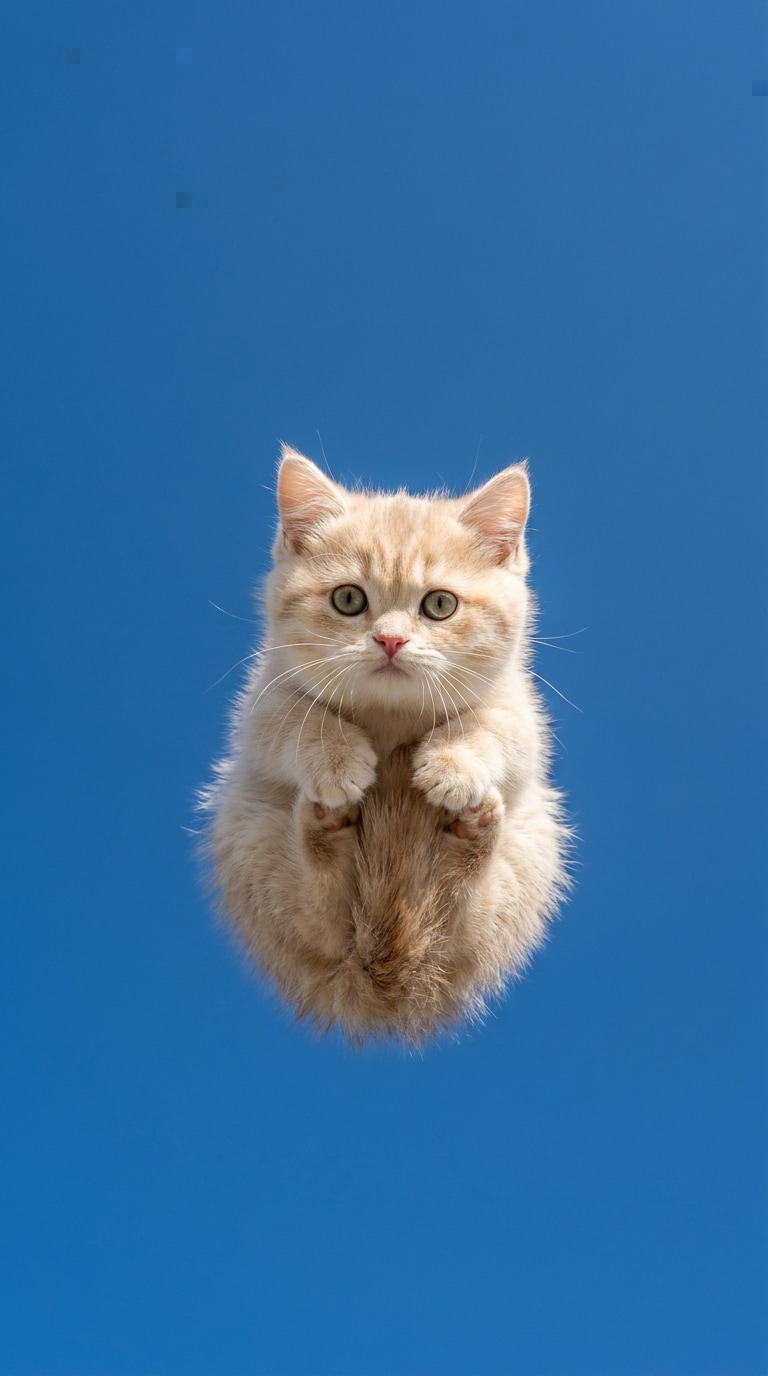
Utilise un large ciel bleu vierge pour mettre en valeur la sensation de flottement de votre animal dans une mise en page verticale. Conçu pour une utilisation facile comme fond d'écran de smartphone ou couvertures de courtes vidéos, avec des compositions propres et simples.
007. Animal volant avec un pelage impressionnant balayé par le vent
Une invite qui met en valeur le pelage, les oreilles ou le ruban de l'animal se balançant dans le vent, augmentant la sensation de présence dans le ciel. Pas seulement de la mignonnerie — ajoute également une sensation dynamique, comme si l'on sentait la brise.
008. Édition d'animal volant onirique, moelleux et mignon
Modifiez les photos d'animaux avec une lumière douce et des tons de couleurs délicats pour un look onirique et mignon. En gardant le ciel bleu clair et le sourire naturel, cela crée une impression douce.
009. Édition de photo fantastique volante idéale pour les chats
Non seulement pour les chiens, mais aussi adapté aux chats — en mettant l'accent sur des sensations de flottement légères. En combinant un arrière-plan de ciel bleu, des poses naturelles et des effets dessinés à la main, vous pouvez ajouter une touche fantastique tout en conservant la mignonnerie.
010. Photo d'animal volant facile à utiliser pour les publications sociales
Modifiez les photos d'animaux volants en visuels pouvant être utilisés directement pour des publications en story ou des couvertures de courtes vidéos. Conservez naturellement l'expression de l'animal et organisez proprement l'arrière-plan et l'espace vide.
Pourquoi utiliser Media.io pour les images d'animaux volants par IA ?
Ajoutez facilement des effets de flottement oniriques tout en préservant la mignonnerie de votre animal à partir de la photo de référence
Media.io Image to Image est idéal lorsque vous souhaitez ajouter uniquement le ciel, le flottement, les ballons et les effets dessinés à la main sans modifier radicalement l'expression, le pelage ou le visage du chien ou du chat. Plus facile à conserver l'individualité de la photo originale qu'en créant de zéro, en équilibrant mignonnerie et mondes fantastiques.
Ciels bleus, espaces blancs, designs dessinés à la main — parfaits pour les visuels des réseaux sociaux
La clé de ce thème n'est pas seulement de faire flotter l'animal, mais de créer une ambiance digne d'Instagram ou de Threads en combinant l'atmosphère de ciel bleu, le texte blanc dessiné à la main, et les gribouillis de ballons ou de fusées. Avec Media.io, vous pouvez facilement organiser l'arrière-plan et ajuster les couleurs pour obtenir des photos d'animaux volants stylées et légères.
Facile d'essayer différentes compositions : ballons, sauts, gribouillis de fusées, et plus encore
Les images d'animaux volants par IA peuvent changer considérablement d'impression rien qu'en changeant les compositions ou les effets pour le même sujet. Tenir un ballon pour les types moelleux, sauter depuis le bas, fusée dessinée à la main ludique — Media.io facilite la comparaison de chaque direction d'invite.
Conçu pour le format vertical 9:16, parfait pour les réseaux sociaux, les courtes vidéos, les cartes
Toutes les mises en page ici sont conçues pour le format vertical 9:16. Réutilisez facilement pour les stories Instagram, les couvertures de courtes vidéos, les fonds d'écran de smartphones ou les publications de cartes sociales. Idéal également pour du matériel de comparaison créative.
Questions fréquemment posées sur l'édition de photos d'animaux volants
1. Puis-je utiliser des éditions de photos d'animaux volants avec des photos prises par smartphone ?
Oui ! Même les photos de chiens ou de chats prises avec un smartphone fonctionnent parfaitement. Si le visage est relativement net, Media.io Image to Image peut facilement les transformer en photos fantastiques oniriques de vol tout en conservant leur mignonnerie.
2. Les ballons et les gribouillis dessinés à la main peuvent-ils être ajoutés naturellement ?
Oui, vous le pouvez. En spécifiant des ballons blancs dessinés à la main, des fusées, des étoiles, des flèches ou du texte court dans les invites, il est facile d'ajouter des éléments de design social tout en conservant le réalisme de la photo. N'en faites pas trop — la clé est d'équilibrer avec l'espace blanc afin que votre animal reste le sujet principal.
3. Puis-je l'utiliser avec des photos de chats ainsi que des photos de chiens ?
Oui, vous le pouvez. De nombreuses compositions spécifiques aux chiens peuvent également être utilisées pour les chats. Tout en préservant les expressions et les textures du pelage, vous pouvez naturellement ajouter le ciel bleu, le flottement et les effets dessinés à la main. Les ambiances plus douces ont tendance à convenir aux chats.
4. Media.io Image to Image est-il adapté à l'édition de photos d'animaux volants ?
Oui, c'est le cas ! Pour les photos d'animaux volants, vous souhaitez souvent conserver l'expression et le pelage originaux, en ajoutant uniquement le ciel ou la sensation de flottement. Image to Image facilite ces ajustements, et vous pouvez facilement comparer des compositions similaires.
5. Les images d'animaux volants peuvent-elles être sauvegardées et partagées en haute qualité ?
Oui. Les images finies peuvent être utilisées pour des publications sociales, des stories, des couvertures de courtes vidéos, des fonds d'écran de smartphones, et plus encore. Les comparer en format vertical 9:16 vous permet de vérifier facilement les impressions sur votre téléphone.
6. Je suis préoccupé par la gestion des photos d'animaux téléchargées — que dois-je faire ?
Beaucoup de personnes s'inquiètent de l'endroit et de la manière dont les photos d'animaux téléchargées sont utilisées. Avant utilisation, consultez les dernières conditions d'utilisation et l'avis de confidentialité de Media.io, et utilisez uniquement les photos dont vous avez besoin pour votre tranquillité d'esprit. Vous pouvez facilement sauvegarder des versions pour la publication et des versions pour le stockage.
Comment utiliser l'édition de photos d'animaux volants
1
2
3
1
Ouvrir Media.io Image to Image
Ouvrez la page Media.io Image to Image et préparez-vous à éditer des photos d'animaux volants. Comme cela fonctionne dans votre navigateur, vous n'avez pas besoin de logiciel supplémentaire — PC et smartphone peuvent rapidement essayer les éditions de style flottant.
2
Téléchargez votre photo d'animal et entrez une invite
Téléchargez une photo de chien ou de chat et sélectionnez une invite de 001 à 010 sur cette page qui correspond au résultat souhaité. Ajustez la formulation pour les ciels bleus, les ballons, le texte dessiné à la main, l'objectif ultra-large, l'espace blanc, etc., pour mieux correspondre à votre vision.
3
Comparez et sauvegardez les résultats générés
Après la génération, comparez le résultat en fonction des expressions naturelles, de la sensation de flottement, de l'ouverture du ciel bleu et de la clarté des effets dessinés à la main. Ajustez l'invite si nécessaire et régénérez ; sélectionnez et sauvegardez l'image la mieux adaptée à votre utilisation prévue (réseaux sociaux, fond d'écran, story, etc.).
Retours d'utilisateurs sur les images d'animaux volants par IA
Misaki
Créatrice de contenu pour les réseaux sociaux
"Les photos ordinaires d'animaux sont instantanément devenues comme des récits visuels"Rien qu'en ajoutant le ciel bleu et des effets dessinés à la main, ma photo habituelle d'animal est devenue un cliché fantastique accrocheur pour le partage sur les réseaux sociaux.
Yui
Designer publicitaire
"Facile de comparer différentes compositions en peu de temps"Avec des ballons, des sauts, des gribouillis — testez facilement plusieurs modèles et choisissez la meilleure direction pour devenir viral.
Nanami
Responsable de marque
"Capable d'ajouter de la fantaisie tout en conservant la mignonnerie"Avec Media.io, j'ai pu faire des retouches qui n'ajoutent que des effets de flottement et de ciel sans perdre l'expression et le pelage originaux, donc ça n'a jamais semblé excessif.
Kanon
Spécialiste marketing e-commerce
"Pratique pour les publications en story telles quelles"Comme cela crée des images verticales, c'était facile et pratique de les utiliser comme stories Instagram ou couvertures de courtes vidéos.
Découvrez Plus d'Effets Magiques d'Animaux par IA et d'Effets Volants