カップルの写真を動画に変える
お気に入りのカップルの写真をアップロードして、微妙な動き、映画のような深み、柔らかい照明、社交的なフレーミングを備えたロマンチックな短いビデオに変換します。
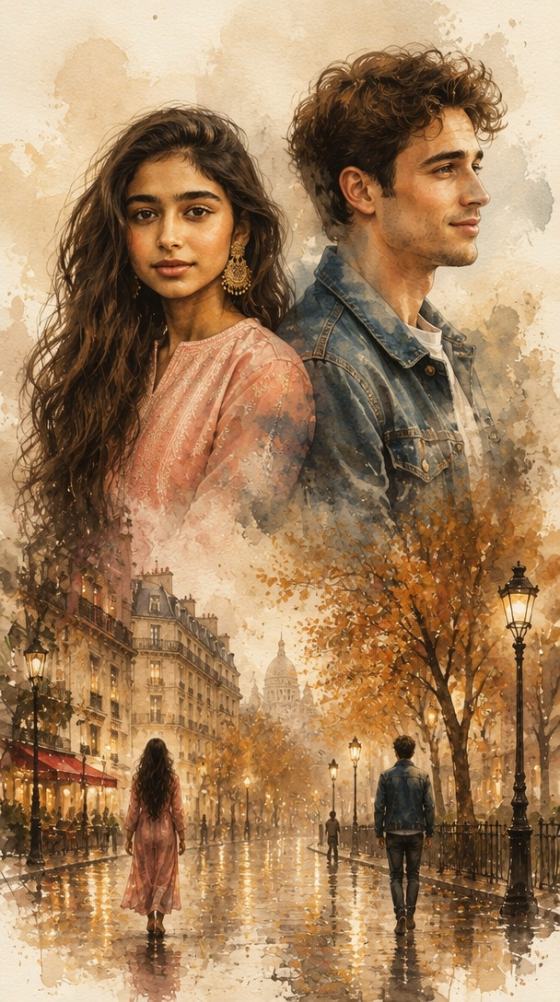
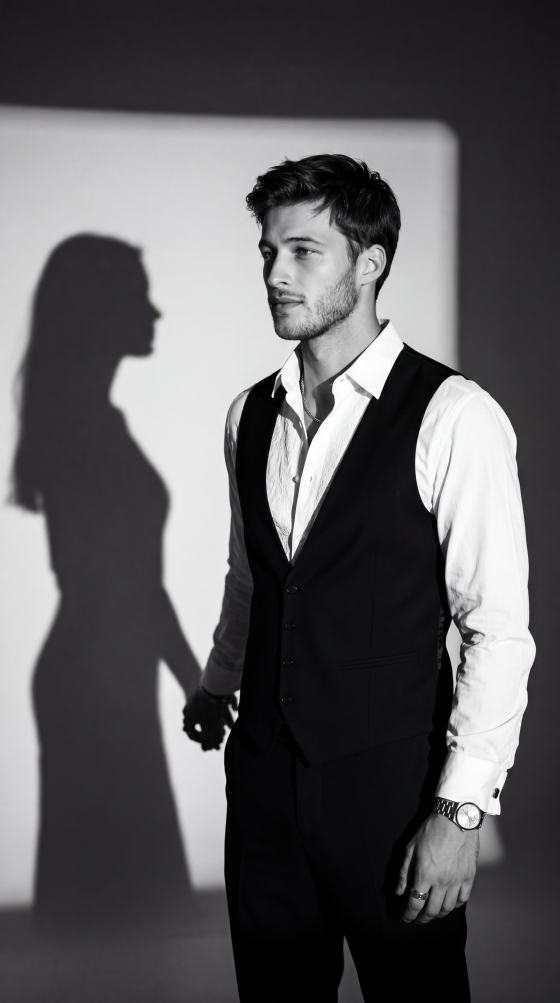
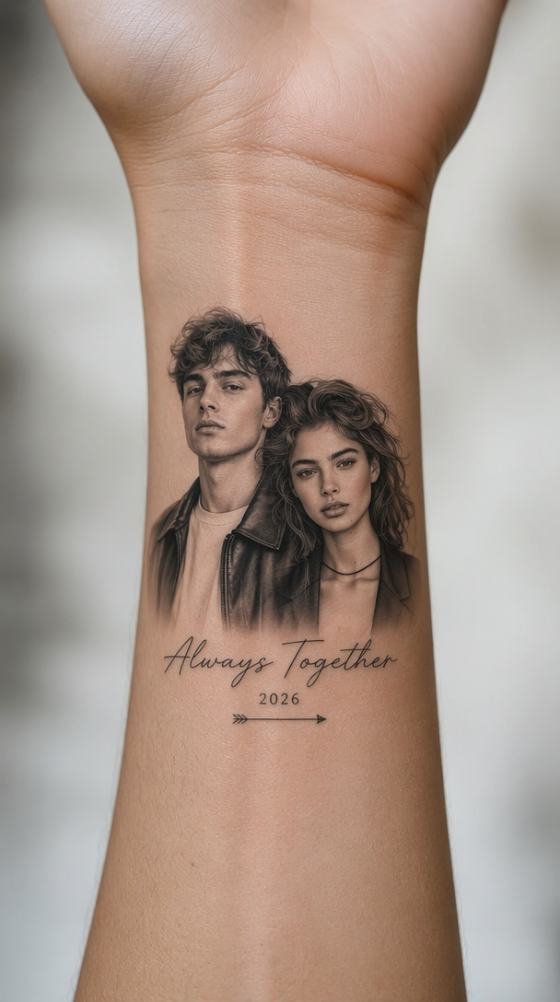
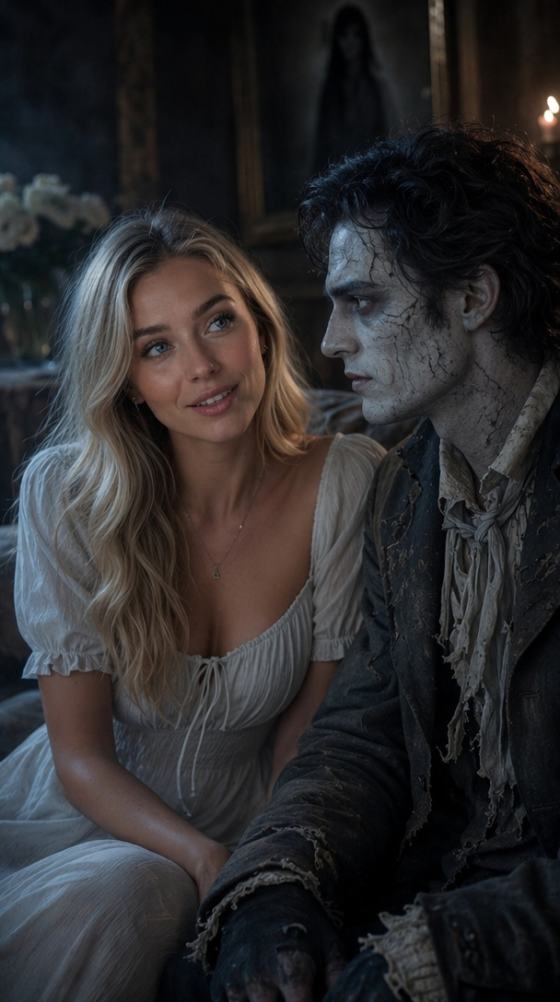
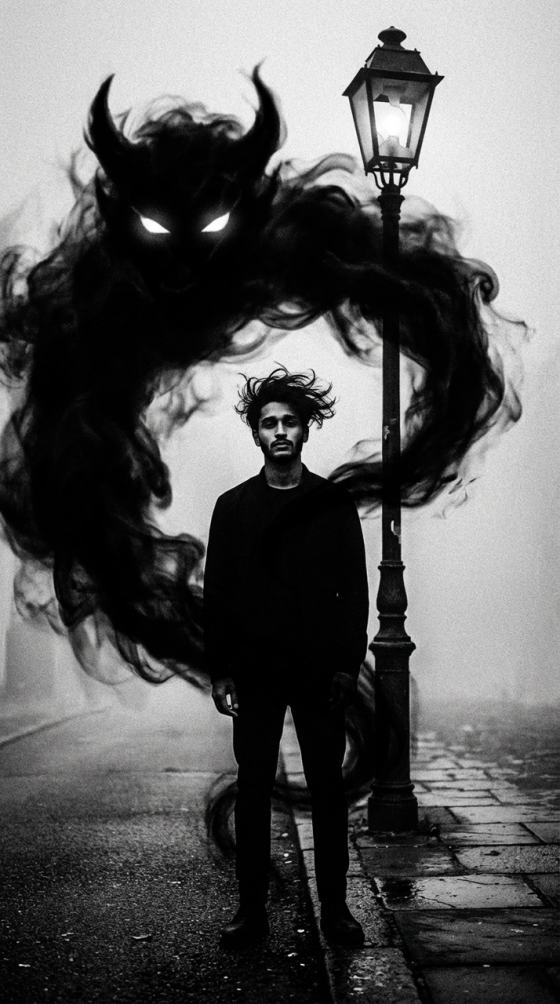
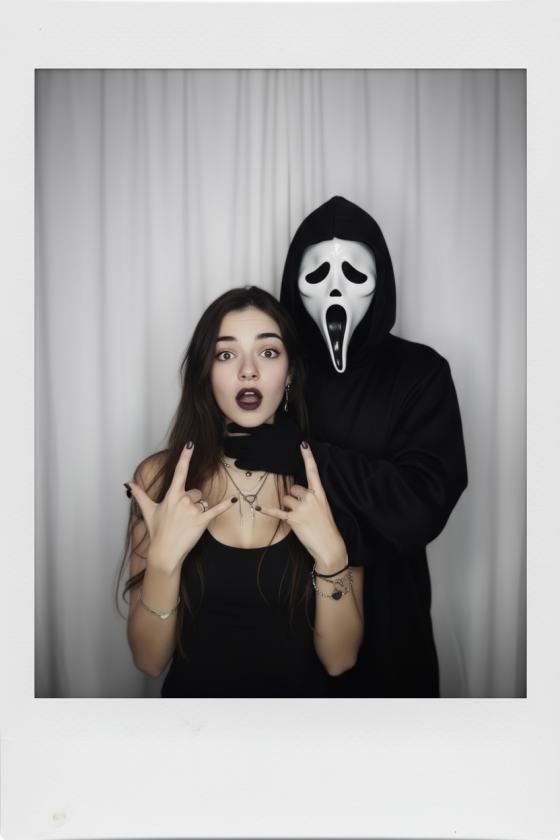
トレンドを再現するラブカップルのキャップカットテンプレートあなた自身のカップル写真でスタイル。Media.io AI を使用して、ロマンチックな写真編集、アニバーサリー ビデオ、ソフト スローモーション モーメント、映画のようなカップルの暴露、音楽対応のリールを作成します。
カップルの写真をアップロードして、AI から始めましょう。
お気に入りのカップルの写真をアップロードして、微妙な動き、映画のような深み、柔らかい照明、社交的なフレーミングを備えたロマンチックな短いビデオに変換します。
1つの固定テンプレートに頼る代わりに、夕日の日付、結婚式の肖像画、記念日の編集、夢のようなスローモーション、映画のようなストリートシーン、または柔らかい美的なカップルビデオを作成します。
カップルの写真をアイデンティティの参照として使用し、背景、照明、服装、雰囲気、カメラの動きを変更しながら両方の顔を保存します。
記念日、誕生日、バレンタインデー、結婚式の思い出、関係投稿、Instagramリール、TikTok、WhatsAppステータス、YouTubeショートの動画を作成します。
両方の顔が見え、被写体が自然に一緒に配置されているクリアな写真を選択します。
夕日のデート、記念日のポートレート、結婚式のシーン、夢のようなストリート編集、ソフトな映画のような外観、またはロマンチックなミュージックビデオスタイルをお試しください。
穏やかなカメラプッシュ、自然なインタラクション、スローモーション動作、ソフトズーム、またはロマンチックな明らかさを追加して、垂直ビデオをエクスポートします。

カップルクリエイター
「私たちの記念日に最適です。」編集を手動で構築することなく、お気に入りの写真をソフトな映画のようなビデオに変えました。
ライフスタイルクリエイター
「両方の顔は自然なままでした。」私たちのカップルリールの攻撃的な効果よりも、微妙な動きの方がはるかにうまく機能しました。
リールクリエイター
「簡単なロマンチックな編集。」背景を夕日のシーンに変更し、トレンドのより個人的なバージョンを作成しました。
A ラブカップルのキャップカットテンプレートは、カップルの写真やビデオを中心に設計された短い形式の編集形式です。一般的なスタイルには、ロマンチックな移行、写真のモンタージュ、スローモーション、歌詞の編集、記念日のビデオ、映画のカップルの明らかさなどがあります。
はい。鮮明なカップルの写真をアップロードし、画像からビデオへの AI を使用して、両方のアイデンティティを維持しながら、微妙なカメラの動き、自然な体の動き、髪の動き、まばたき、またはロマンチックな露出を追加します。
はい。Media.io を使用すると、AI を使用してビジュアル アイデアを再現できるため、変更されたり利用できなくなったりする可能性のある特定のテンプレート リンクに依存する代わりに、シーンやモーションをカスタマイズできます。
記念日の編集、誕生日の動画、結婚式の思い出、夕日のシーン、ロマンチックなスローモーション動画、歌詞風の編集、バレンタインデーの投稿、映画のようなカップルのポートレートを作成できます。
鮮明なソース写真を使用し、穏やかな動きを要求し、顔のアイデンティティ、髪型、肌の色、体のプロポーションの両方を明示的に保存します。どちらかの顔を隠したり、大きく回転させたりする複雑な相互作用を避けてください。
 4.7 (162,357 票)